
Rebuilt Shader (1.26+) – Clean Lighting And Starry Skies On RenderDragon
Bedrock RenderDragon shader pack listed for Minecraft 26.x. File opened and checked on 1 Oct 2026; installs from the MC Bedrock Mods app on Android.
⬇ Download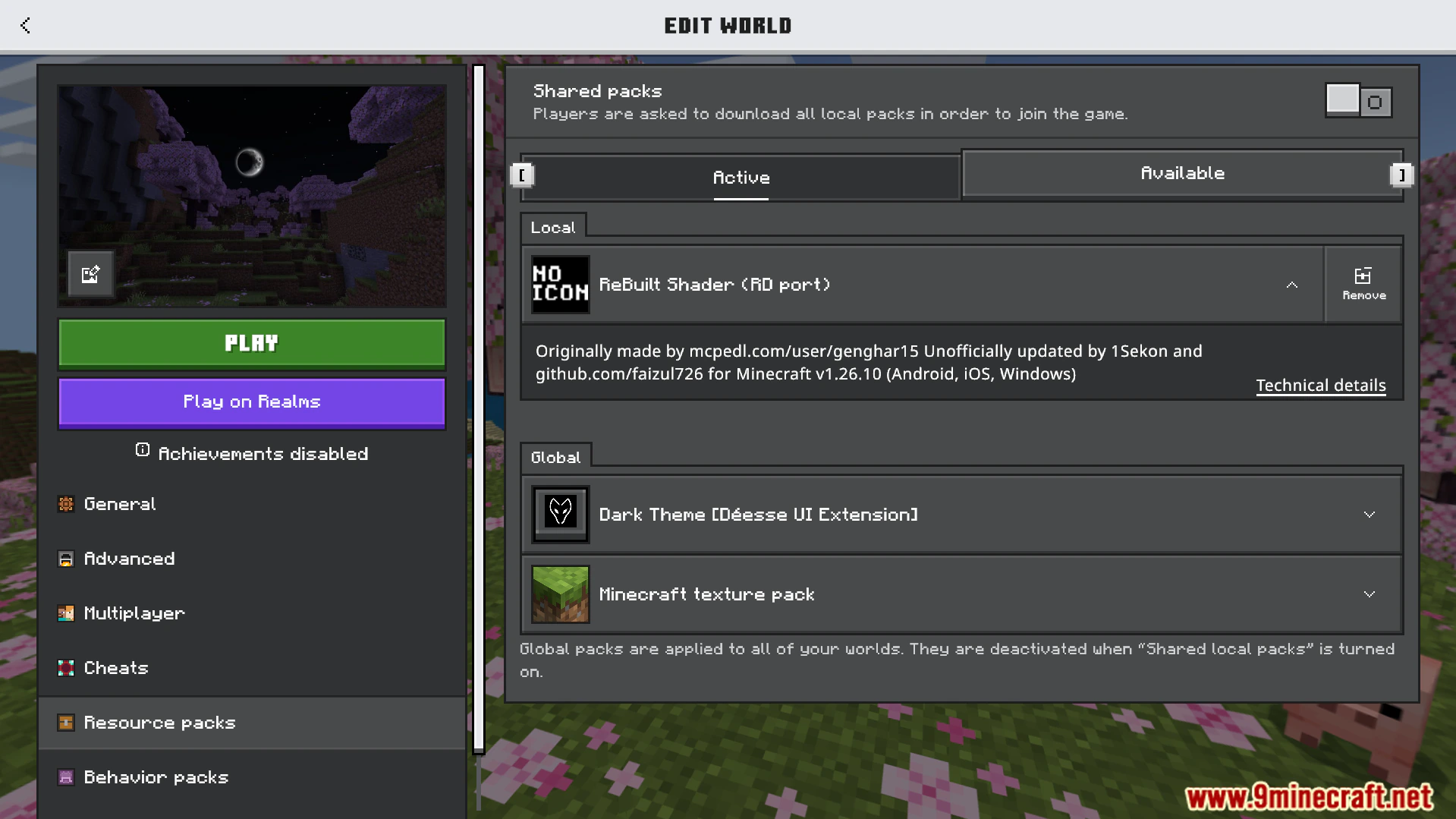
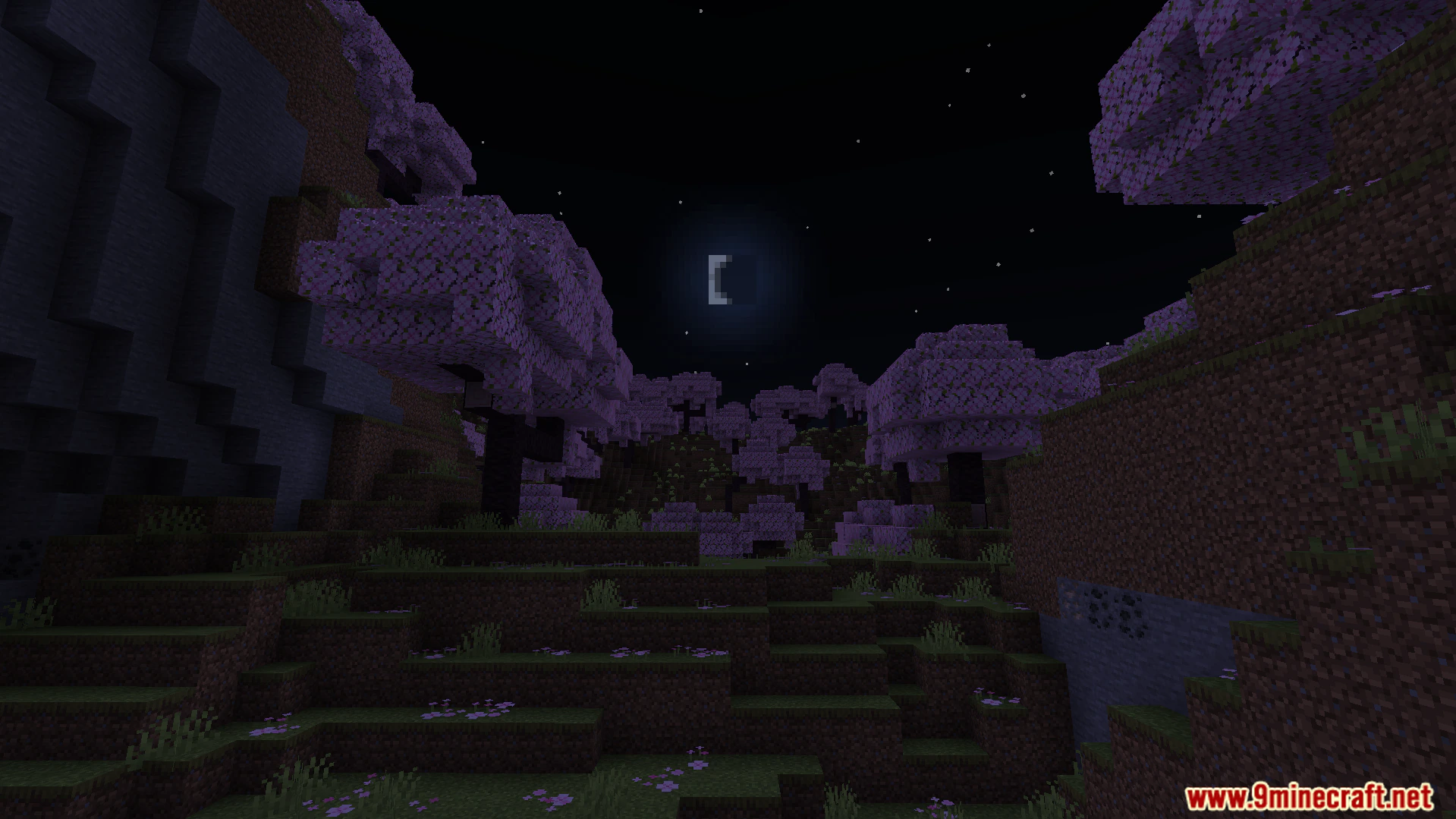
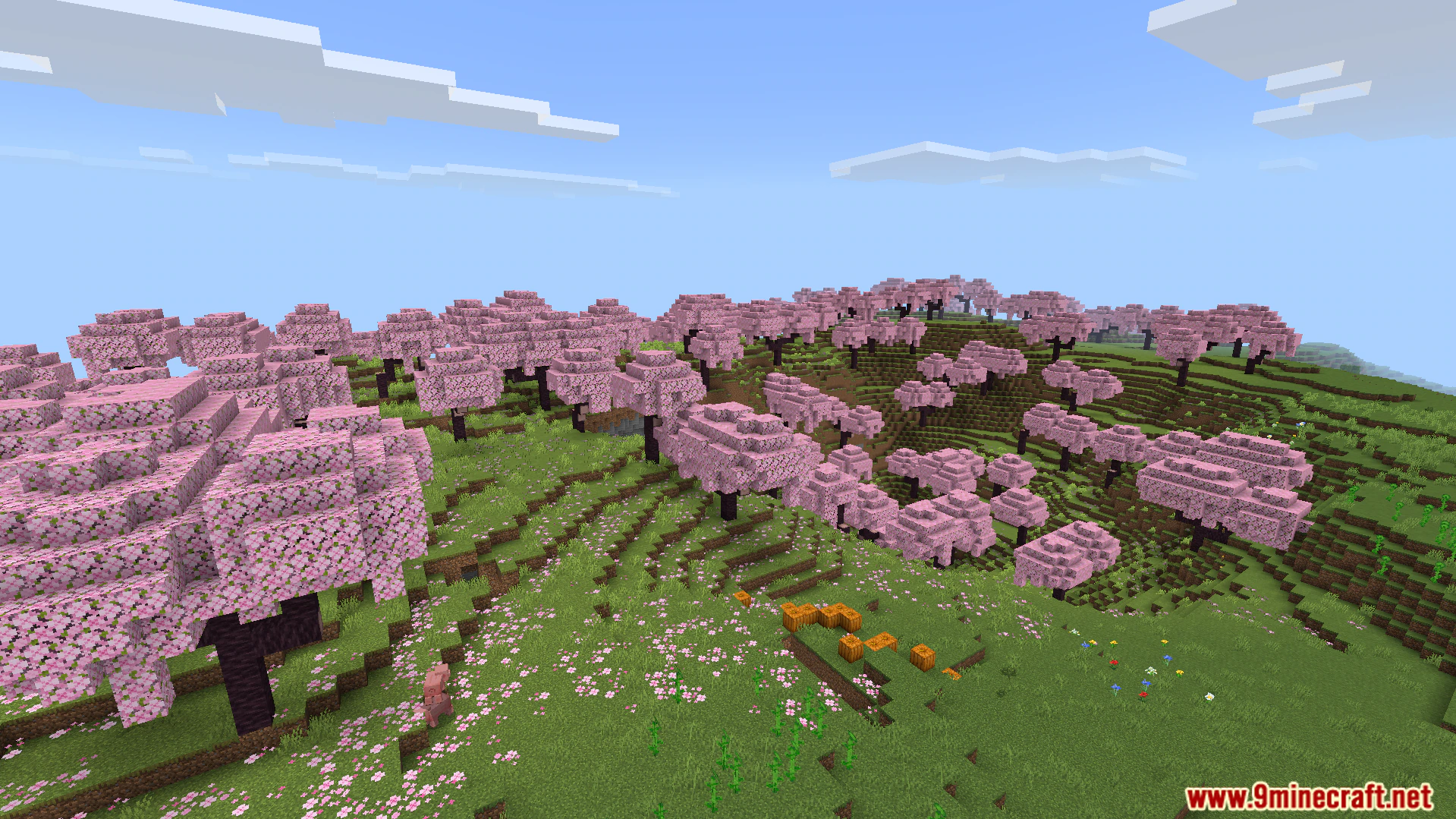
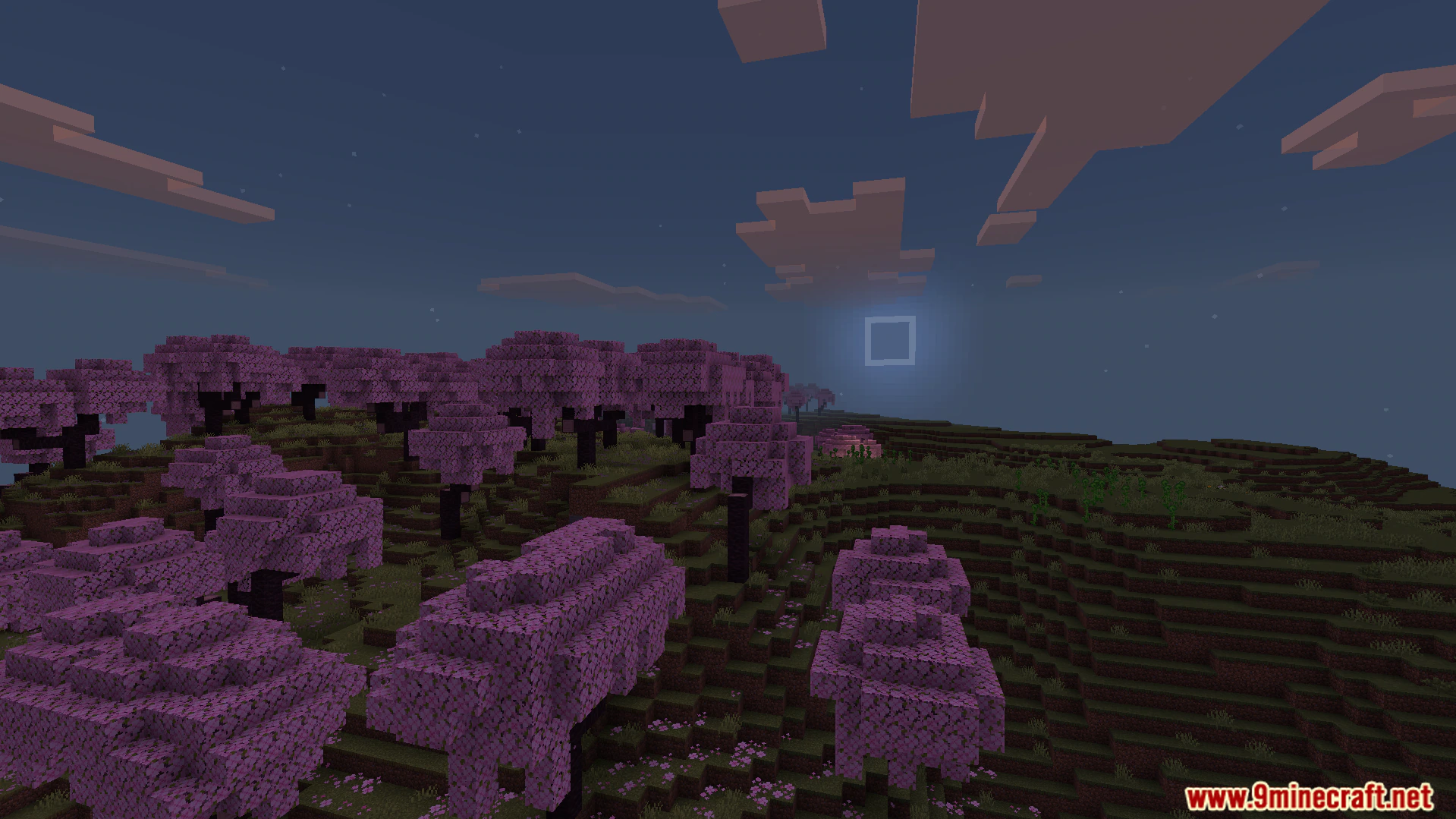
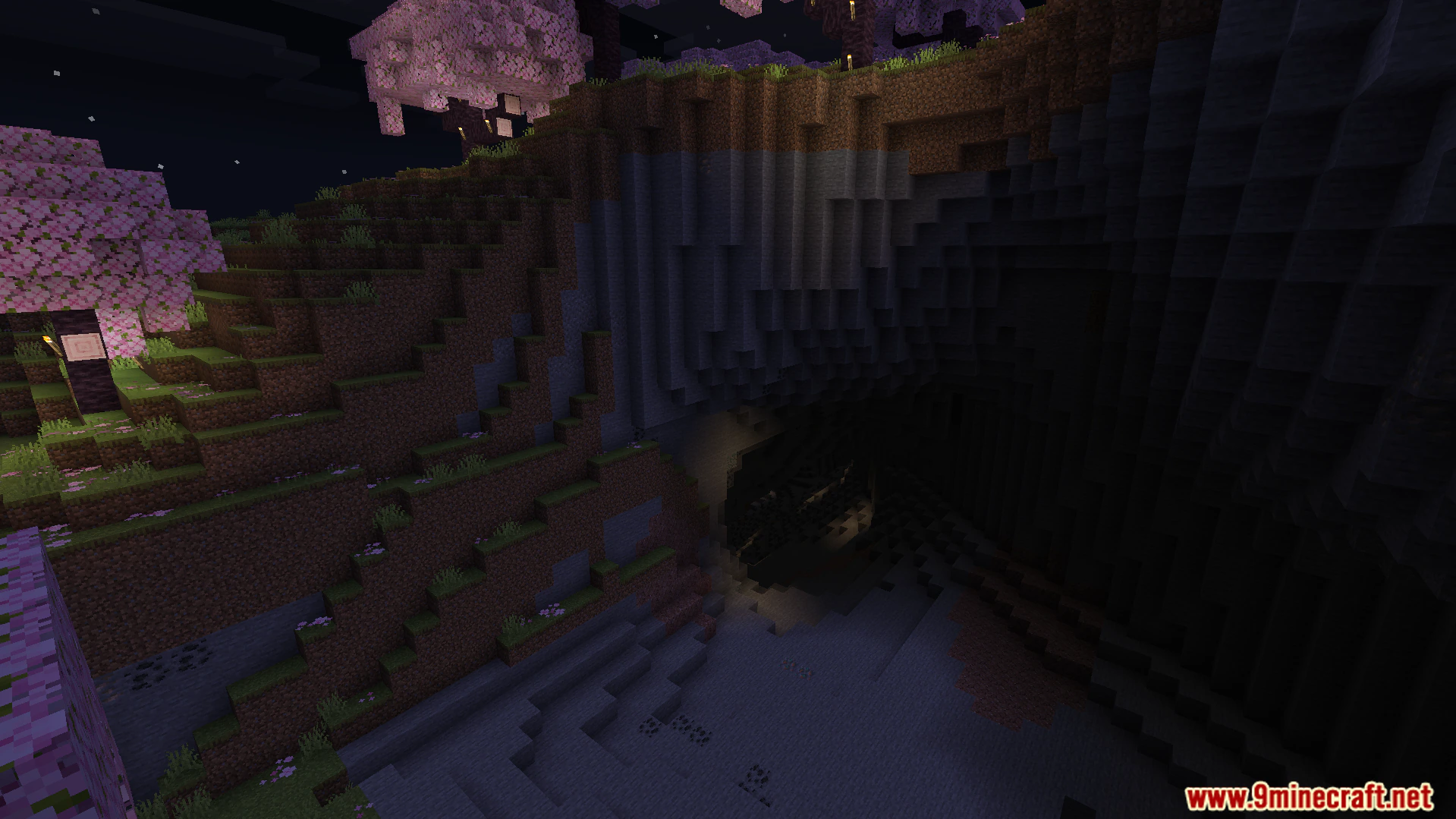
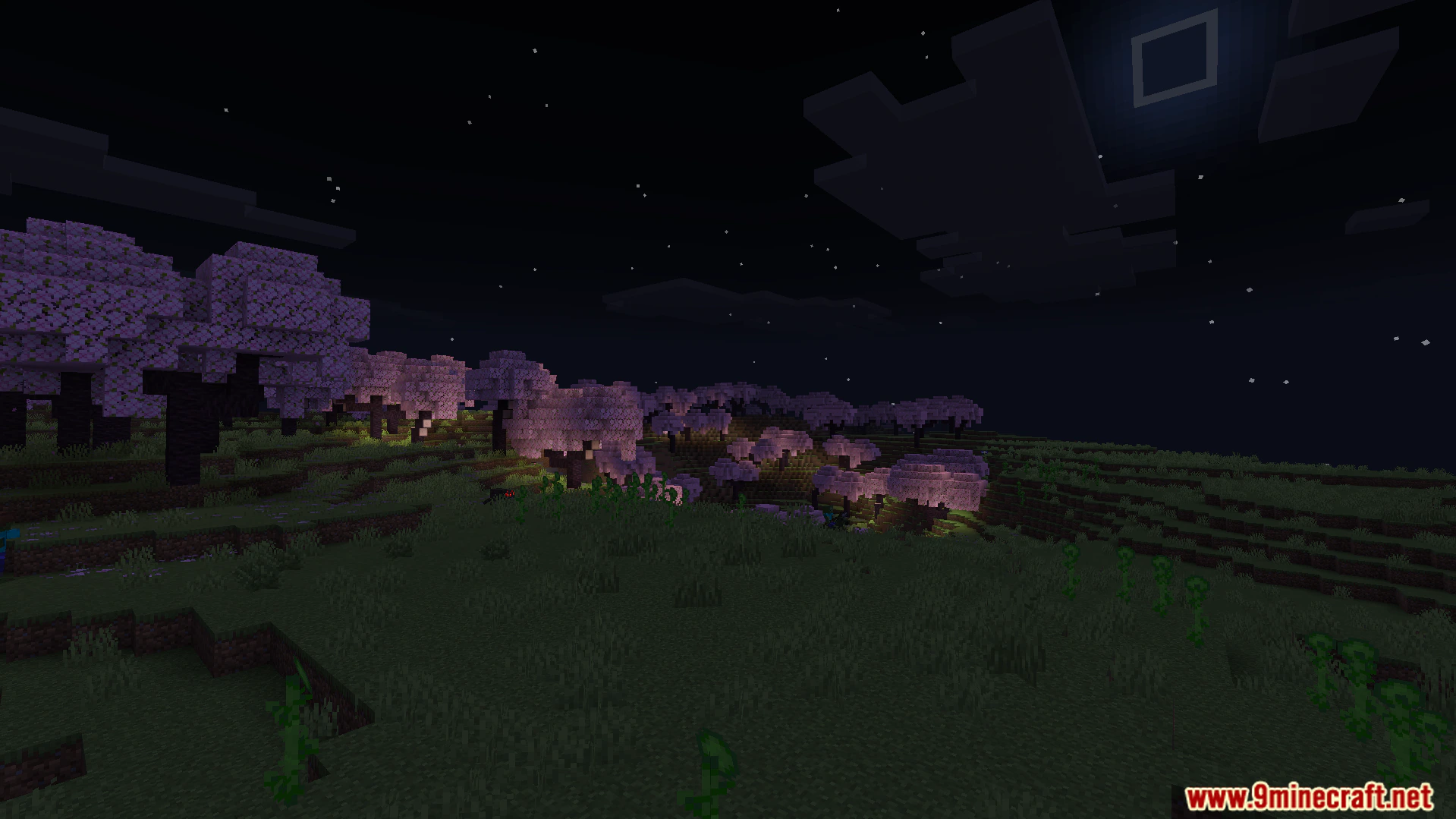
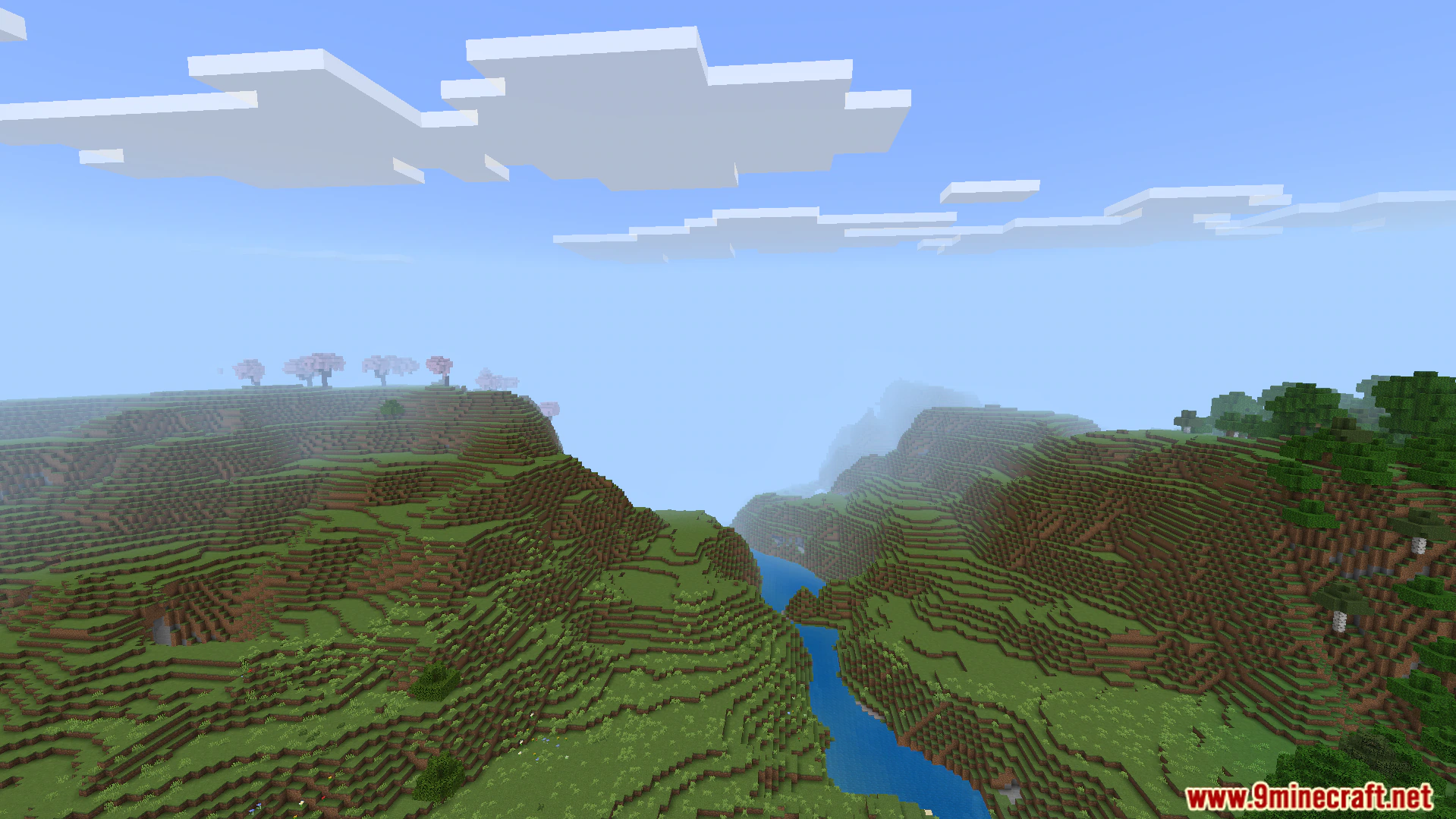
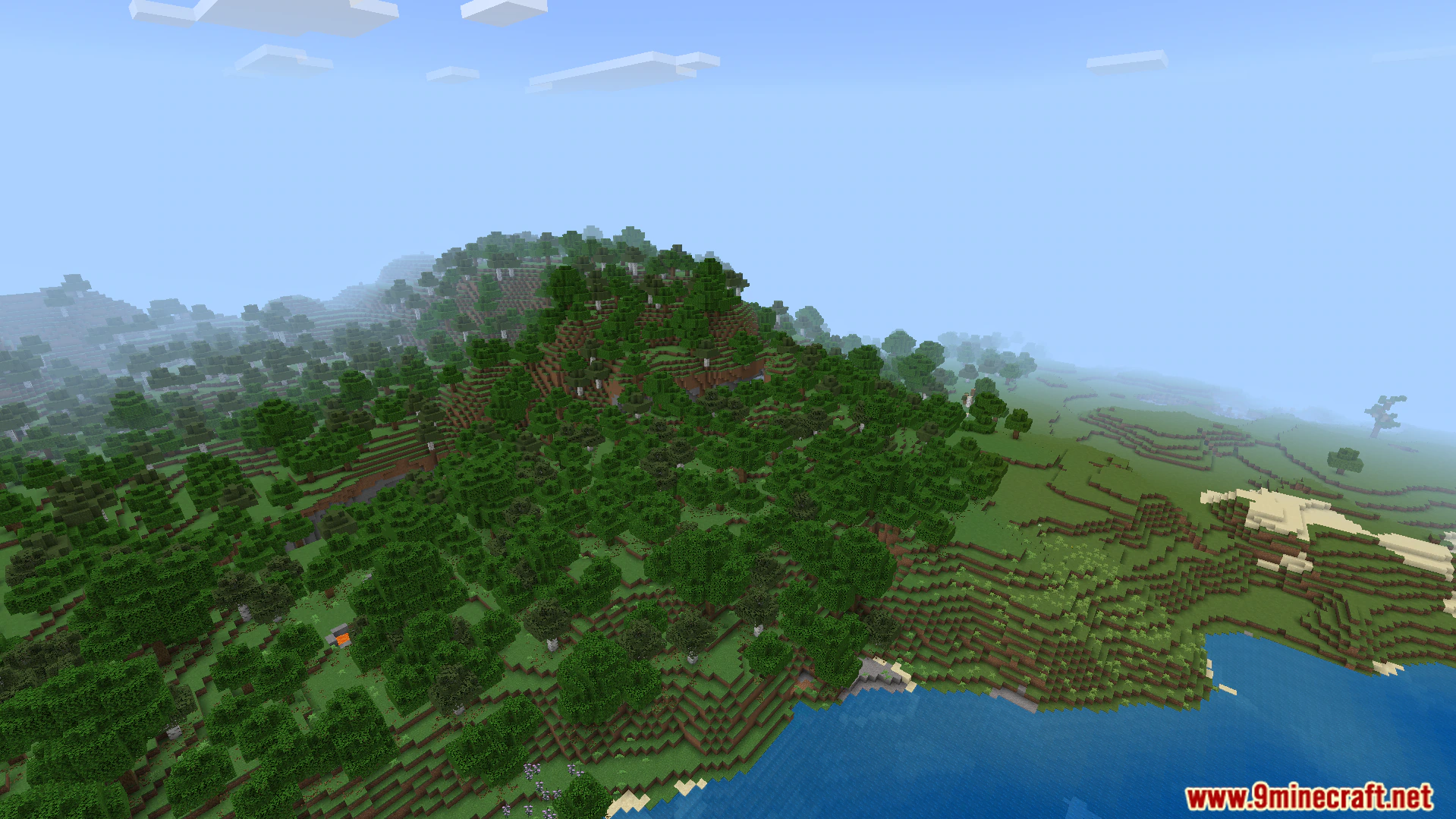
Rebuilt Shader paints your Minecraft Bedrock worlds with clean lighting and soft colors. It updates older visual styles to work properly on newer game versions that run on the RenderDragon engine. You get bright daytime skies, calm blue rivers, and dark nights filled with glowing stars. This shader keeps the classic blocky shape of the game while making outdoor areas look much better.

Features:
- RenderDragon Support: Works directly on Minecraft version 26.10 and newer updates.
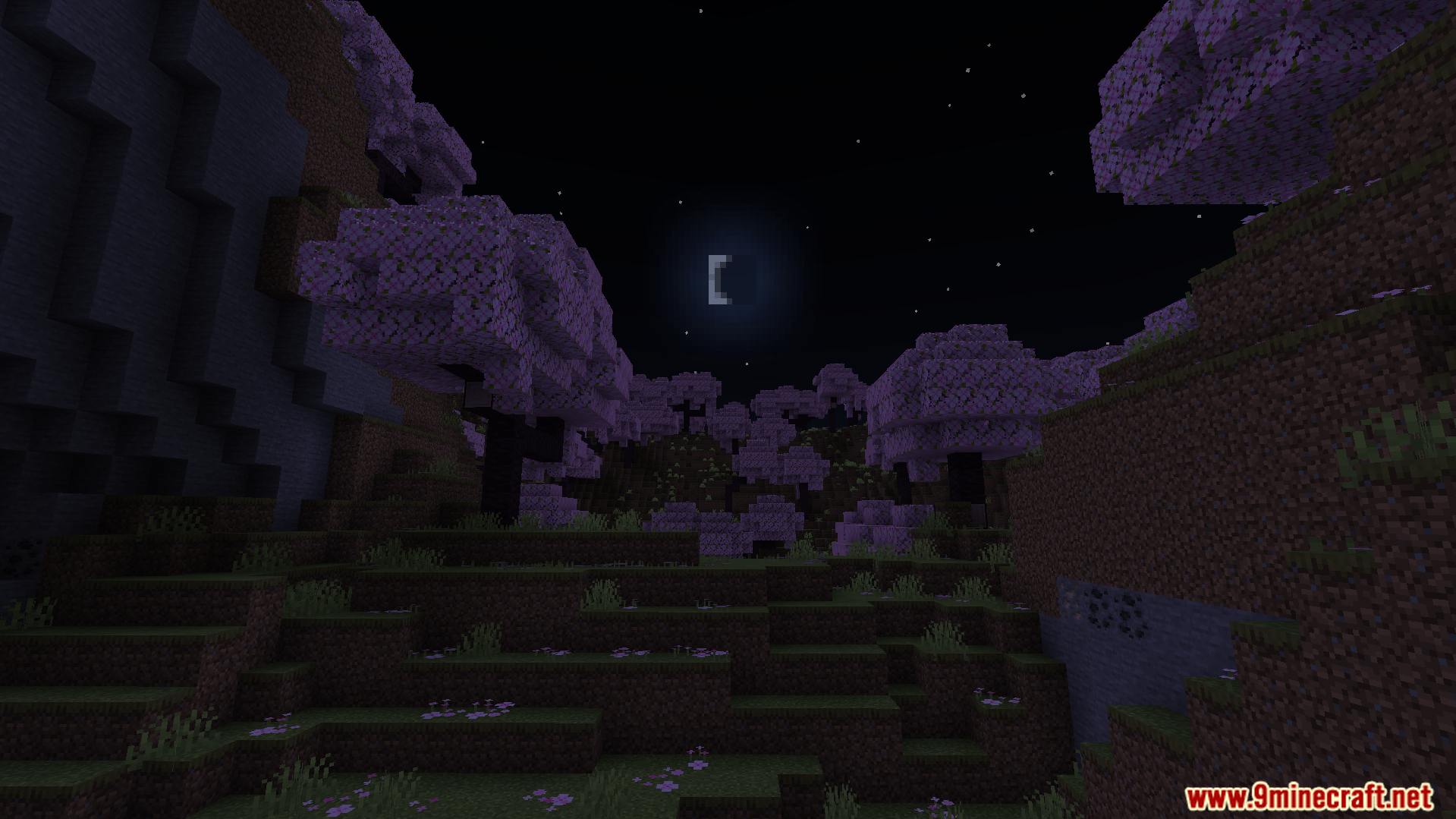
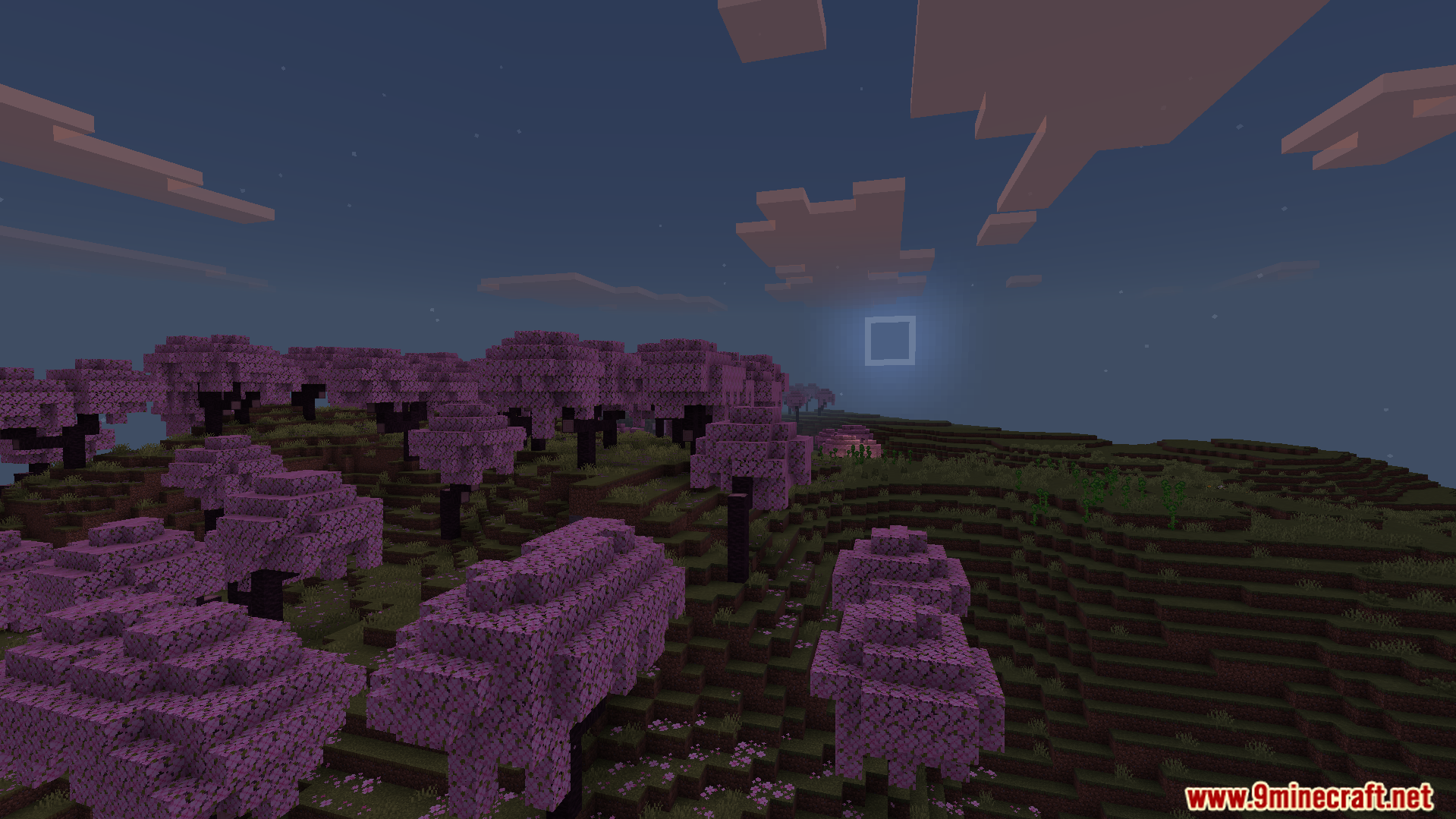
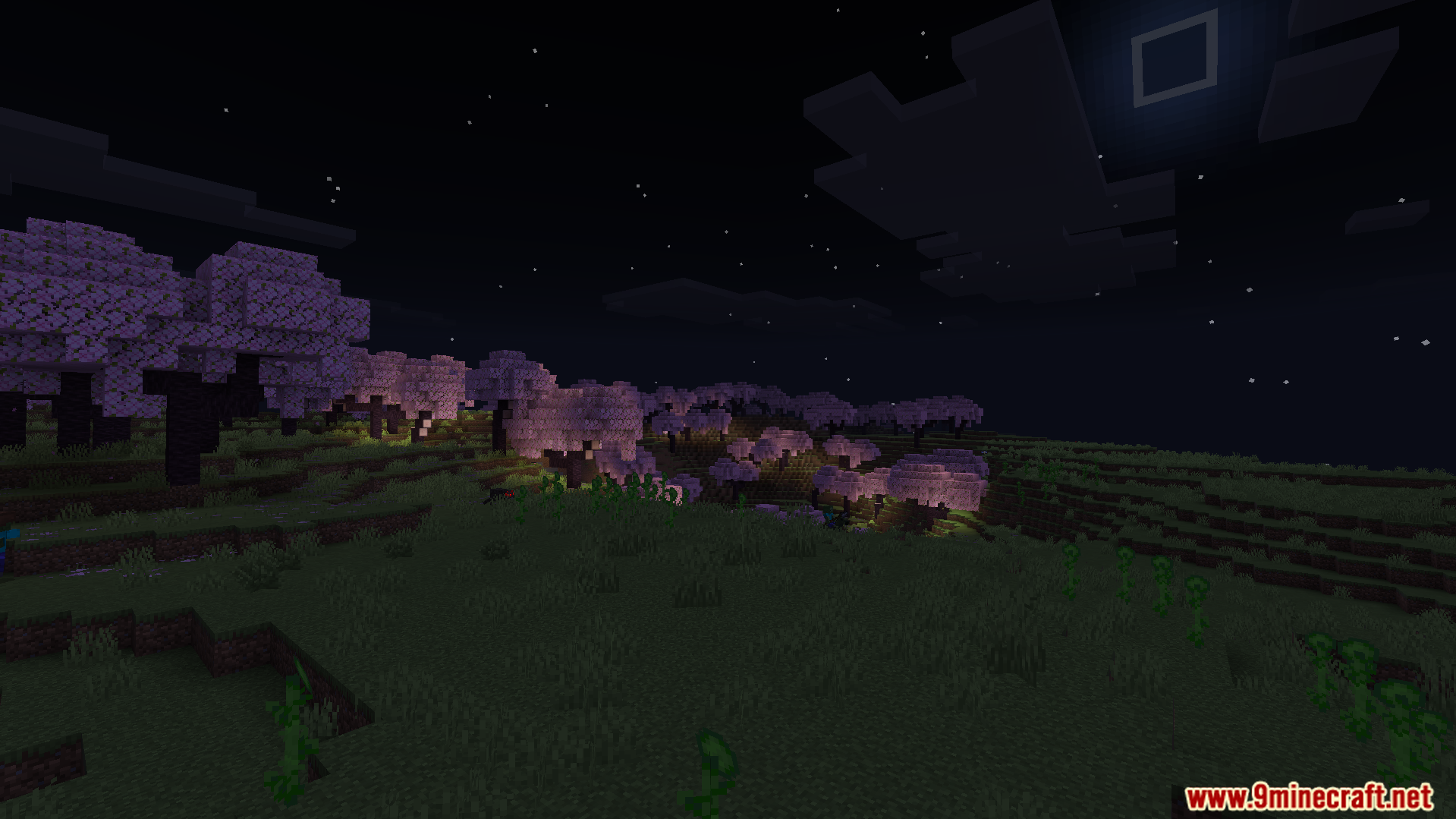
- Night Skies: Adds a clear, starry sky and a bright square moon to light up dark areas.
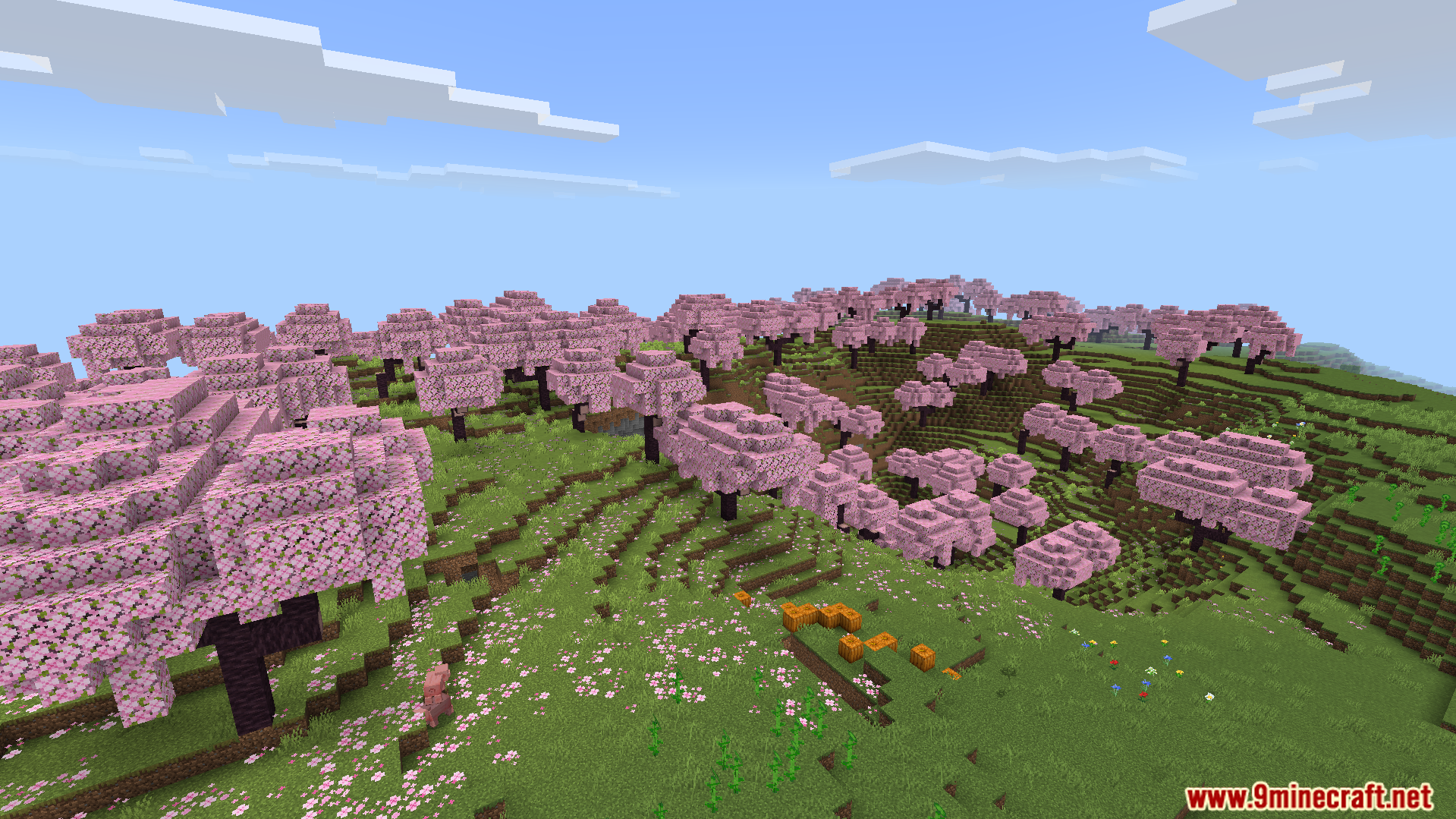
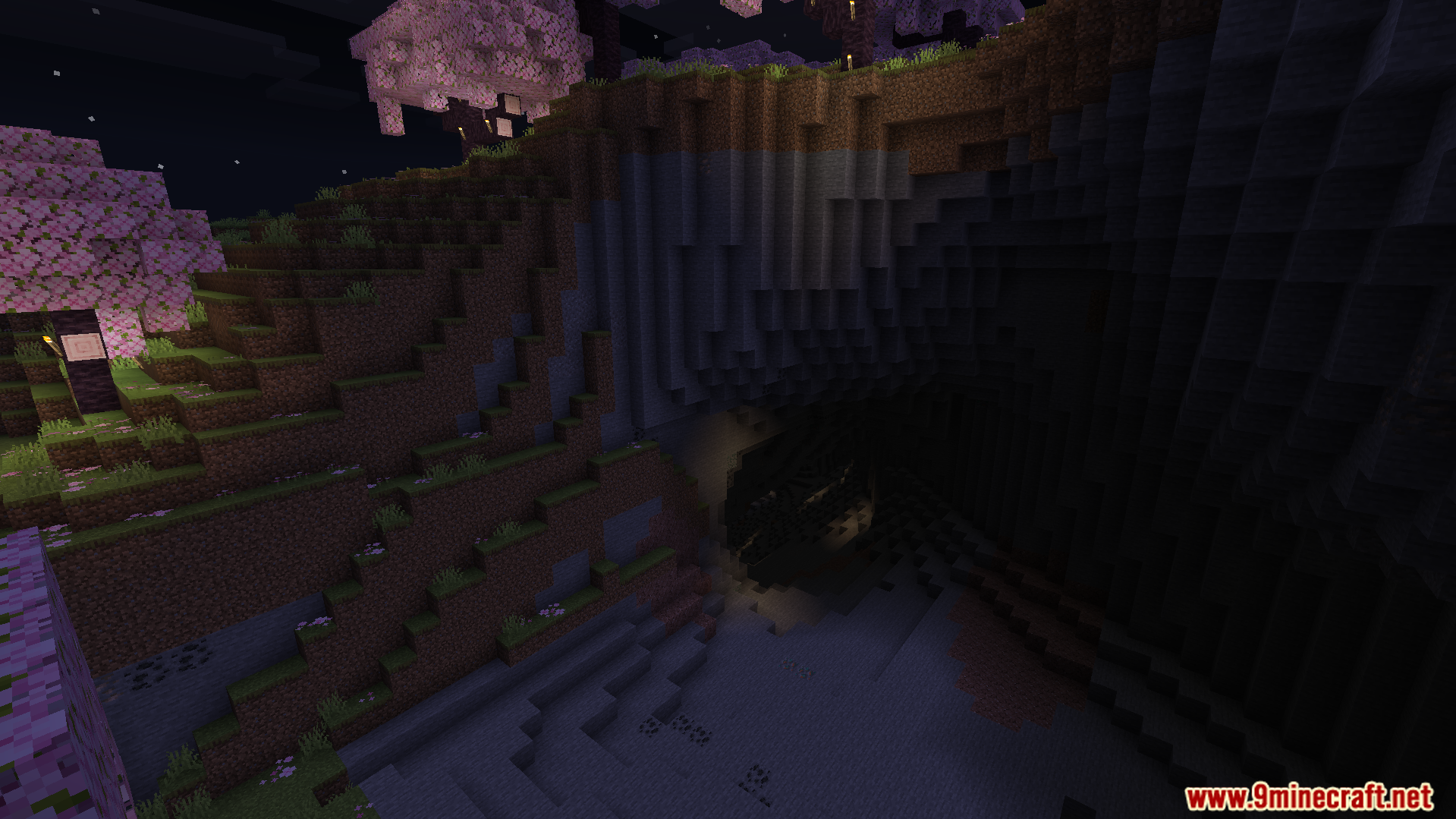
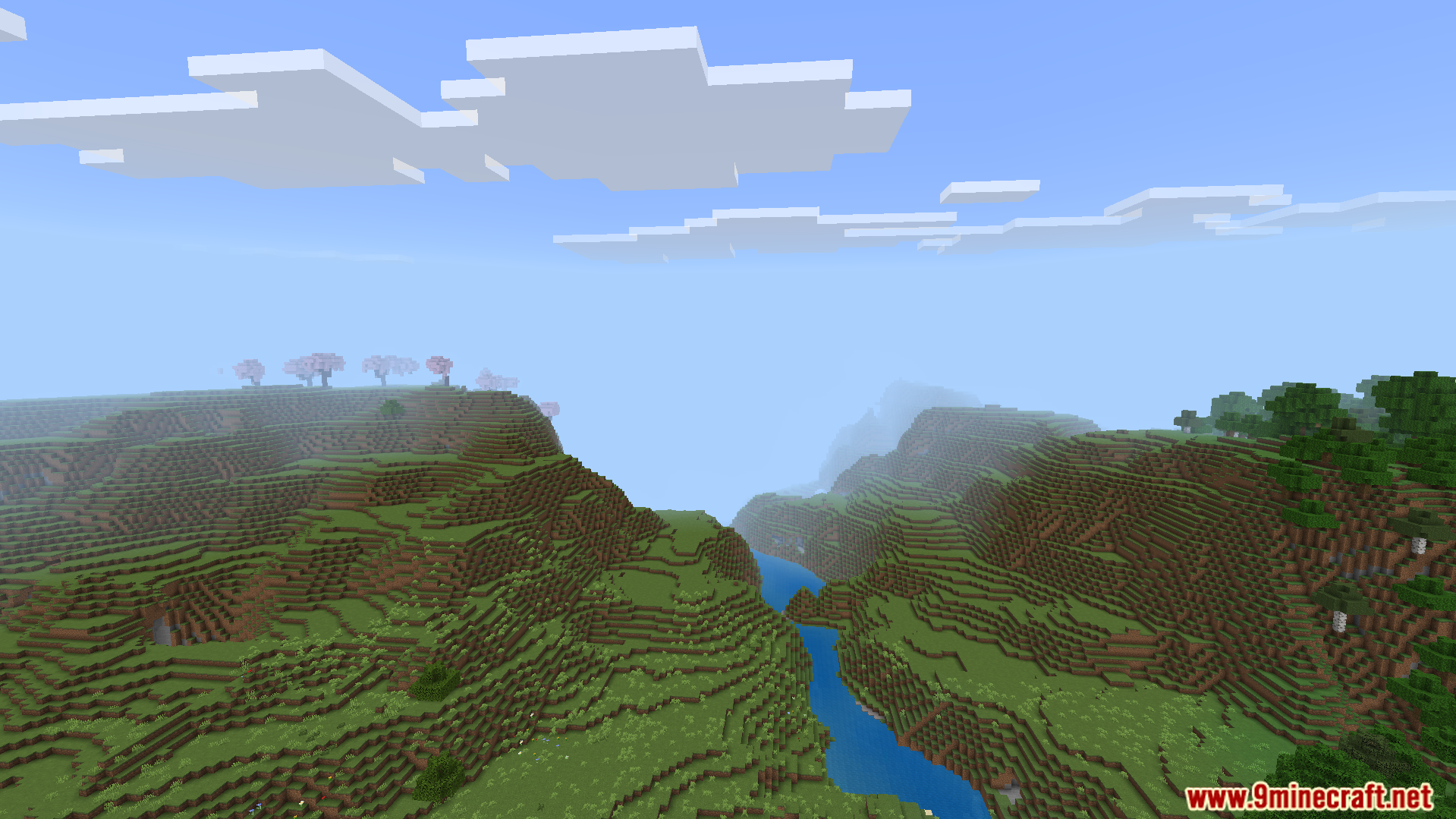
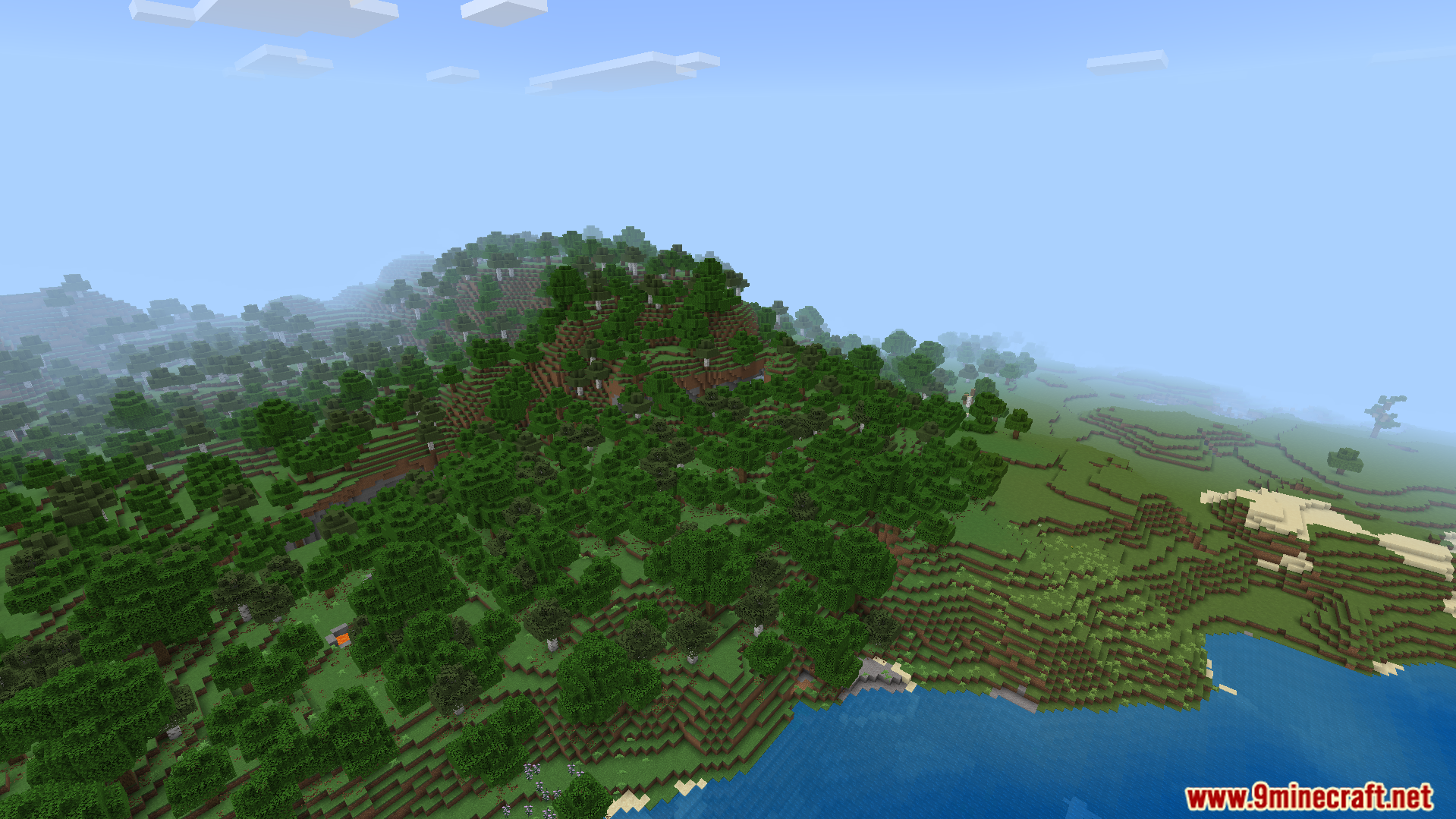
- Brings soft daylight to rolling hills, cherry blossom groves, and dense forests.
- Paints rivers and oceans with a deep, solid blue color.
- Keeps caves dark and spooky so you need torches to see inside.
- Runs smoothly on phones, tablets, and computers without causing lag.
🎛️ Compare Bedrock Shaders Side by Side →
Drag across real in-game scenes — find YOUR perfect MCPE shader.
Screenshots:
Rebuilt Shader Download Links
- Edition: Minecraft Bedrock
- File type: .mcpack
- Minecraft version listed: 1.26
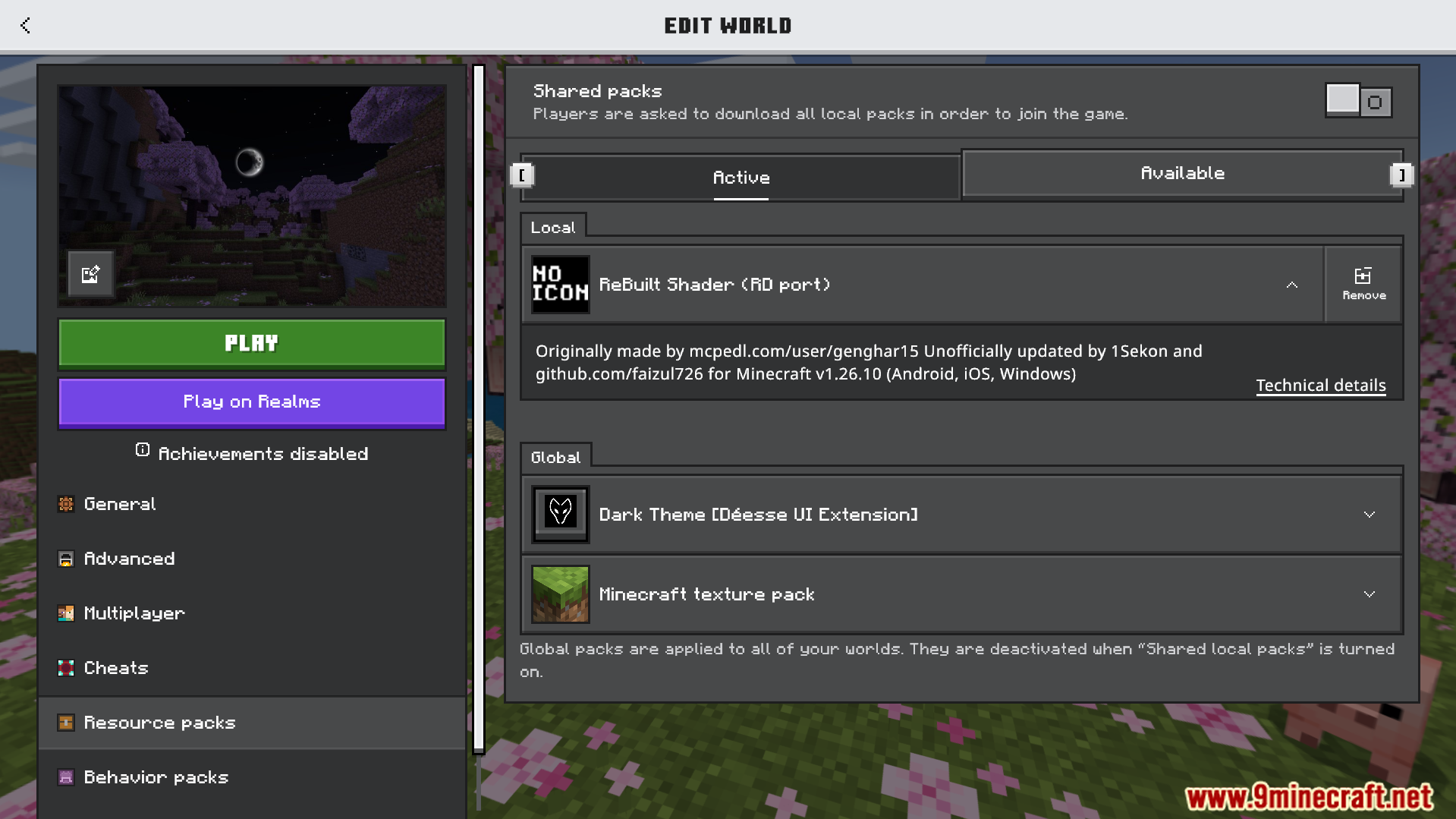
- How to install: Download the .mcpack. → Open it — Minecraft imports it under Resource Packs. → Activate it in Global Resources, or for one world under Resource Packs → Available.
- Where to get it: In MCModsHub, or directly above on this page.
Install steps are the general flow for this file type — How to install Minecraft Bedrock texture packs walks through it step by step.
- Pack type: .mcpack — a single pack
- Manifest requires Minecraft 1.26.10 or newer
- Complete pack — everything it depends on is inside the file
- Download link checked 22 Jul 2026 — working
- Mirrored on our own servers — the download does not depend on the original host
These come from our own check of the pack file, not from the source page.