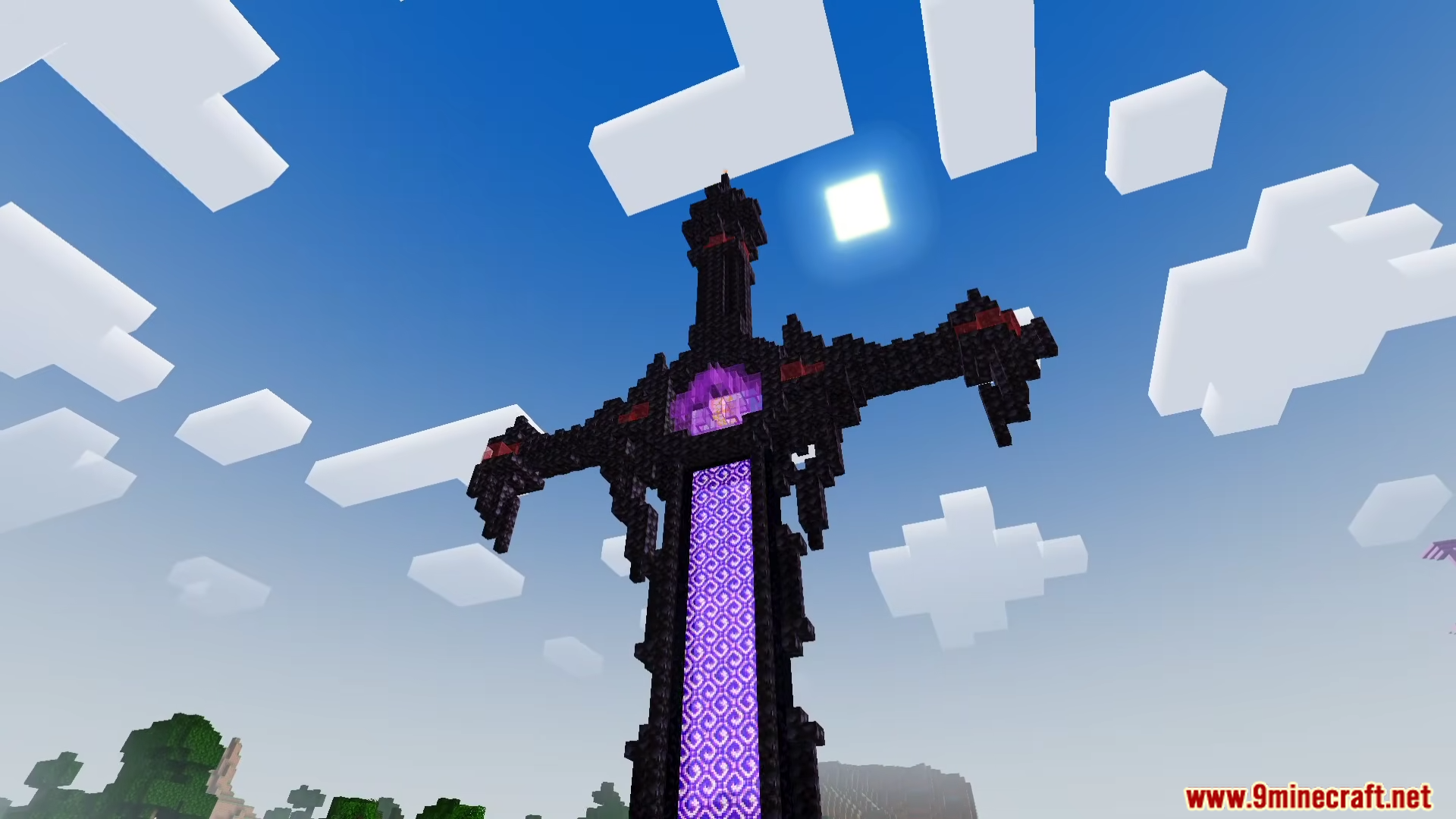
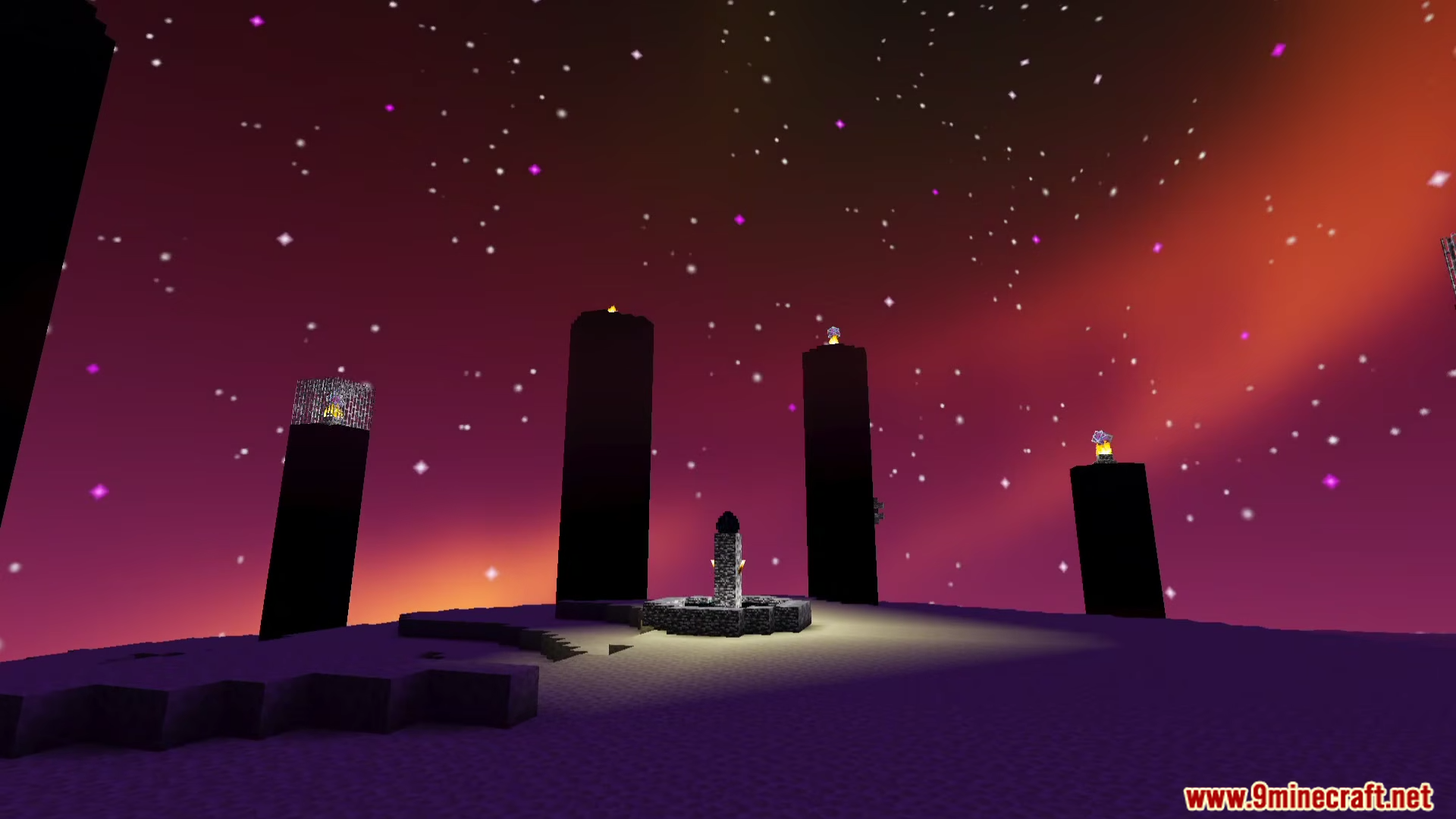
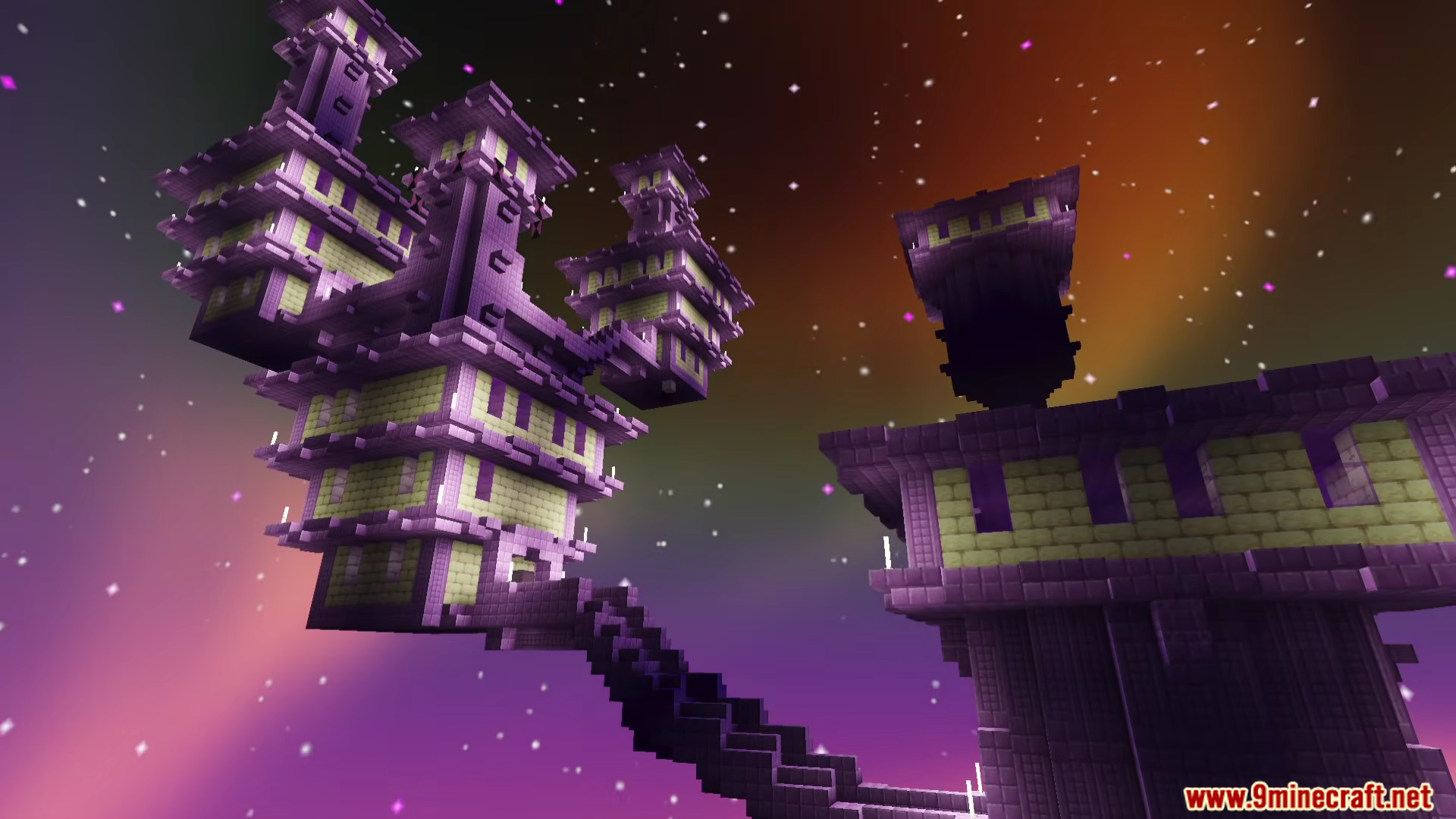
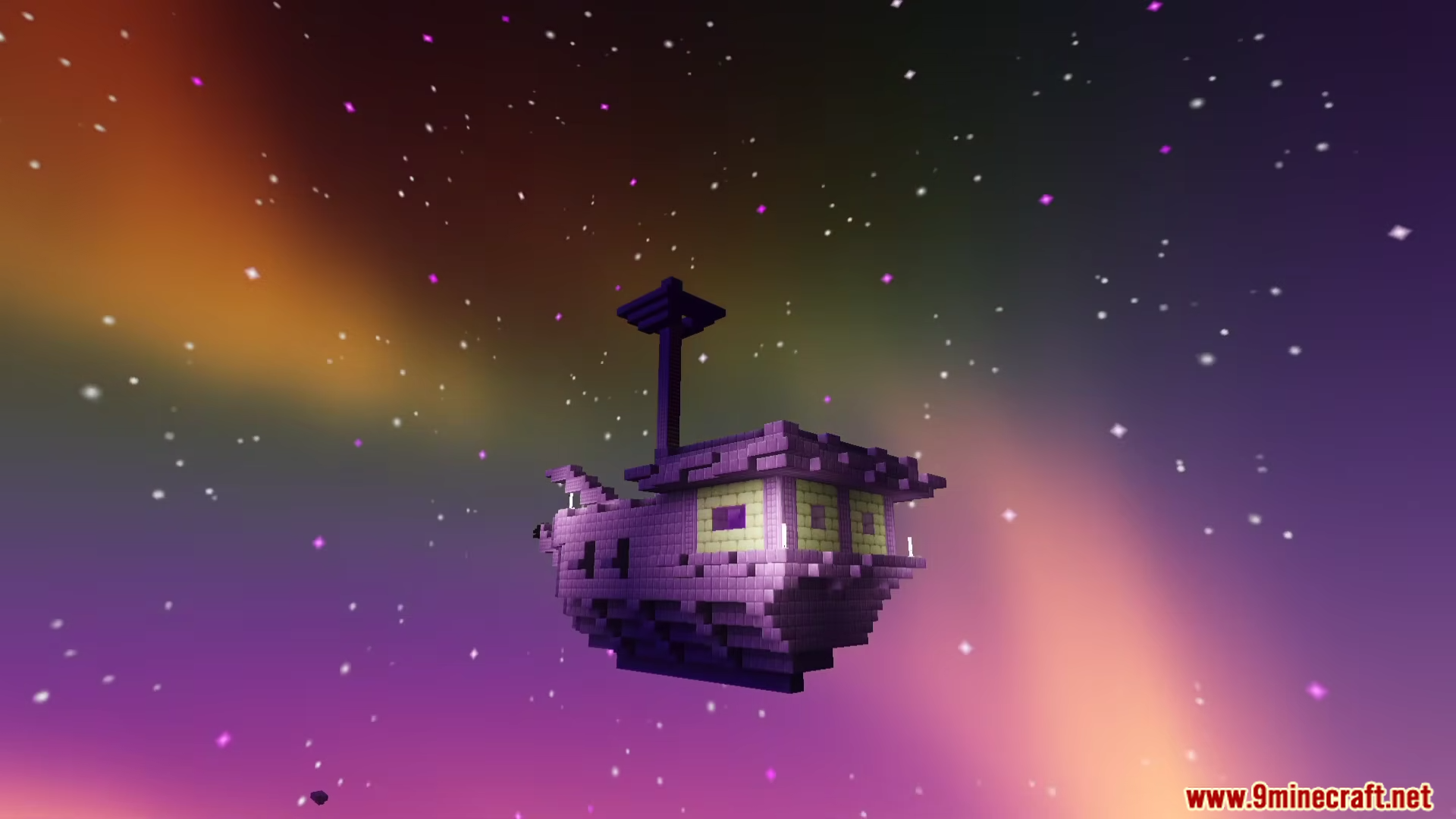
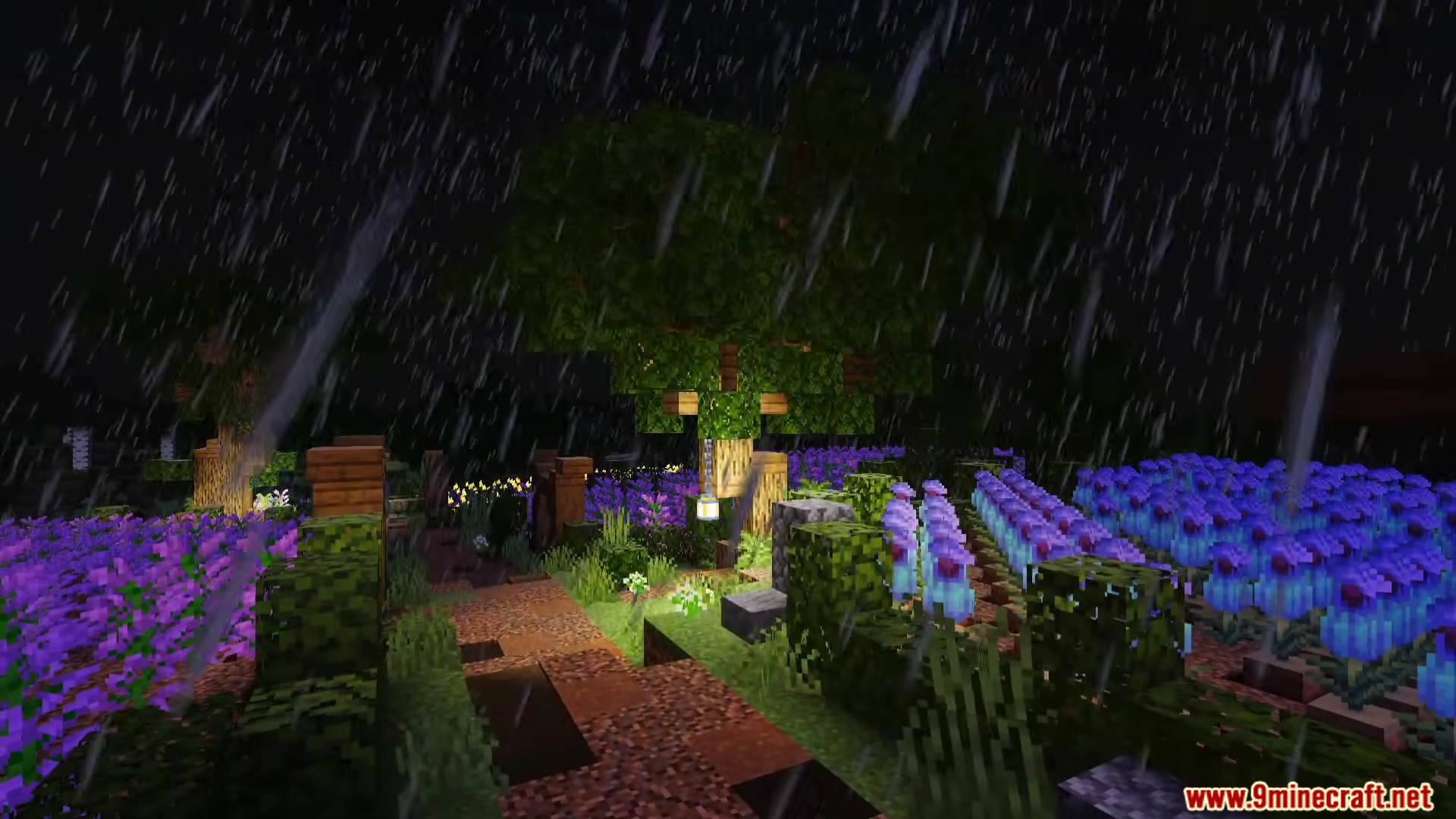
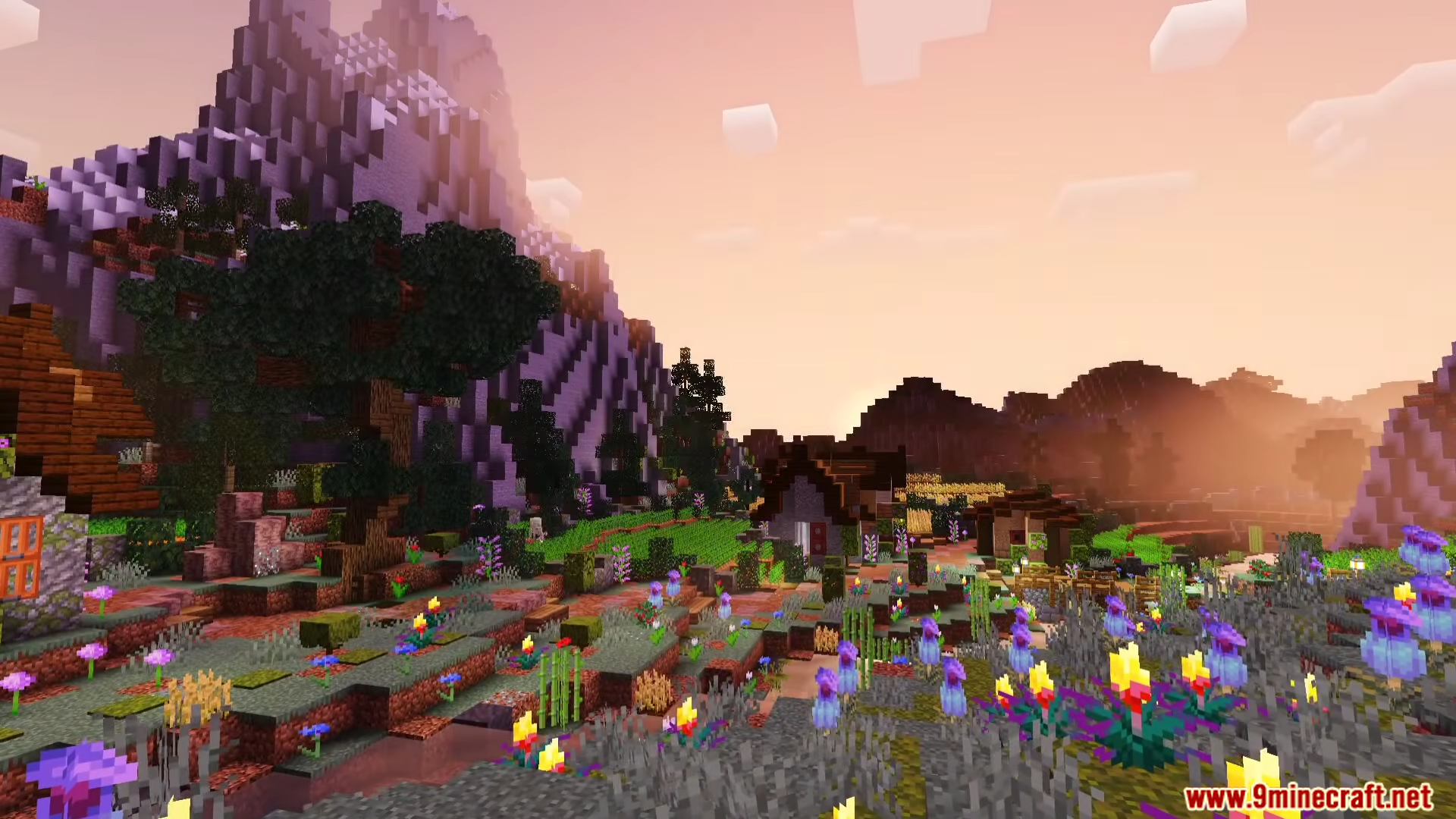
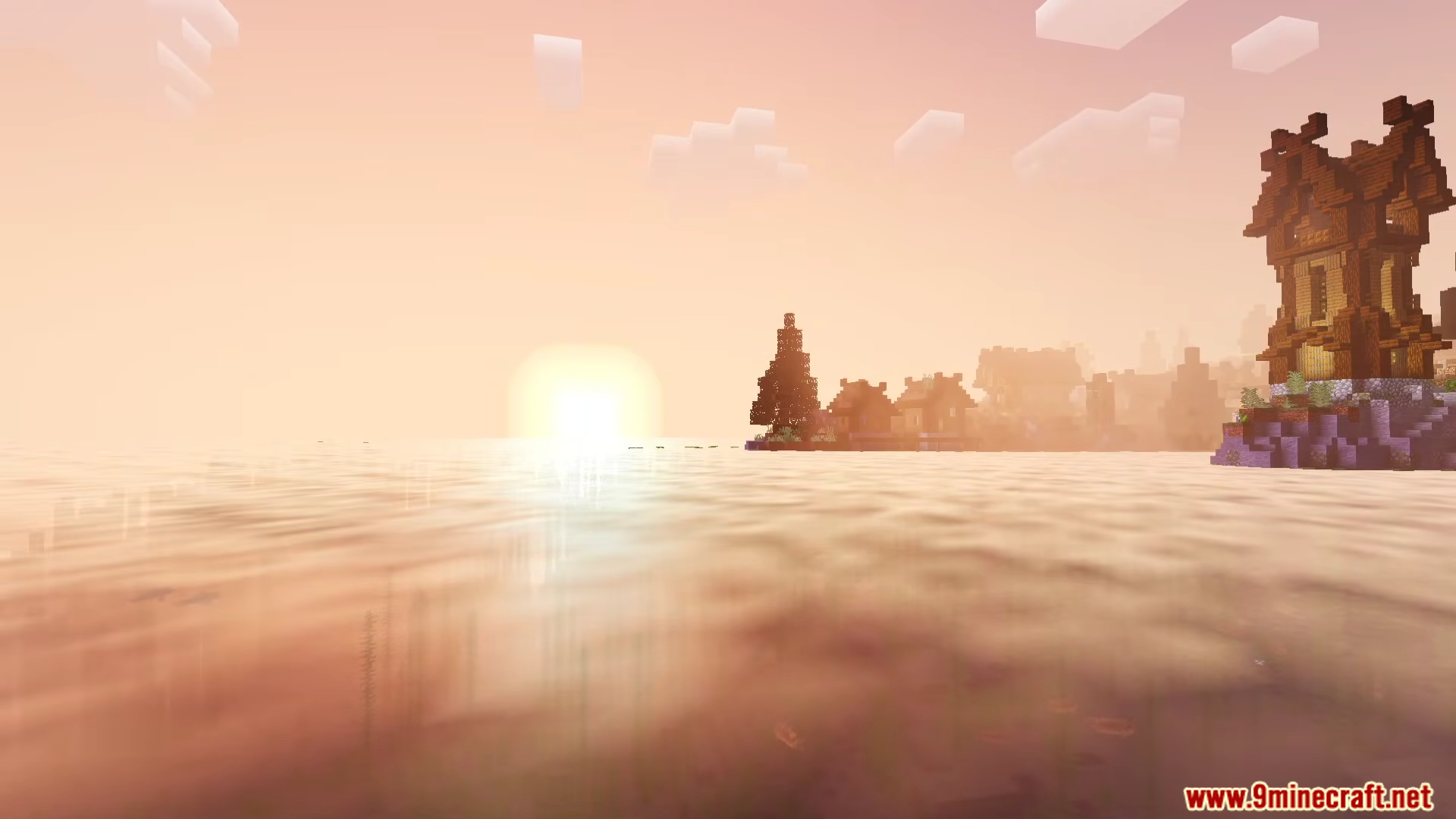
Newb Lumina Shader lights up your Minecraft world with bright colors and soft shadows. It makes sunsets look warm while adding a soft glow to lanterns and torches. This shader works on Bedrock Edition and changes how light hits blocks and water. You can see better details in the sky, from fluffy clouds to bright stars at night. It transforms every dimension, making the Nether look hot and the End look colorful.
Features:
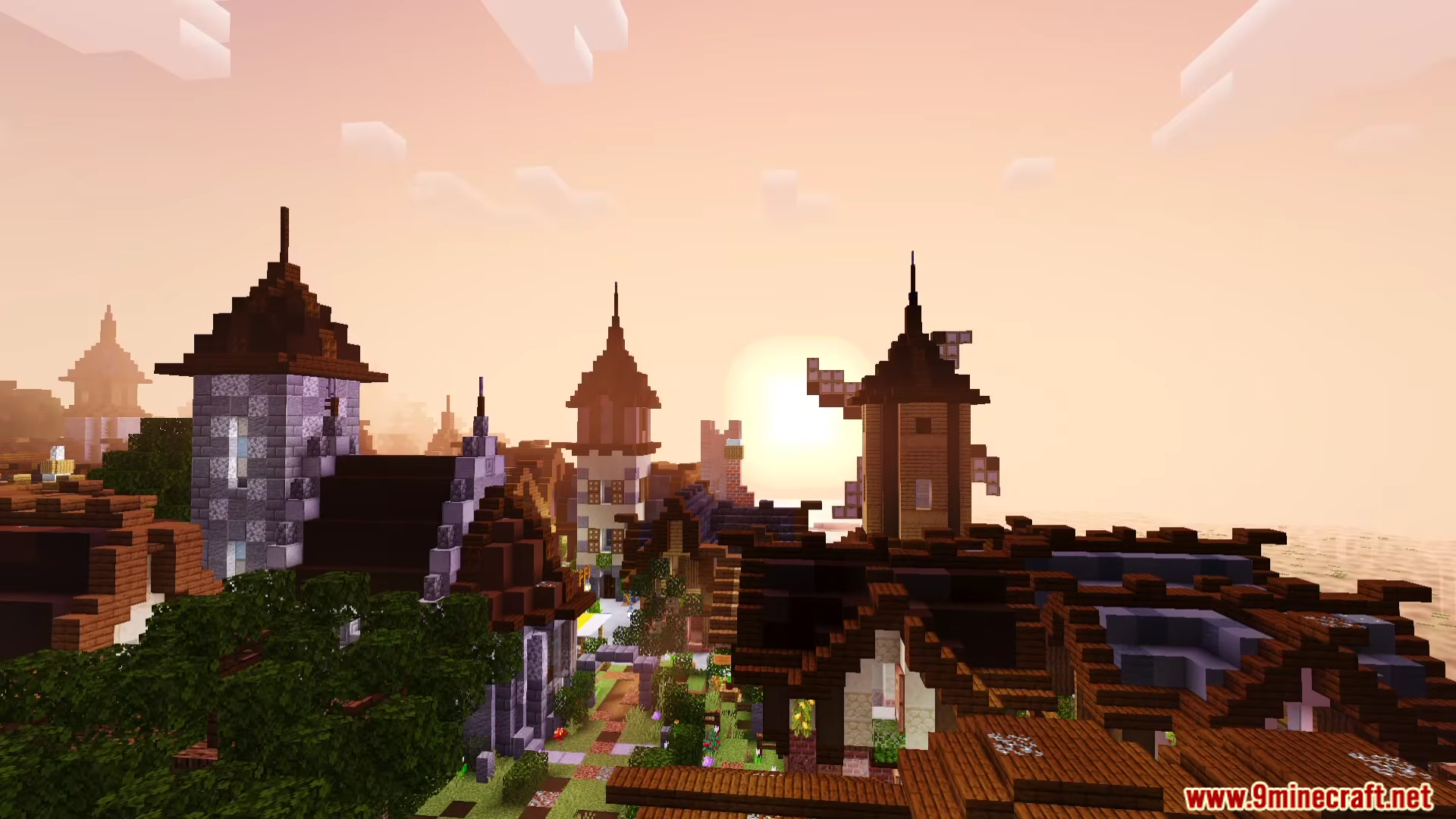
- Realistic Lighting: Sunsets and sunrises fill the world with warm orange and yellow tones.
- Vibrant Dimensions: The End and Nether get new looks with colorful skies and glowing effects.
- Water Reflections: Oceans and lakes look more natural with reflections of the sun and sky.
- Lights up dark areas with a soft glow from lanterns and light blocks.
- Adds a rainy weather effect that makes the ground look wet.
- Makes the sky look deep with moving clouds and twinkling stars.
- Runs smooth on mobile devices without causing lag.
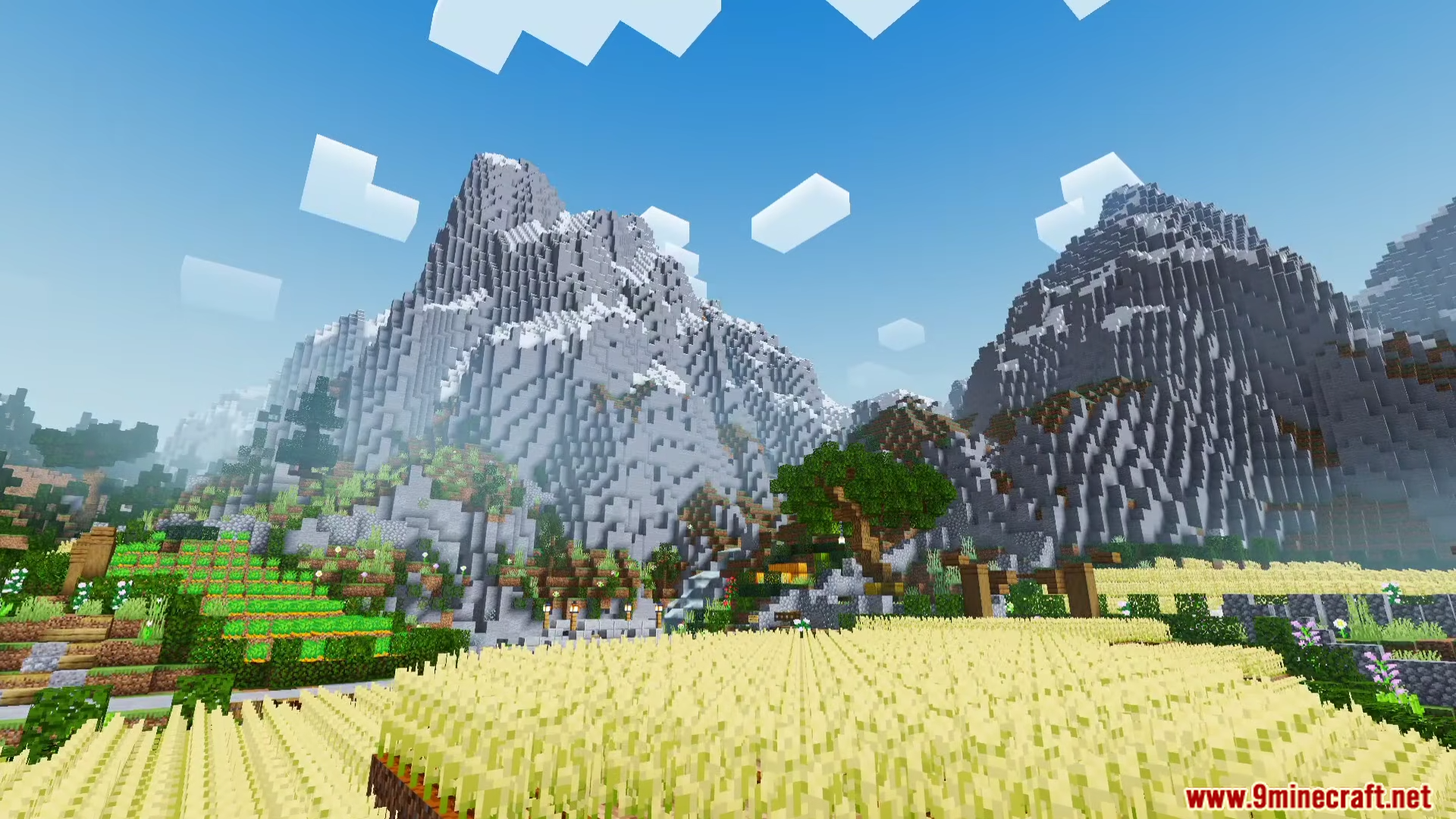
- Changes the look of wheat fields and forests to look better under the sun.
- Adds glowing effects to portals and structures so they stand out in the dark.
Screenshots:
Newb Lumina Shader Download Links
Quick facts
- Edition: Minecraft Bedrock
- File type: .mcpack
- Minecraft version listed: 1.26
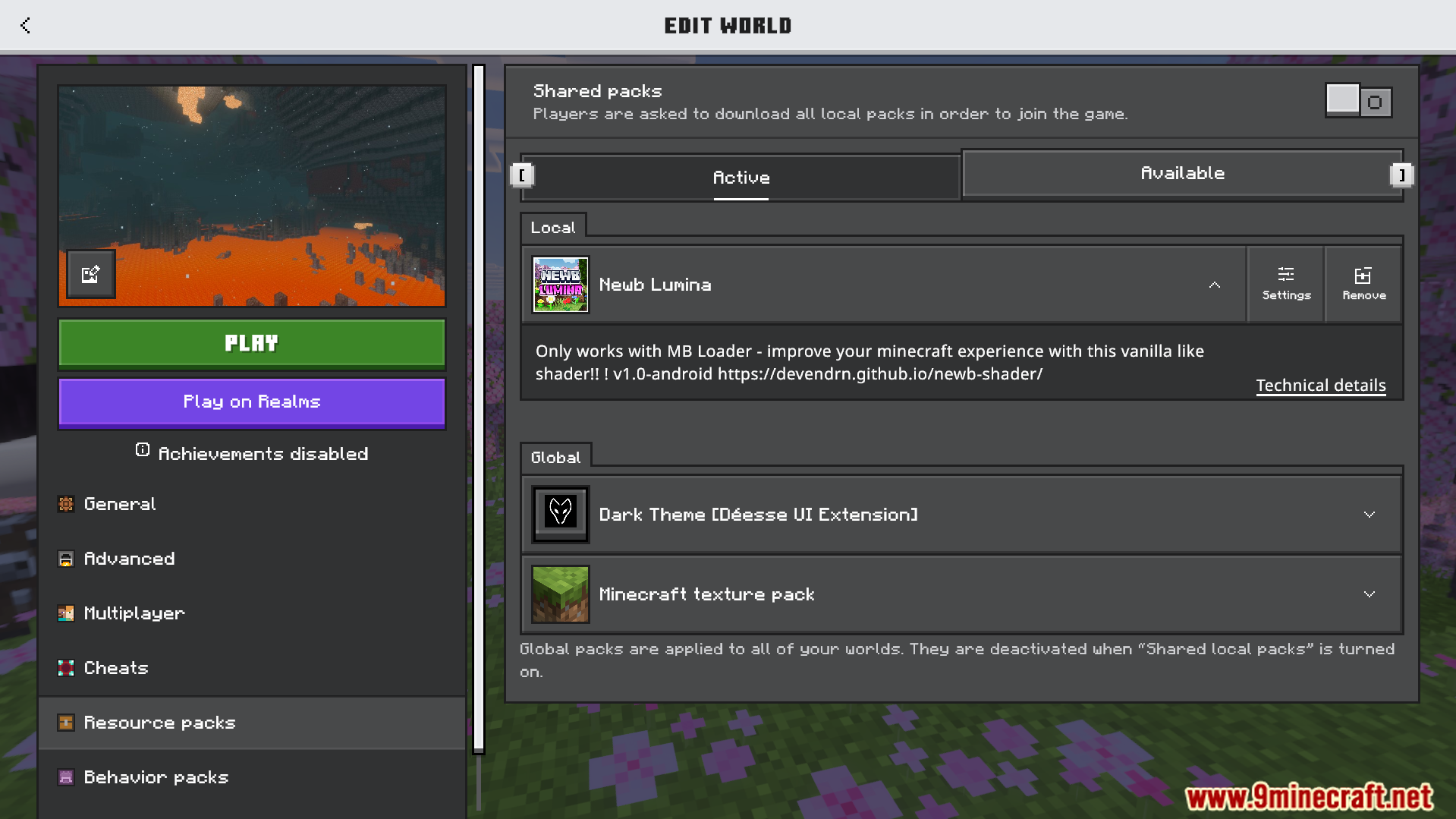
- How to install: Download the .mcpack. → Open it — Minecraft imports it under Resource Packs. → Activate it in Global Resources, or for one world under Resource Packs → Available.
- Where to get it: In MCModsHub, or directly above on this page.
Install steps are the general flow for this file type — How to install Minecraft Bedrock texture packs walks through it step by step.
Verified by MCModsHub
- Pack type: .mcpack — a single pack
- Manifest requires Minecraft 1.26.10 or newer
- Complete pack — everything it depends on is inside the file
- Download size: 3.0 MB
- Download link checked 22 Jul 2026 — working
- Mirrored on our own servers — the download does not depend on the original host
These come from our own check of the pack file, not from the source page.