ShadersBedrock
Dark Souls Visuals Shader (1.26+) – MCPE/Bedrock
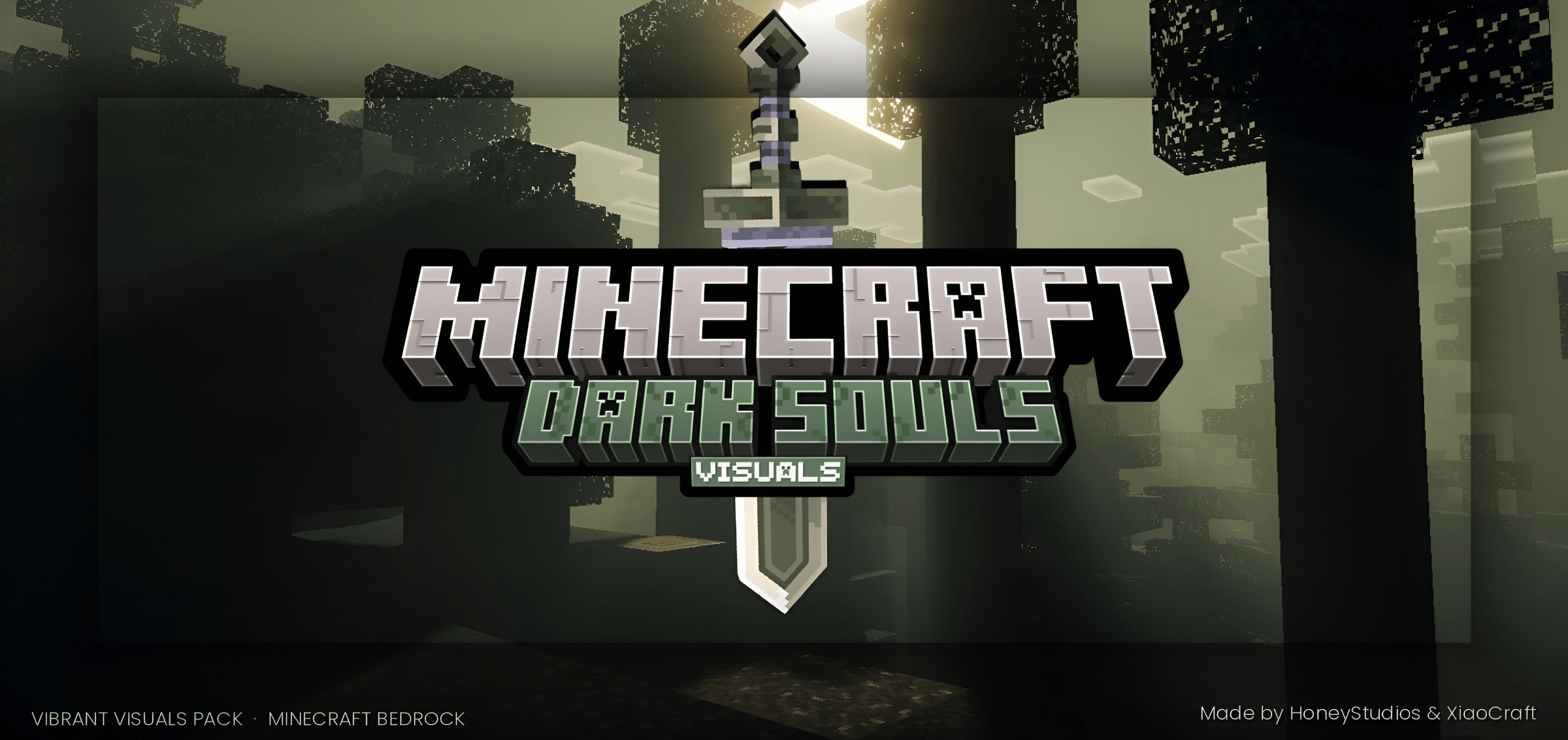
Dark Souls Visuals Shader modifies the visuals on Bedrock based on the Dark Souls game style. Each area has its own fog, colors, and lighting to depict a…
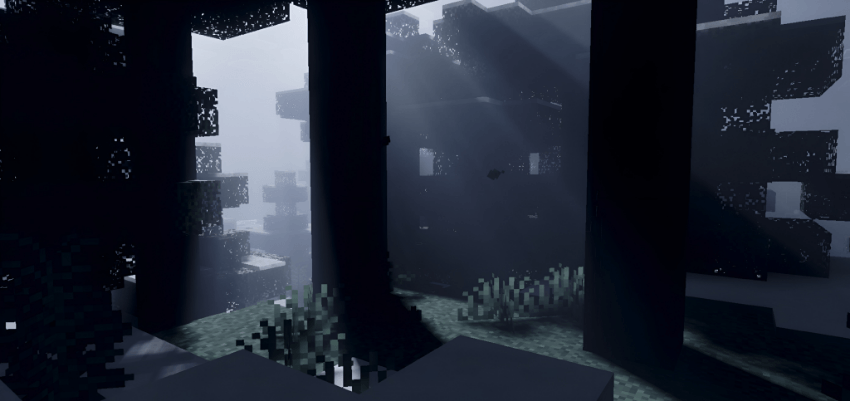
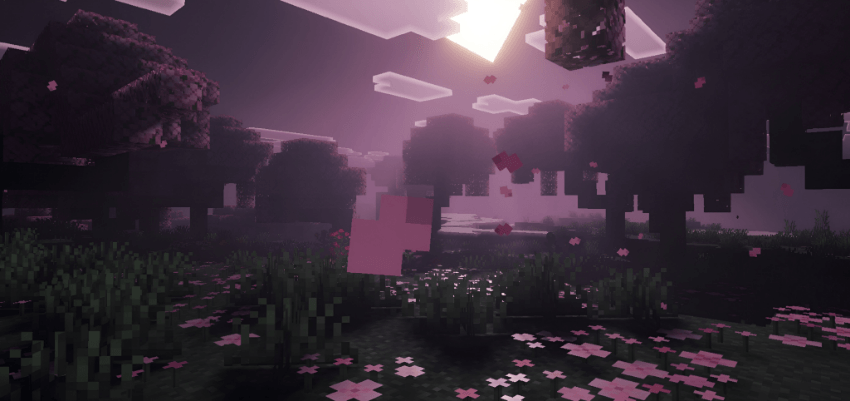
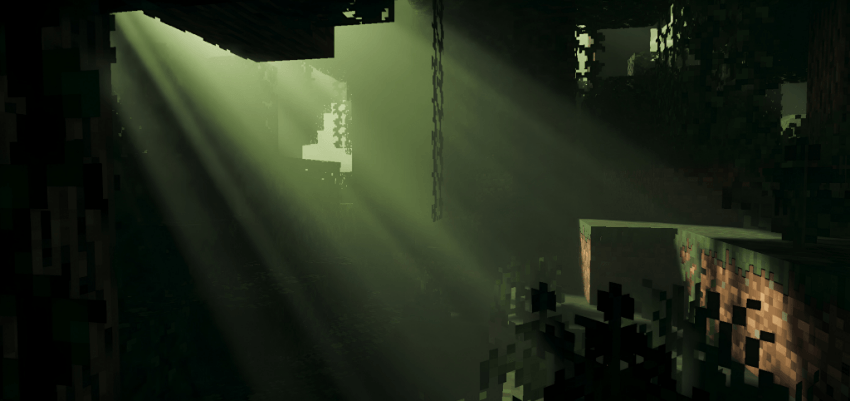
⬇ DownloadOpen in MCModsHubGet it on Google Play →Dark Souls Visuals Shader modifies the visuals on Bedrock based on the Dark Souls game style. Each area has its own fog, colors, and lighting to depict a dying age. The mod reconstructs the sky for each area instead of just using simple brightness filters. The visual effects create a gloomy atmosphere throughout the entire region.
Screenshots:
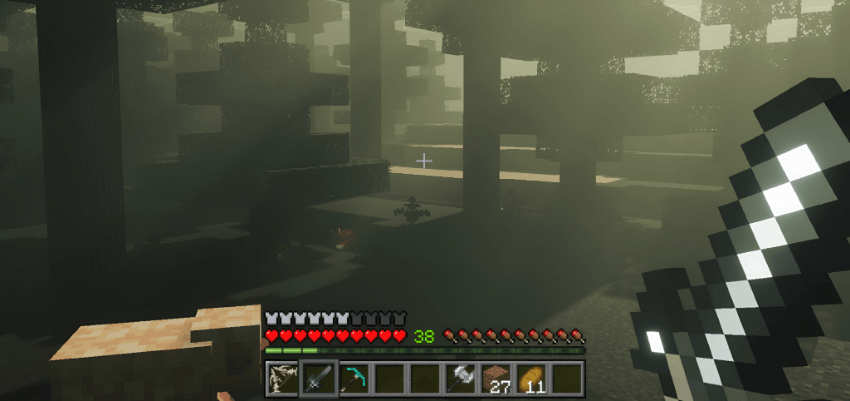
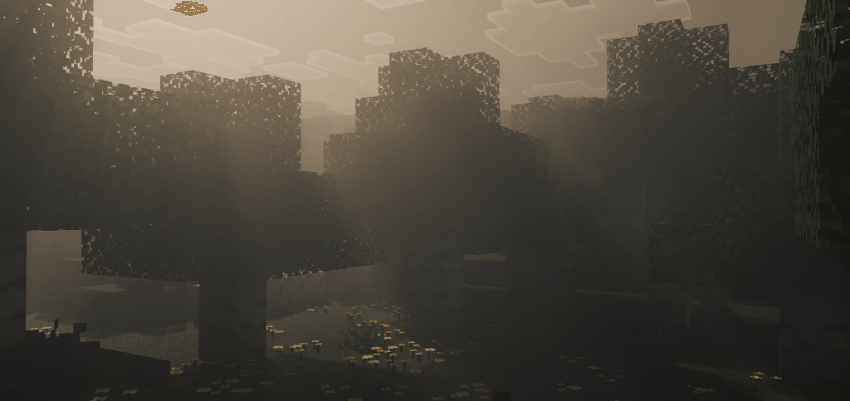
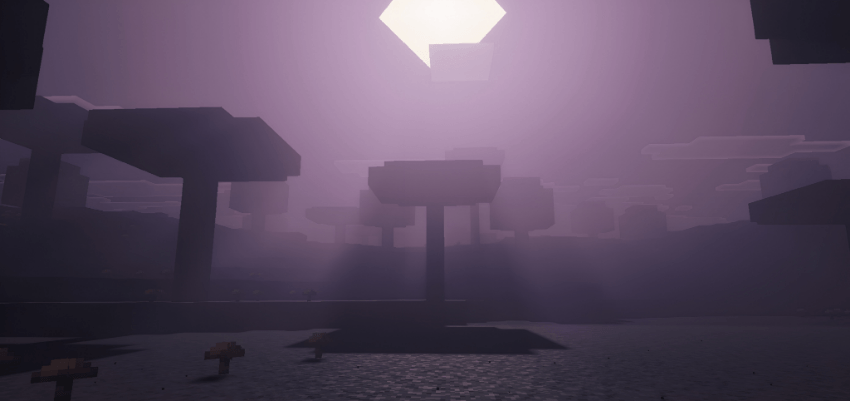
Dark Souls Visuals Shader Download Links
Verified by MCModsHub
- Pack type: .mcpack — a single pack
- Manifest requires Minecraft 1.21.90 or newer
- Complete pack — everything it depends on is inside the file
- Download link checked 22 Jul 2026 — working
- Mirrored on our own servers — the download does not depend on the original host
These come from our own check of the pack file, not from the source page.
Explore more