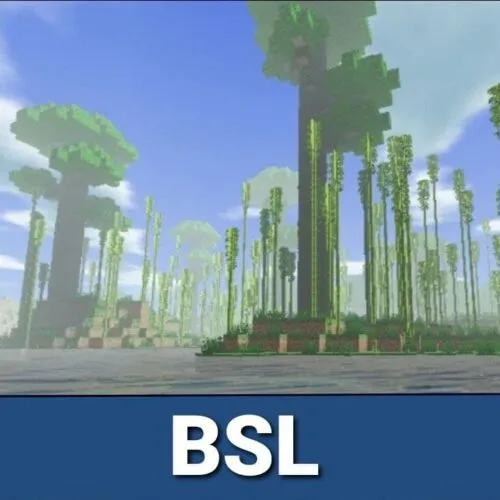
Shader for low end device
Bedrock shader pack listed for Minecraft 1.2–1.21. File opened and checked on 19 Sep 2026; installs from the MC Bedrock Mods app on Android.
⬇ Download on CurseForge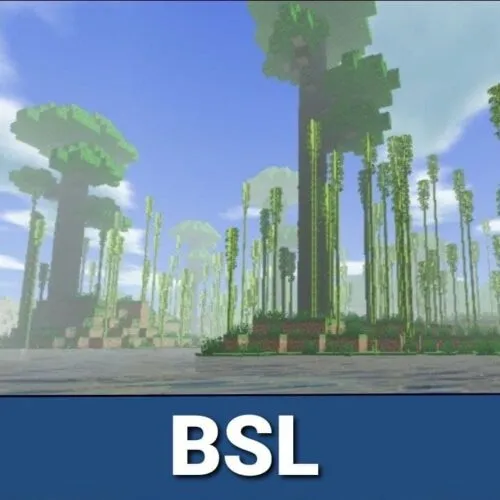
Many Minecraft PE players would like to improve the visual component of the cubic world. It would be better to see more object volume and add light, highlights, shadows.
Independent developers added all this stuff to the game world creating special shaders. They allow players to improve the image and make it more realistic.
Experienced MCPE users know BSL shaders and love them for good quality. While some textures change
- Edition: Minecraft Bedrock
- File type: .mcpack
- Minecraft versions listed: 1.21.81, 1.21.90, 1.21.101
- How to install: Download the .mcpack. → Open it — Minecraft imports it under Resource Packs. → Activate it in Global Resources, or for one world under Resource Packs → Available.
- Where to get it: Opens on CurseForge — not every file is mirrored on our own servers.
Install steps are the general flow for this file type — How to install Minecraft Bedrock texture packs walks through it step by step.
- Save it as chamkandsashader.mcaddon before opening — it downloads as .mcpack, but it is a .mcaddon pack
- Manifest requires Minecraft 1.2.6 or newer
- Complete pack — everything it depends on is inside the file
- Download size: 2.3 MB
- Download link checked 5 Oct 2026 — working
These come from our own check of the pack file, not from the source page.