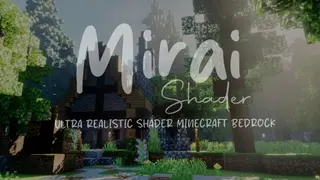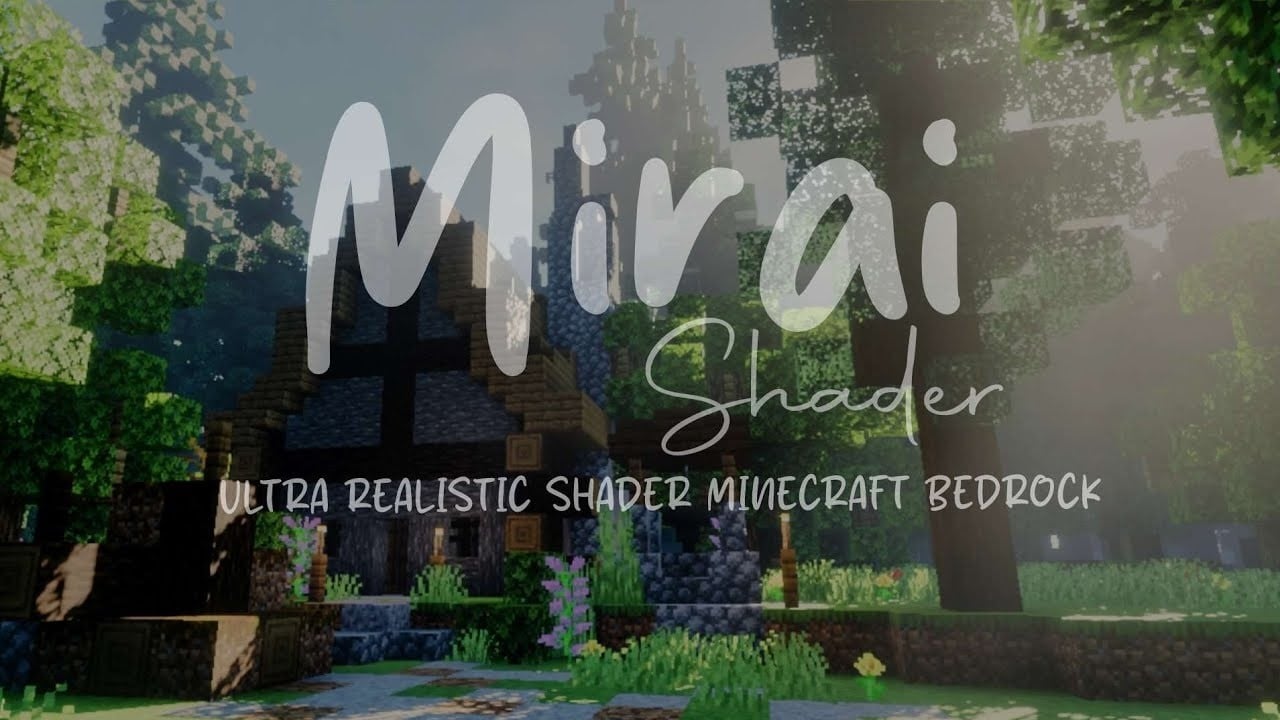
Mirai Shader (1.26+) – Sharp Water Reflections and Volumetric Clouds
Bedrock shader pack for the Vibrant Visuals mode listed for Minecraft 26.x. File opened and checked on 19 Oct 2026; installs from the MC Bedrock Mods app on Android.
⬇ Download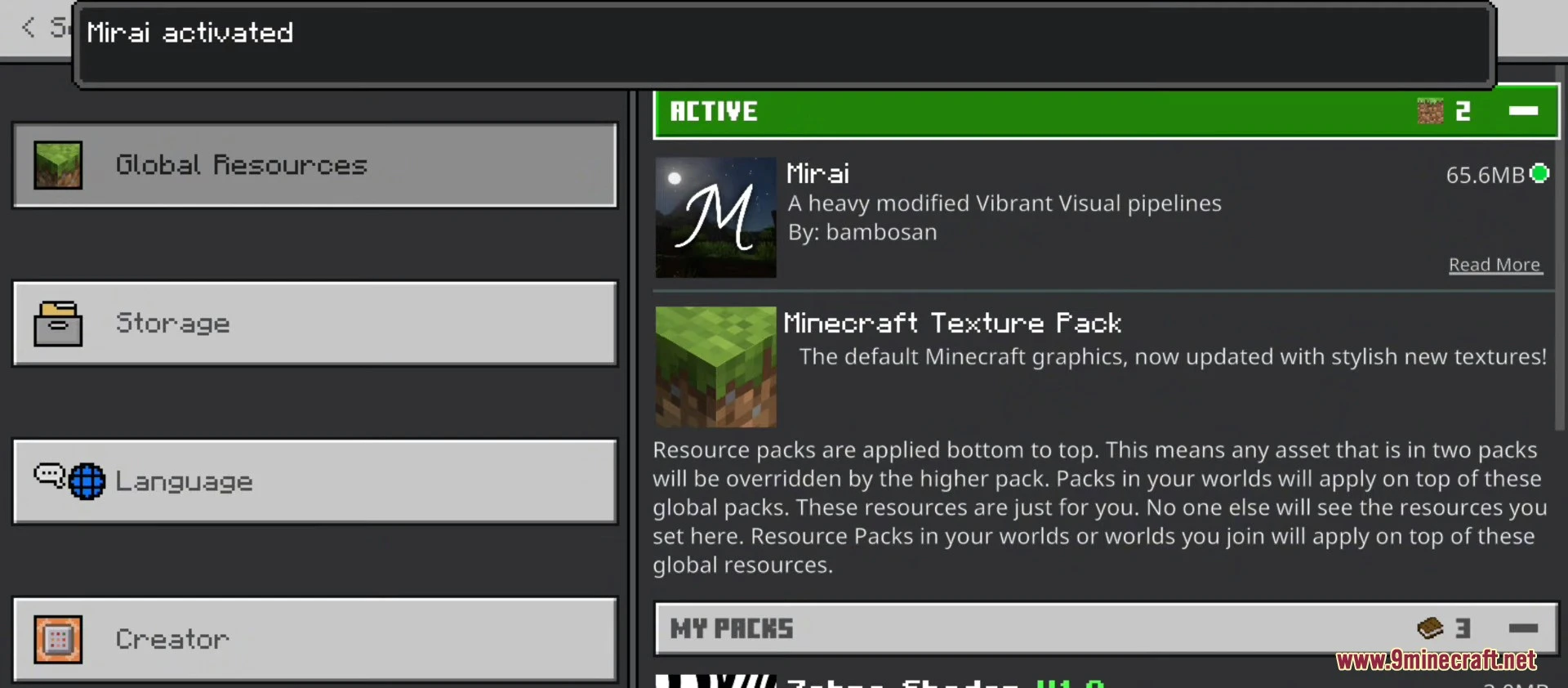
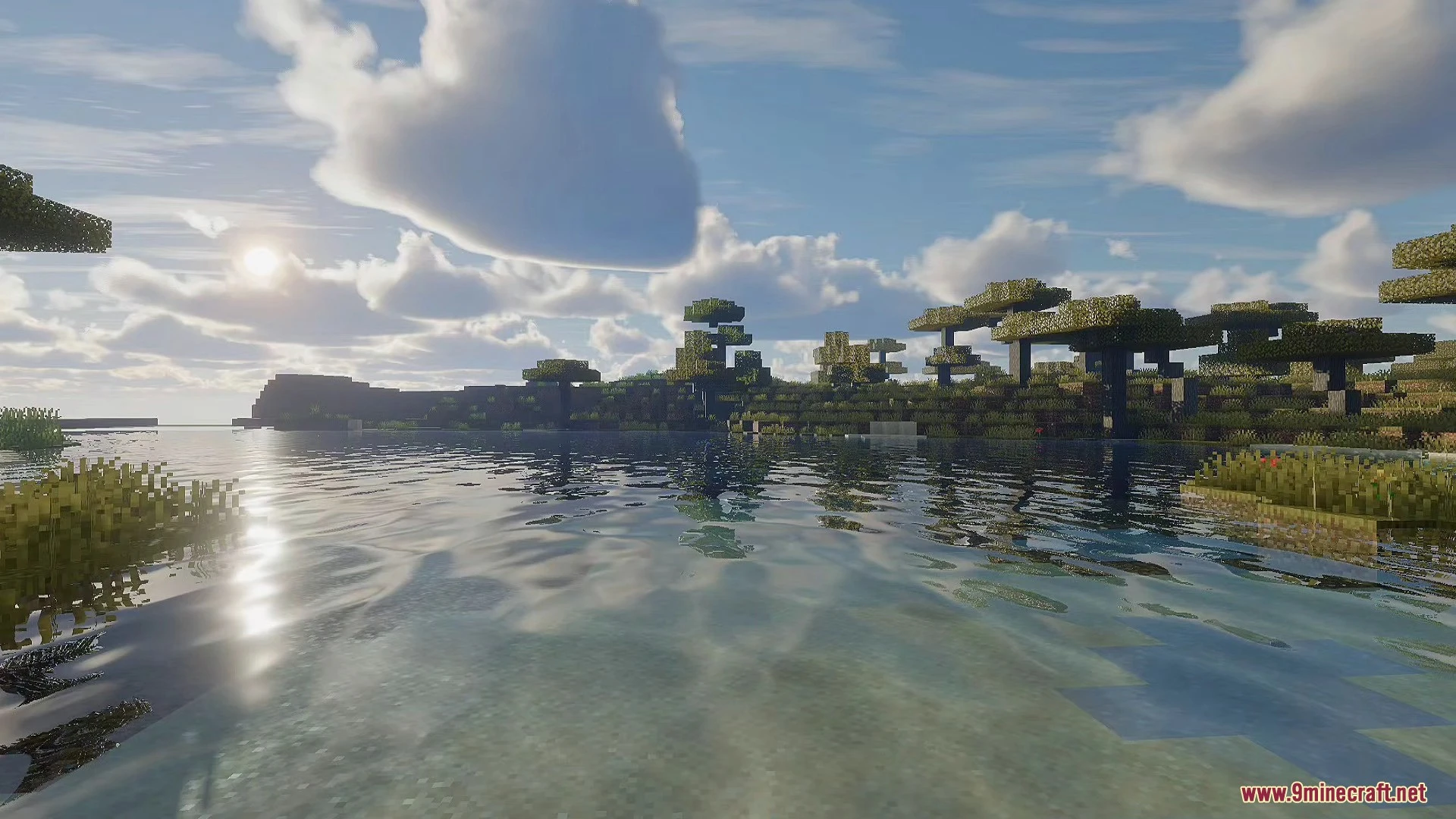
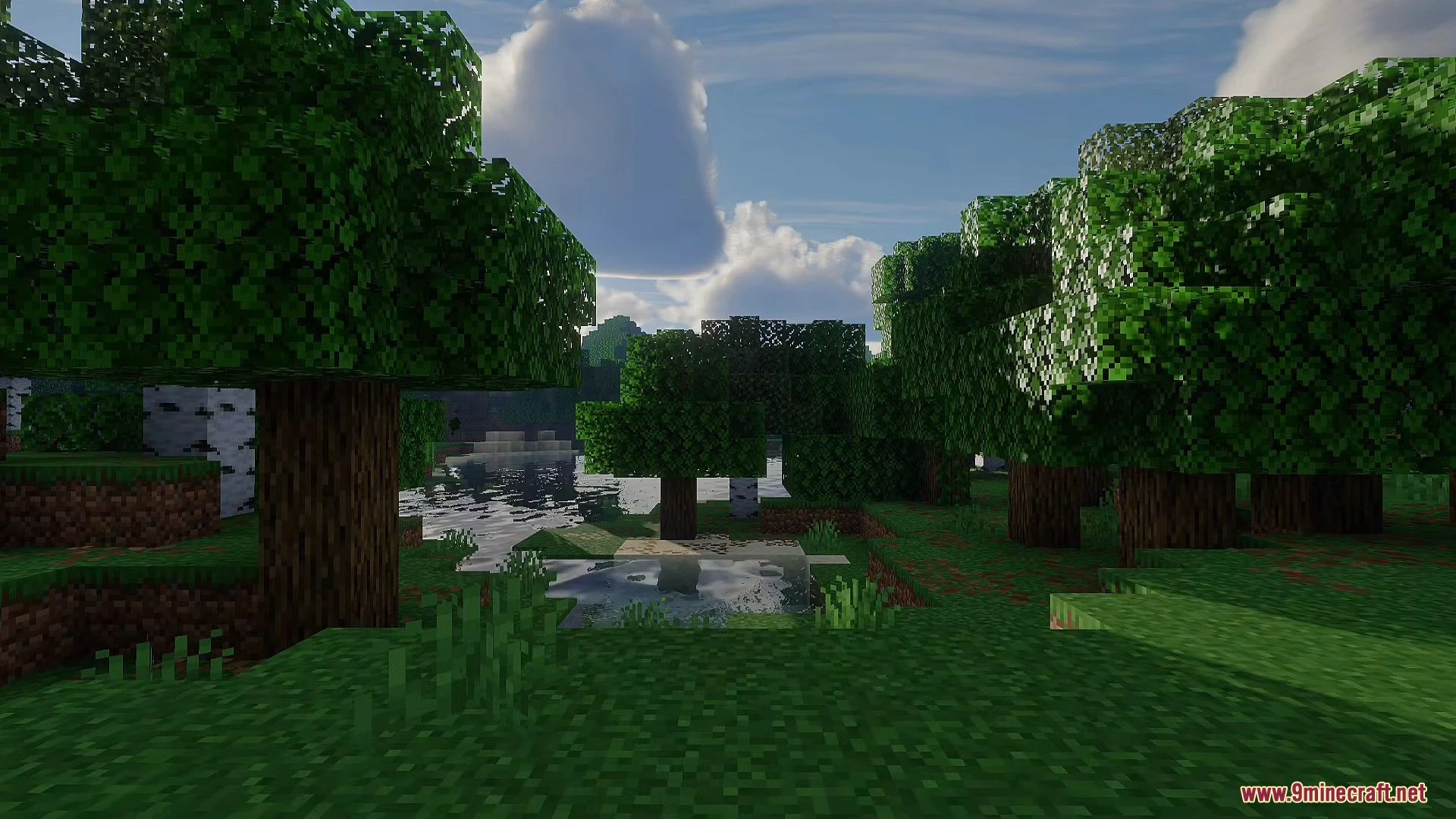
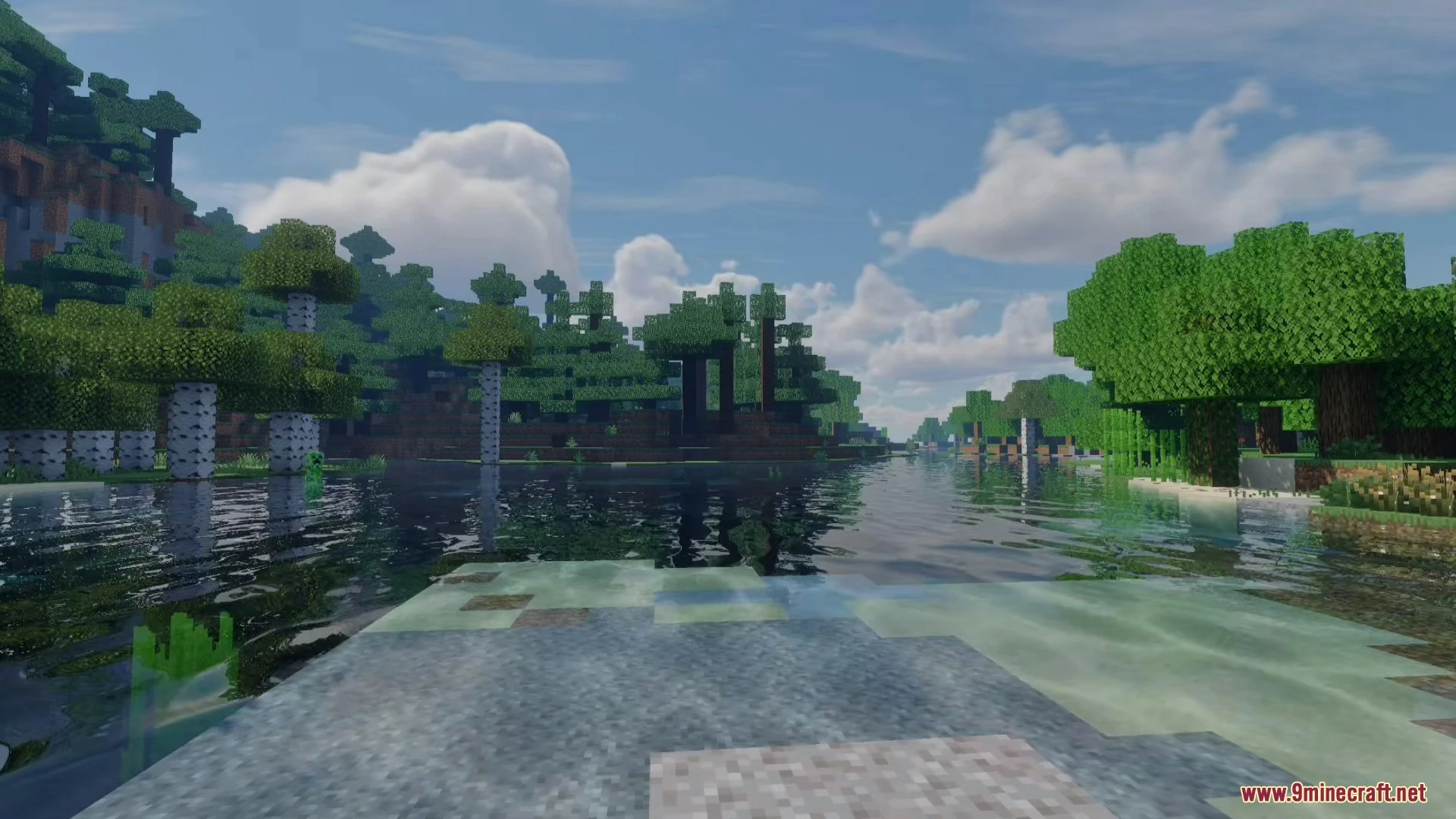
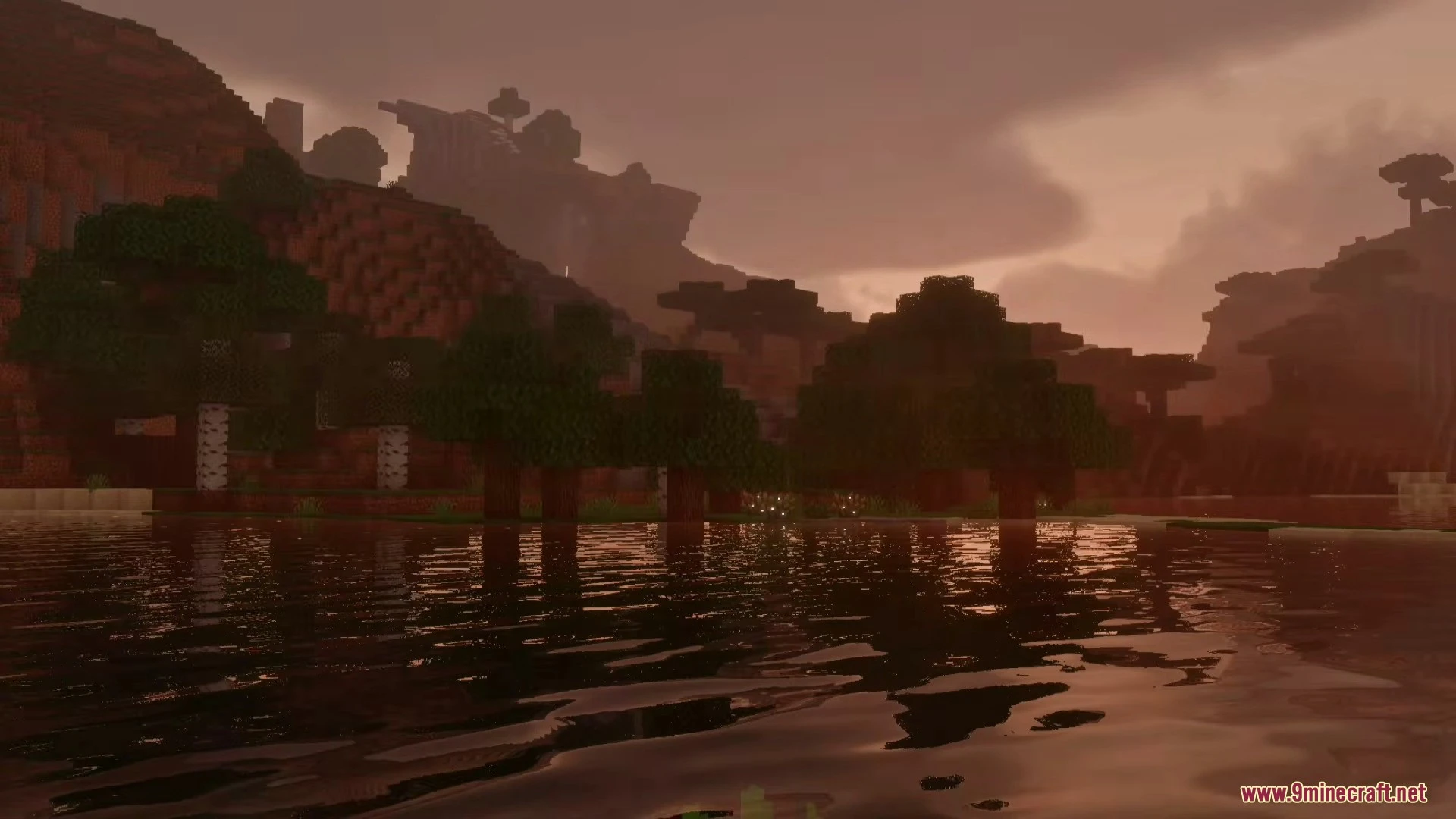
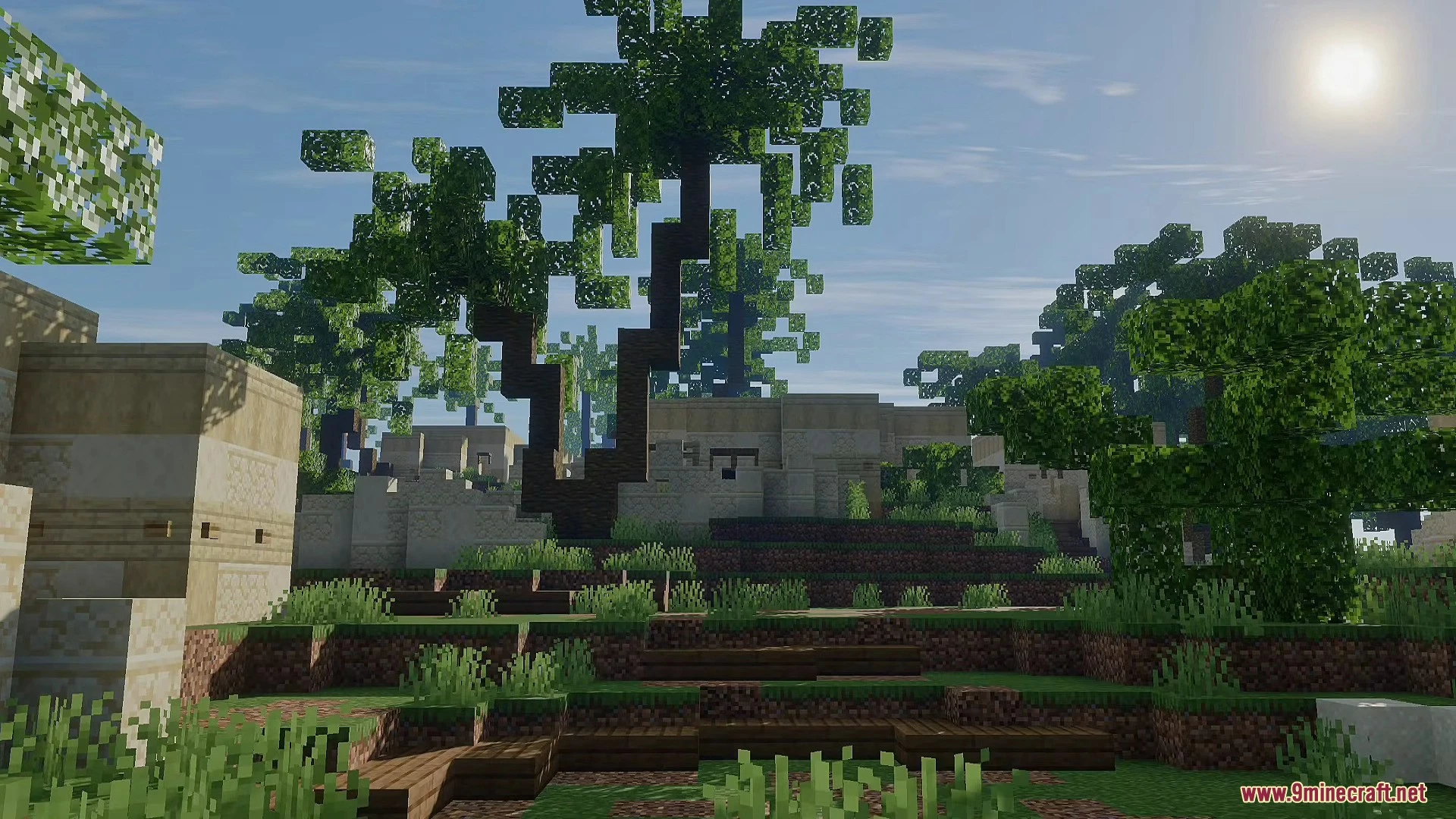
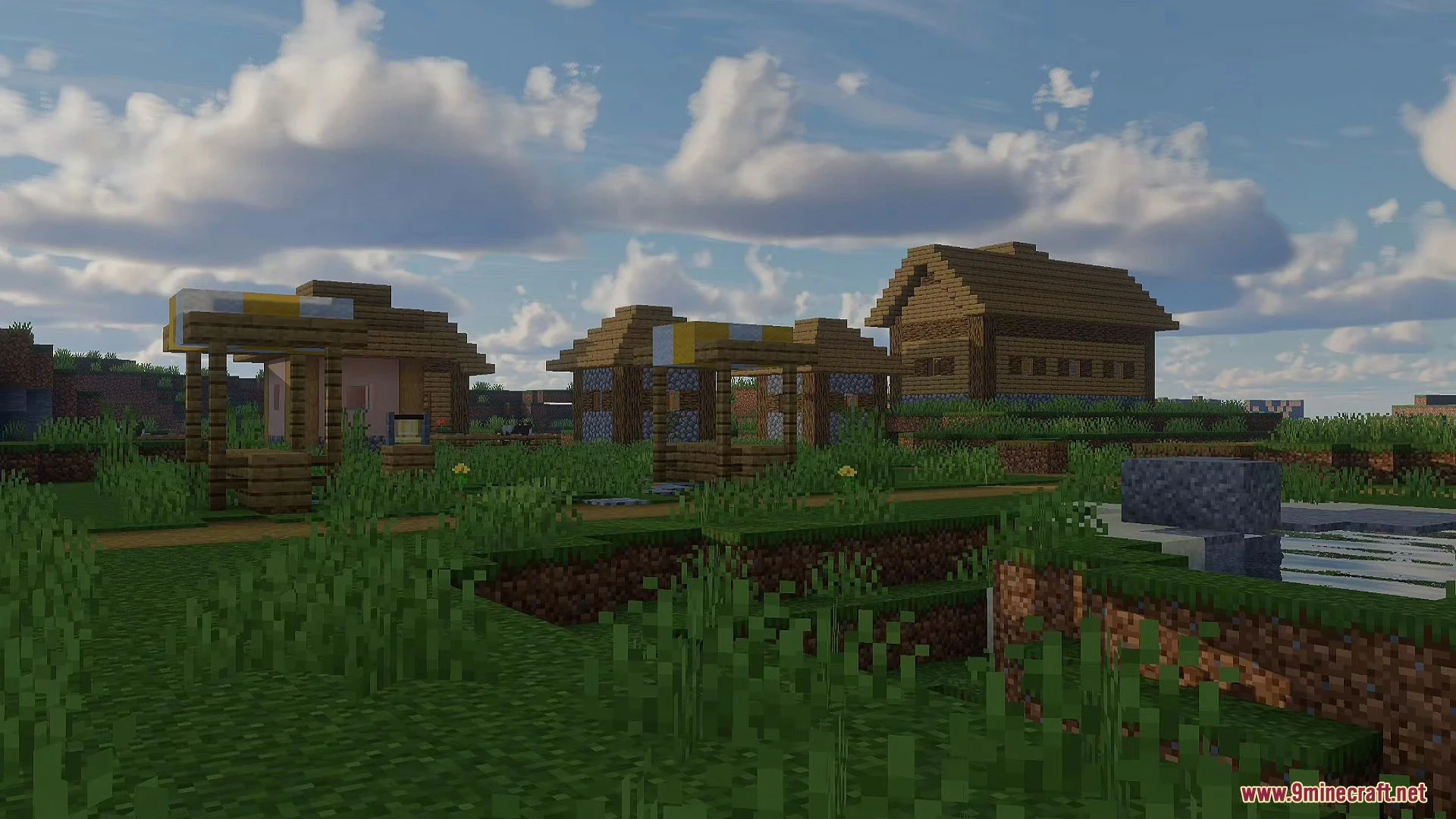
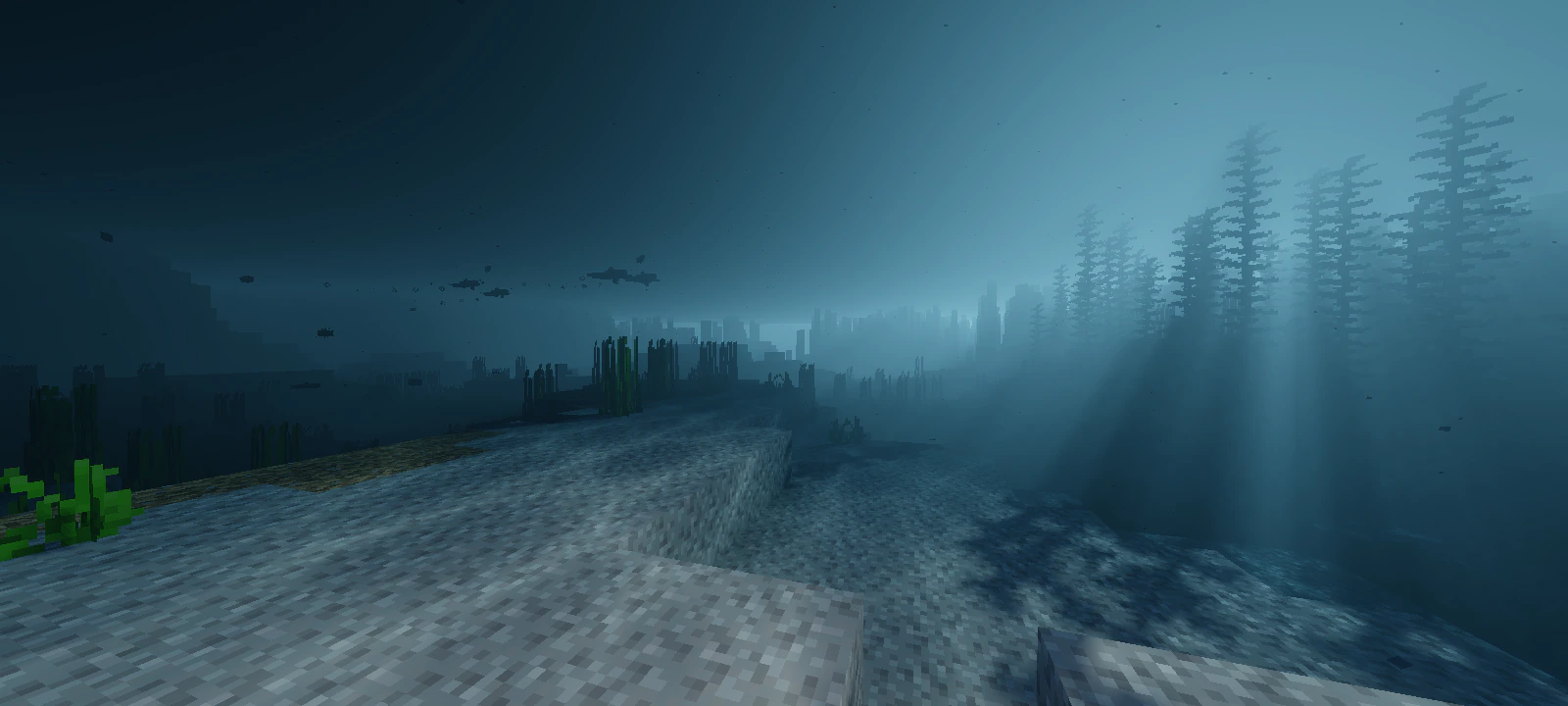
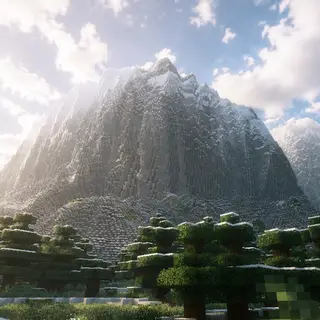
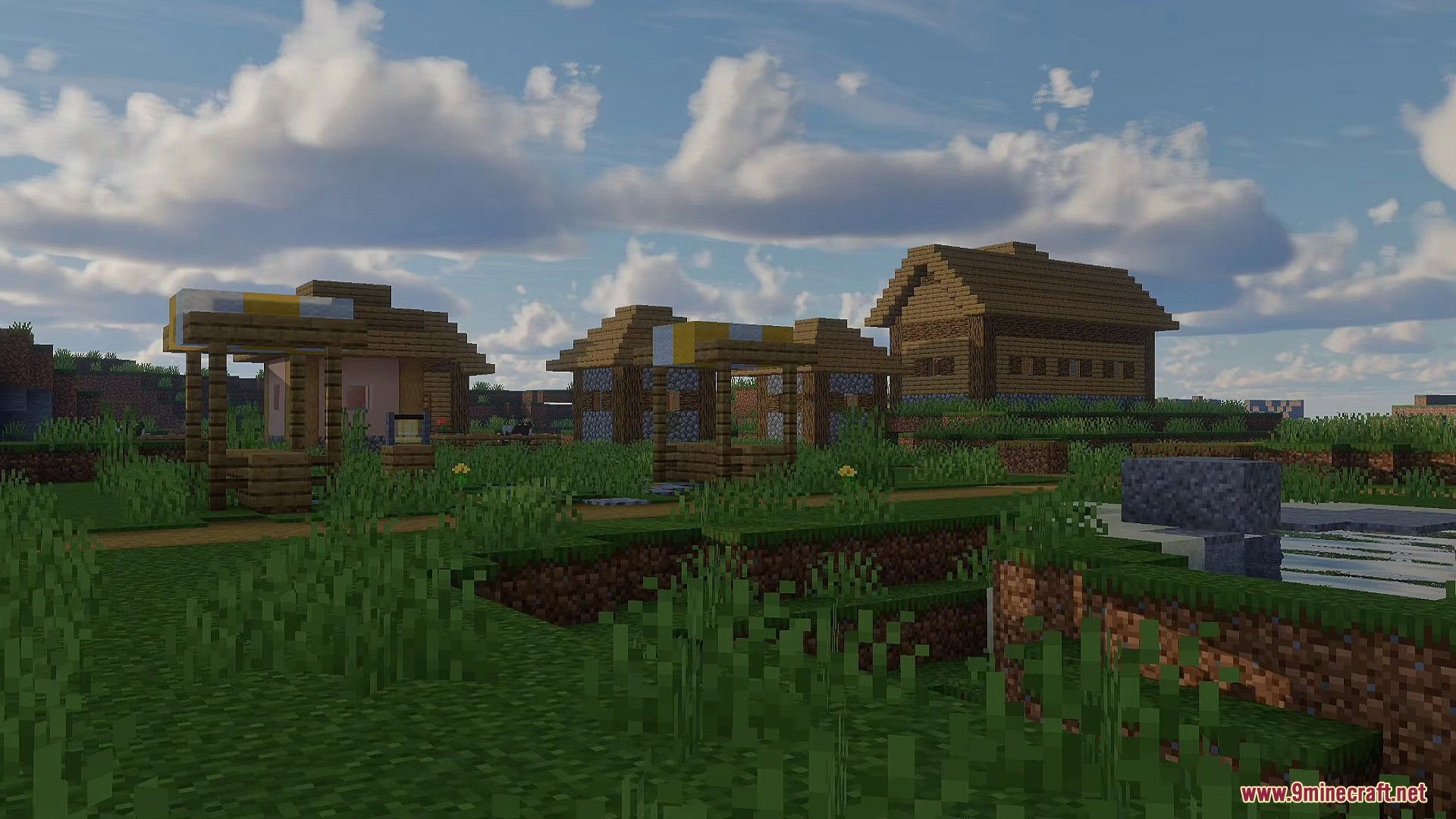
Mirai Shader is based on a heavily modified Vibrant Visual Pipeline inside Minecraft Bedrock Edition’s Render Dragon engine, where the creator has rebuilt and adjusted a total of 50 materials from this pipeline to produce its realistic visuals featuring enhanced lighting, volumetric clouds, screen-space reflections, and improved water effects. This release marks a complete reboot of Bambosan’s original Mirai Shader project, with all changes implemented through custom JSON and shader material files that fully leverage Bedrock’s modern rendering system introduced since version 1.16+.
Features:
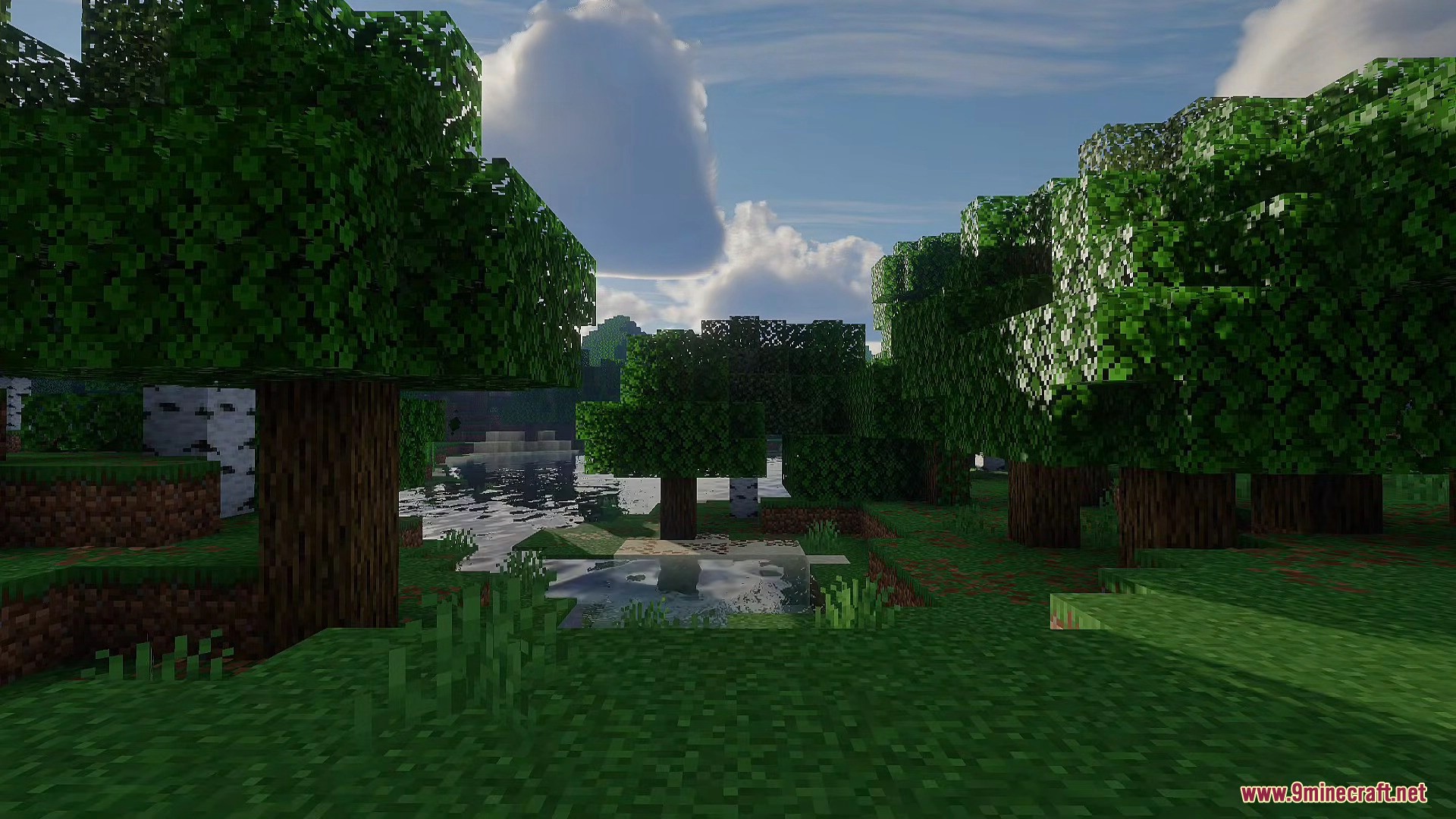
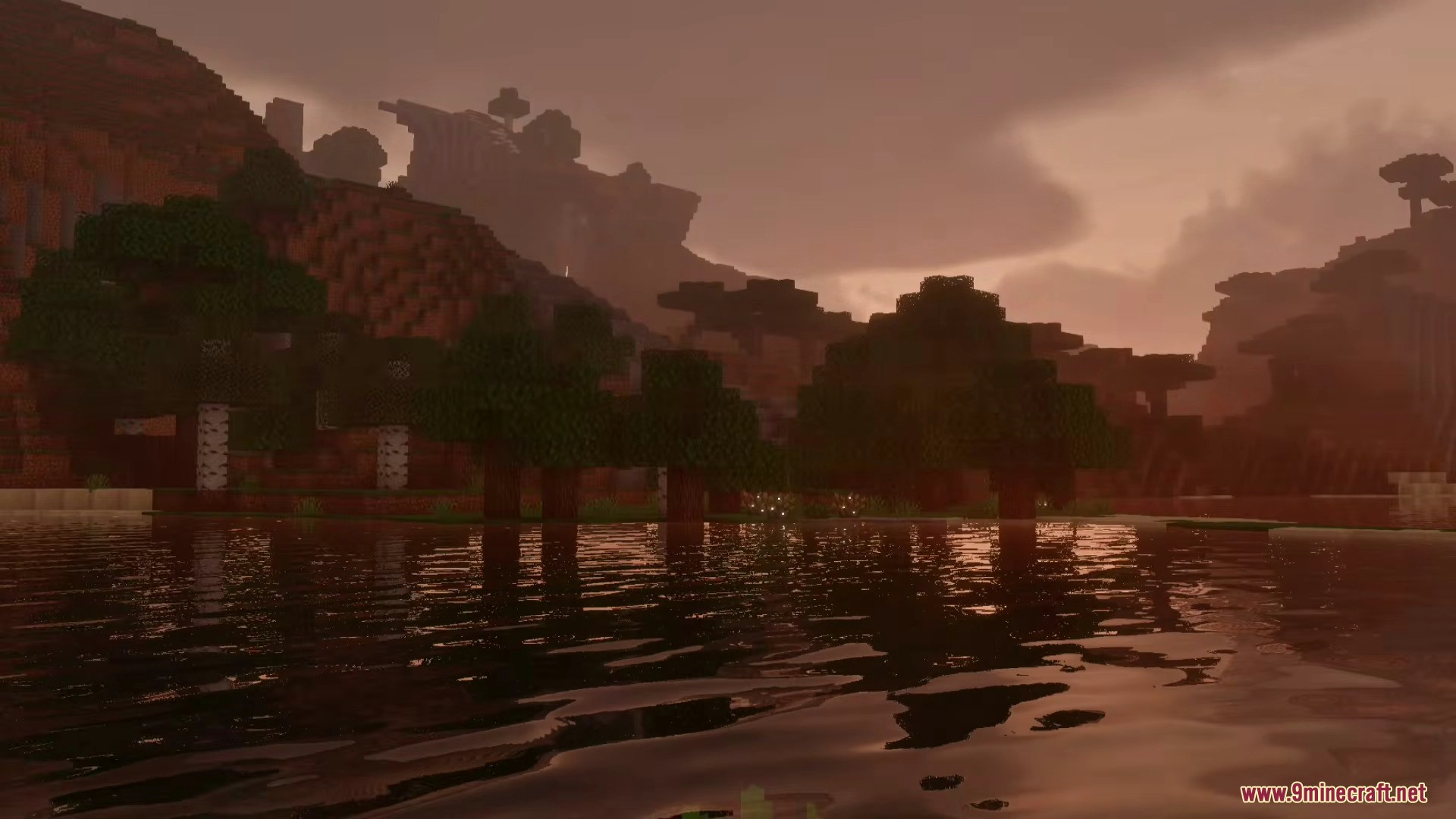
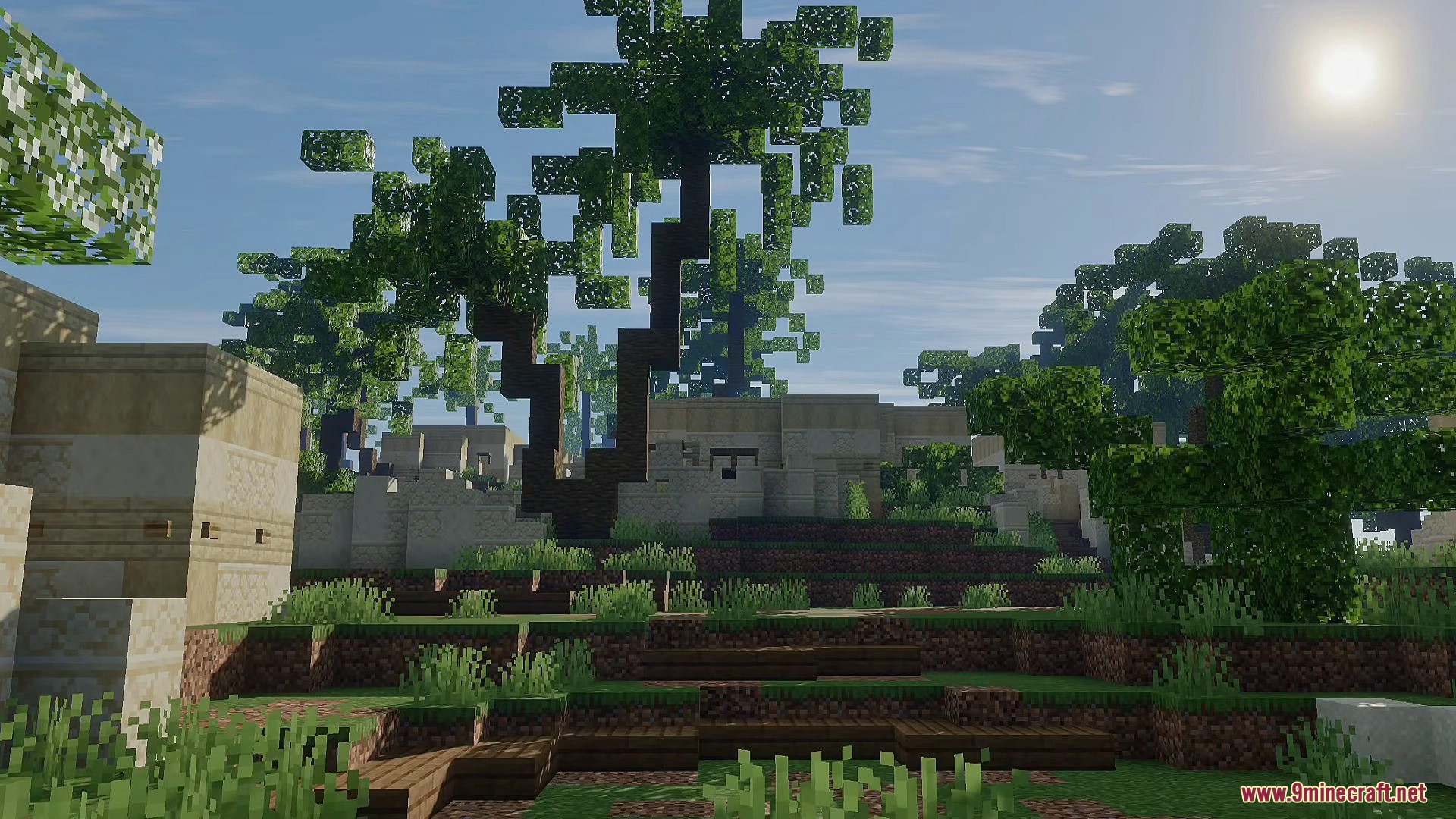
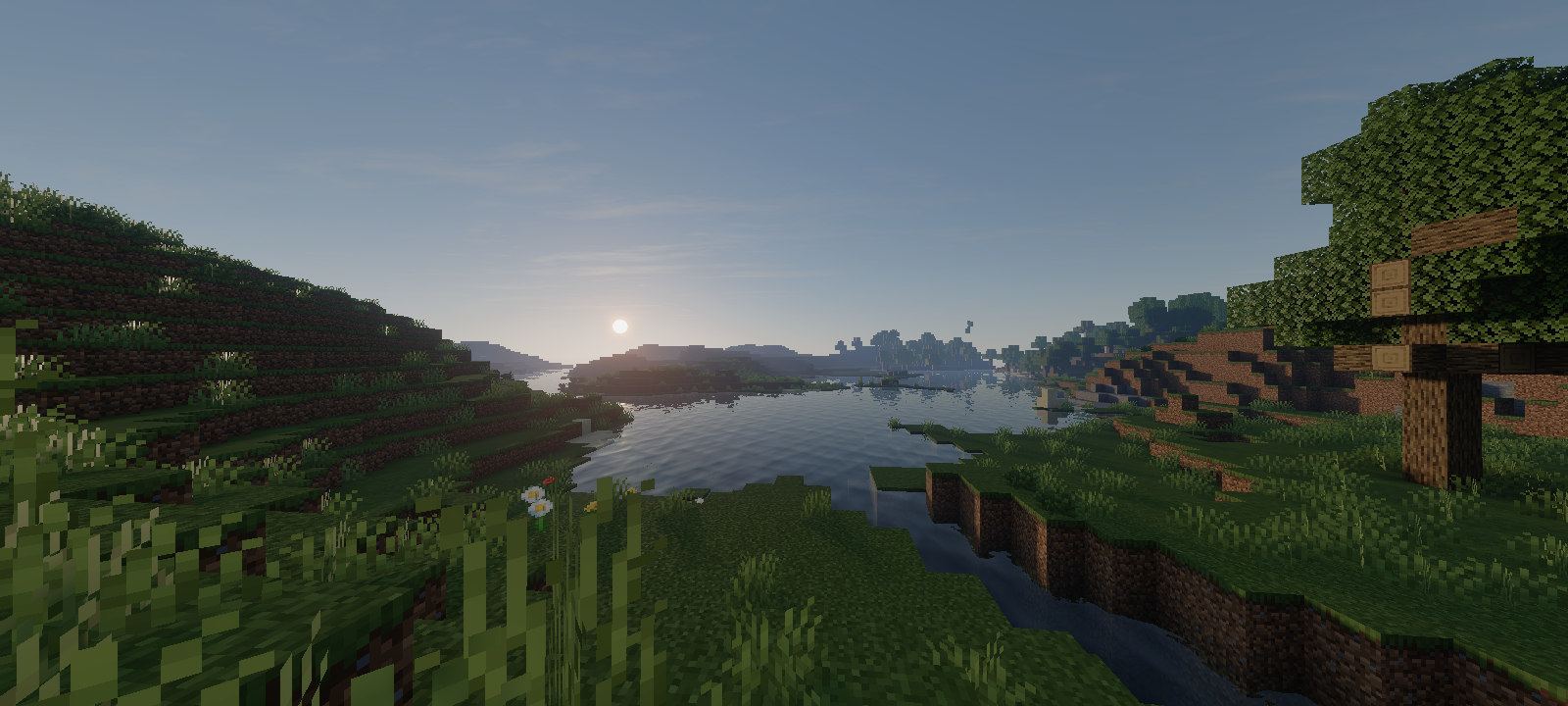
- Realistic Lighting: Mirai Shader completely changes how light works in the game to give you natural sunlight and smooth color changes during sunrise and sunset.
- 3D Volumetric Clouds: Adds thick clouds that actually block the sun and cast shadows on the ground. These are turned off by default to keep the game running fast.
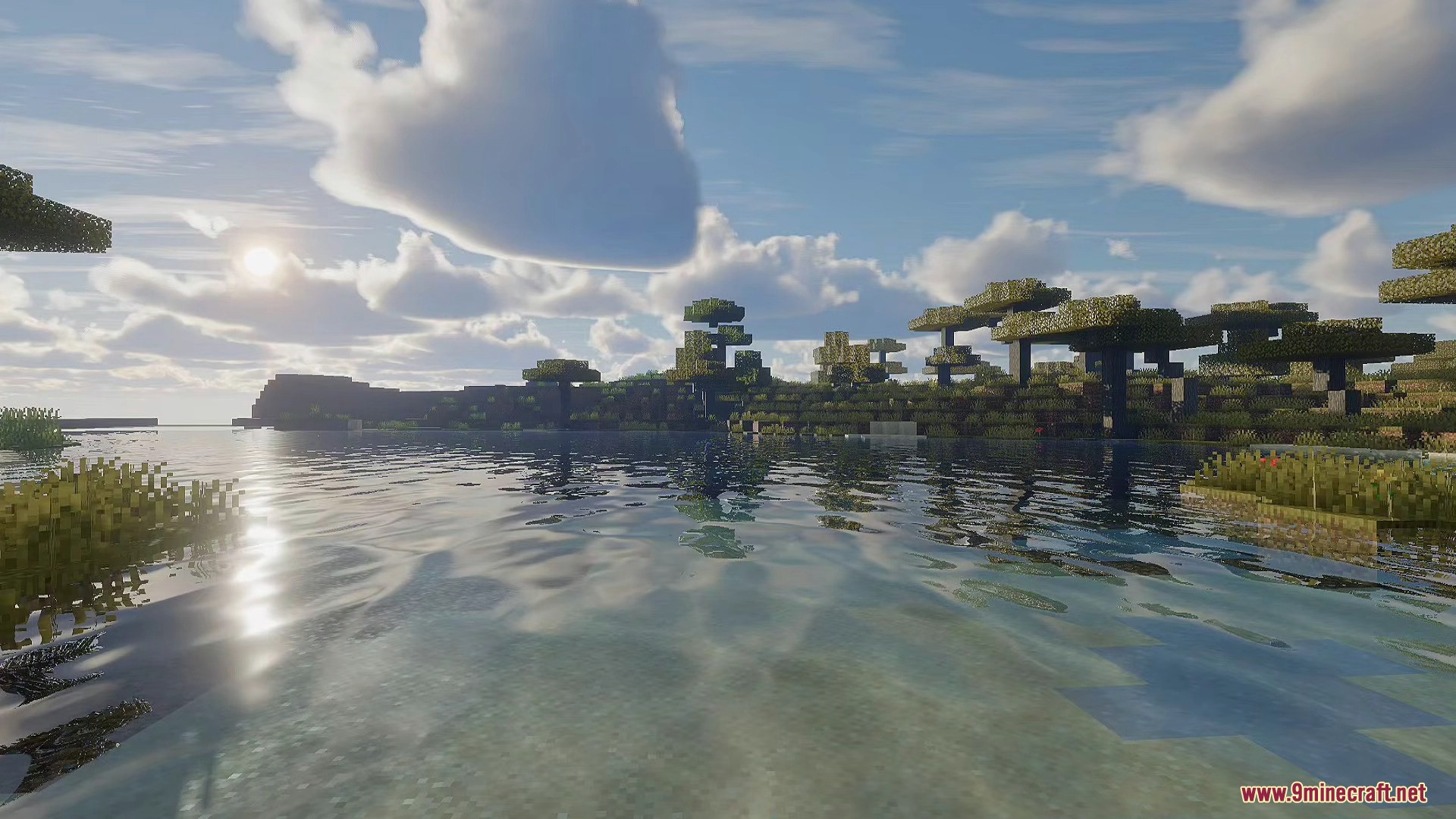
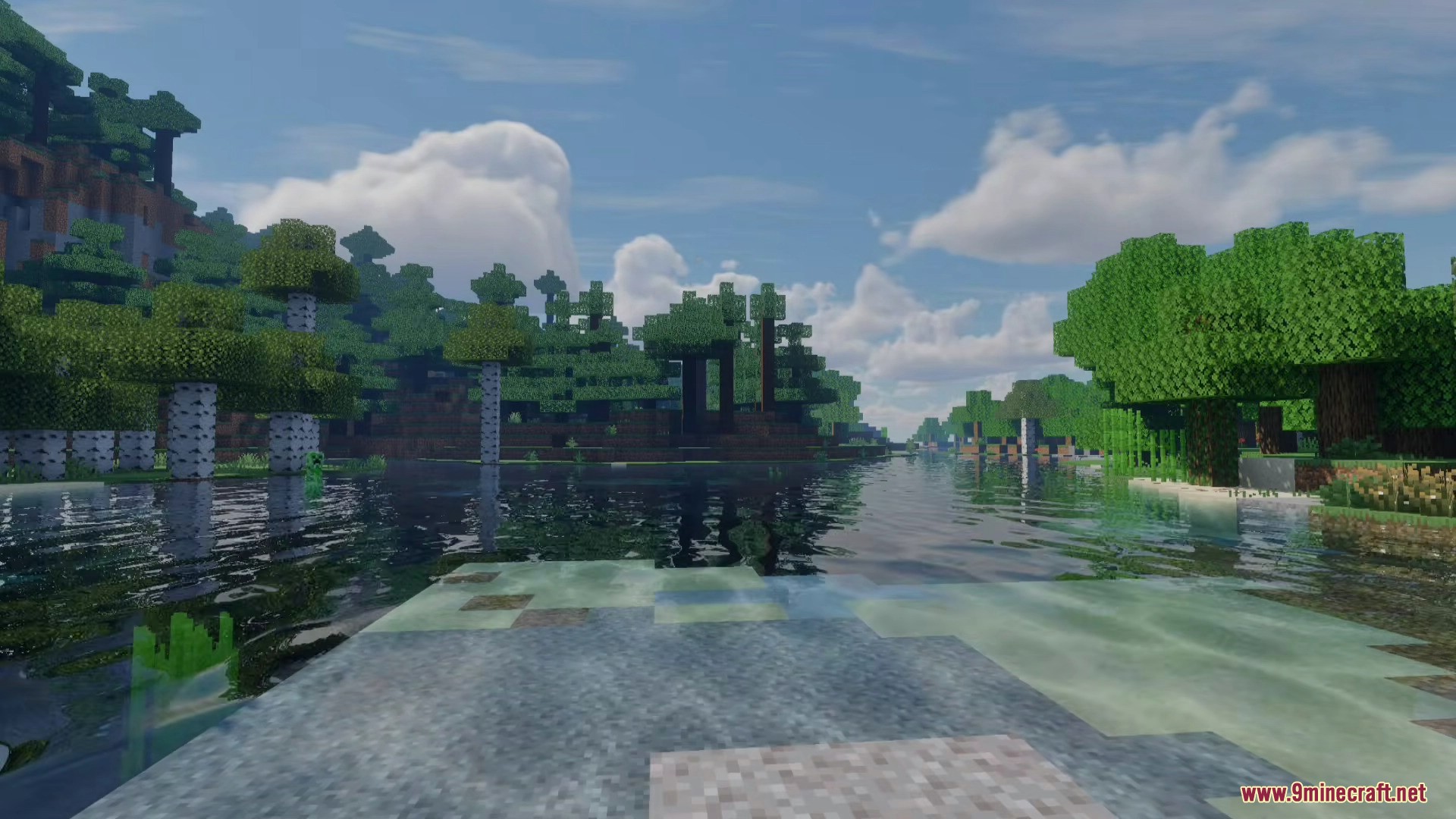
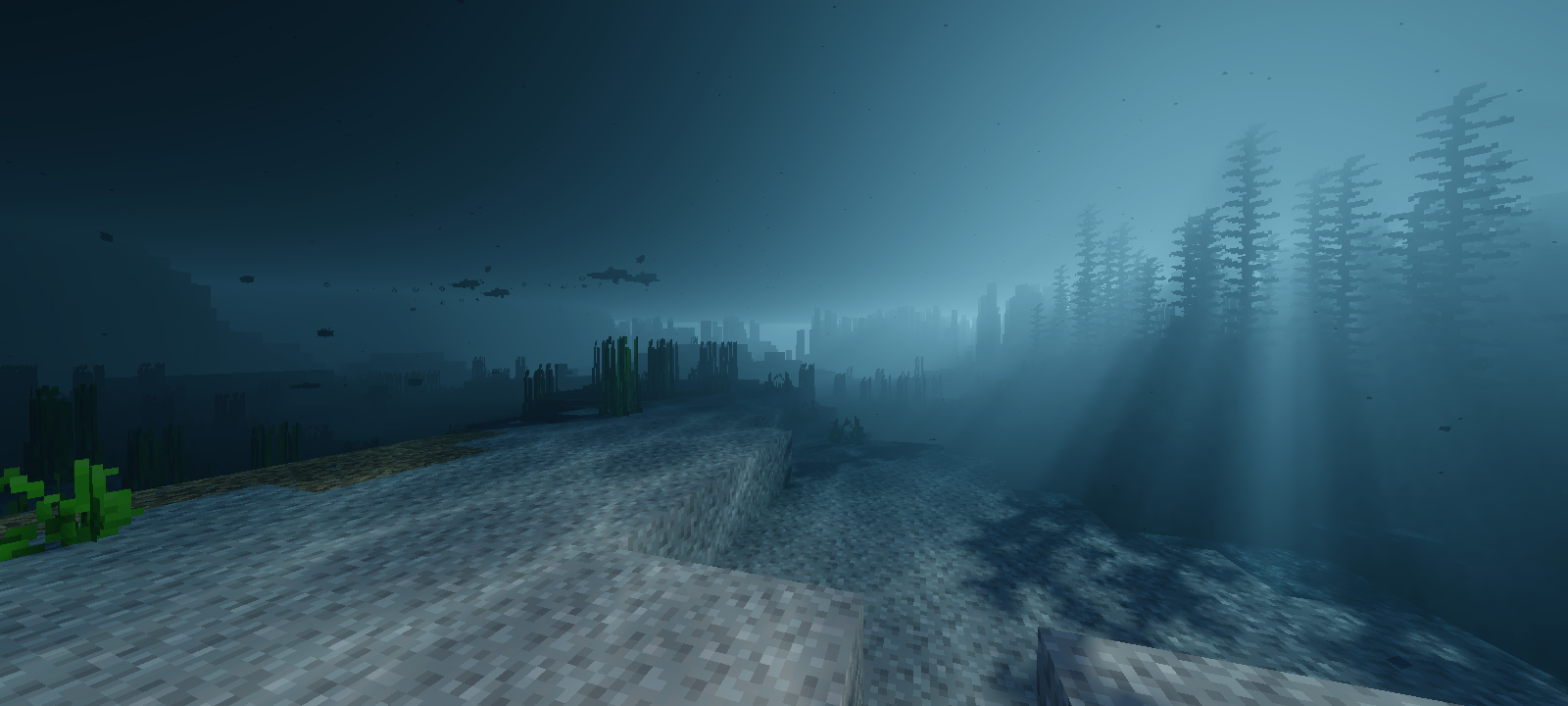
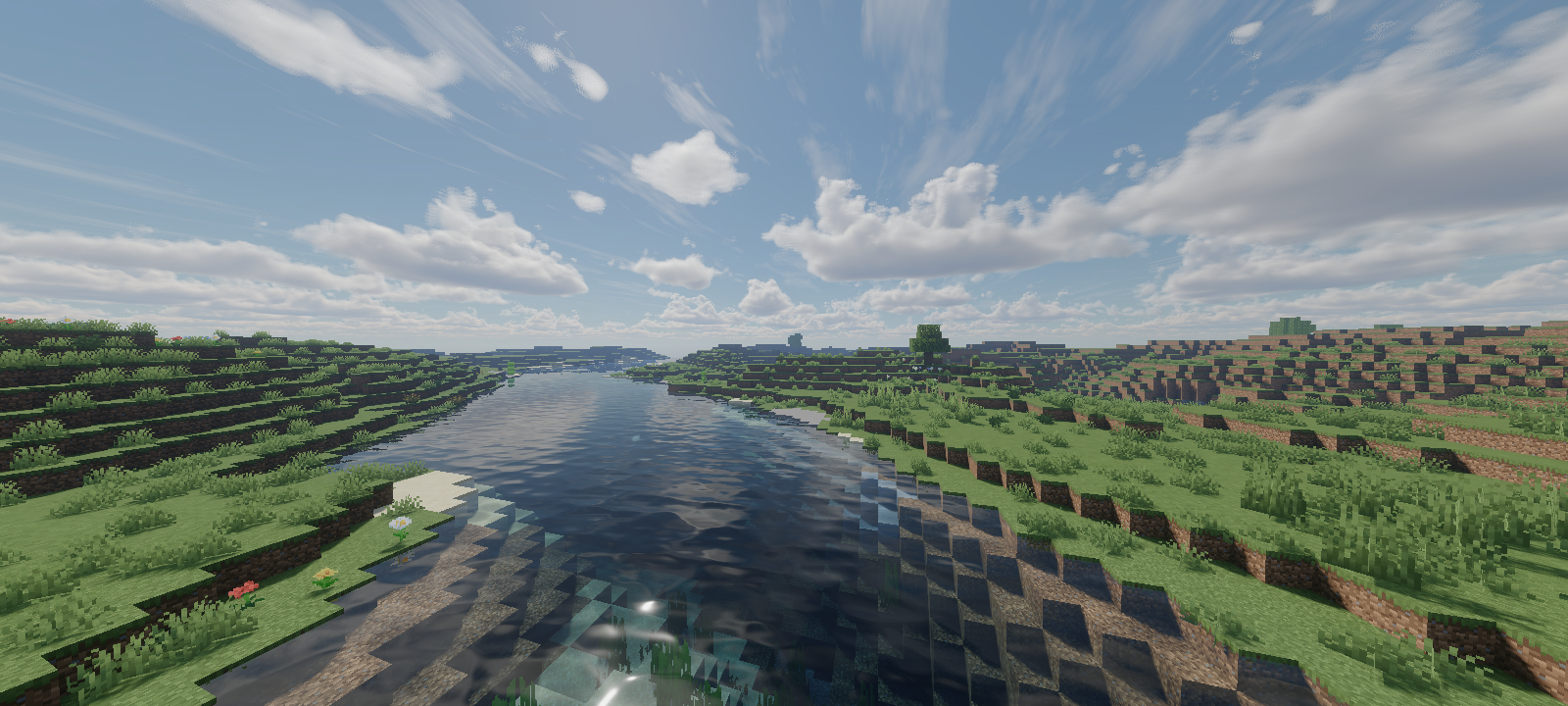
- Beautiful Water: Brings moving waves to the water surface and creates glowing light patterns on the ocean floor.
- Makes reflections on the water and blocks look much sharper and clearer without blurry edges on your screen.
- Adds thick fog underwater and natural morning fog in the air that gets stronger when the sun comes up.
- Changes the sun to a custom shape while keeping the normal moon, and adds high flat clouds way up in the sky.
- Adjusts the game colors so bright lights look better, and makes shadows brighter so you can see through them easily.
- Lets you see clearly out of the water when you are swimming underneath the surface.
- Works well in the Overworld, the Nether, and The End.
- Requires a mid-range or high-end device if you want to run Mirai Shader with the heavy 3D clouds turned on.
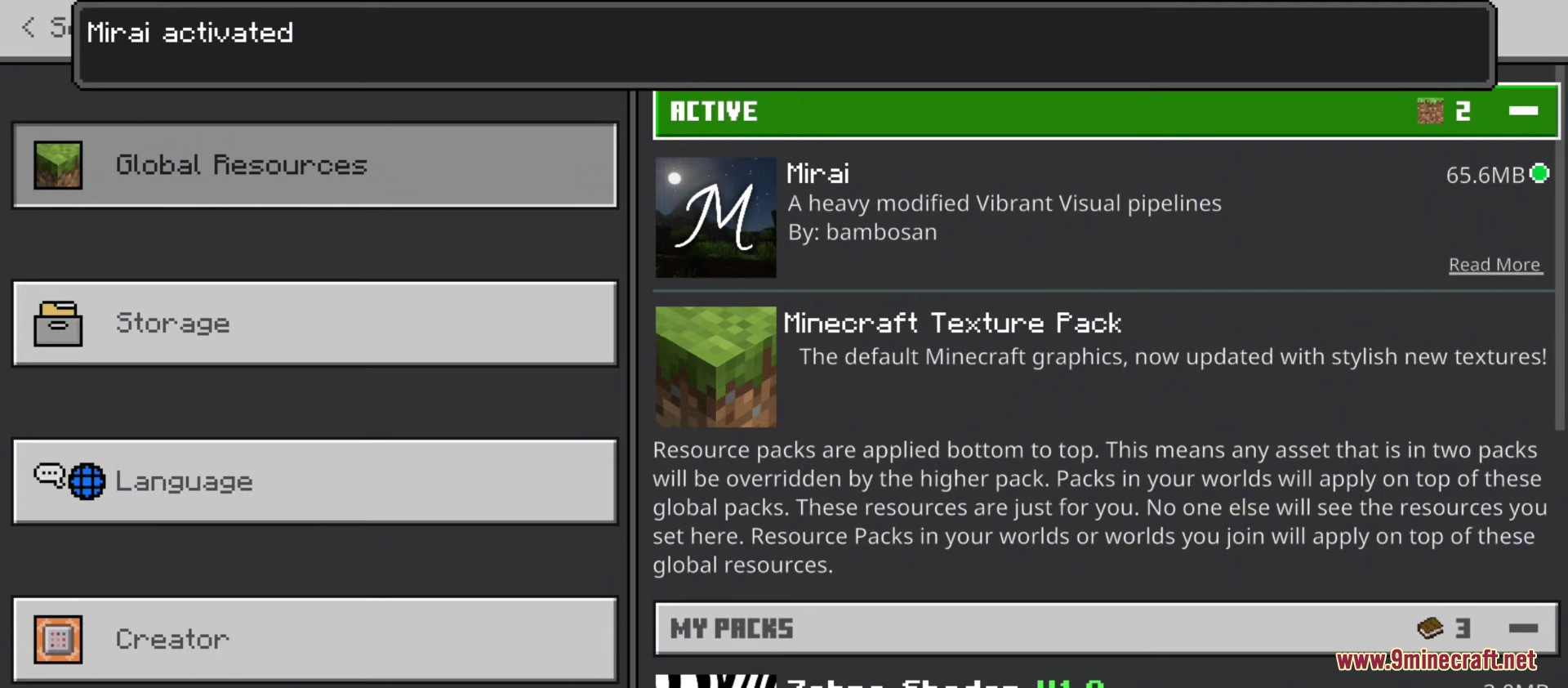
- Needs to be placed at the very top of your resource pack list to work right with other packs.
🎛️ Compare Bedrock Shaders Side by Side →
Drag across real in-game scenes — find YOUR perfect MCPE shader.
Screenshots:
Mirai Shader Download Links
- Edition: Minecraft Bedrock
- File type: .mcpack
- Minecraft version listed: 1.26
- How to install: Download the .mcpack. → Open it — Minecraft imports it under Resource Packs. → Activate it in Global Resources, or for one world under Resource Packs → Available.
- Where to get it: In MCModsHub, or directly above on this page.
Install steps are the general flow for this file type — How to install Minecraft Bedrock texture packs walks through it step by step.
- Pack type: .mcaddon — behaviour and resource pack in one file
- Manifest requires Minecraft 1.26.10 or newer
- Complete pack — everything it depends on is inside the file
- Download link checked 22 Jul 2026 — working
- Mirrored on our own servers — the download does not depend on the original host
These come from our own check of the pack file, not from the source page.