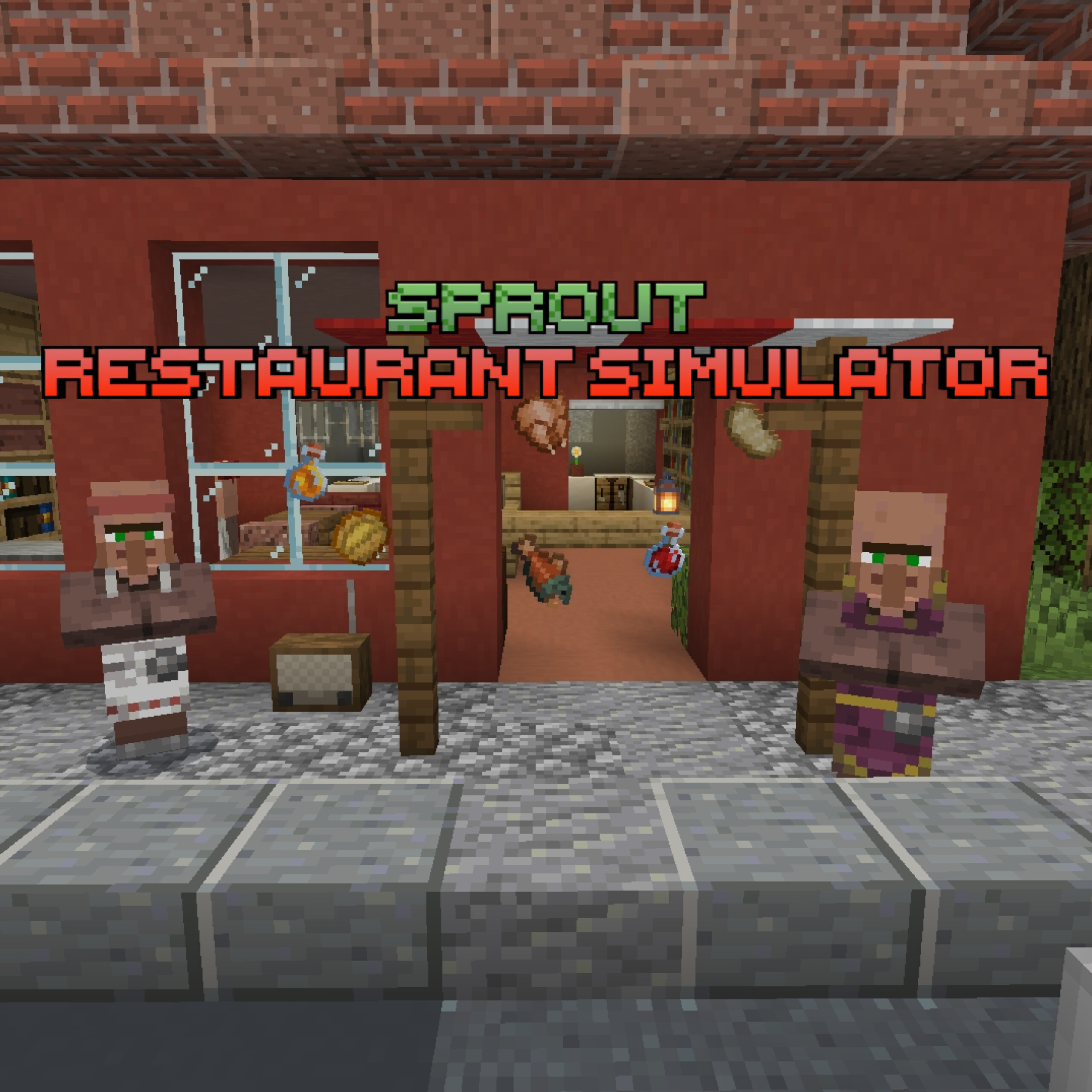
Restaurant Simulator Sprout
You'll need to order food through the computer, take orders from customers, cook food, and upgrade your restaurant by purchasing items through the…
⬇ Download on CurseForge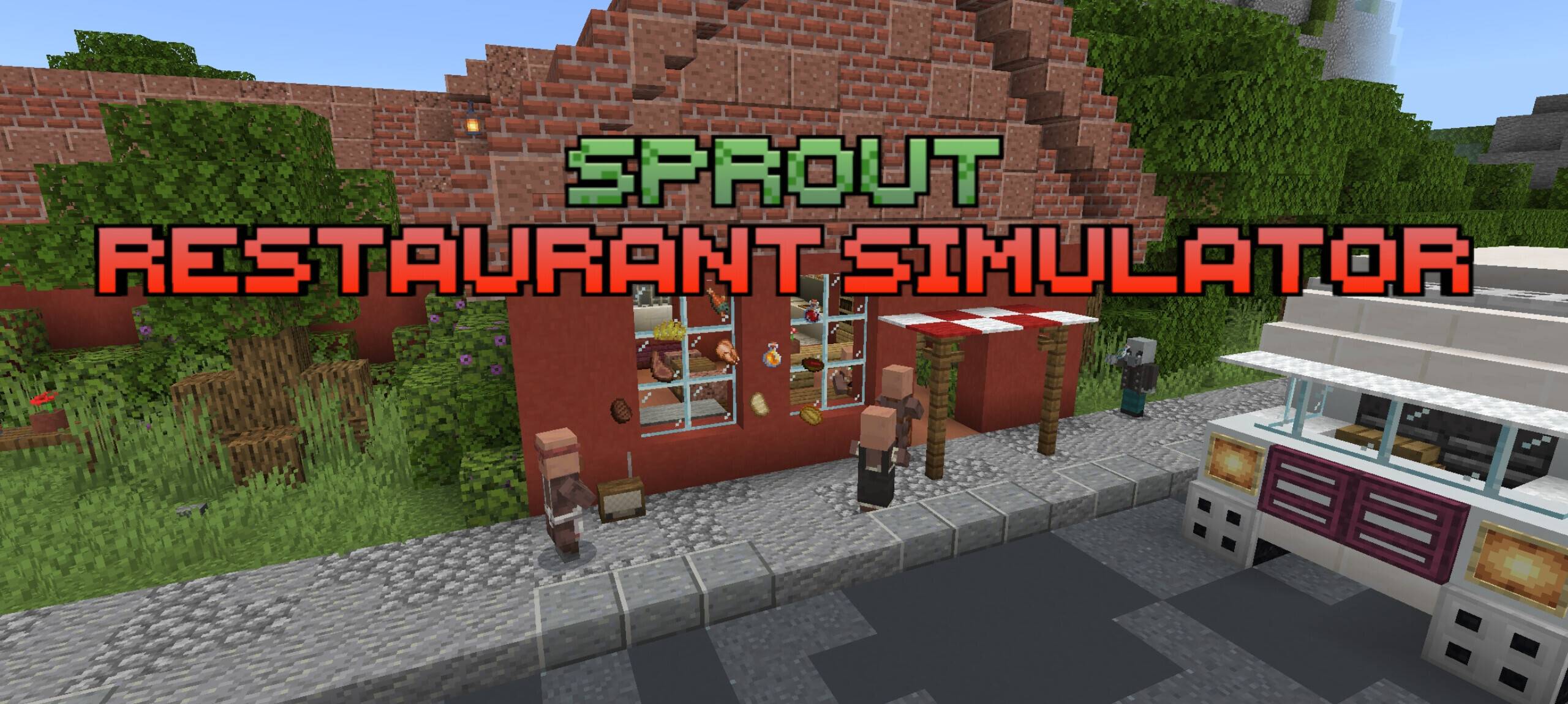
In the restaurant simulator Sprout, you arrive by bus at an old but still-standing roadside restaurant, lost among the woods and shrubs. Nearby is a small village whose residents once adored this place. However, the previous owner, an elderly restaurant owner, has died, and the business has fallen into decline. Now it's up to you to restore the establishment to its former glory, develop the restaurant, acquire new recipes, and gradually transform this abandoned place into a thriving one.
The map features:
•Language changer: Russian and English
•4 cooking methods + dishwashing
•3 periodic events
•Easter eggs
•Radio with music
•Computer for shopping
•Landscape: road, forest, mountain, restaurant
###Educational text and pictures
----You can find potatoes at the beginning under the stairs or order them from a computer!!!
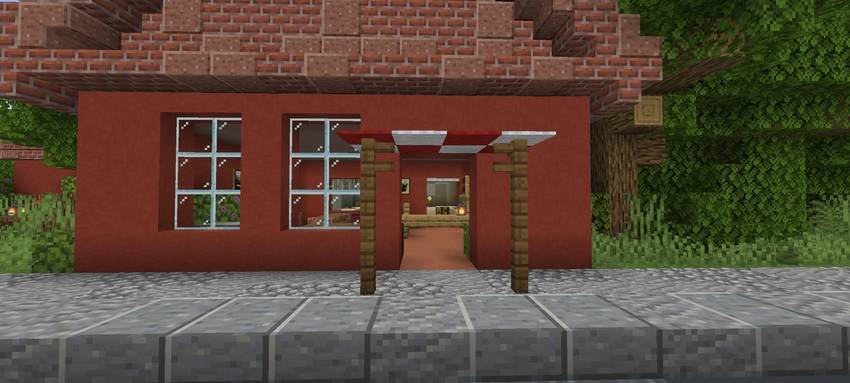
• To start, enter through the main doors.
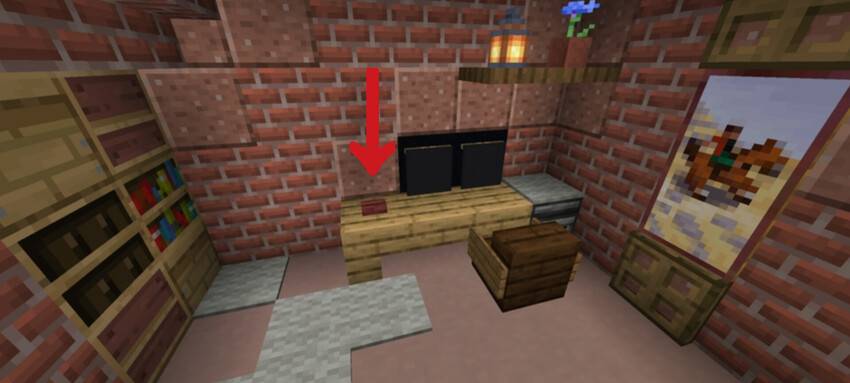
• All the food, upgrade, advertising and recipes you need to buy it at the computer. To enter the computer, go up to the second floor and press the red button.
• To buy products, you need to select them in the app "Shop" Select all the products you need, go to your desktop and click on the delivery app and choose to order for free or for ten dollars.
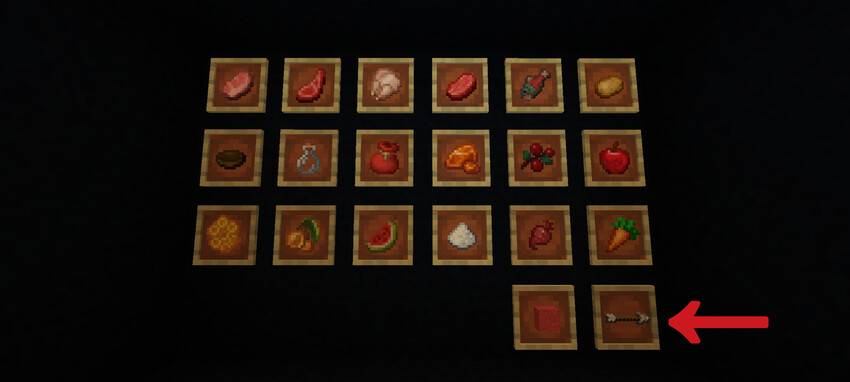
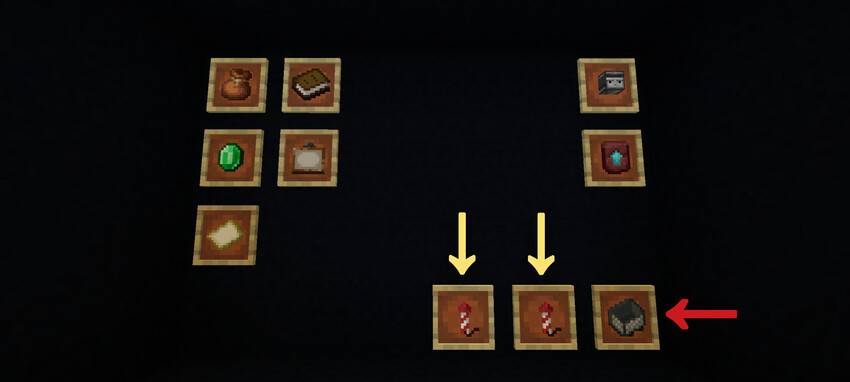
• All other recipes, advertising, and upgrades are purchased in their apps.
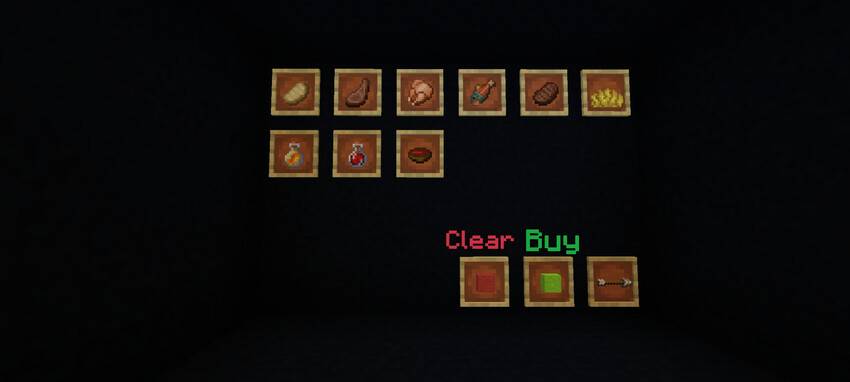
•To find out the price and what you're buying, hover your cross and finger over the item in the frame. (Be sure to enable player nicknames in the settings!!!)
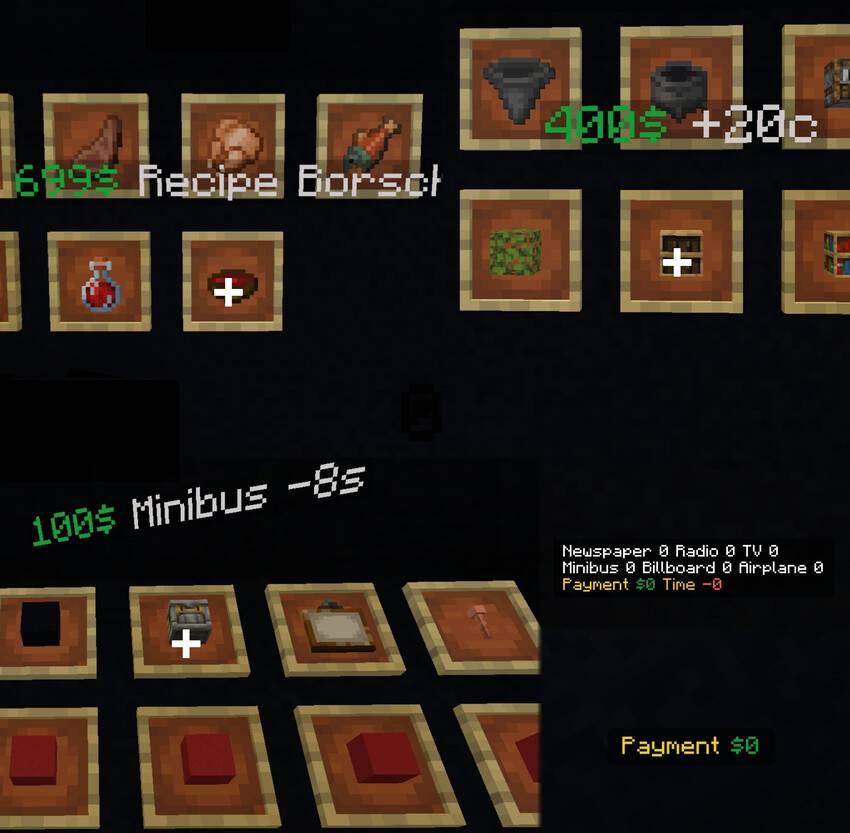
• When the truck arrives, collect all your purchases and click on button to have the truck return to the company.
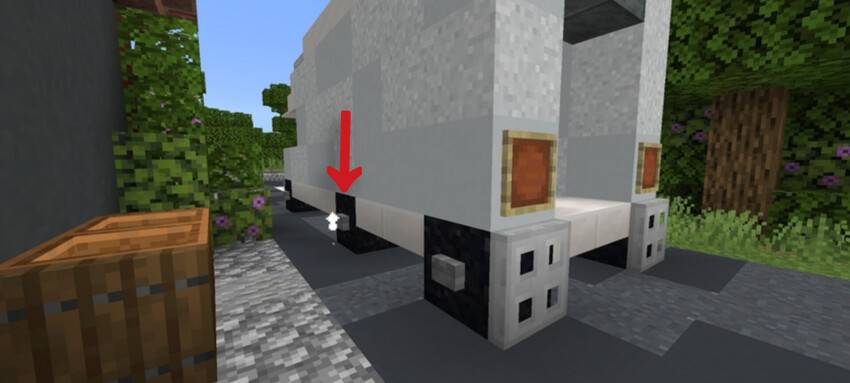
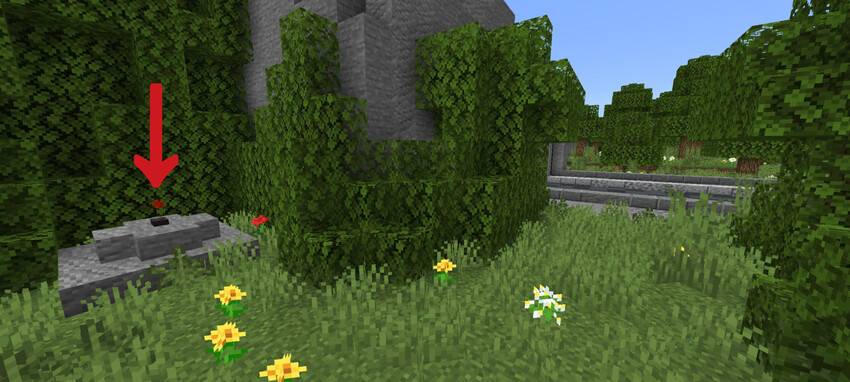
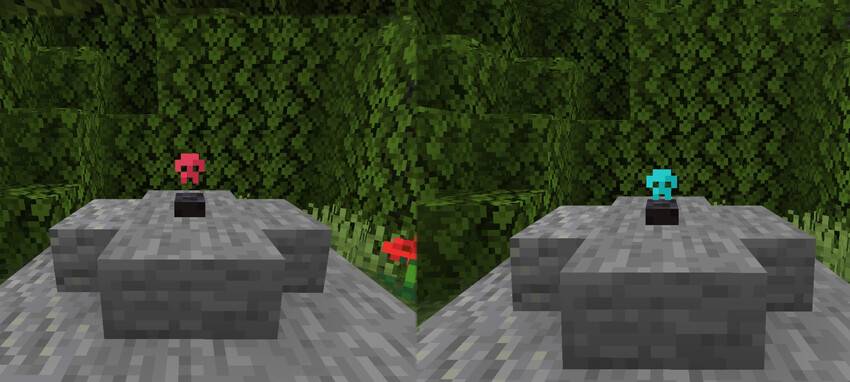
• Important! When exiting the game, always press the button as shown in the picture. After pressing it, the red skull lights up, and wait until it turns blue. Only then can you exit. This button disables mechanisms that could break in the game.
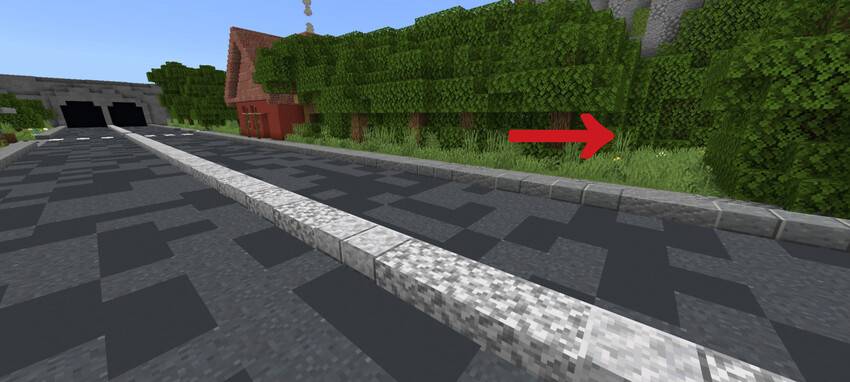
I really hope that you will figure out how to play :)
- Edition: Minecraft Bedrock
- File type: .mcworld
- Minecraft version listed: 1.21.94
- How to install: Download the .mcworld file. → Open it — Minecraft imports it as a new world. → Find it in your Worlds list and play.
- Where to get it: Opens on CurseForge — not every file is mirrored on our own servers.
Install steps are the general flow for this file type — How to install Minecraft Bedrock maps walks through it step by step.
- Pack type: .mcworld — a ready-made world
- Manifest requires Minecraft 1.17.0 or newer
- Ships one half — this pack asks for another pack that is not included
- Download size: 17.3 MB
- Download link checked 25 Aug 2026 — working
These come from our own check of the pack file, not from the source page.