
Advanced Skyblock: Economy & Quests
Bedrock map listed for Minecraft 1.21. Needs Beta APIs. File opened and checked on 19 Sep 2026; installs from the MC Bedrock Mods app on Android.
a feature‑packed sky adventure with machines, upgrades, farming boosts, shops, and quests for endless progression.
⬇ Download on CurseForge
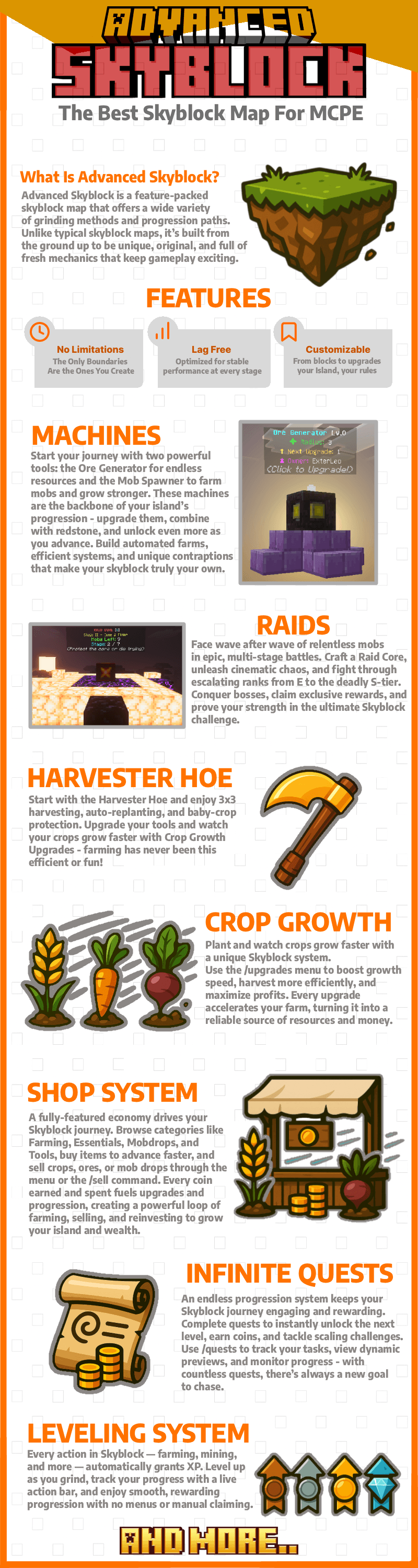
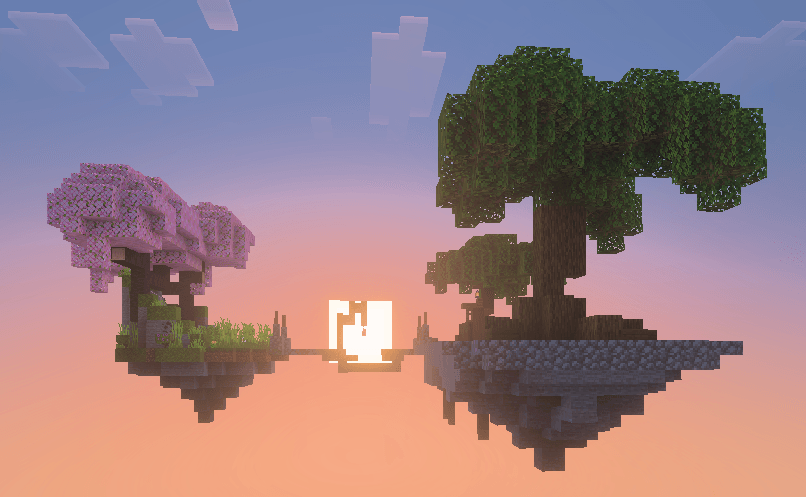
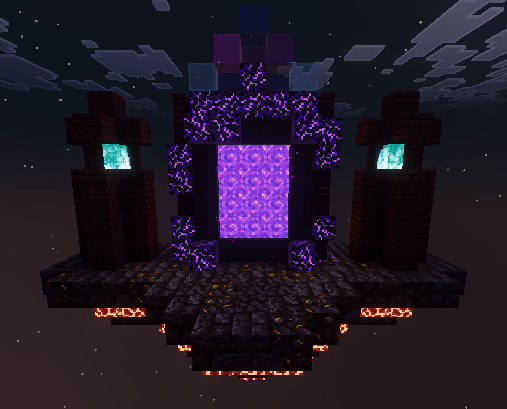
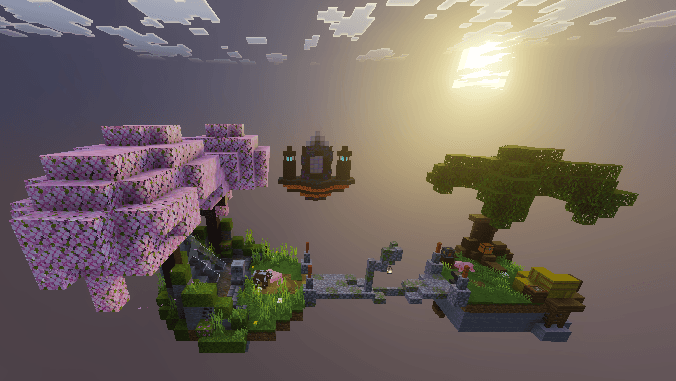
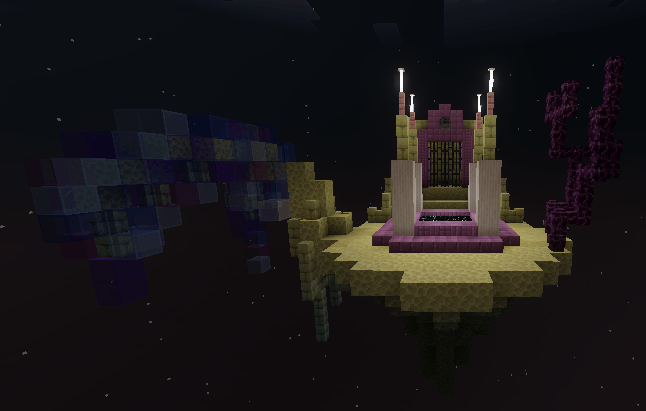
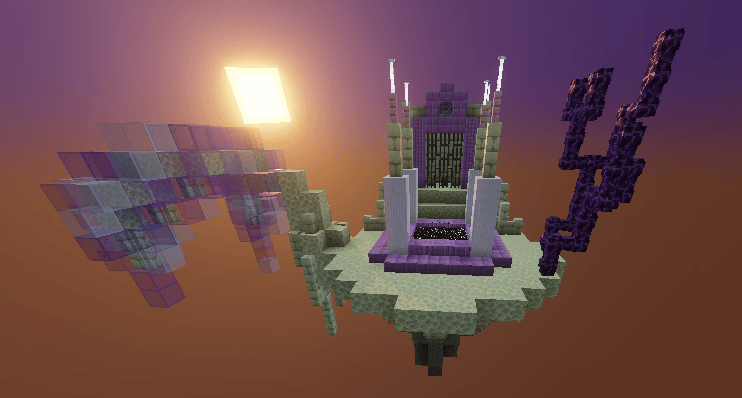


Tired of endless cobblestone grinding? Advanced Skyblock lets you automate, upgrade, and conquer your island like never before - the ultimate Skyblock experience awaits!
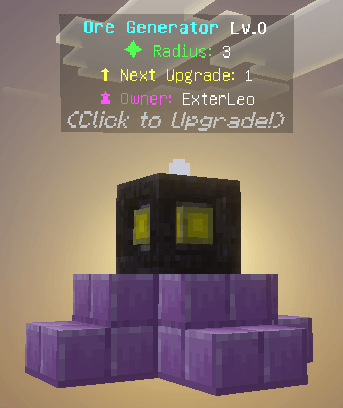
⛏️ How the Ore Generator Works
Simply place your Ore Generator beside a cobblestone generator and watch the magic happen - every cobblestone that spawns can be transformed into valuable ores.
💠 Interact with the generator to open its upgrade menu.
🔼 Upgrading increases its conversion radius, letting it affect more blocks at once.
💎 Higher levels also boost the chance of generating rarer ores, turning your island into a resource powerhouse.
The more you upgrade, the richer your cobblestone becomes!
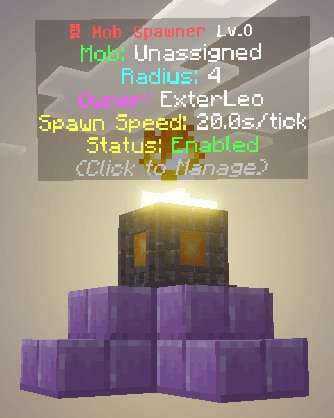
🐾 How the Mob Spawner Works
Place the Mob Spawner Machine just like a normal spawner - ideally in a 4x4x4 space with a platform to spawn on so mobs can spawn safely without falling into the void.
💰 But beware: Spawners are pricey! Their cost depends on the mob’s value and rarity.
⚡ Once placed, interact with the spawner to open its mob assignment menu:
🐷 Choose from a wide variety of mobs, each with different costs.
🕒 Newly placed spawners start slow, but upgrades make them spawn mobs faster.
📈 Every upgrade reduces spawn delay and boosts efficiency.
📌 The Manage Menu gives you full control:
🔄 Show Spawn Radius – visualize where mobs can appear.
⏸ Enable/Disable Spawning – pause spawns anytime to prevent lag or chaos.
⚡ Upgrade options that push your spawner’s power to the next level.
Other Features:
- Block Drops Will Chase You Instead Of You Chasing Them!
- (Miner minions) mines blocks for you!
Videos about the map:
I will feature any videos about the map on here, just let me know!
- Edition: Minecraft Bedrock
- File type: .mcworld
- Minecraft versions listed: 1.21.93, 1.21.90, 1.21.101
- How to install: Download the .mcworld file. → Open it — Minecraft imports it as a new world. → Find it in your Worlds list and play.
- Where to get it: Opens on CurseForge — not every file is mirrored on our own servers.
Install steps are the general flow for this file type — How to install Minecraft Bedrock maps walks through it step by step.
- Pack type: .mcworld — a ready-made world
- Manifest requires Minecraft 1.21.100 or newer
- Needs Beta APIs switched on in the world settings
- Complete pack — everything it depends on is inside the file
- Download size: 887 KB
- Download link checked 26 Oct 2026 — working
These come from our own check of the pack file, not from the source page.