Starblock
I don't know my version
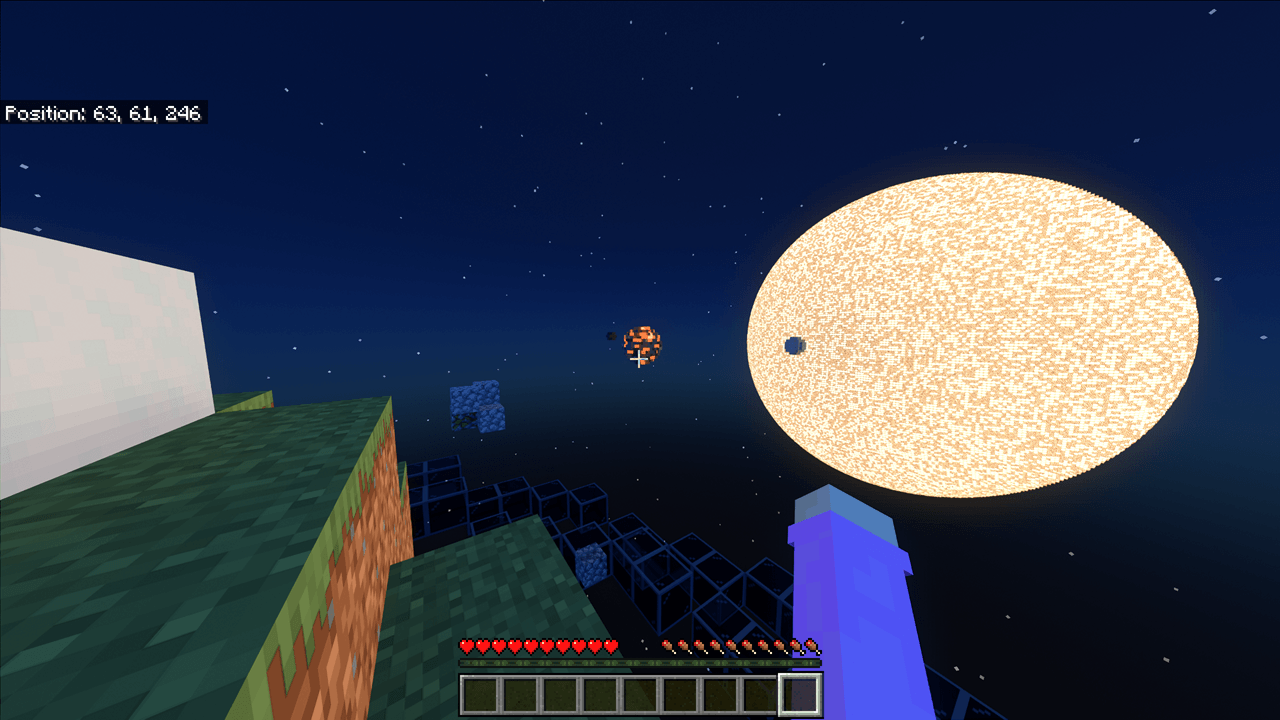
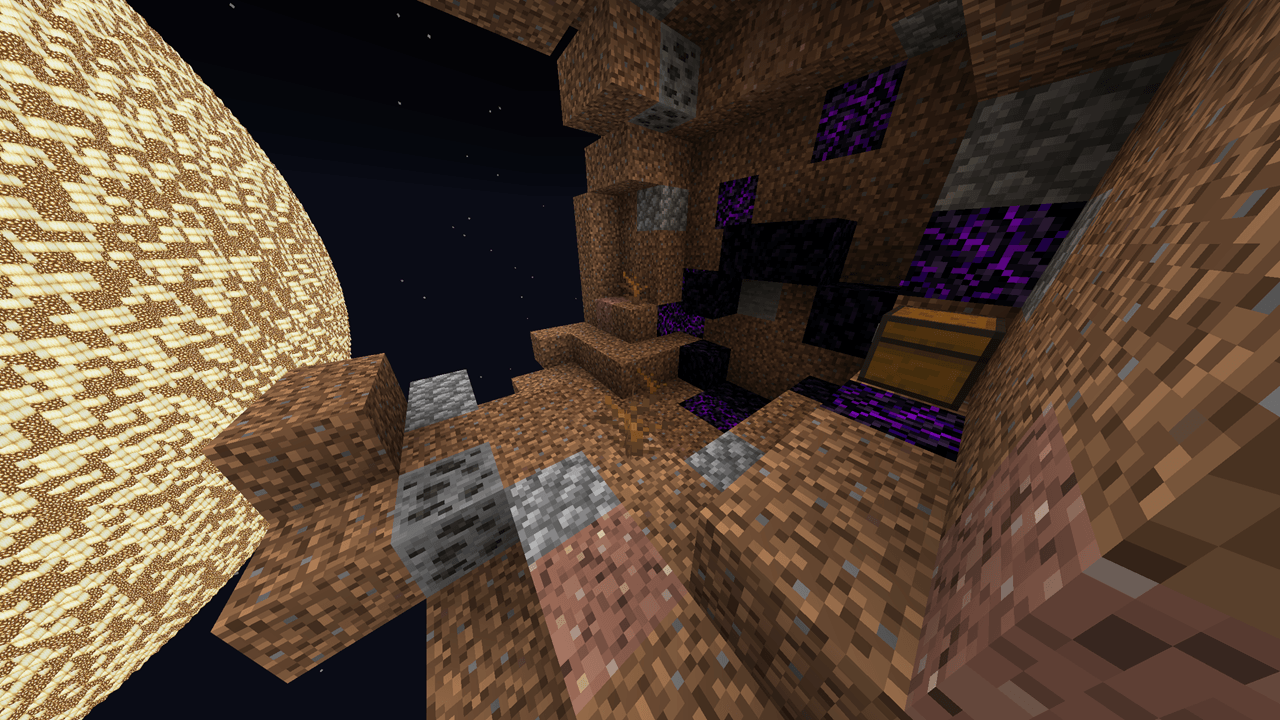
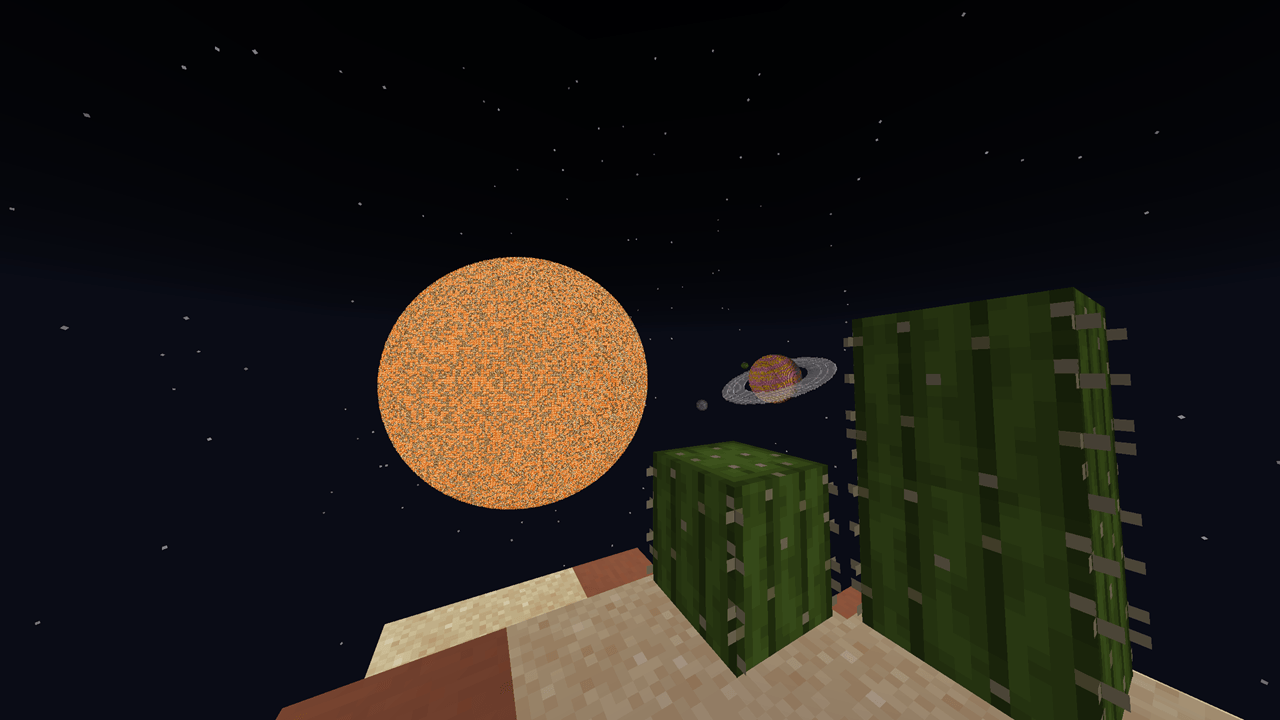
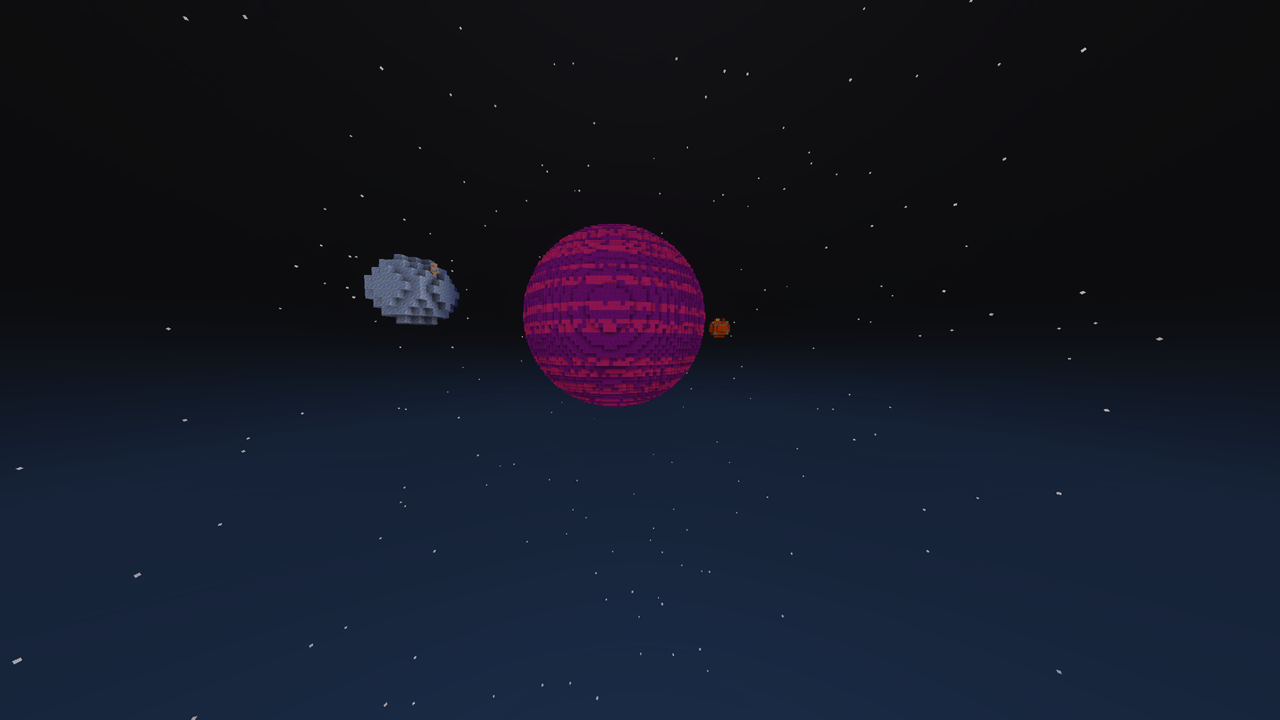
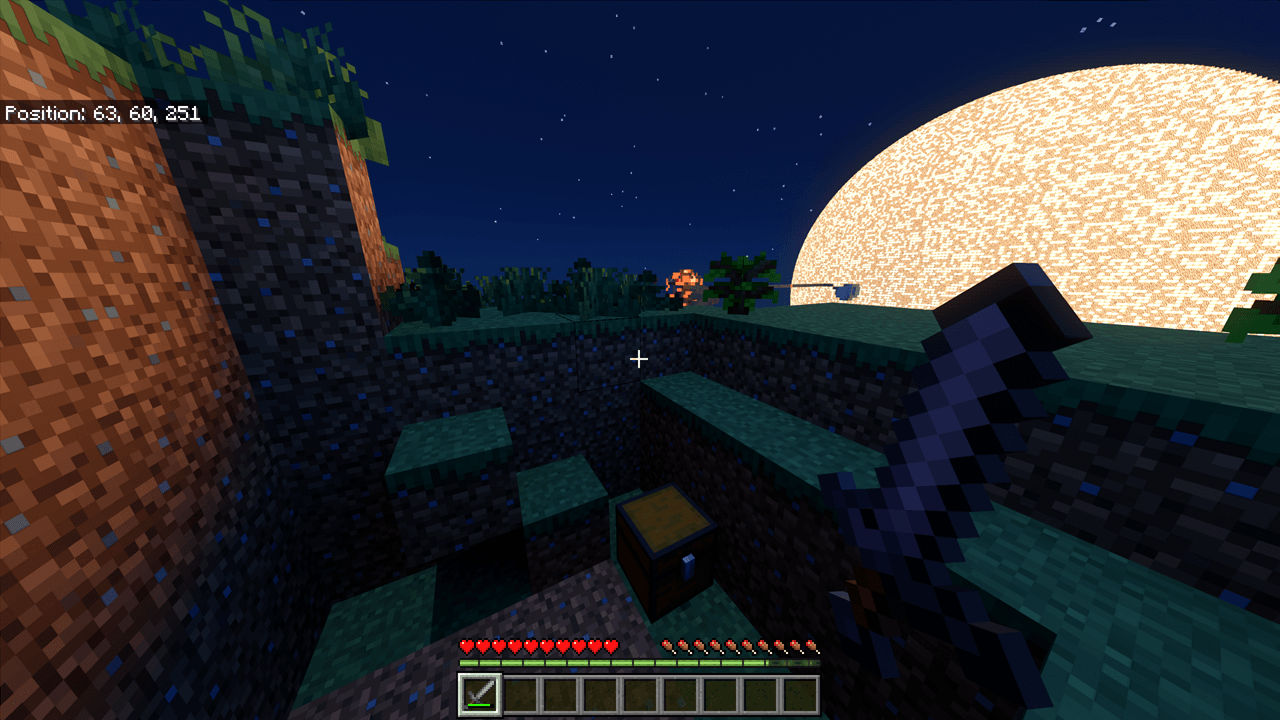
You spawn on a small planetoid with nothing but a sapling, some bonemeal, and a map. To get other resources including iron for a bucket and lava for a cobblestone generator, you must venture out to other planets.
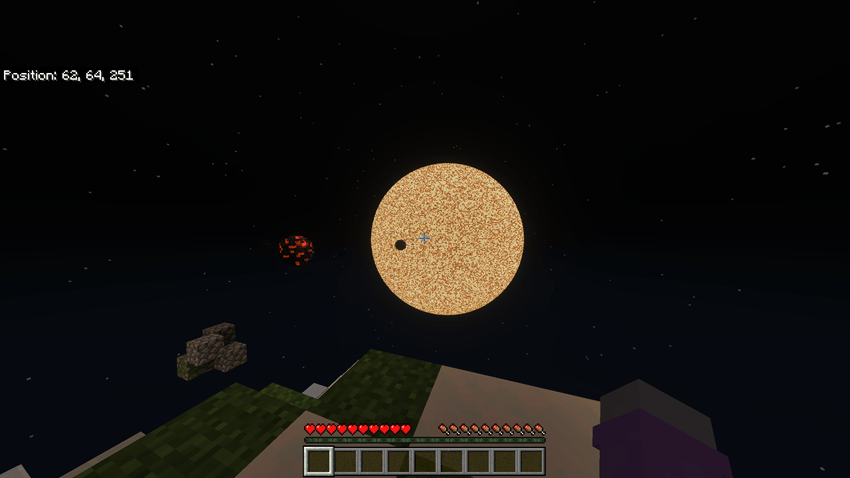
Different planets will have different resources available. Larger planets are more likely to have larger moons, but also dangerous radiation belts if you get too recklessly close.
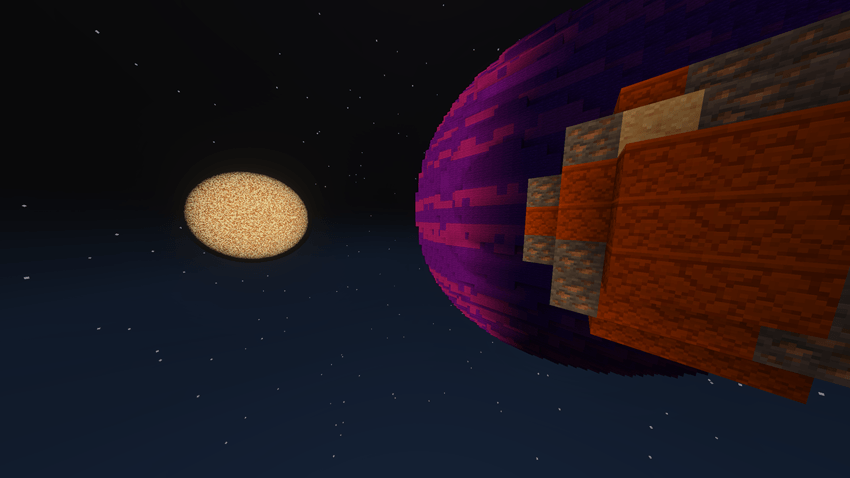
The Nether can be used as a mode of fast travel between the stars, if you know where you're going.
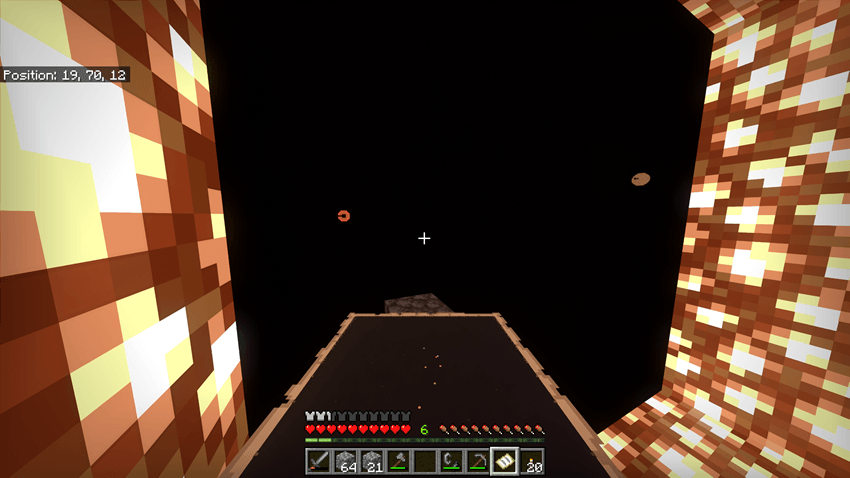
-This map is made using SIsilicon's Bedrock WorldEdit addon https://www.curseforge.com/minecraft-bedrock/scripts/worldedit-be-addon
- Edition: Minecraft Bedrock
- File type: .mcworld
- Minecraft versions listed: 1.21.94, 1.21.90
- How to install: Download the .mcworld file. → Open it — Minecraft imports it as a new world. → Find it in your Worlds list and play.
- Where to get it: Opens on CurseForge — not every file is mirrored on our own servers.
Install steps are the general flow for this file type — How to install Minecraft Bedrock maps walks through it step by step.
- Pack type: .mcworld — a ready-made world
- Download size: 3.8 MB
- Download link checked 25 Aug 2026 — working
These come from our own check of the pack file, not from the source page.