ShadersBedrock
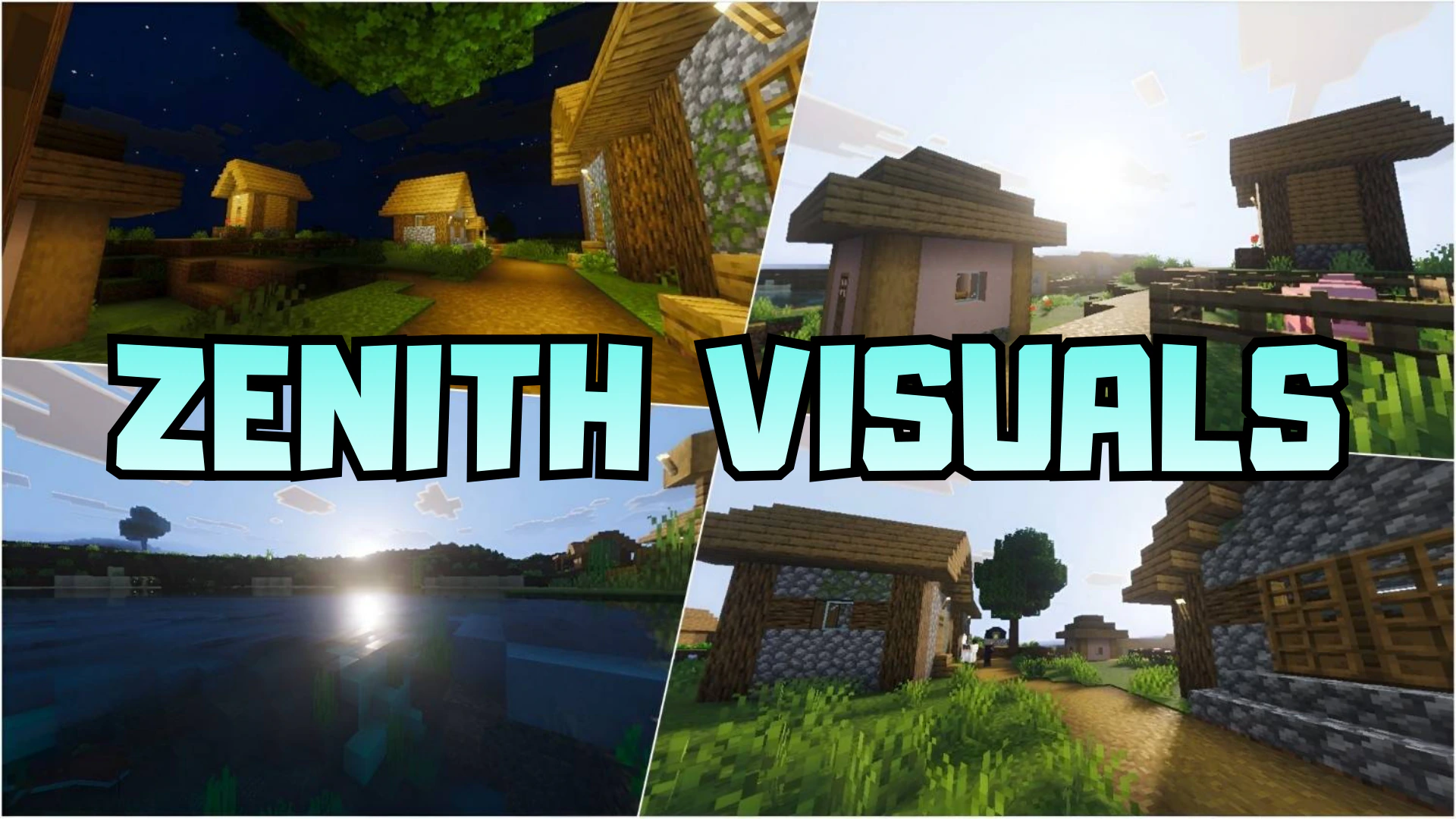
Zenith Visuals Shader (1.21+) – MCPE/Bedrock
Bedrock shader pack listed for Minecraft 1.21. Download on the author's site.
⬇ Download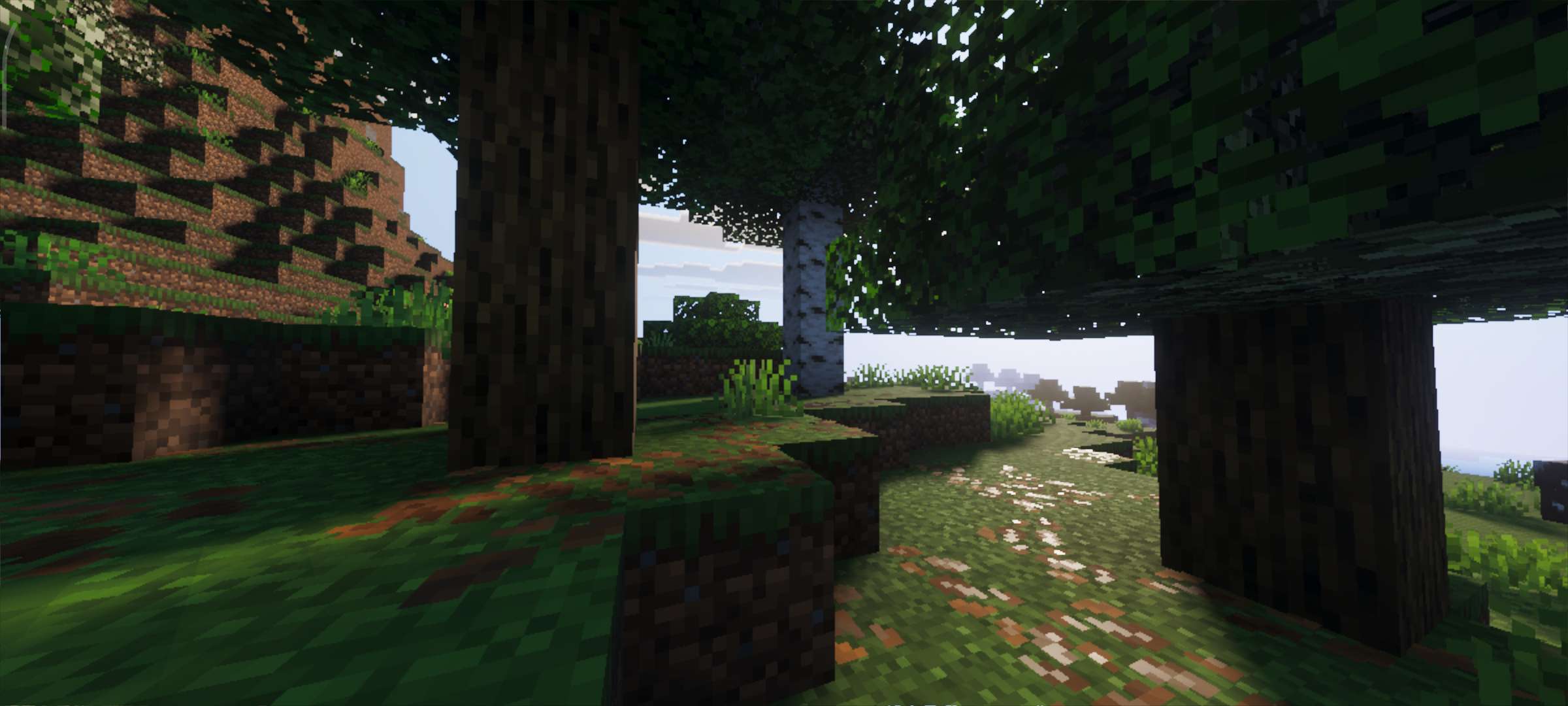
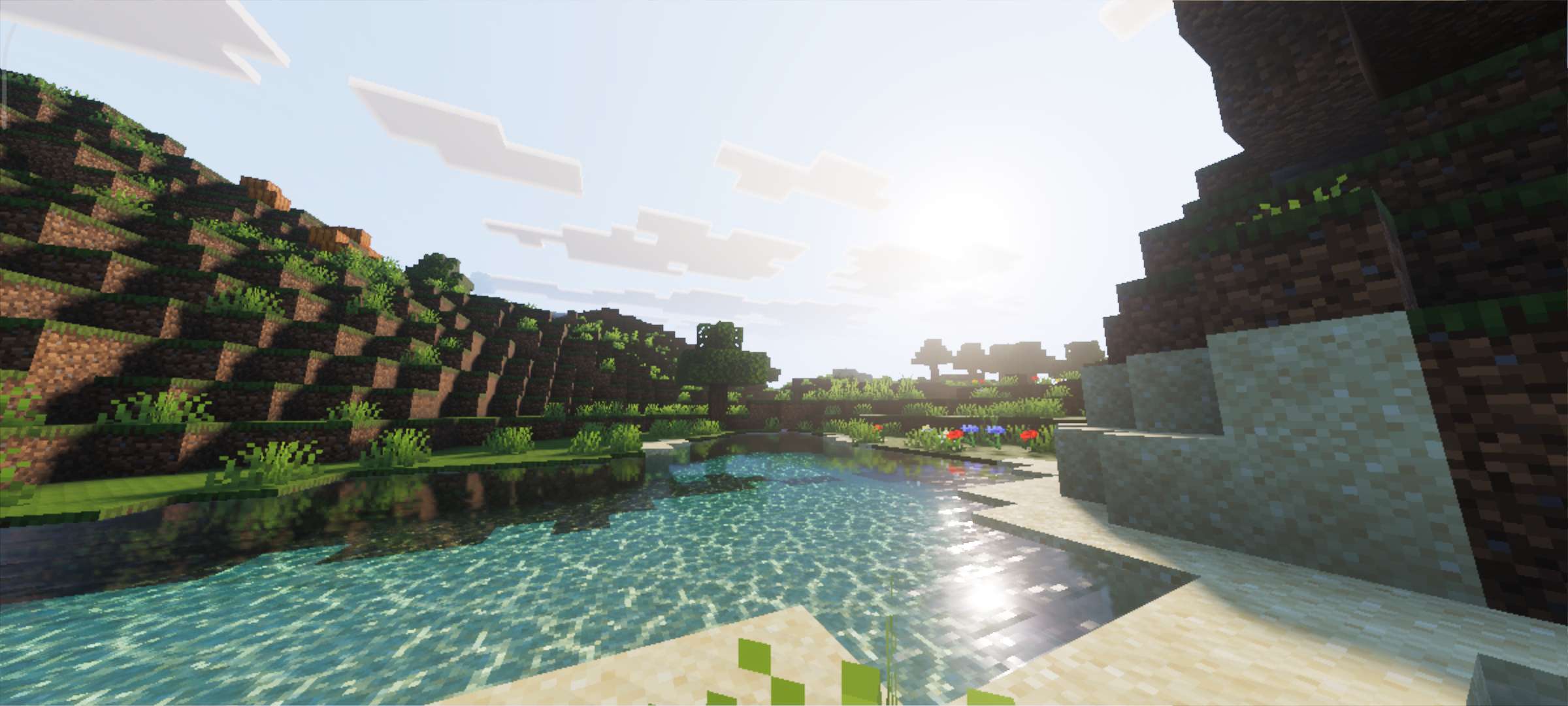
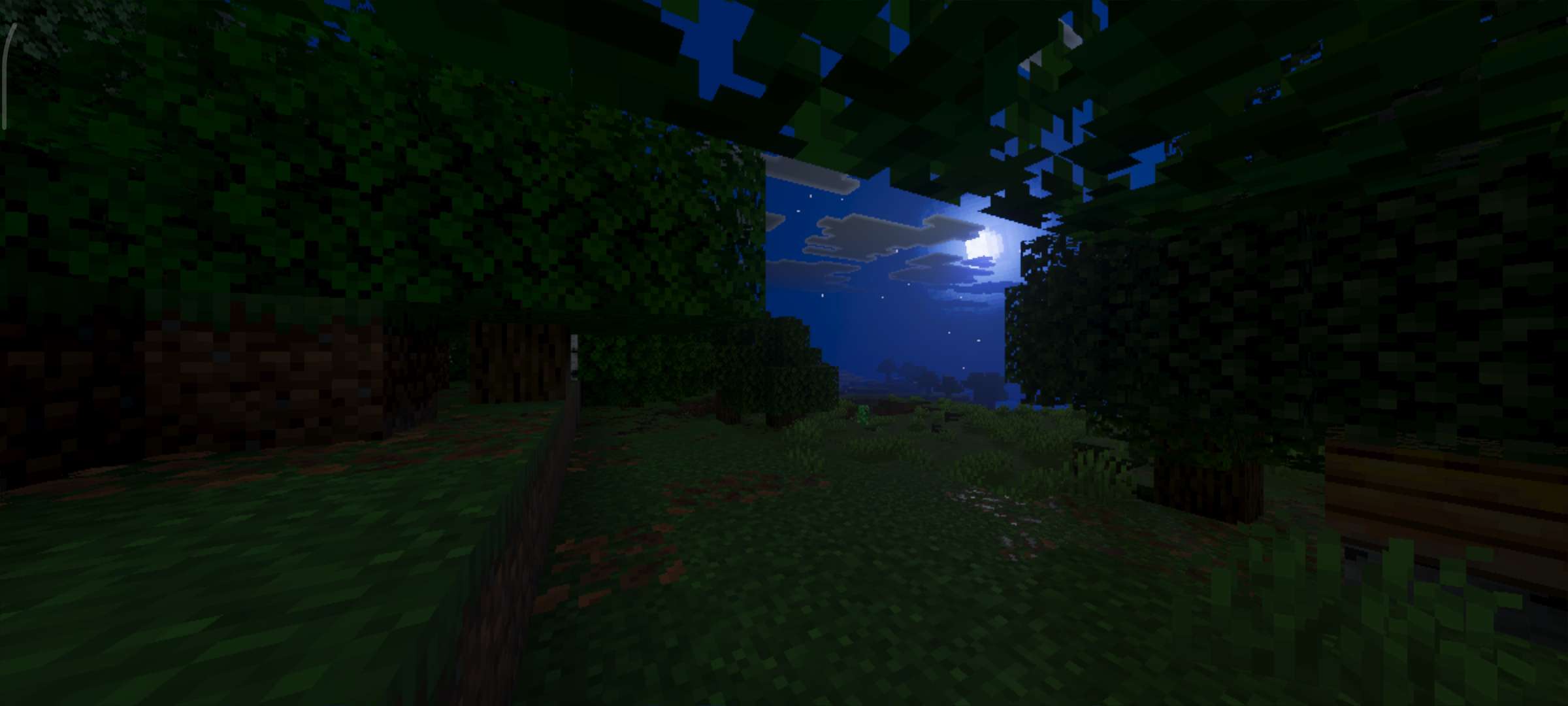
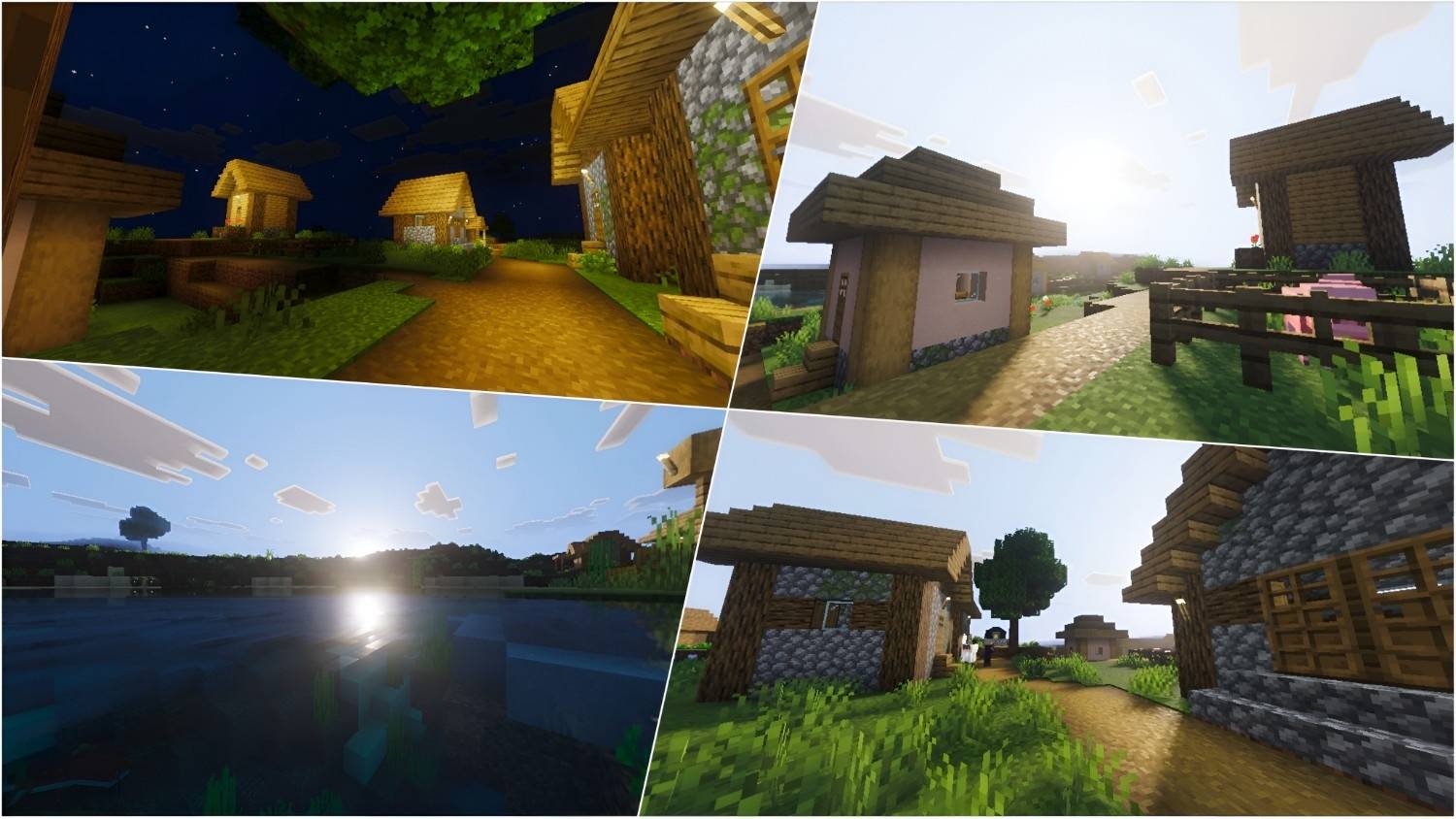
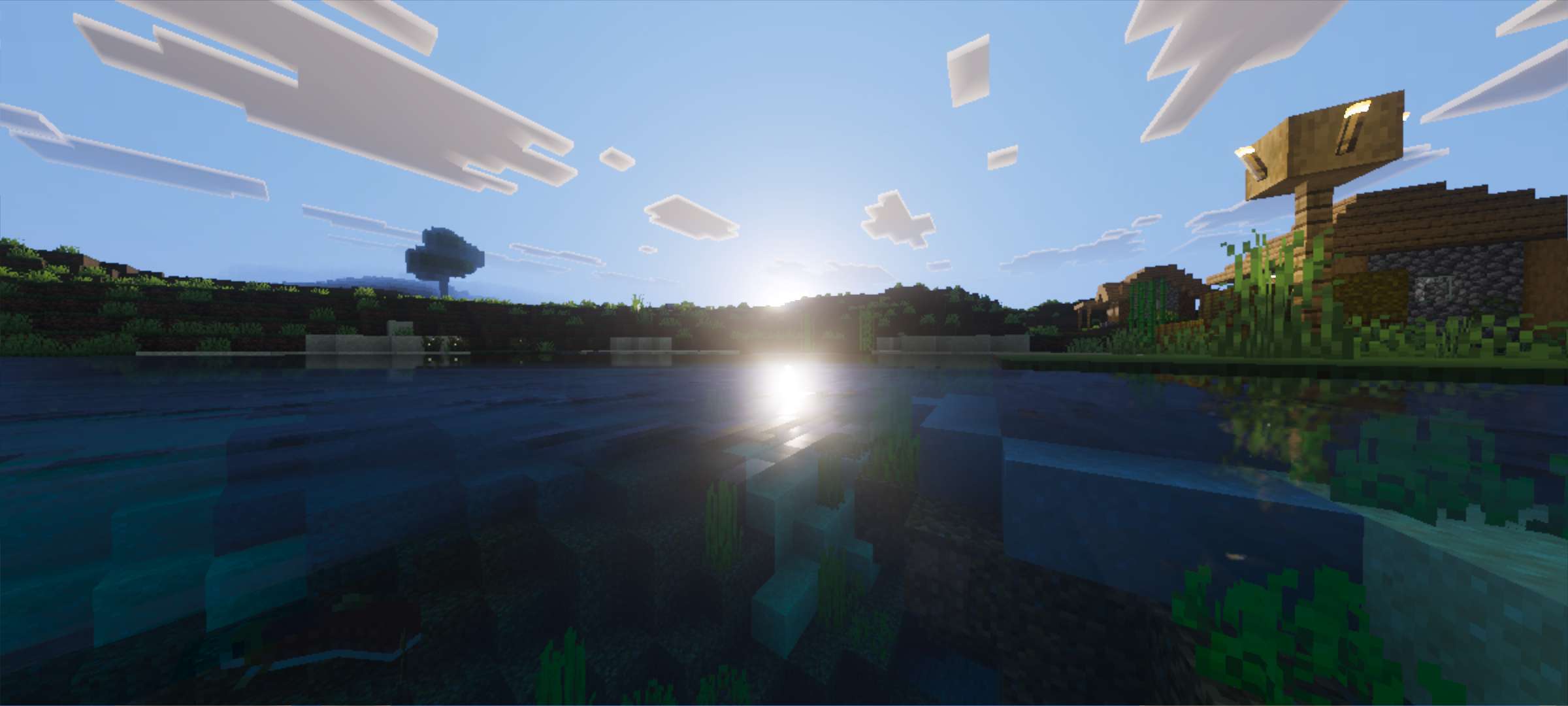
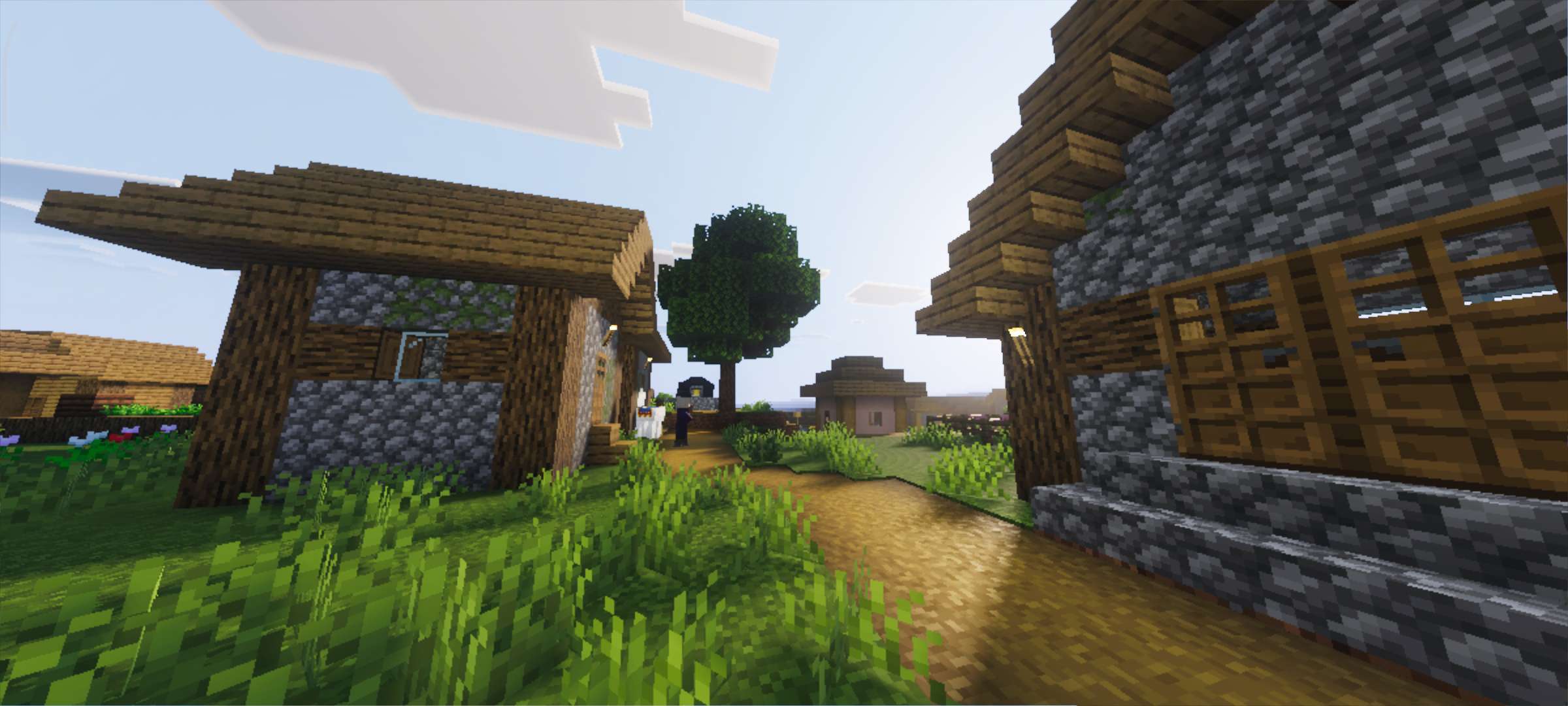
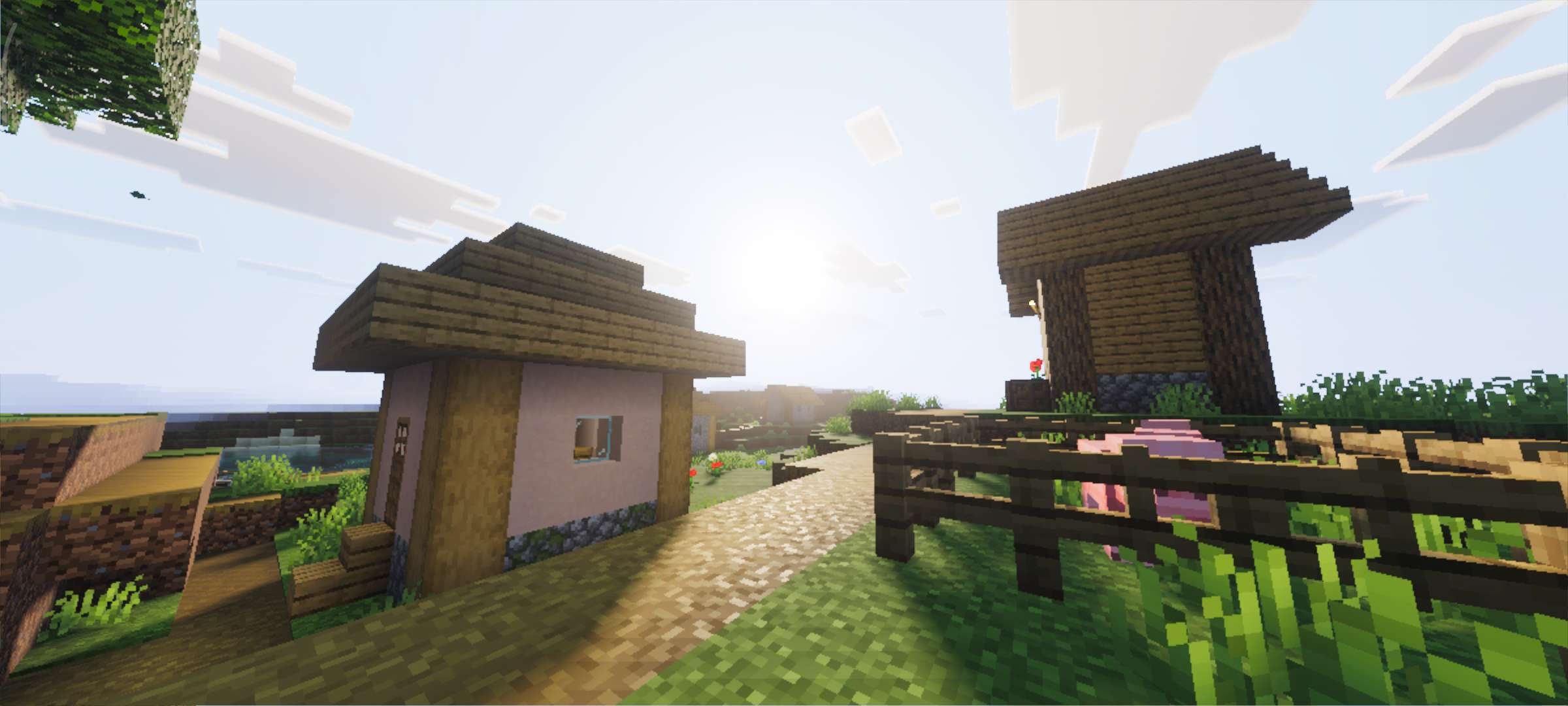
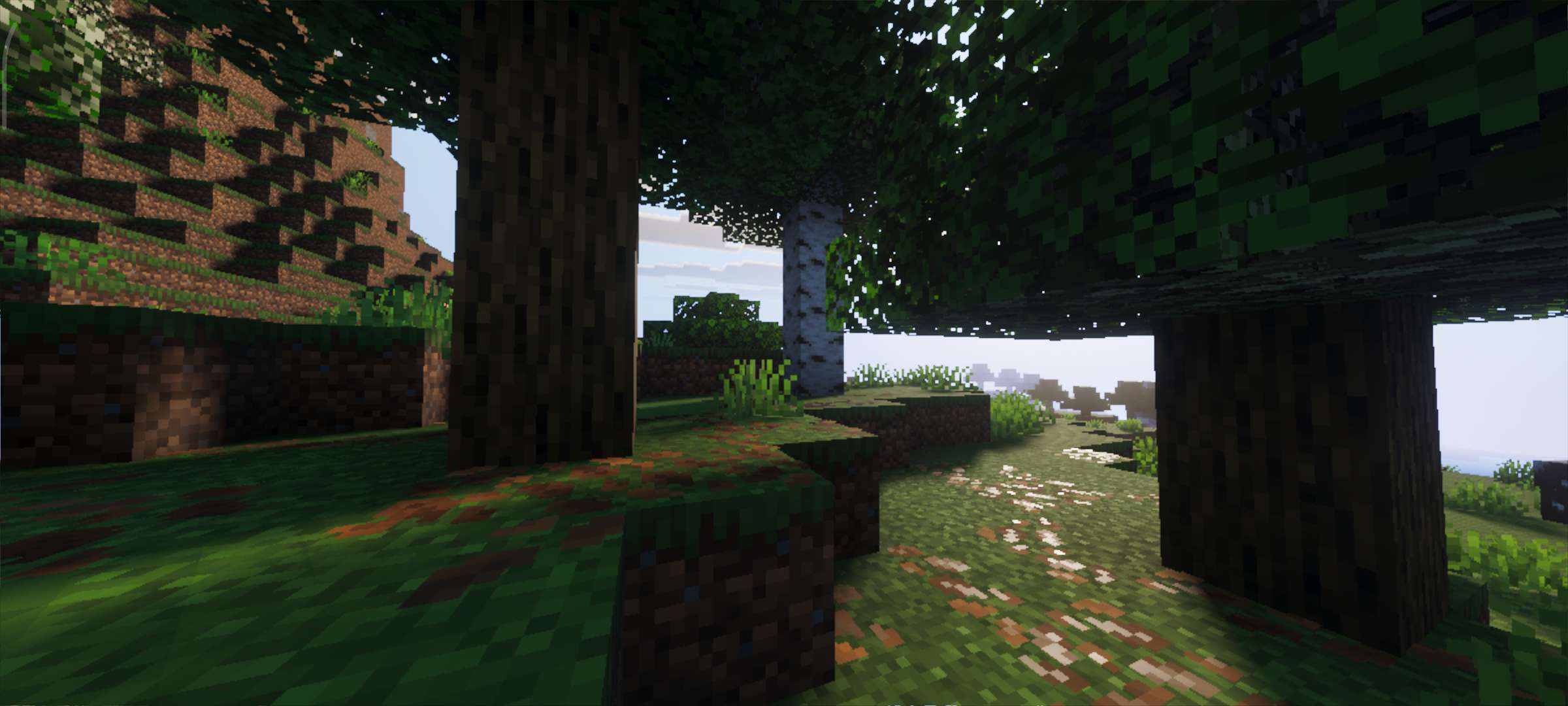
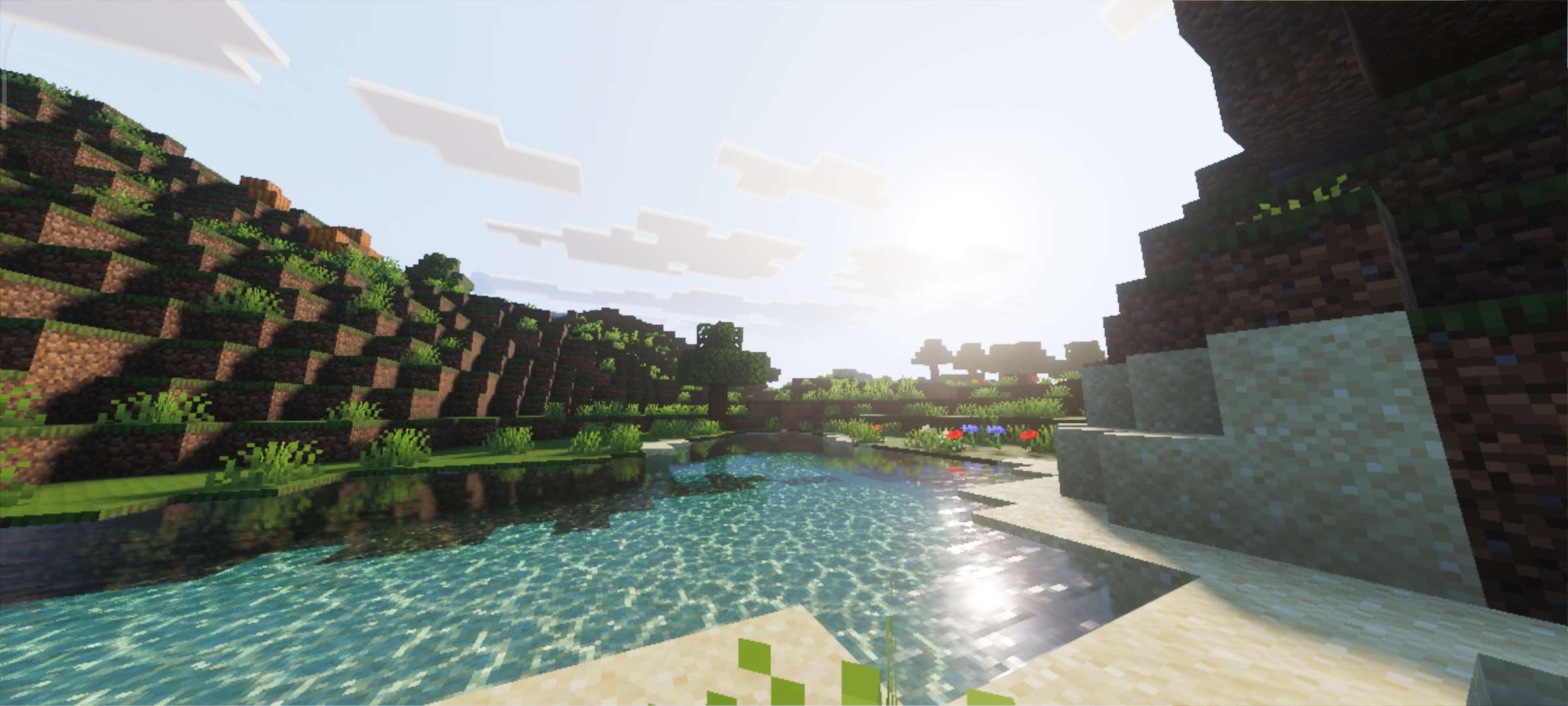
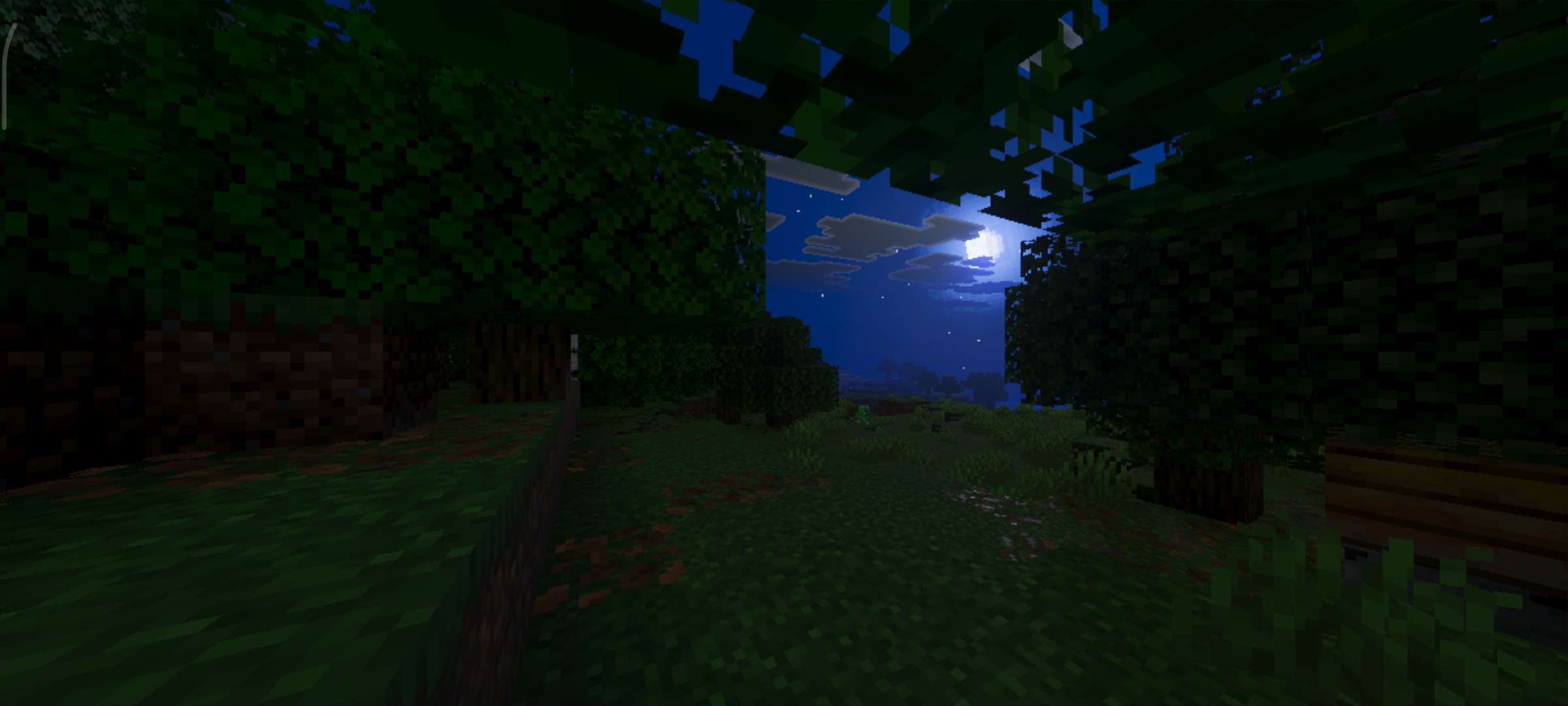
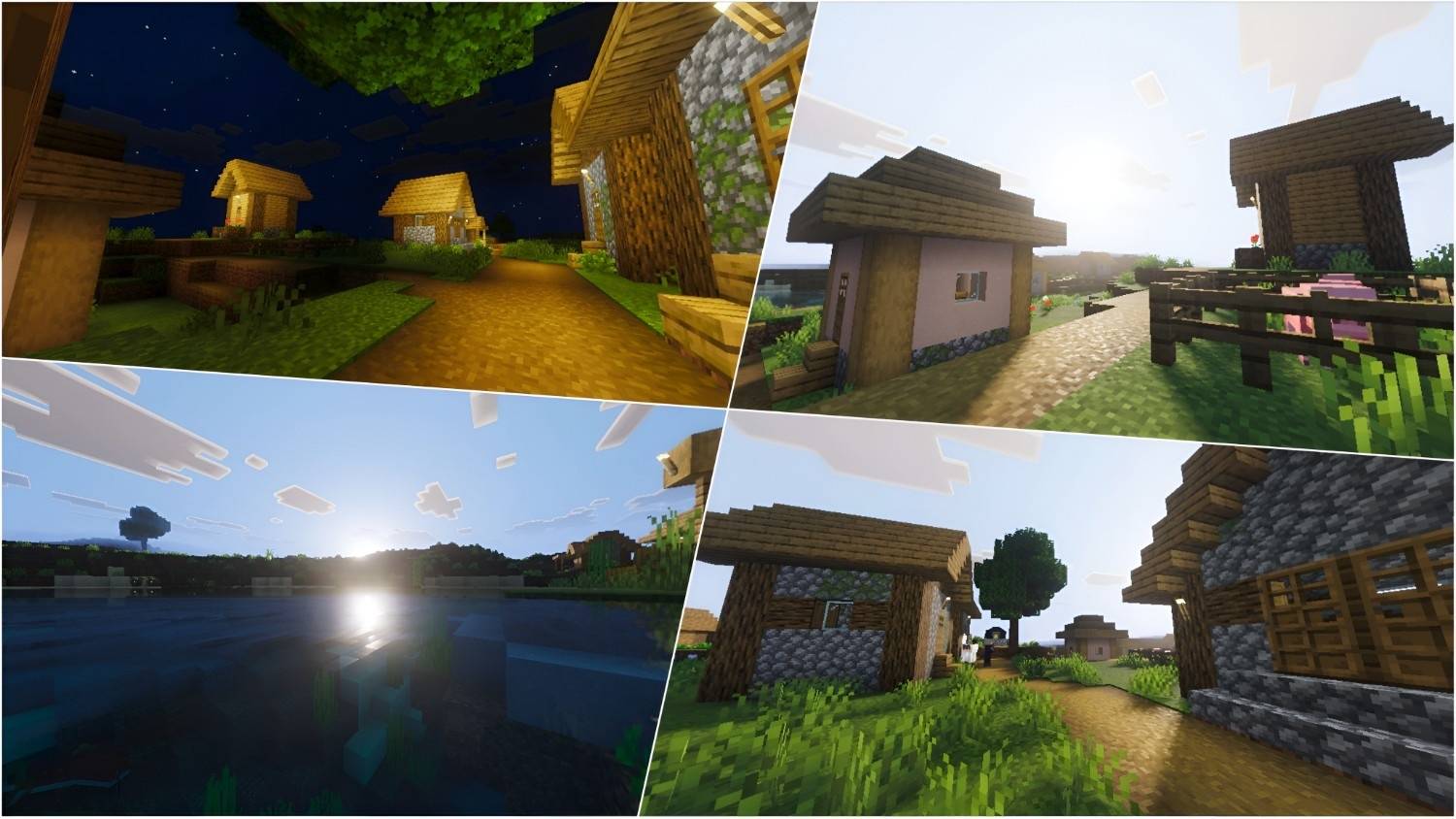
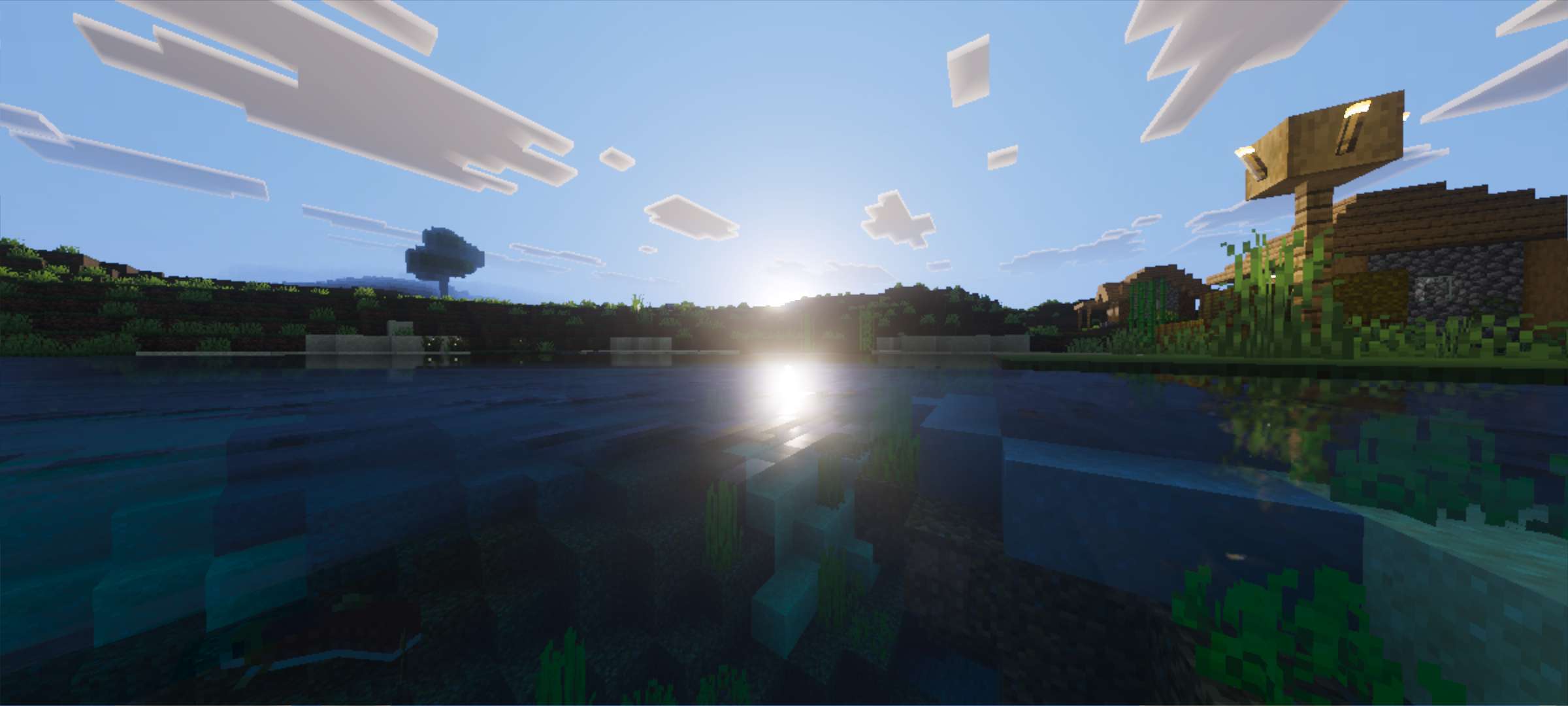
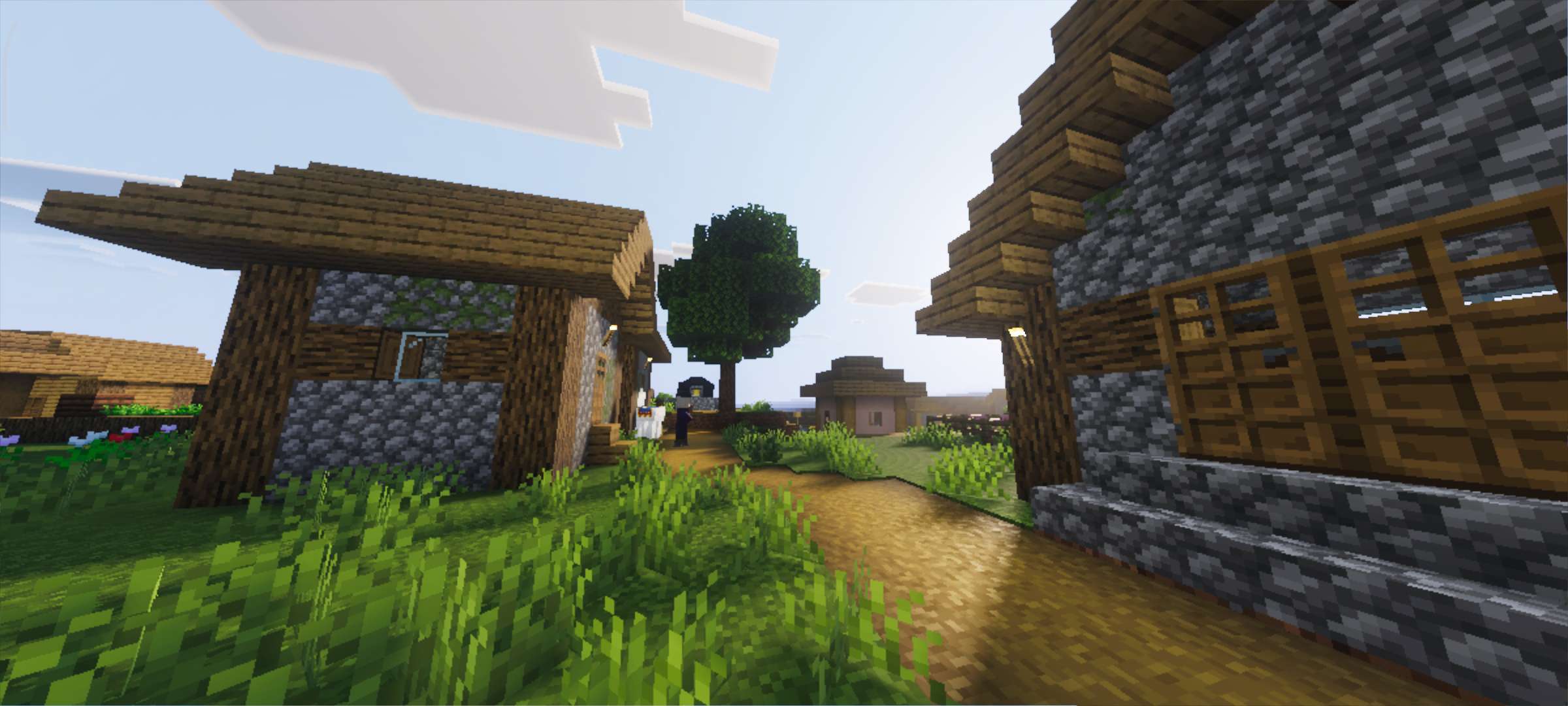
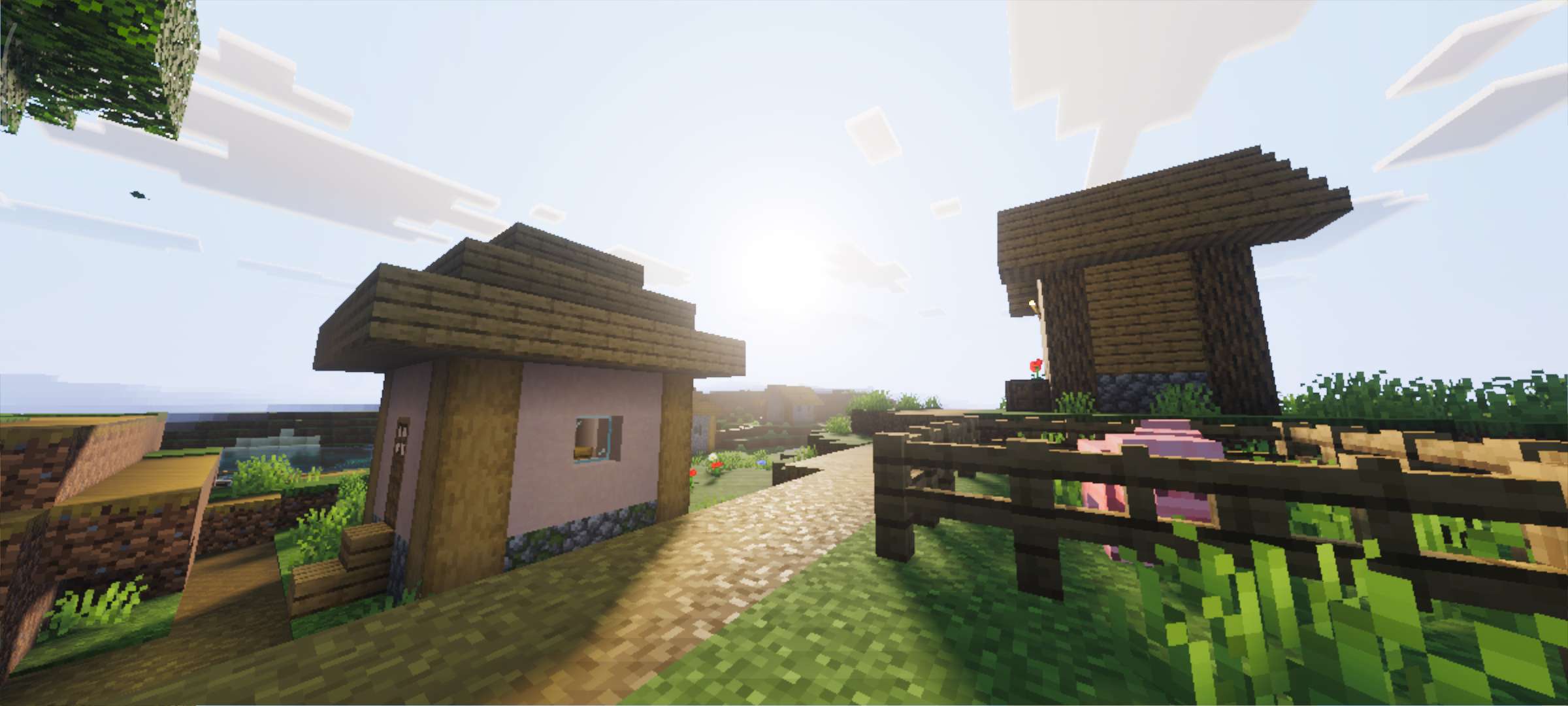
Zenith Visuals Shader modifies the lighting and imagery to create vivid scenes. This content focuses on the effect of a sunset along with images of rippling water. Layers of fog and color schemes help create a harmonious overall effect.
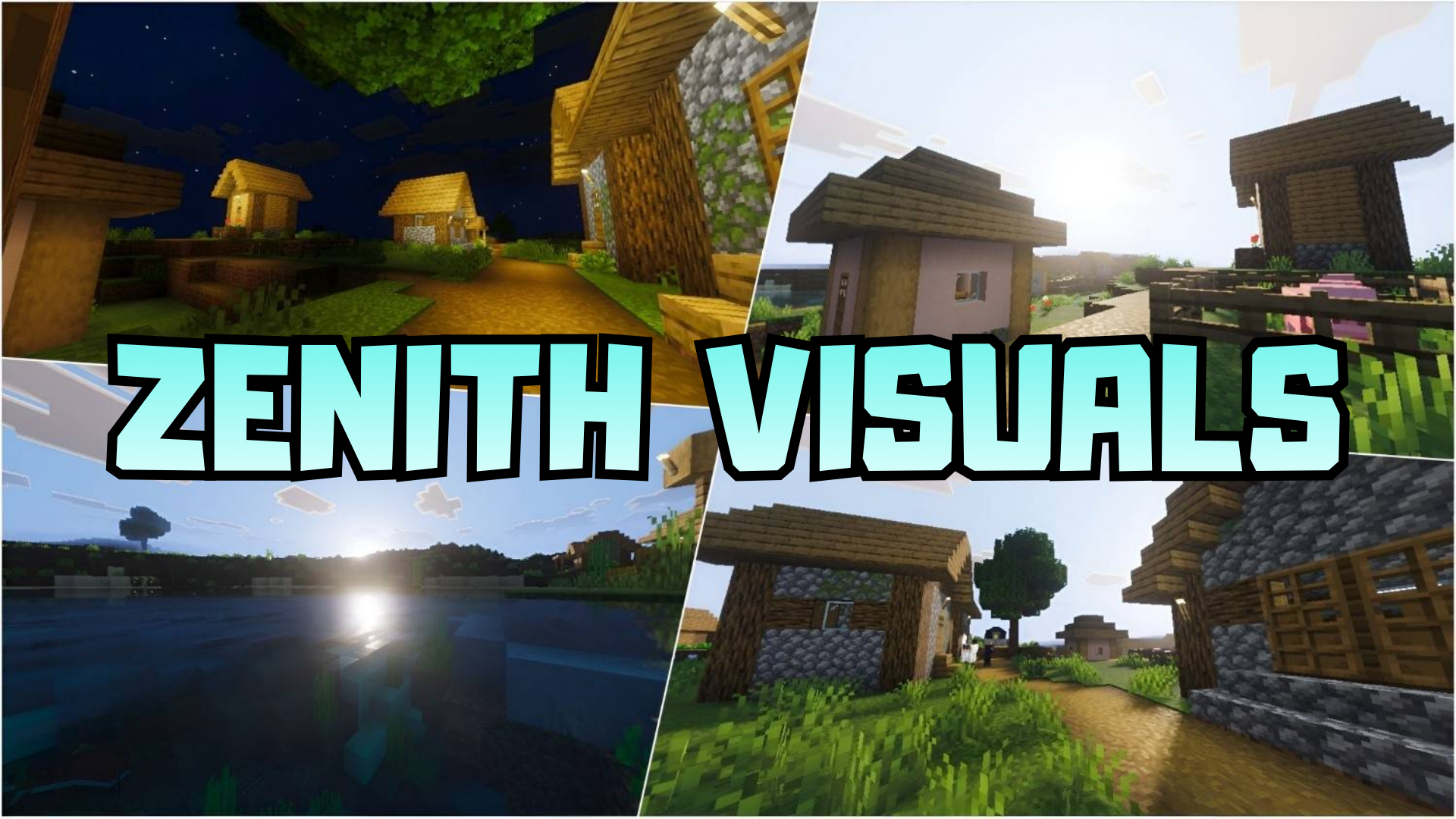
Screenshots:
Zenith Visuals Shader Download Links
For Minecraft PE/Bedrock 1.21
mcpack: Download from Server 1 – Download from Server 2
Quick facts
- Edition: Minecraft Bedrock
- File type: .mcpack
- Minecraft version listed: 1.21
- How to install: Download the .mcpack. → Open it — Minecraft imports it under Resource Packs. → Activate it in Global Resources, or for one world under Resource Packs → Available.
- Where to get it: Opens on the file's original source — not every file is mirrored on our own servers.
Install steps are the general flow for this file type — How to install Minecraft Bedrock texture packs walks through it step by step.
Zenith Visuals Shader (1.21+) – MCPE/Bedrock is a free Minecraft Bedrock shader. Compatible with Minecraft 1.21. Download it and open it directly in the game.