Find the Button 4: Journey
I don't know my version
Description:
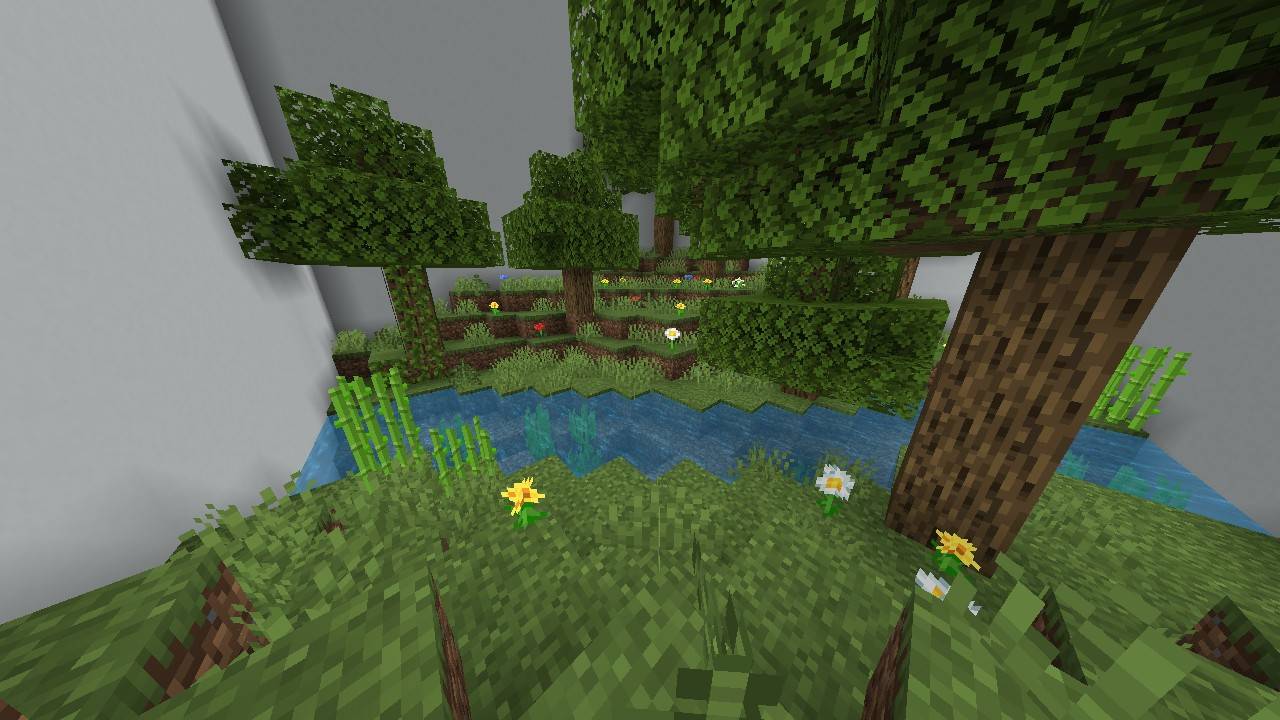
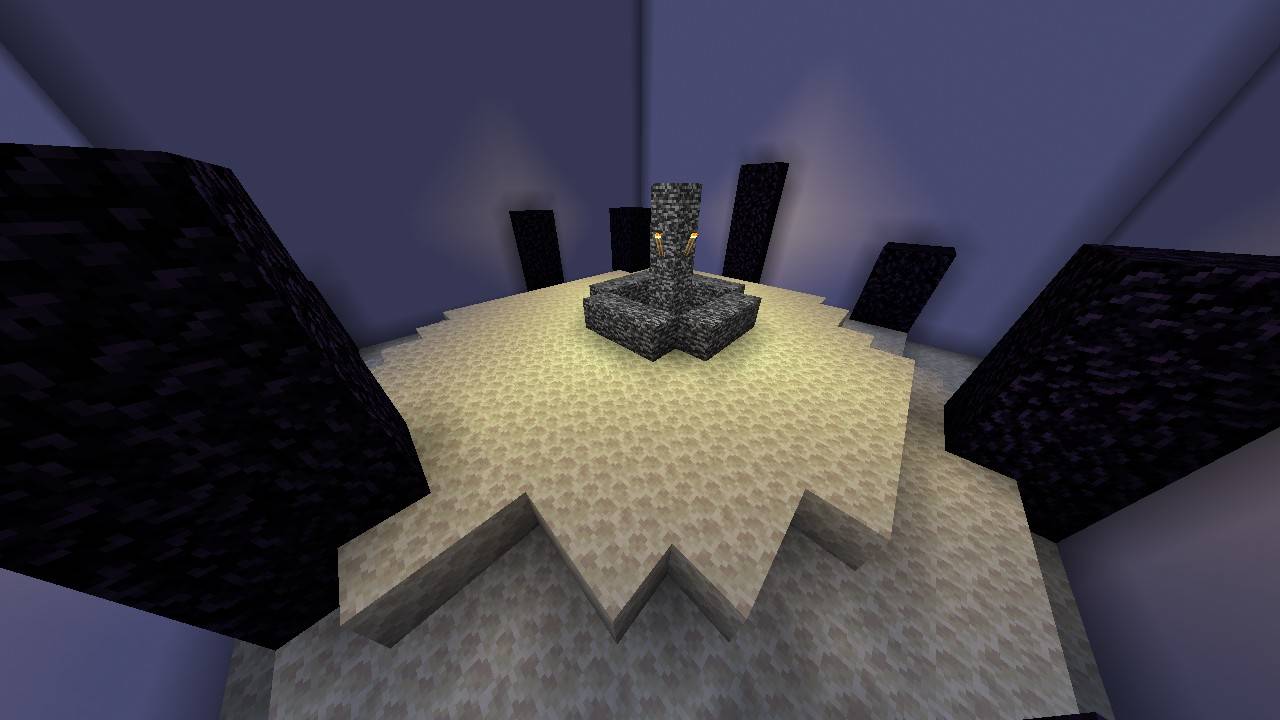
Have you ever finished Minecraft? If yes, surely you know how it goes until the "end" of Minecraft. As in this map, you have to go through some journeys like the original, and packed in the Find the Button map. Therefore, I present Find the Button with the feel of a journey to the end of Minecraft.
Additional:
If you can't passing the step, you can visit https://kylan1940.netlify.app/hint/ftb-4
DON'T:
- DON'T Make A Video For This Map WITHOUT GIVING A CREDIT OF THIS MAP
- DON'T CLAIM/EDIT/REDISTRIBUTE THIS MAP OR ANY PART OF IT TO CLAIM AS YOUR OWN WORK
- DON'T SHARE MEDIAFIRE LINK, PLEASE SHARE With MCPEDL or PLANETMINECRAFT LINK
Requirements:
Minecraft Bedrock 1.21.80 or newer
Donate:
Donate to Support the Creator: https://ko-fi.com/Kylan1940
Contact:
If you found a bug, please report it to https://kylan1940.netlify.app/contact
- Edition: Minecraft Bedrock
- File type: .mcworld
- Minecraft versions listed: 1.21.101, 1.21.100, 1.21.80
- How to install: Download the .mcworld file. → Open it — Minecraft imports it as a new world. → Find it in your Worlds list and play.
- Where to get it: Opens on CurseForge — not every file is mirrored on our own servers.
Install steps are the general flow for this file type — How to install Minecraft Bedrock maps walks through it step by step.
- Pack type: .mcworld — a ready-made world
- Complete pack — everything it depends on is inside the file
- Download size: 299 KB
- Download link checked 25 Aug 2026 — working
These come from our own check of the pack file, not from the source page.