
EPIC FIND THE BUTTON
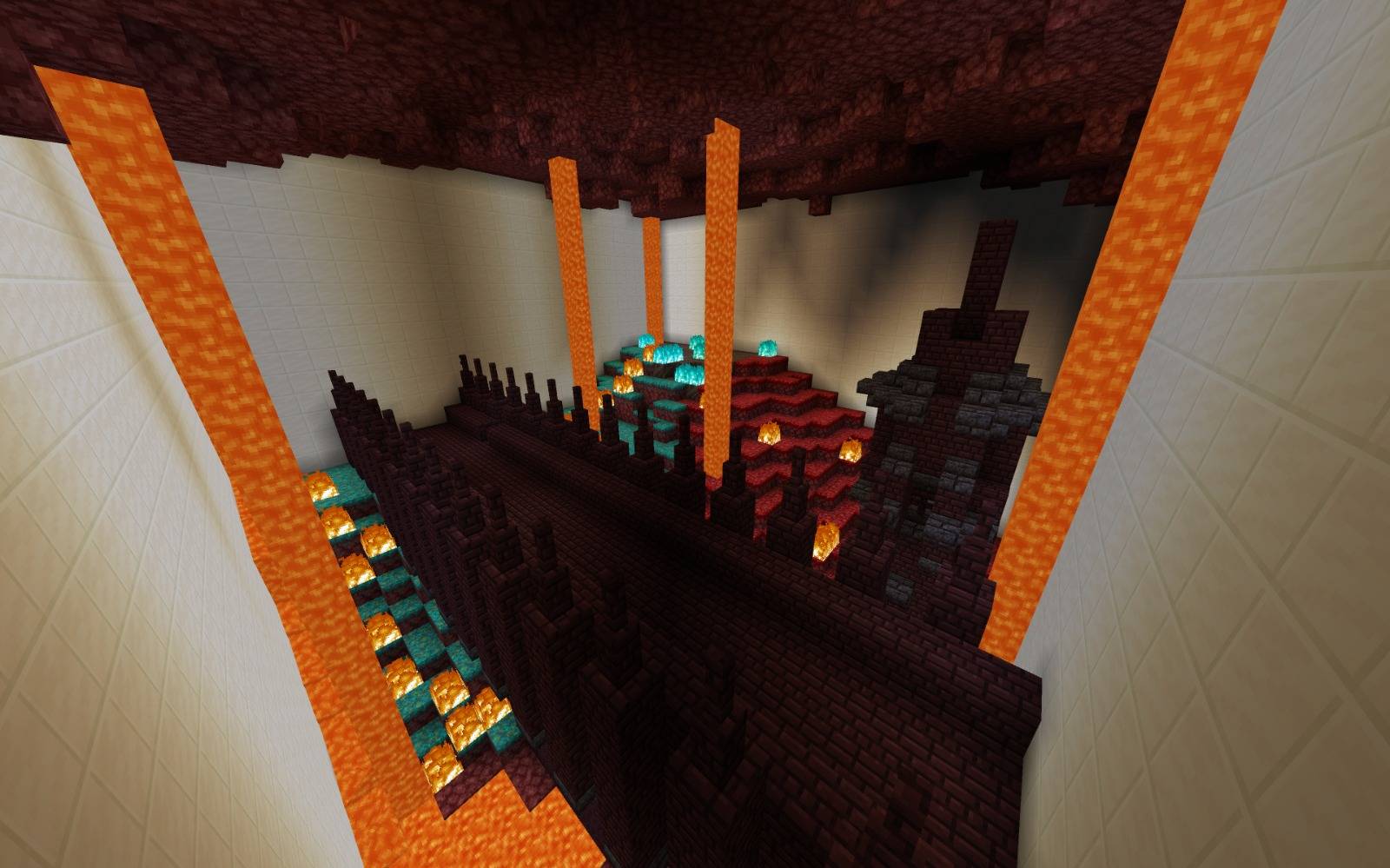
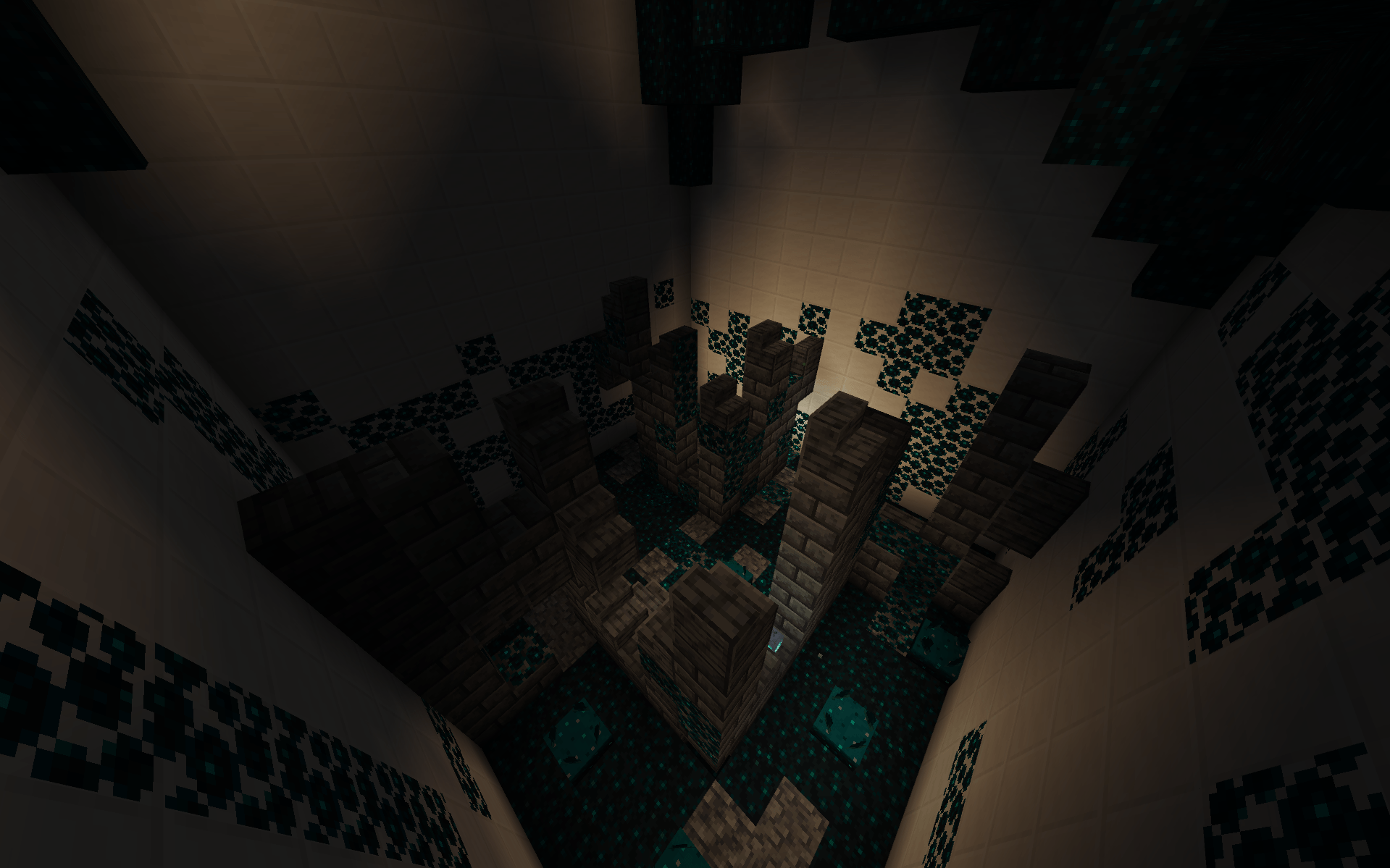
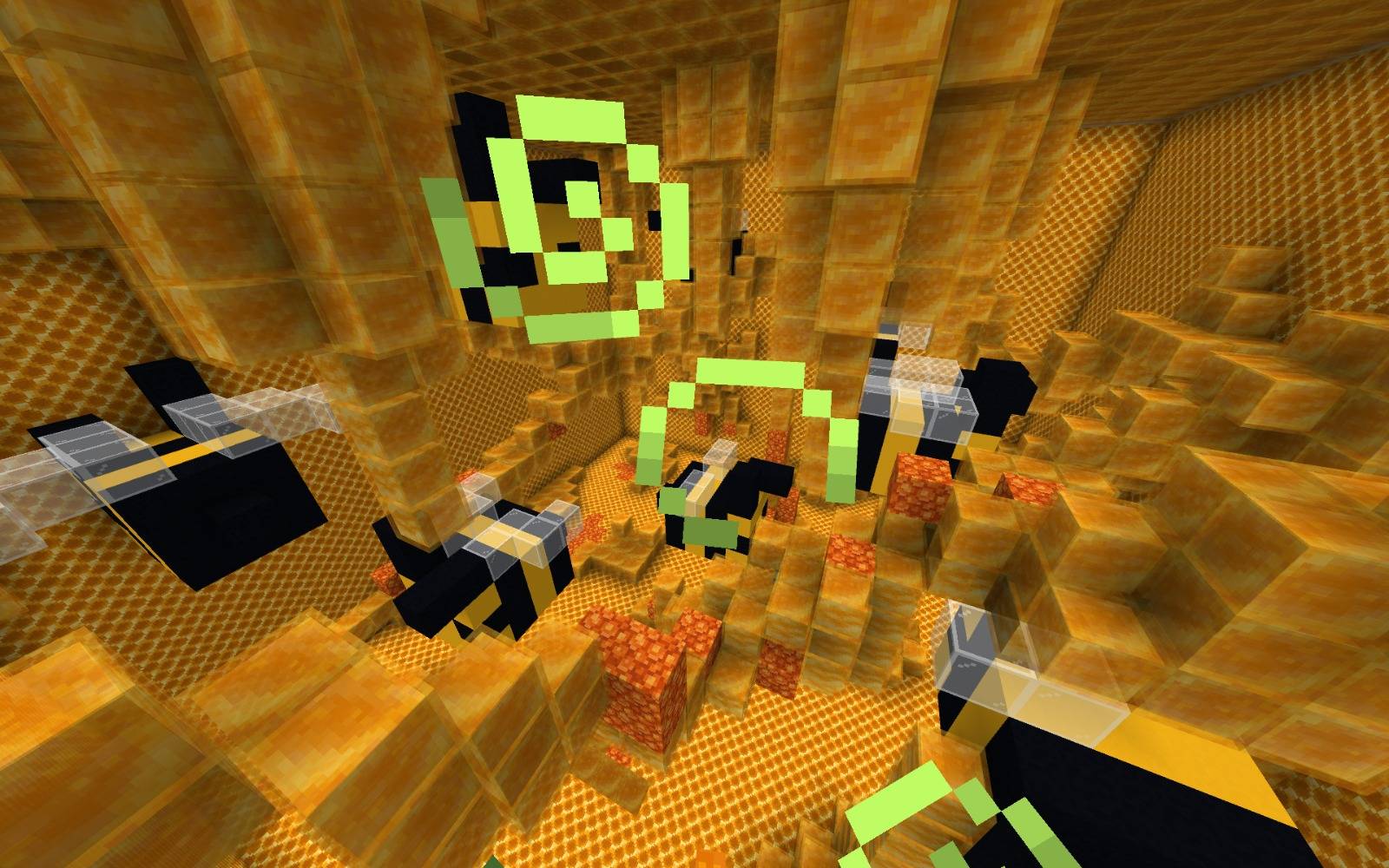
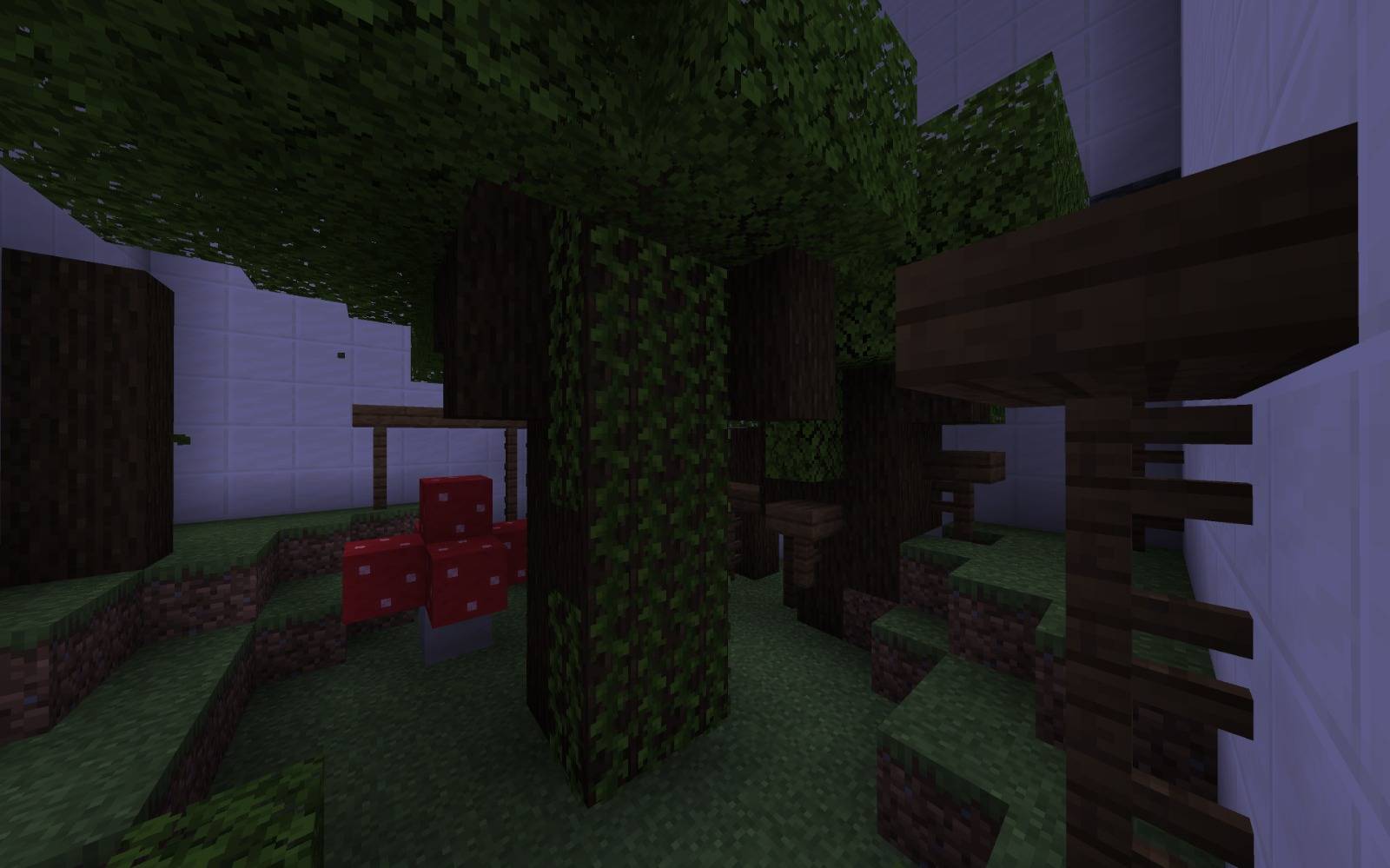
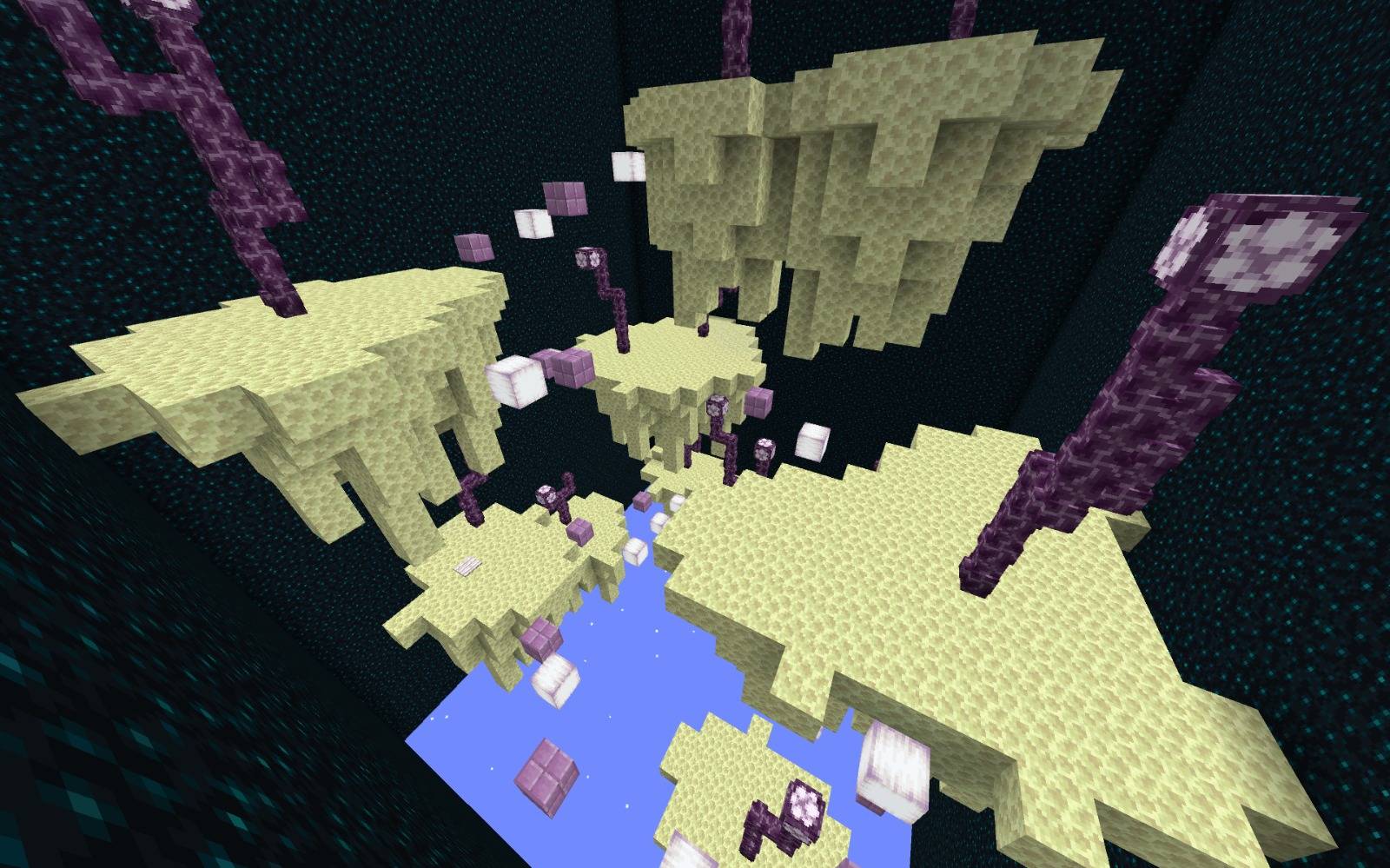
Epic Find The Button puts your perception to the test in a series of levels designed with a completely different aesthetic. Your progress depends entirely on finding the hidden button in each environment to unlock access to the next stage.
As you complete levels, the rooms will grow larger and contain more elements, making the search more difficult. Each level plays with the environment, incorporating various unique structures and varied settings across 30 levels that offer variety and a fun challenge.
Quick facts
- Edition: Minecraft Bedrock
- File type: .mcworld
- Minecraft versions listed: 26.0.02, 26.0, 26.3
- How to install: Download the .mcworld file. → Open it — Minecraft imports it as a new world. → Find it in your Worlds list and play.
- Where to get it: Opens on CurseForge — not every file is mirrored on our own servers.
Install steps are the general flow for this file type — How to install Minecraft Bedrock maps walks through it step by step.
Verified by MCModsHub
- Pack type: .mcworld — a ready-made world
- Download size: 299 KB
- Download link checked 25 Aug 2026 — working
These come from our own check of the pack file, not from the source page.