MapsBedrock
Find the Button 5: Biome
I don't know my version
Open Minecraft and look at the bottom-left corner of the main screen — the version is printed there, like v1.26.30.
The game writes a 1. in front; the buttons above leave it off. v1.26.30 in the game is 26.30 here.
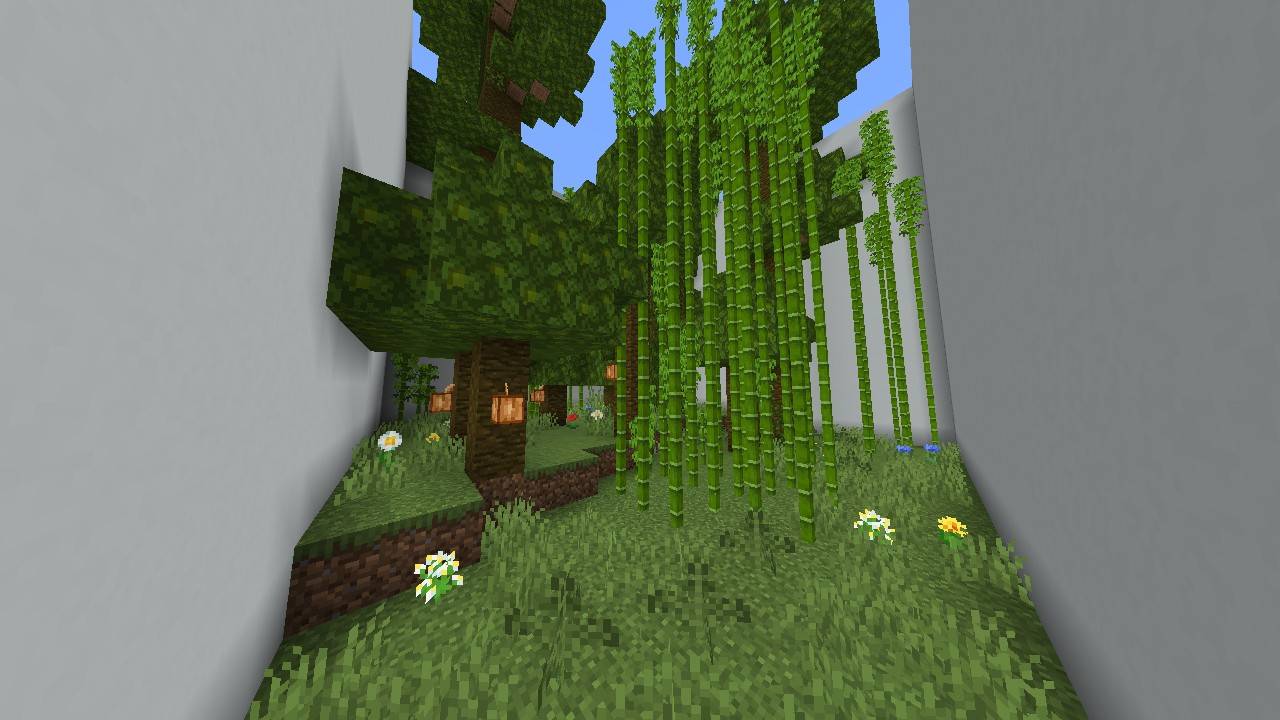
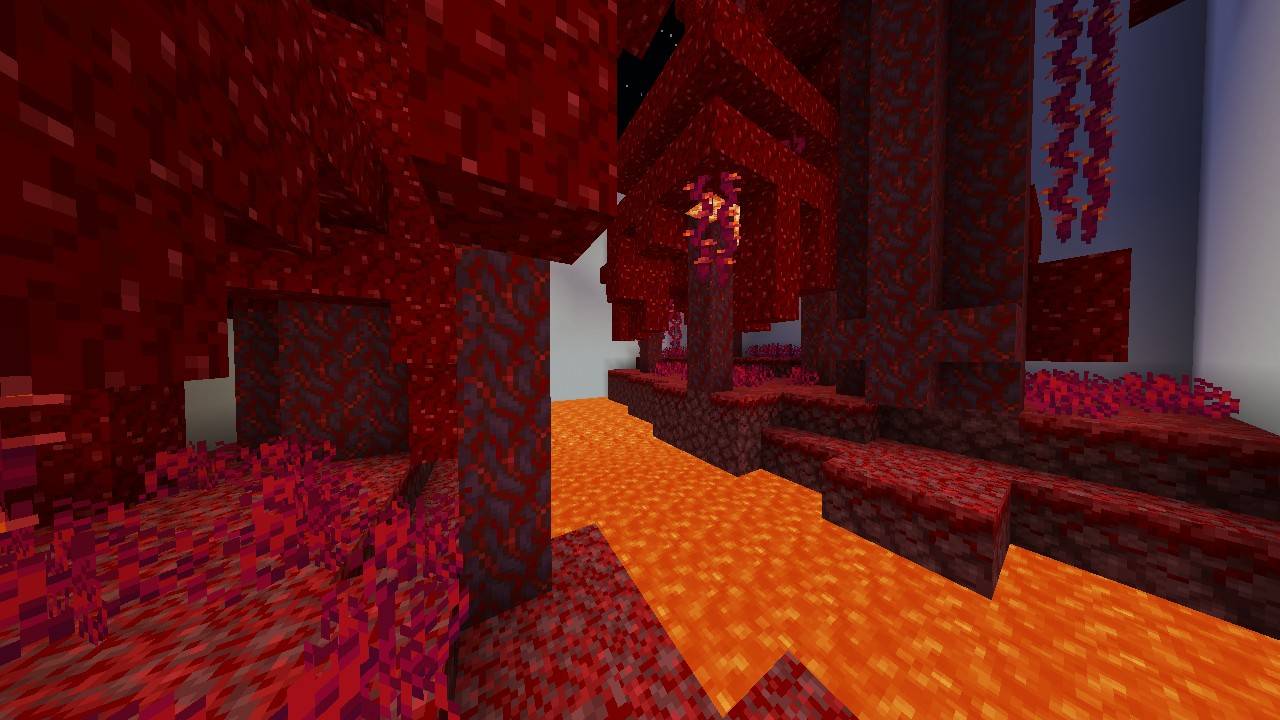
Description:
Find the Button 5: Biome takes you on an adventure through Minecraft's unique biomes, both in the Overworld and the Nether. Are you a true explorer? Have you visited every biome in the game? Test your observation skills by finding hidden buttons in each carefully designed level!
DON'T:
- DON'T Make A Video For This Map WITHOUT GIVING A CREDIT OF THIS MAP
- DON'T CLAIM/EDIT/REDISTRIBUTE THIS MAP OR ANY PART OF IT TO CLAIM AS YOUR OWN WORK
- DON'T SHARE MEDIAFIRE LINK, PLEASE SHARE With MCPEDL or PLANETMINECRAFT LINK
Requirements:
Minecraft Bedrock 1.21.80 or newer
Donate:
Donate to Support the Creator: https://ko-fi.com/Kylan1940
Contact:
If you found a bug, please report it to https://kylan1940.netlify.app/contact
Quick facts
- Edition: Minecraft Bedrock
- File type: .mcworld
- Minecraft versions listed: 1.21.101, 1.21.100, 1.21.81
- How to install: Download the .mcworld file. → Open it — Minecraft imports it as a new world. → Find it in your Worlds list and play.
- Where to get it: Opens on CurseForge — not every file is mirrored on our own servers.
Install steps are the general flow for this file type — How to install Minecraft Bedrock maps walks through it step by step.
Verified by MCModsHub
- Pack type: .mcworld — a ready-made world
- Download size: 295 KB
- Download link checked 25 Aug 2026 — working
These come from our own check of the pack file, not from the source page.