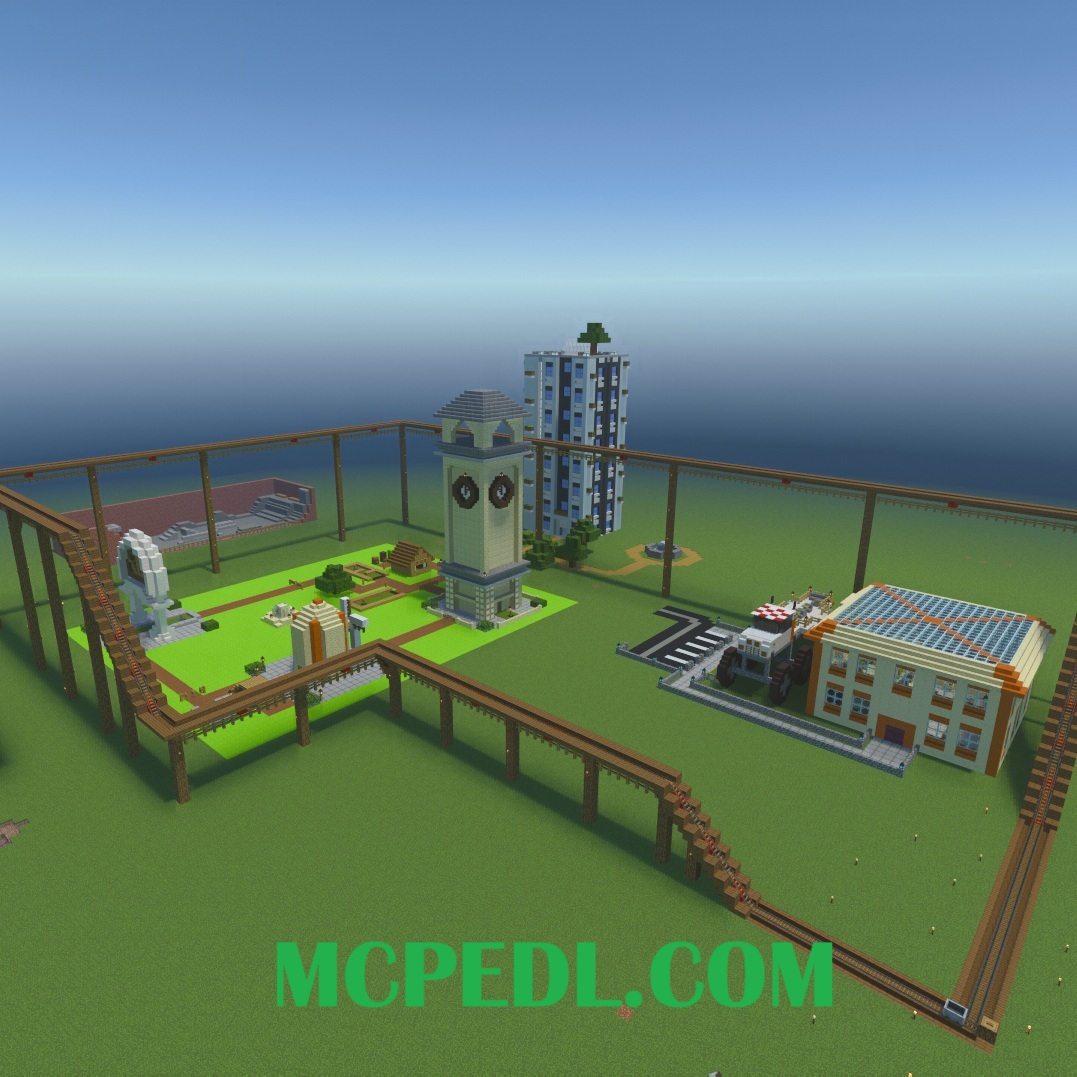
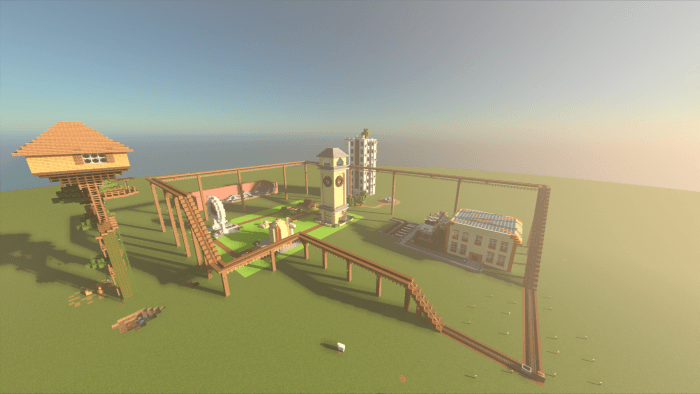
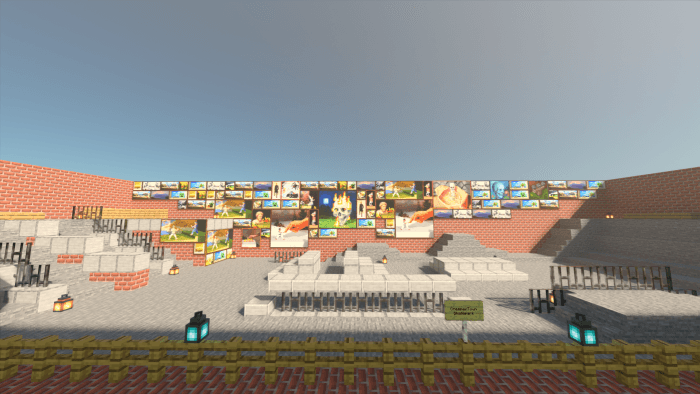
This is the World I used during covid lockdown when I was getting assignments through Minecraft. After about half a year we started using tinker-cad for projects instead which worked out for the best later on. This is my School Minecraft World I used during Covid lockdown 2020.
Some features offered by this download is the ability for people who havent heard of me or some of the creations I have done in the past to check out my freshman World I made during covid.
The features that this world download offers may affect the user's experience in different ways. The first and only issue is Lag, the world was made during around the Nether Update, it is a super flat world and may not run well on Low end devices, it is recommended to run this on a mid to high Gaming PC or a Xbox X/S or even the newer module Samsung phones due to the size of some builds and farms.
- Edition: Minecraft Bedrock
- File type: .mcworld
- Minecraft versions listed: 1.21.81, 1.21.73, 1.21.90
- How to install: Download the .mcworld file. → Open it — Minecraft imports it as a new world. → Find it in your Worlds list and play.
- Where to get it: Opens on CurseForge — not every file is mirrored on our own servers.
Install steps are the general flow for this file type — How to install Minecraft Bedrock maps walks through it step by step.
- Pack type: .mcworld — a ready-made world
- Download size: 301 KB
- Download link checked 25 Aug 2026 — working
These come from our own check of the pack file, not from the source page.