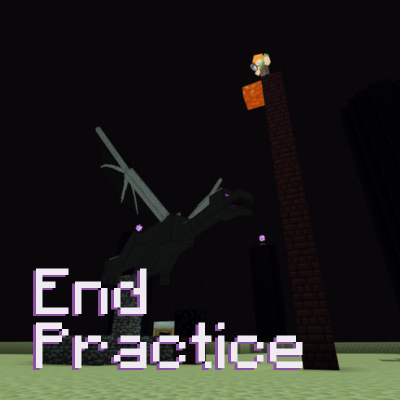
Projlej's Dragon Speedrun Practice
Learn how to SPEEDRUN the ENDER DRAGON with this practice map. Defeat it in under a MINUTE and master end fight strategies like one-cycling, critical hit…
⬇ Download on CurseForge
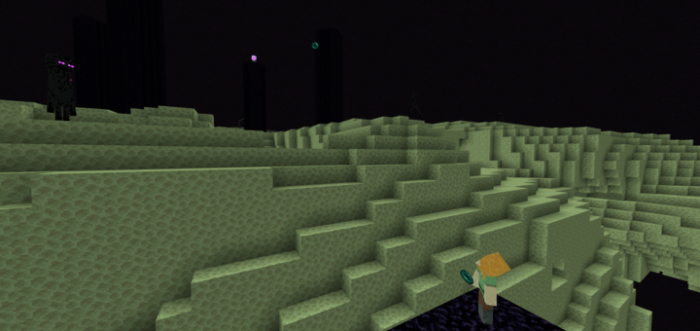
Instructions:
Drop the item to select.
For mobile players, refer to the READ ME book in-game for more info.
Features:
Practice Modes:
Settings > Practice modes (end portal frame)
Endfight
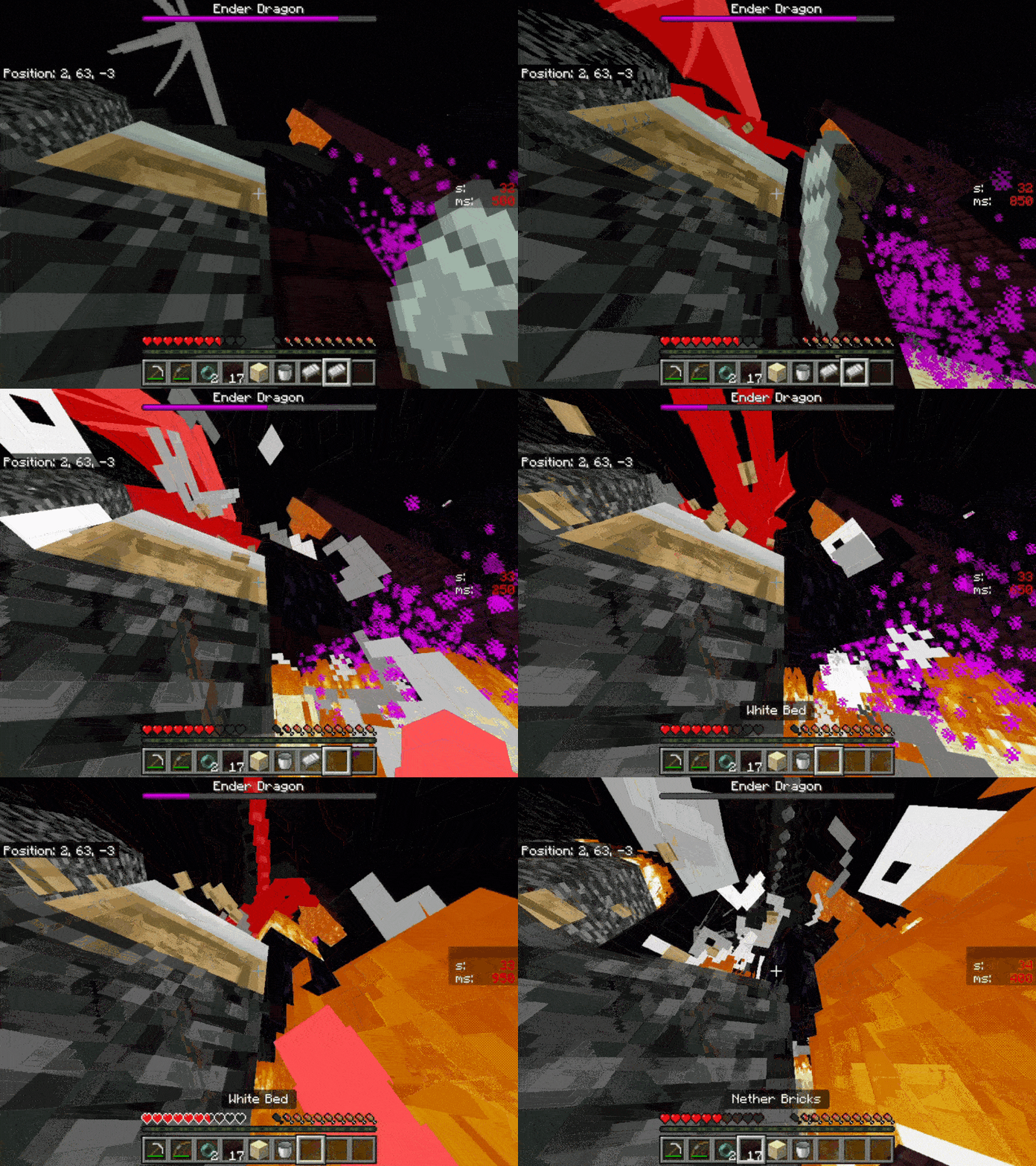
You start on the obsidian platform, make your way to the center island, and perform the one-cycle once the dragon has perched on the bedrock fountain. If you want to exit the end, drop the Back to hub (Barrier block) in your inventory.
One-cycle
This mode will put you in the center island to help you efficiently practice one-cycling. You can reset the dragon by dropping the reset (redstone) and exit by dropping the Back to hub (Barrier block).
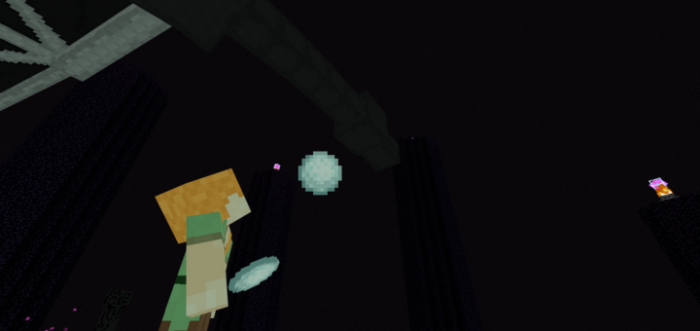
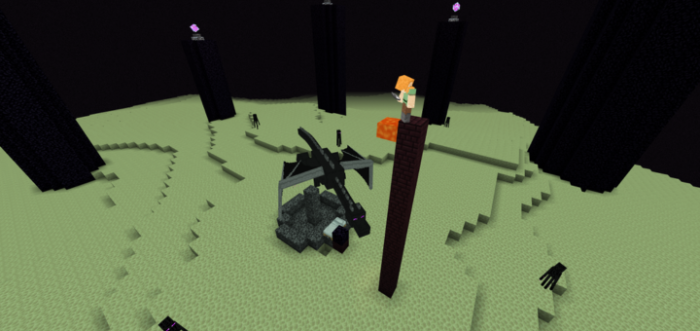
Bed Timing
This mode helps train your bed explosions to be precise and consistent. You may also exit by dropping the Back to hub (Barrier block).
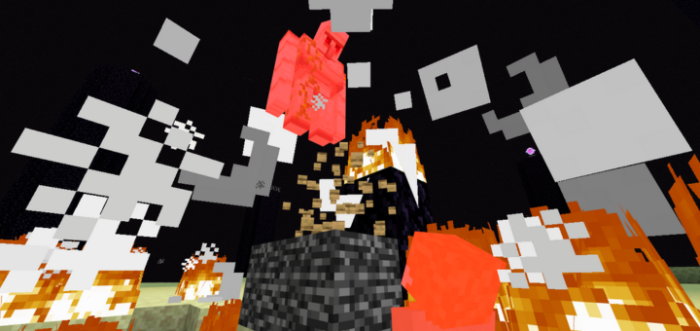
Perch Settings:
Settings > Perch settings (Dragon egg)
Select how the dragon perches to suit what type of one-cycle you are practicing.
Inventory:
(Iron pickaxe)
3 customizable inventory presets.
If you find bugs or have any suggestions, DM me in Discord @projlej
- Edition: Minecraft Bedrock
- File type: .mcworld
- Minecraft versions listed: 1.16, 1.21
- How to install: Download the .mcworld file. → Open it — Minecraft imports it as a new world. → Find it in your Worlds list and play.
- Where to get it: Opens on CurseForge — not every file is mirrored on our own servers.
Install steps are the general flow for this file type — How to install Minecraft Bedrock maps walks through it step by step.
- Pack type: .mcworld — a ready-made world
- Manifest requires Minecraft 1.16.0 or newer
- Complete pack — everything it depends on is inside the file
- Download size: 792 KB
- Download link checked 25 Aug 2026 — working
These come from our own check of the pack file, not from the source page.