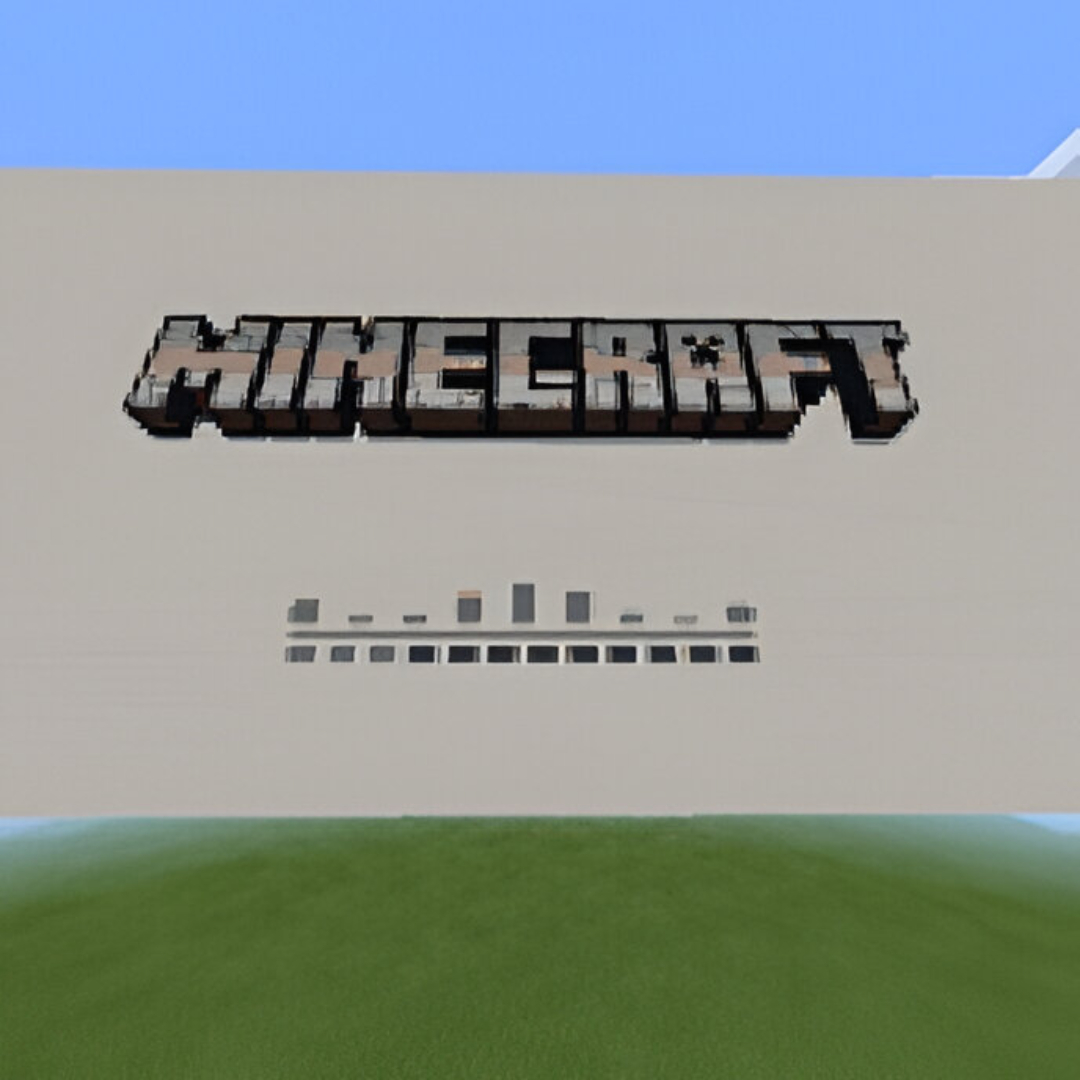
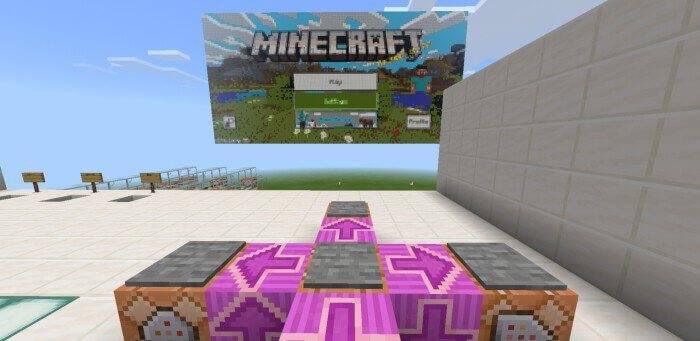
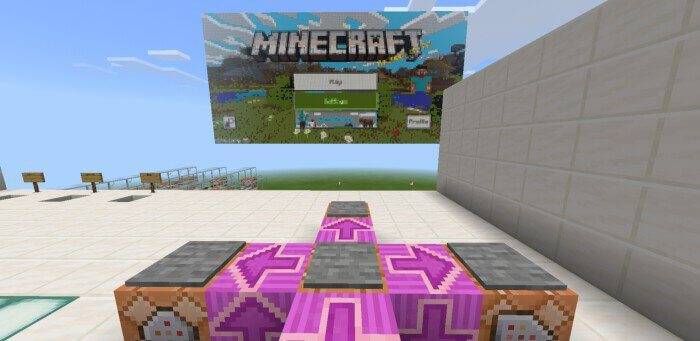
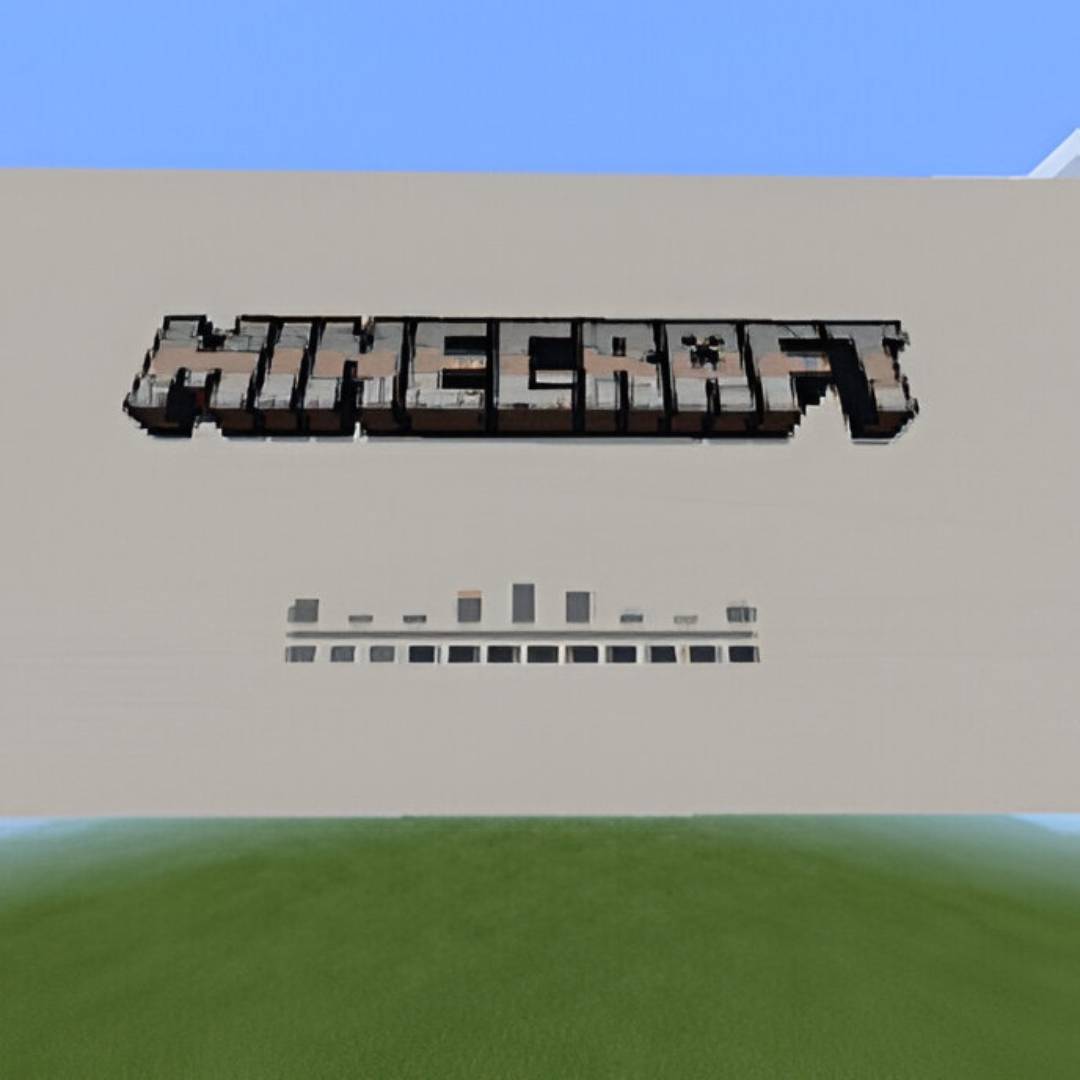
Working Minecraft PE Computer for Minecraft is an unusual map that offers you to go on an exciting adventure around the Minecraft world. This time, you will be able to explore the map that locates an incredibly huge display.
Working Minecraft PE Computer screenshot 2
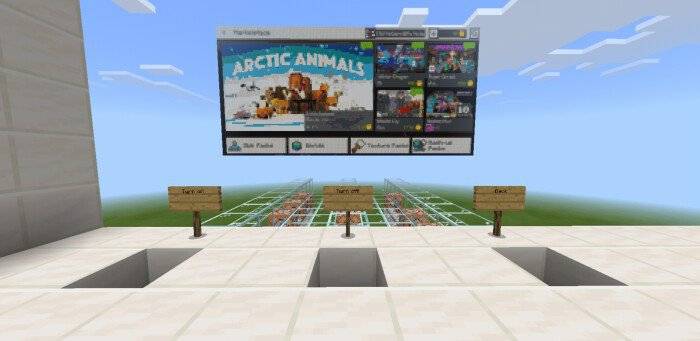
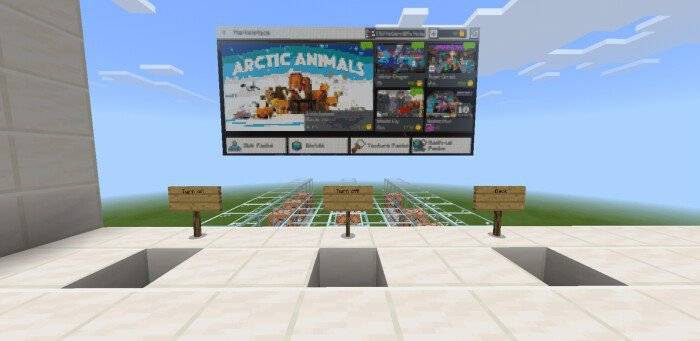
Moreover, it will be connected to special buttons that can be used to control it and even bring certain changes to the environment. We are sure that the new map will appeal to you and will be a great occasion for new entertainment. Do not lose the presence of mind and, in the first place, time because now you will have the opportunity to enjoy every available moment!
Working Minecraft PE Computer screenshot 3
How to install the map:
The first step: Download the package with the map (Unpack if the file is in the archive).
The second step: Copy the folder with the Minecraft Working Minecraft PE Computer map to the /games/com.mojang/minecraftworlds (if this folder does not exist, create it yourself)
Step three: Run the game and select the downloaded map.
Now play minecraft in Minecraft
- Edition: Minecraft Bedrock
- File type: .mcworld
- Minecraft version listed: 1.21.132
- How to install: Download the .mcworld file. → Open it — Minecraft imports it as a new world. → Find it in your Worlds list and play.
- Where to get it: Opens on CurseForge — not every file is mirrored on our own servers.
Install steps are the general flow for this file type — How to install Minecraft Bedrock maps walks through it step by step.
- Pack type: .mcworld — a ready-made world
- Download size: 265 KB
- Download link checked 25 Aug 2026 — working
These come from our own check of the pack file, not from the source page.