
Endless Parkour World
Bedrock map listed for Minecraft 1.21–26.x. File opened and checked on 21 Sep 2026; installs from the MC Bedrock Mods app on Android.
This Parkour Map contains near to every biome and Parkour Type you could imagine aswell as having small Escape Room elements. HAVE FUN!
I don't know my version

Are you ready for at least 2 Hours of Parkour Action?
Well, this Map offers Labyrinths, different themed Parkours like Rainbow, Bee, Candy, Popcorn, Bookshelf Parkours aswell as small Escape Room Parkours where you are out, searching for Buttons or Levers to pull and get to the next Level.
This Map was made by my Sister and took her over 150 Hours to make and that isn't even the end, but see for yourself!
Here are some pictures that cover around 30% of the Map:
The Lobby(Containing a Teleport everyone Button and some Information)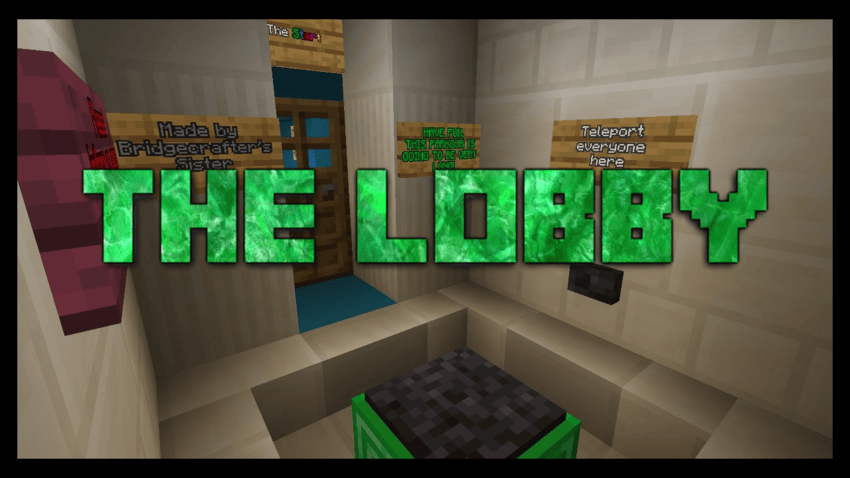
Parkour Pictures: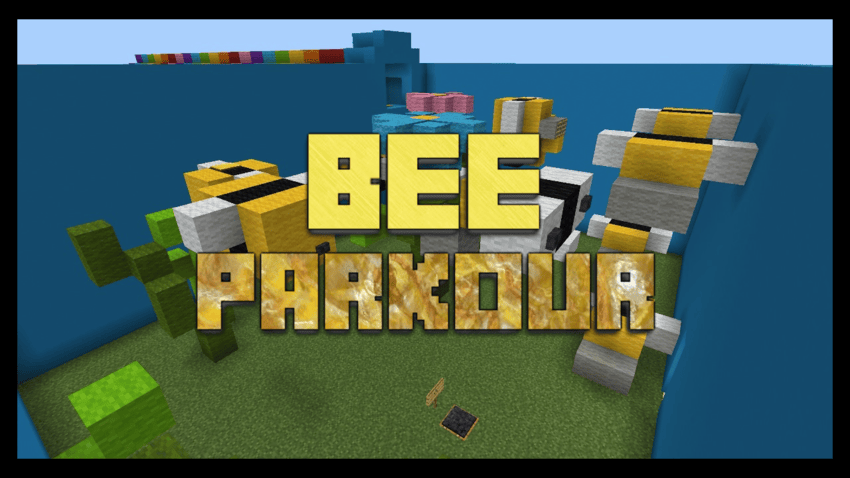
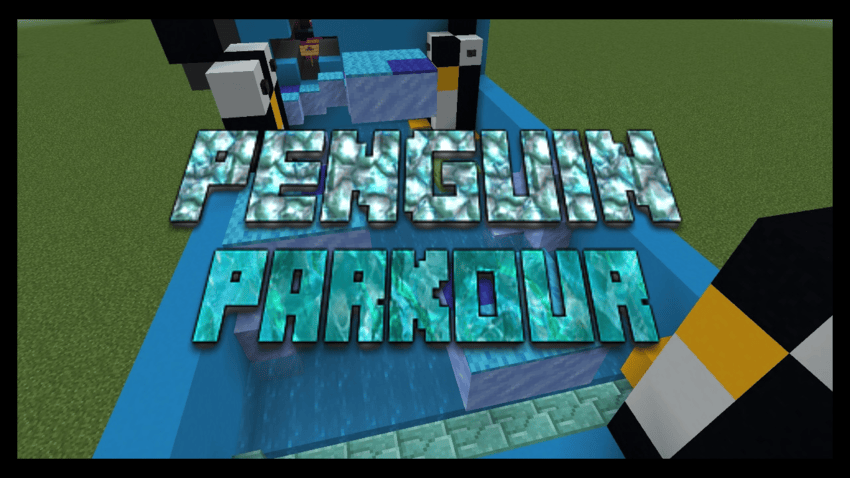
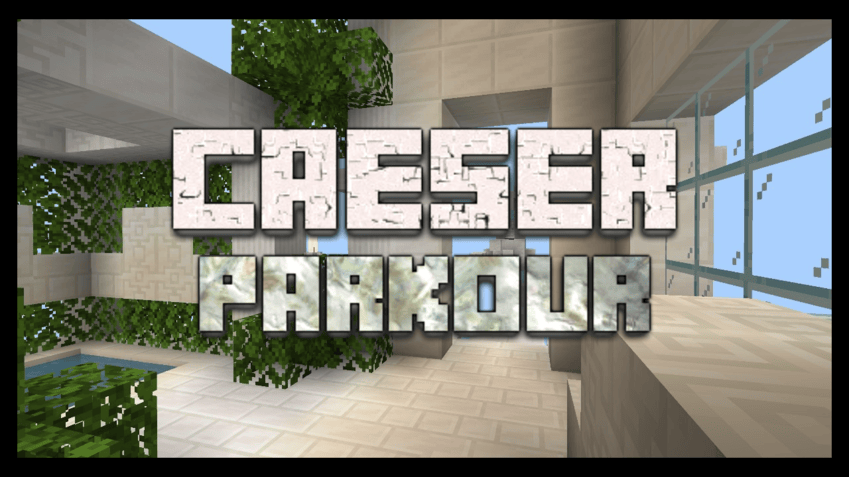
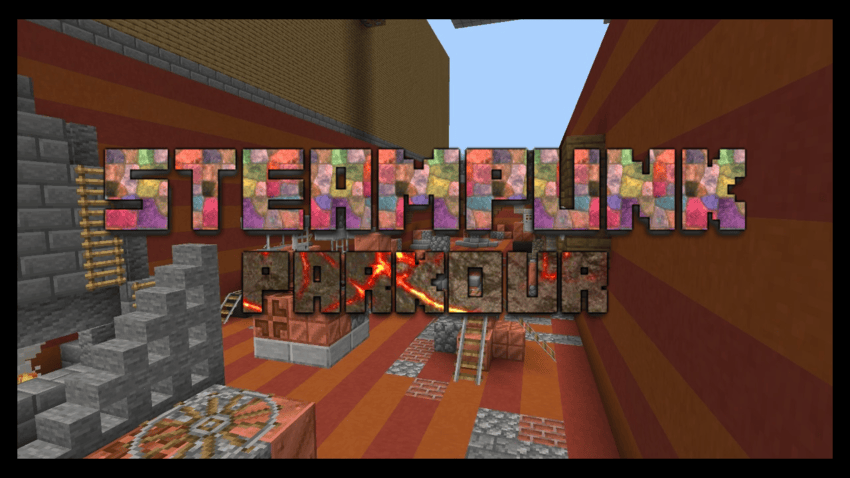
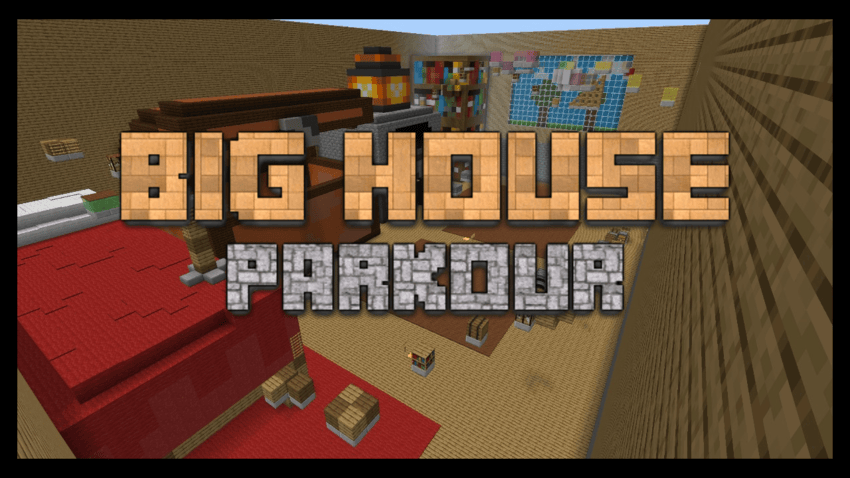
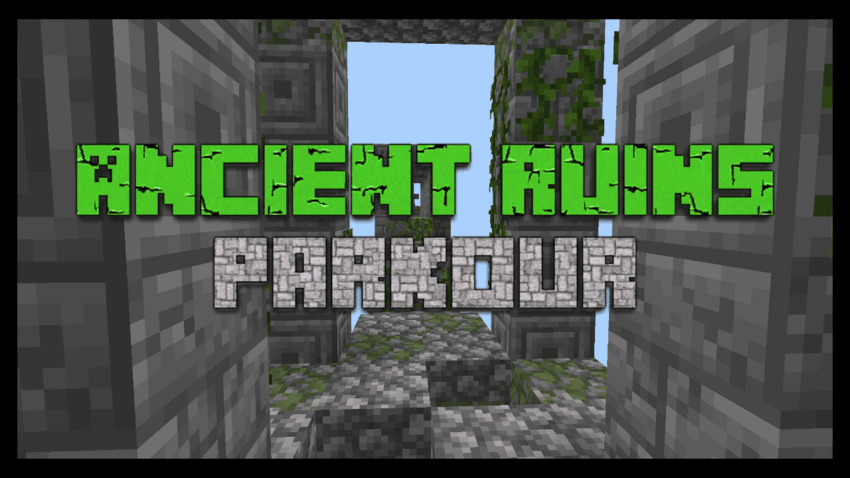
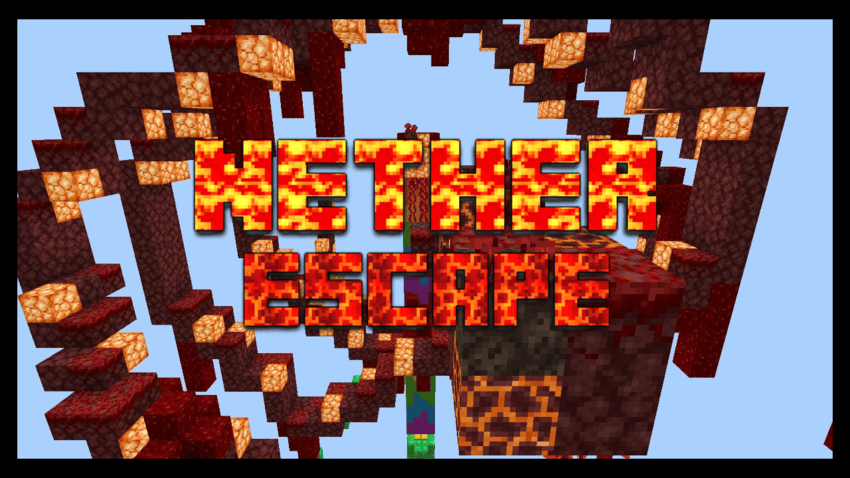
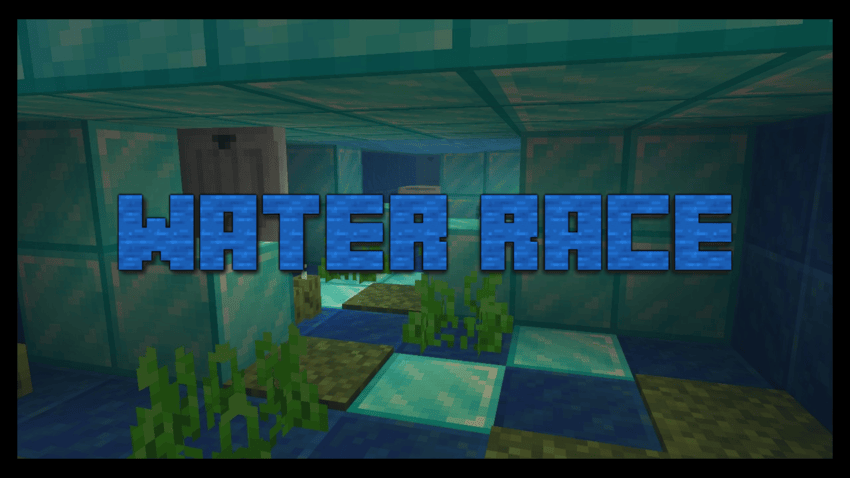
Here's a Tutorial for all the Escape Room Parts/ Hard Parts of the Map:
There is way more cool Parkours on the Map but we will not spoiler everything on here, have a look yourself!
Additional Info: Every Stage that doesn't instakill when you fall down, has Instakill Pressure Plates placed around that you can use to reset yourself to your current spawnpoint!
This Map can be played in Singleplayer and Multiplayer!
If you want to download my Map: You must credit me if you use this Map for YouTube videos, TikTok videos or on any other platform. Don’t forget to credit properly. You are not allowed to copy-paste my Map. You are allowed to take inspiration from my Map but downloading, remaking and uploading my Map is not allowed!
Support me trough Donations on Patreon:
- Click to go to Donations Site -
You can also become a member if you want to:
- Click to go to Membership Site -
Also try out my other Map:
The Amazing Prison Escape
- Edition: Minecraft Bedrock
- File type: .mcworld
- Minecraft versions listed: 1.21.132, 26.0.02, 26.0
- How to install: Download the .mcworld file. → Open it — Minecraft imports it as a new world. → Find it in your Worlds list and play.
- Where to get it: Opens on CurseForge — not every file is mirrored on our own servers.
Install steps are the general flow for this file type — How to install Minecraft Bedrock maps walks through it step by step.
- Pack type: .mcworld — a ready-made world
- Download size: 541 KB
- Download link checked 26 Oct 2026 — working
These come from our own check of the pack file, not from the source page.


