Texture Pack Test Map
This map is aimed to help resource pack developers. Featuring all vanilla blocks, biomes, structures, and entities. Along side some secrets and Easter…
I don't know my version
Texture Pack Testing World
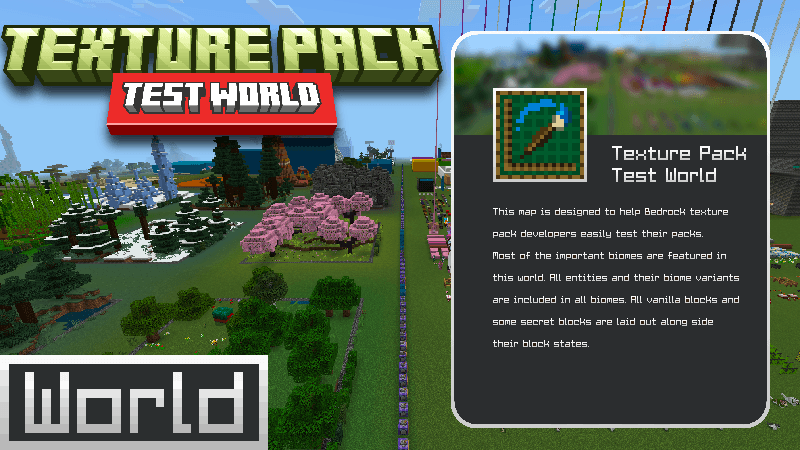
This map is designed to help texture pack / resource pack developers easily test their packs. Most of the important biomes are featured in this world. You can test biome fog color, water color, grass color, leaves color, dried folliage color, and biome dependant particles. All entities and their biome variants are included in all biomes. All vanilla blocks and some secret blocks are layed out along side their block states.
WARNING : May lag or crash low-end devices.
Biomes
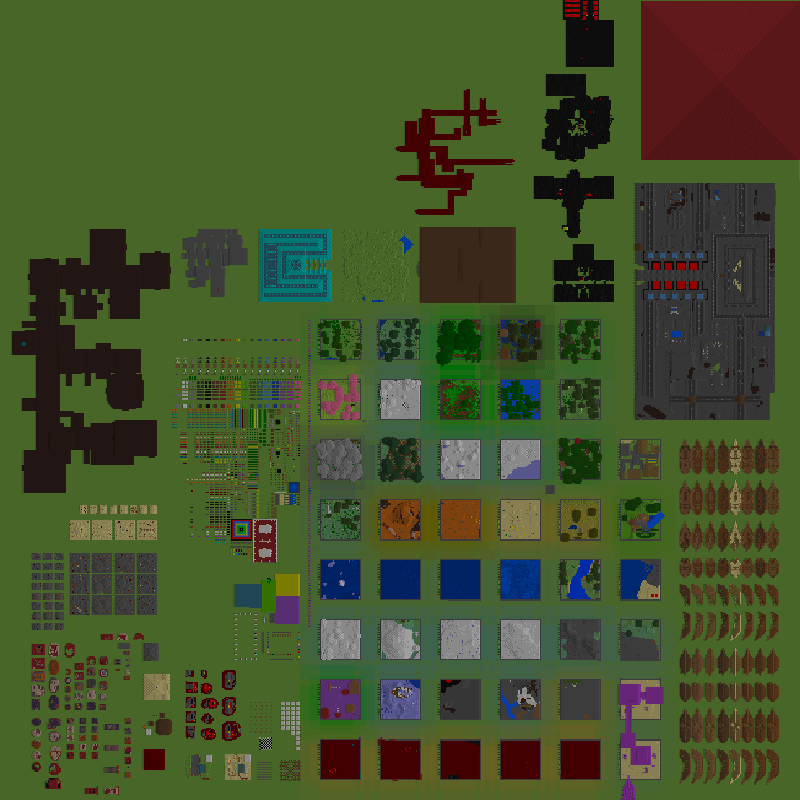
Biomes
- Forest
- Swamp
- Jungle Forest
- Taiga Forest
- Flower Forest & Sunflower Plains
- Birch Forest
- Mangrove Swamp
- Bamboo Jungle
- Cold Taiga Forest
- Chery Grove
- Plains
- Roofed Forest
- Snow Plains
- Ice Spiked Plains
- Mega Redwood Taiga Forest
- Pale Garden [Modified]
- Shattered Savanna
- Savanna
- Desert
- Mesa
- Mesa Bryce Plataue
- Meadow [Modified]
- Beach
- River
- Lukewarm Ocean
- Warm Ocean
- Deep Ocean
- Cold Ocean
- Windswept Hills [Extreme Hills] Mutated
- Stony Peaks
- Snowy Slopes
- Frozen Peaks
- Jagged Peaks
- Grove
- The End
- Lush Cave
- Dripstone Cave
- Deep Dark Cave
- Legacy Frozen Ocean
- Mushroom Island
- The End [Highlands & Midlands]
- Nether Wastes
- Soulsand Valley
- Basalt Deltas
- Crimson Forest
- Warped Forest
All biomes include the common mob that spawns in it.
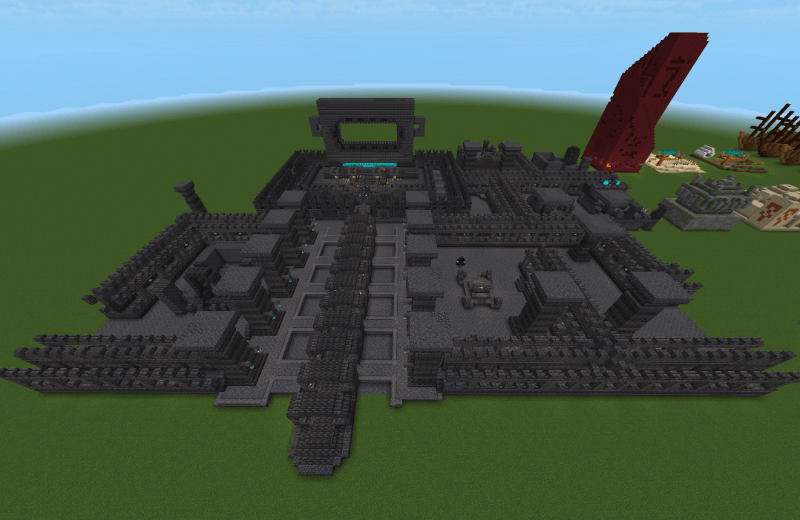
Structures
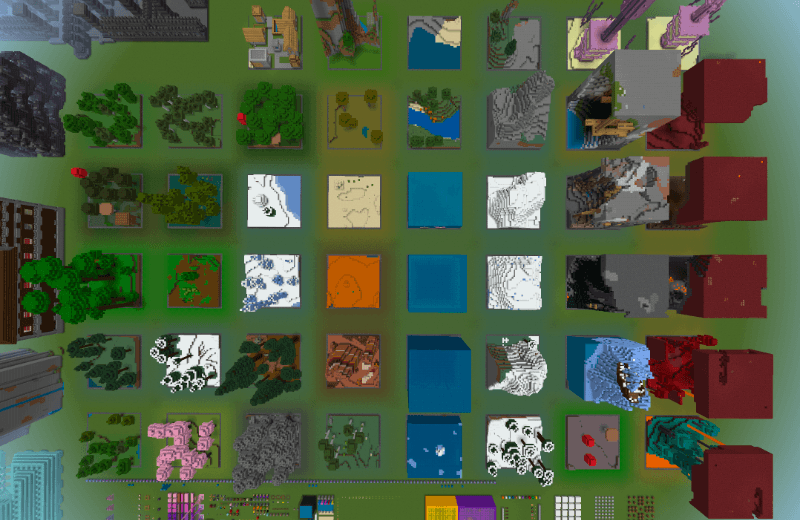
Structures
- Ancient City
- Bastion Treasure Room
- Bastion Housing Units
- Bastion Hoglin Stables
- Bastion Bridge
- Stronghold
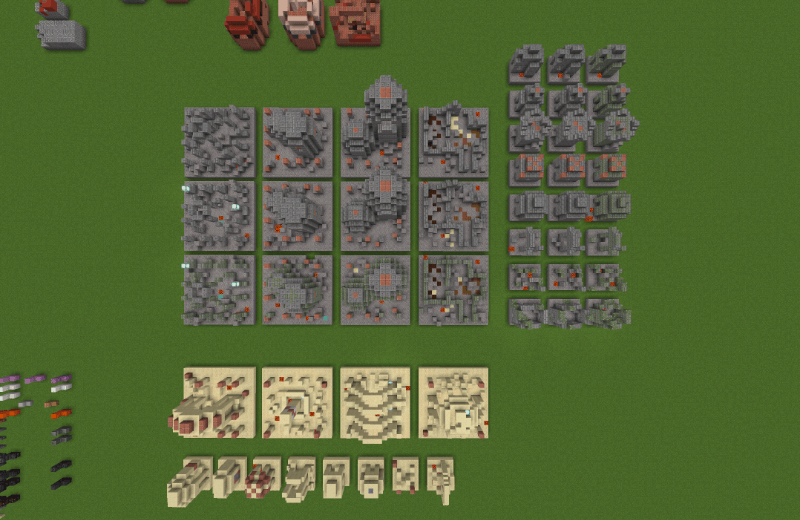
- Trial Chambers
- Desert Pyramid
- Igloo
- Pillager Outpost
- Jungle Pyramid
- Swamp Hut
- Legacy Village
- Woodland Mansion
- Ruined Portals
- Mineshaft
- Ocean Ruins
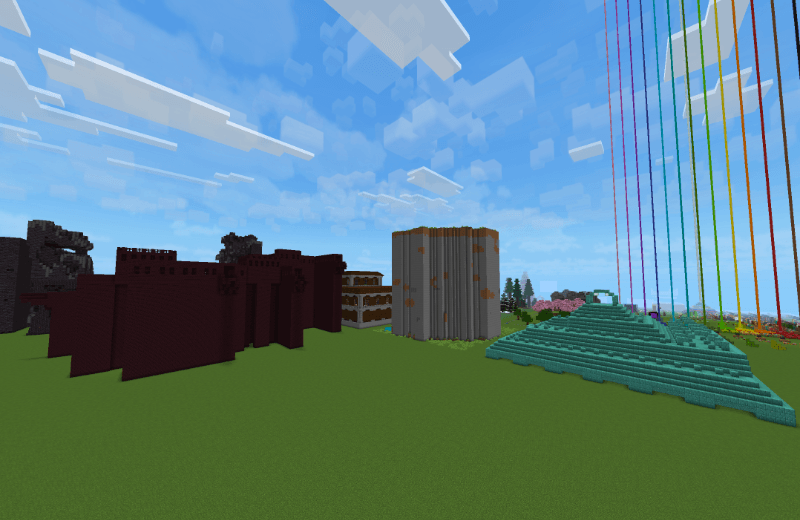
- Ocean Monument
- Nether Fortress
- Shipwrecks
- End City [Small & Large]
- End Boat
- Amethyst Geode
- Monster Spawner
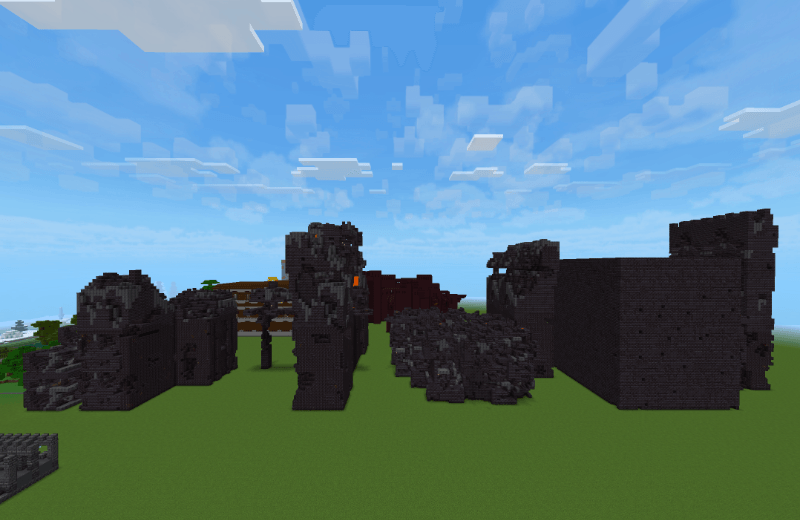
Old, Abandoned, Never Released structures
- Nether Spire
- Archiology Cites
- Starter House
- Brick Pyramid
- Giant Monolith
Most of the large structures are featured outside their respective biome.
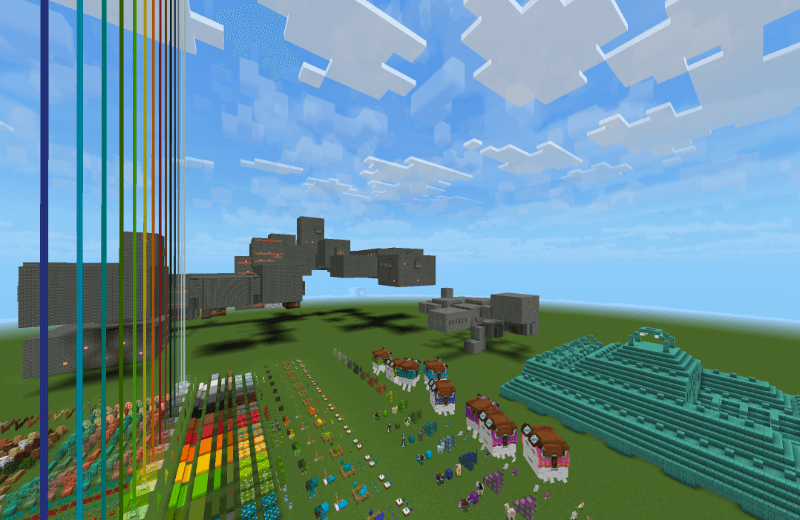
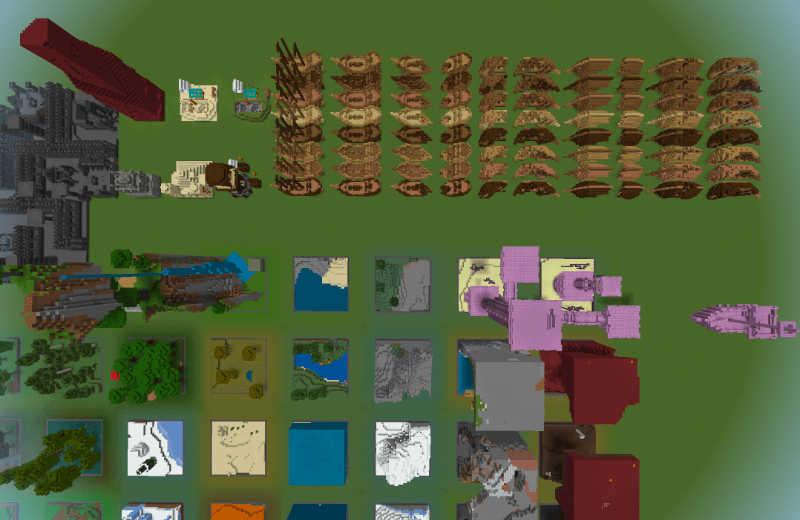
Mobs
Mobs
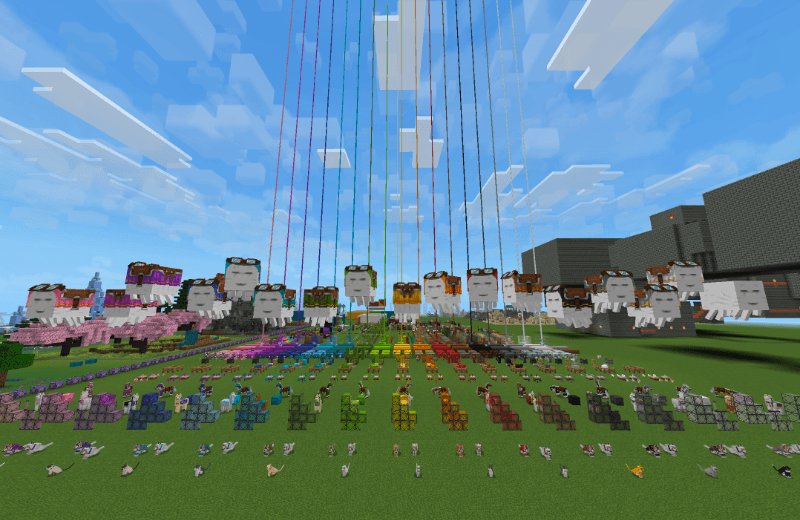
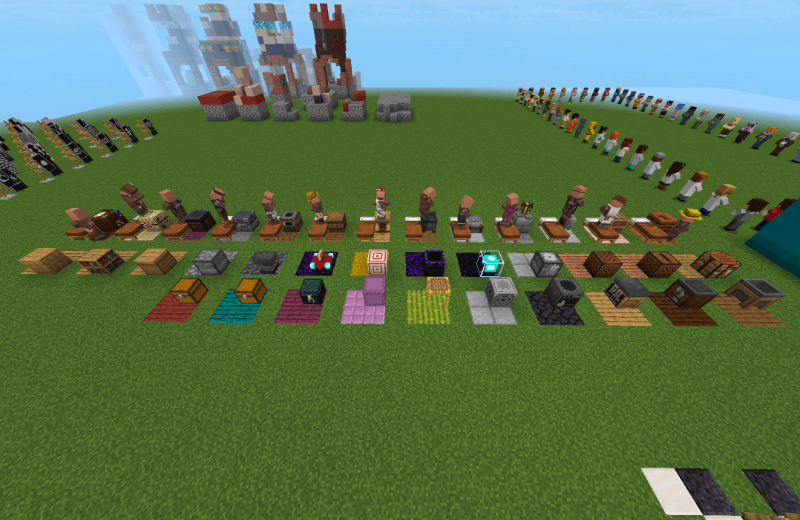
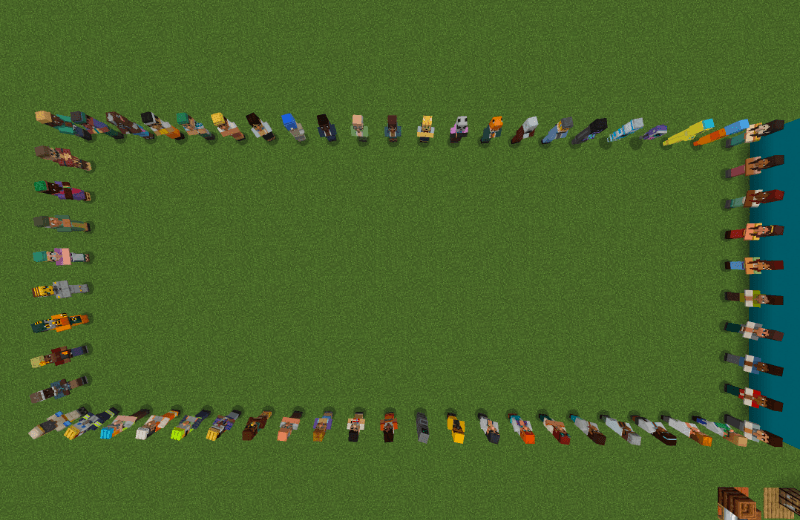
All mobs are placed in the respective biome they spawn in. Mobs that do not have a specific spawm are just placed between biomes.
If you know how to modify render controllers you can use the following query: ❝ query.entity_biome_has_any_tags('biome') ❞ to change the texture and model of a mob based on the biome that mob is standing on.
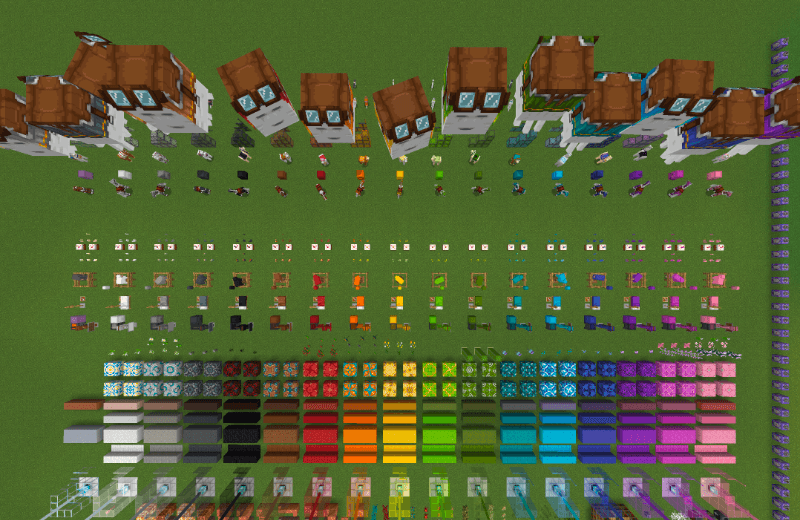
All 16 color dye-able mobs are featured next to their respective color.
Blocks
Blocks
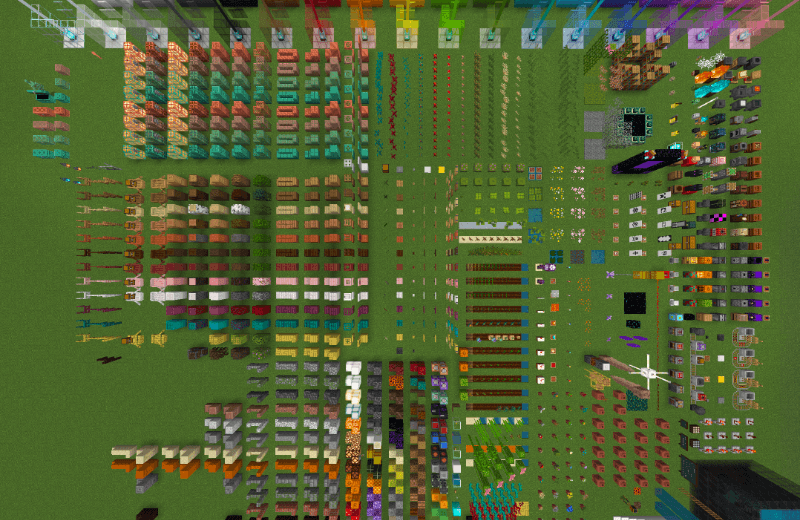
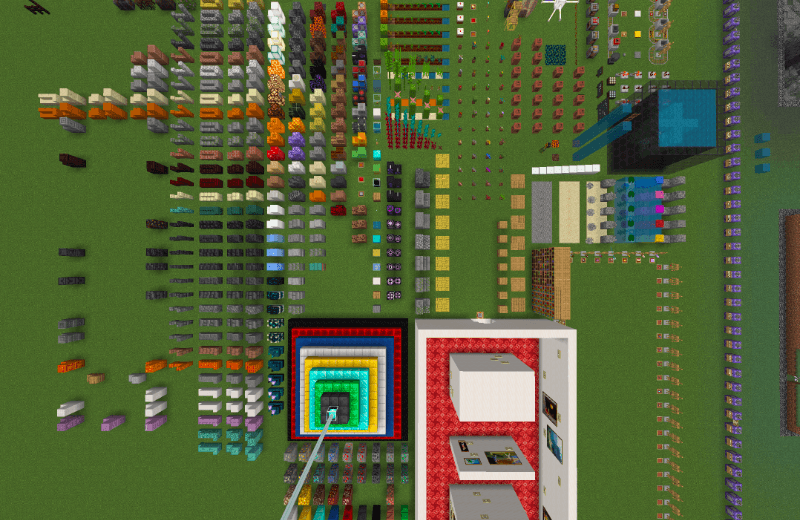
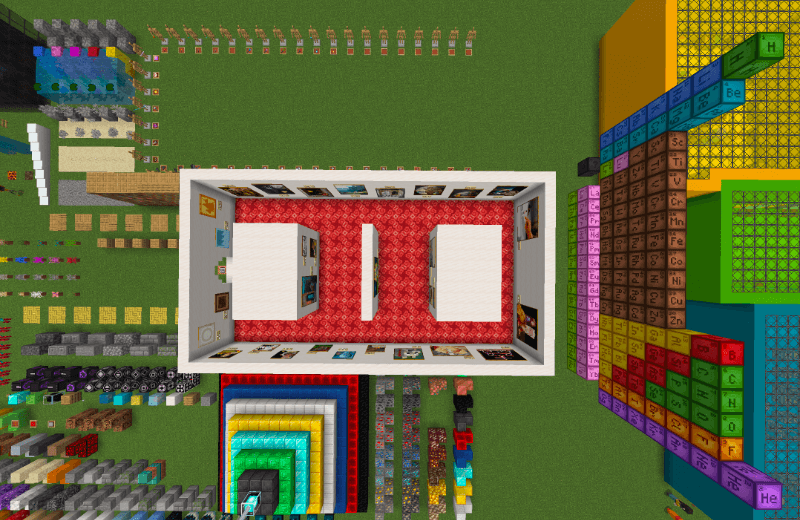
All blocks feature their permutation states like direction, active, or inactive.
Education Edition blocks and secrete blocks are sprinckled throughout the grid.
There is even a subsection for held items you can modify like torches, lanterns, buckets, and more.
Items
Items
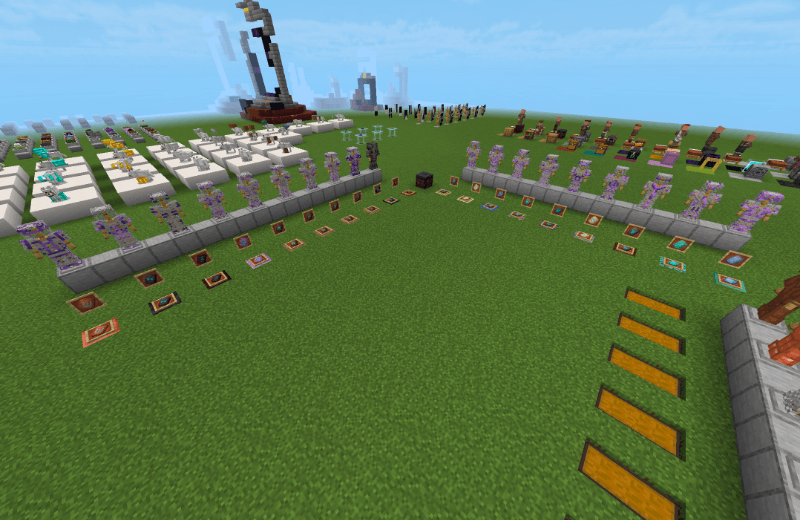
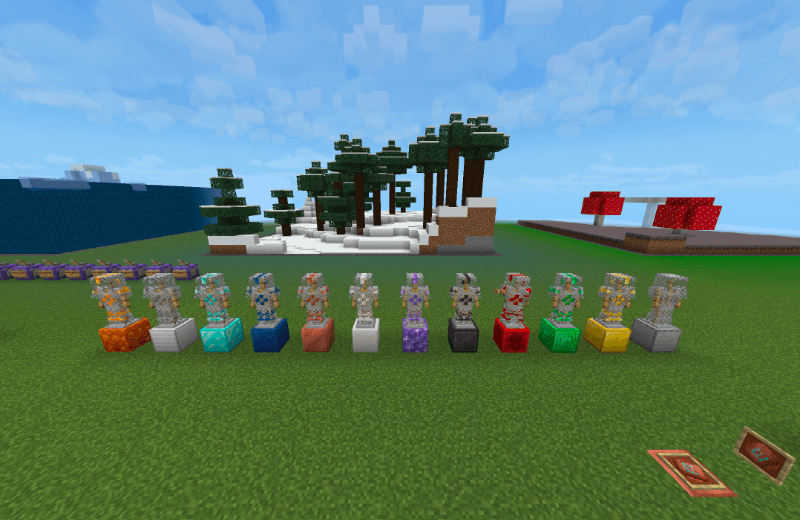
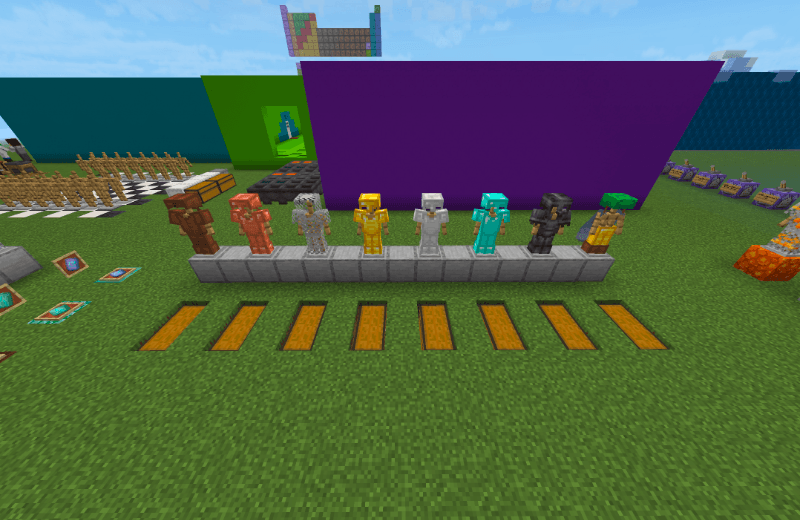
All smithing trims are displayed seperatly.
All smithing trim materials are displayed seperately.
Each armor material has a chest full of all the smithing trim posibilities.
Paintings
Paintings
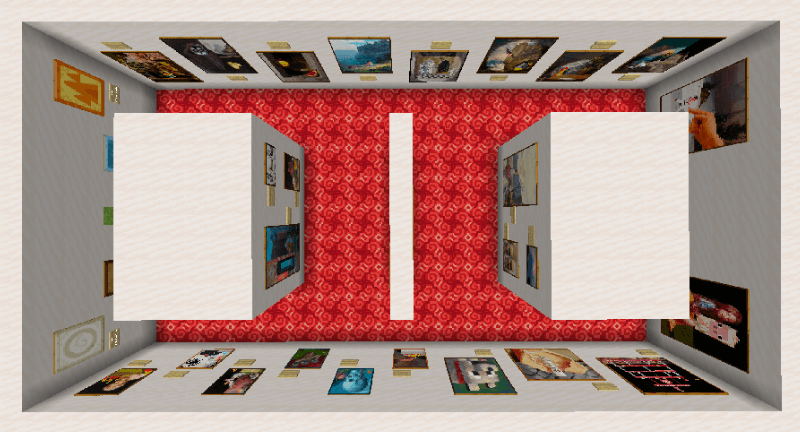
All Paintings are showcased in a museum style manner.
Particles
Particles
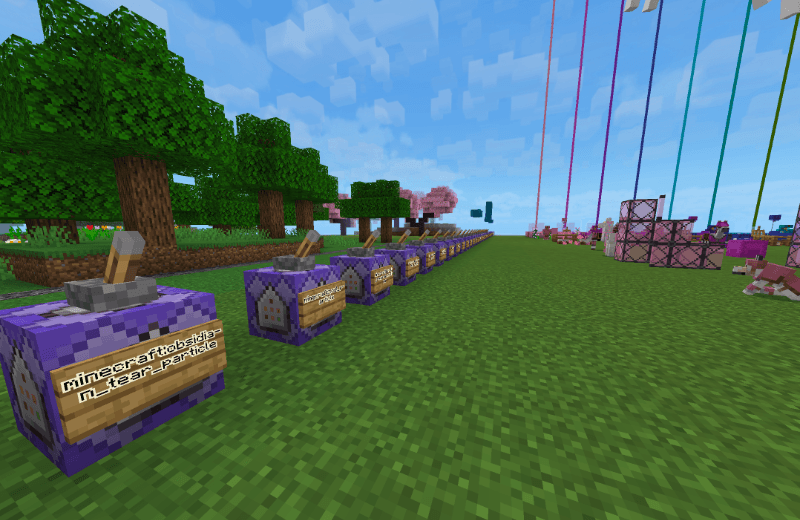
You can activate every known vanilla partcile.
Shields & Banners
Shields & Patterns
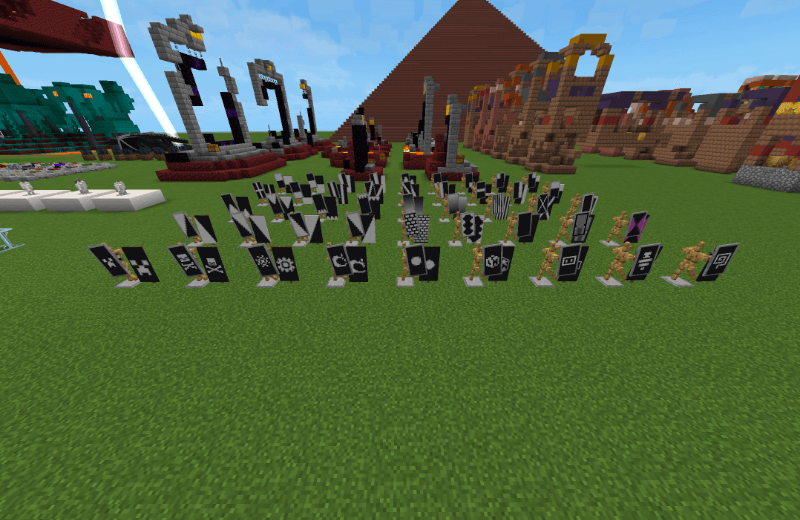
Not all banner combination is showcased in the map or else it would take ages. But each known single banner pattern is displayed along side its shield variant.
Must Do
✅ Random Stick Speed set to 0
✅ Never Peaceful - Will despawn all hostile mobs
✅ Fire Spread OFF
✅ TNT Explodes OFF
✅ Respawn Blocks Explode OFF
✅ Imsomnia OFF
✅ Mob Griefing OFF
✅ Natural Mob Spawning OFF
✅ Command Blocks ON
✅ Minecraft Education Edition Features ON
WARNING : May lag or crash low-end devices.
- Edition: Minecraft Bedrock
- File type: .mcworld
- Minecraft versions listed: 1.21.114, 1.21.111, 1.21.101
- How to install: Download the .mcworld file. → Open it — Minecraft imports it as a new world. → Find it in your Worlds list and play.
- Where to get it: Opens on CurseForge — not every file is mirrored on our own servers.
Install steps are the general flow for this file type — How to install Minecraft Bedrock maps walks through it step by step.
- Pack type: .mcworld — a ready-made world
- Download size: 64.3 MB
- Download link checked 25 Aug 2026 — working
These come from our own check of the pack file, not from the source page.