Gm_Construct
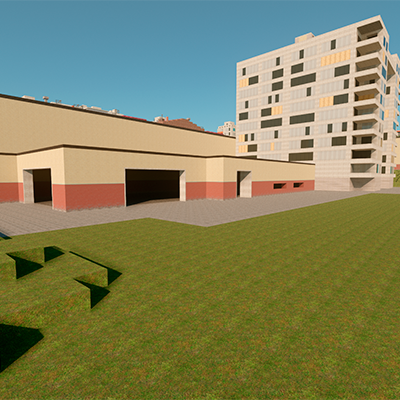
A regular map based on the Gm_Construct example from the Garry's Mod. The map has all the places from the original map, including the Easter Room (it…
I don't know my version
>>Links<<
If you found an bugs or wanted to contact me, visit my discord server.
>>About Gm_construct<<
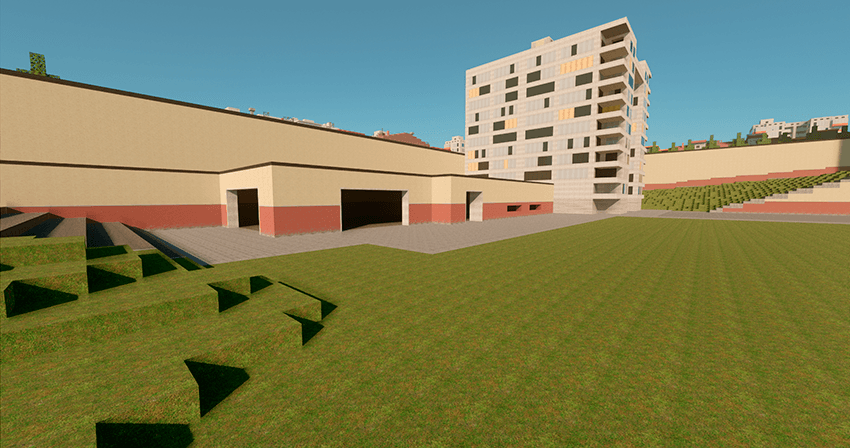
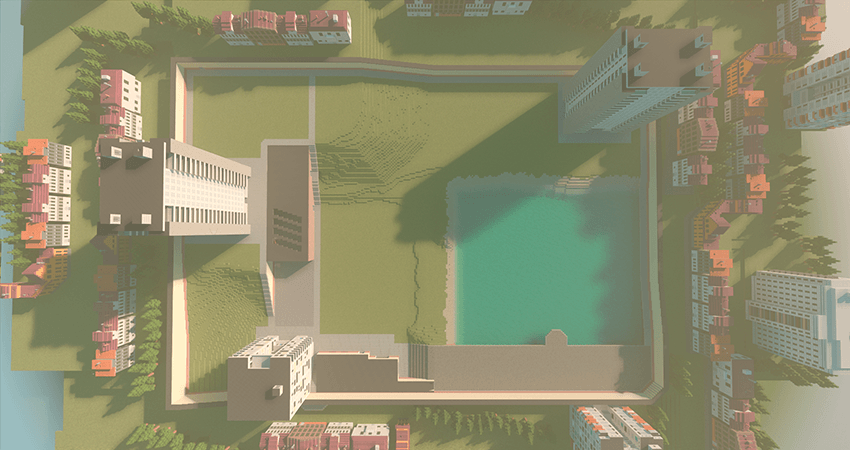
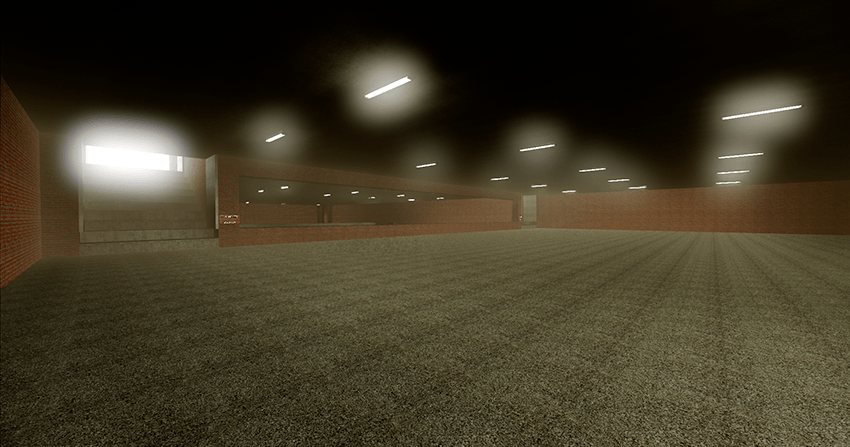
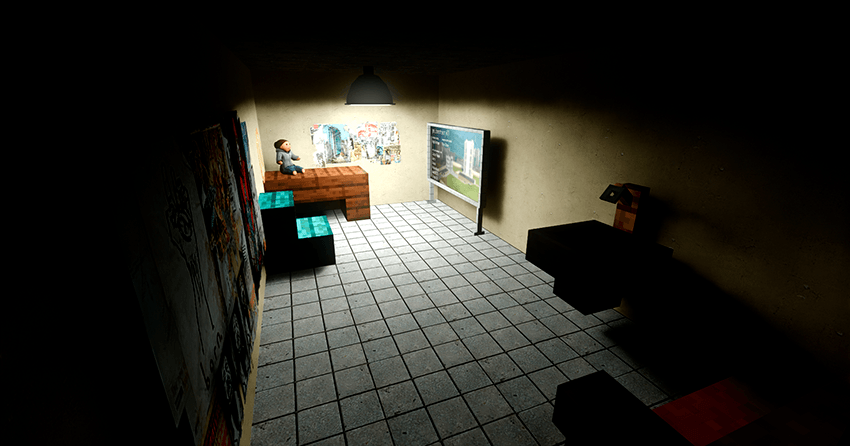
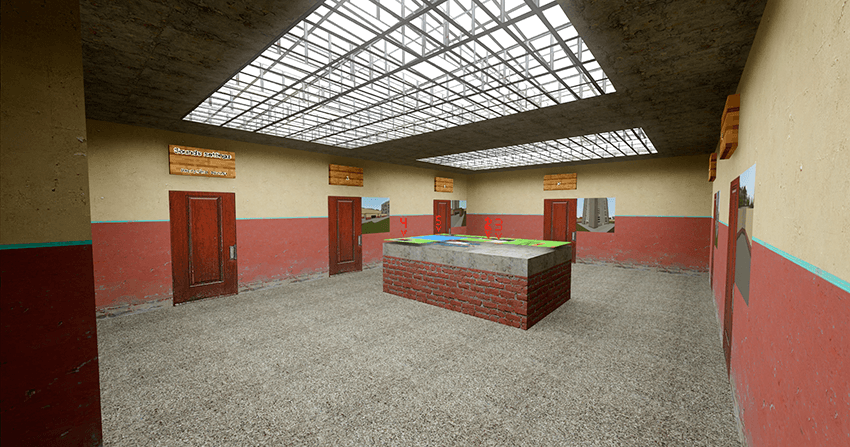
A regular map based on the Gm_Construct example from the Garry's Mod. There are textures, sounds and additions on the map. The map was built on the principle of a large box (double box = 2 blocks) and because of this, the map looks quite large. I think NextBots fans will like the map.
The map has all the places from the original map, including the Easter Room (it turned out to be a little smaller due to lack of space). During spawning, you will have a choice of which spawning zone to get into (there are 5 spawning zones in total).
>>Screenshots from the map<<
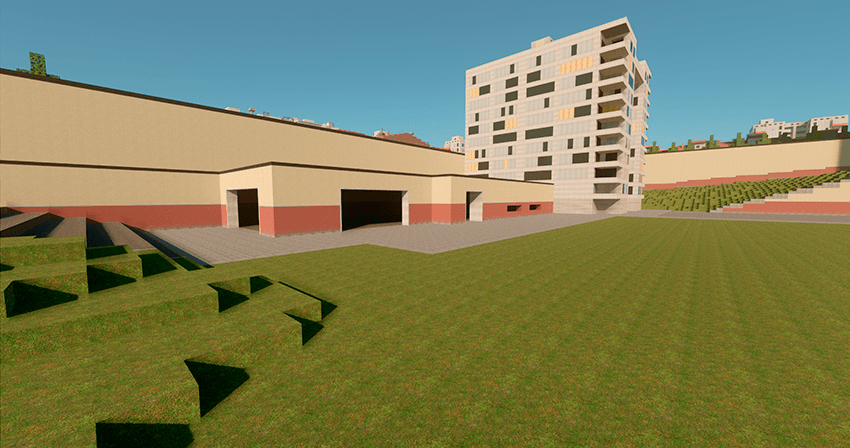
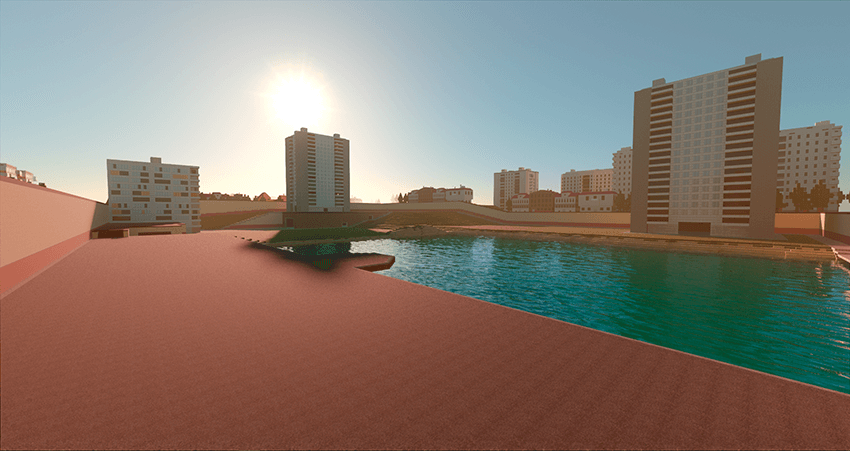
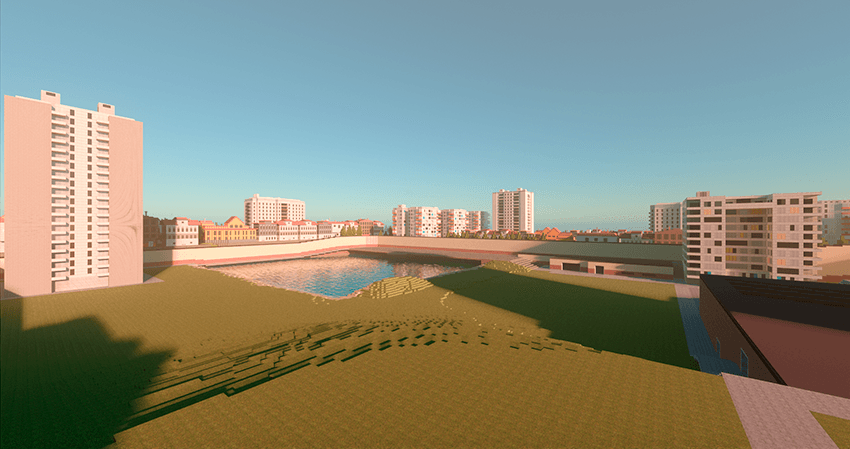
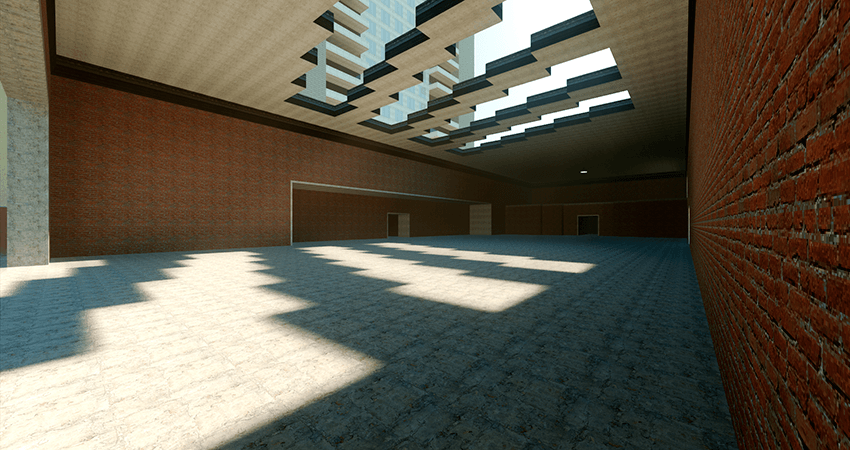
>>Textures and Sounds<<
There are textures on the map (mostly up to 300x300 px) and most of them are in the addon because I wanted to leave the vanilla textures unchanged. From the sounds, I added the same sounds of drops when the prompts were triggered in the original game, the sounds of steps, falls, etc. were also changed.
>Addons<
The map has its own addon from which the entire map is built. Do not delete it!
- Edition: Minecraft Bedrock
- File type: .mcworld
- Minecraft versions listed: 26.13, 1.21.50
- How to install: Download the .mcworld file. → Open it — Minecraft imports it as a new world. → Find it in your Worlds list and play.
- Where to get it: Opens on CurseForge — not every file is mirrored on our own servers.
Install steps are the general flow for this file type — How to install Minecraft Bedrock maps walks through it step by step.
- Pack type: .mcworld — a ready-made world
- Manifest requires Minecraft 1.16.0 or newer
- Complete pack — everything it depends on is inside the file
- Download size: 21.7 MB
- Download link checked 25 Aug 2026 — working
These come from our own check of the pack file, not from the source page.