MapsBedrock
Immersion: India
I don't know my version
Open Minecraft and look at the bottom-left corner of the main screen — the version is printed there, like v1.26.30.
The game writes a 1. in front; the buttons above leave it off. v1.26.30 in the game is 26.30 here.
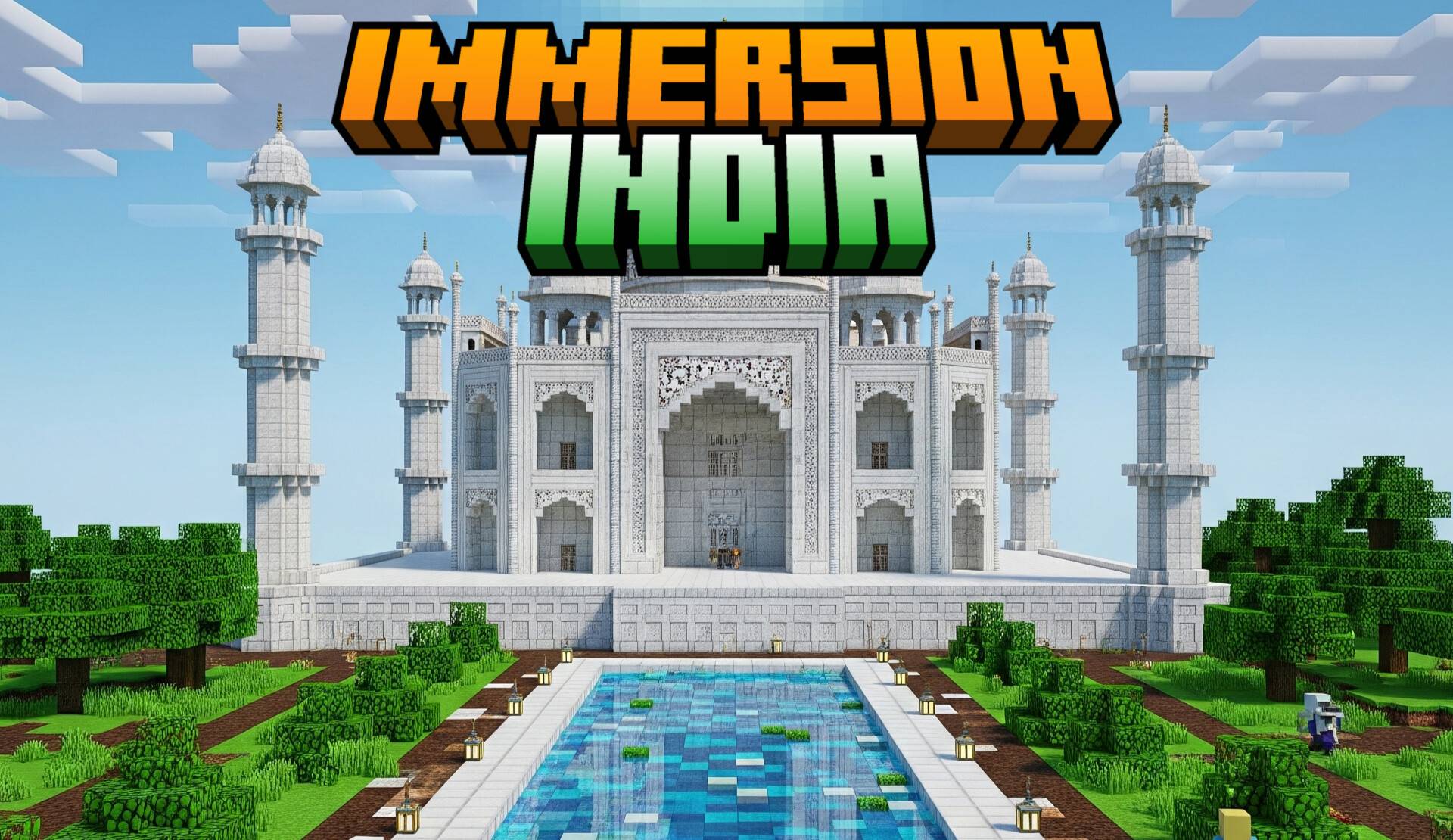
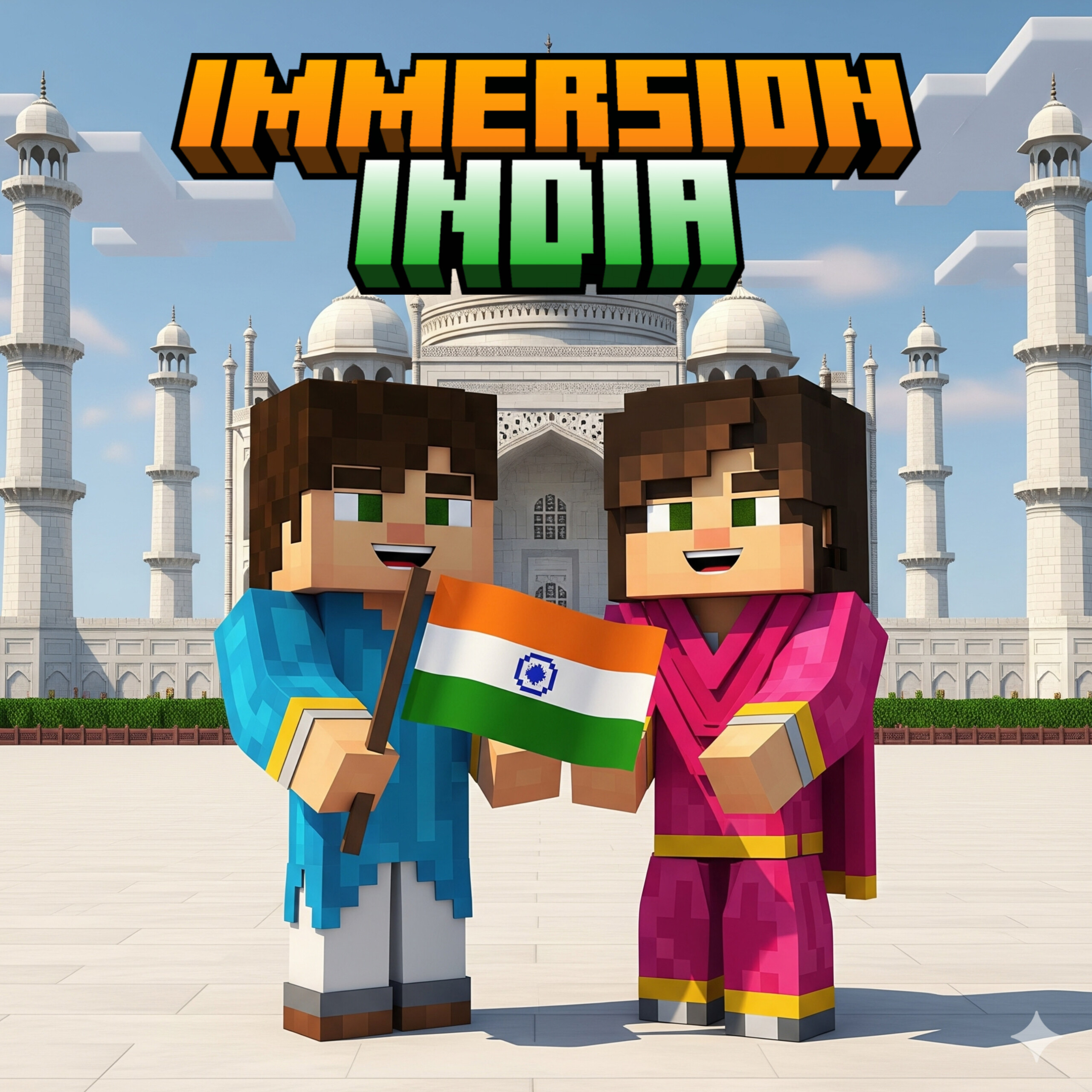
Want to explore the India? This world is for you to beggin adventures! Adds iconic tourist attractions to explore the India. Explore the Taj Mahal, take photos of elephants, decorate your own furniture, and much more.
Guides
Installation
- Install the world and import the Minecraft Bedrock,
- Download add-ons and texture packs,
- Turn all experimental features,
- The world is ready to play.
On the world
- The spawn point is the cave.
- 3 empires and countries to explore.
- Explore cities like the Mughal Empire, the Maratha Empire and much more.
Notes
- This world does not requires creative mode
- The player.json is used this world.
Quick facts
- Edition: Minecraft Bedrock
- File type: .mcworld
- Minecraft versions listed: 1.21.122, 1.21.120, 1.21.111
- How to install: Download the .mcworld file. → Open it — Minecraft imports it as a new world. → Find it in your Worlds list and play.
- Where to get it: Opens on CurseForge — not every file is mirrored on our own servers.
Install steps are the general flow for this file type — How to install Minecraft Bedrock maps walks through it step by step.
Verified by MCModsHub
- Pack type: .mcworld — a ready-made world
- Download size: 14.1 MB
- Download link checked 26 Aug 2026 — working
These come from our own check of the pack file, not from the source page.