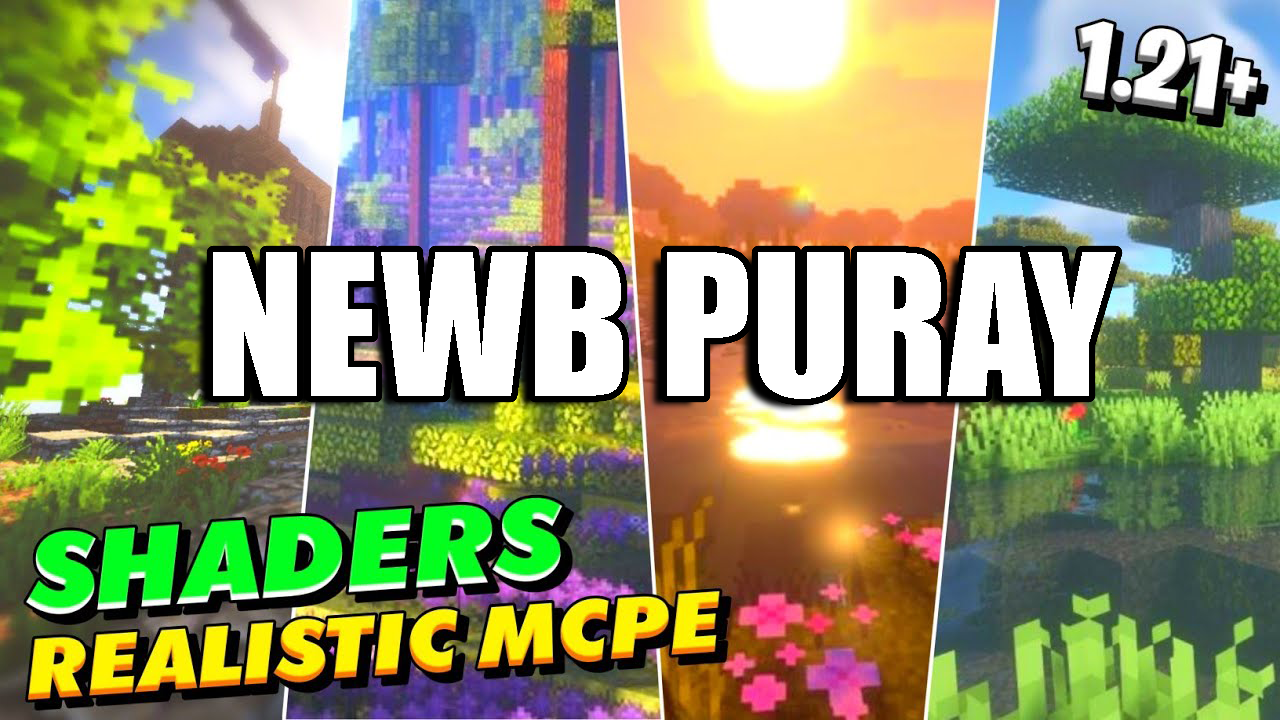
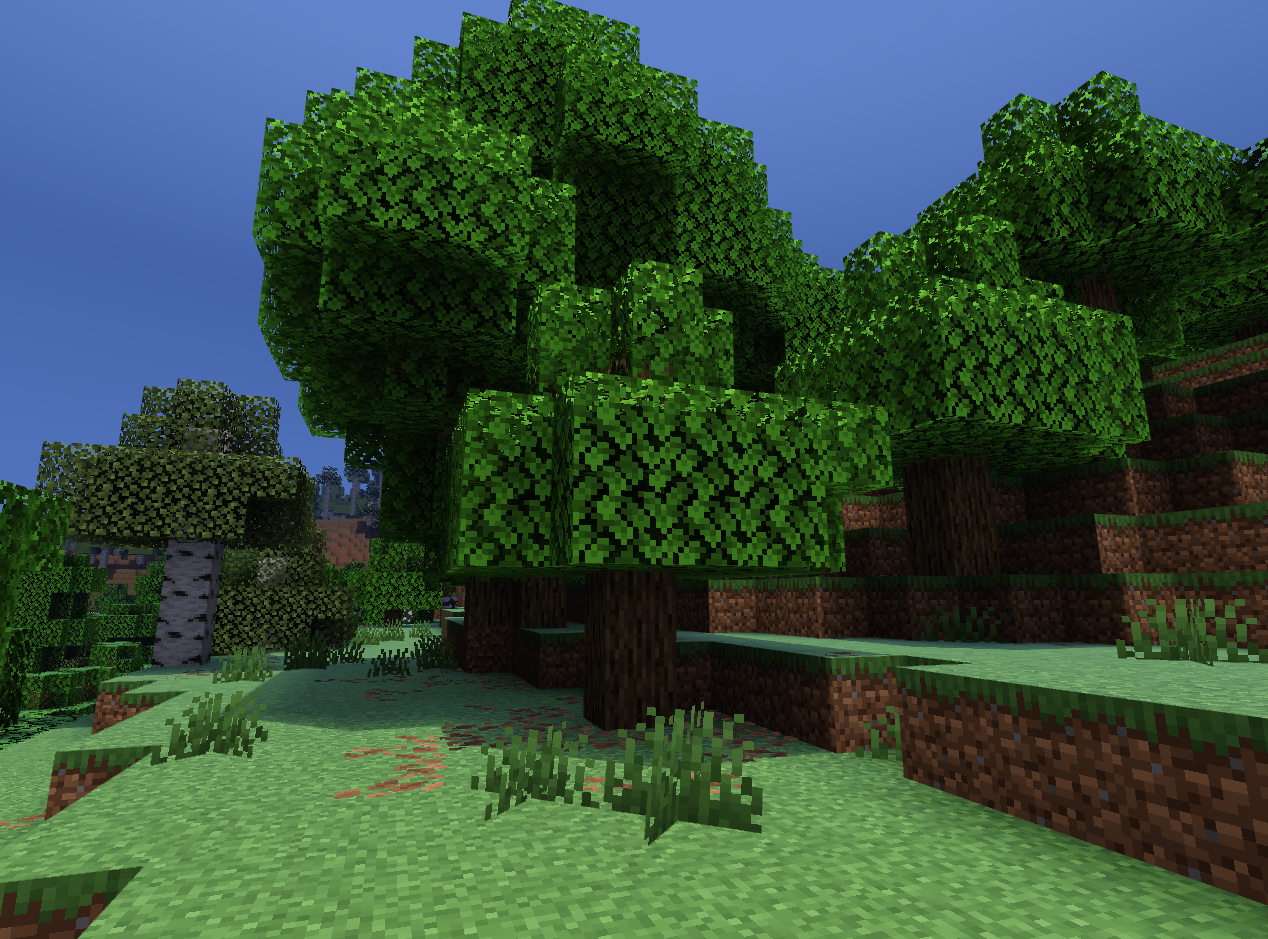
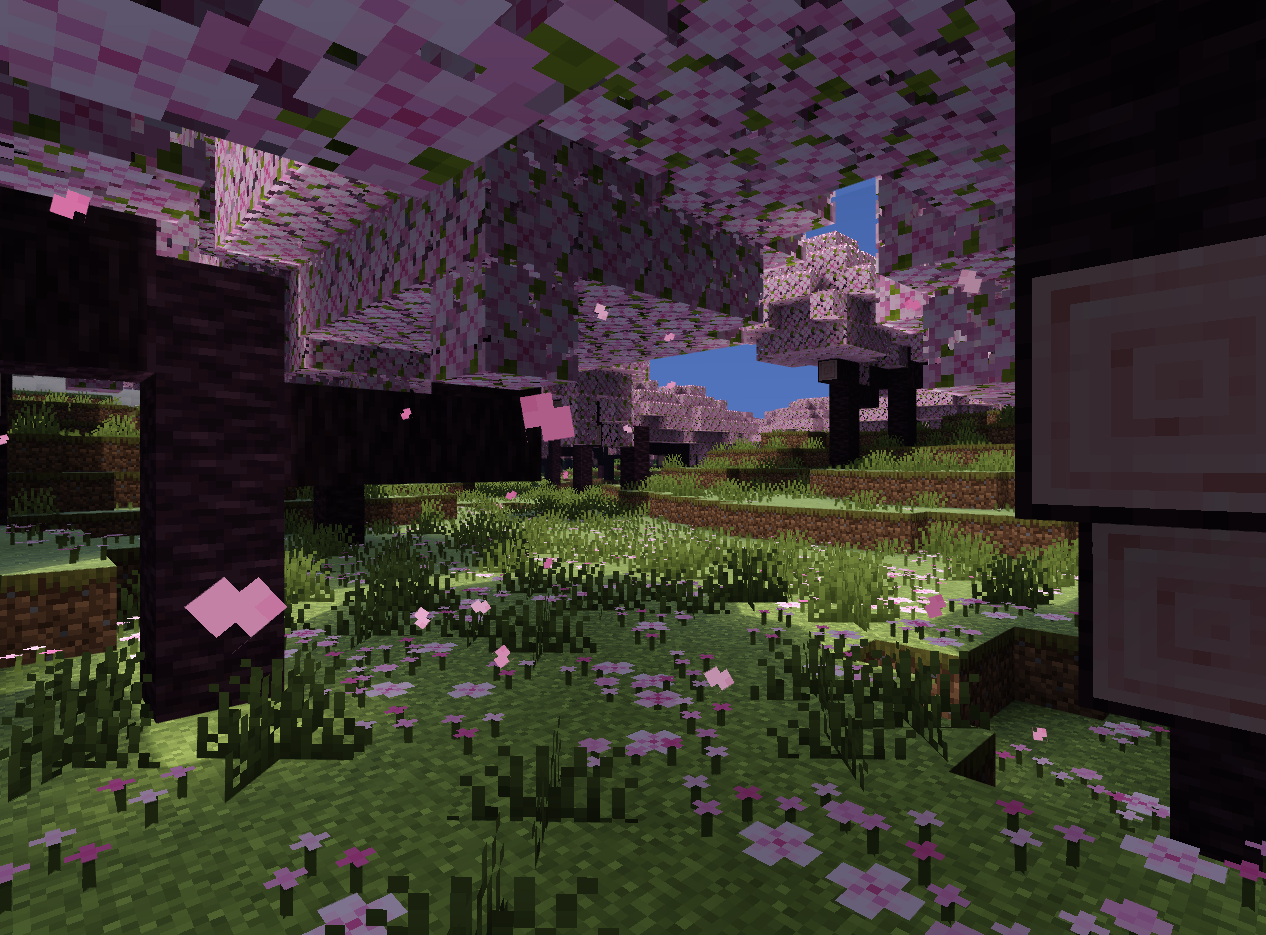
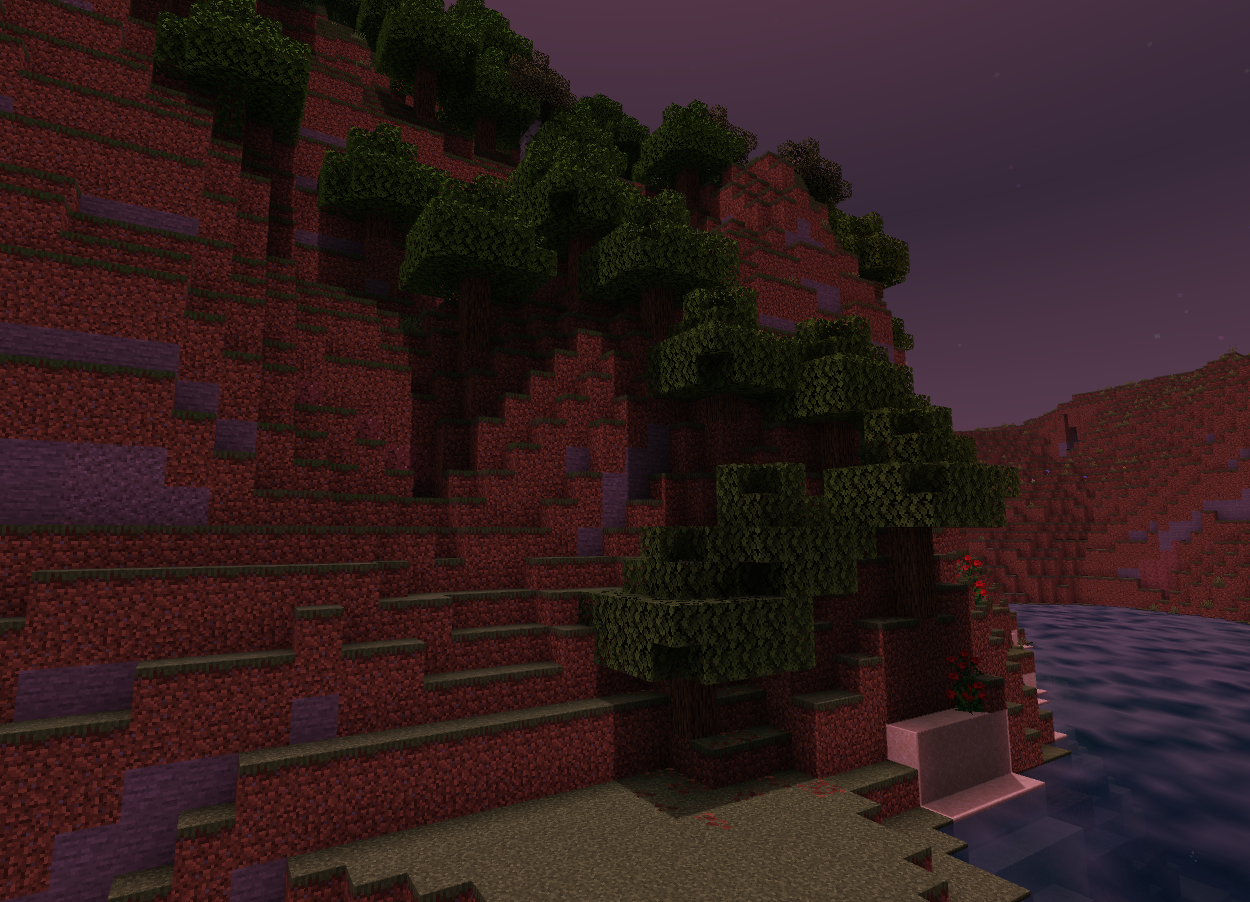
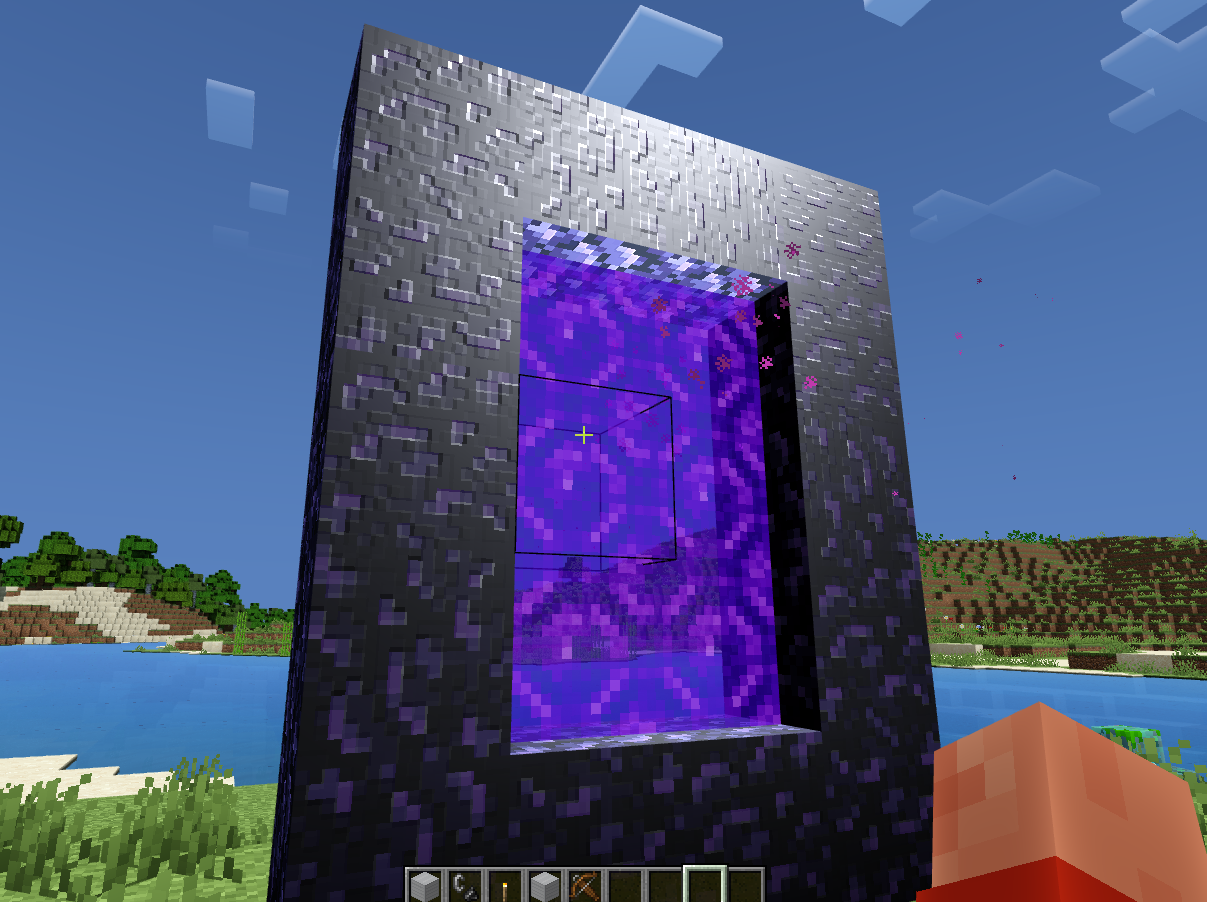
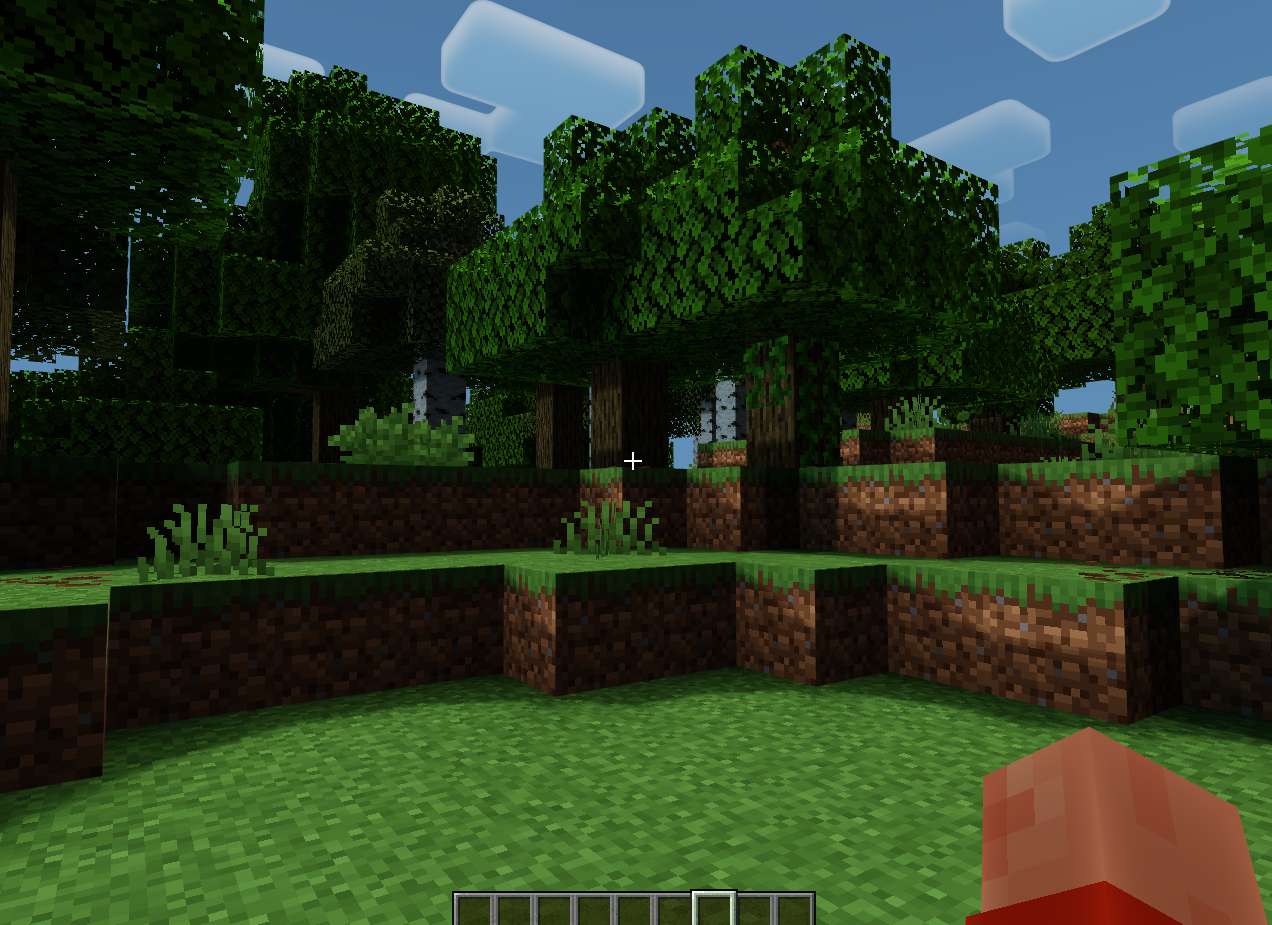
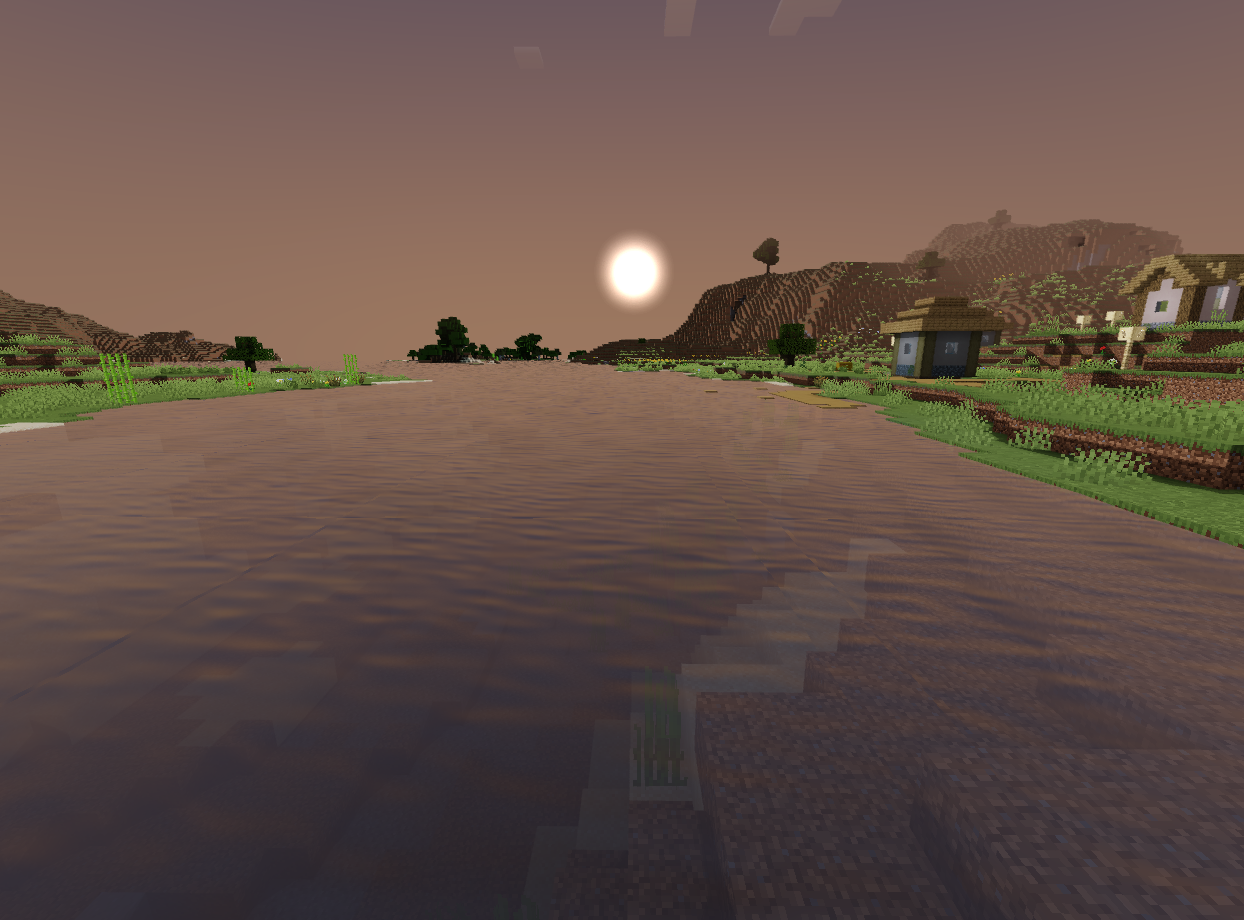
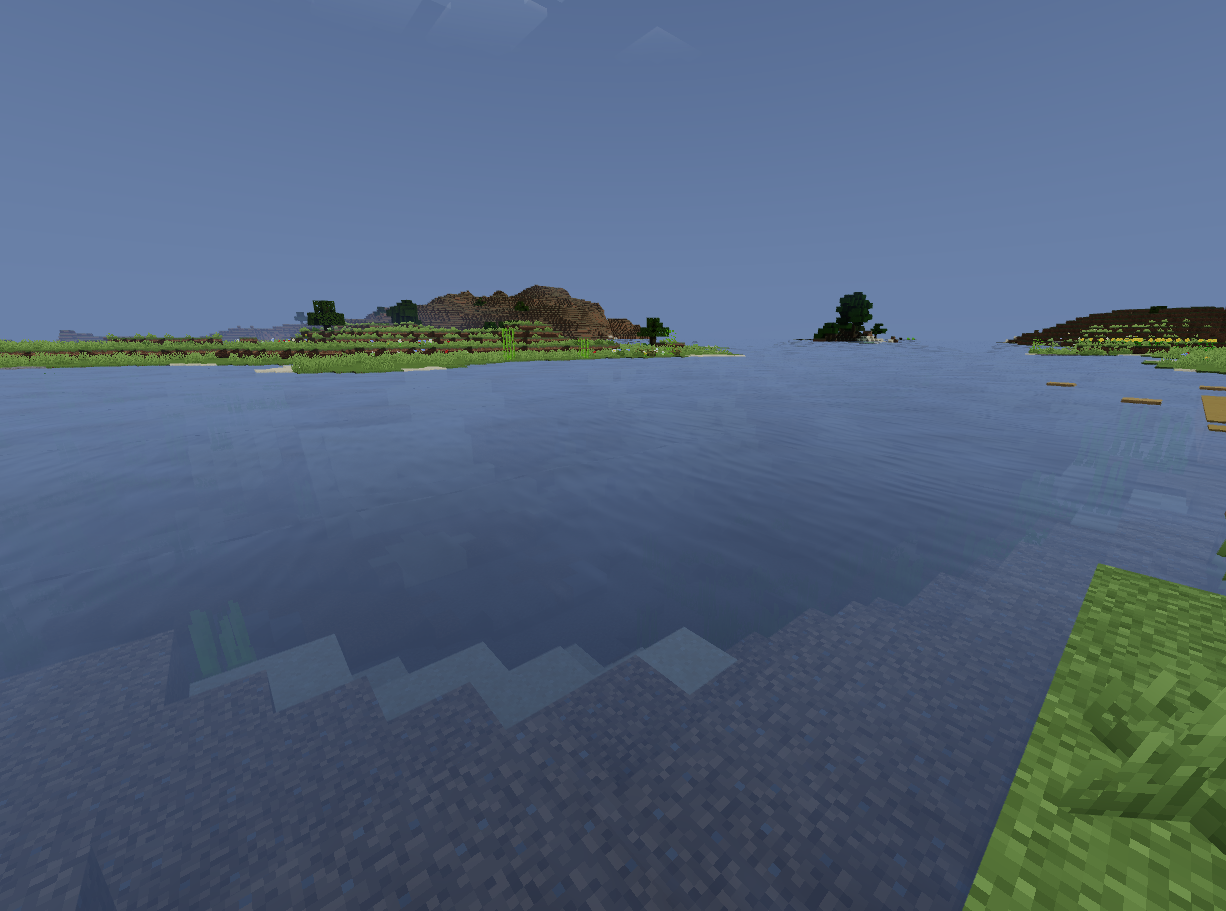
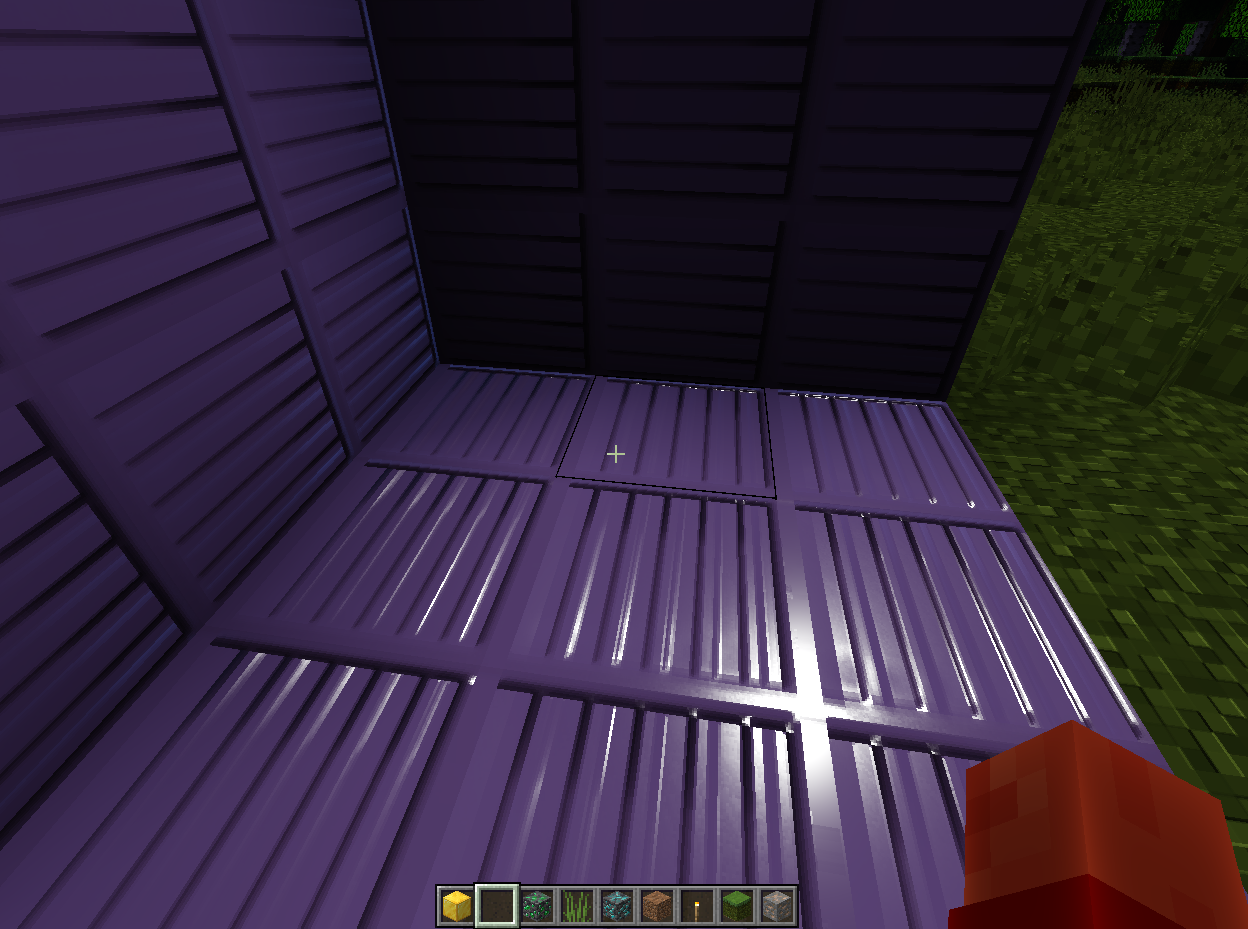
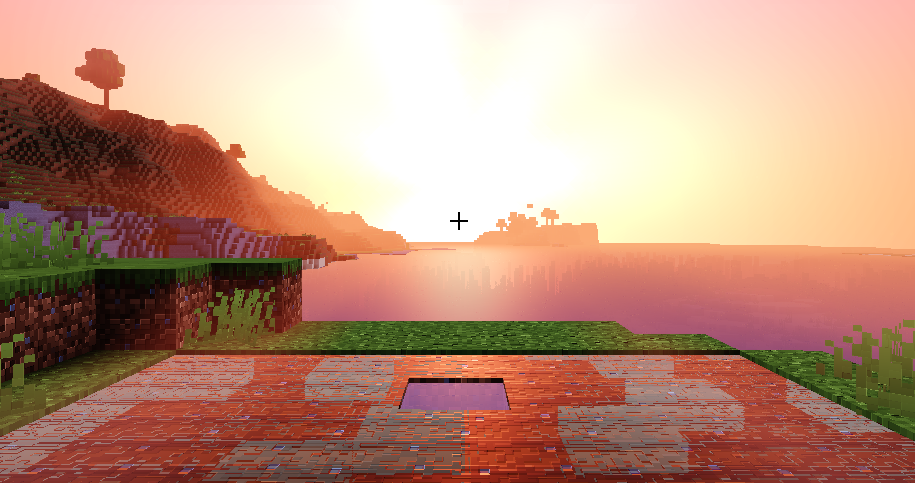
Newb X Pureray Shader revolutionizes the visual experience in Minecraft Bedrock Edition by introducing a suite of stunning graphical enhancements, including directional lighting (Dirlight), vibrant colored lighting, and fake normal map textures for blocks like oak logs, stone, and iron, creating a more three-dimensional appearance.
Features:
- Dirlight.
- Colored Lighting.
- Fake Normal Map Textures For Some Blocks Like Oak Log, Stone, and Iron Block.
- Terrain Reflection.
- Player Shadow.
- Shadows.
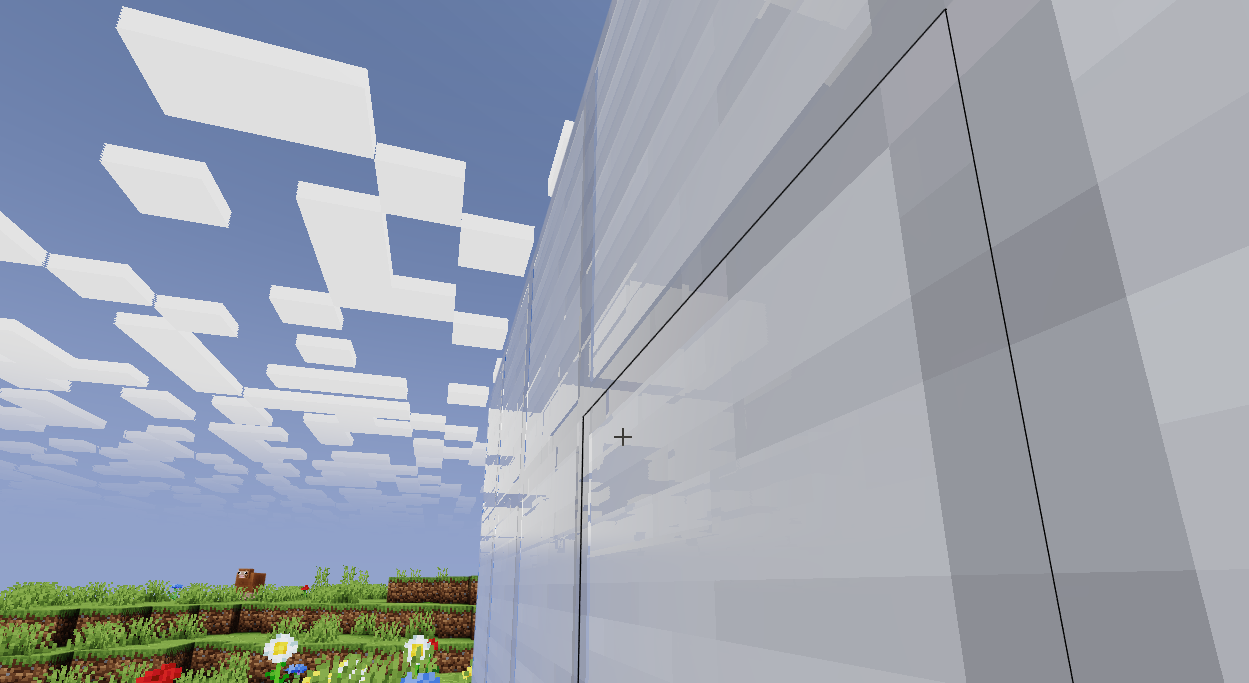
Screenshots:
Installation Note:
- You need to download MB Loader from the PlayStore to use shaders in Minecraft 1.21.70 onwards.
Newb X Pureray Shader Download Links
You may also like
For Minecraft PE/Bedrock 1.21.20+
Android: Download from server 1 – Download from server 2
Windows: Download from server 1 – Download from server 2
Quick facts
- Edition: Minecraft Bedrock
- File type: .mcpack
- Minecraft version listed: 1.21.20
- How to install: Download the .mcpack. → Open it — Minecraft imports it under Resource Packs. → Activate it in Global Resources, or for one world under Resource Packs → Available.
- Where to get it: In MCModsHub, or directly above on this page.
Install steps are the general flow for this file type — How to install Minecraft Bedrock texture packs walks through it step by step.
Verified by MCModsHub
- Pack type: .mcpack — a single pack
- Manifest requires Minecraft 1.21.20 or newer
- Complete pack — everything it depends on is inside the file
- Download size: 1.2 MB
- Download link checked 17 Jun 2026 — working
- Mirrored on our own servers — the download does not depend on the original host
These come from our own check of the pack file, not from the source page.