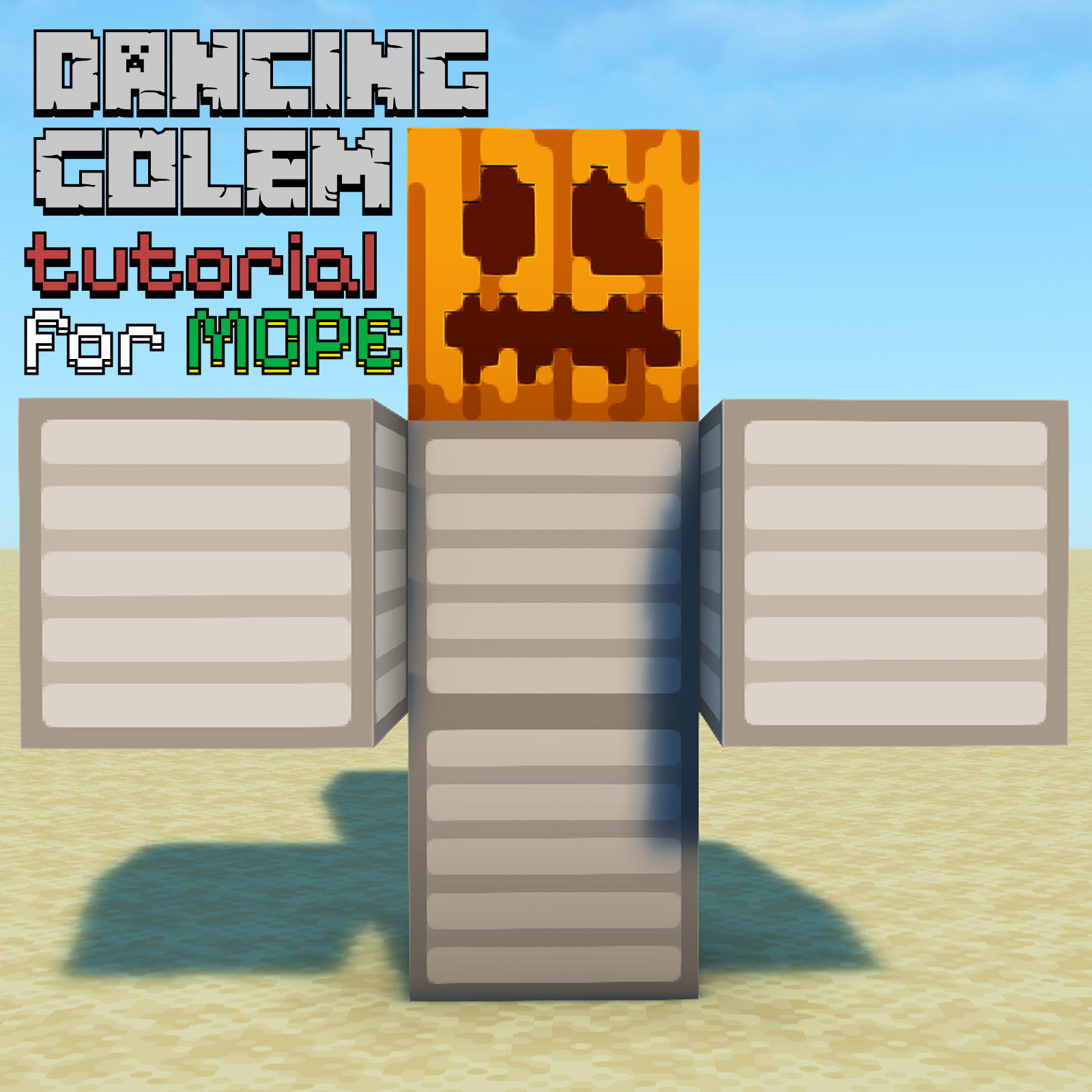
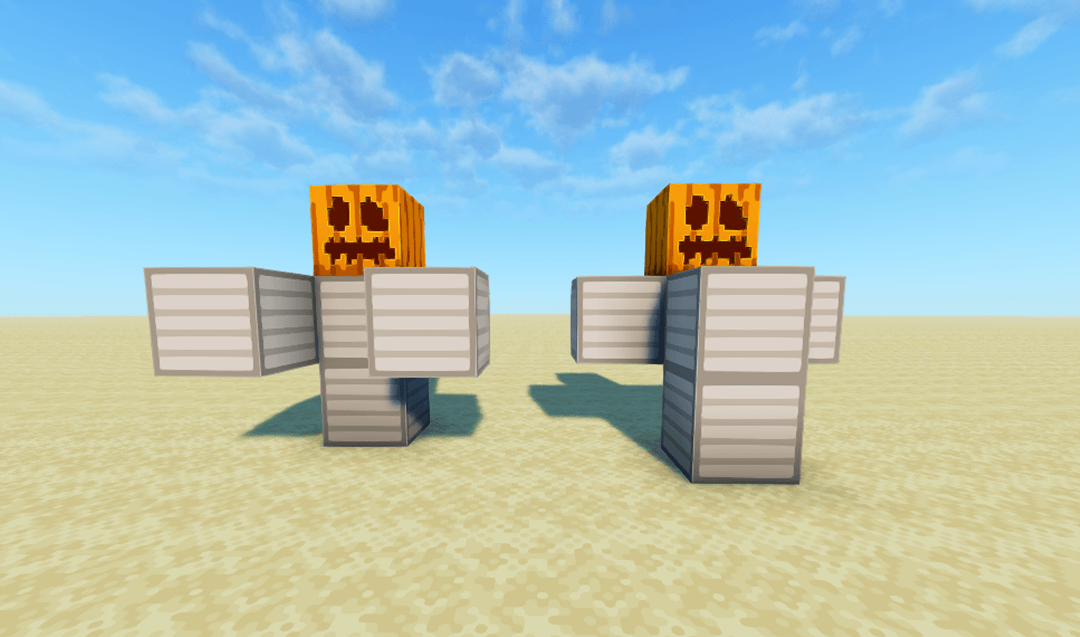
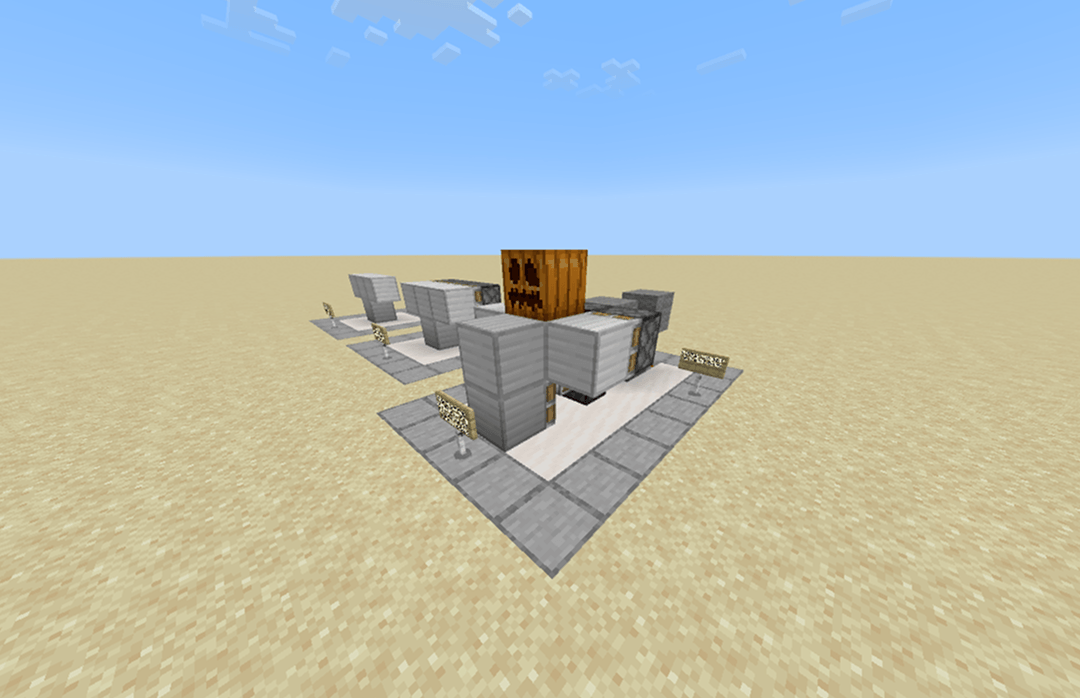
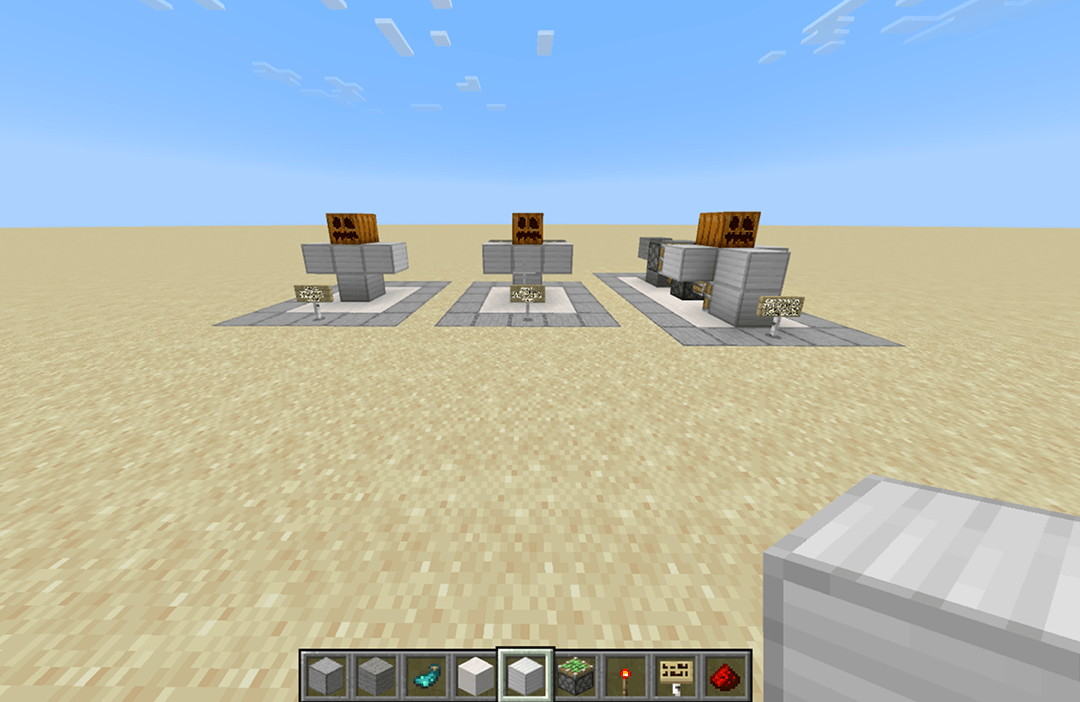
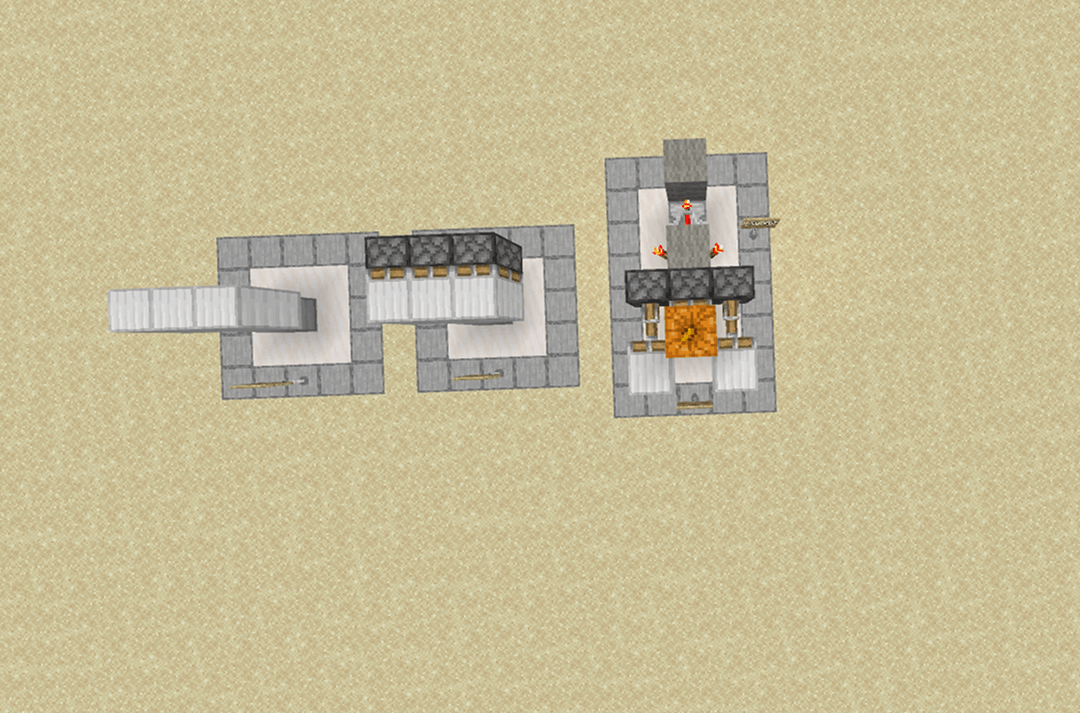
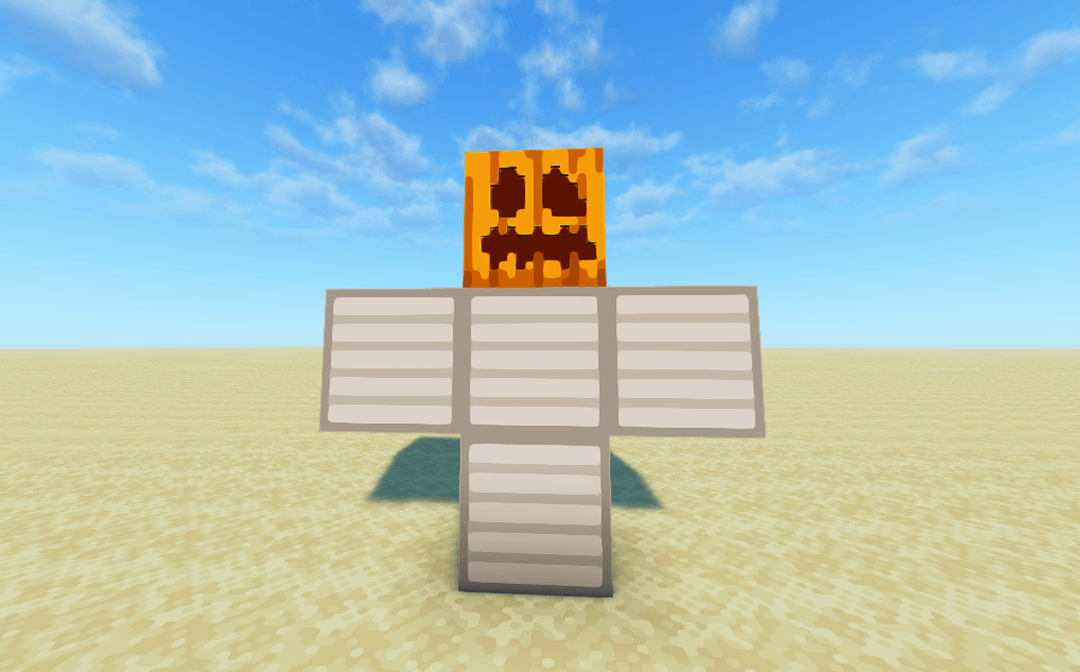
Step into my Minecraft world, where I've harnessed the power of redstone to create something truly unique: a dancing golem! Forget those static protectors—this iron friend knows how to bust a move.
In this world, I'll walk you through the simple yet ingenious redstone contraption that brings this viral sensation to life. You'll see how a few sticky pistons, strategically placed iron blocks, and some precisely timed redstone signals transform a regular golem into a rhythmic performer.
Whether you're looking to impress your friends, add some unique flair to your base, or simply enjoy the sight of a golem grooving to its own beat, this tutorial is for you. Get ready to learn the secrets of redstone rhythm and turn your Minecraft world into a dance floor!
- Edition: Minecraft Bedrock
- File type: .mcworld
- Minecraft versions listed: 1.21.81, 1.21.82, 1.21.80
- How to install: Download the .mcworld file. → Open it — Minecraft imports it as a new world. → Find it in your Worlds list and play.
- Where to get it: Opens on CurseForge — not every file is mirrored on our own servers.
Install steps are the general flow for this file type — How to install Minecraft Bedrock maps walks through it step by step.
- Pack type: .mcworld — a ready-made world
- Download size: 82 KB
- Download link checked 26 Aug 2026 — working
These come from our own check of the pack file, not from the source page.