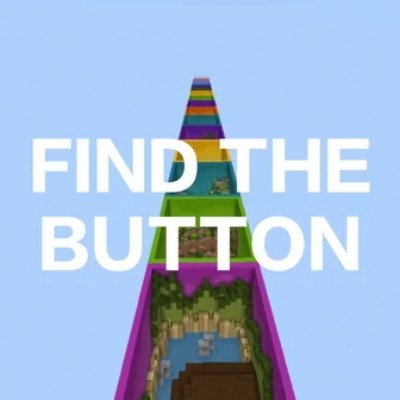

A classic Find The Button map
Minecraft V26.10
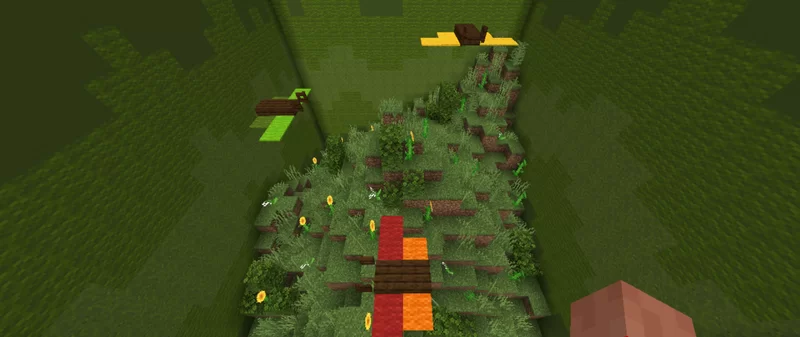
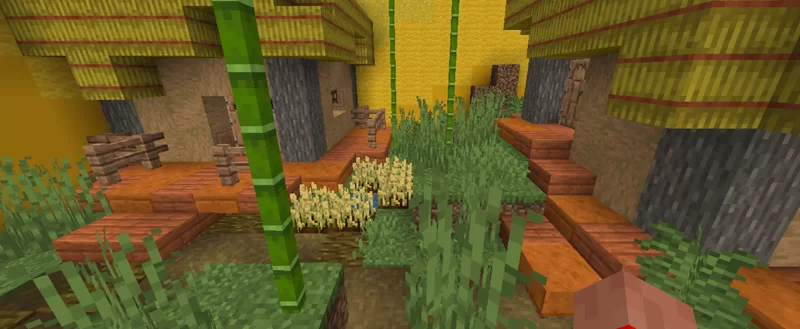
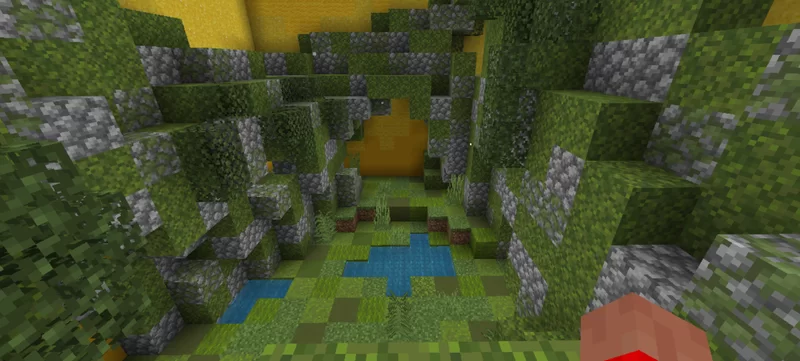
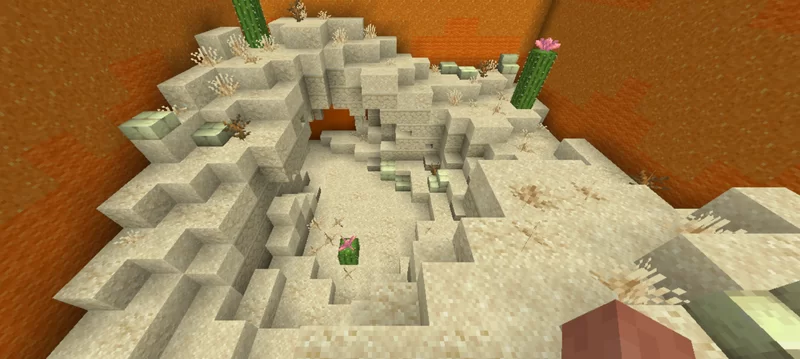
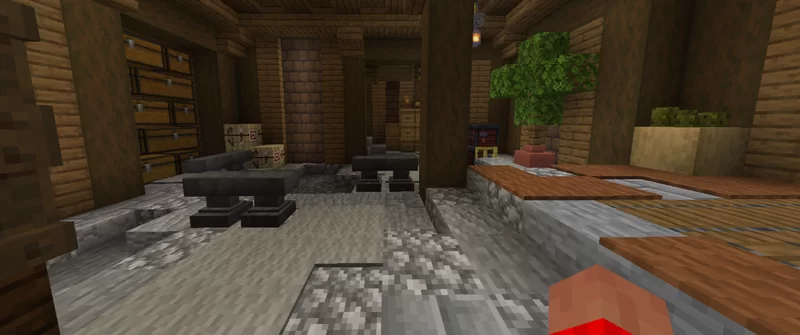
Have you ever heard of Find The Button? Yes, a map that is certainly familiar to us, in the past the find the button map was a popular map, but unfortunately maps like this are no longer as popular as before. So I made this map for those of you who still want a Find The Button map like before, although not as good as others, this map has 100 short levels waiting for you to play.
Note: some levels are inspired by Google images and AI that you will encounter at levels 44, 45, 56, 61, 62, 68, 73, 87, 93, 96, 100.
If you find an error, please let me know in the comment
#Description translated by Google translate
- Edition: Minecraft Bedrock
- File type: .mcworld
- Minecraft version listed: 26.10
- How to install: Download the .mcworld file. → Open it — Minecraft imports it as a new world. → Find it in your Worlds list and play.
- Where to get it: Opens on CurseForge — not every file is mirrored on our own servers.
Install steps are the general flow for this file type — How to install Minecraft Bedrock maps walks through it step by step.
- Pack type: .mcworld — a ready-made world
- Complete pack — everything it depends on is inside the file
- Download size: 700 KB
- Download link checked 26 Aug 2026 — working
These come from our own check of the pack file, not from the source page.