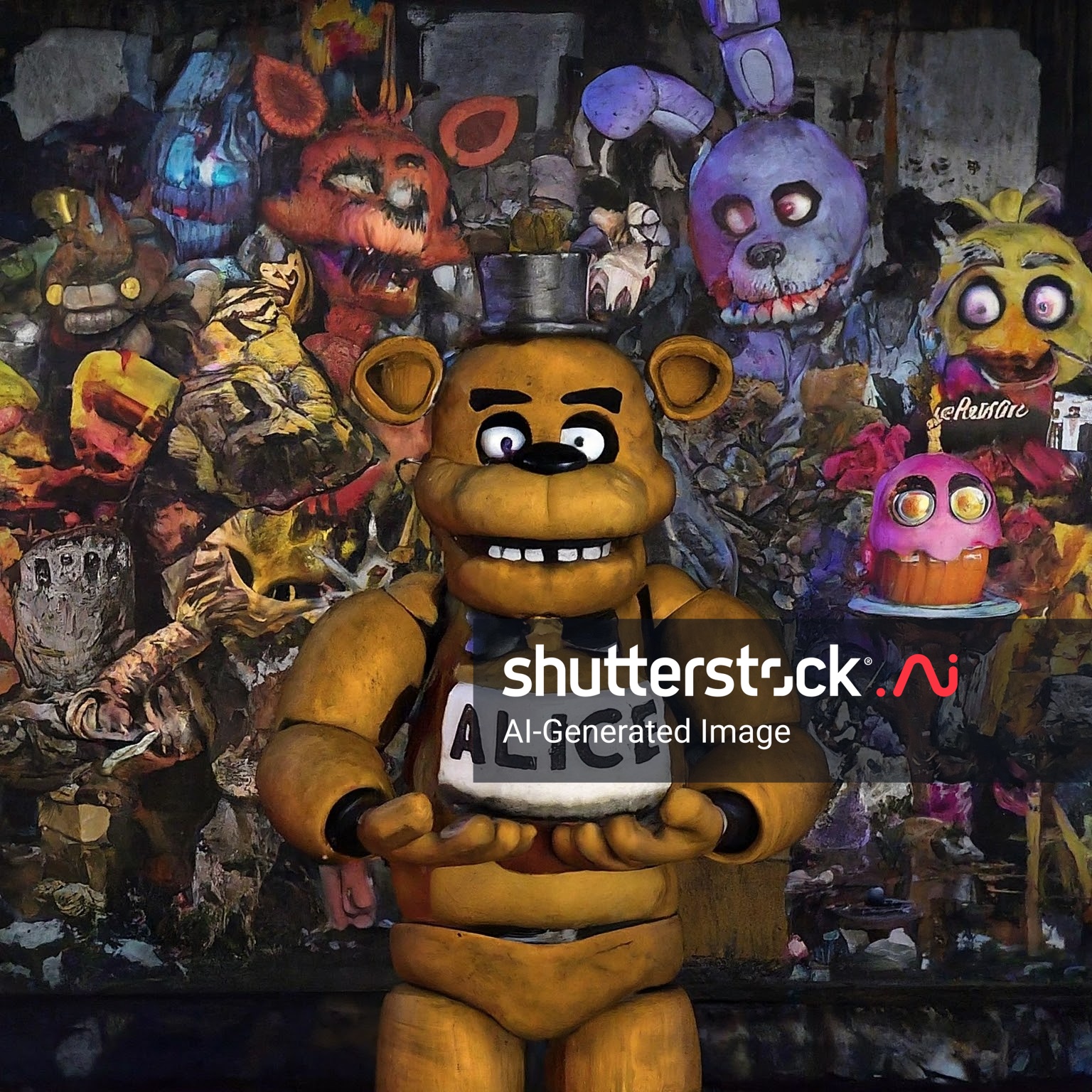
go inside and then go to electrical room and turn the redstone lamps off and go to the main room then go in the office then click on the lever on top of the command block the game wil start if youare glitching please call suport or go to my acc
Quick facts
- Edition: Minecraft Bedrock
- File type: .mcworld
- Minecraft versions listed: 1.20.40, 1.21.30, 0.16.2
- How to install: Download the .mcworld file. → Open it — Minecraft imports it as a new world. → Find it in your Worlds list and play.
- Where to get it: Opens on CurseForge — not every file is mirrored on our own servers.
Install steps are the general flow for this file type — How to install Minecraft Bedrock maps walks through it step by step.
Verified by MCModsHub
- Pack type: .mcworld — a ready-made world
- Manifest requires Minecraft 1.20.80 or newer
- Needs Beta APIs switched on in the world settings
- Complete pack — everything it depends on is inside the file
- Download size: 36.3 MB
- Download link checked 26 Aug 2026 — working
These come from our own check of the pack file, not from the source page.