MapsBedrock
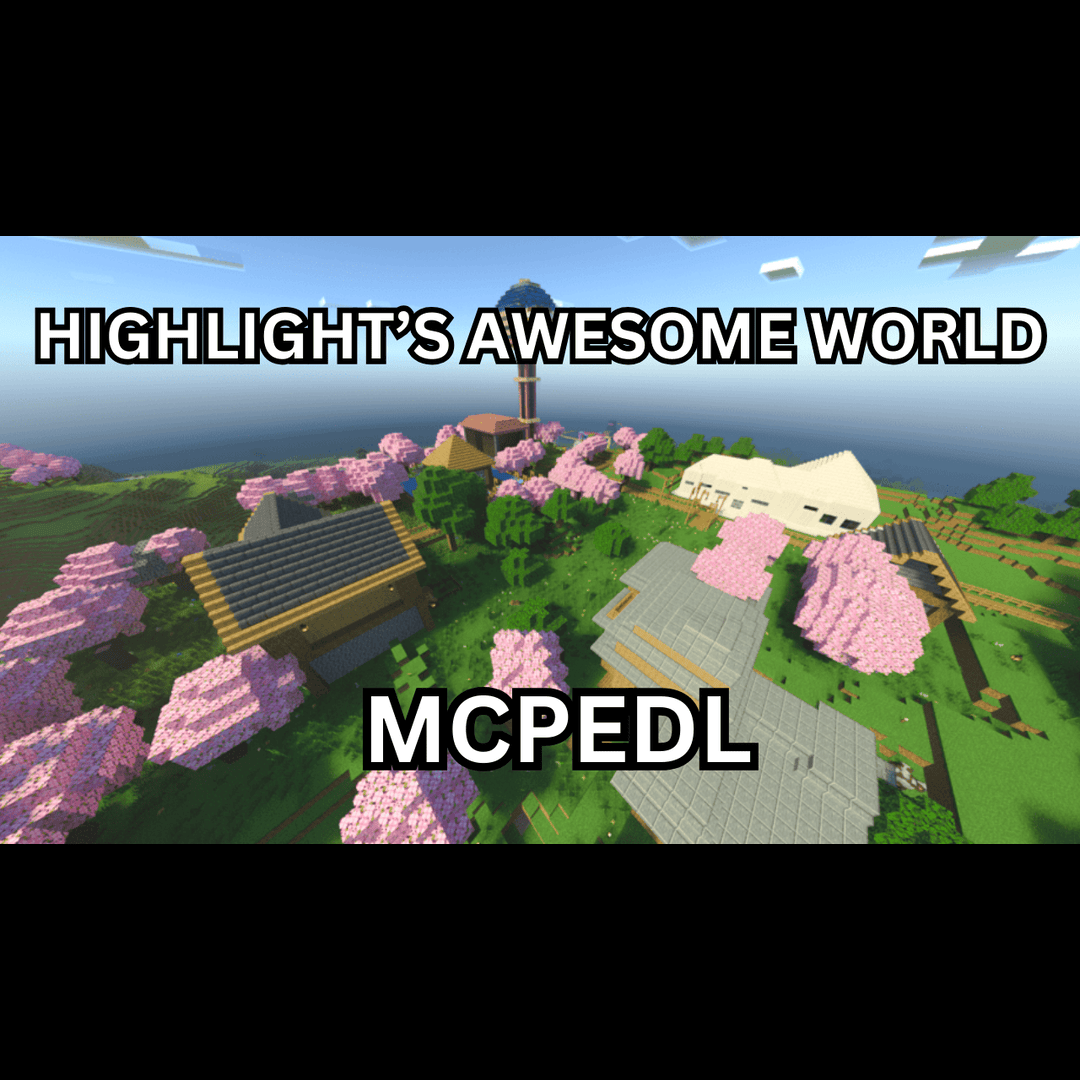
HIGHLIGHTS AWESOME WORLD
Highlights awesome world is a town map that i have built all in survival. this map is too explore and play my mini games.
I don't know my version
Open Minecraft and look at the bottom-left corner of the main screen — the version is printed there, like v1.26.30.
The game writes a 1. in front; the buttons above leave it off. v1.26.30 in the game is 26.30 here.
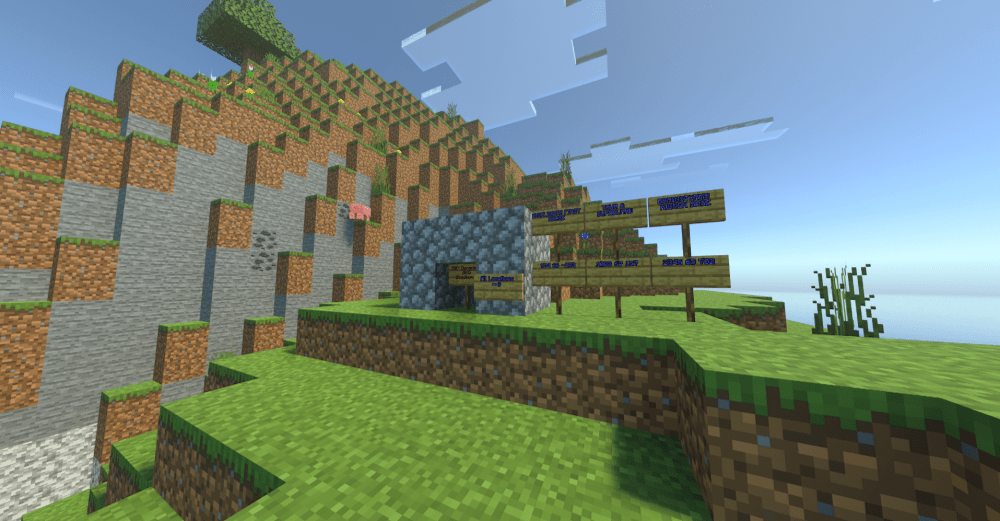
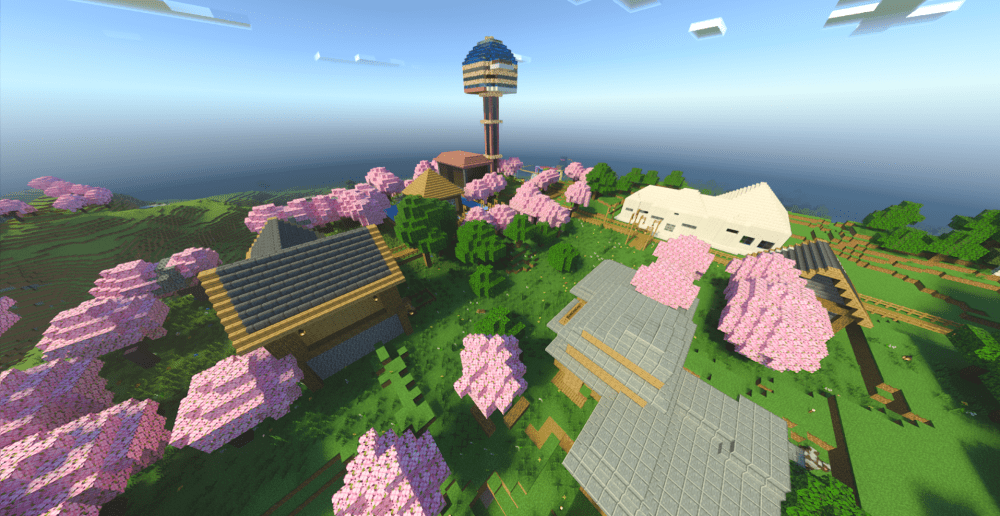
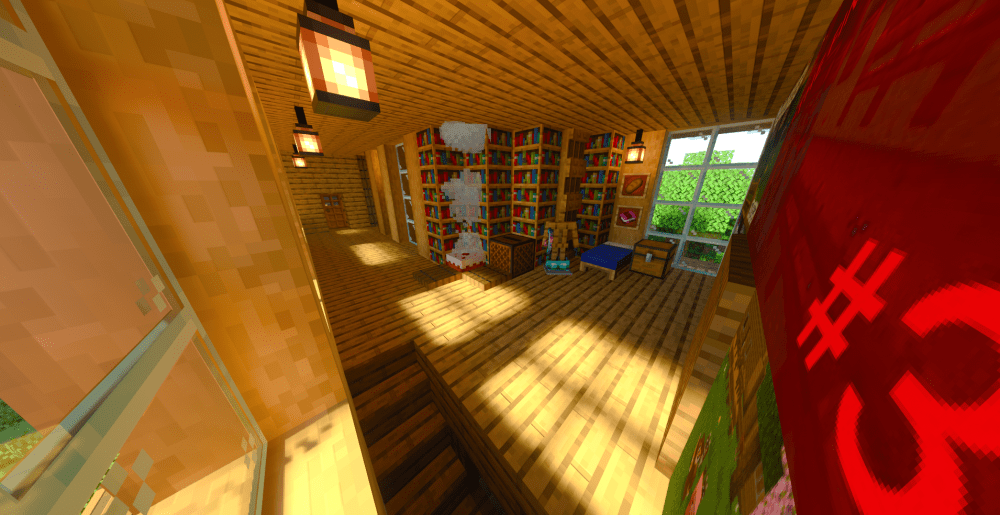

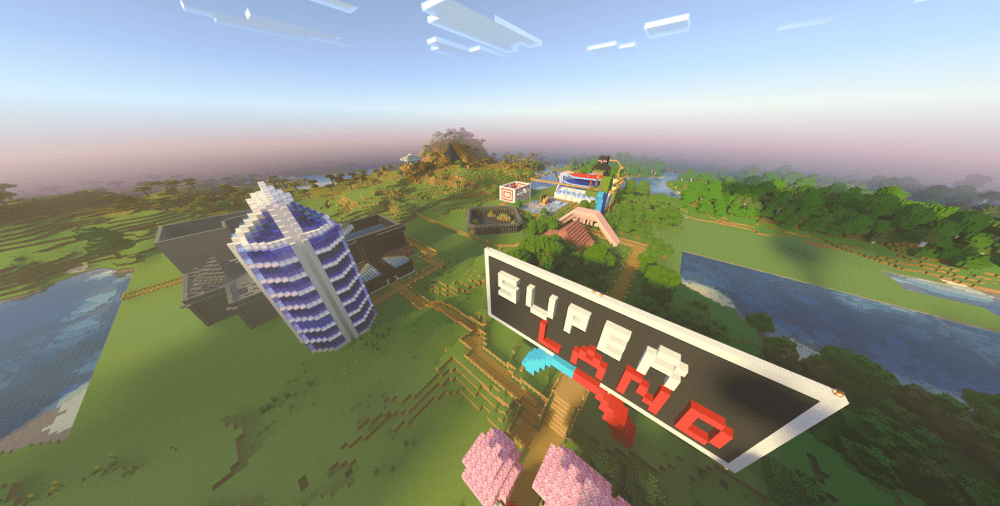
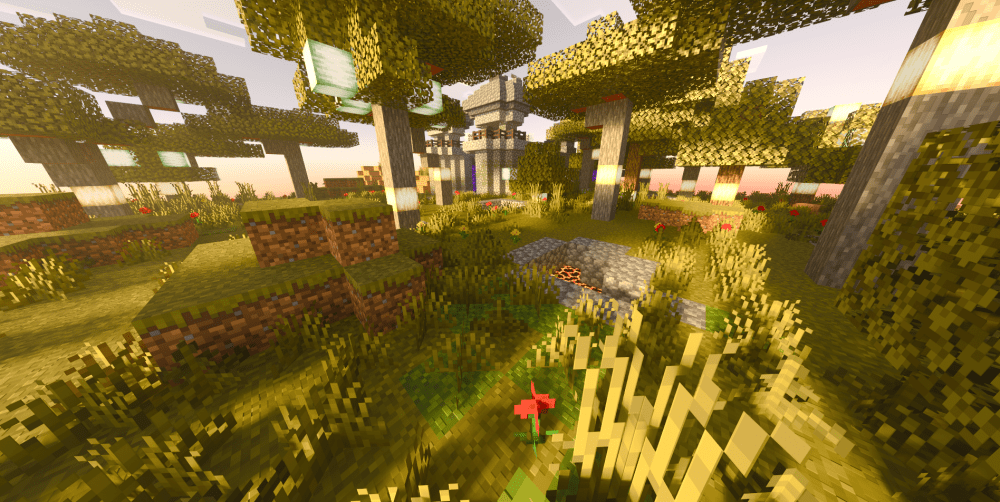
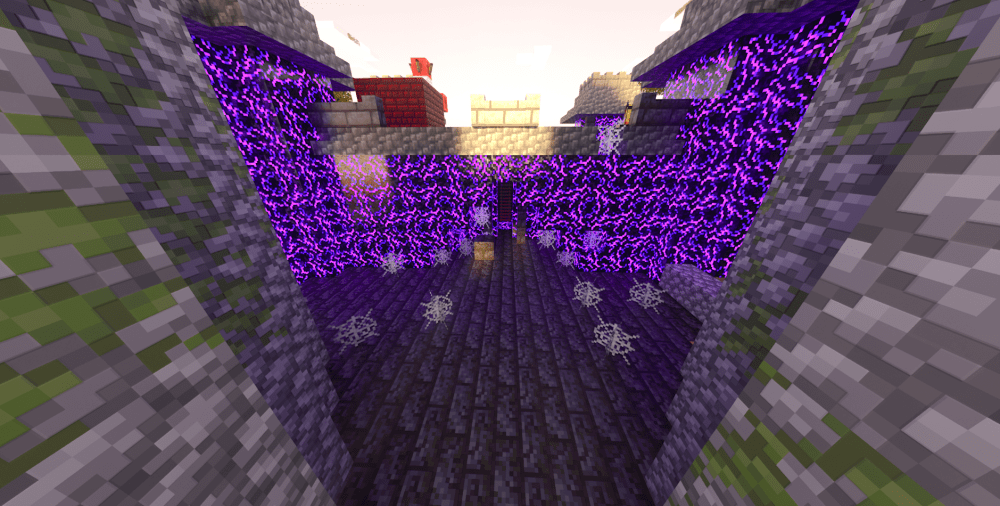
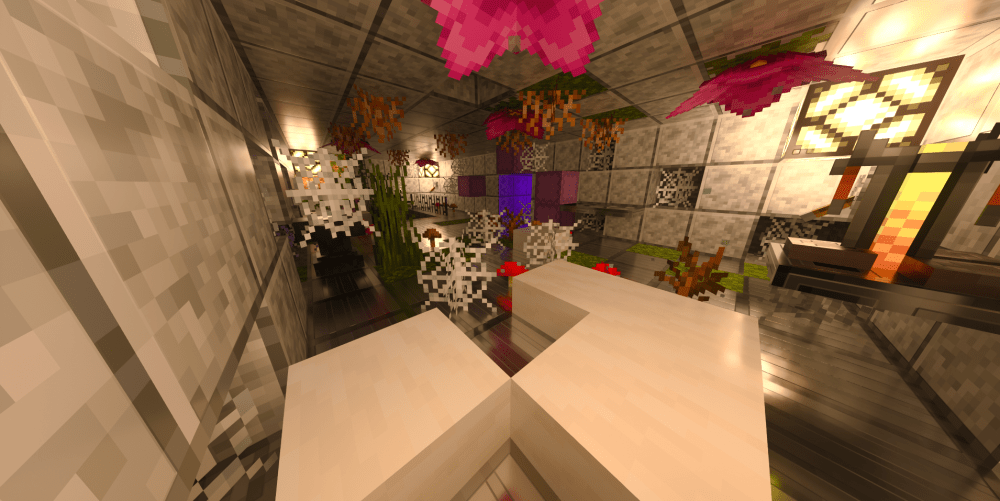
This map is too explore my survival seires that i do on youtube
Heres some links that show some of the builds in the world ive built
https://www.youtube.com/watch?v=M6tJYJcYL7A&t=26s
https://www.youtube.com/watch?v=Evdl2b1gWOE
this world took me 2 years of work to make all in survival so i hope you treat this world like i would treat it.
Heres 1 more link to a build i made
https://www.youtube.com/watch?v=sPwOhQcA2xg
Quick facts
- Edition: Minecraft Bedrock
- File type: .mcworld
- Minecraft versions listed: 1.21.131, 1.21.82
- How to install: Download the .mcworld file. → Open it — Minecraft imports it as a new world. → Find it in your Worlds list and play.
- Where to get it: Opens on CurseForge — not every file is mirrored on our own servers.
Install steps are the general flow for this file type — How to install Minecraft Bedrock maps walks through it step by step.
Verified by MCModsHub
- Pack type: .mcworld — a ready-made world
- Download size: 64.9 MB
- Download link checked 26 Aug 2026 — working
These come from our own check of the pack file, not from the source page.