
MapsBedrock
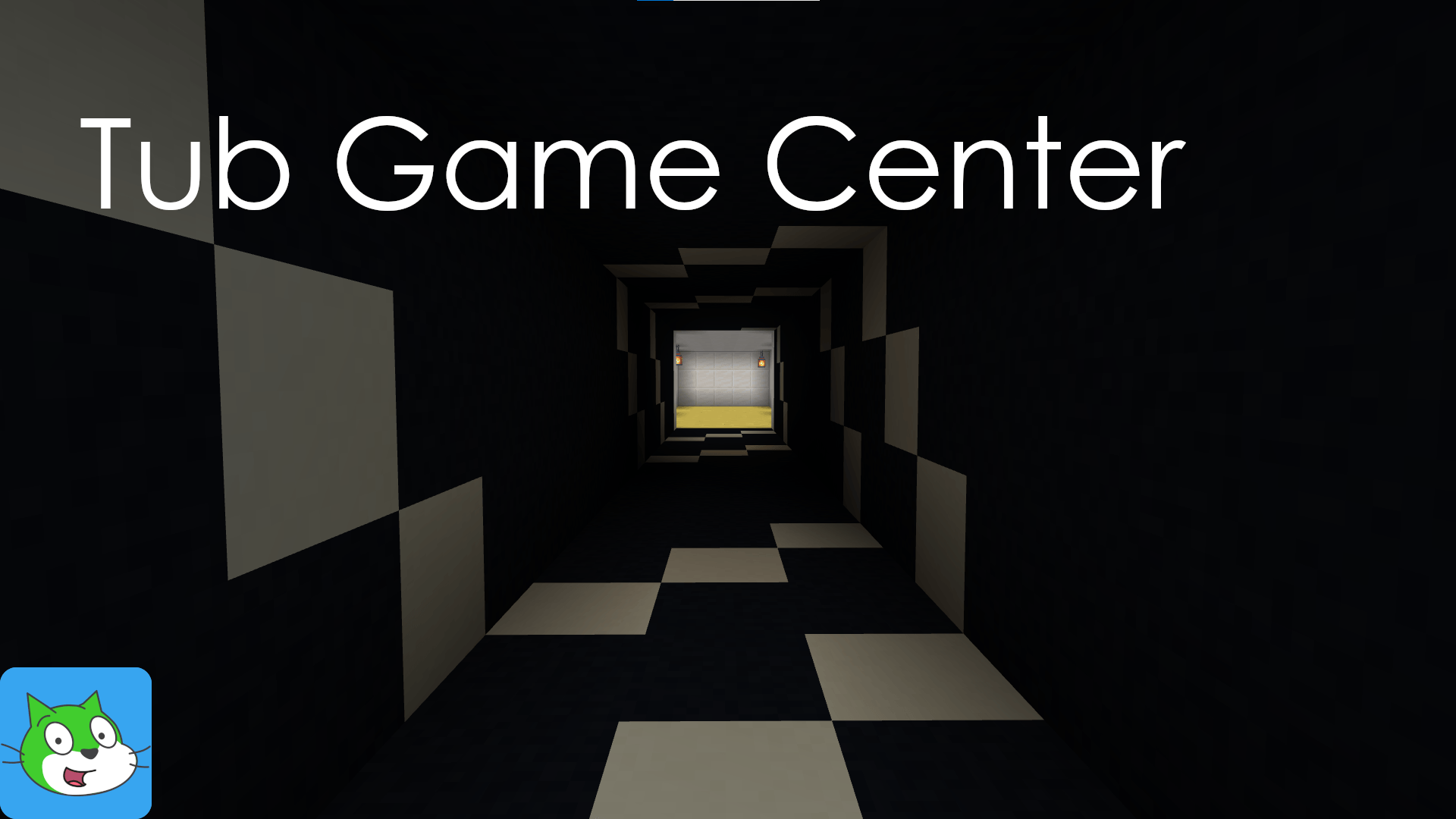
Tub Game Center
I don't know my version
Open Minecraft and look at the bottom-left corner of the main screen — the version is printed there, like v1.26.30.
The game writes a 1. in front; the buttons above leave it off. v1.26.30 in the game is 26.30 here.
ABOUT:
- Tub Game Center is a multiple minigame map, ideal to play with friends. This map joins lots of classic games, like "DeathRun", Parkour, "Build Battle", "Hide and Seek" and more!
- This map includes an Achievement feature for the most of the minigames, which can be unlocked them all by completing challenges.
- Required at least Minecraft: Bedrock Edition 1.21.114 or above (Beta/Preview versions supports this map).
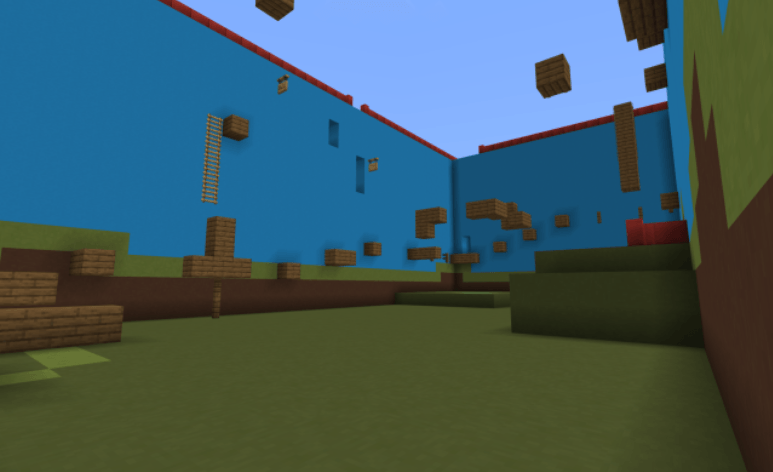
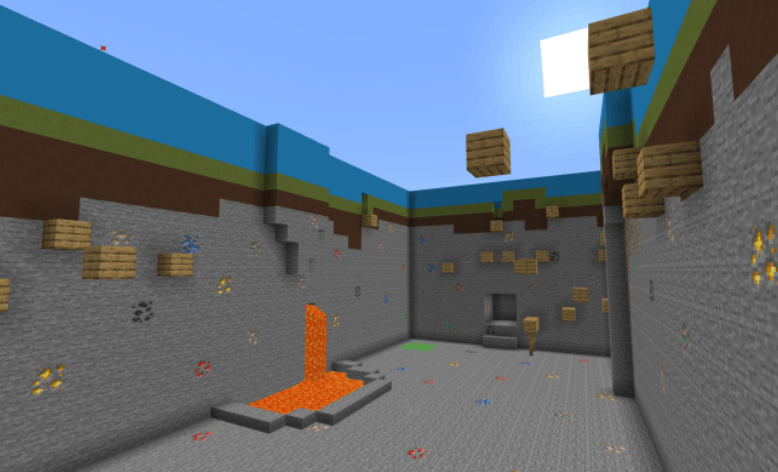
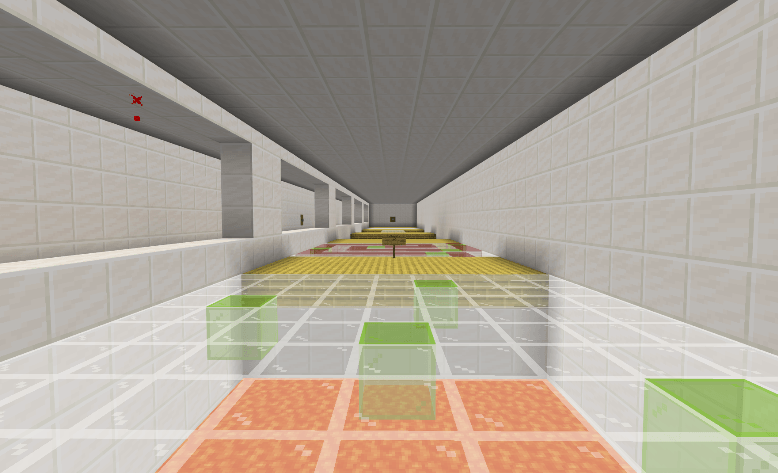
MAP SCREENSHOTS:
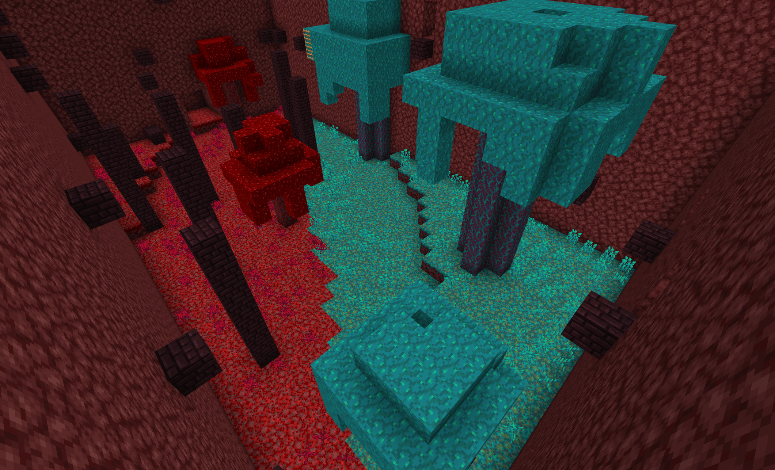
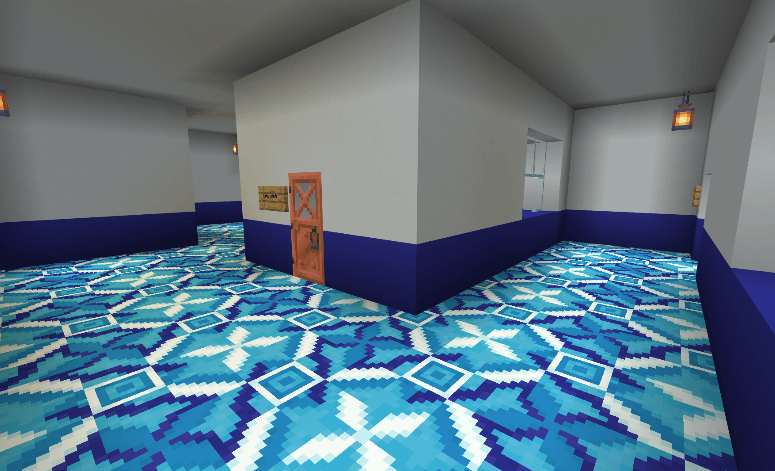
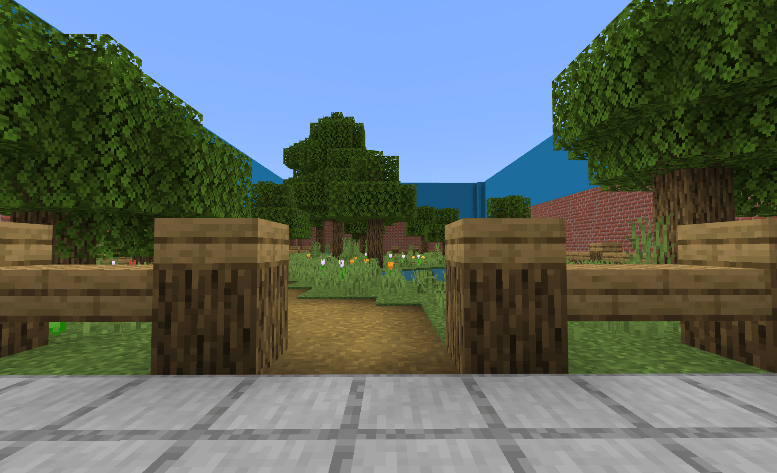
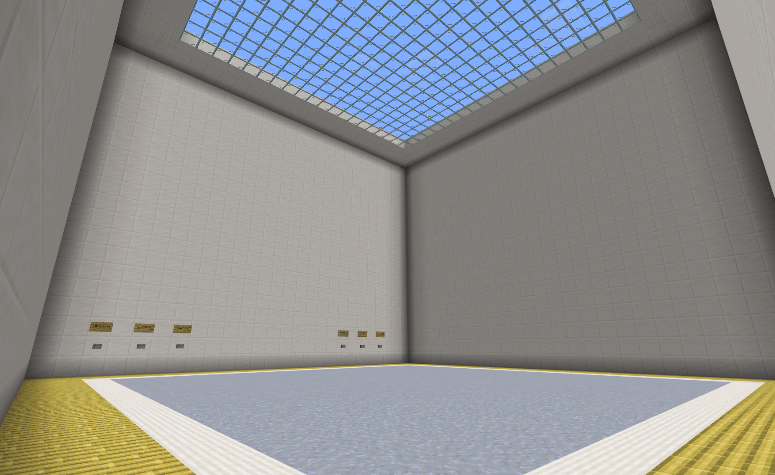
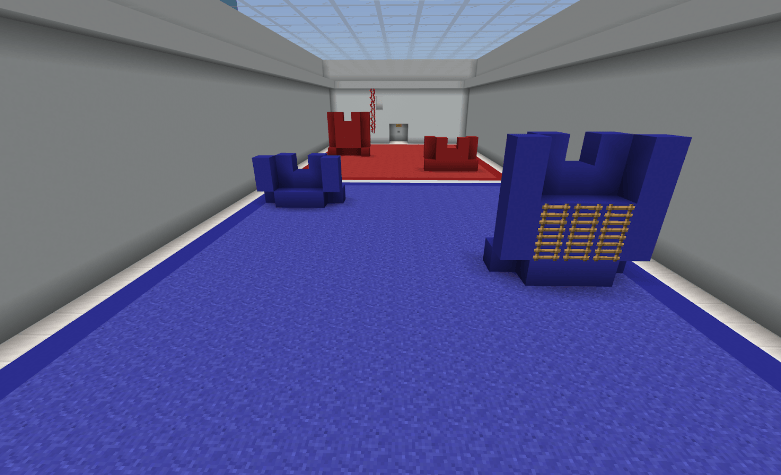
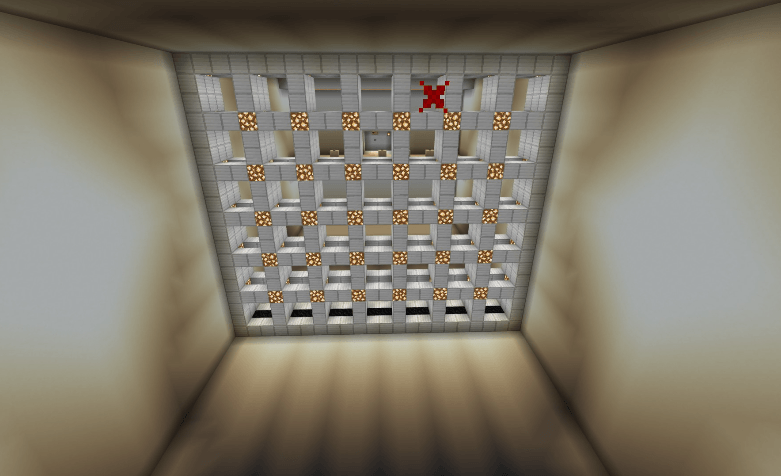
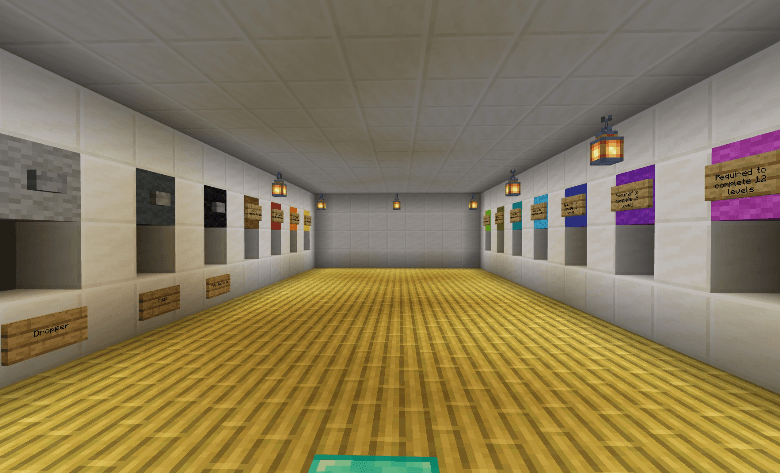
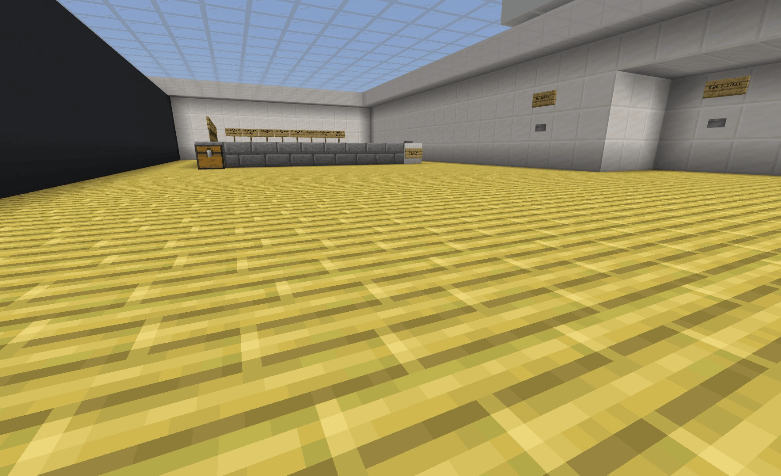
WALKTHROUGH:
If you're stuck with some minigames, you can check the solutions by clicking the link below:
https://sites.google.com/view/mapsbytub/maps/tub-game-center/eng/solutions/
CREDITS:
HOW TO INSTALL?
- Importing this map to Minecraft Bedrock is easy. When you click the .mcworld file, automatically opens Minecraft Bedrock and imports it on Android, iOS and Windows.
- NOTE: Some devices might transform the mcworld file into a ZIP one automatically. OneUI devices might require a PC to import the map, because you might have not access to the Android folder.
LICENSE:
- This creation is licensed under a CC-BY-NC-SA 4.0 license.
- Users are allowed to play the map (solo or with people) and record videos and upload them to YouTube, always giving credit to the creator at the title or the description of the video.
The download links (CurseForge, MCPEDL or the creator's website) are also allowed as giving credit. - Users aren't allowed to distribute or re-import the map or its content to other websites, apps or else without the creator's permission.
Quick facts
- Edition: Minecraft Bedrock
- File type: .mcworld
- Minecraft versions listed: 1.21.114, 1.21.101, 1.21.94
- How to install: Download the .mcworld file. → Open it — Minecraft imports it as a new world. → Find it in your Worlds list and play.
- Where to get it: Opens on CurseForge — not every file is mirrored on our own servers.
Install steps are the general flow for this file type — How to install Minecraft Bedrock maps walks through it step by step.
Verified by MCModsHub
- Pack type: .mcworld — a ready-made world
- Download size: 282 KB
- Download link checked 25 Aug 2026 — working
These come from our own check of the pack file, not from the source page.