

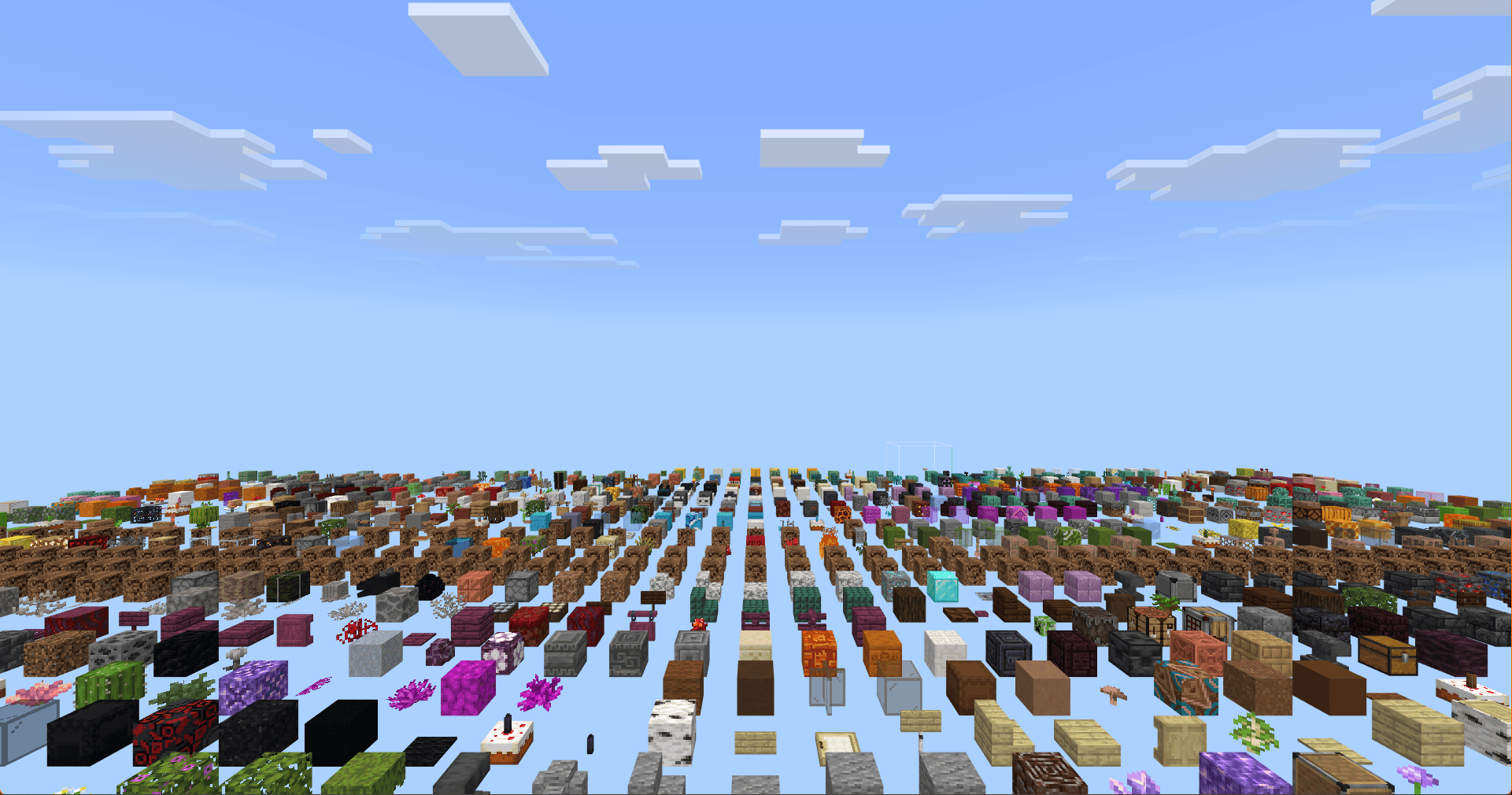
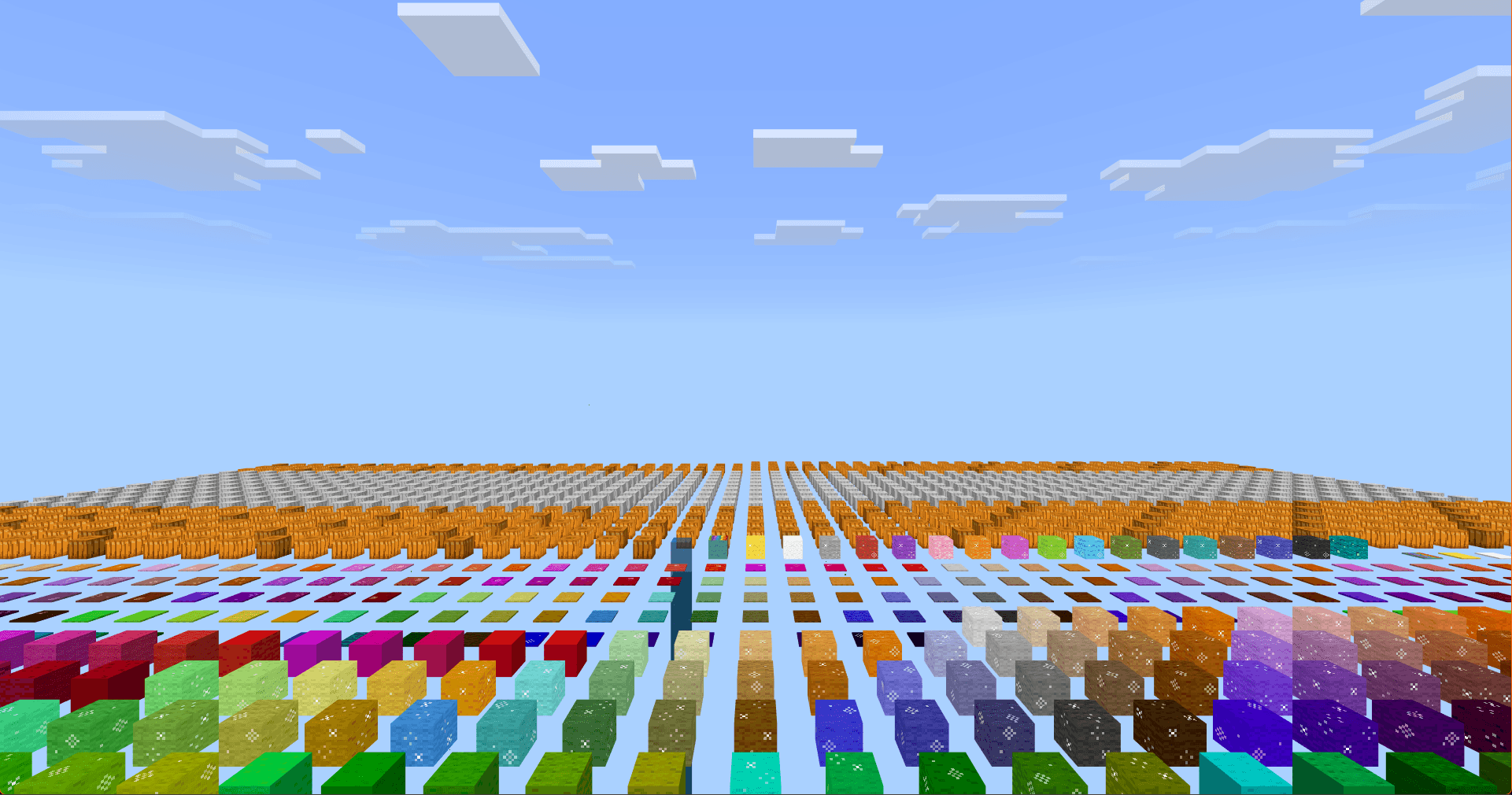
A world template that contains all registered blocks. Inspired by Java Edition's Debug mode.
Features
- Dynamic refresh
- Add-On support!
Commands
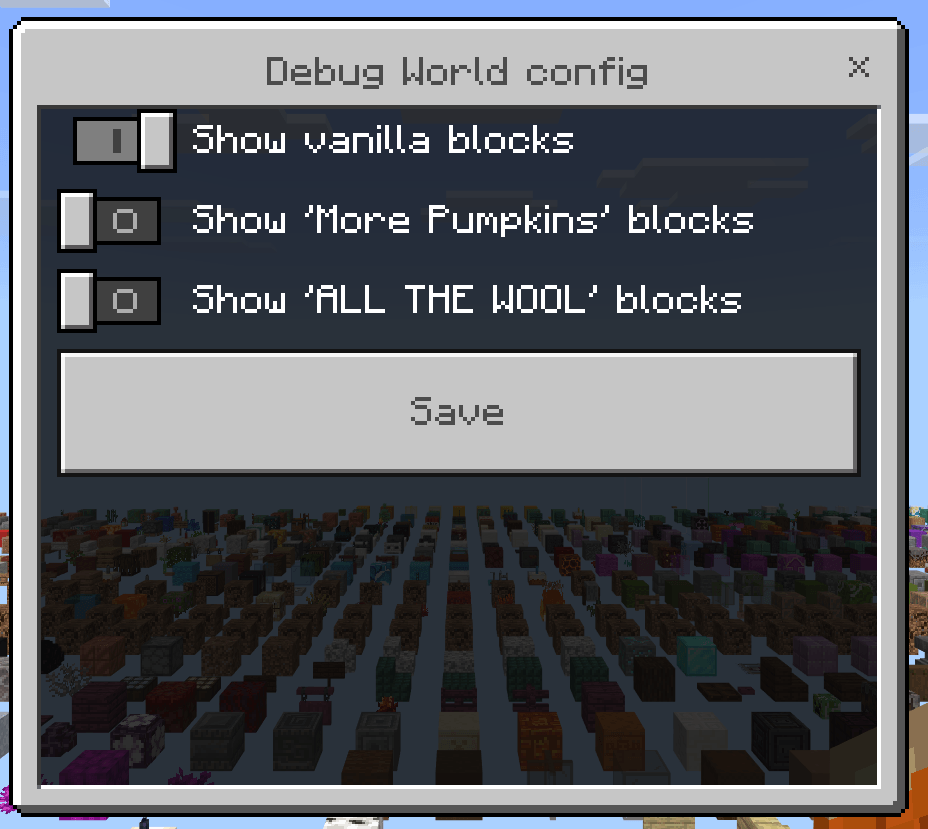
/debug config
Opens a UI where you can choose if vanilla and/or add-on blocks are displayed.
/debug refresh
Replace all blocks.
Roadmap
- Place all blockstates.
Quick facts
- Edition: Minecraft Bedrock
- File type: .mcworld
- Minecraft version listed: 1.21.132
- How to install: Download the .mcworld file. → Open it — Minecraft imports it as a new world. → Find it in your Worlds list and play.
- Where to get it: Opens on CurseForge — not every file is mirrored on our own servers.
Install steps are the general flow for this file type — How to install Minecraft Bedrock maps walks through it step by step.
Verified by MCModsHub
- Save it as DebugWorld.mcworld before opening — it downloads as .mctemplate, but it is a .mcworld pack
- Manifest requires Minecraft 1.21.132 or newer
- Complete pack — everything it depends on is inside the file
- Download size: 508 KB
- Download link checked 26 Aug 2026 — working
These come from our own check of the pack file, not from the source page.