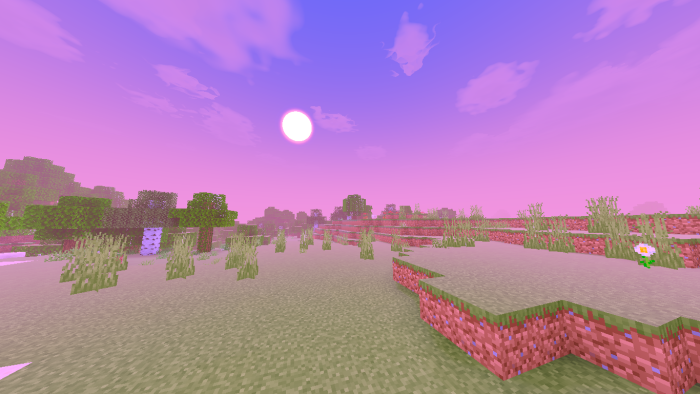
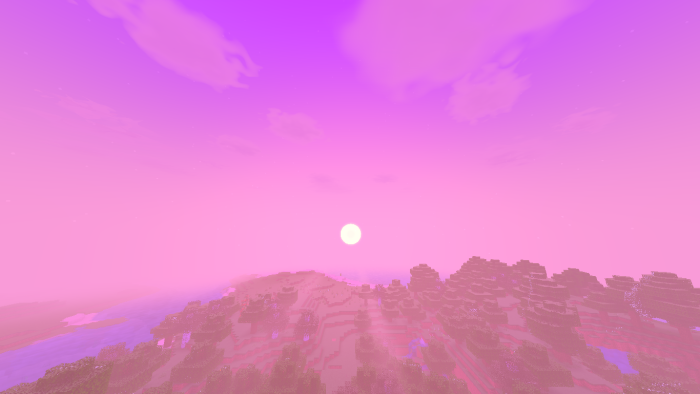
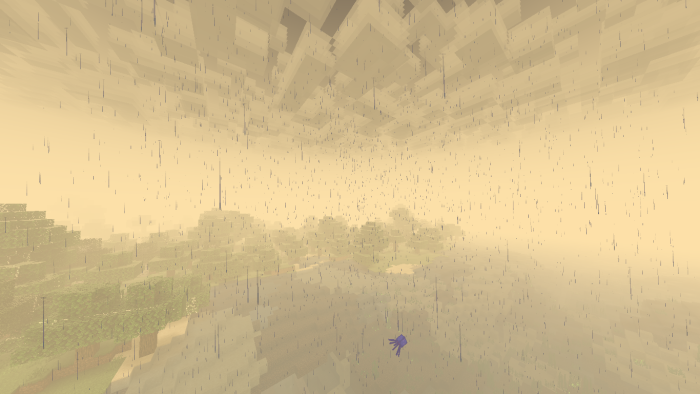
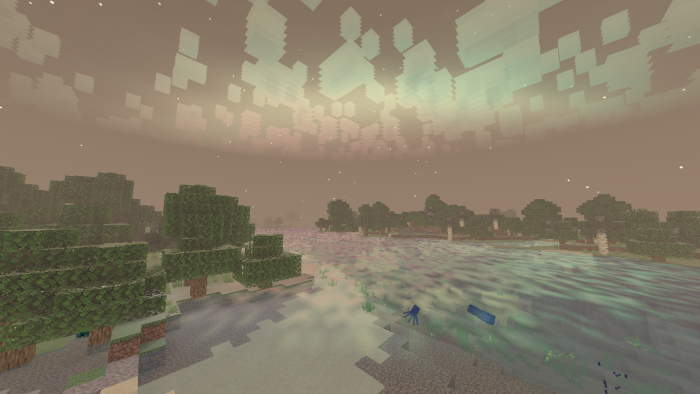
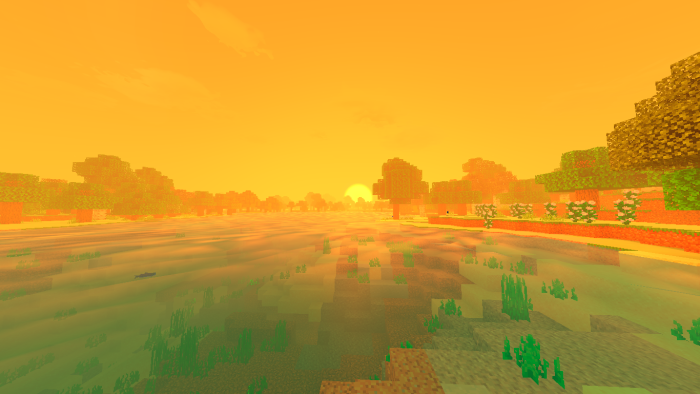
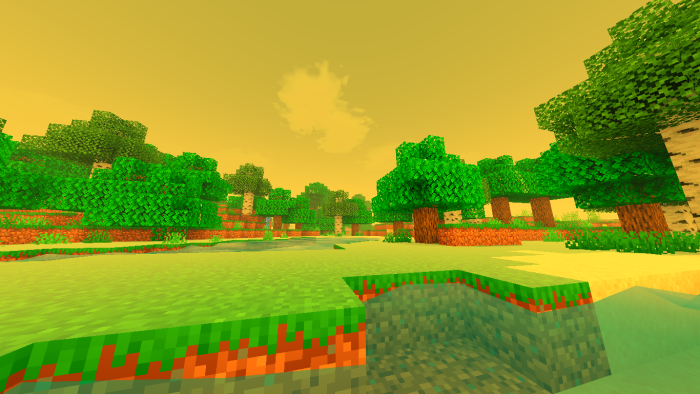
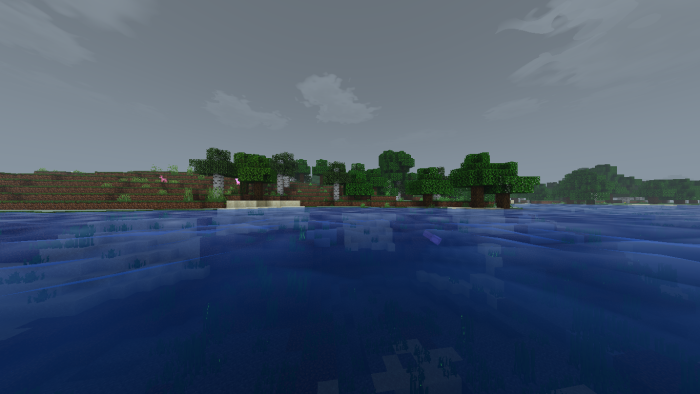
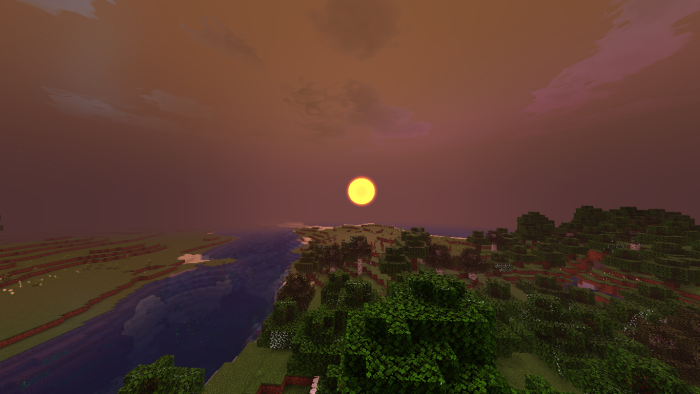
Newb X Manyzz Shader focuses on boosting visual appeal by integrating soft lighting, refined texture enhancements, vibrant colors, and seamless transitions. It is designed to create aesthetically pleasing scenes with a strong emphasis on artistic expression and beauty.
Features:
- Sweat color
- Pinkish sky
- Wave animation
- Glowing ore
- Rainbow
- Aurora
Subpack:
- Default
- Nostalgia Style
- Vibrant Style
- Unbound Style
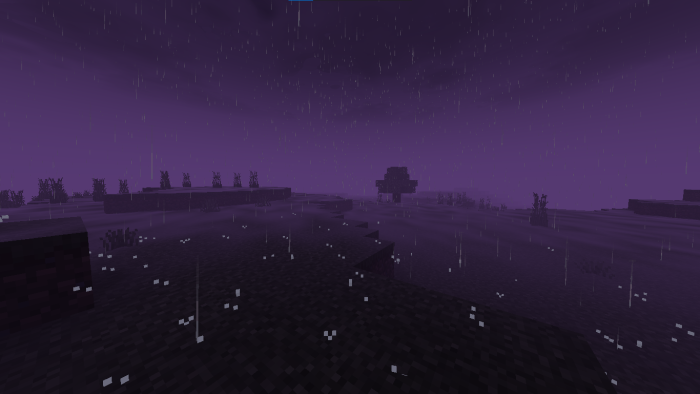
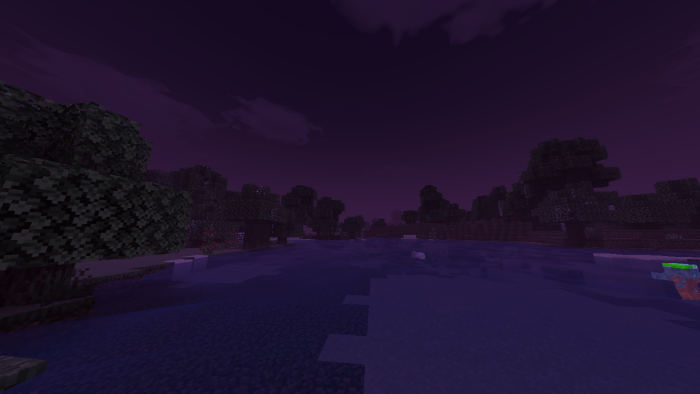
- Spooky Style
NOTE:
- Use 0 – 50 brightness setting.
- Use Minecraft Patch for Android.
- Use BetterRenderDragon for Windows.
Installation Note:
- This shader only works for Minecraft PE patched APK.
- Remember to add shader packs in global resource packs so they can work.
Newb X Manyzz Shader Download Links
You may also like
For Minecraft PE/Bedrock 1.21.20+
Default – Android: Download from server 1 – Download from server 2
Default – Windows: Download from server 1 – Download from server 2
Default – iOS: Download from server 1 – Download from server 2
Vibrant – Android: Download from server 1 – Download from server 2
Vibrantt – Windows: Download from server 1 – Download from server 2
Vibrant – iOS: Download from server 1 – Download from server 2
- Edition: Minecraft Bedrock
- File type: .mcpack
- Minecraft version listed: 1.26
- How to install: Download the .mcpack. → Open it — Minecraft imports it under Resource Packs. → Activate it in Global Resources, or for one world under Resource Packs → Available.
- Where to get it: In MCModsHub, or directly above on this page.
Install steps are the general flow for this file type — How to install Minecraft Bedrock texture packs walks through it step by step.
- Pack type: .mcpack — a single pack
- Manifest requires Minecraft 1.21.20 or newer
- Complete pack — everything it depends on is inside the file
- Download size: 1.9 MB
- Download link checked 17 Jun 2026 — working
- Mirrored on our own servers — the download does not depend on the original host
These come from our own check of the pack file, not from the source page.