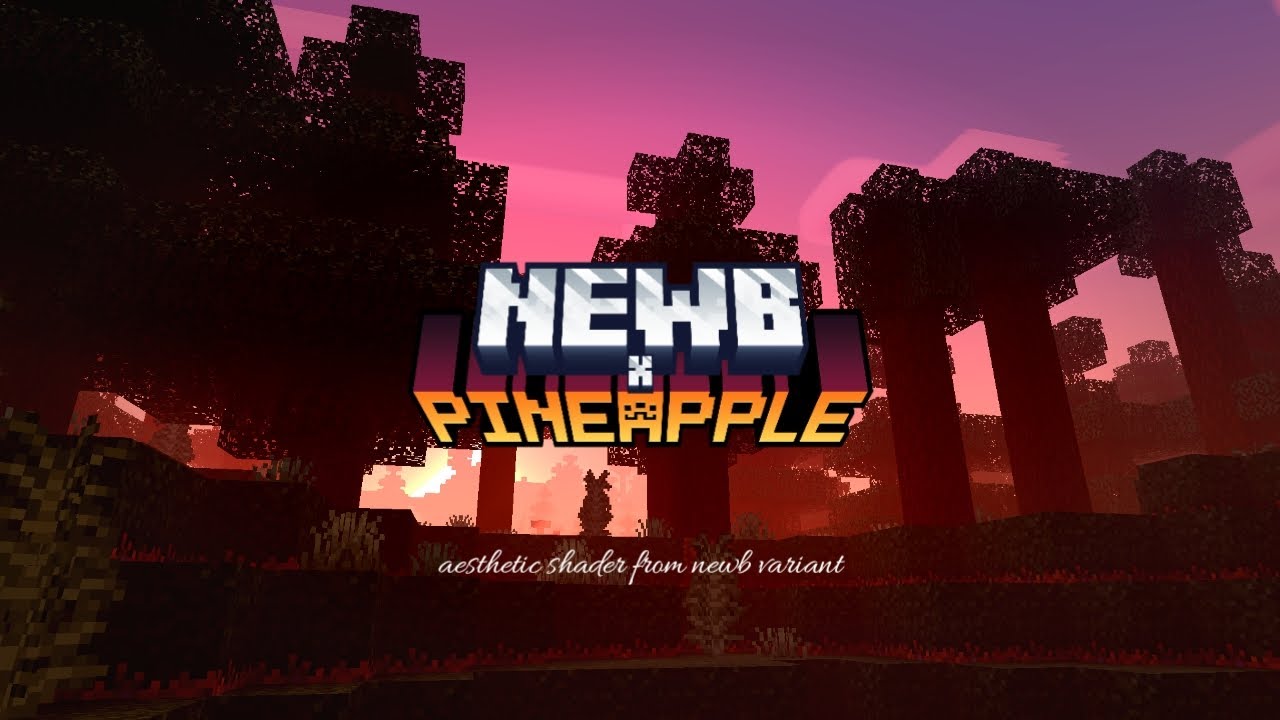
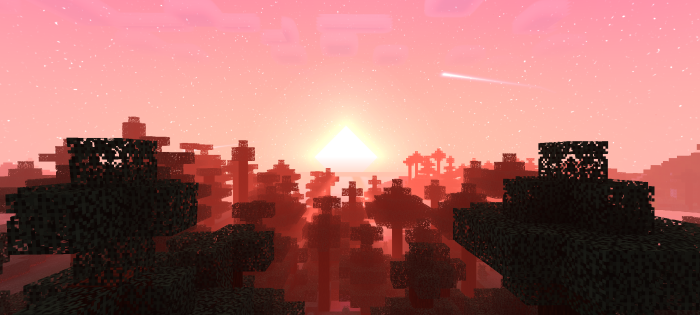
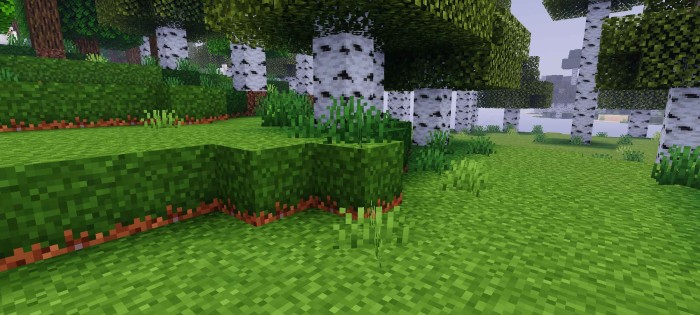
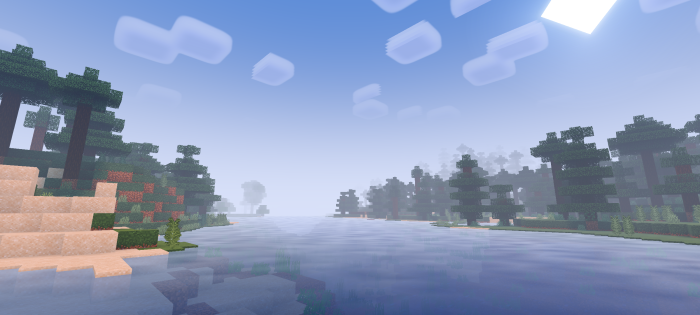
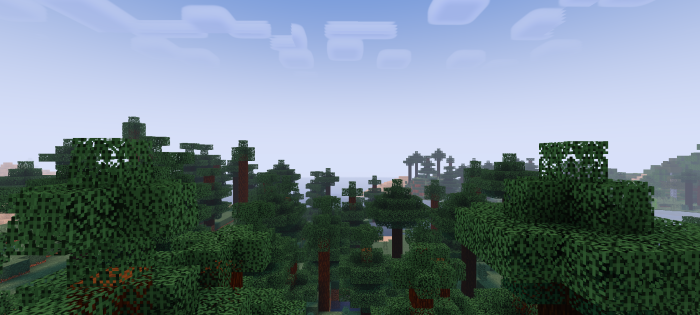
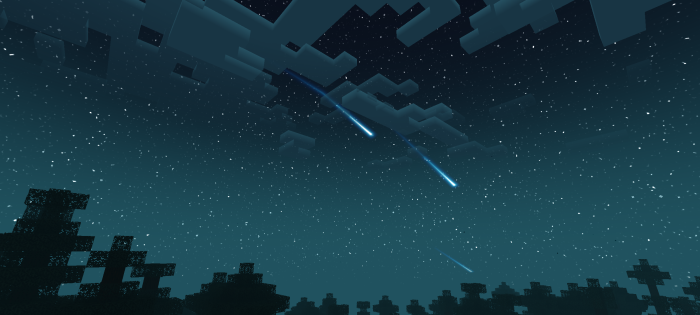
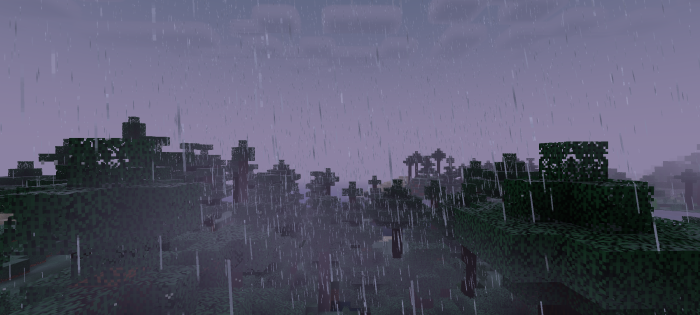
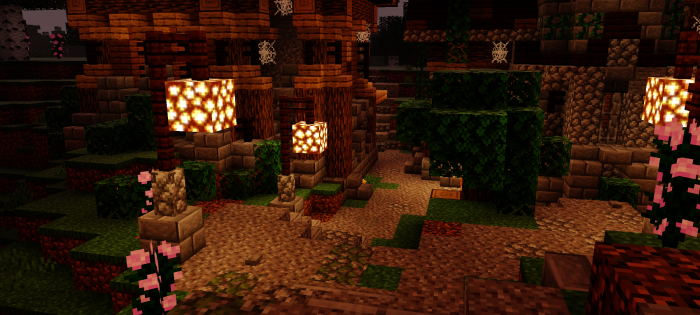
NewB X Pineapple Shader creates a cozy atmosphere, softens sunlight, adds gentle shadows, and warms colors, making the game world feel more immersive and inviting.
⚠️ Important – How to Actually Run This:
NewB X Pineapple Shader is built with Bedrock’s older RenderDragon material system, which the game’s current engine doesn’t load on its own anymore – importing it as a normal resource pack won’t show any of the effects above.
To actually see this shader working on 1.26+, you need a separate tool called Better RenderDragon: https://www.9minecraft.net/better-renderdragon-mcpe/
Screenshots:
Installation Notes:
- Set brightness to 0-30.
- Enable smooth shading.
- Enable fancy graphics.
- Don’t use experimental features and education editions.
- This shader requires Minecraft Patched or Better RenderDragon.
NewB X Pineapple Shader Download Links
You may also like
For Minecraft PE/Bedrock 1.21, 1.20.0+
iOS Material: Download from server 1 – Download from server 2
Windows: Download from server 1 – Download from server 2
Android: Download from server 1 – Download from server 2
Merged: Download from server 1 – Download from server 2
- Edition: Minecraft Bedrock
- File type: .mcpack
- Minecraft version listed: 1.26
- How to install: Download the .mcpack. → Open it — Minecraft imports it under Resource Packs. → Activate it in Global Resources, or for one world under Resource Packs → Available.
- Where to get it: In MCModsHub, or directly above on this page.
Install steps are the general flow for this file type — How to install Minecraft Bedrock texture packs walks through it step by step.
- Pack type: .mcpack — a single pack
- Manifest requires Minecraft 1.21.20 or newer
- Complete pack — everything it depends on is inside the file
- Download size: 1.4 MB
- Download link checked 17 Jun 2026 — working
- Mirrored on our own servers — the download does not depend on the original host
These come from our own check of the pack file, not from the source page.