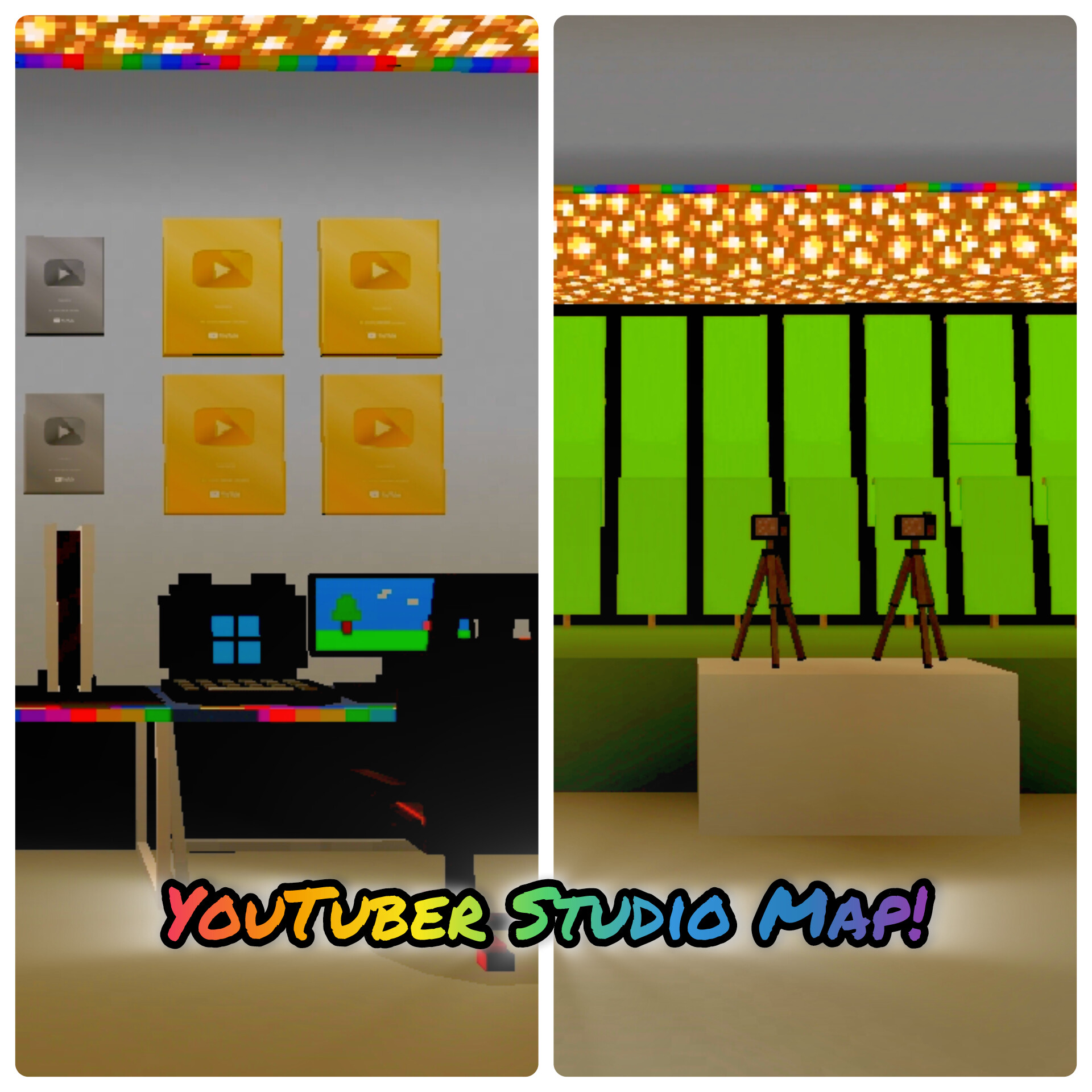
YouTuber Gaming Studio Map with Green Screen (Addon Studio) for Minecraft PE
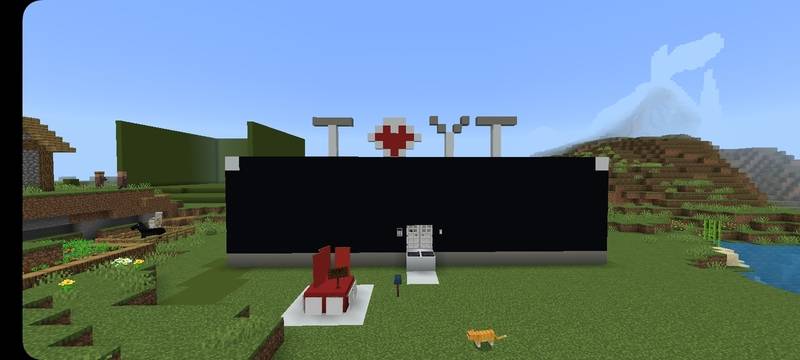
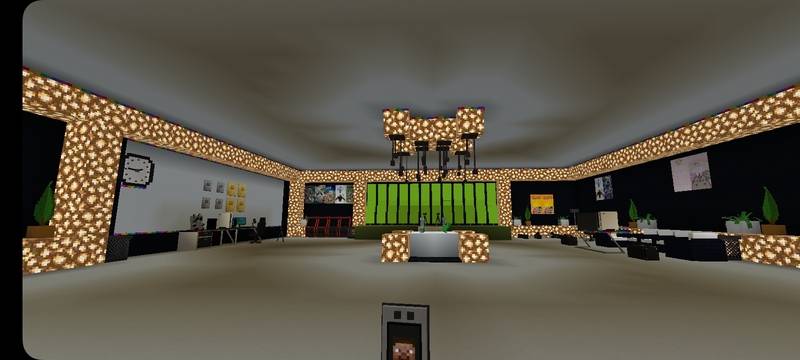 This is my custom YouTuber Gaming Studio Map built for Minecraft Bedrock Edition. The studio is designed for creators who want a realistic gaming setup inside Minecraft for recording videos, roleplay, or screenshots.
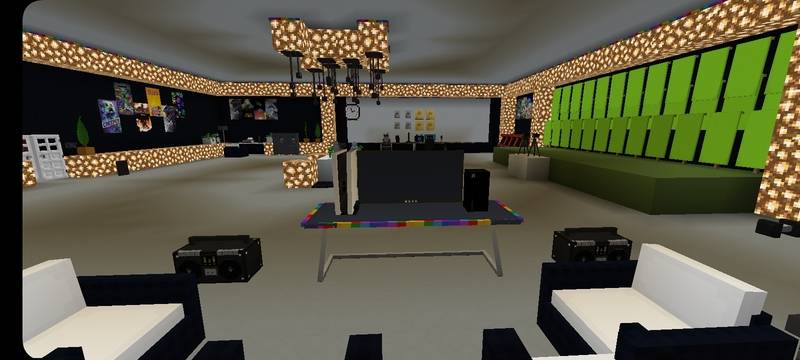
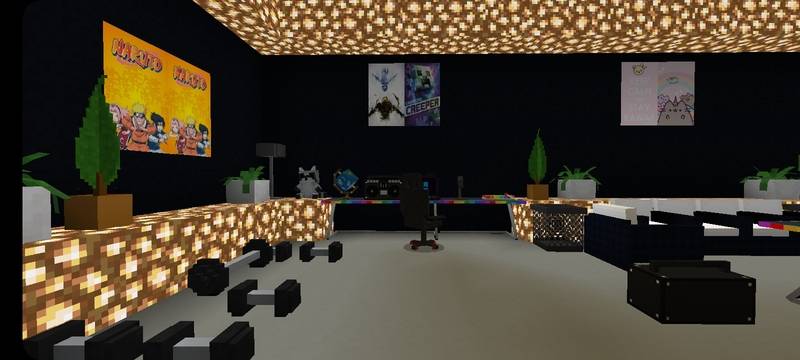
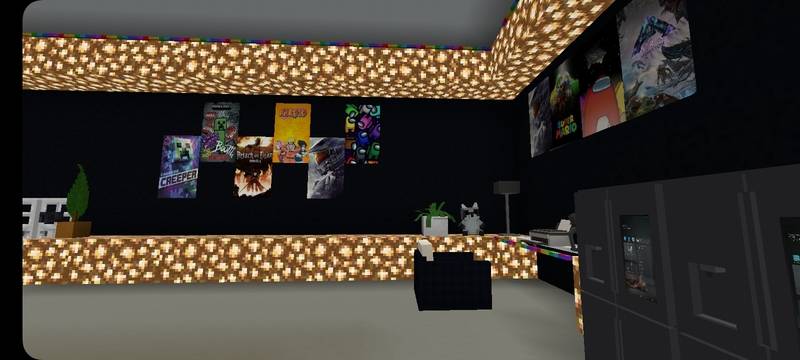
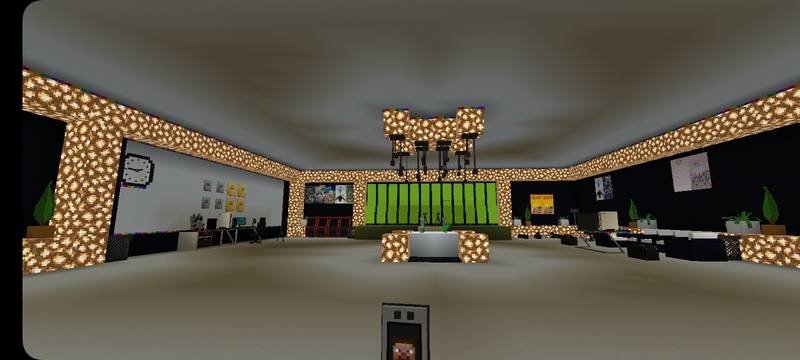
This map includes a complete gaming studio environment with modern design and lighting. Everything is arranged like a real YouTuber recording room so players can explore and use it for creative content.
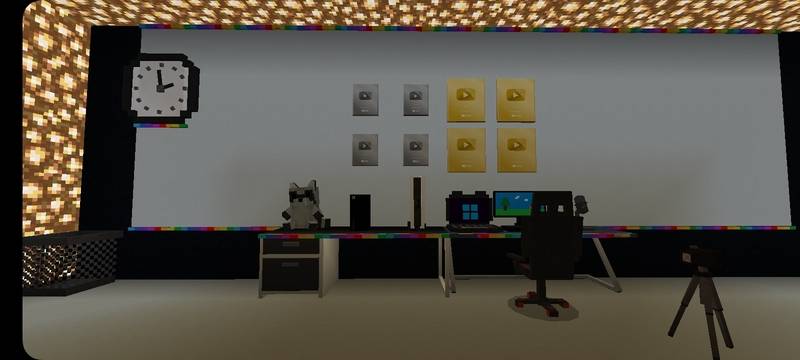
Features: • Gaming PC setup
• RGB lighting studio design
• Camera recording setup
• Green screen studio for scenes
• Modern gaming desk and interior
• Perfect for roleplay and video recording
The studio map can be used by Minecraft players who want a realistic YouTuber workspace inside their world. You can explore the studio, record scenes, and create videos using the green screen area.
Creator: Hindustani Gamer
- Edition: Minecraft Bedrock
- File type: .mcworld
- Minecraft versions listed: 1.21.124, 1.21.130, 1.21.131
- How to install: Download the .mcworld file. → Open it — Minecraft imports it as a new world. → Find it in your Worlds list and play.
- Where to get it: Opens on CurseForge — not every file is mirrored on our own servers.
Install steps are the general flow for this file type — How to install Minecraft Bedrock maps walks through it step by step.
- Pack type: .mcworld — a ready-made world
- Manifest requires Minecraft 1.21.20 or newer
- Needs Beta APIs switched on in the world settings
- Complete pack — everything it depends on is inside the file
- Download size: 31.1 MB
- Download link checked 26 Aug 2026 — working
These come from our own check of the pack file, not from the source page.