
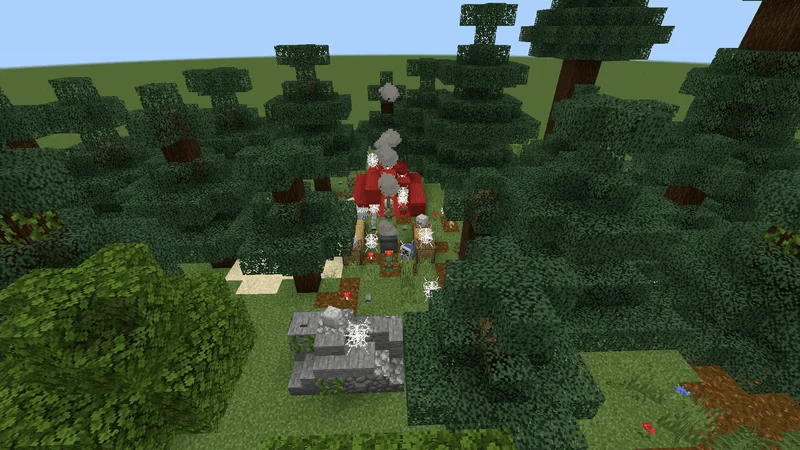
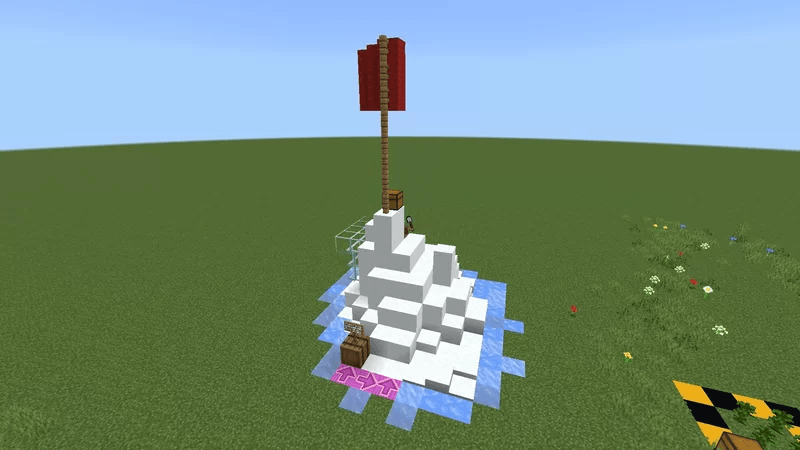

Explore, Learn, Talk! Welcome to Joshua's Town (The beautiful mess town)! A Bedrock Map that let you explore and learn something! Like talking to NPC and more!
Stuck on Activity? You can read more mob or block functionality in Minecraft Wiki or watch our activities Click here to watch the playlist!
How to Play
- Import the world via file explorer
- Click the .mcworld
- Go to Play menu
- Press "Joshua's Town"
- Done, you can start your adventure
(Because CurseForge not allowed .mctemplate, so rest of the bonus content will be removed in the CurseForge version!)
What can i do here?
Explore, Learn, Talk to NPC, be a tourist, and uncover secrets!
Q.N.A and Requirements
QNA :
Q : Does this work on Education (Edition)?
A : Yes, Education (Edition) use Bedrock as the game, so download this map then play it on school without your teacher noticing,
Q : How can you get unused block/camera?
A : Behaviour Packs.
Q : Where did you create this?
A : It was on mobile (Pocket Edition) (Starting version 1.0.6, Joshua no longer used PE to create this map, now he used PC)
Q : Why the import is failed.
A : It said the template has duplicate(s), remove the previous one, then import the new one, data loss is okay, you can try the progression from beginning again.
Q : How do I make the map silly?
A : Just add silly thing like add-on, texture packs, and add whole redstone machine on the map, now go.. Why?
Requirements :
Edition : Bedrock (PC, iOS, Android, Xbox One/Series X/S, Playstation, Nintendo Switch, Chromebook) and Education Edition (PC, iOS, Android, MacOs, Chromebook)
Version 1.21.50
Note : To play this on console, pls jailbreak your console so you can import this template to console ver
DM LongDragonEyes's discord if you wan't the older version than 1.0.1, Joshua have the archive on his phone, you can share the Alpha (0.1.x) on random website without credit him!
For the Java version, please be patience!
- Edition: Minecraft Bedrock
- File type: .mcworld
- Minecraft version listed: 1.21.50
- How to install: Download the .mcworld file. → Open it — Minecraft imports it as a new world. → Find it in your Worlds list and play.
- Where to get it: Opens on CurseForge — not every file is mirrored on our own servers.
Install steps are the general flow for this file type — How to install Minecraft Bedrock maps walks through it step by step.
- Pack type: .mcworld — a ready-made world
- Manifest requires Minecraft 1.20.0 or newer
- Complete pack — everything it depends on is inside the file
- Download size: 3.9 MB
- Download link checked 26 Aug 2026 — working
These come from our own check of the pack file, not from the source page.