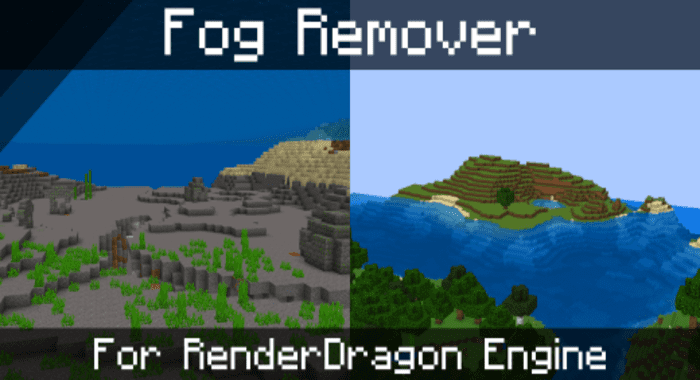
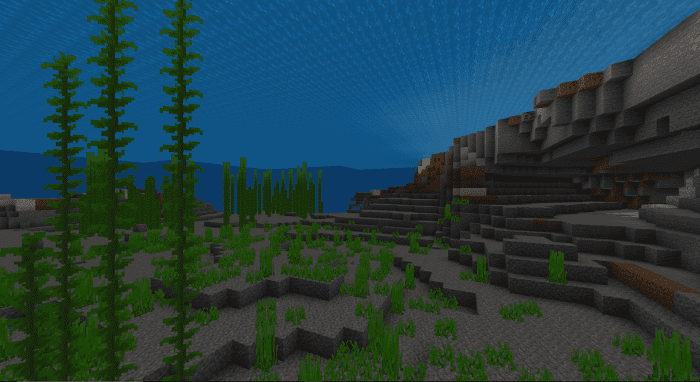
Fog Remover Shader is designed to eliminate all fog effects from the game, enhancing visibility across various environments.
Features:
Wishing for a way to eliminate the unattractive fog obstructing your view and ruining the appearance of your resource packs in RenderDragon? The new RenderDragon shader is the solution!
- Removed all terrain fog.
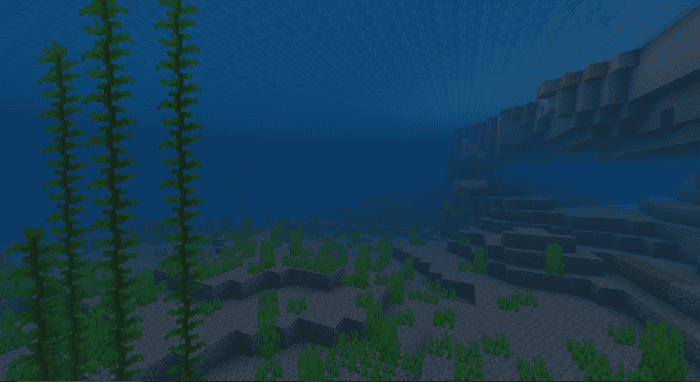
- Removed water fog.
- Removed nether fog.
- Removed lava fog.
- Removed blindness effect.
- Removed the fog code entirely, meaning a possible performance improvement!
- Windows and Android Version.
Screenshots:
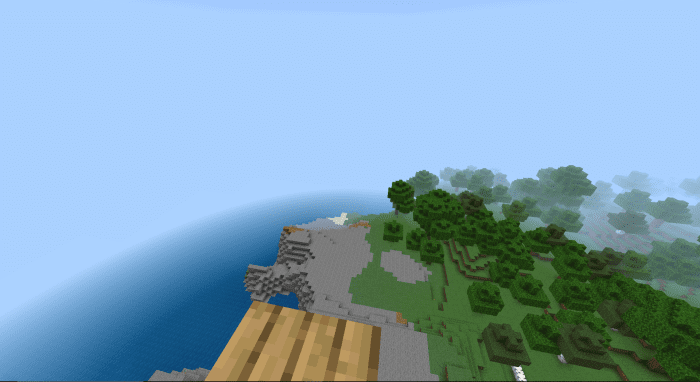
Before installation of Fog Remover:
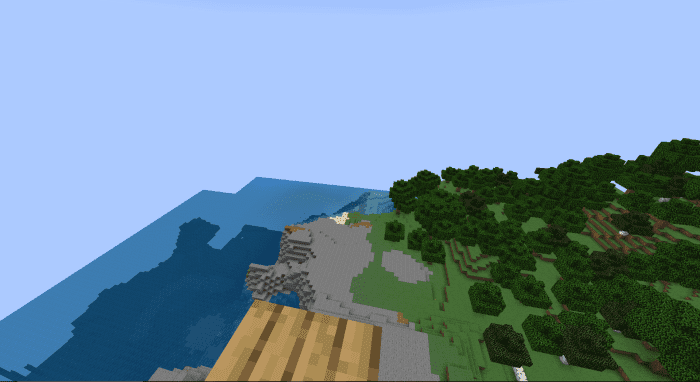
After installation of Fog Remover:
Installation Note:
- Make sure you are using a version of the MCBE with the RenderDragon engine. All windows 64-Bit versions after 1.16.200 use the RenderDragon engine. x86 Versions after 1.18.30 use the RenderDragon engine. All recent mobile builds of Minecraft use the RenderDragon engine. Older versions may not have it. If you don’t have RenderDragon, please use an alternative fog remover.
Fog Remover Shader Download Links
You may also like
Fog Remover for Non-RenderDragon
Fog Remover for MCPE/BE 1.19 (RenderDragon)
For Minecraft PE/Bedrock 1.21, 1.20 (RenderDragon)
Quick facts
- Edition: Minecraft Bedrock
- File type: .mcpack
- Minecraft versions listed: 1.21, 1.20
- How to install: Download the .mcpack. → Open it — Minecraft imports it under Resource Packs. → Activate it in Global Resources, or for one world under Resource Packs → Available.
- Where to get it: In MCModsHub, or directly above on this page.
Install steps are the general flow for this file type — How to install Minecraft Bedrock texture packs walks through it step by step.
Verified by MCModsHub
- Pack type: .mcpack — a single pack
- Complete pack — everything it depends on is inside the file
- Download size: 42 KB
- Download link checked 17 Jun 2026 — working
- Mirrored on our own servers — the download does not depend on the original host
These come from our own check of the pack file, not from the source page.