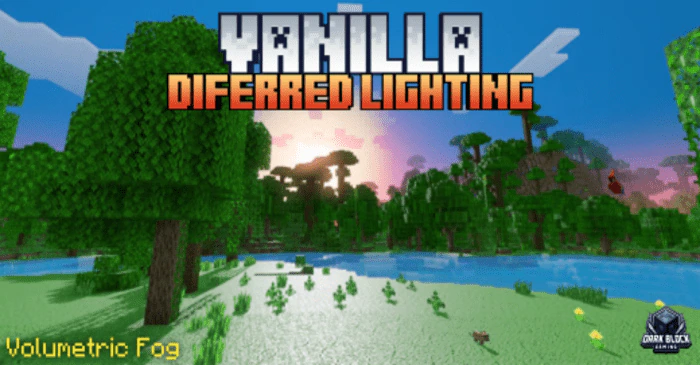
Vanilla Deferred Lighting Shader (1.26+) – MCPE/Bedrock
Bedrock texture pack listed for Minecraft 1.20–26.x. File opened and checked on 23 Sep 2026; installs from the MC Bedrock Mods app on Android.
⬇ Download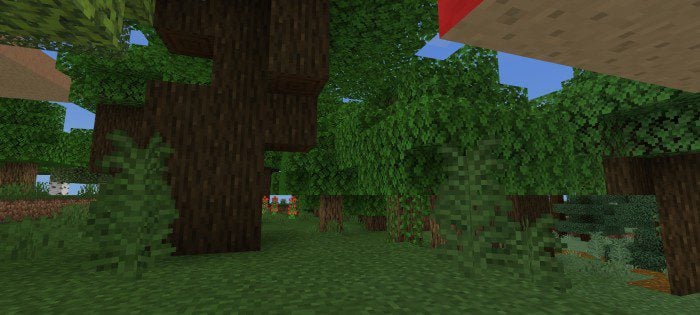
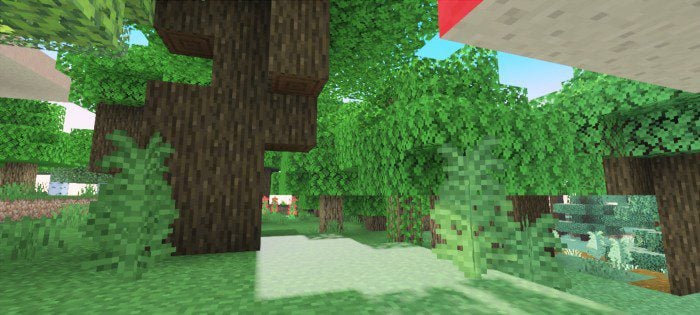
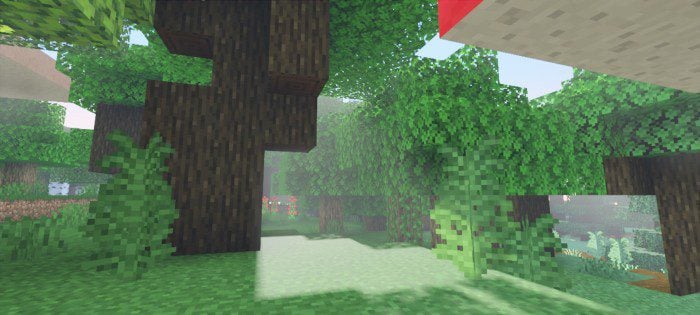
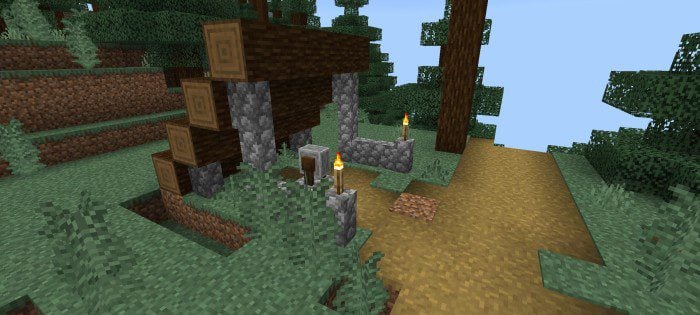
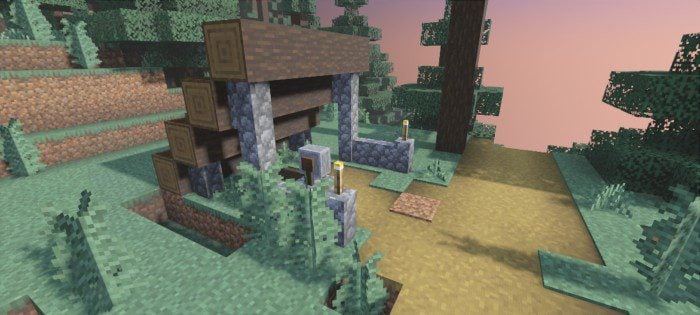
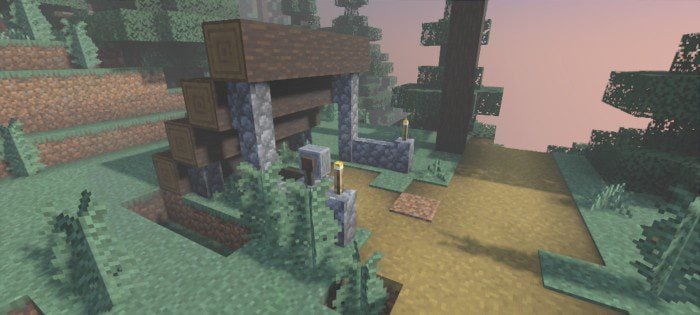
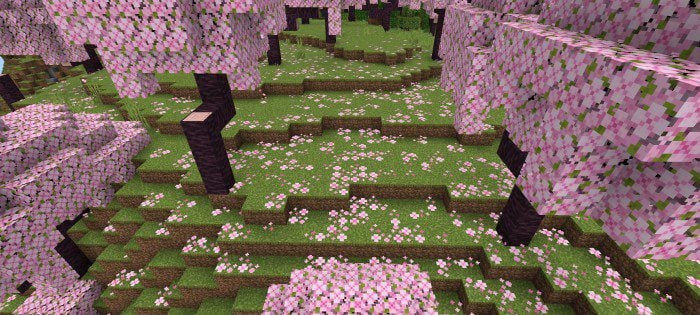
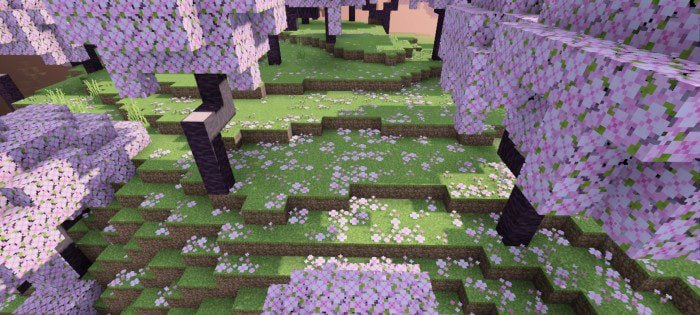
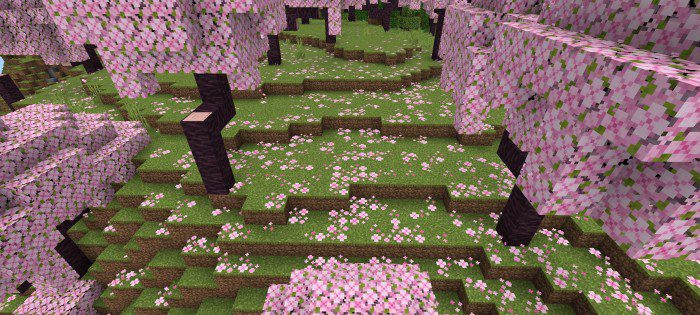
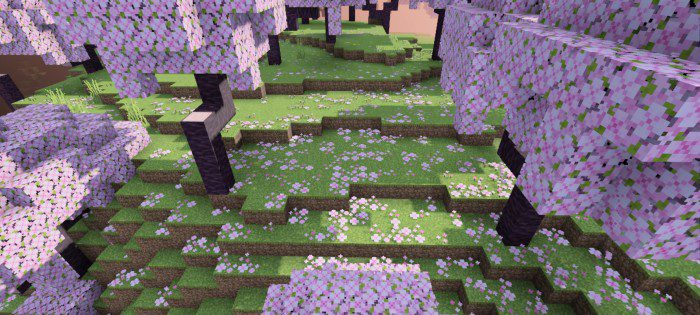
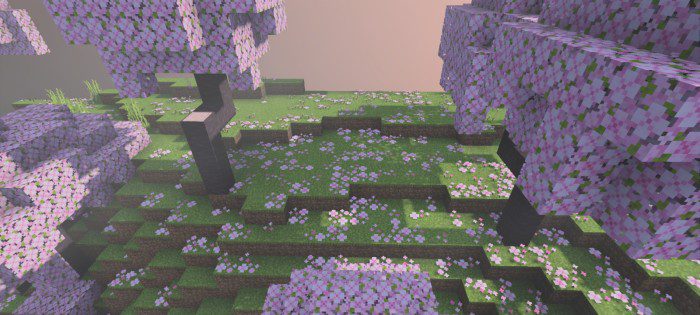
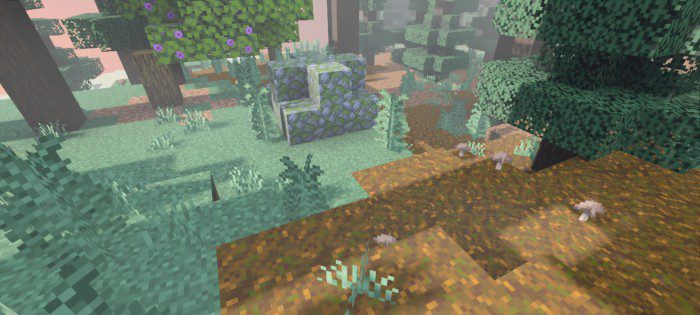
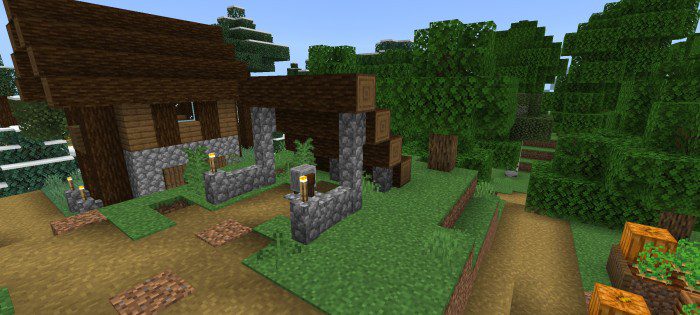
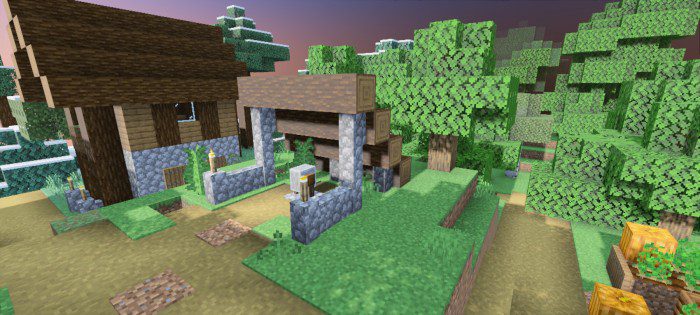
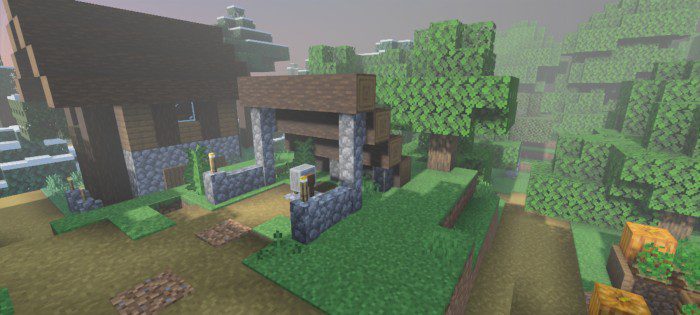
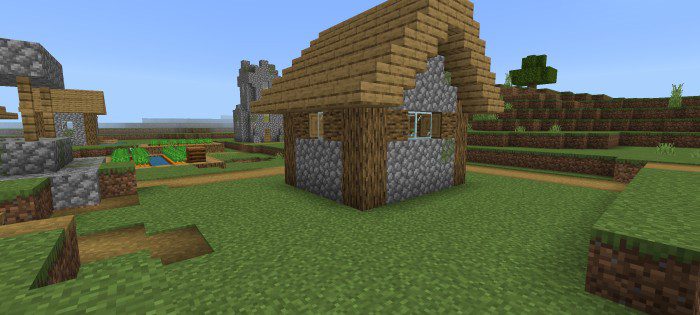
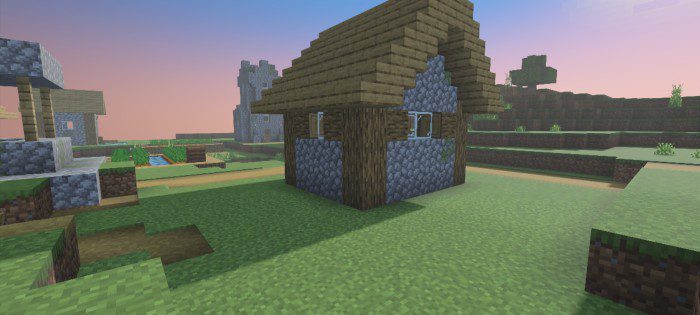
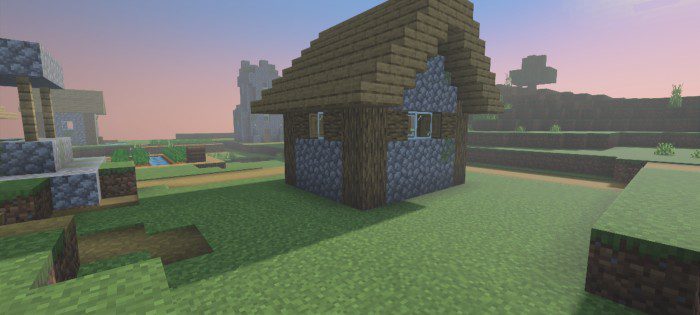
As you may already know, Minecraft Bedrock Edition now supports a new type of shader. This is great news as it allows you to customize your gameplay experience with a wide variety of packs and shaders. However, if you prefer the full vanilla or default shader experience, you might want to check out the Vanilla Deferred Lighting shader/resource pack. Unlike other packs, Vanilla Deferred Lighting Shader does not change any lighting, which means that it works as a switch to enable Deferred Technical Preview while still allowing you to enjoy the full vanilla experience.
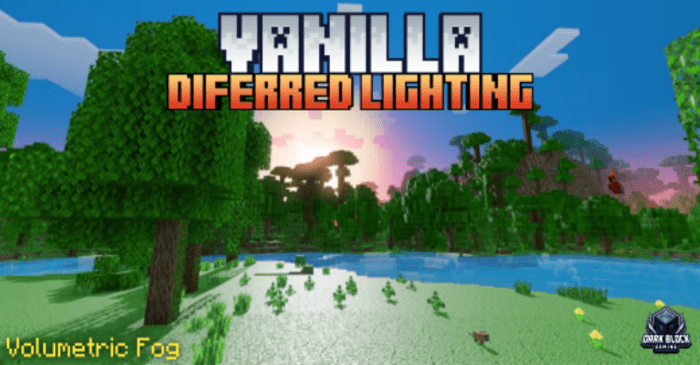
Features:
Pack Settings:
- Vanilla Diferred Lighting
- Vanilla Diferred Lighting + With Fog
- Vanilla Diferred Lighting will be the default, you can switch to vanilla Diferred Lighting + volumetric fog.
Important Note:
- Currently, this only works on beta/preview and this feature is not optimized enough so it may cause some problems, bugs, or glitches.
- After activating the pack, don’t forget to enable the “Render Dragon Features for Creators” experimental feature.
- Also, change the graphics mode to “Diferred Technical Preview” in the world’s video settings.
🎛️ Compare Bedrock Shaders Side by Side →
Drag across real in-game scenes — find YOUR perfect MCPE shader.
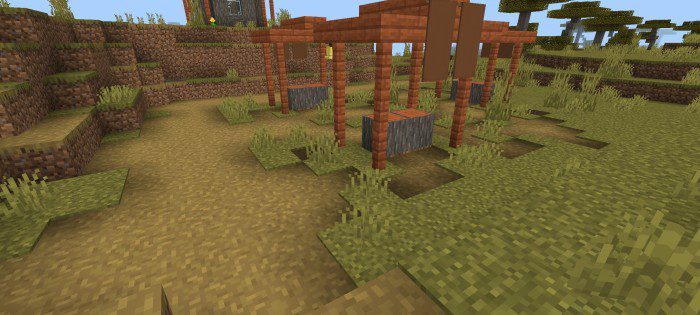
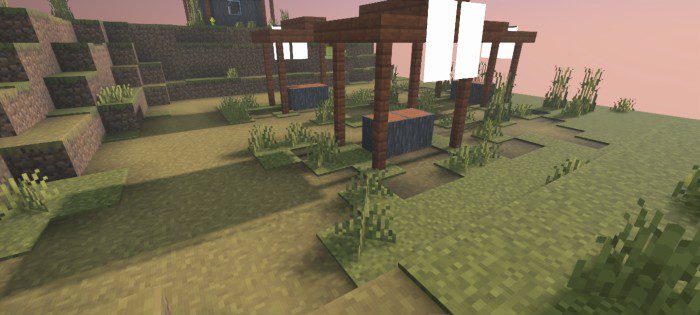
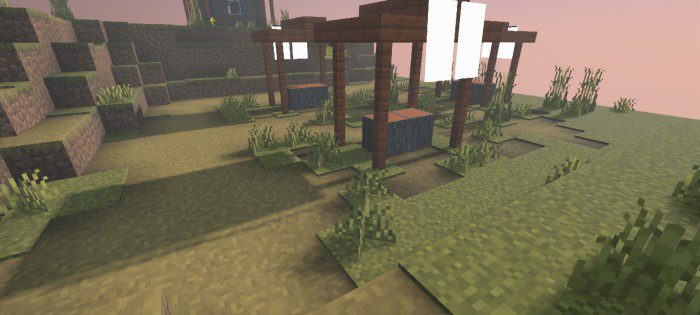
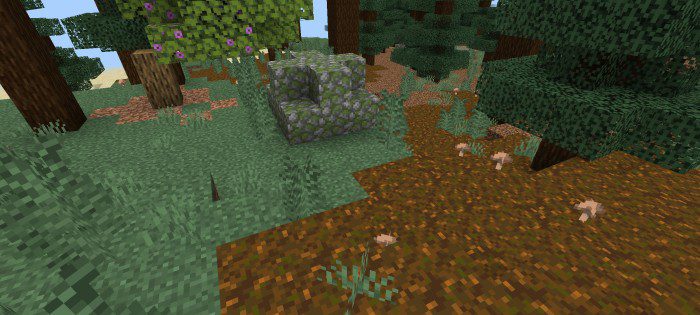
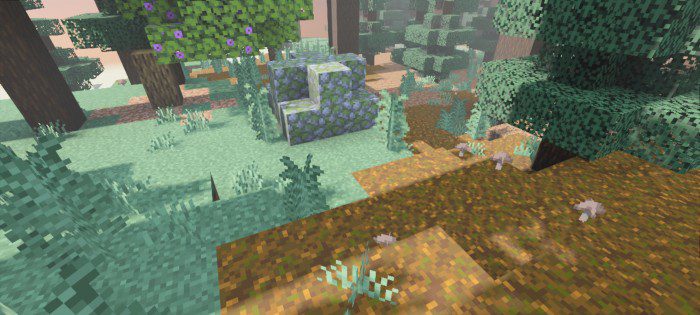
Screenshots:
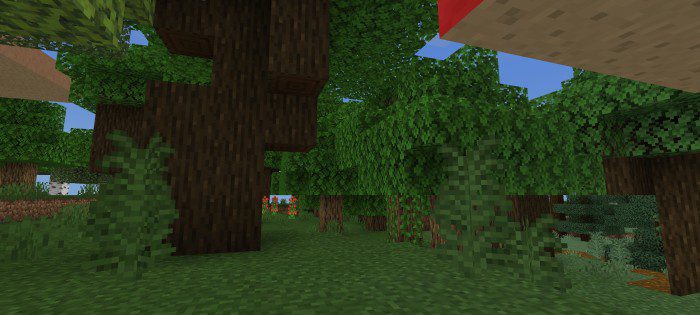
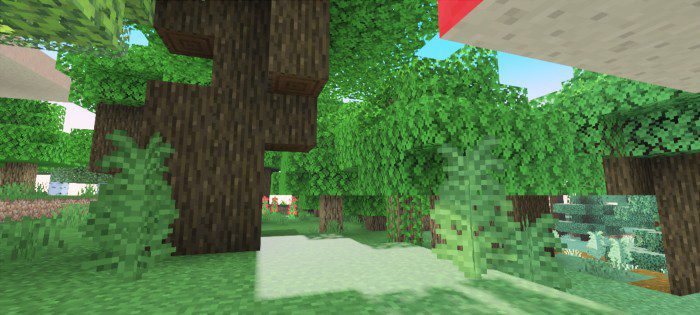
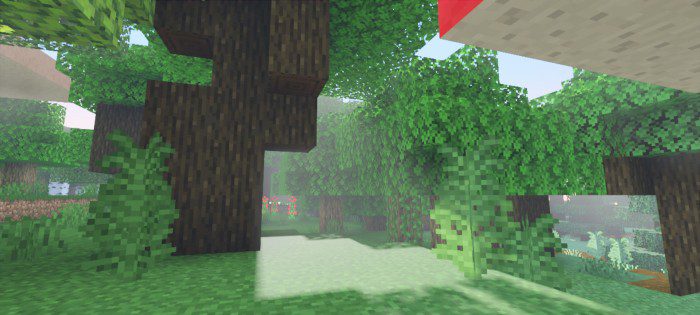
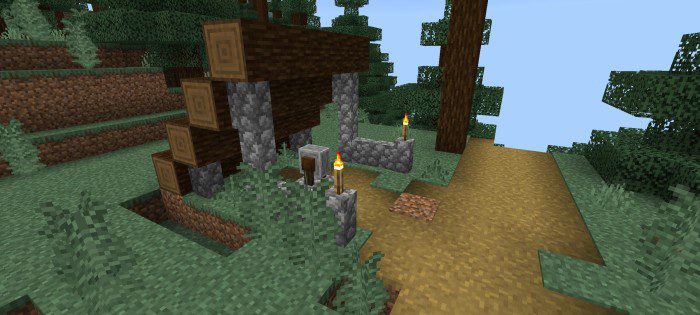
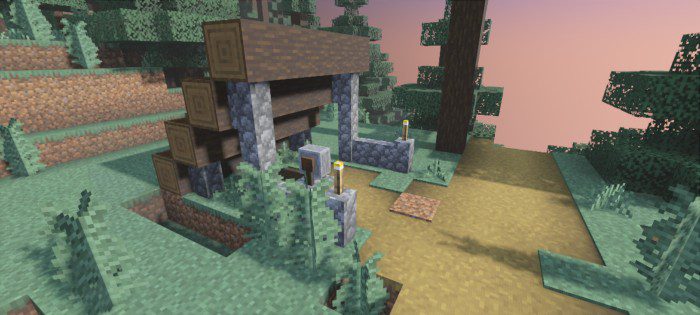
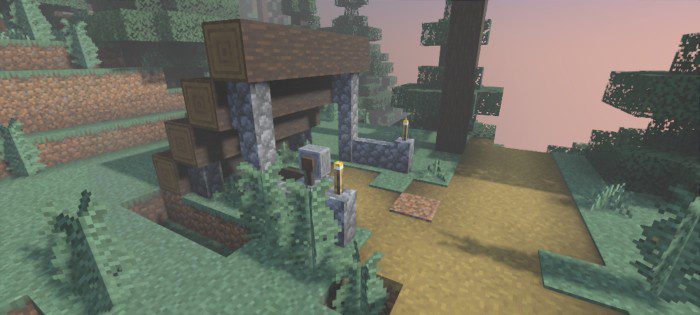
Vanilla Deferred Lighting Shader Download Links
For Minecraft PE/Bedrock 1.20
mcpack: Download from server 1 – Download from server 2
- Edition: Minecraft Bedrock
- File type: .mcpack
- Minecraft version listed: 1.26
- How to install: Download the .mcpack. → Open it — Minecraft imports it under Resource Packs. → Activate it in Global Resources, or for one world under Resource Packs → Available.
- Where to get it: In MCModsHub, or directly above on this page.
Install steps are the general flow for this file type — How to install Minecraft Bedrock texture packs walks through it step by step.
- Pack type: .mcaddon — behaviour and resource pack in one file
- Manifest requires Minecraft 1.20.40 or newer
- Complete pack — everything it depends on is inside the file
- Download link checked 17 Jun 2026 — working
- Mirrored on our own servers — the download does not depend on the original host
These come from our own check of the pack file, not from the source page.