Ale Pack Shader (1.26+) – Support RenderDragon for 1Gb Ram
Bedrock texture pack listed for Minecraft 1.2–26.x. File opened and checked on 23 Sep 2026; installs from the MC Bedrock Mods app on Android.
⬇ Download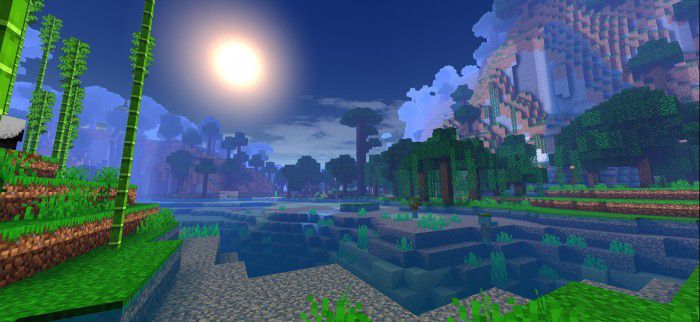
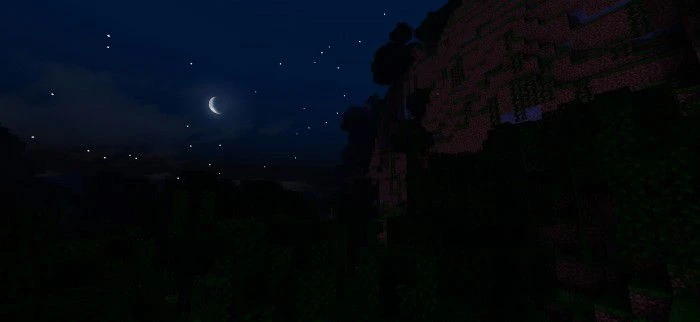
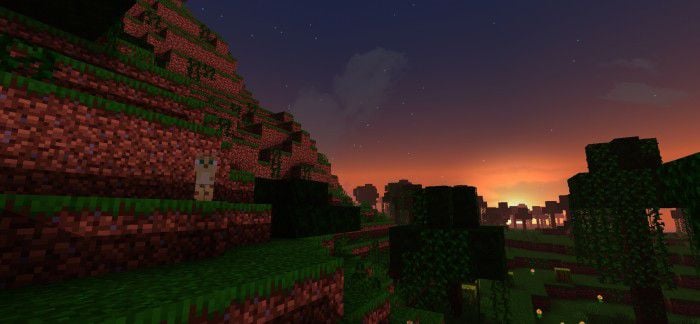
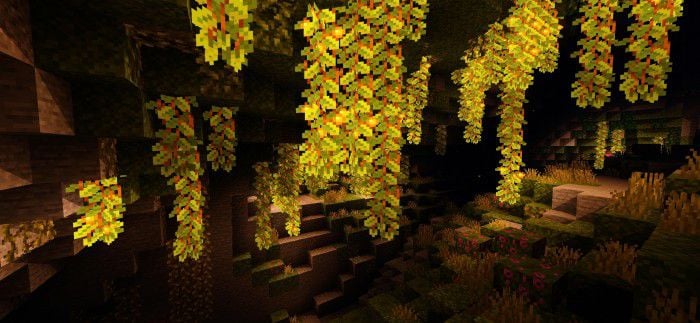
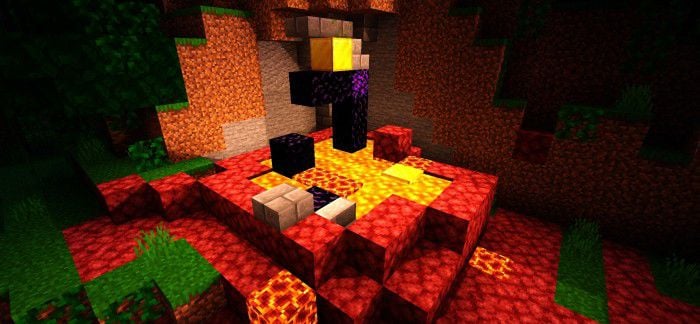
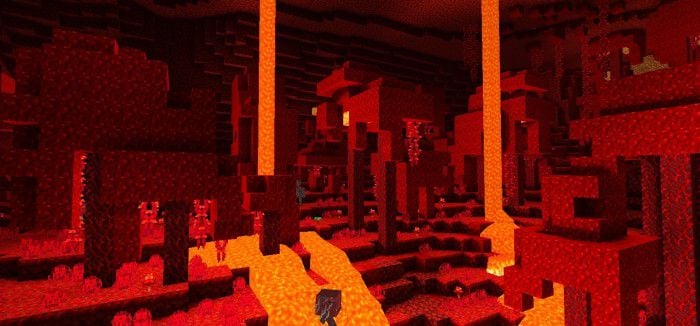
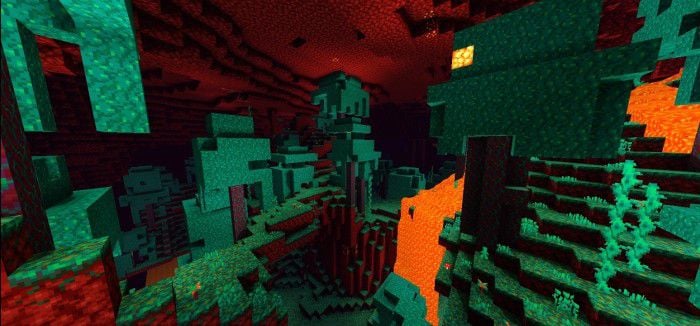
Ale Pack Shader has a new update that enhances the player’s experience with new features, changes, and a fresh look. It works on all devices without affecting performance at all. You can try it yourself and see the difference. This shader is also compatible with all devices: Android, iOS, Windows 10, PS5, PS4, XBOX ONE, and XBOX Series.
Features:
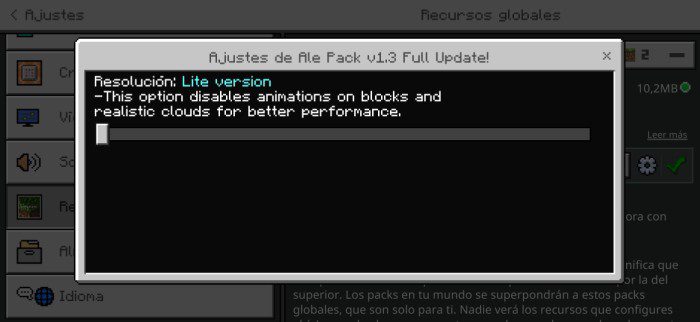
- Lite feature for users who prefer to keep the vanilla look without so many mods.
- More colorful grass, grass, and plants with movement animations.
- Animations of minerals and some blocks
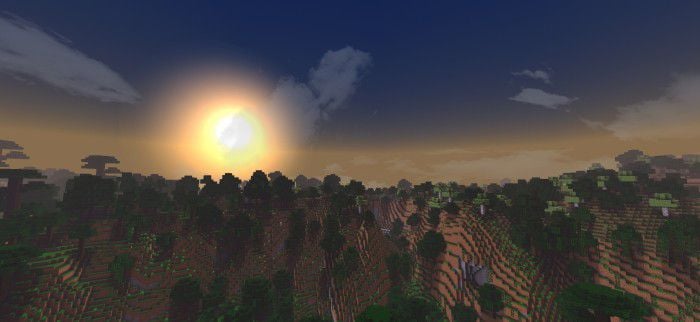
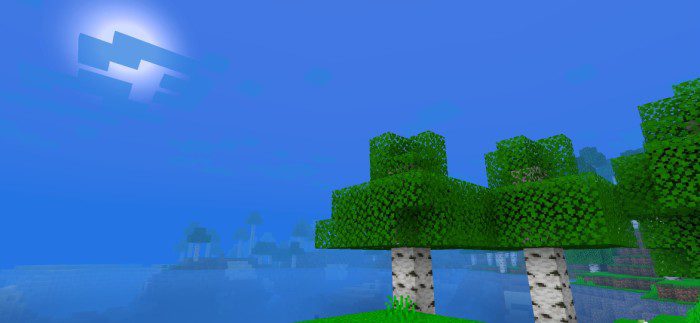
- Sky with semi-realistic clouds, Sun, and moon similar to reality.
- Blue fog blends perfectly with the sky.
- Fog in the rain makes the experience more real.
- Seas with texturing.
- Added color of the sky as day and night.
- New Particles like in the rain.
- Rain with intense fog.
- It does not have any type of delay.
- Based on the Ale shader.
- Compatible with all devices (Android, iOS, Windows 10, PS5, PS4, XBOX ONE, XBOX Series…)
- Etc…
🎛️ Compare Bedrock Shaders Side by Side →
Drag across real in-game scenes — find YOUR perfect MCPE shader.
Screenshots:
- Day and night color
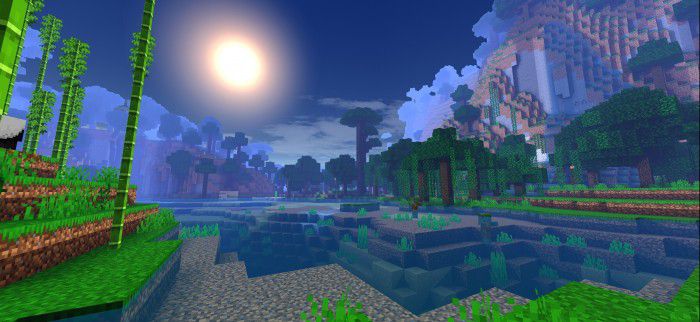
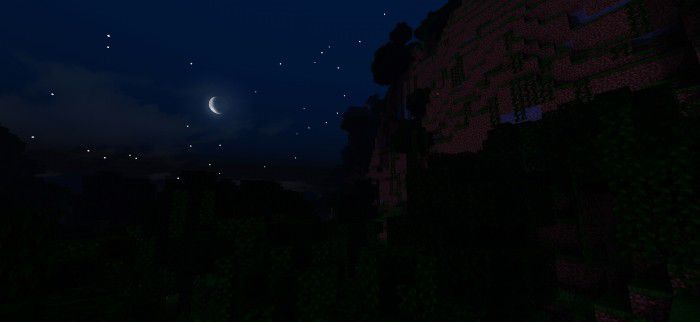
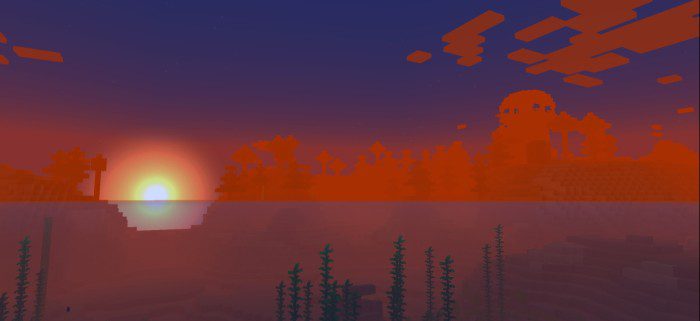
- Sunrise and sunset
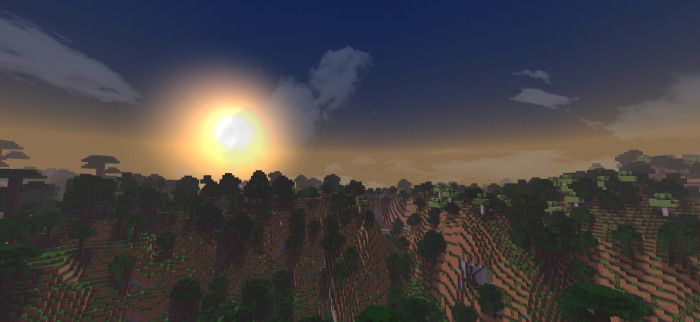
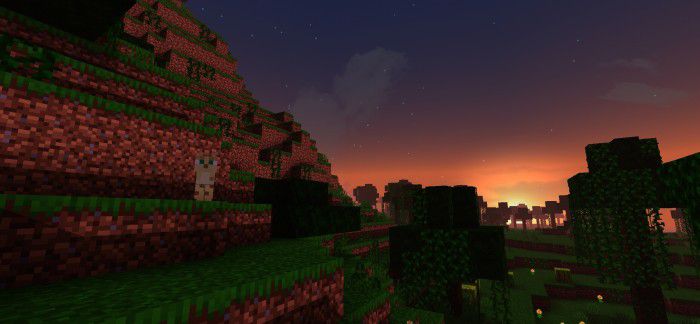
- Shadows and lighting
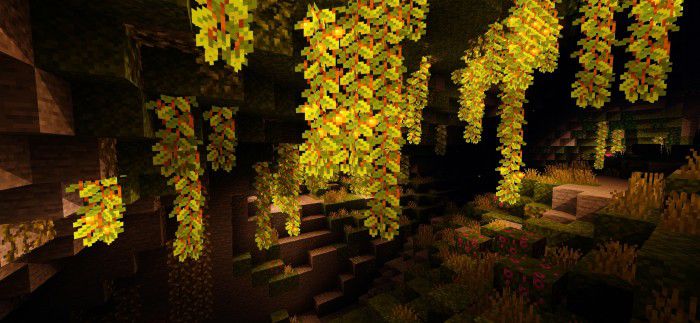
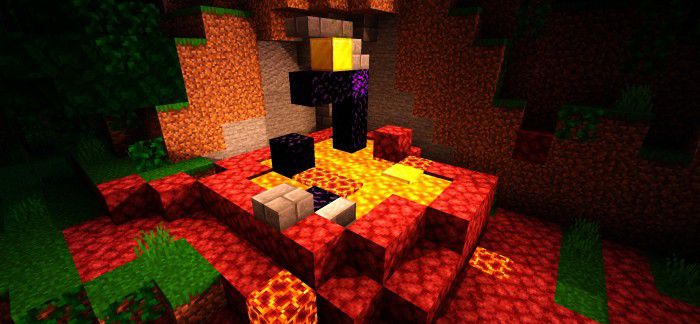
- Nether
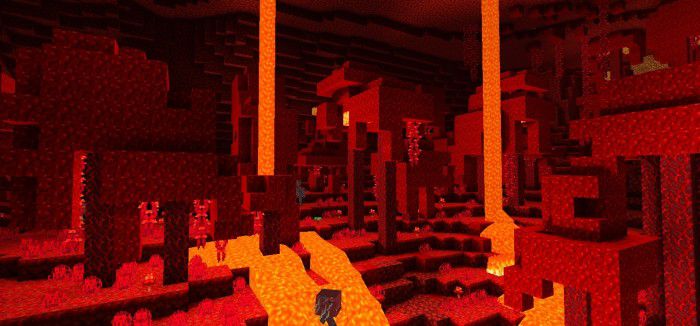
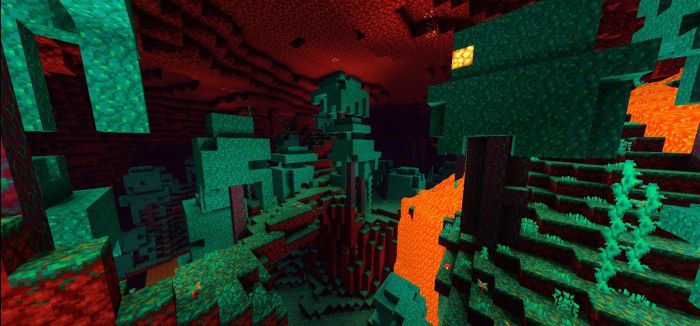
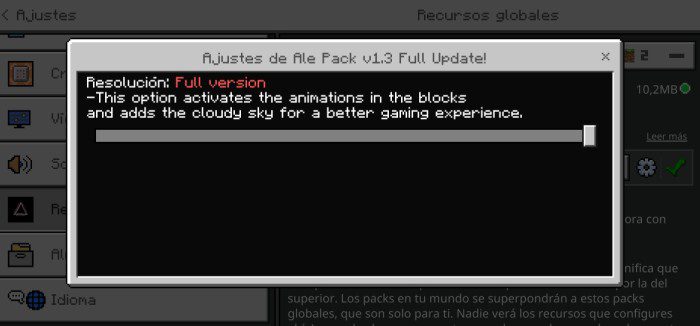
Setting:
- This option activates the animations on the blocks and adds the cloudy sky for a better gaming experience:
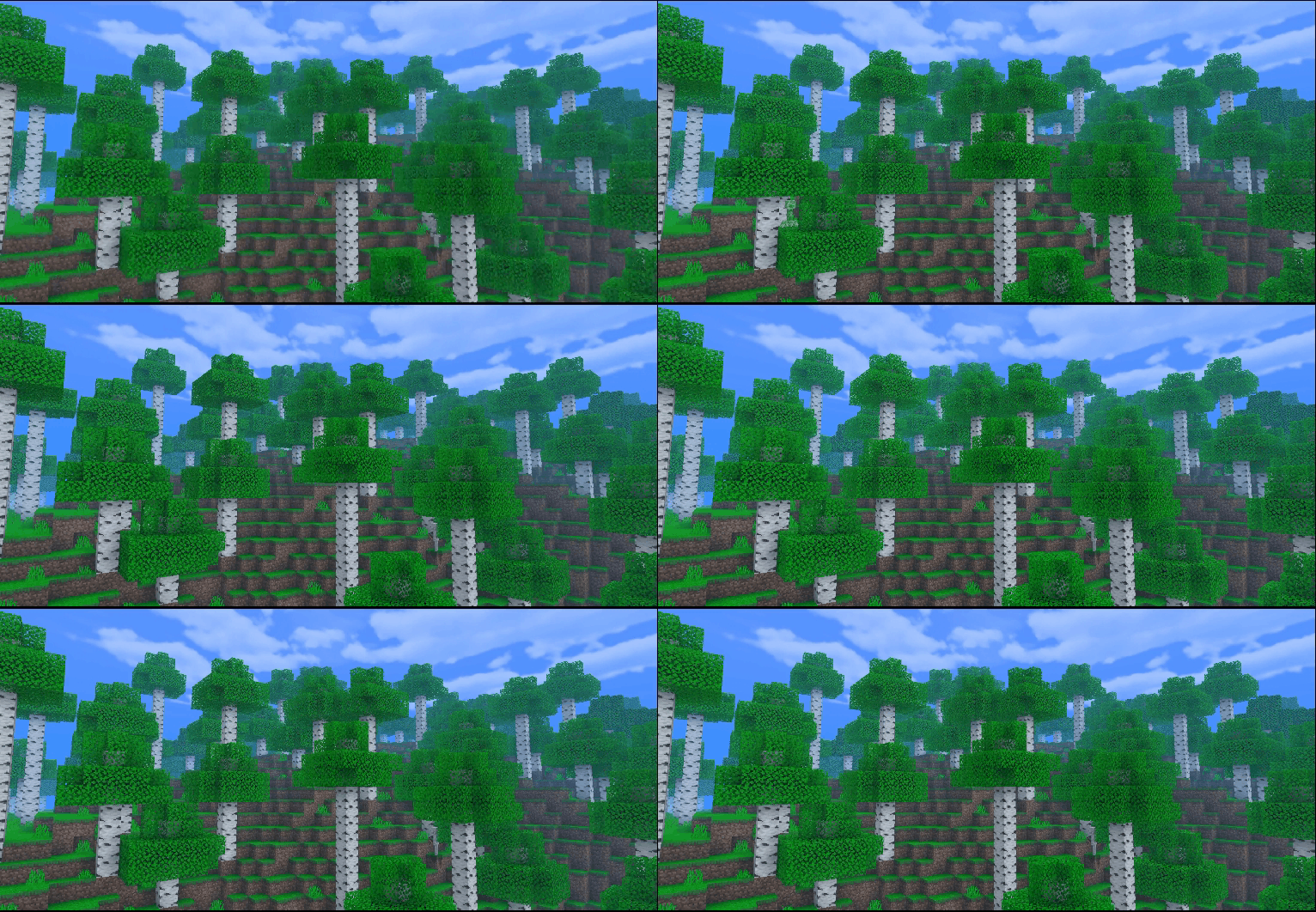
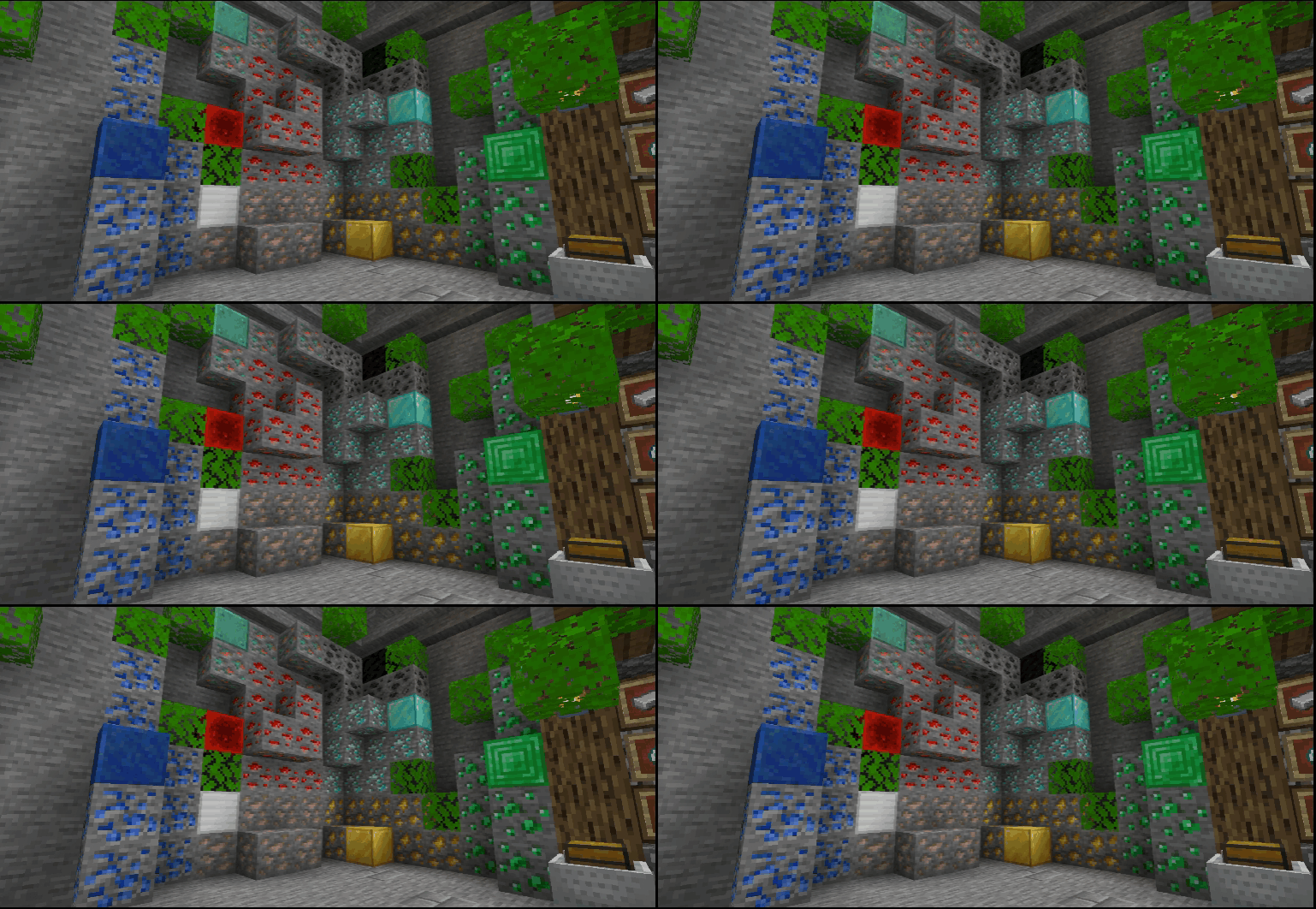
- This option disables animations on blocks and realistic clouds for better performance:
Ale Pack Shader Download Links
You may also like
For Minecraft PE/Bedrock 1.21, 1.20
Mode Cherry: Download from Server 1 – Download from Server 2
Mode Day: Download from Server 1 – Download from Server 2
- Edition: Minecraft Bedrock
- File type: .mcpack
- Minecraft version listed: 1.26
- How to install: Download the .mcpack. → Open it — Minecraft imports it under Resource Packs. → Activate it in Global Resources, or for one world under Resource Packs → Available.
- Where to get it: In MCModsHub, or directly above on this page.
Install steps are the general flow for this file type — How to install Minecraft Bedrock texture packs walks through it step by step.
- Pack type: .mcaddon — behaviour and resource pack in one file
- Manifest requires Minecraft 1.2.5 or newer
- Complete pack — everything it depends on is inside the file
- Download link checked 17 Jun 2026 — working
- Mirrored on our own servers — the download does not depend on the original host
These come from our own check of the pack file, not from the source page.