
Beta360 Gargamel [MCPEDL]
Bedrock map listed for Minecraft 1.21. File opened and checked on 30 Sep 2026; installs from the MC Bedrock Mods app on Android.
⬇ Download on CurseForge
_________________________________________________________________________________________________________________
During Minecraft Xbox 360 Edition's first days in TU1 it was adjacent to Java Edition's Beta 1.6. One of Beta Minecraft's most recognizable and renowned features was it's fantastical, exaggerated terrain generation. The "gargamel" seed was among the most well known seeds in Minecraft's early days. Playing this seed on Bedrock was never possible but now with the capabilities of Java Edition mods, it has been fully loaded, and transferred. This map includes a limited world area with the iconic Beta terrain generation of the surface and underground. This map does have some oddities, them being: Eyes of Ender don't point towards the stronghold, Fortresses don't regenerate Wither Skeletons so there is only a limited amount per world, No beta biome colors, and finally while it does use old cave generation, it does have the various cave biomes and blocks introduced in 1.17's Caves and Cliffs Update.
There are multiple different possible spawn locations, the two main ones being the iconic Java spawn where it spawns you in this little cave:

Or, the more boring 360 spawn:
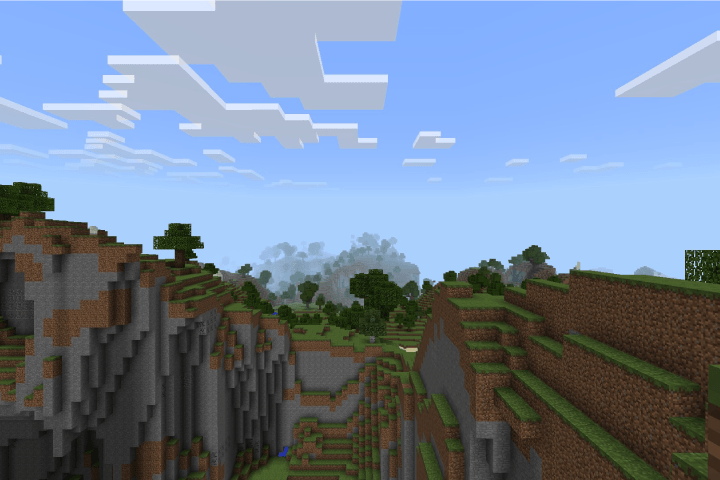
Upon exiting the cave, or moving around you will immediately see the iconic gargamel spawn area.
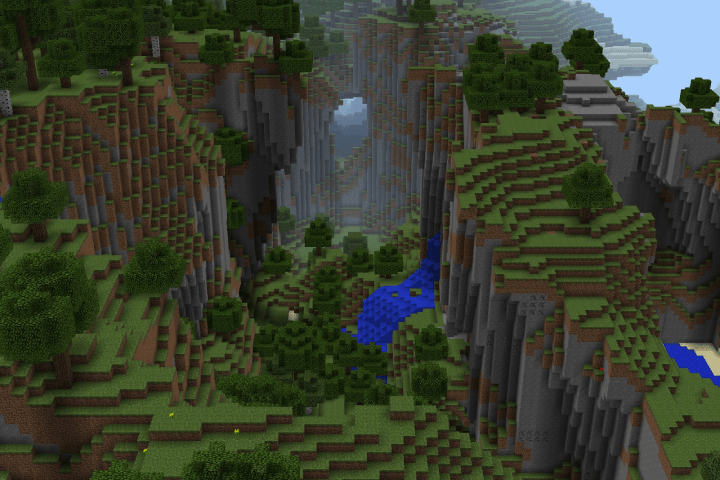
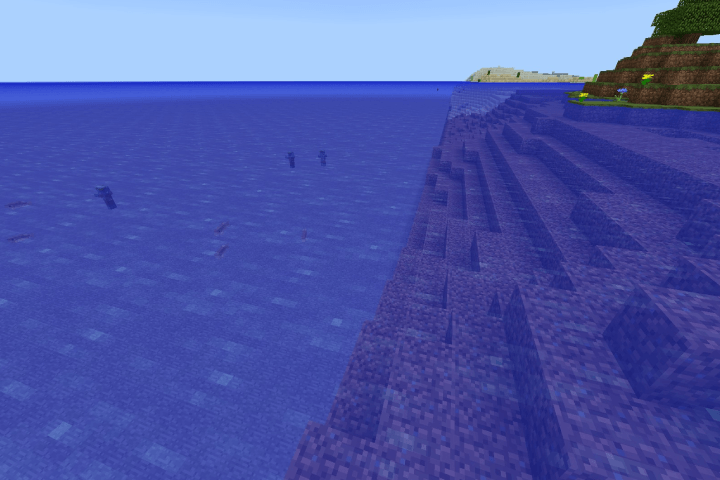
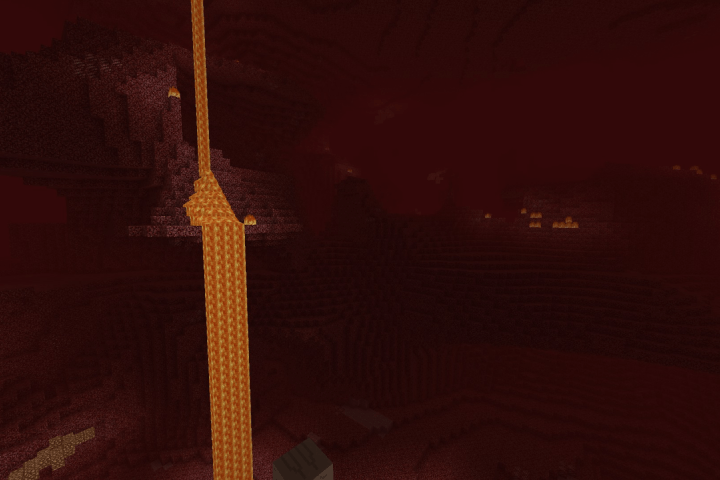
As previously mentioned, this version of gargamel is based off of the TU1 Xbox 360 version of it. This means that your play area is limited to a 864x864 area before being met by an invisible wall with infinite ocean. The limitations don't end there though, the Nether is limited as well, like the Classic world option on Legacy Console the nether is encased in a 288x288 play area blocked off by a bedrock wall.
World Border: (mobs spawn past the border but they cannot see you and cannot pass it)
Nether Bedrock Wall:
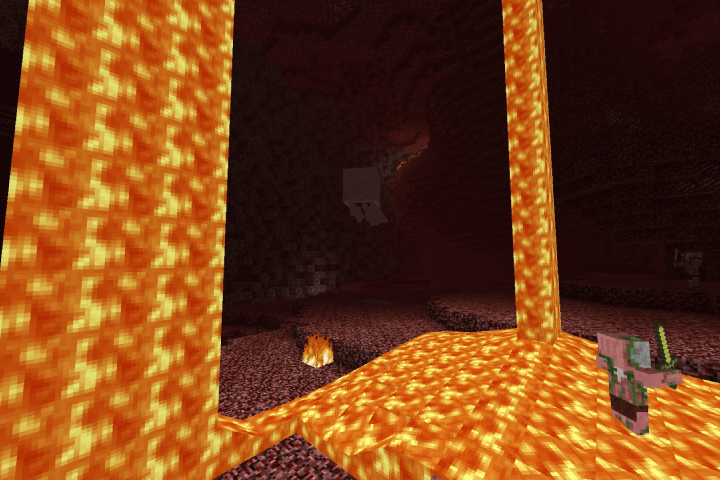
Another modification to the nether is that it is ONLY the Nether Wastes/Old Nether, no biomes.
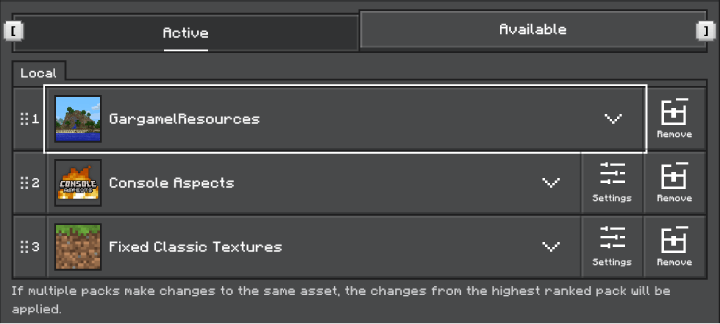
The world includes a resource pack with the goal to change some of the textures ans such to emulate Beta, this resource pack is only an add-on pack which should be placed above the Minecraft Classic Texture Pack from the Marketplace, or more preferably any continuation pack of the classic textures of your choice. Another pack that should definitely be utilized is AgentMindStorm's Console Aspects. Console Aspects is a great pack that makes Bedrock much closer to Legacy Console, which is what this world is also meant to emulate. If you do follow these instructions this should be the order in which you have the packs placed!
Order of Packs:
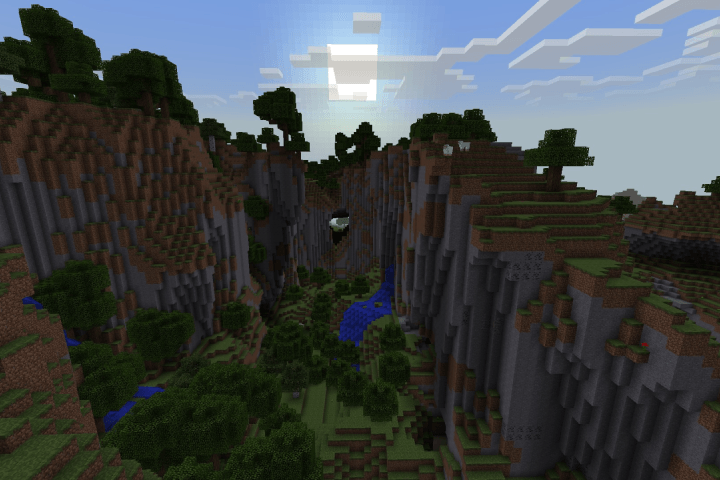
Before:
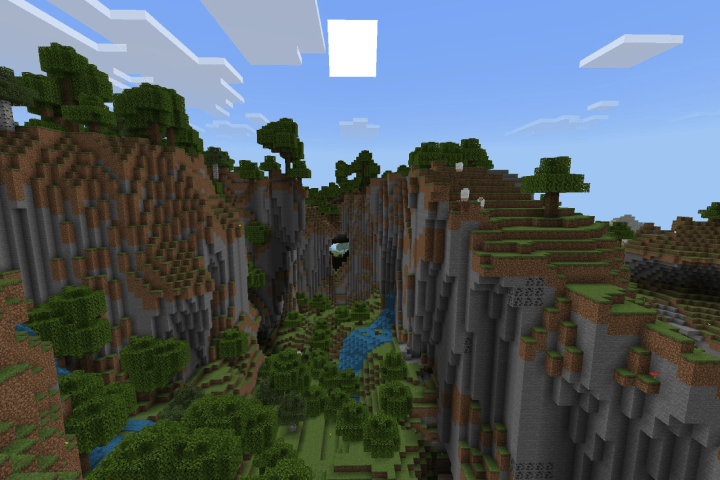
After:
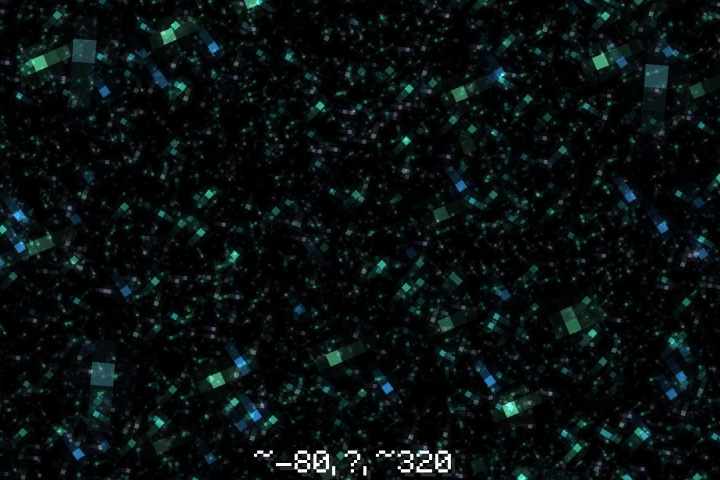
And finally, since the Eyes of Ender don't lead you anywhere, the only solution I could think to give is to put the coords to the stronghold on the page. The image that will be posted after this will contain the coords. I hope you enjoy this port of garamel, and look out for my next project which will be an expanded, still limited but definitely bigger version of the iconic "nyan" seed from early Pocket Edition versions (0.1.0 - 0.8.0).
_________________________________________________________________________________________________________________
- Edition: Minecraft Bedrock
- File type: .mcworld
- Minecraft versions listed: 1.21.90, 1.21.93, 1.21.94
- How to install: Download the .mcworld file. → Open it — Minecraft imports it as a new world. → Find it in your Worlds list and play.
- Where to get it: Opens on CurseForge — not every file is mirrored on our own servers.
Install steps are the general flow for this file type — How to install Minecraft Bedrock maps walks through it step by step.
- Pack type: .mcworld — a ready-made world
- Manifest requires Minecraft 1.21.50 or newer
- Complete pack — everything it depends on is inside the file
- Download size: 76.2 MB
- Download link checked 26 Oct 2026 — working
These come from our own check of the pack file, not from the source page.