Newb Shader
Bedrock texture pack listed for Minecraft 1.21–26.x. File opened and checked on 18 Oct 2026; installs from the MC Bedrock Mods app on Android.
Newb Shader is an enhanced vanilla shader that focuses on being lightweight and having soft aesthetics. It supports Minecraft Bedrock 1.21+…
I don't know my version
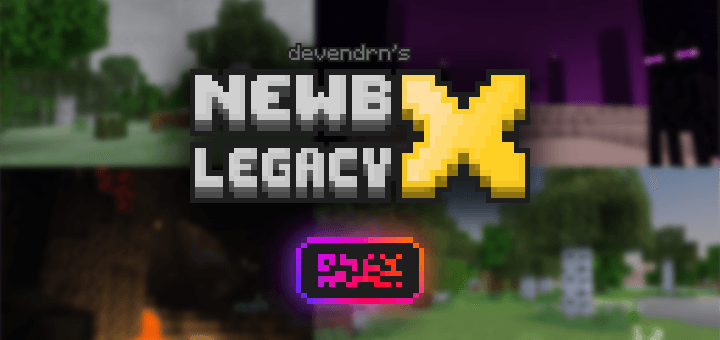
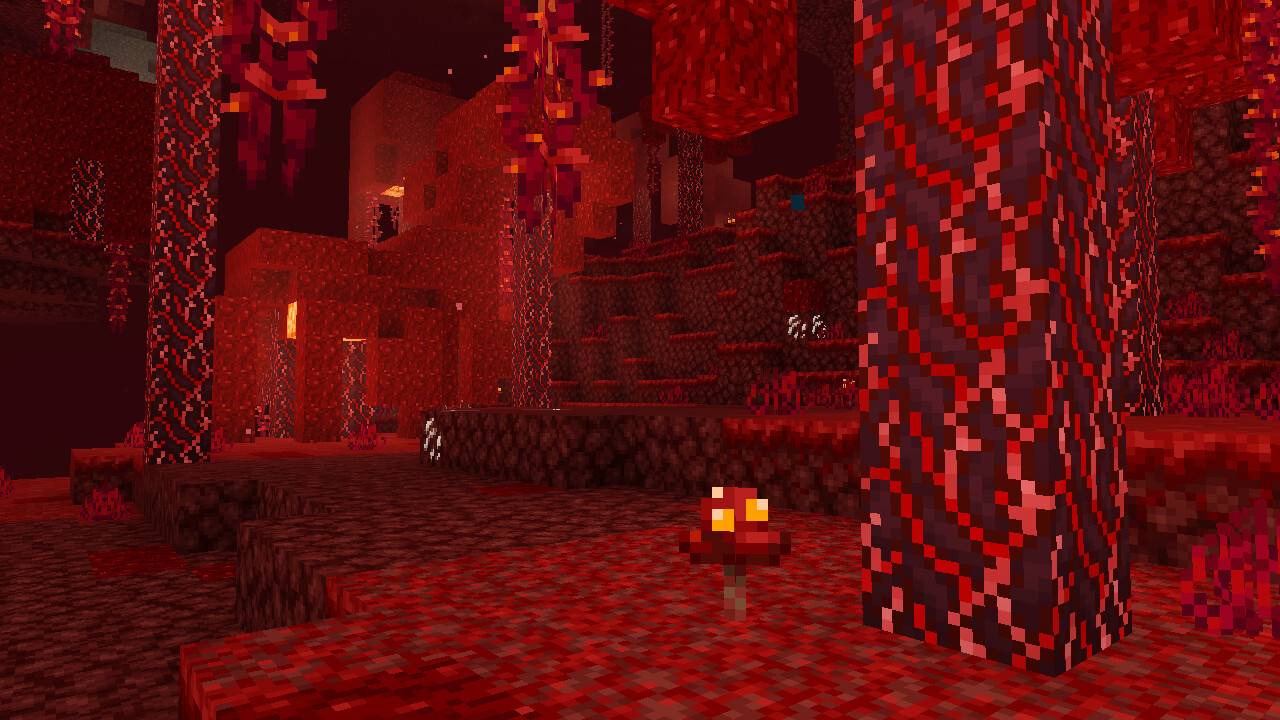
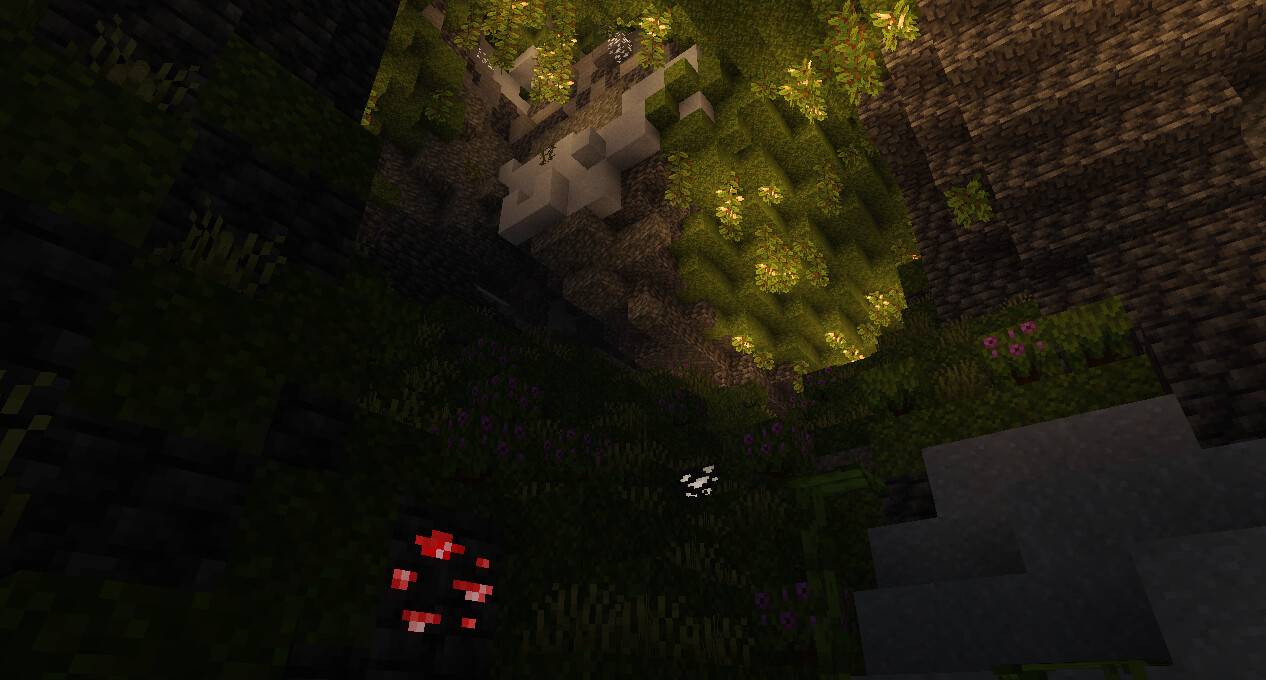
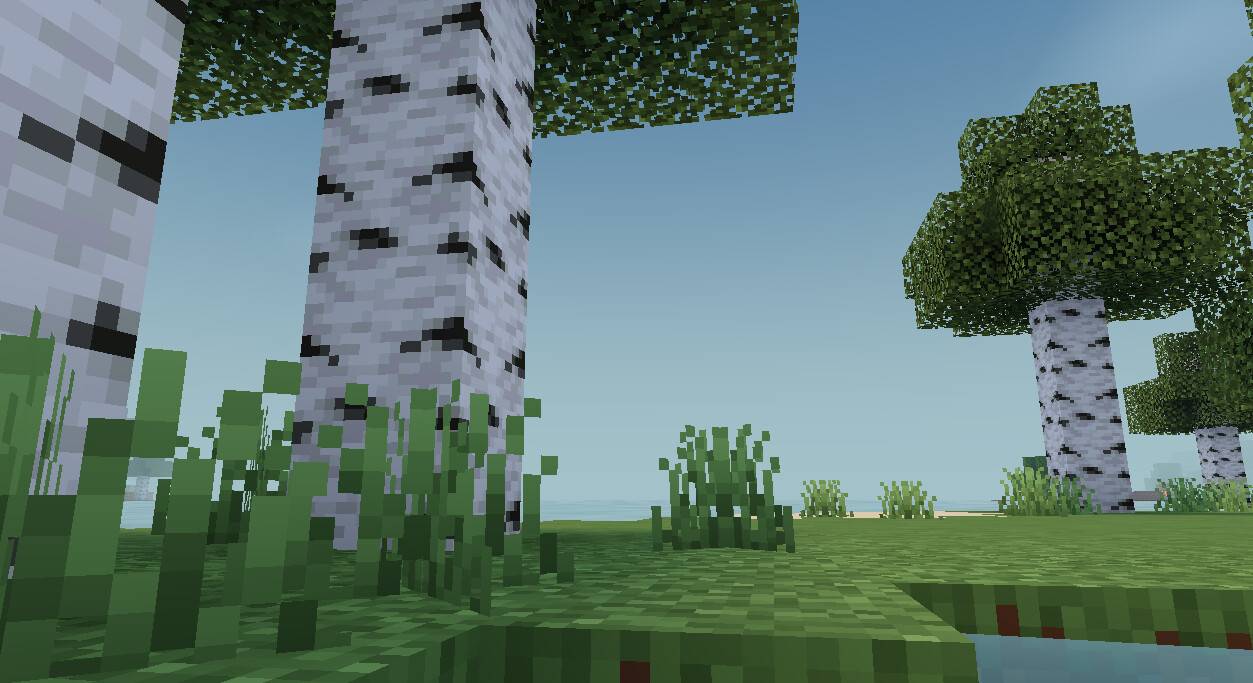
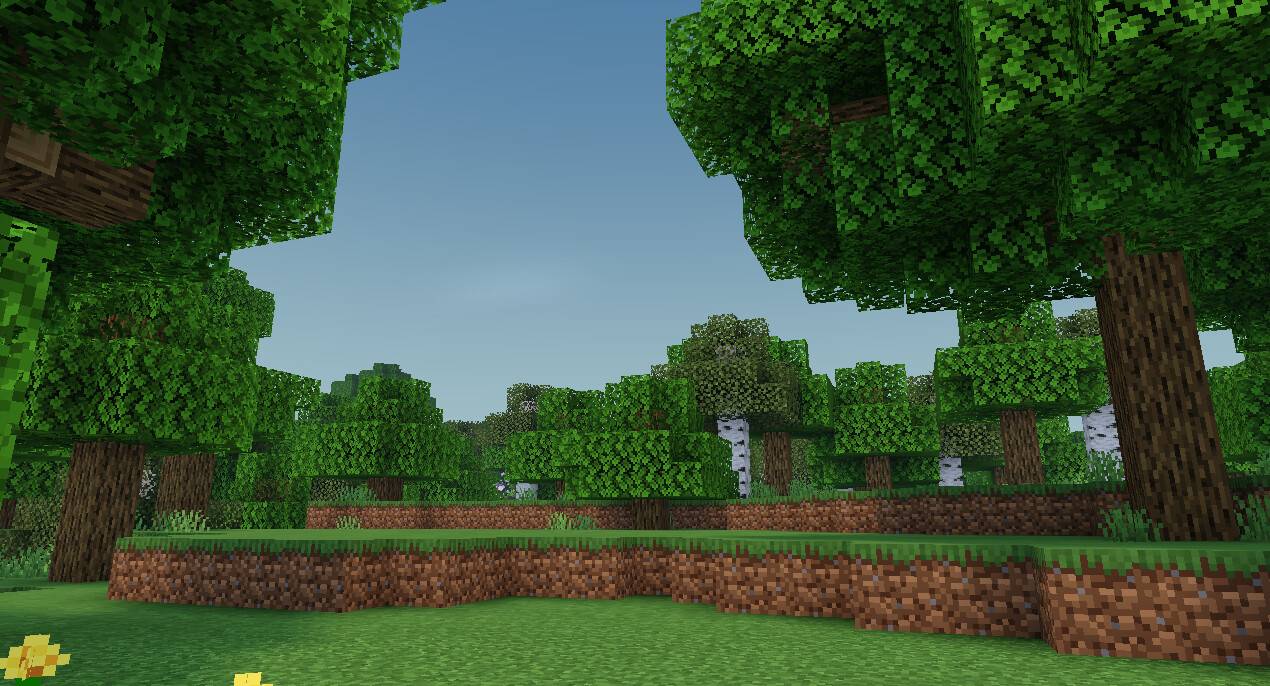
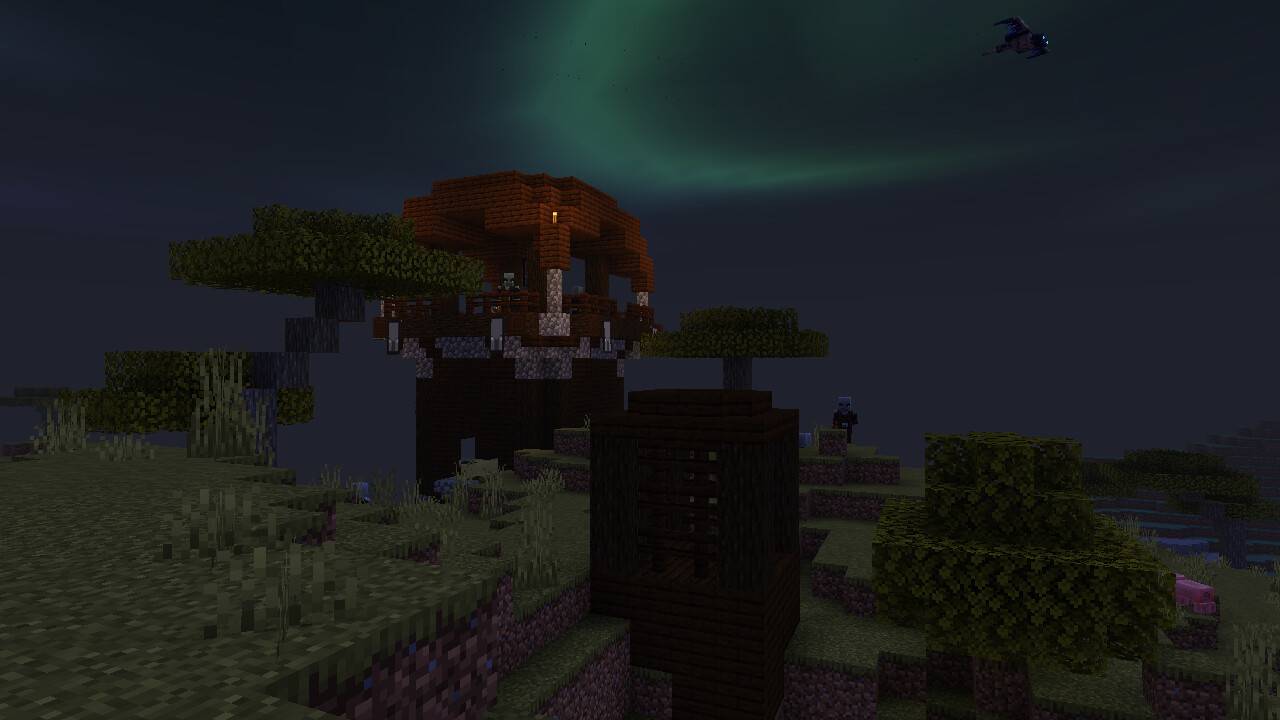
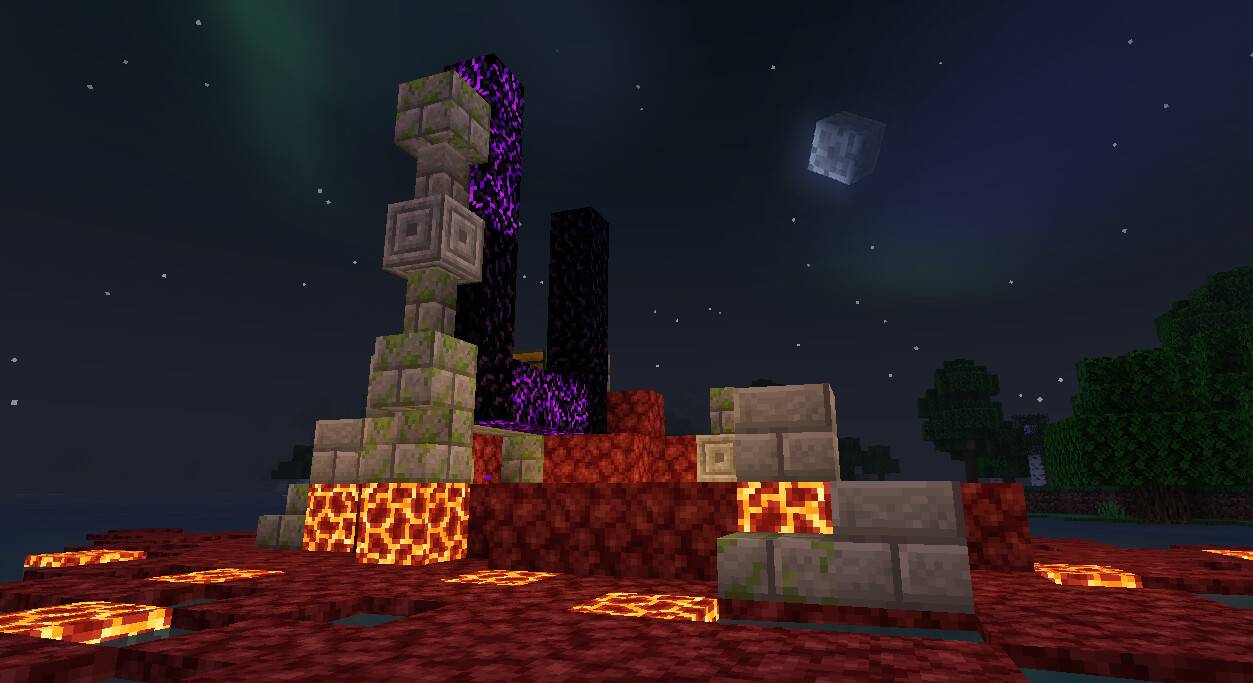
Newb Shader is a vanilla styled lightweight Minecraft Bedrock Shader that enhances the default aesthetics. It supports Android, Windows, and iOS versions of Minecraft 1.26 with the help of some tools.
v16 is will the last legacy release. There will be no more updates to "Newb X Legacy" from me (devendrn). I'm sorry, but I no longer have motivation or time to dedicate for this project. This project still holds an important place in my heart! I'm grateful to everyone who has supported me throughout this project. Any future updates to this project if any would be done by community members of this project.
This shader will not work without using required patches! Please read the installation guide before downloading.
Features
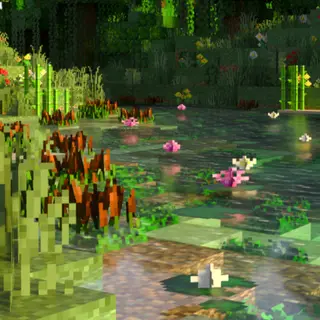
Lighting: Features natural soft lighting with many subtle details.
Clouds: The clouds are soft and adapt with rain.
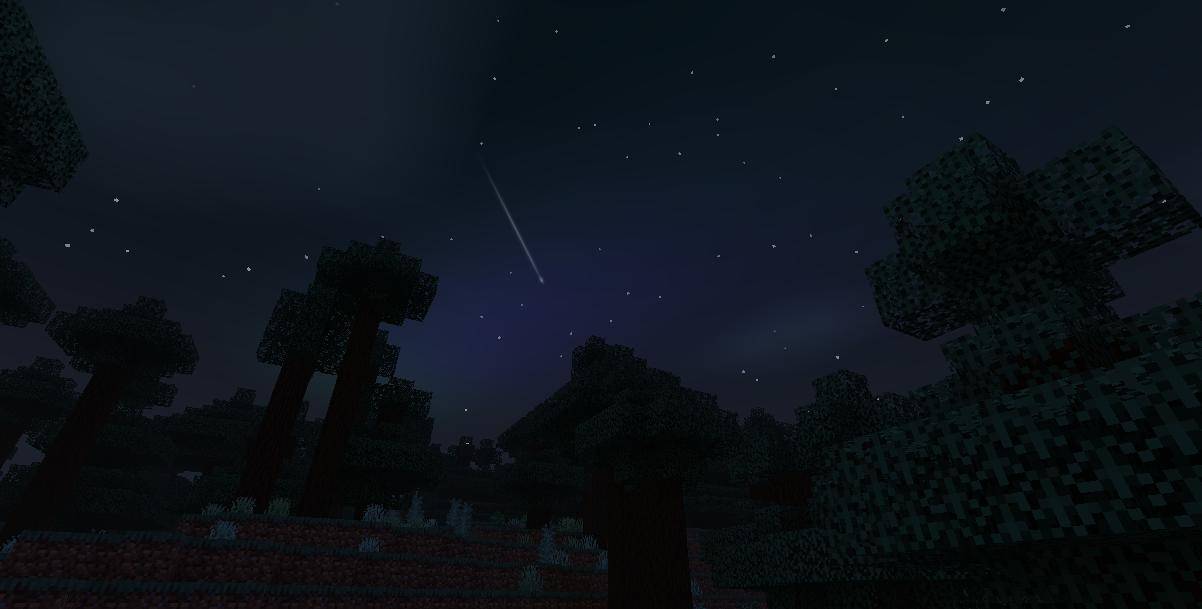
Sky: A natural-looking, bright sky that gives the shader an aesthetic feel. The end dimension also features a new fancy sky.
Water: A calm and relaxing water that's truly lightweight and looks beautiful.
Underwater: A bluish-foggy view with soft caustics and streaks.
Foliage wave: A subtle natural wave animation that applies to grass, leaves, vines and crops.
Lantern swing: Probably something you don't find in most bedrock shaders, a swinging lantern.
Depth: A smooth foggy layer that blends across the horizon, with an added misty layer that gives more depth to your world.
Rain weather: Something many users like about this shader is the rainy weather.
Entities: Entities have a soft ambient around them.
Color correction: Uses a very common tone mapping method, yet it still gives Newb Shader a distinct color tone.
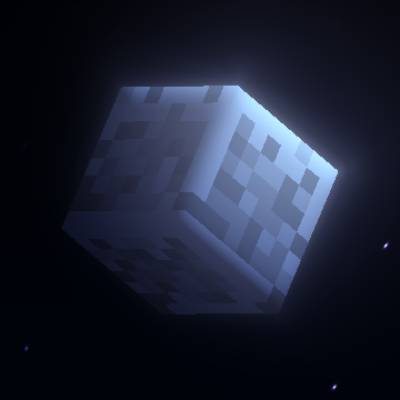
Sun/Moon: A 3D looking vanilla moon, with all the moon phases. The sun is stunningly smooth, yet it preserves the vanilla vibe.
Glowy Ores: The ores glow and shimmer in darkness, making it easier to spot.
Auroras: The night sky is enhanced with aurora lights that change over time.
Glint Effect: Features an improved and fancy glint effect for enchanted items.
Installation
Disclaimer: Minecraft Bedrock does not officially support loading custom shaders. The following are unofficial ways to load shaders.
Android
- Install MB Loader app from Google Play.
- Launch Minecraft through MB Loader.
- Import the resource pack and activate it in global resources.
Windows
- Follow this guide to install Wyvern.
- Import the resource pack and activate it in global resources.
Linux (x86_64 arch)
This method is for mcpelauncher-manifest.
1. Install mcpelauncher-materialbinloader-mod.
2. Import the resource pack and activate it in global resources.
iOS
Using shaders on iOS is not very straightforward and not recommended for beginners.
1. Download Minecraft with Hynis IPA file from our Discord server.
2. Sideload it with your preferred sideloading tool.
3. Import the resource pack and activate it in global resources.
If you are having trouble following this guide, you can ask for support in our Discord server.
Configuration
It's recommended to use the following graphics settings for the game:
- Graphics Mode: Fancy
- Brightness: 10-90%
- Smooth Lighting: On
- Beautiful Skies: On
- Render Clouds: On
There are multiple subpacks in the shader resource pack. Use the "No wave, No Fog" subpack for better performance.
Make sure that the shader resource pack is kept at the top, above all other resource packs, for it to work properly. It may conflict with some other visual resource packs.
Copyright
Developer: devendrn
Contributors: 1Sekon, faizul726, IndeedItzGab, miqumi
Resource packs published here are copyrighted assets of devendrn under CC-BY-ND v4.0. Source code is licensed under MIT License.
All verified Newb Variants (Variants that are published by the "Newb Community") are copyrighted by "Newb Shader" and it's respective variant creator. There are dozens of Newb Variants such as Newb X Future, Newb Reimagined, Newb Pineapple, Newb X LMI, and many more. You can find them in the #newb-variants forum channel of our Discord server.
Support
For continued development of Newb Shader, you can support me through various ways:
- Sharing my work
- Upvoting or rating my work
- Using my monetized links
- Giving feedback and suggestions through our Discord server.
- Donating
Mentions
I would like to give special acknowledgment to the following users for their support in the initial development of "Newb Shader":
- Suggestions/testing: Bravo6, HendricK sHaDoW, TatsuyaHikki, ggVictor, GroundBeefmc, Dhikka, Clover
- Screenshots: FxSlow_-, nick name, irfanmib07yt, ColosoLoco, Daruma, CuteBoi
- Edition: Minecraft Bedrock
- File type: .mcpack
- Minecraft versions listed: 26.50, 26.40, 26.30
- How to install: Download the .mcpack. → Open it — Minecraft imports it under Resource Packs. → Activate it in Global Resources, or for one world under Resource Packs → Available.
- Where to get it: In MCModsHub, or directly above on this page.
Install steps are the general flow for this file type — How to install Minecraft Bedrock texture packs walks through it step by step.
- Pack type: .mcpack — a single pack
- Complete pack — everything it depends on is inside the file
- Download size: 8.0 MB
- Download link checked 5 Aug 2026 — working
These come from our own check of the pack file, not from the source page.