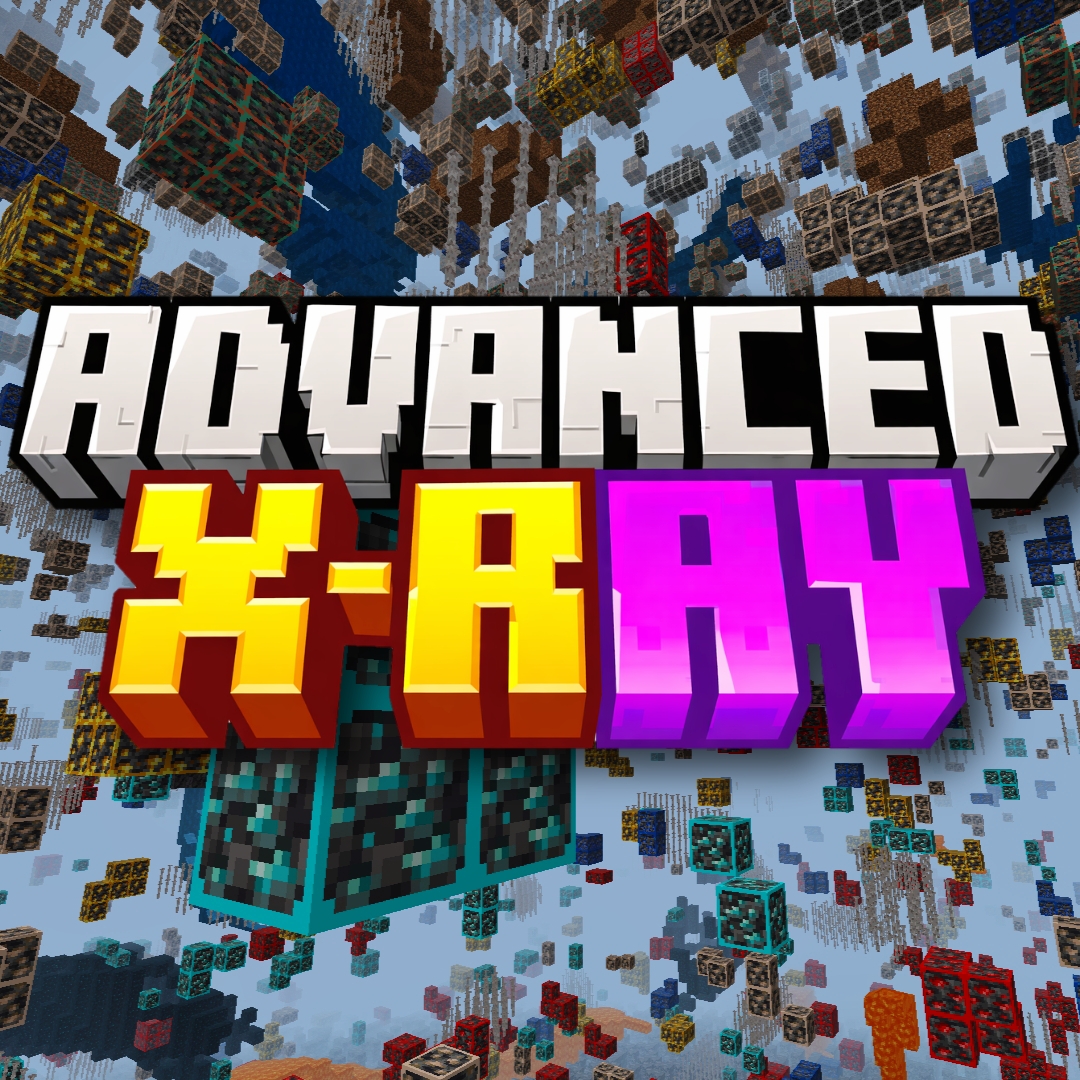
Advanced X-Ray
Bedrock texture pack listed for Minecraft 1.21–26.x. File opened and checked on 22 Oct 2026; installs from the MC Bedrock Mods app on Android.
This Mod Lets You See Through Walls And Easily Find Ores. This Is A Resource Pack And Can Be Used On Servers (Not Recommend!)
⬇ Download on CurseForgeThe author built this one for Minecraft 1.21.101–26.50. On other versions it may install and then do nothing.
🔍 Advanced X-Ray
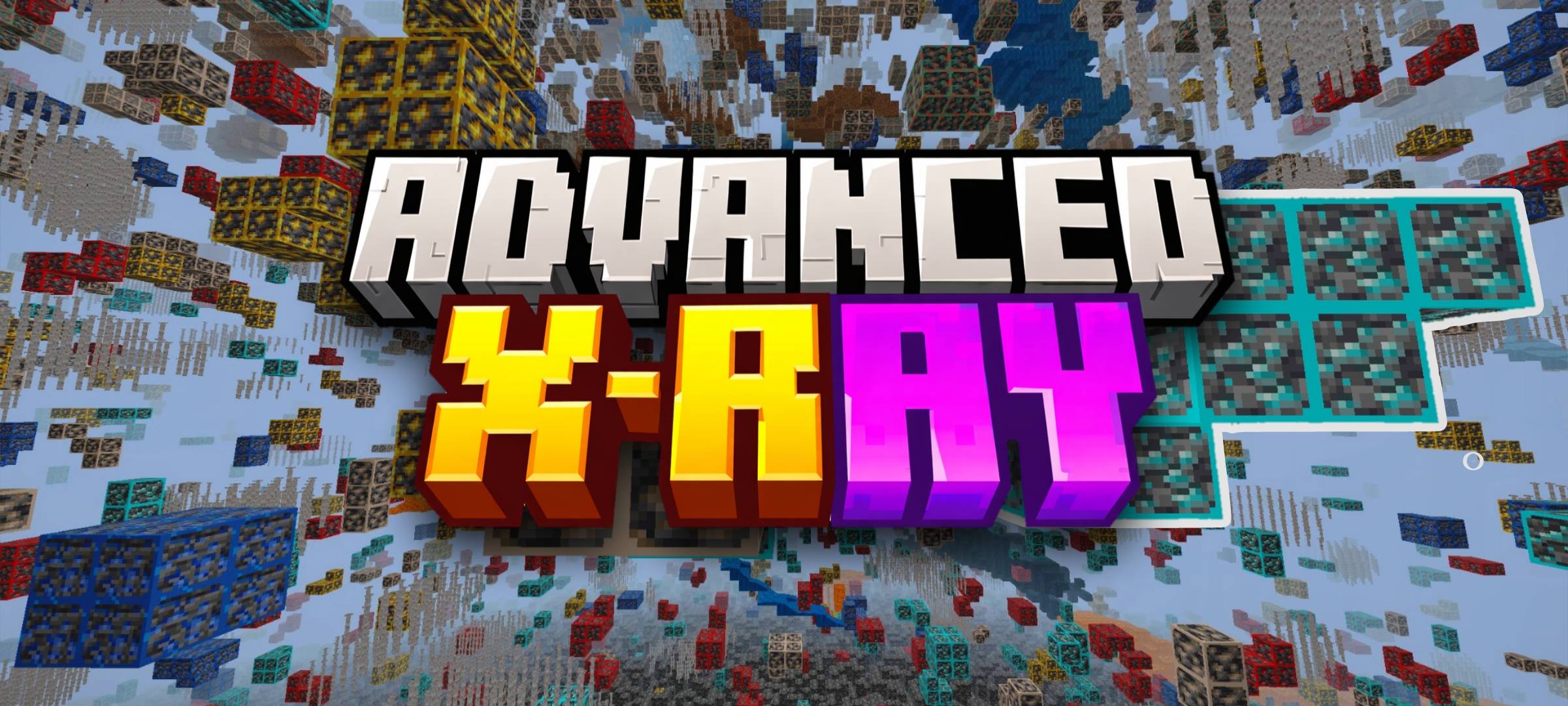
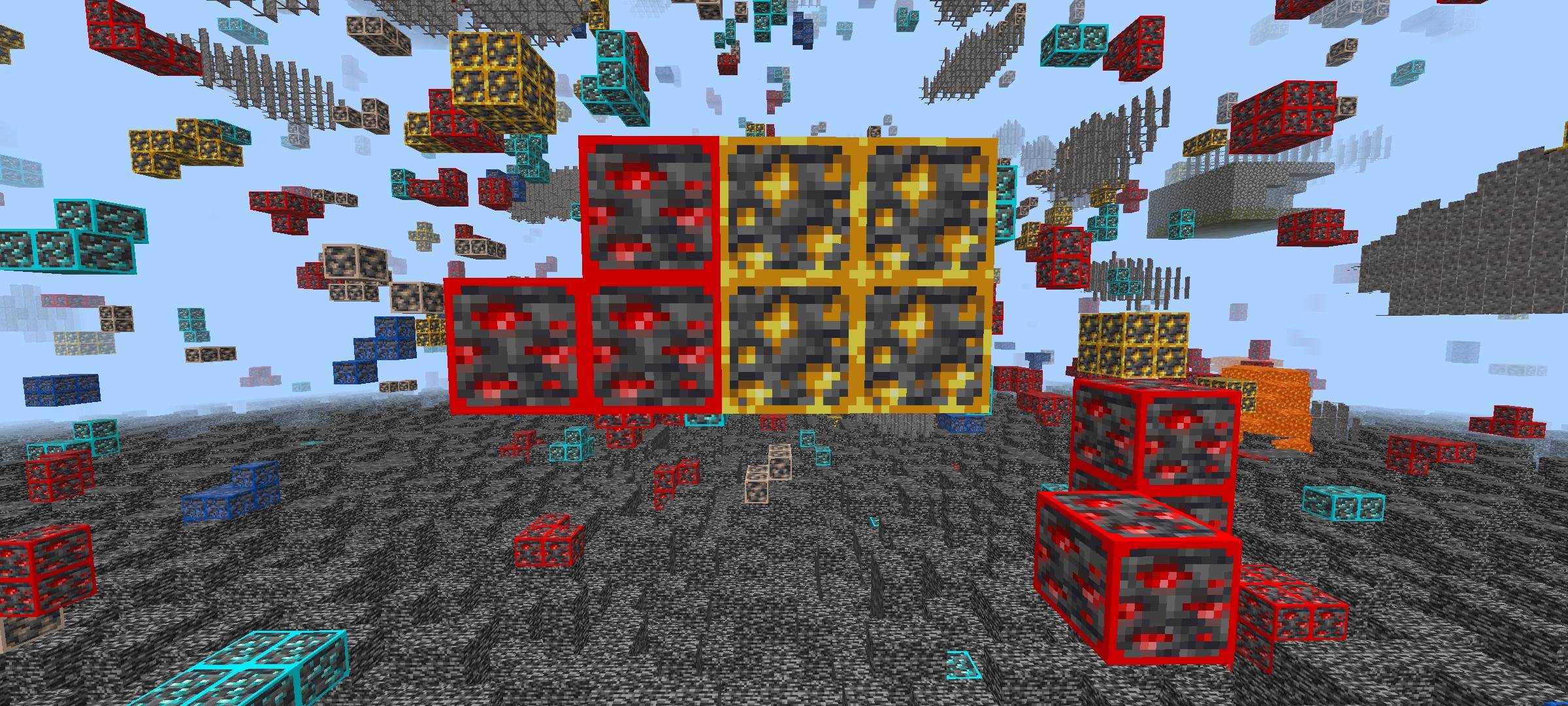
Advanced X-Ray is a powerful yet fully vanilla-friendly resource pack designed for Minecraft Bedrock & Pocket Edition players who want maximum visibility without using any scripts, behavior packs, or cheats.
As the creator, my goal with this pack was simple: give players a clean, efficient, and server-safe way to locate ores while keeping the gameplay smooth and achievement-friendly.
✨ Key Features
- ✅ Works in Vanilla Minecraft
No mods, no code, no behavior packs — this is a pure resource pack. - 🌟 Glowing Ores (Vibrant Visuals Support)
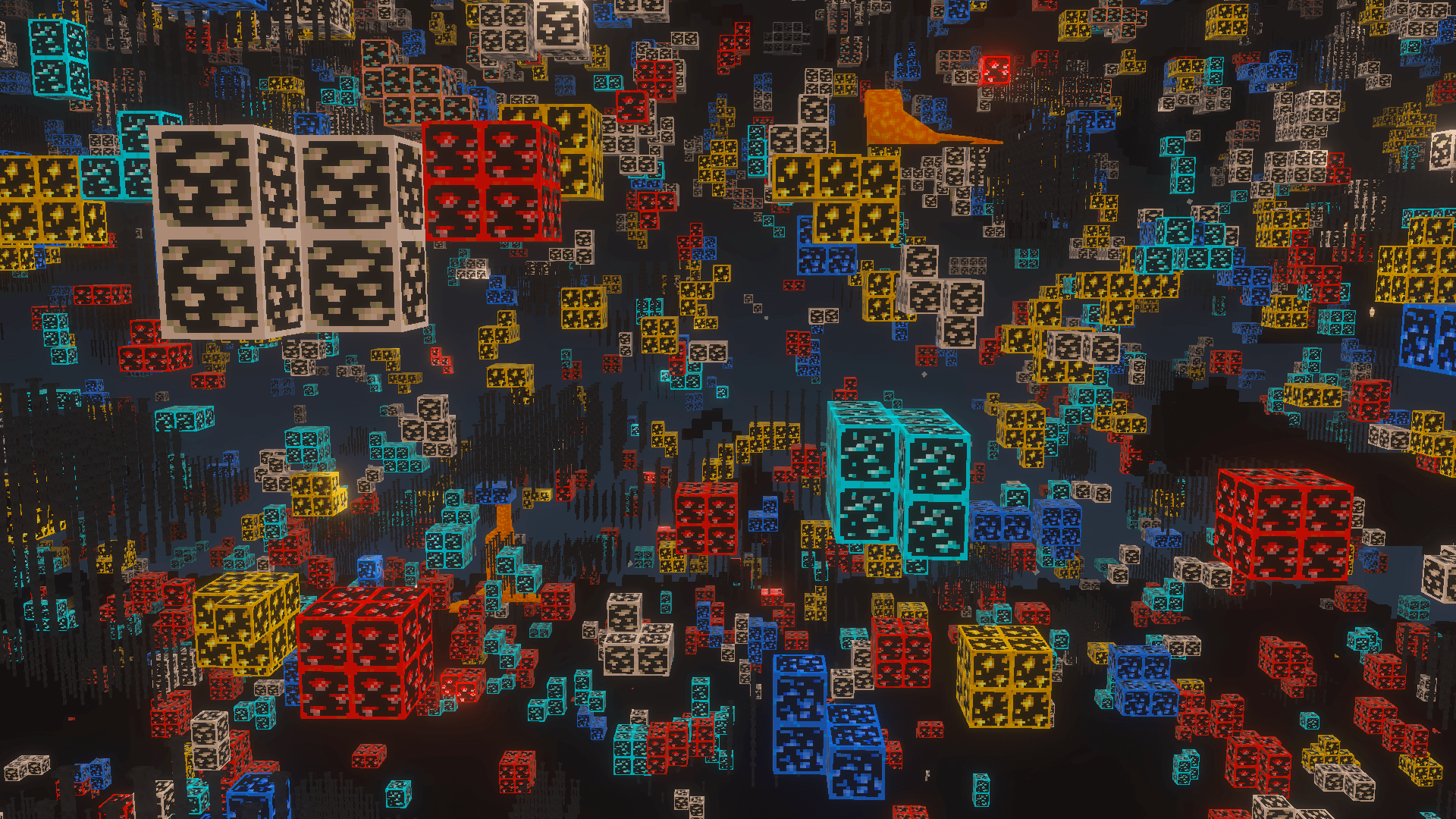
Features custom PBR (Physically Based Rendering) texture sets. Enable Vibrant Visuals in your settings to make ore veins emit a bright, localized glow in pitch-black caves. - 🏆 Achievements Enabled
Since this is only a texture/resource pack, achievements are NOT disabled. - 👁️ True X-Ray Effect (No Code Used)
Stone and other common blocks are made invisible using textures only, allowing ores to stand out clearly. - 🌐 Server-Permitted
Because it does not use scripts or game-breaking mechanics, this pack is allowed on most servers. - 📱 Bedrock & Pocket Edition Support
Fully compatible with Minecraft Bedrock Edition, including MCPE (Android/iOS).
⚙️ Recommended Settings (Very Important)
For the best experience, make sure to apply these settings:
- 🎨 Graphics: Enable Vibrant Visuals (Deferred Lighting) to activate the glowing ore maps.
- 🔆 Brightness:
100% - 💡 Smooth Lighting:
OFF - 🧪 Night Vision: Highly recommended (Drink a Night Vision potion for maximum clarity if playing on standard graphics).
These settings ensure all ores are clearly visible, even at long distances.
⛏️ Why Advanced X-Ray?
- Simple and lightweight
- No risk of bans due to scripts
- Clean visuals inspired by vanilla textures
- Ideal for mining, speed-running, and survival gameplay
This pack is built for players who want efficiency without breaking the rules.
❓ Frequently Asked Questions (FAQ)
Q: Does this pack disable Xbox Live achievements?
A: No! Because this is strictly a resource/texture pack and does not use any behavior packs or scripts, you can safely use it in your survival worlds without disabling achievements.
Q: Why aren't the ores glowing for me?
A: To see the glowing ore effect, you must enable Vibrant Visuals (Deferred Lighting) in your Minecraft Video Settings. If you are playing on standard graphics, the ores will still be visible, but they won't emit their own light.
Q: How do I turn the X-Ray on and off in-game?
A: Due to Minecraft Bedrock limitations, resource packs cannot be toggled on or off while actively playing in a world. To turn off the X-Ray effect, you must Save & Quit, go to your Resource Packs setting, and deactivate it.
Q: Will I get banned for using this on multiplayer servers?
A: From a technical standpoint, this pack works on servers because it does not inject scripts or modify game code. However, using X-Ray is against the rules on most public multiplayer servers. Use it at your own risk!
Q: I can't see the ores well in deep caves, what should I do?
A: If you are not using Vibrant Visuals, make sure your in-game brightness is set to 100% and Smooth Lighting is turned OFF. Drinking a Potion of Night Vision is highly recommended for the best experience.
Due to Minecraft Bedrock limitations, resource packs cannot turn X-Ray ON/OFF dynamically in-game. X-Ray works by changing block visuals, which only load when the pack is enabled. UI “buttons” in some packs are visual only and do not control features. A real toggle requires a separate behavior-pack solution. This Feature Is Supported In Java Edition As it Supports Switching Shader And Resource Packs.
- Help Me -

👤 Author
Created by: Sycure Gaming
All rights reserved.
Redistribution or re-upload without permission is not allowed.
Enjoy mining smarter, faster, and cleaner with Advanced X-Ray 🟣🟡
Happy Mining! ⛏️
- Edition: Minecraft Bedrock
- File type: .mcpack
- Minecraft versions listed: 1.21.120, 1.21.122, 1.21.121
- How to install: Download the .mcpack. → Open it — Minecraft imports it under Resource Packs. → Activate it in Global Resources, or for one world under Resource Packs → Available.
- Where to get it: Opens on CurseForge — not every file is mirrored on our own servers.
Install steps are the general flow for this file type — How to install Minecraft Bedrock texture packs walks through it step by step.
- Save it as Advanced X-ray v2.3.7.mcaddon before opening — it downloads as .mcpack, but it is a .mcaddon pack
- Manifest requires Minecraft 1.21.80 or newer
- Complete pack — everything it depends on is inside the file
- Download size: 940 KB
- Download link checked 26 Oct 2026 — working
These come from our own check of the pack file, not from the source page.