Texture packsBedrock
Vibrant Visuals Night Vision Pack
Bedrock texture pack listed for Minecraft 1.21. File opened and checked on 18 Oct 2026; installs from the MC Bedrock Mods app on Android.
⬇ Download on CurseForgeThe author built this one for Minecraft 1.21.90–1.21.100. On other versions it may install and then do nothing.
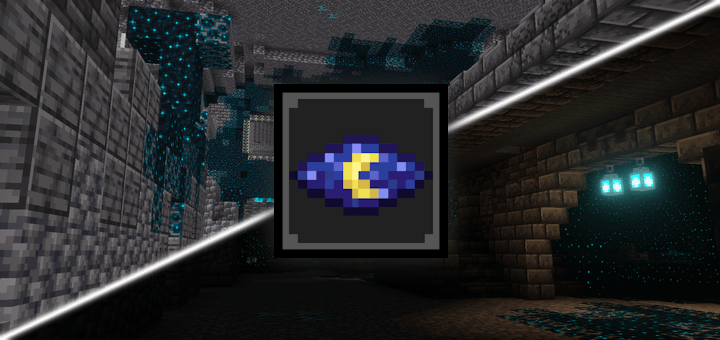
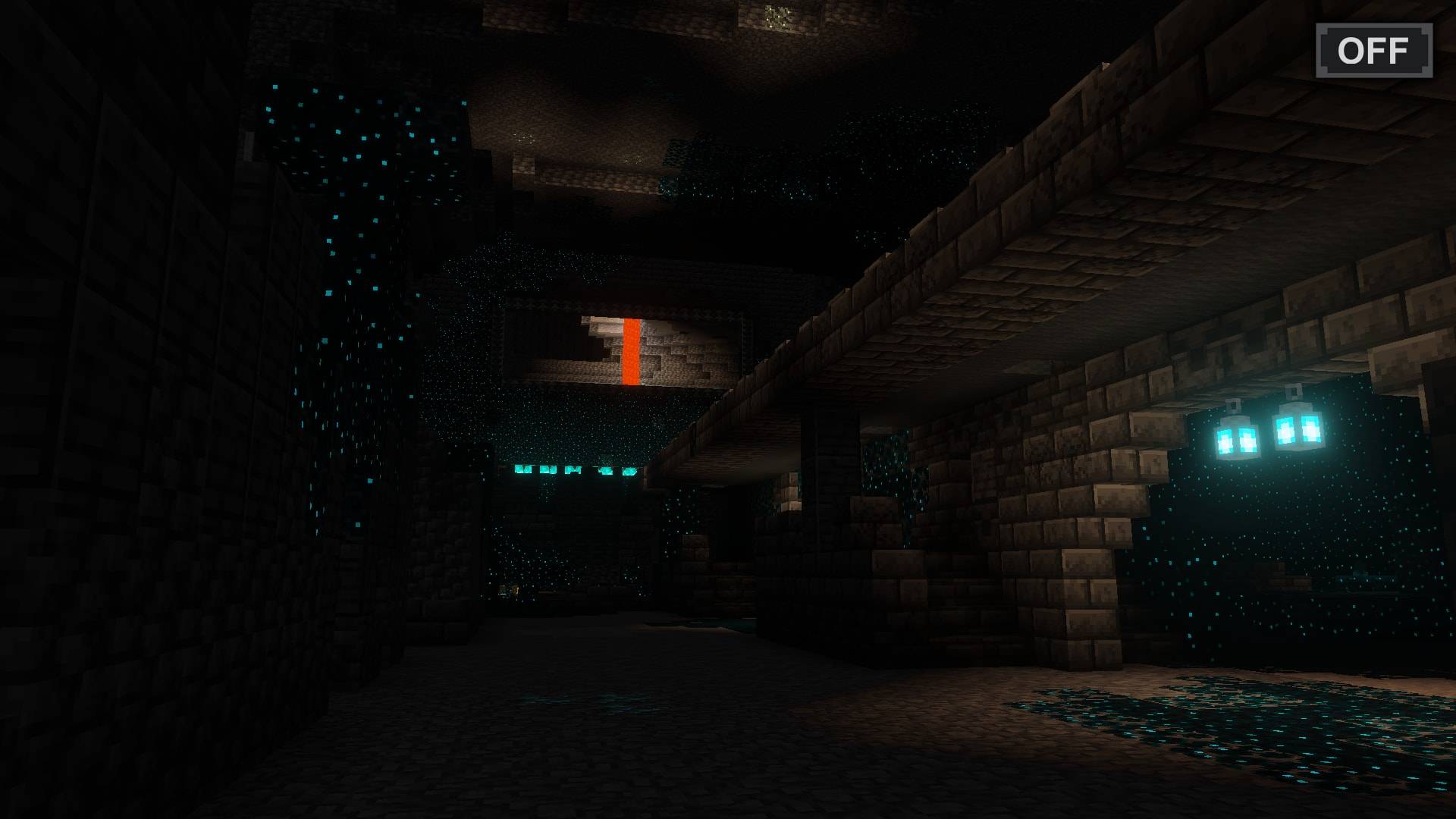
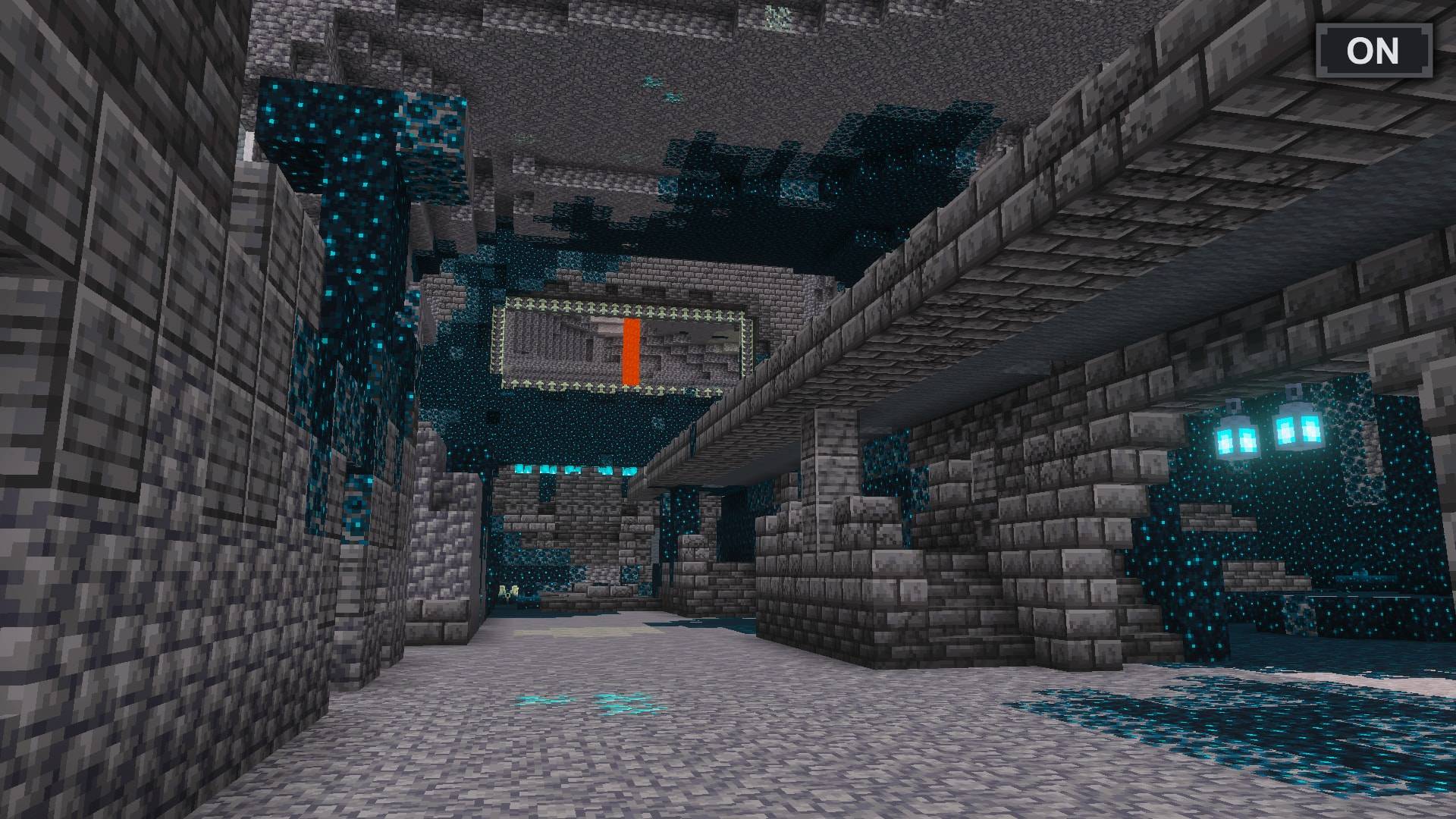
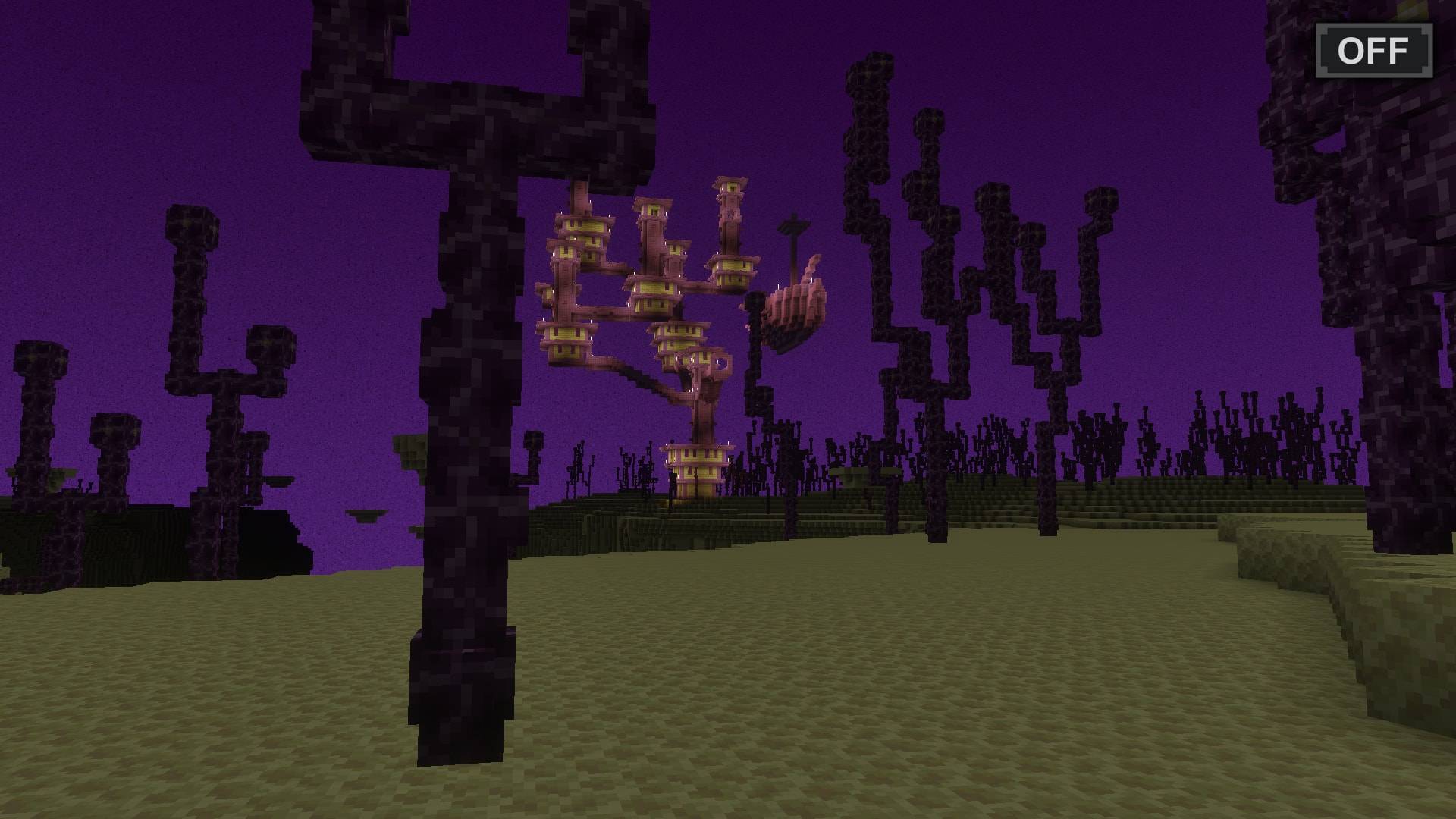
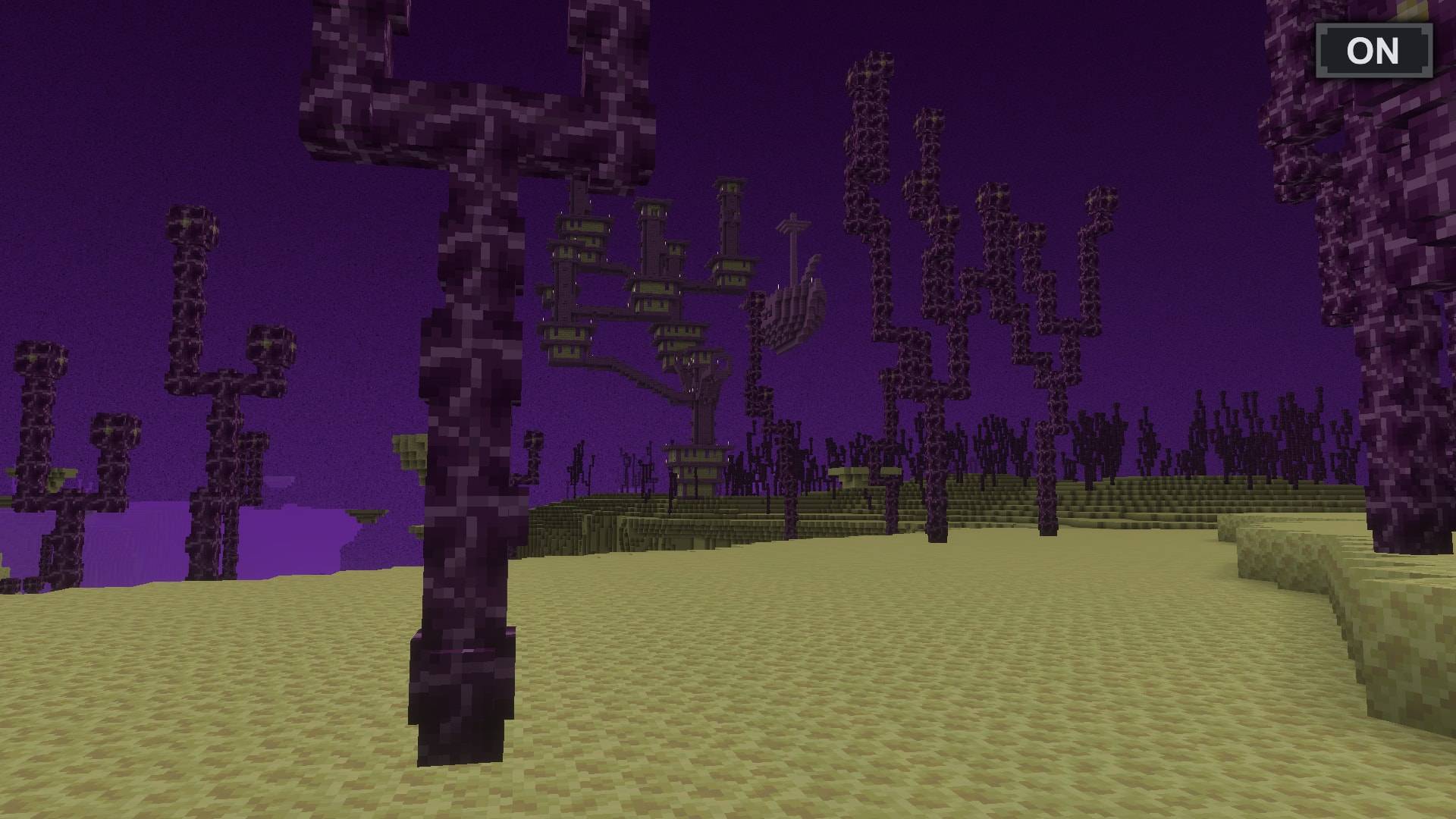
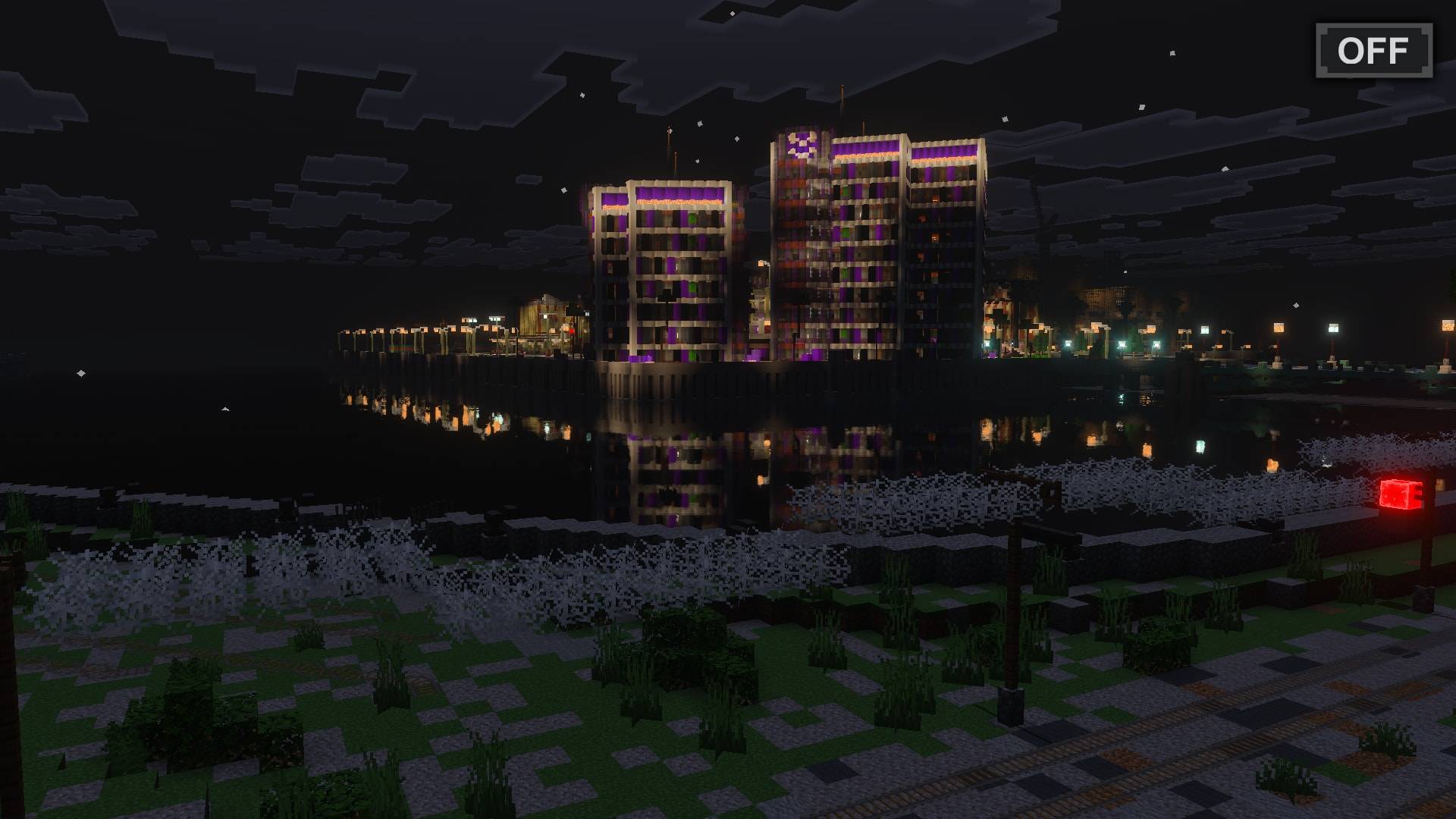
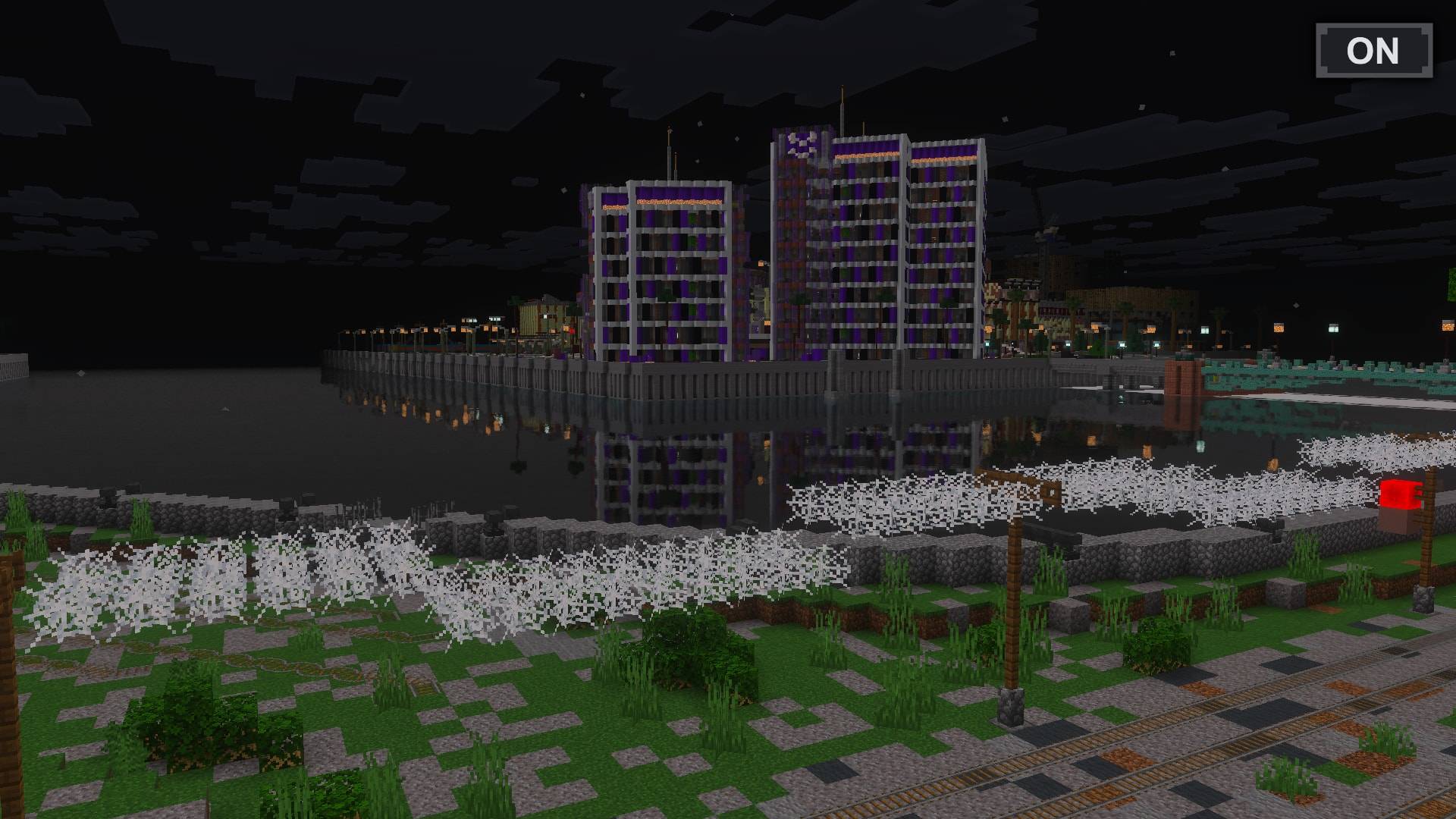
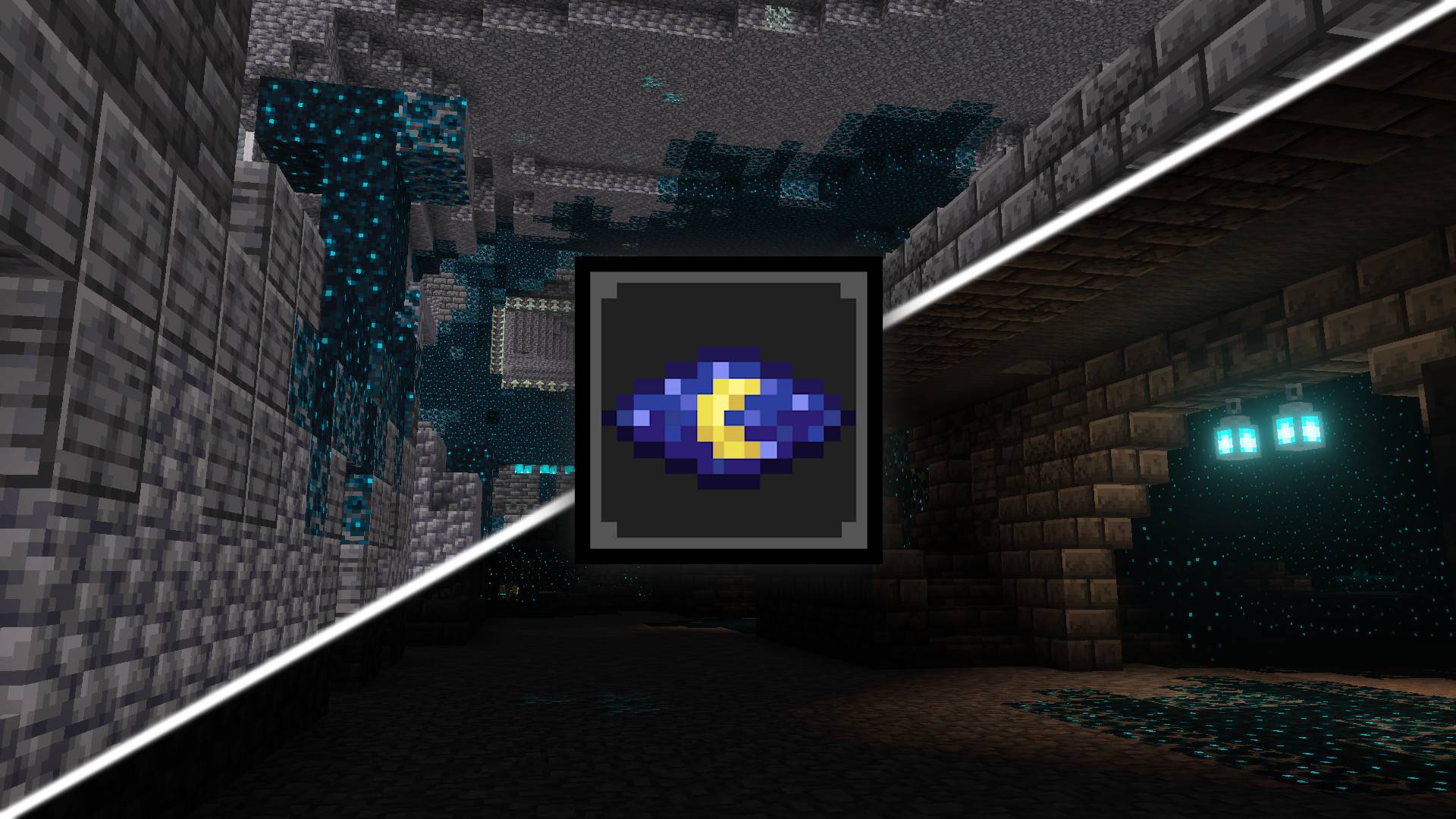
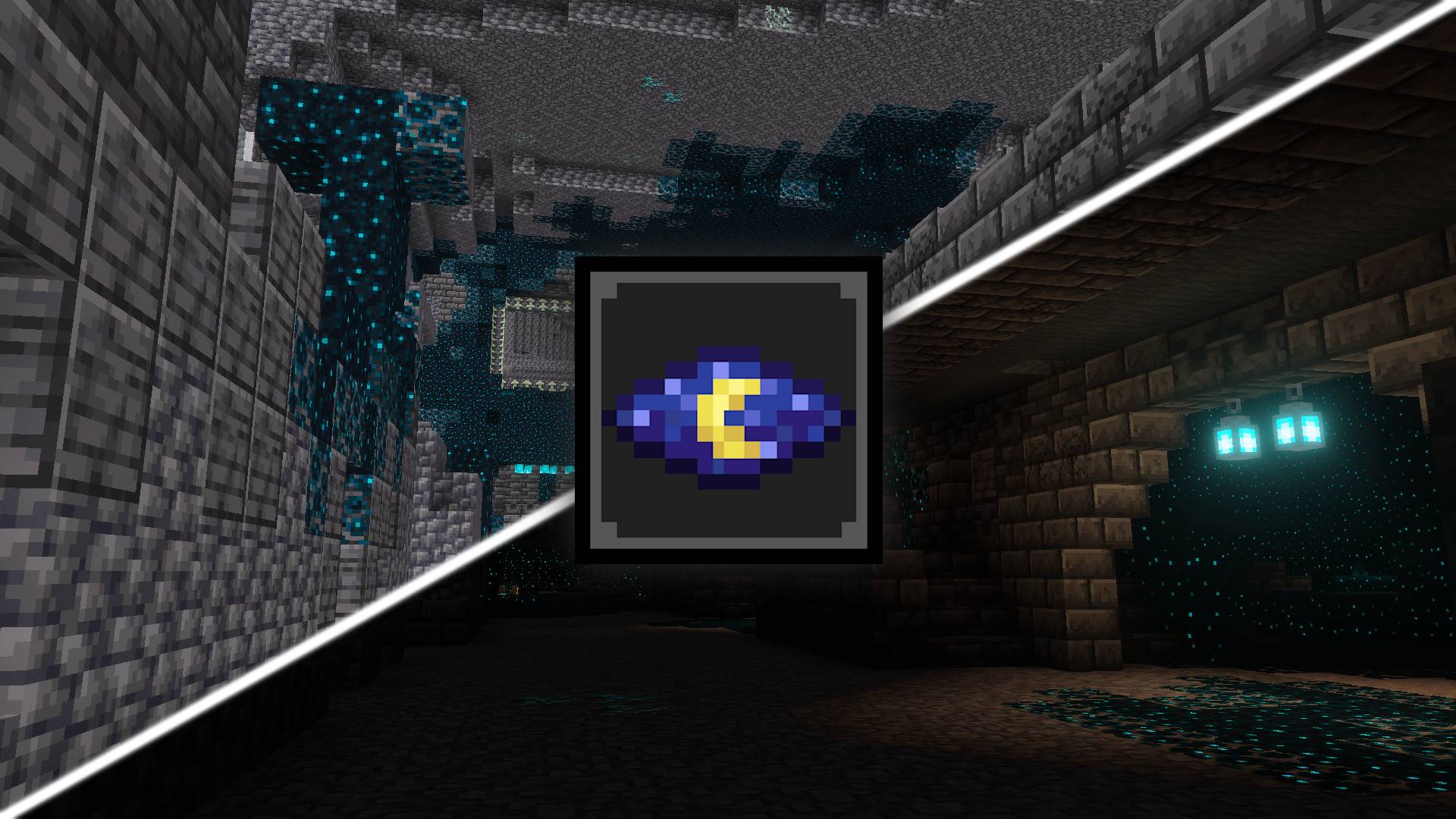
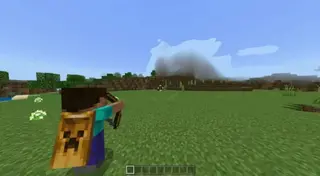
This pack provides you with permanent night vision when using the new Vibrant Visuals graphics mode.
You can now navigate caves and dark environments more easily!
- This is a resource pack and requires no additional behavior pack, it should work on any world, realm or server.
- Vibrant Visuals Night Vision provides permanent night vision using features available only in Vibrant Visuals graphics mode.
- This pack may or may not be compatible with other Vibrant Visuals resource pack (you should test this pack above others and find out for yourself) — compatibility is only guaranteed with default Vibrant Visuals.
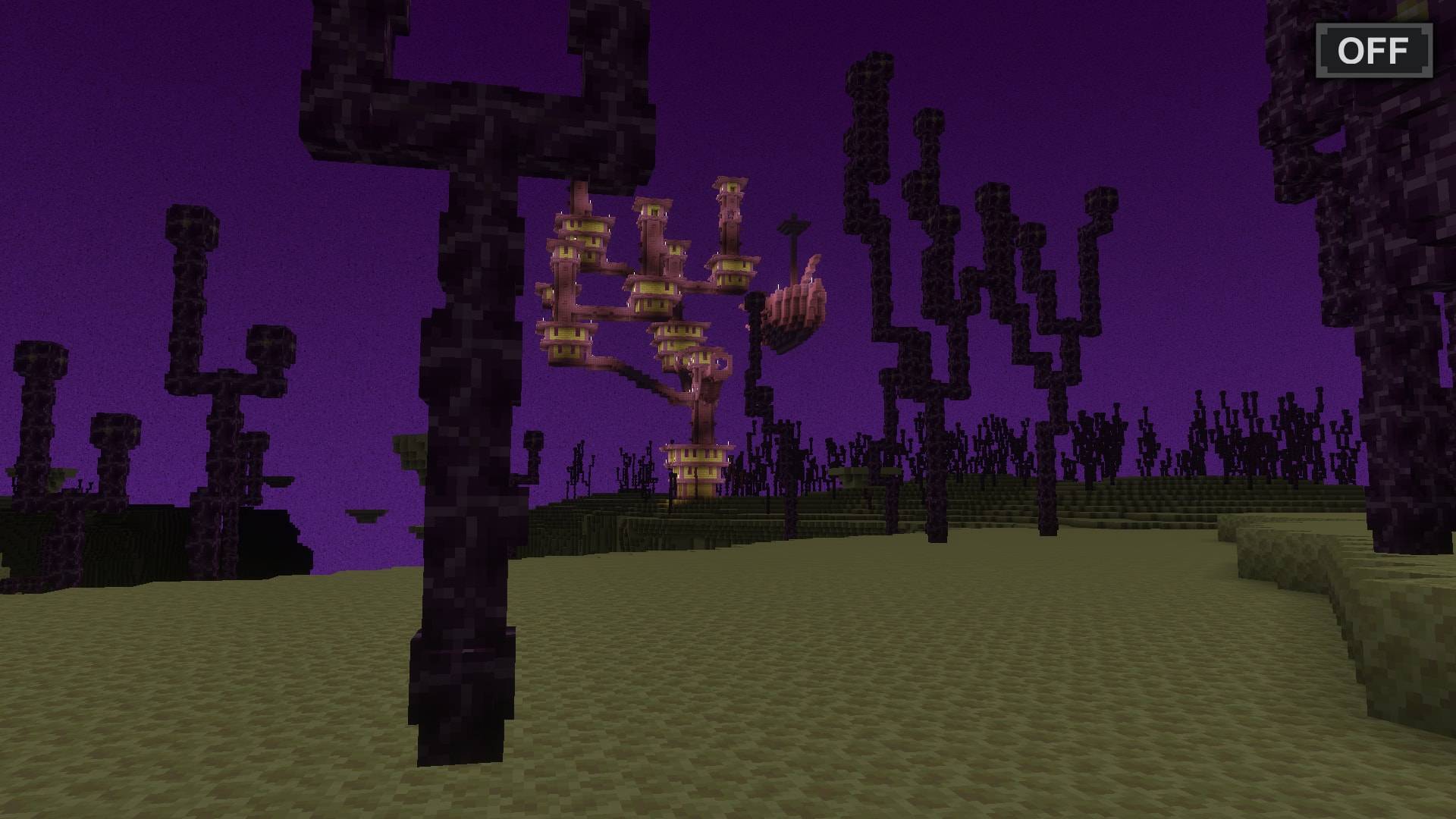
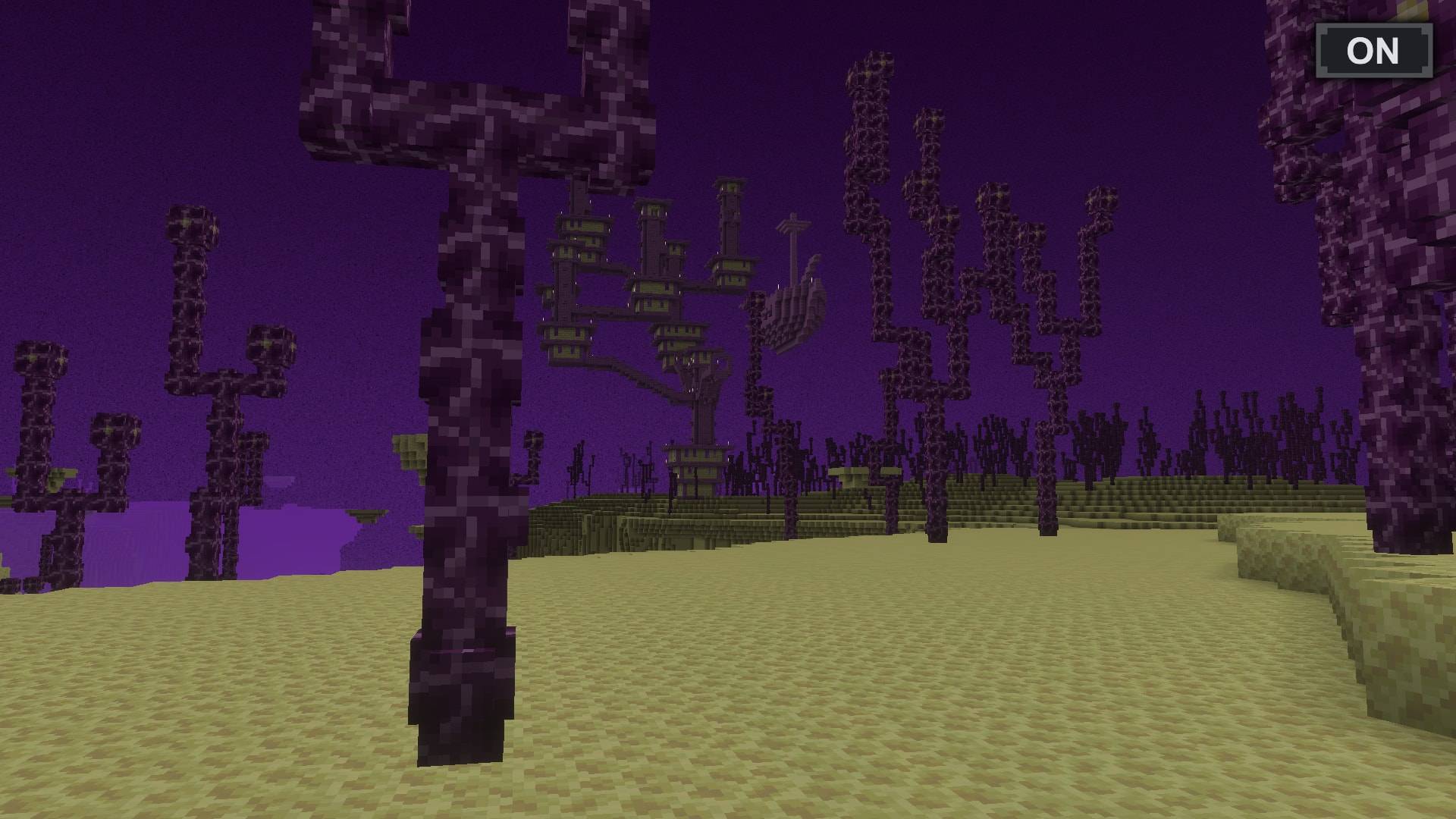
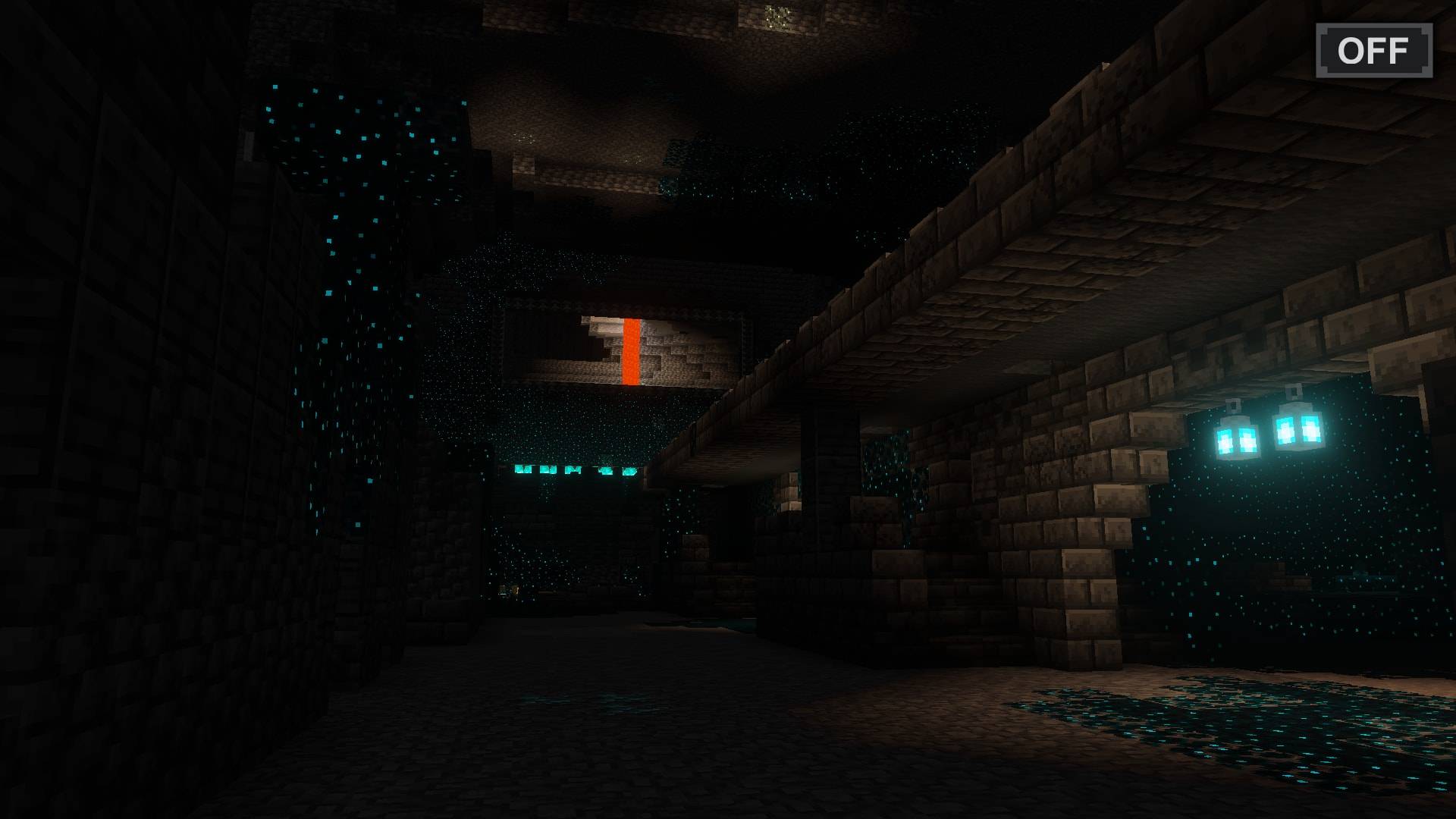
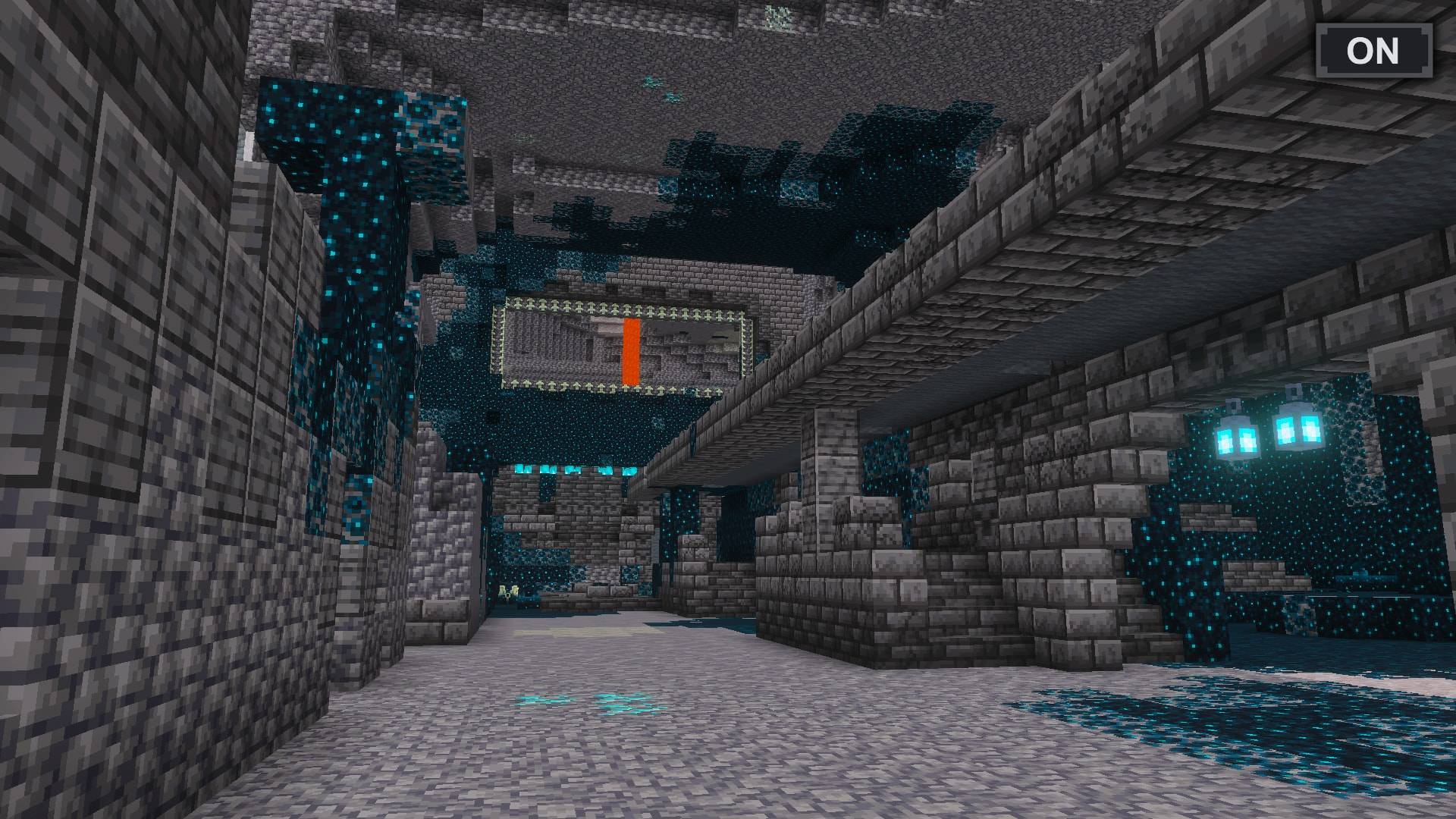
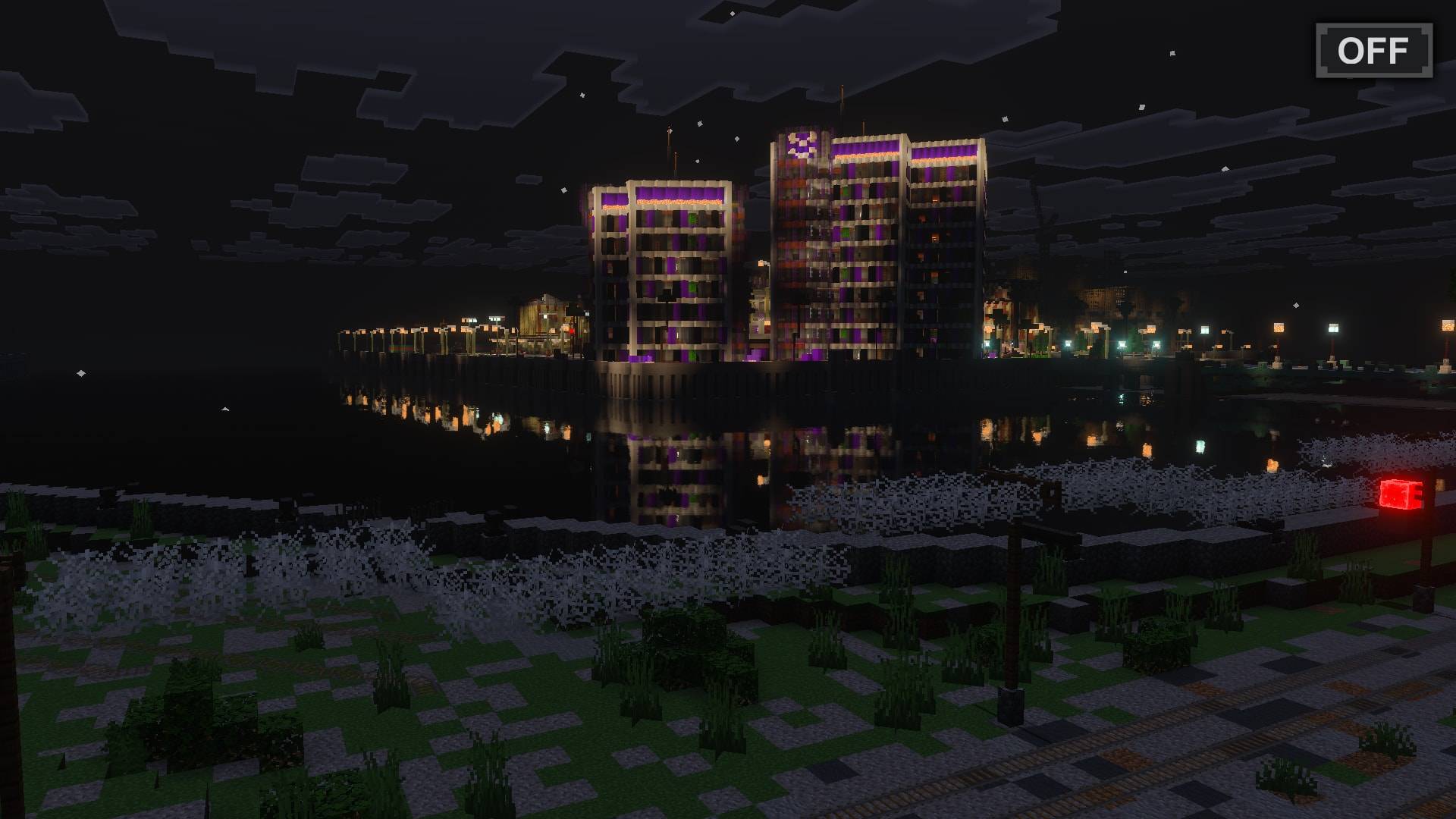
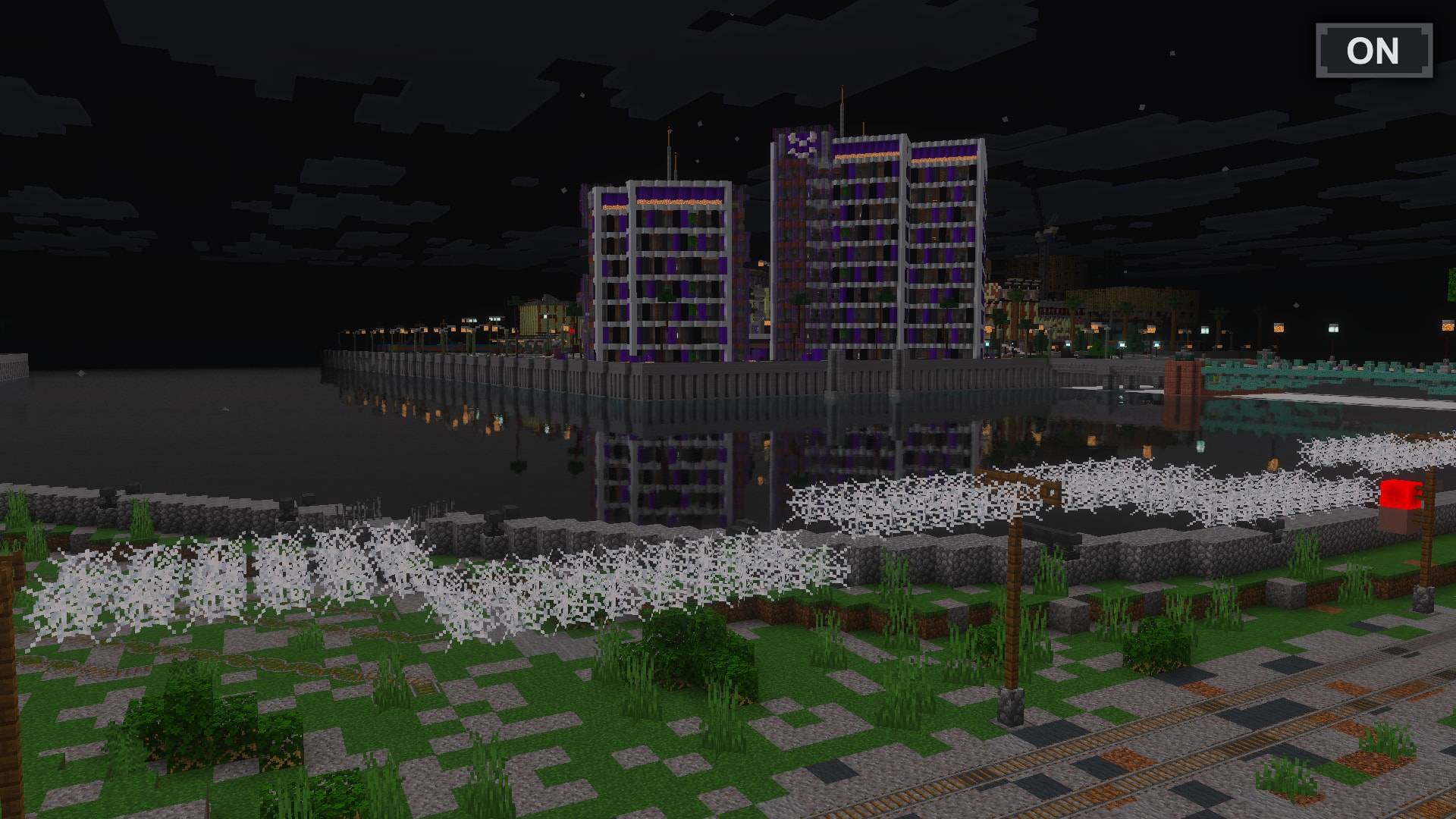
Quick facts
- Edition: Minecraft Bedrock
- File type: .mcpack
- Minecraft versions listed: 1.21.93, 1.21.90, 1.21.94
- How to install: Download the .mcpack. → Open it — Minecraft imports it under Resource Packs. → Activate it in Global Resources, or for one world under Resource Packs → Available.
- Where to get it: Opens on CurseForge — not every file is mirrored on our own servers.
Install steps are the general flow for this file type — How to install Minecraft Bedrock texture packs walks through it step by step.
File checked by MCModsHub
- Pack type: .mcpack — a single pack
- Manifest requires Minecraft 1.21.90 or newer
- Complete pack — everything it depends on is inside the file
- Download size: 105 KB
- Download link checked 5 Oct 2026 — working
These come from our own check of the pack file, not from the source page.



![BEST Night Vision Texture Pack for MCPE 1.26+ | FullBright for Minecraft [Works on Servers]](https://i.ytimg.com/vi/JpWvWOI2Enc/mqdefault.jpg)