Better Fps (Fps Boost)
Bedrock texture pack listed for Minecraft 26.x. File opened and checked on 20 Oct 2026; installs from the MC Bedrock Mods app on Android.
Better FPS is a performance focused pack designed to make your game run smoother without changing the core vanilla look.
⬇ Download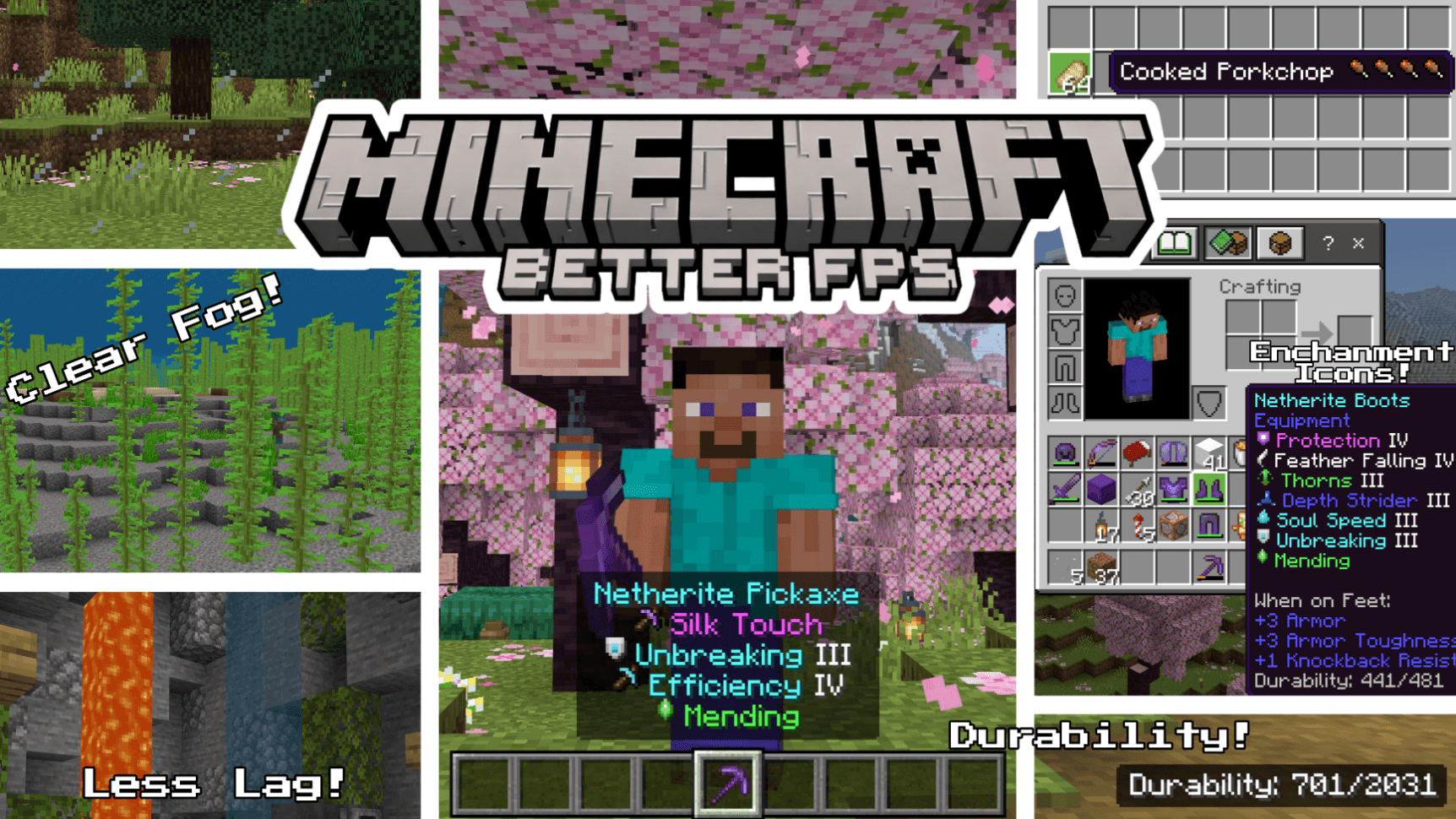
BETTER FPS (FPS Boost)
Better FPS is a performance focused resource pack for Minecraft Bedrock Edition that boosts your FPS without changing the core vanilla look. Less lag, smoother gameplay, and useful quality-of-life features, all in one lightweight pack.
⚙️ In-Game Settings
Tap the gear icon next to the pack in your pack list:
- Potion & Spell Particles — the swirls around potion effects, witches, evokers and cauldrons (Max FPS mode)
- Geyser & Gas Particles — geyser columns, plumes and puffs in both modes, plus noxious gas in Max FPS
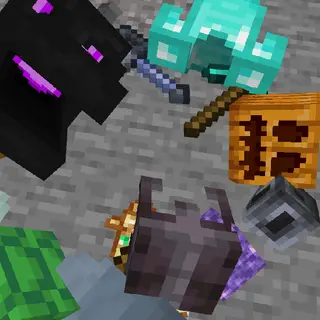
- XP Orb Render — stop experience orbs drawing entirely. They still work and still get collected, so this is a big gain at grinders
📦 Pack Settings (Subpacks)
Choose your performance level in Pack Settings after applying the pack!
- 🟢 Default — Full Better FPS experience with all optimizations, 48 heavy particles removed
- 🔴 Max FPS — Everything in Default + 176 particles removed + Fast Better Grass + Static Blocks for maximum performance
⚡ FPS Optimizations
- Static Blocks (Max FPS) — 76 of 80 animated block textures frozen to a single frame, including lanterns, magma, sculk, nether stems and furnaces
- Static Water & Lava — Removed all animation frames from water, lava, and cauldron water textures
- Static Nether Portal — No more flickering portal animation
- Static Campfire & Soul Campfire — Frozen to a single frame
- Static Kelp & Seagrass — All 6 kelp variants + seagrass + tall seagrass made static
- Static Bubble Columns — All bubble column textures frozen
- Reduced Particles — 48 particle effects trimmed in Default mode, 176 in Max FPS
- Clear Glass — Clean borderless glass and glass panes (all 16 colors + tinted)
- Optimized Fog — clear fog for all 89 biomes, from 94 fog definitions, for clearer, less demanding rendering
- Blocky VV Shadows — Shadows quantized to 16px instead of soft-filtered
- Smaller Environment Textures — Reduced sun, moon, and weather textures
- Reduced Color Maps — Lighter foliage and grass color maps
- Low-Detail Shield — Simplified shield model and animation
🍗 Food Stats Display
See hunger points restored directly on food item names! Small drumstick icons show exactly how much hunger each food gives, no more guessing.
- 41 food items covered (all vanilla foods)
- Full drumstick = 2 hunger points, half drumstick = 1 point
- Skull icon on harmful foods (Rotten Flesh, Spider Eye, Pufferfish, Raw Chicken, Poisonous Potato)
✨ Enchantment Icons
Colored icons appear next to every enchantment name, making it easy to identify enchantments at a glance.
- 42 enchantments covered (including Lunge from Mounts of Mayhem)
- Unique pixel art icon for each enchantment
- Color-coded names by category (red for damage, cyan for utility, purple for protection, green for mending/fortune, etc.)
💬 Feedback & Issues: If you find any bugs or have suggestions, leave a comment below! ⭐ If you enjoy the pack, please leave a rating, it helps a lot!
- Edition: Minecraft Bedrock
- File type: .mcpack
- Minecraft versions listed: 26.40, 26.50
- How to install: Download the .mcpack. → Open it — Minecraft imports it under Resource Packs. → Activate it in Global Resources, or for one world under Resource Packs → Available.
- Where to get it: In MCModsHub, or directly above on this page.
Install steps are the general flow for this file type — How to install Minecraft Bedrock texture packs walks through it step by step.
- Pack type: .mcpack — a single pack
- Complete pack — everything it depends on is inside the file
- Download size: 1.0 MB
- Download link checked 3 Aug 2026 — working
These come from our own check of the pack file, not from the source page.