Toggle Night Vision
Bedrock texture pack listed for Minecraft 1.18–26.x. Download on the author's site.
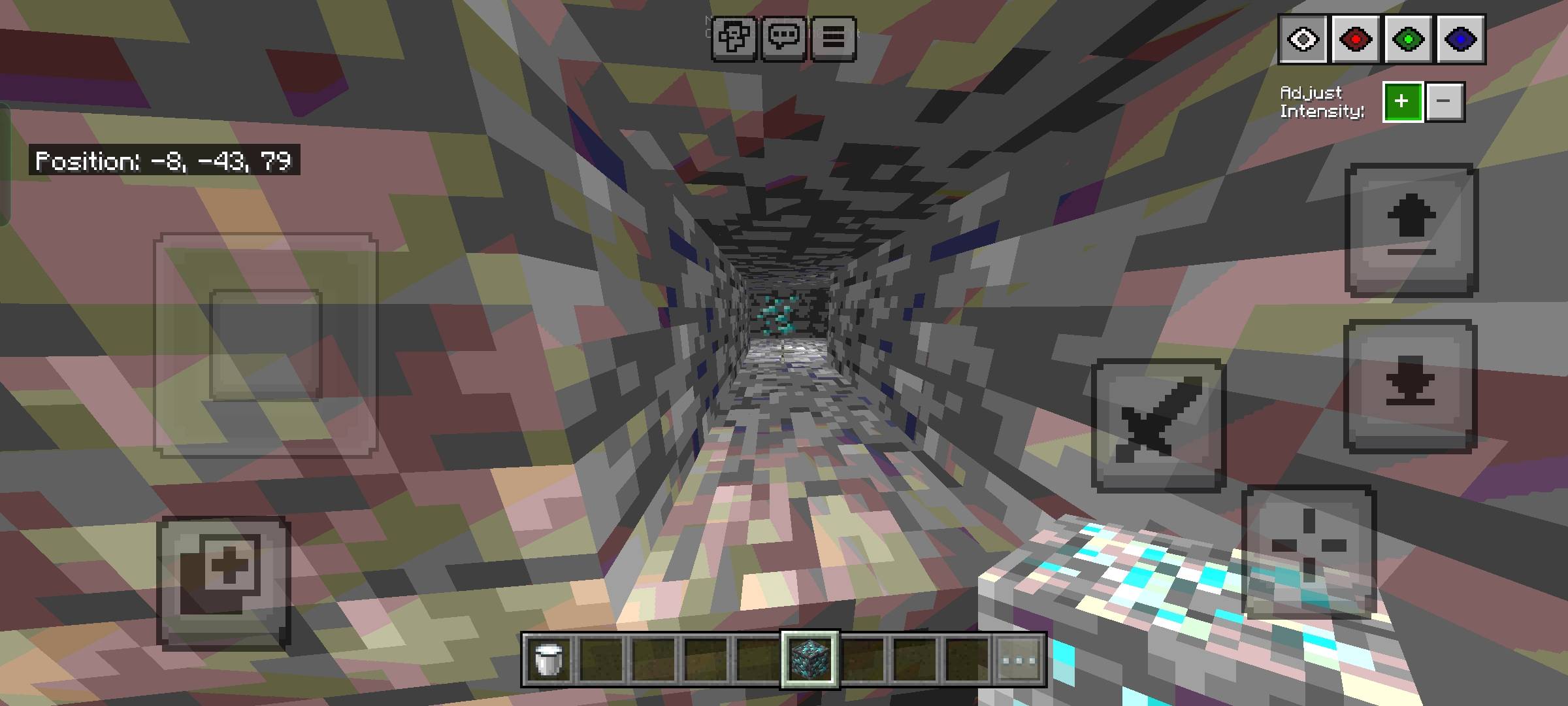
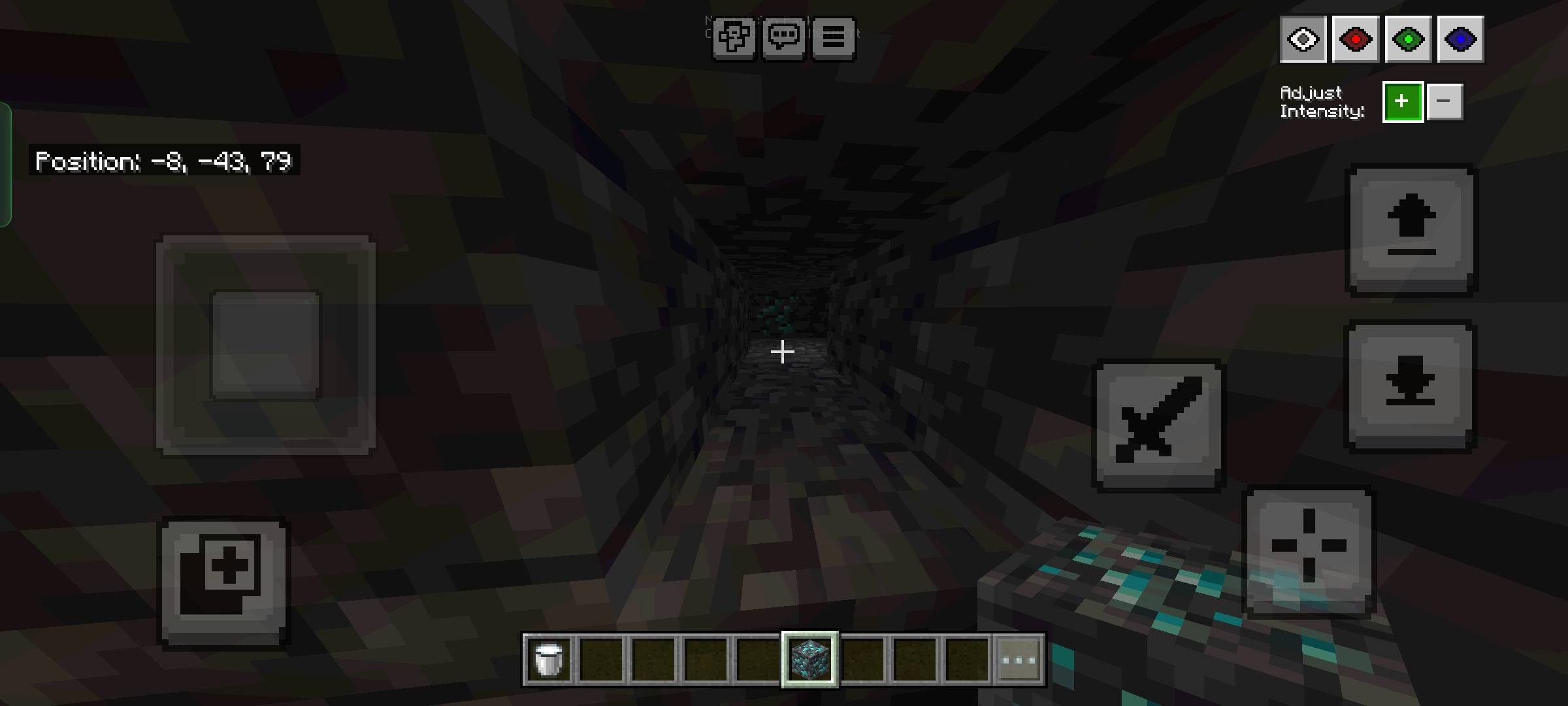
Want to see caves but too lazy to get torches? This pack makes easier for you to see in dark places without them!
⬇ Download on CurseForge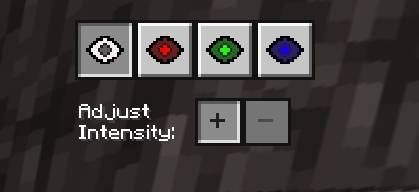
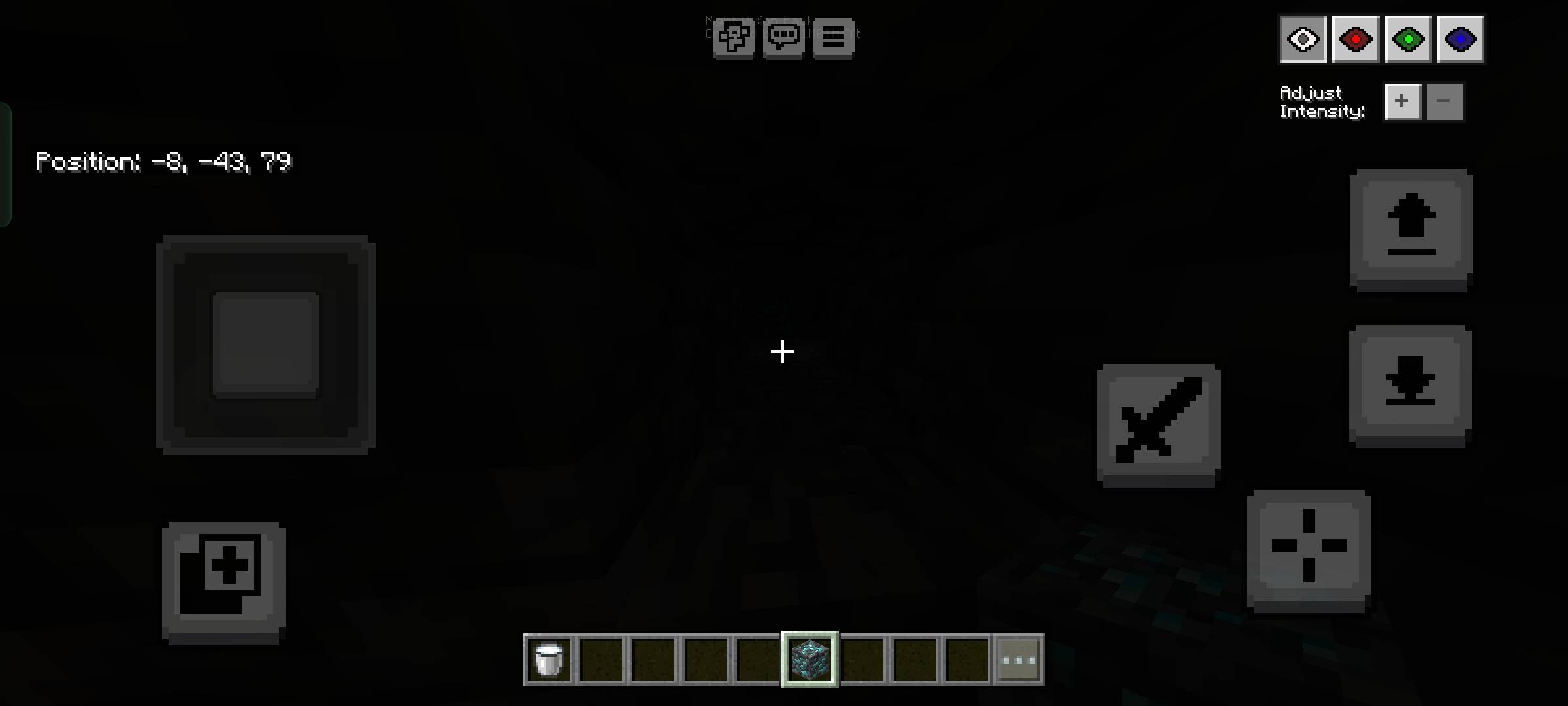
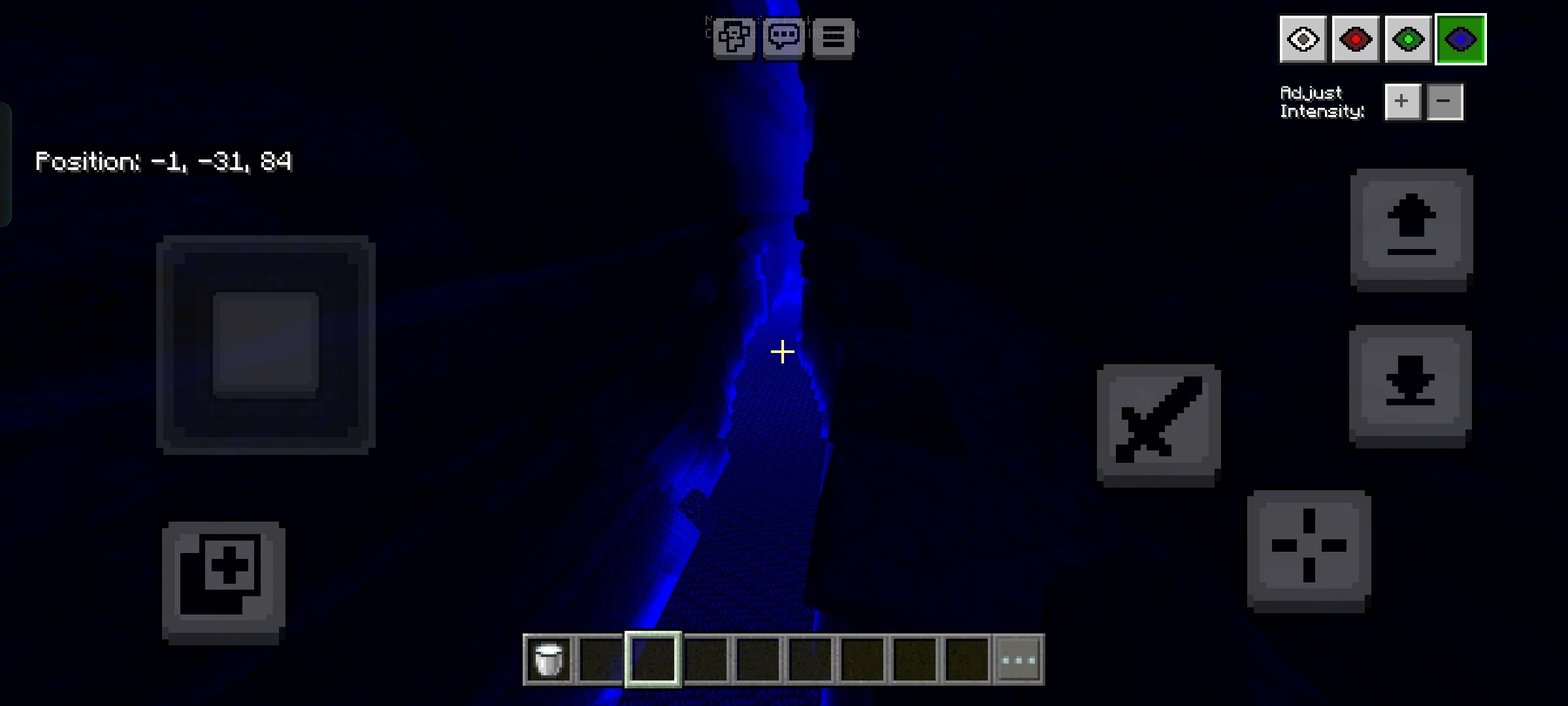
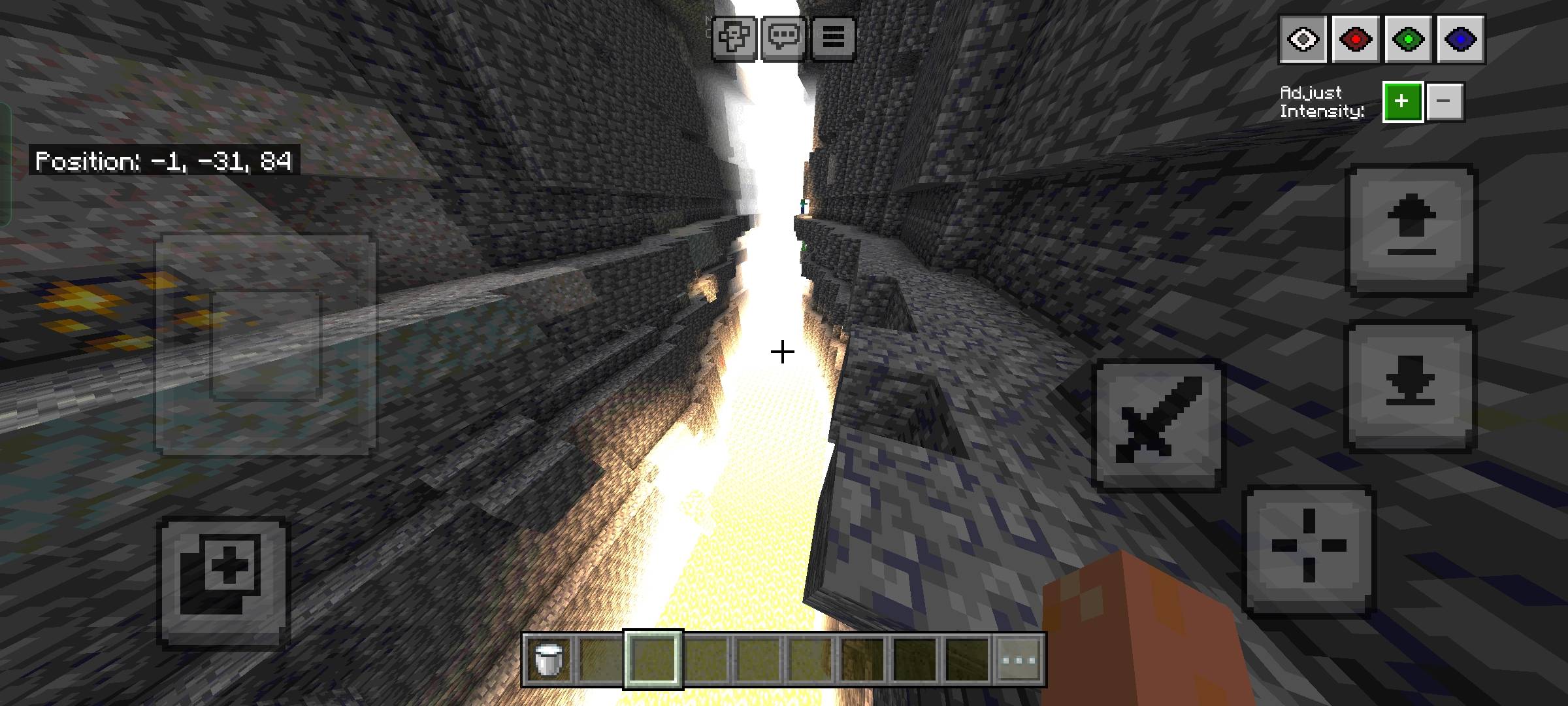
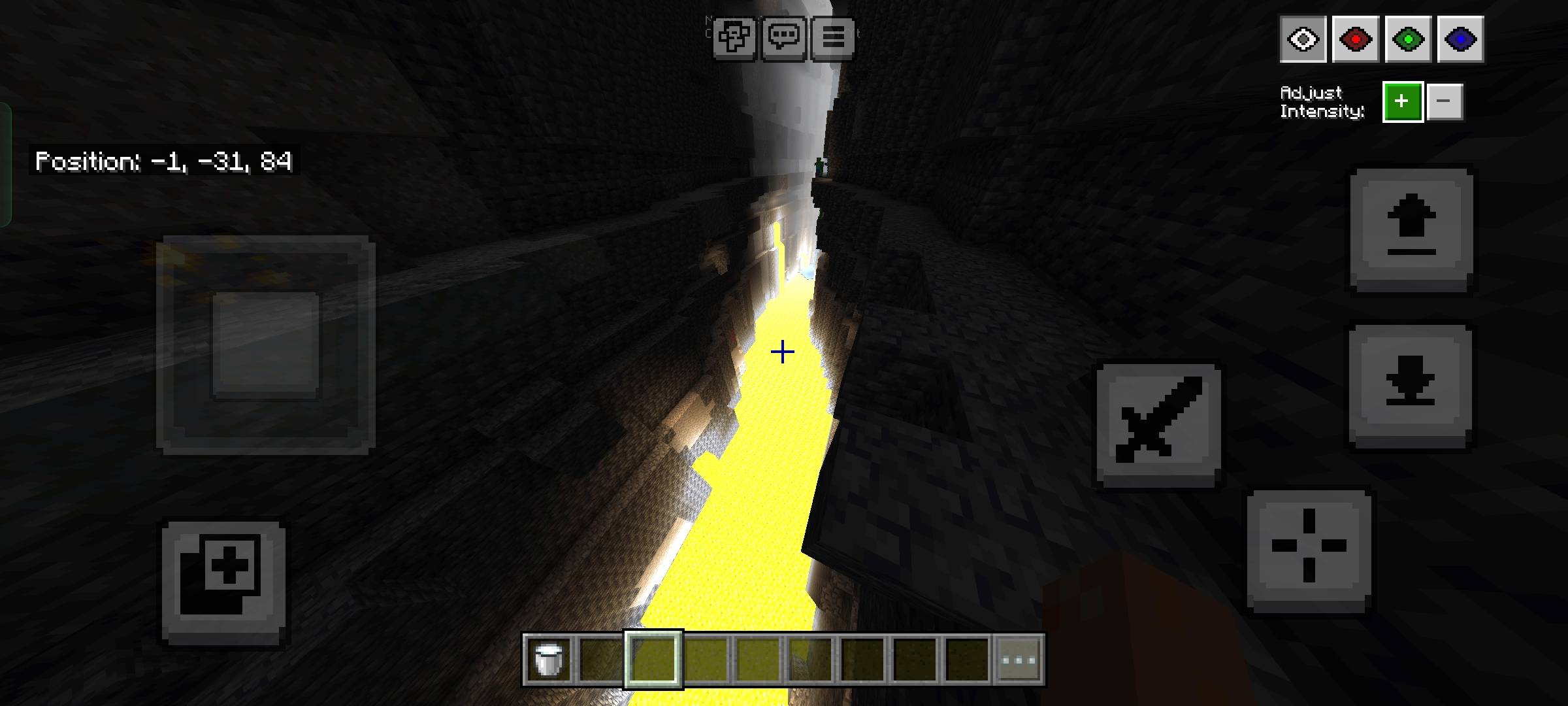
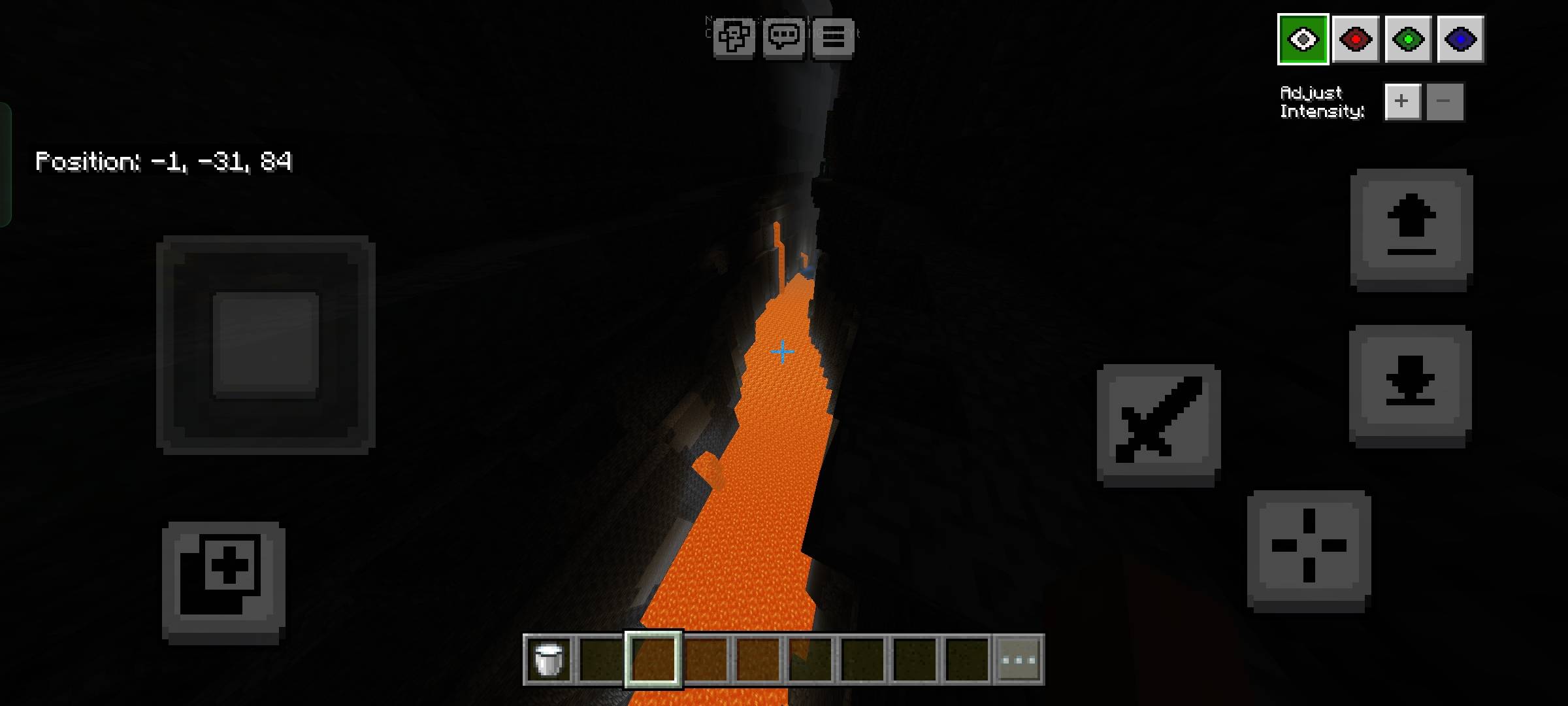
This resource pack is recommended to be applied on the GLOBAL RESOURCES.
ANTI-ALIASING must be disabled, or else this pack won't work.
For Mobile or Touch Screen users:
- Press the eye button at the top left next to the pause button to open the night vision menu.
For Desktop or Mouse and keyboard users:
- Press F8 to open the menu.
- Arrow UP/DOWN to change the brightness and Number keys 1-4 to change the color.
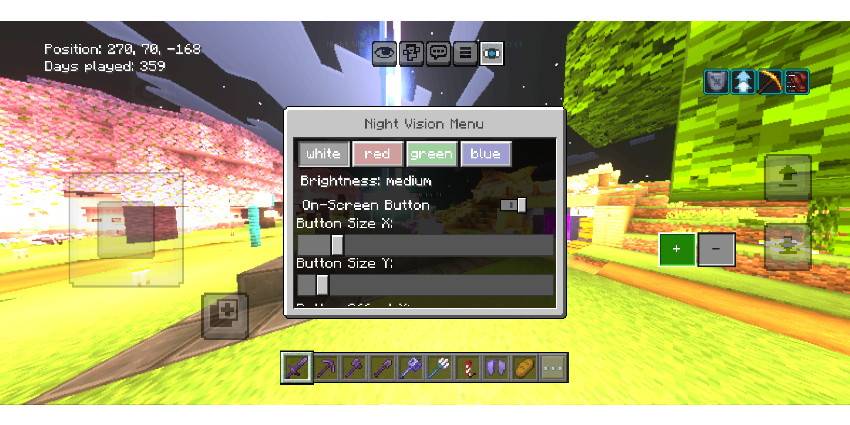
Added subpack for different menu locations

*(Description is updated based on the latest update content)*
- Edition: Minecraft Bedrock
- File type: .mcpack
- Minecraft versions listed: 1.21.130, 1.21.132, 26.0.02
- How to install: Download the .mcpack. → Open it — Minecraft imports it under Resource Packs. → Activate it in Global Resources, or for one world under Resource Packs → Available.
- Where to get it: Opens on CurseForge — not every file is mirrored on our own servers.
Install steps are the general flow for this file type — How to install Minecraft Bedrock texture packs walks through it step by step.
Toggle Night Vision is a free Minecraft Bedrock texture pack. Compatible with Minecraft 1.21.130, 1.21.132, 26.0.02, 26.0 and newer. Downloaded 1,089,777 times (via CurseForge). Download it and open it directly in the game.


