Texture packsBedrock
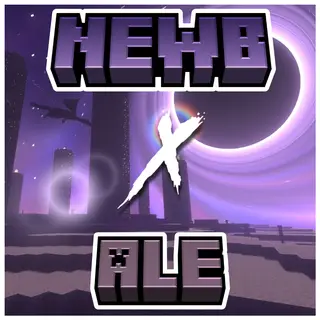
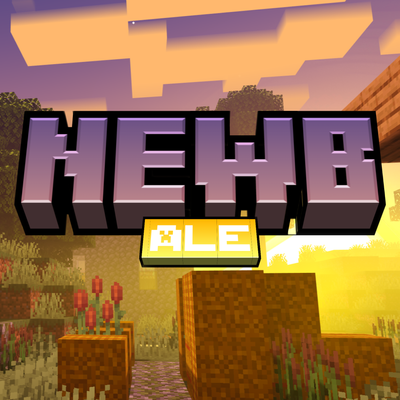
Newb X Ale | Compatible With v26.50+
Bedrock texture pack listed for Minecraft 26.x. File opened and checked on 18 Oct 2026; installs from the MC Bedrock Mods app on Android.
Newb X Ale is inspired by the Super Duper Vanilla Shaders and the Super Graphics Pack (a project cancelled by Mojang) designed for low-end devices without…
⬇ Download
A new update has arrived for this shader one of the first to be compatible with version 26.50+. Newb X Ale is inspired by the Super Duper Vanilla Shaders and the Super Graphics Pack (a project cancelled by Mojang), designed for low-end devices without sacrificing quality.
Newb X Ale Renewed
- Sunset
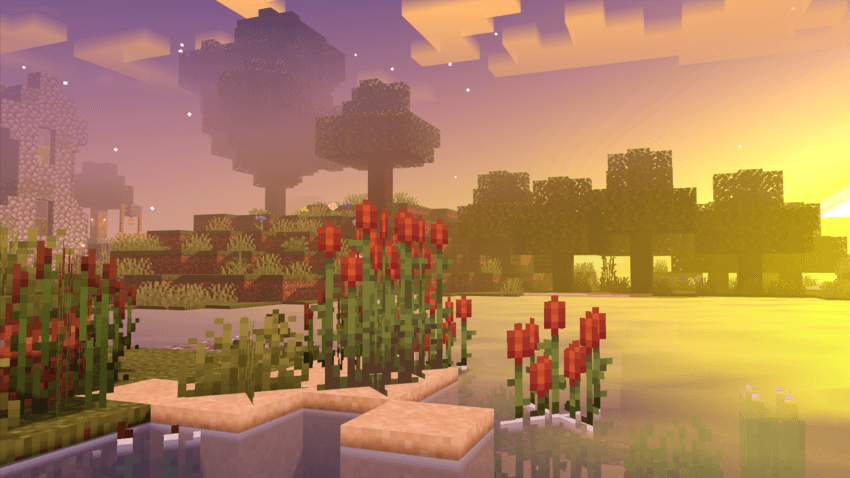
- Sunrise
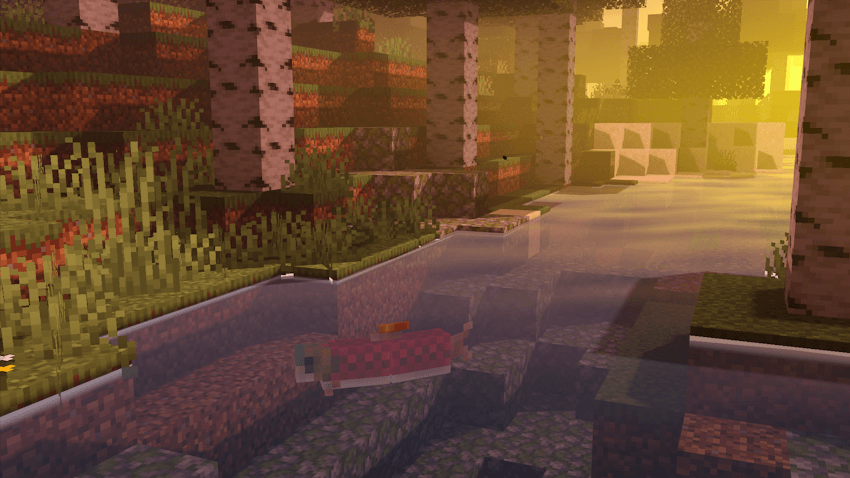
- Day
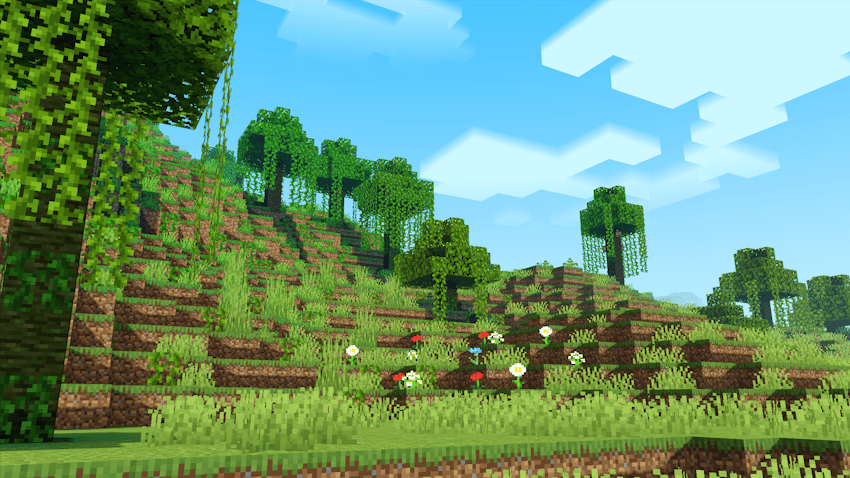
- Water
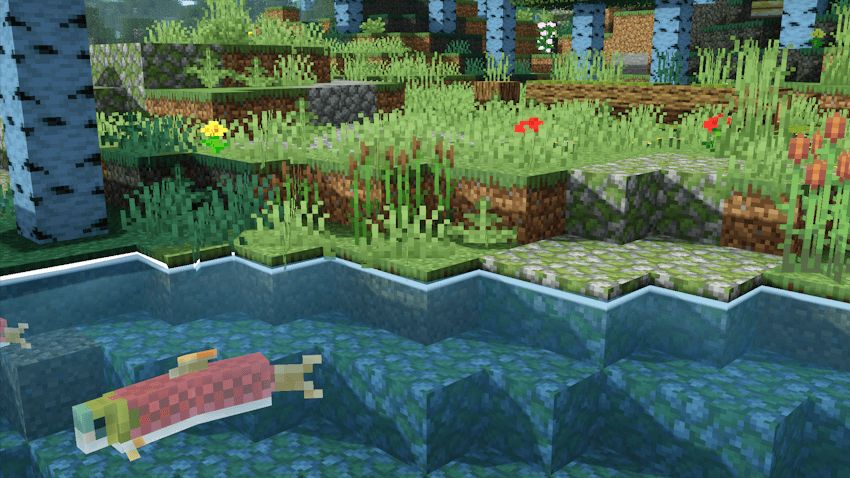
- Night Light
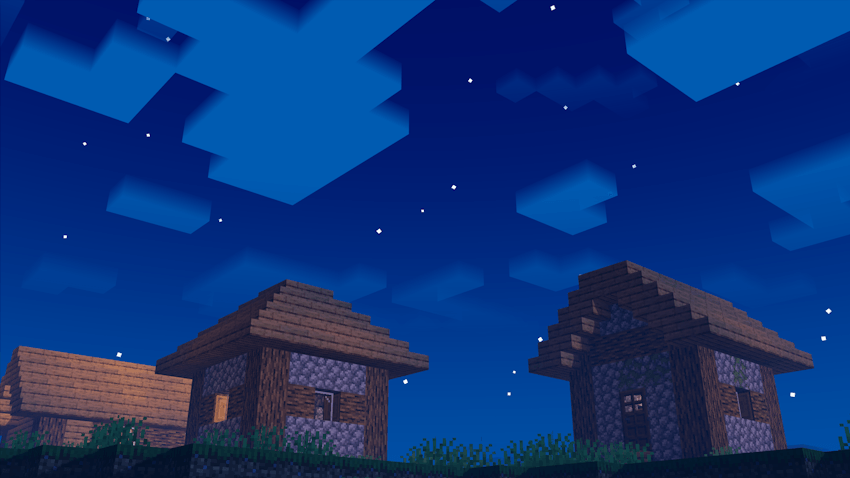
- Night Water
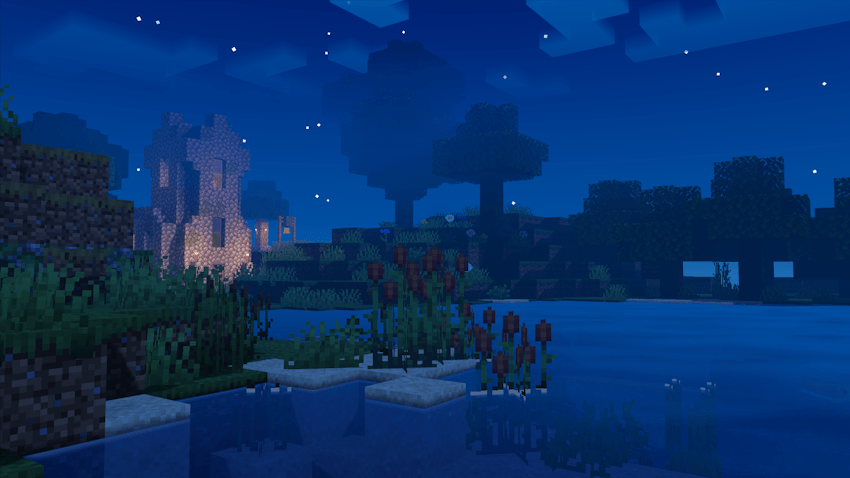
- Ilumination
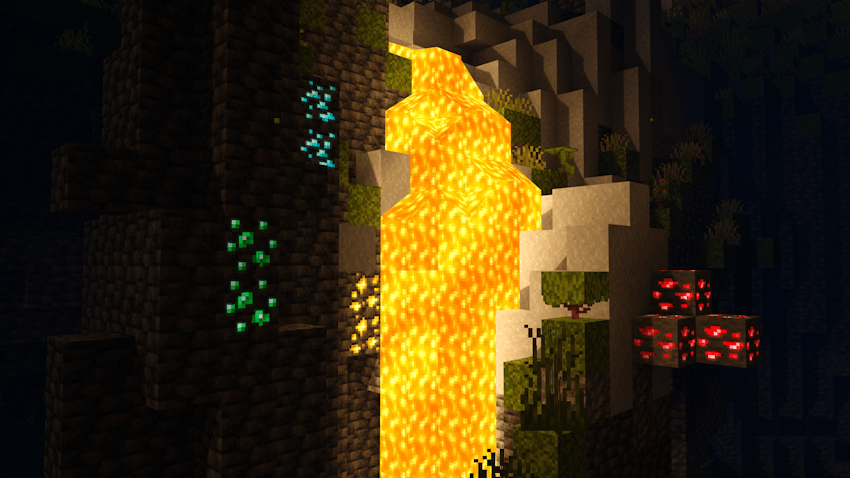
- End

Featured
- Black Hole and End based on that of the Super Duper Vanilla Shaders.
- Shiny blocks
- Colorful vanilla skies.
- Clouds 3D, MultiLayer.
- Realistic water.
- Warm lighting.
- Java-like lighting
- Beautiful sunrises, sunsets and night sky.
- Movement in plants.
- Realistic shadows.
- Wet effect when it rains.
- Acoustics, sun rays and movement under water.
- Sun rays.
- Bright minerals.
- Compatible with Android
- Compatible with Windows
- Compatible with iOS
- Performance improvements.
- Some important details have been clarified
Notes
- This is a low-resource shader; you won't need a powerful device to run it.
- Need Minecraft v26.50 and MBLoader.
- Need Minecraft Hynis in iOS.
- You need Wyvern for Windows, in case it does not work, use the method of replacing material.bin files with Maject.
- I recommend that you the old version of this shader if you have it installed to avoid errors.
- This shader is only compatible with Android,Windows and iOS
- Use this mcpedl link if you want to share this shader.
- Please do not create another link for this shader.
- This shader may not be supported on some devices, if so tell me about the error on my Discord.
- Credits: Ale
If you want to have better quality content, I invite you to donate your grain of sand.

Quick facts
- Edition: Minecraft Bedrock
- File type: .mcpack
- Minecraft version listed: 26.50
- How to install: Download the .mcpack. → Open it — Minecraft imports it under Resource Packs. → Activate it in Global Resources, or for one world under Resource Packs → Available.
- Where to get it: In MCModsHub, or directly above on this page.
Install steps are the general flow for this file type — How to install Minecraft Bedrock texture packs walks through it step by step.
File checked by MCModsHub
- Pack type: .mcaddon — behaviour and resource pack in one file
- Complete pack — everything it depends on is inside the file
- Download size: 2.1 MB
- Download link checked 18 Jun 2026 — working
These come from our own check of the pack file, not from the source page.