Ultimate Night Vision
Bedrock texture pack listed for Minecraft 1.21–26.x. File opened and checked on 16 Oct 2026; installs from the MC Bedrock Mods app on Android.
I don't know my version
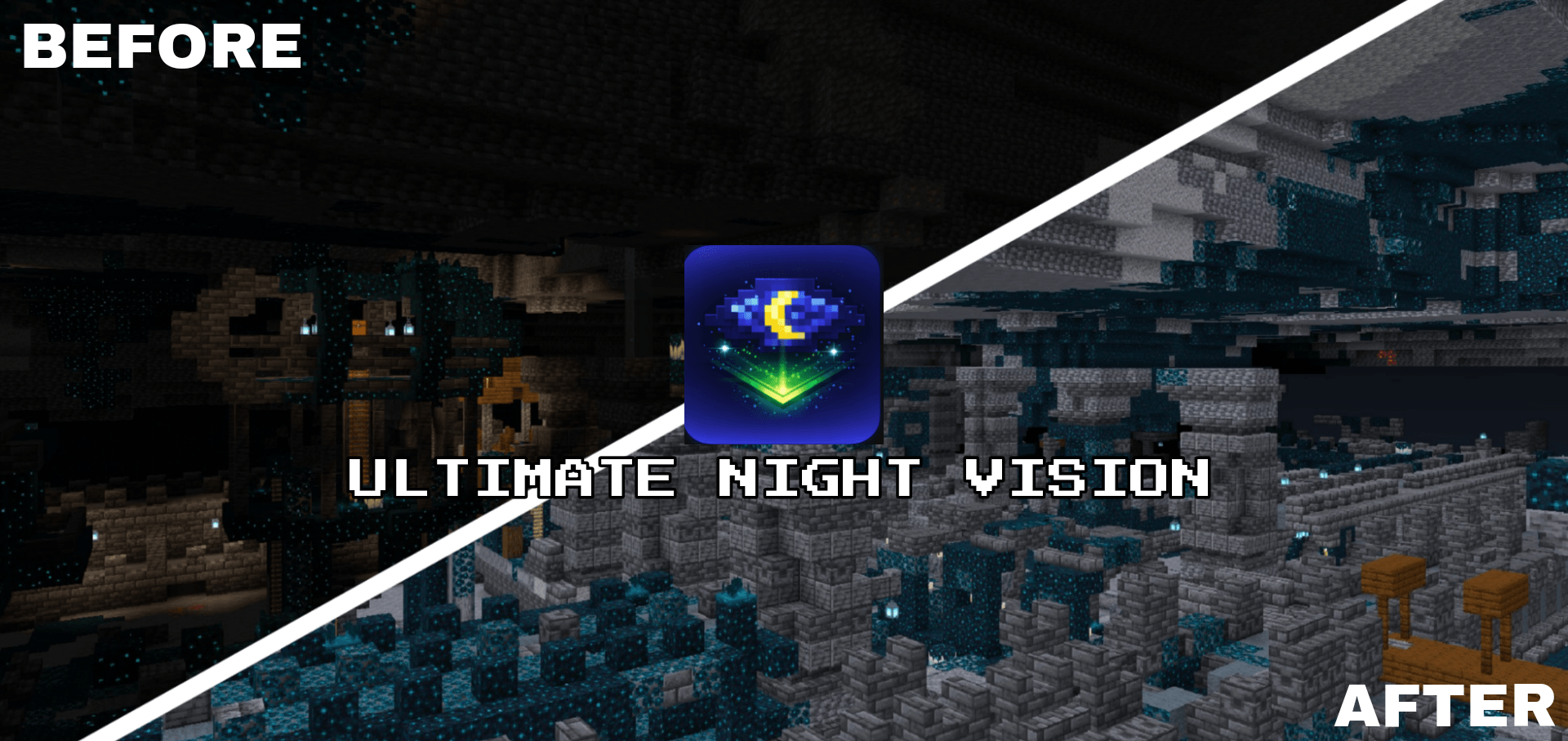
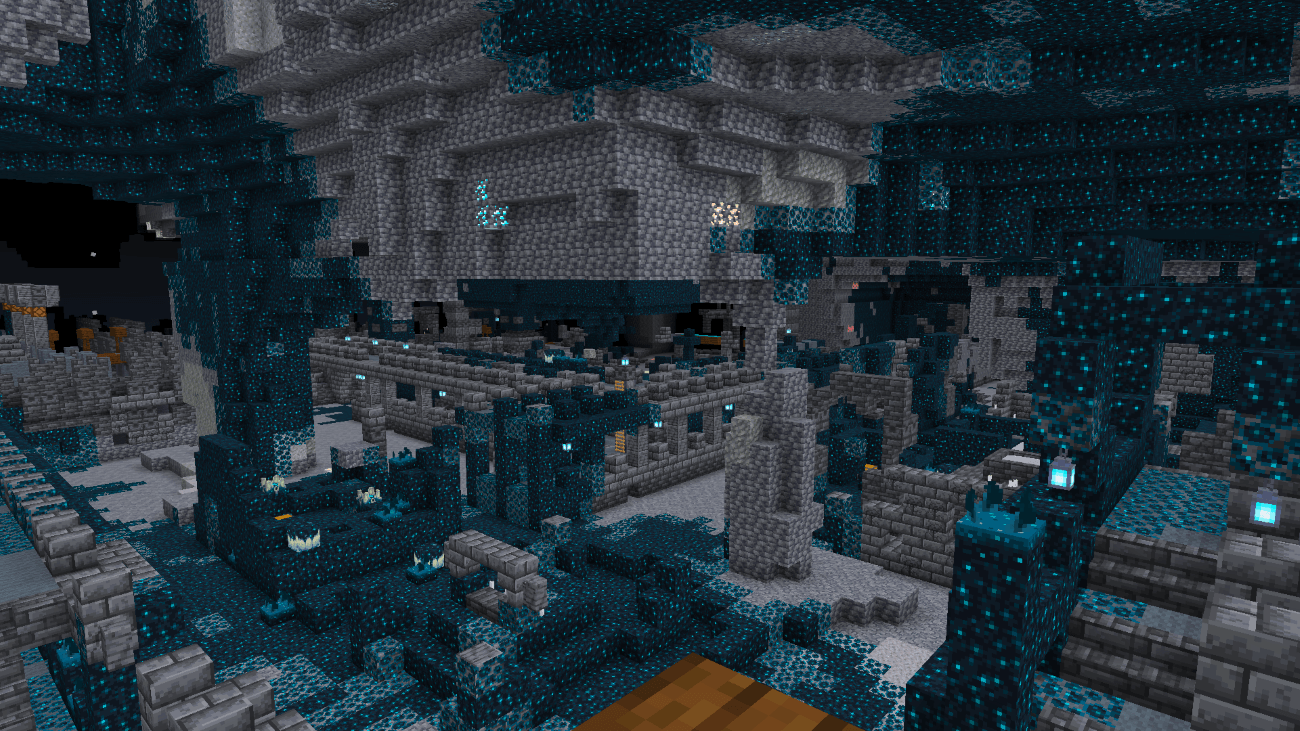
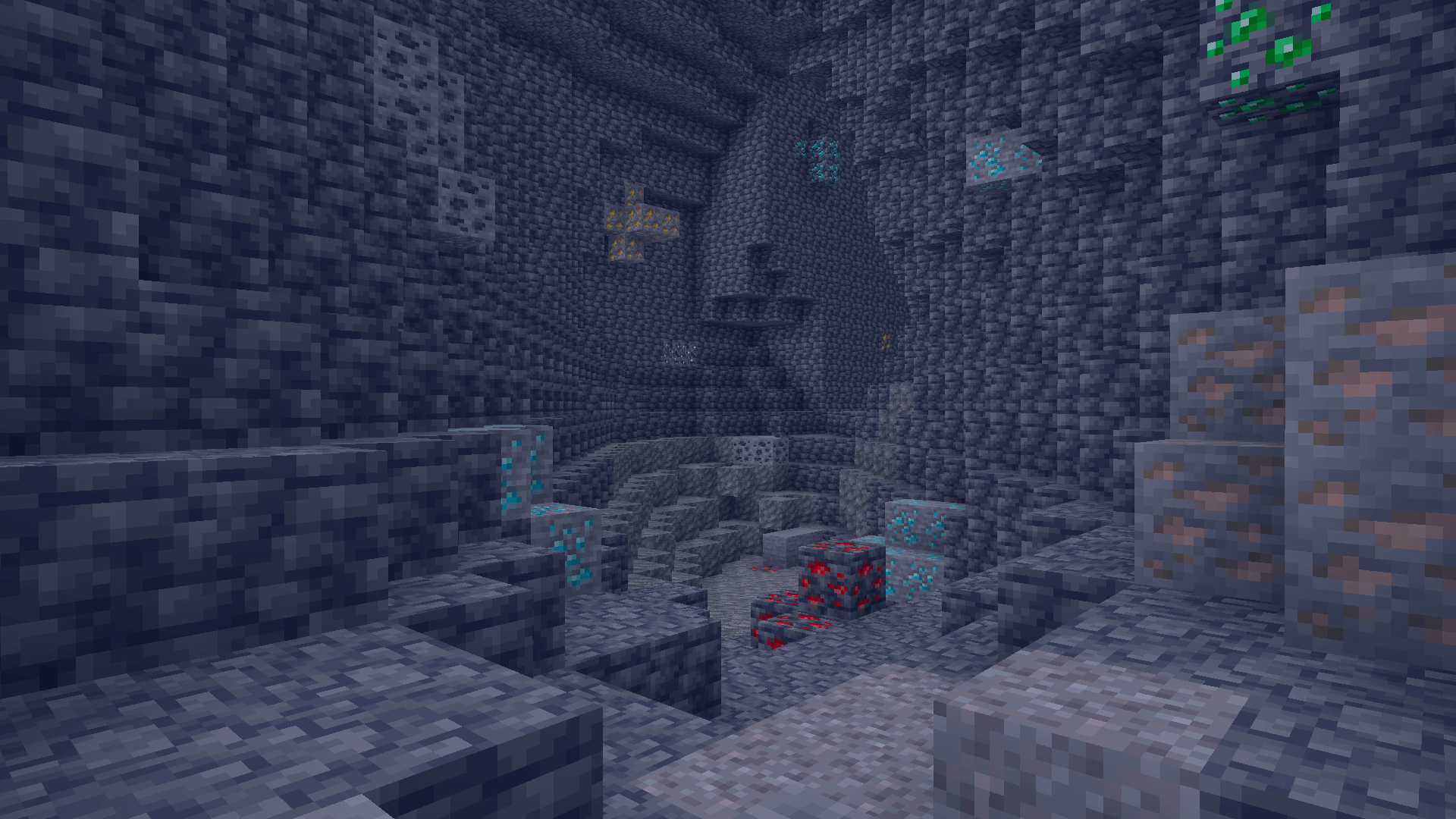
Ultimate Night Vision is a lightweight Minecraft Bedrock resource pack that makes caves, the Deep Dark and nighttime exploration much easier to see, without potions or commands.
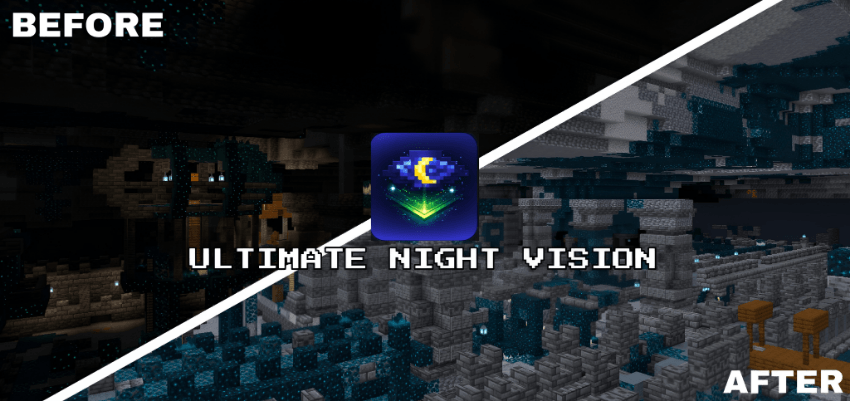
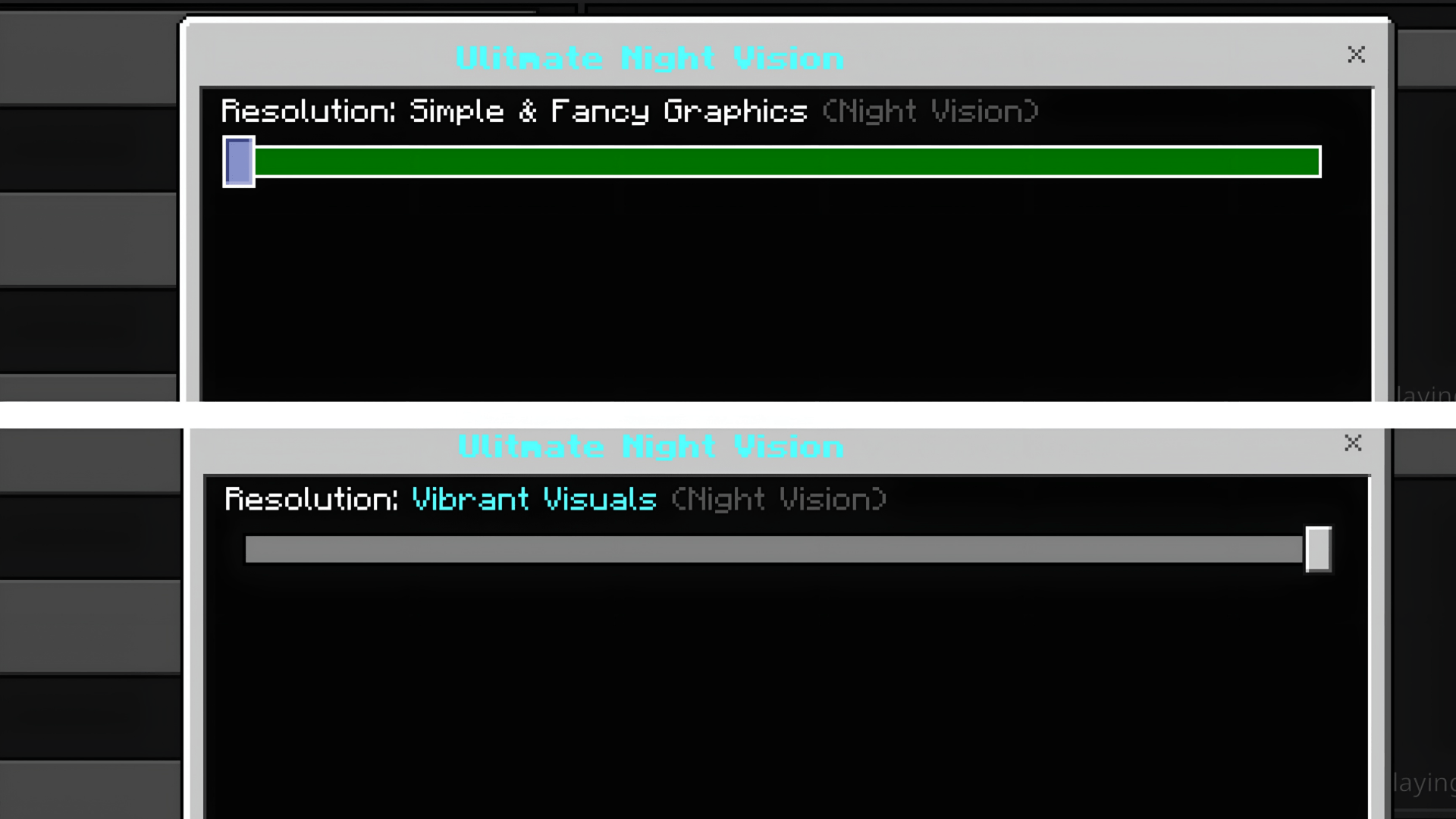
It works in every graphics mode (Simple, Fancy and Vibrant Visuals) and looks its best with Vibrant Visuals turned on.
🌙 Features
- Clear, balanced night vision with no harsh colours or overexposure
- No Night Vision potion, commands or extra settings needed
- Built for caves, the Deep Dark and underground exploration
- Clear fog in all 89 biomes in Simple & Fancy mode, plus a catch-all so new biomes are never missed
- Brighter Vibrant Visuals lighting in every biome lighting set, including the Nether and the End
- Pumpkin blur and screen vignette removed for a clearer view
🎨 Graphics Mode Support
Ultimate Night Vision includes a separate subpack for each graphics mode:
- Simple & Fancy Graphics. A light HUD night vision filter, combined with clear per-biome fog for long sightlines.
- Vibrant Visuals (recommended). Raises ambient and moonlight brightness through Vibrant Visuals' own lighting system, so dark areas become readable while shadows and lighting still look natural.
👉 Pick the subpack that matches your graphics setting before playing.
⚙ Installation
- Download the
.mcpackfile - Open it, and Minecraft will import it automatically
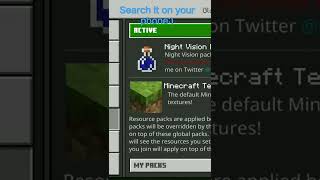
- Activate it in Global Resources or in a world's Resource Packs
- Tap the pack and select the subpack that matches your graphics mode
🛠 Compatibility
- Minecraft Bedrock Edition 1.21.90 or newer, updated for 26.50
- Android, iOS/iPadOS, Windows 10/11, Xbox, PlayStation
- Works in single-player, on servers and on Realms
- No experimental features required
- Edition: Minecraft Bedrock
- File type: .mcpack
- Minecraft versions listed: 1.21.93, 1.21.90, 1.21.101
- How to install: Download the .mcpack. → Open it — Minecraft imports it under Resource Packs. → Activate it in Global Resources, or for one world under Resource Packs → Available.
- Where to get it: Opens on CurseForge — not every file is mirrored on our own servers.
Install steps are the general flow for this file type — How to install Minecraft Bedrock texture packs walks through it step by step.
- Pack type: .mcpack — a single pack
- Manifest requires Minecraft 1.21.0 or newer
- Complete pack — everything it depends on is inside the file
- Download size: 311 KB
- Download link checked 5 Oct 2026 — working
These come from our own check of the pack file, not from the source page.