Borderful Glowing Ores
Bedrock texture pack listed for Minecraft 1.21–26.x. File opened and checked on 25 Oct 2026; installs from the MC Bedrock Mods app on Android.
⬇ DownloadThe author built this one for Minecraft 1.21.80–26.50. On other versions it may install and then do nothing.

Borderful Glowing Ores
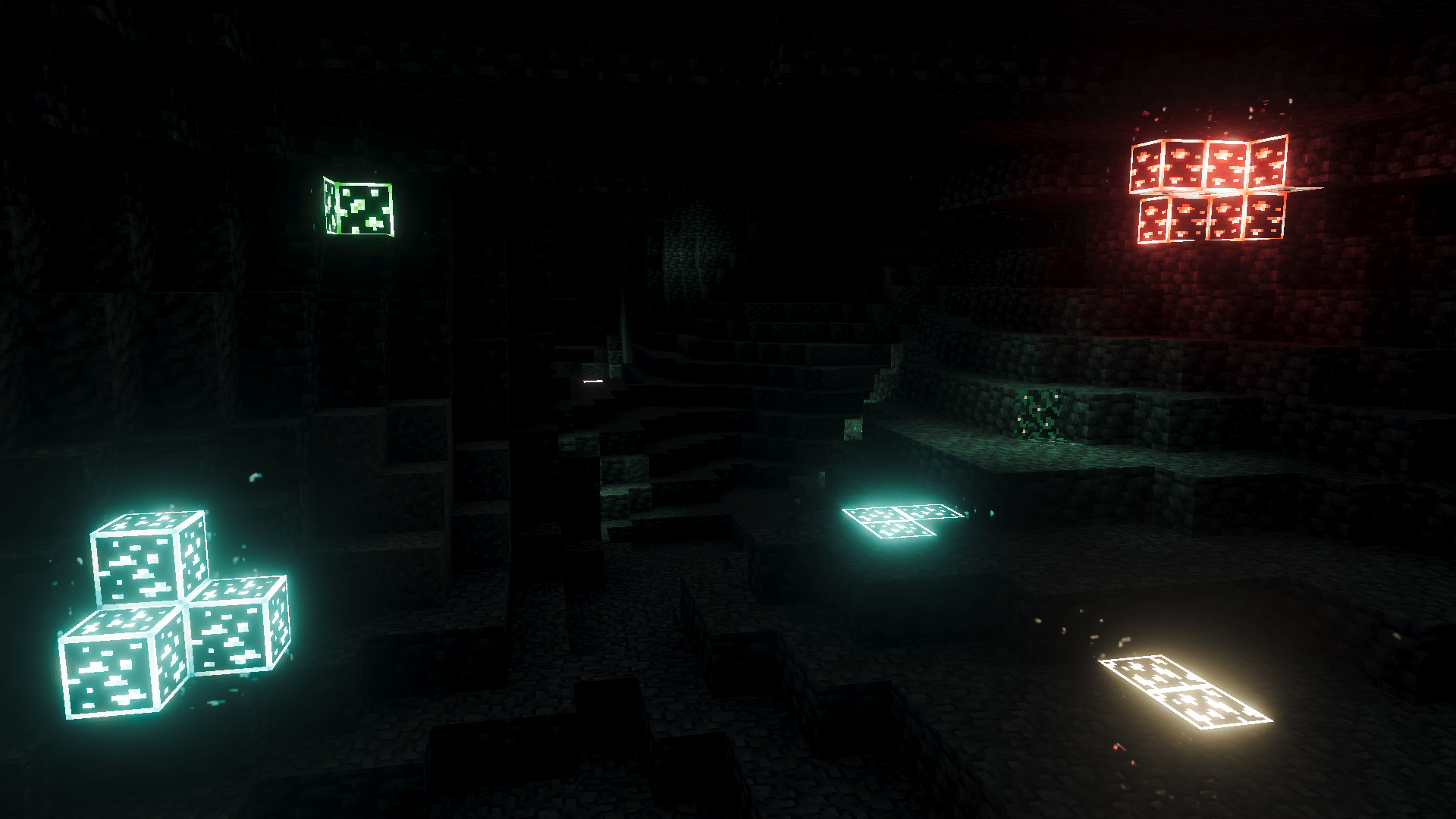
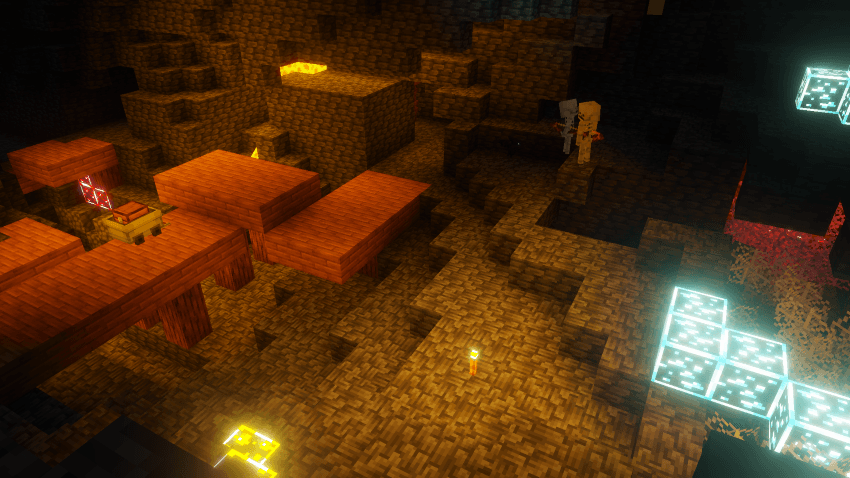
Caves are dark, and finding ore usually means burning through a stack of torches just to see what you're swinging at. This pack fixes that. With Vibrant Visuals on, every ore glows with its own emissive light. Diamond shines pale blue from across a ravine, redstone burns red in the dark, and gold catches your eye the moment you round a corner. No behaviour pack, no commands, no lag.
⛏ Two Styles, One Pack
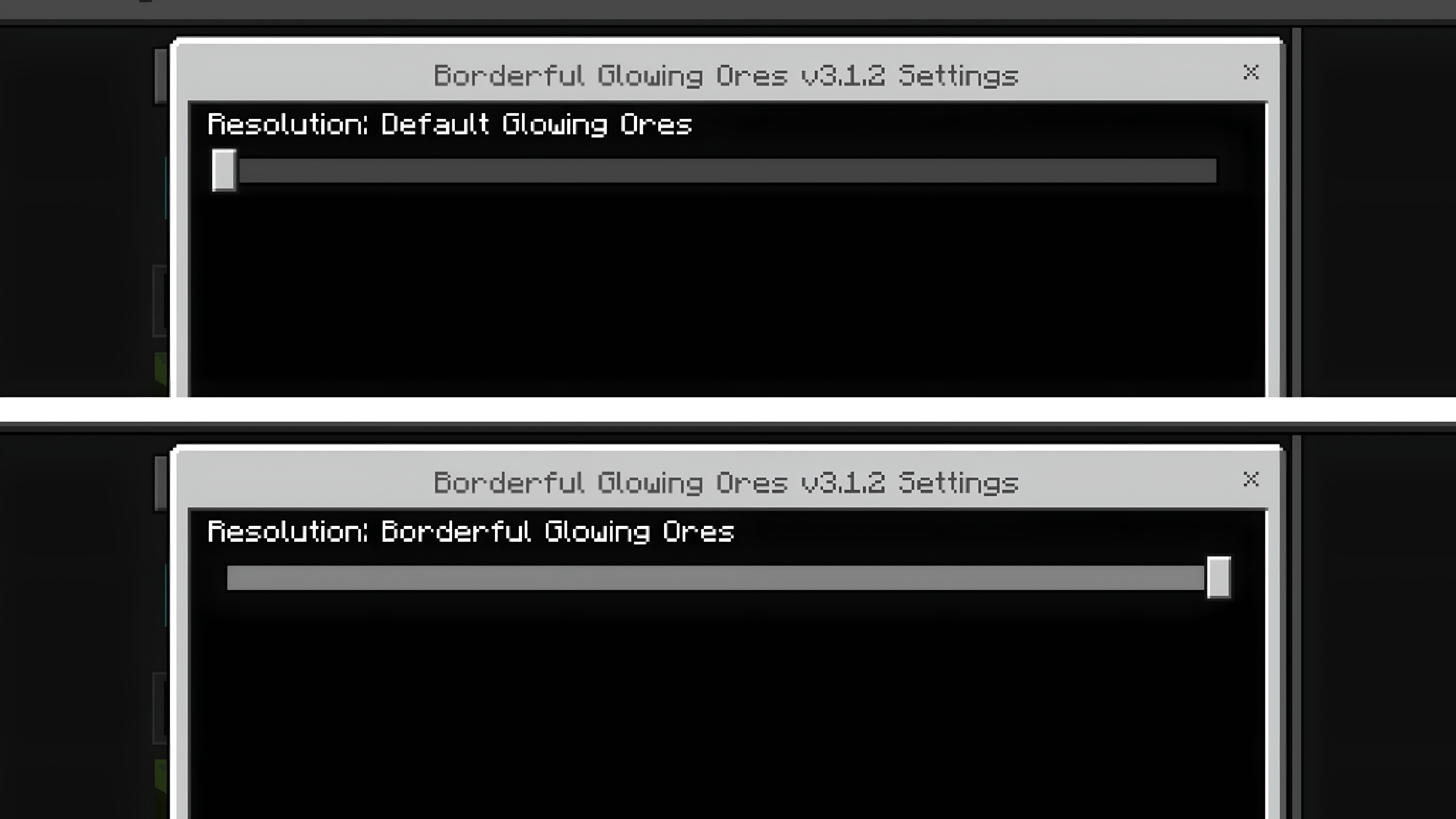
Default Glowing Ores
The subtle option. Only the ore itself glows, exactly where the mineral sits in the stone. Nothing is outlined, so it just looks like the ore is lit. Best if you want realism and don't want your world to look modded.
Borderful Glowing Ores
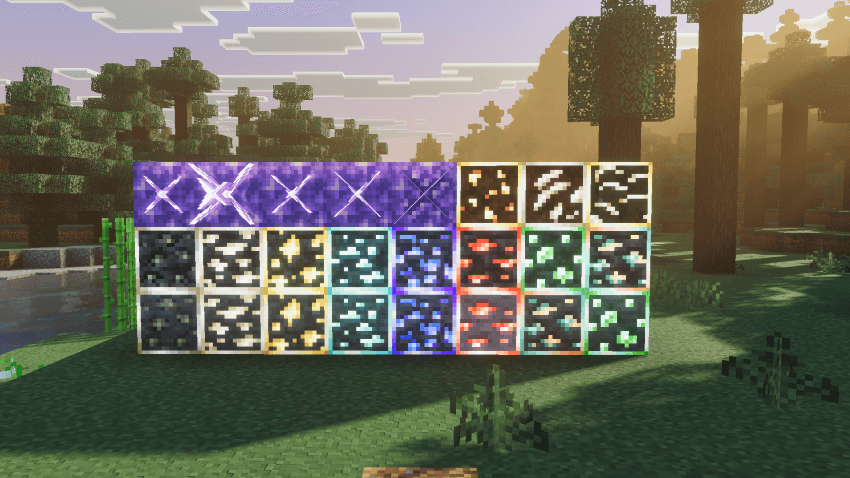
The visibility option. Every ore block gets a coloured, glowing border on top of the glowing ore, so it reads instantly at a distance and in dim light. Great for resource gathering, speedrunning, or anyone who mines with brightness turned down. Swap between the two styles any time in the pack settings, no reinstall needed.
🧩 Compatibility
It's 100% resource pack, with no behaviour pack, so achievements stay enabled and it's safe to add to an existing world. It works alongside shaders, PVP packs and other resource packs. Just keep Borderful Glowing Ores above them so its ore textures win.
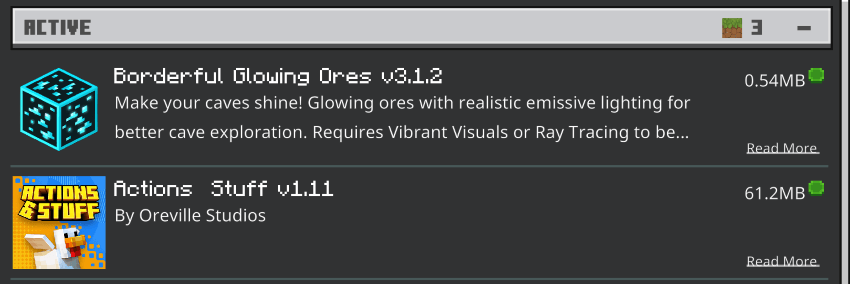
✅ Compatible with Actions & Stuff
Tested with Actions & Stuff by Oreville Studios, and both packs work together. Put Borderful Glowing Ores above Actions & Stuff in your active pack list and the glow works as normal.
🌟 What's Covered
Every ore in the game
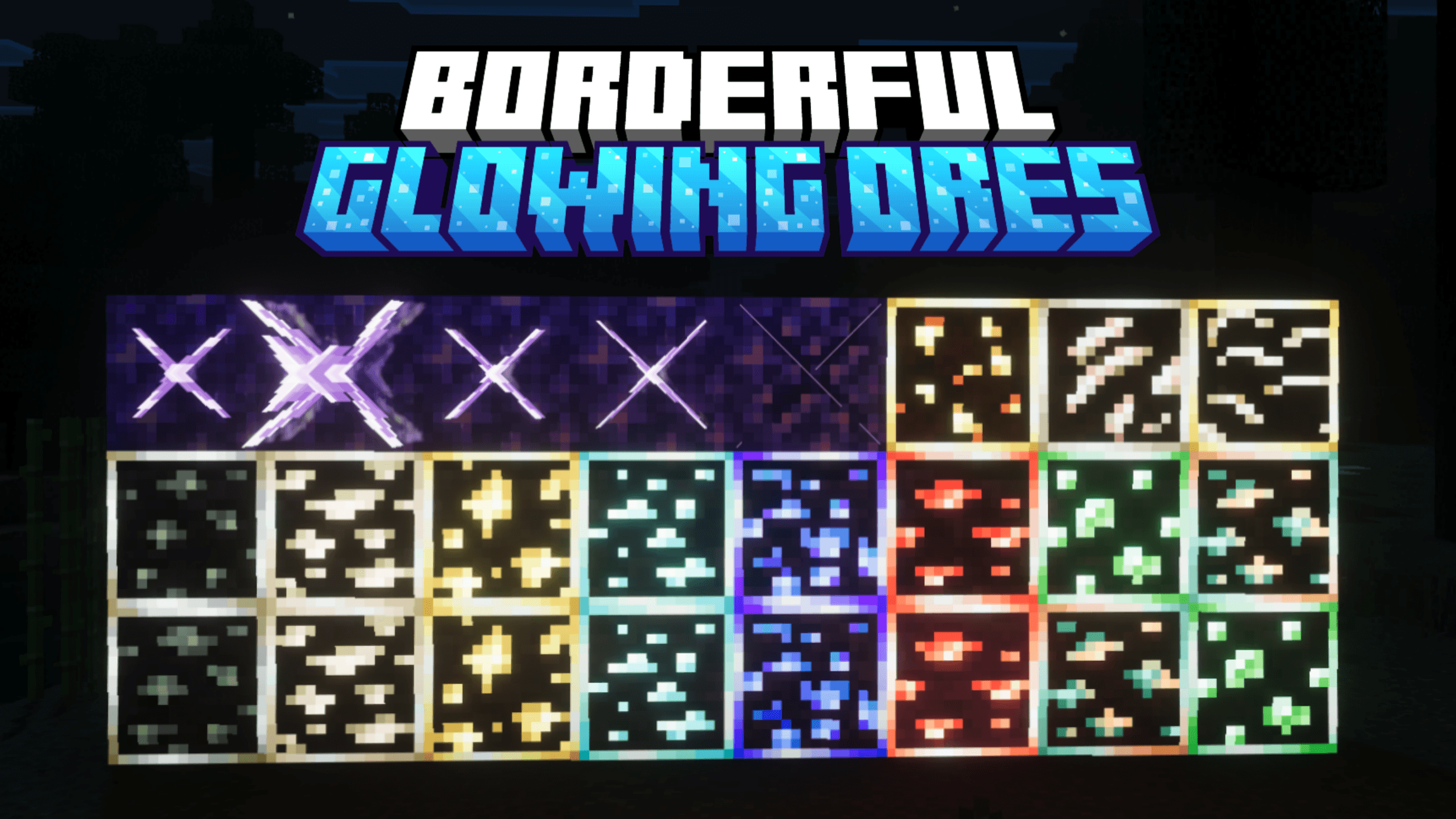
Coal, copper, iron, gold, diamond, emerald, lapis and redstone, plus all their deepslate versions, nether gold ore, nether quartz ore and ancient debris.
Beyond ore
Amethyst clusters and all three bud stages, the amethyst on calibrated sculk sensors, and cauldron water all get emissive maps too, so geodes light up the same way your mineshaft does.
Coloured block light
The pack also sets custom light colours for over 100 light-emitting blocks in Vibrant Visuals: torches, soul torches, lanterns, copper torches and lanterns, campfires, candles in every colour, froglights, glowstone, sea lanterns, lava, lit redstone ore and more.
Real PBR texture sets
These are proper PBR texture sets with tuned emissive and height maps, not brightened colour textures. The glow works with Minecraft's lighting instead of looking like a flat sticker pasted on the wall.
Turn The Glow On
This is the one step people miss. The glow comes from Minecraft's PBR pipeline, so it only shows up when Vibrant Visuals is active:
➤ Settings → Video → Graphics Mode → Vibrant Visuals (or Ray Tracing, on supported devices)
➤ Move Borderful Glowing Ores to the top of your active resource pack list
➤ Requires Minecraft Bedrock 1.21.80 or newer
If your ores look completely normal, it's almost always because Vibrant Visuals is still off. Flip that switch and they'll light up immediately.
🚀 Performance
The pack adds no entities and no scripts. It only swaps texture and lighting data, so on its own it costs essentially zero FPS. Vibrant Visuals is the demanding part, and that's Minecraft's renderer, not this pack. If your device runs Vibrant Visuals, it runs Borderful Glowing Ores.
💖 Support
Over half a million downloads, thank you! If this pack made your caves better, a rating or a comment really helps, and it's what keeps the updates coming. Found a bug or want an ore handled differently? Leave a comment and I'll take a look.
Light up your caves, spot the good stuff from across the room, and stop wasting torches. Happy mining!
- Edition: Minecraft Bedrock
- File type: .mcpack
- Minecraft versions listed: 1.21.81, 1.21.93, 1.21.90
- How to install: Download the .mcpack. → Open it — Minecraft imports it under Resource Packs. → Activate it in Global Resources, or for one world under Resource Packs → Available.
- Where to get it: In MCModsHub, or directly above on this page.
Install steps are the general flow for this file type — How to install Minecraft Bedrock texture packs walks through it step by step.
- Pack type: .mcpack — a single pack
- Complete pack — everything it depends on is inside the file
- Download size: 663 KB
- Download link checked 3 Aug 2026 — working
These come from our own check of the pack file, not from the source page.


