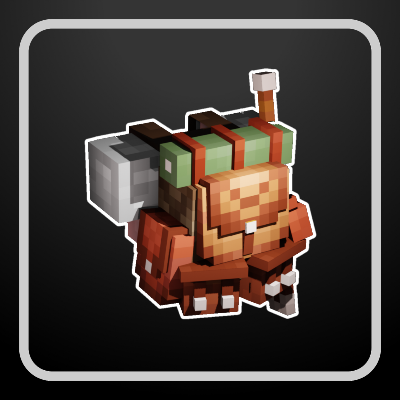
Backpacked Armor
Bedrock texture pack listed for Minecraft 1.18–26.x. File opened and checked on 18 Oct 2026; installs from the MC Bedrock Mods app on Android.
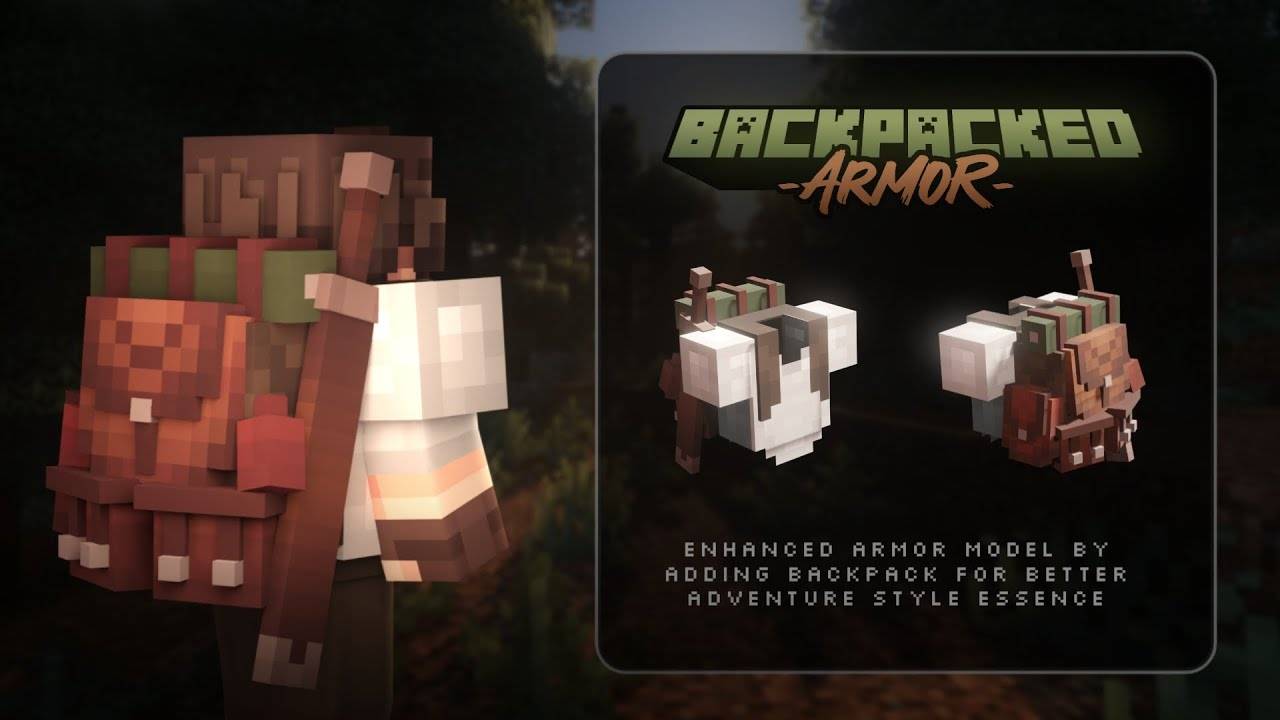
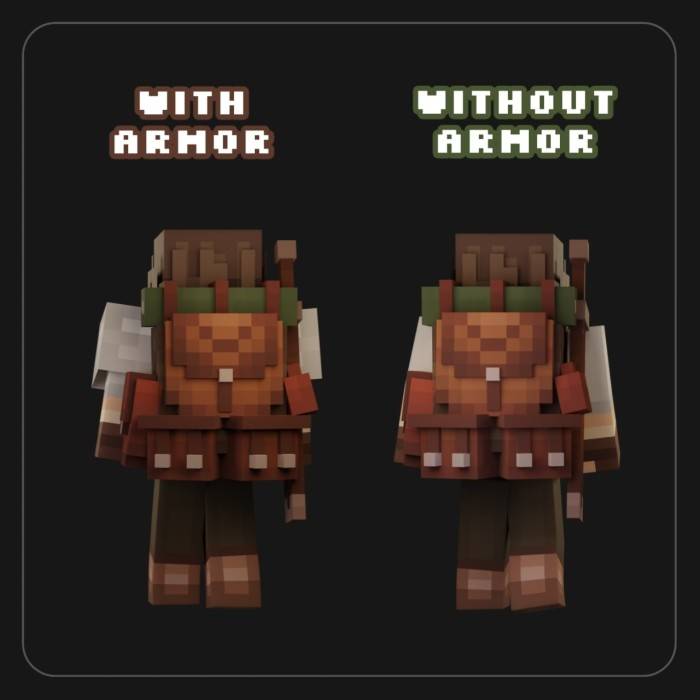
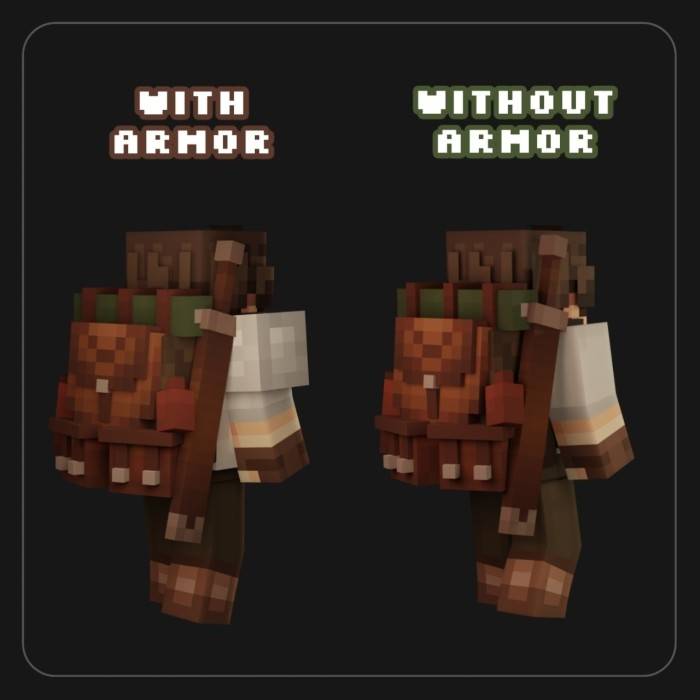
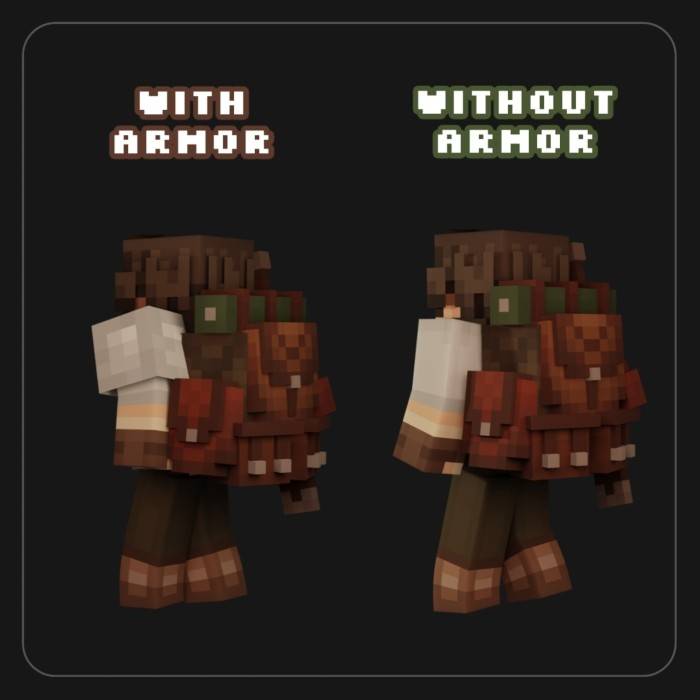
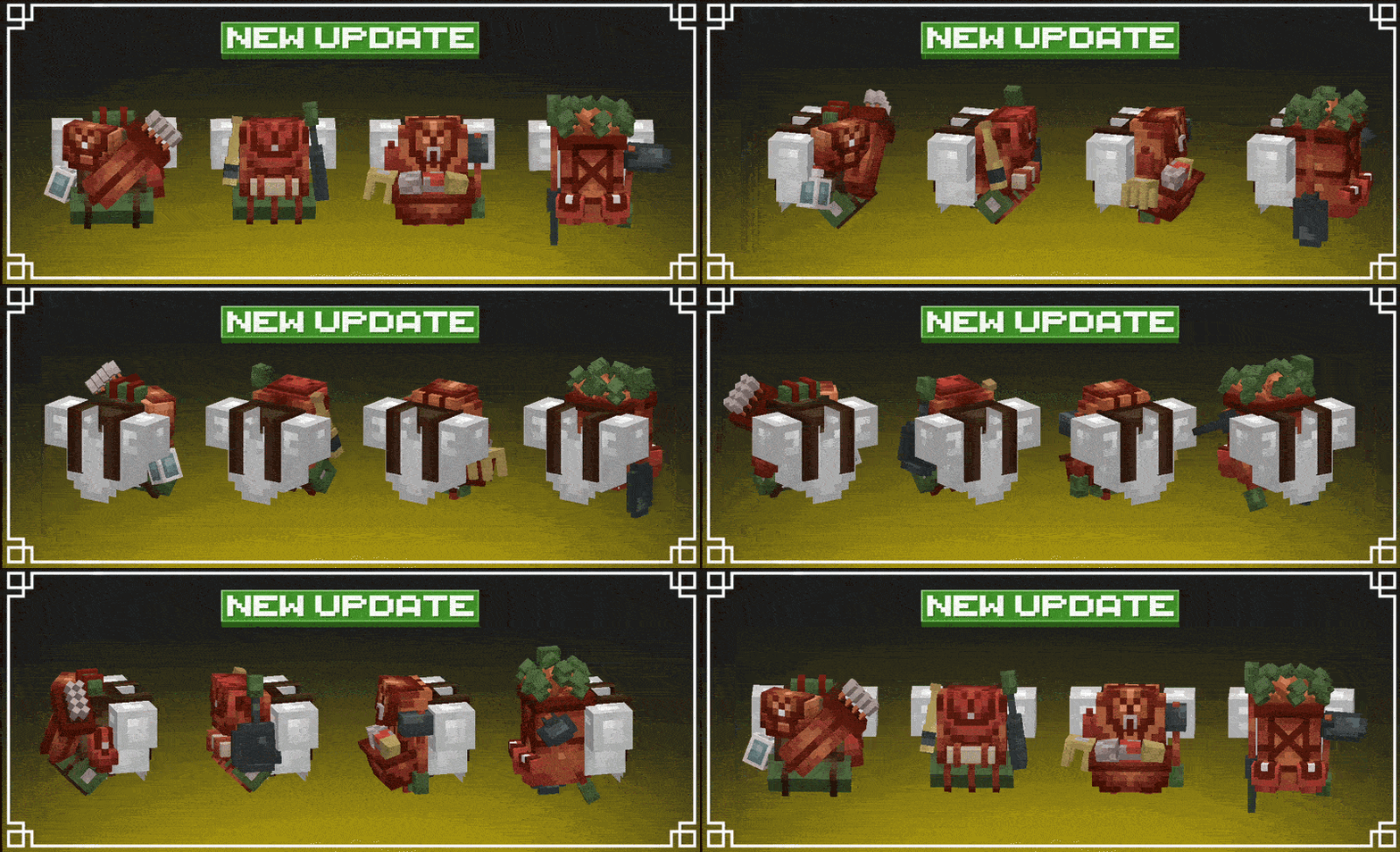
An improvement in armor model by adding a backpack on the back to get a better essence of adventure while not interfering with in-game achievements…
⬇ Download on CurseForge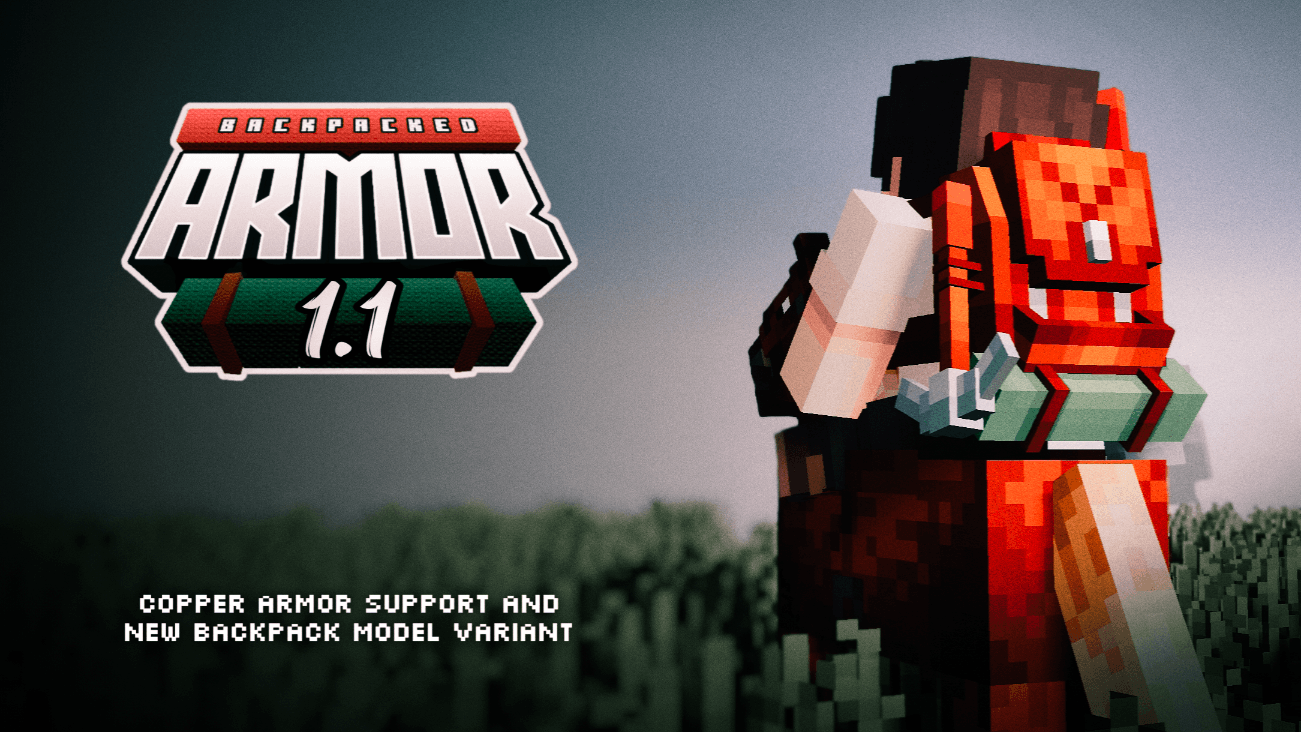


📦 Description
Backpacked Armor is a resource pack for Minecraft Bedrock Edition that adds custom backpack models to armor, enhancing the visual experience of your gameplay.
This pack is purely cosmetic — backpacks do not provide storage or gameplay functionality, but are designed to improve immersion for survival, adventure, and roleplay.
🎒 Features
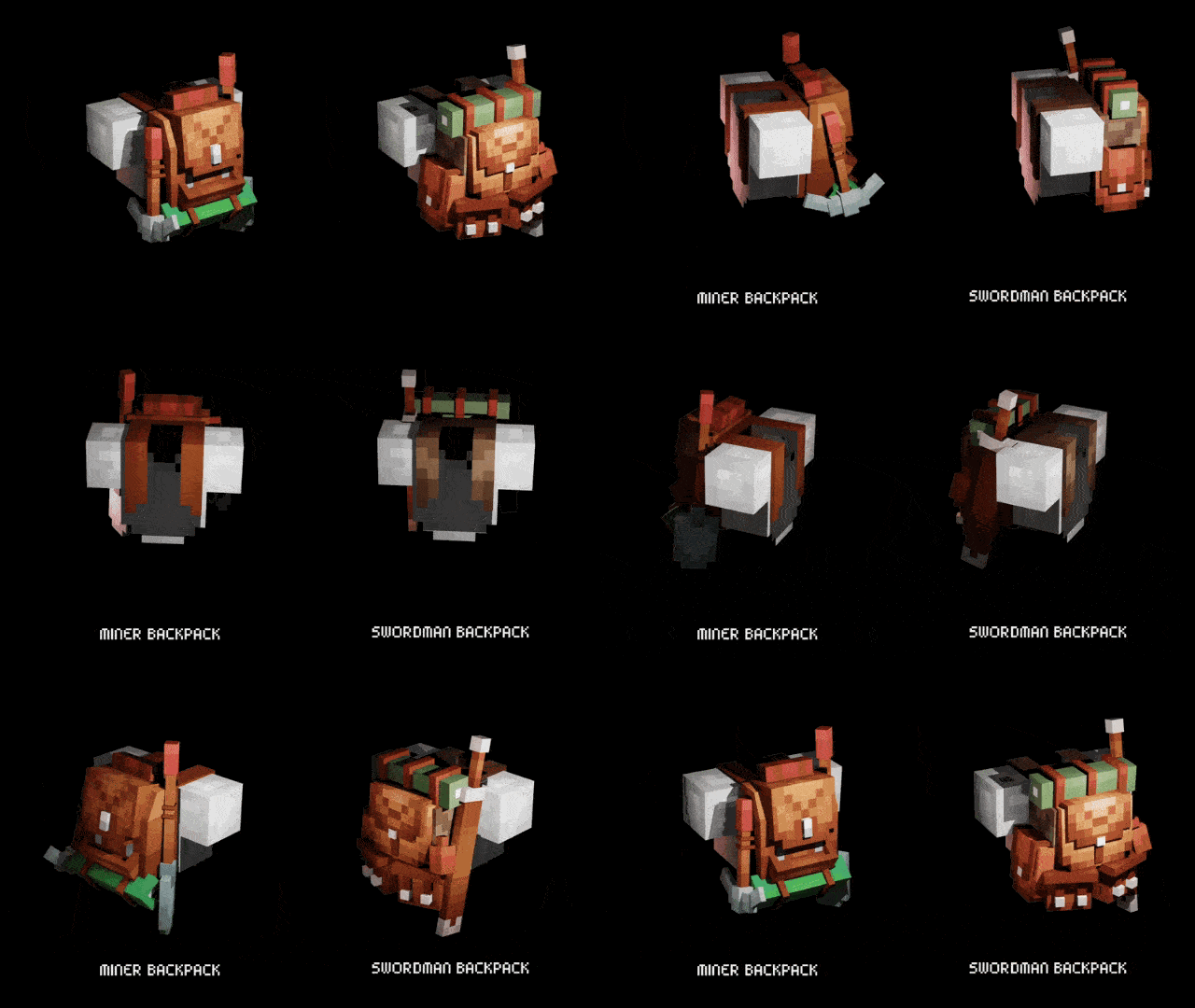
Adds multiple unique backpack variants to armor
Each variant has its own theme and detailed design
Perfect for:
-
-
- survival gameplay
- cinematics / videos
- roleplay & storytelling
-
🧭 Backpack Variants
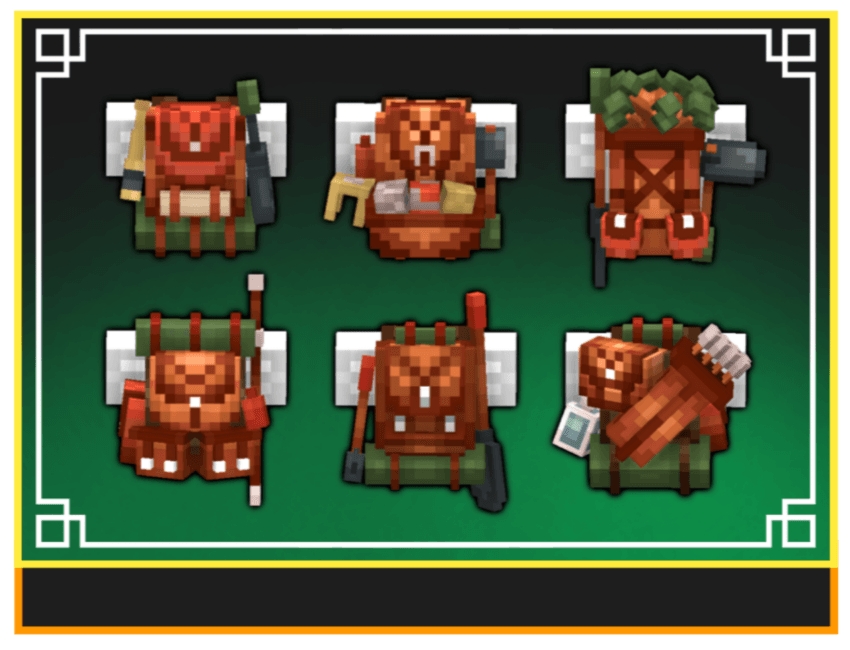
Each armor set has its own style:
🔪 Slasher — compact & tactical
⛏ Miner — rugged with mining gear
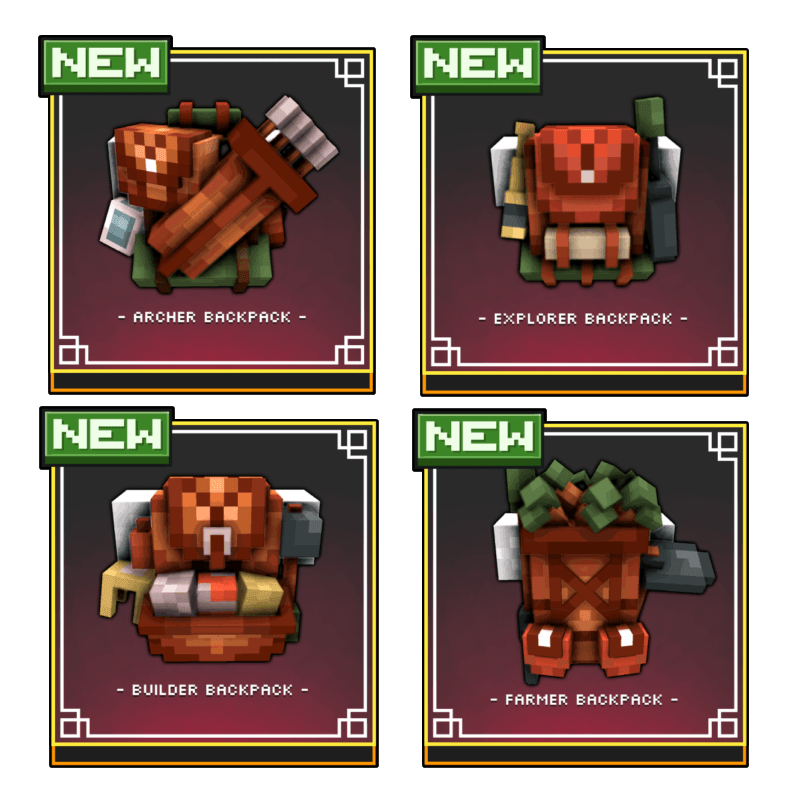
🏹 Archer — equipped with a quiver and light gear
🧭 Explorer — travel and exploration equipment
🧱 Builder — packed with construction tools
🌾 Farmer — farming utilities and light storage
✨ Visual Details
Each backpack includes small immersive elements such as:
- themed tools & equipment
- additional accessories (bottles, tools, etc.)
- a style that stays vanilla-friendly
⚠️ Notes
This is a resource pack, not an addon
No inventory or gameplay features are added
Only modifies the appearance of armor
GO TO "FILES" TAB TO CHOOSE BETWEEN "WITH ARMOR" OR "WITHOUT ARMOR" IF YOU ARE IN CURSEFORGE


Changelog v1.2 (Updated)
🆕 New Content
Added 4 new backpack variants:
- 🏹 Archer
- 🧭 Explorer
- 🧱 Builder
- 🌾 Farmer
🛠 Fixes & Improvements
- Fixed issue with “with armor” variant (copper armor was invisible)
- Updated armor stand model to better match player proportions
- Backpacks are now visible when armor is placed on armor stands
- Fixed issue where leather backpack variants changed color when dyed armor was applied
- Fixed texture glitch when applying armor trims
- Edition: Minecraft Bedrock
- File type: .mcpack
- Minecraft versions listed: 26.0.02, 26.0, 26.3
- How to install: Download the .mcpack. → Open it — Minecraft imports it under Resource Packs. → Activate it in Global Resources, or for one world under Resource Packs → Available.
- Where to get it: Opens on CurseForge — not every file is mirrored on our own servers.
Install steps are the general flow for this file type — How to install Minecraft Bedrock texture packs walks through it step by step.
- Save it as Backpacked Armor 1.2 - (without armor).mcaddon before opening — it downloads as .mcpack, but it is a .mcaddon pack
- Manifest requires Minecraft 1.18.0 or newer
- Complete pack — everything it depends on is inside the file
- Download size: 916 KB
- Download link checked 5 Oct 2026 — working
These come from our own check of the pack file, not from the source page.