White Outline Selection+
Bedrock texture pack listed for Minecraft 1.19–26.x. File opened and checked on 11 Oct 2026; installs from the MC Bedrock Mods app on Android.
⬇ Download on CurseForge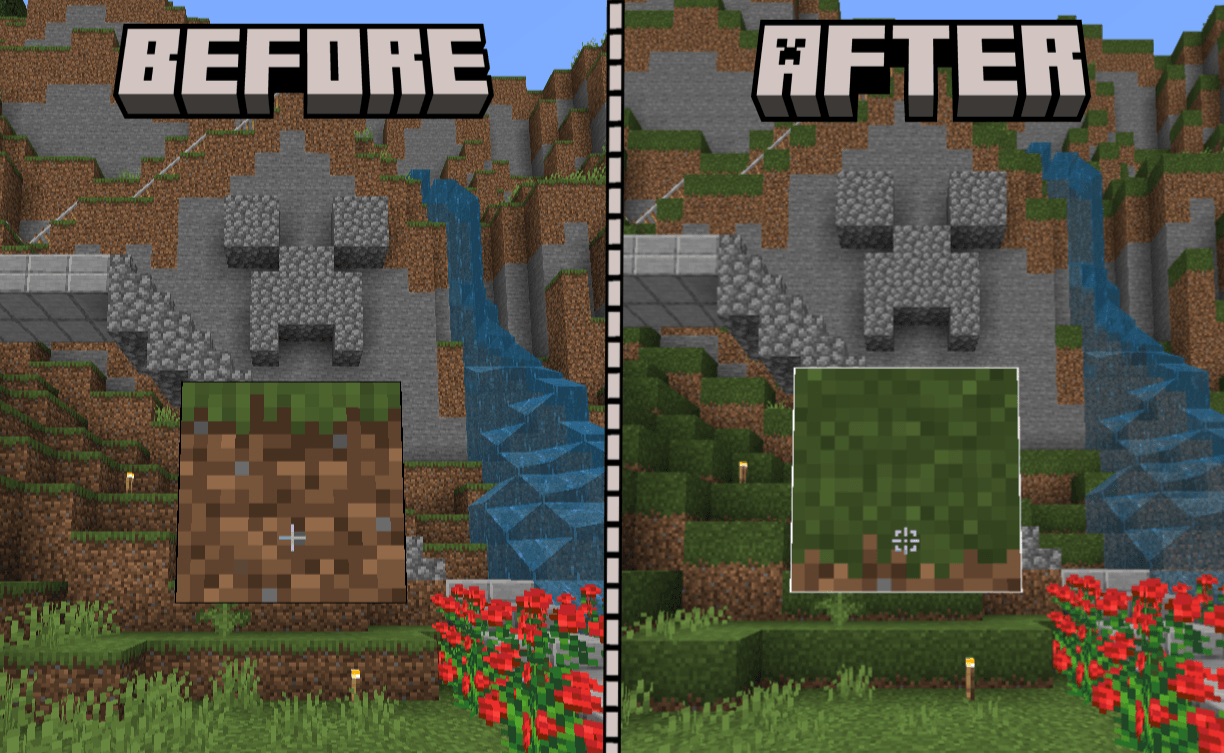
🔷 About White Outline Selection+
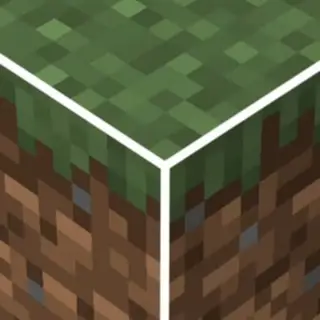
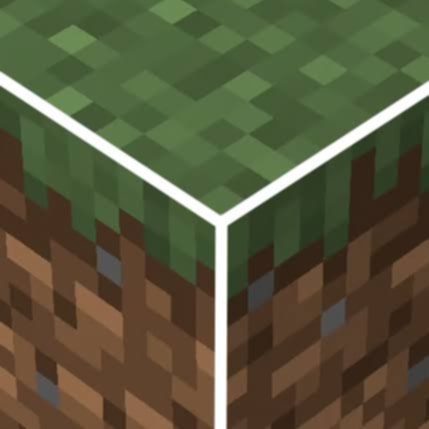
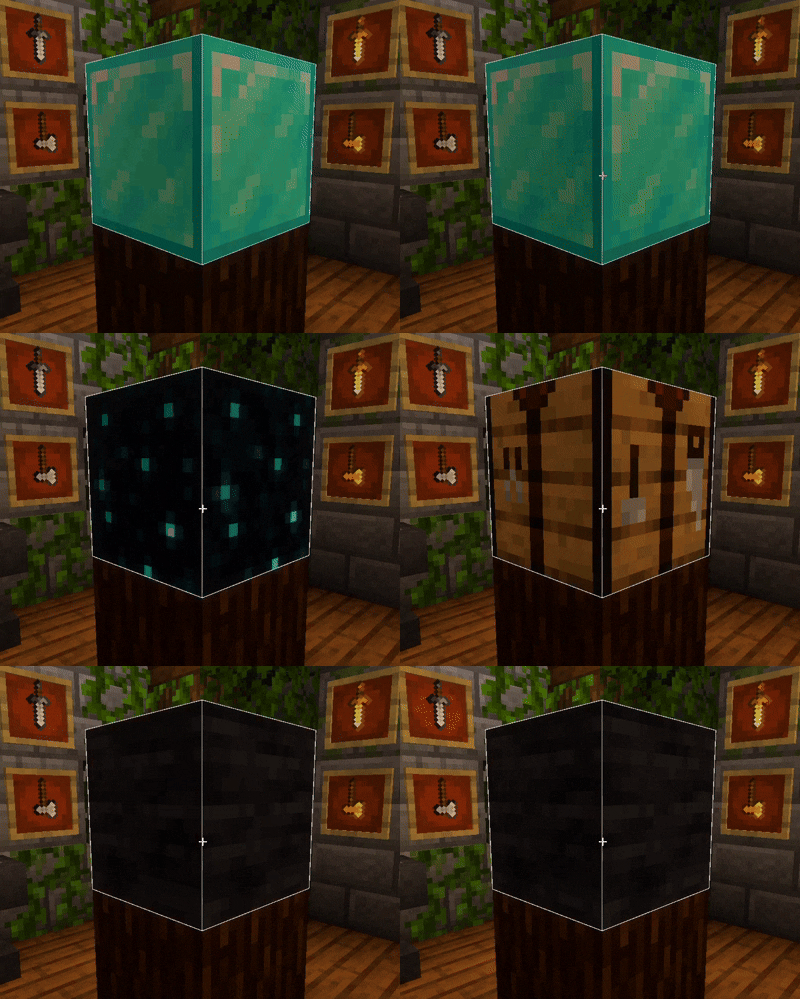
Built for builders, miners, and everyday players, White Outline Selection+ replaces the default black block selection outline with a clean white highlight for improved visibility.
🔷 What Sets White Outline Selection+ Apart?
- Brighter Selection Outline – Replaces the default black outline with a crisp white outline that's easier to see in most environments.
- Cleaner Building Experience – Improve block visibility while building, mining, and interacting with your world without changing core gameplay.
Whether you're constructing detailed builds or exploring underground, White Outline Selection+ provides a clean, modern selection outline that stands out when you need it most.
Note: If you are experiencing something like this:
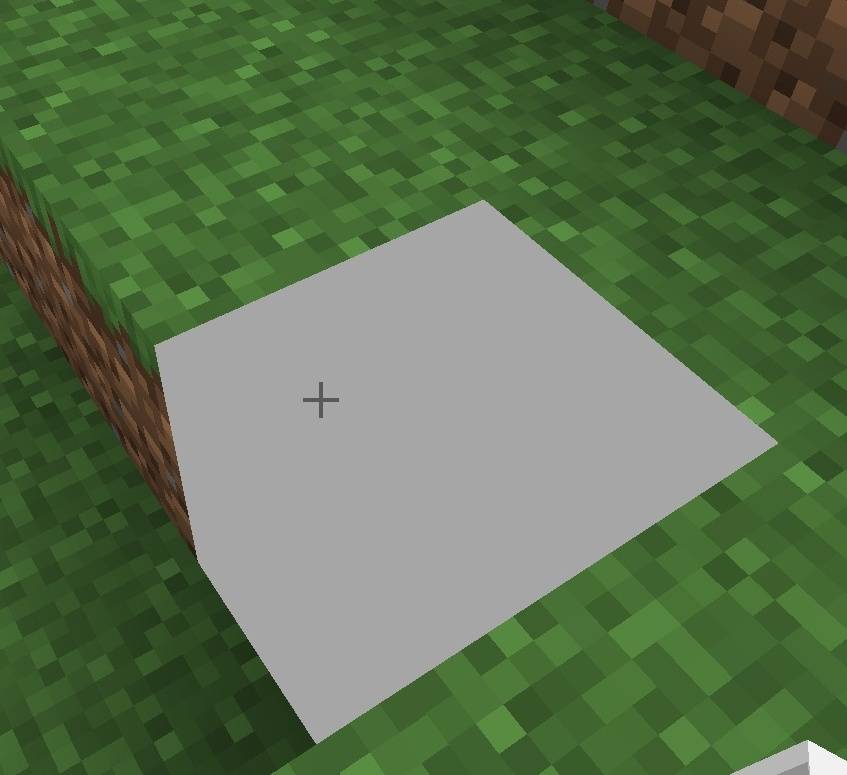
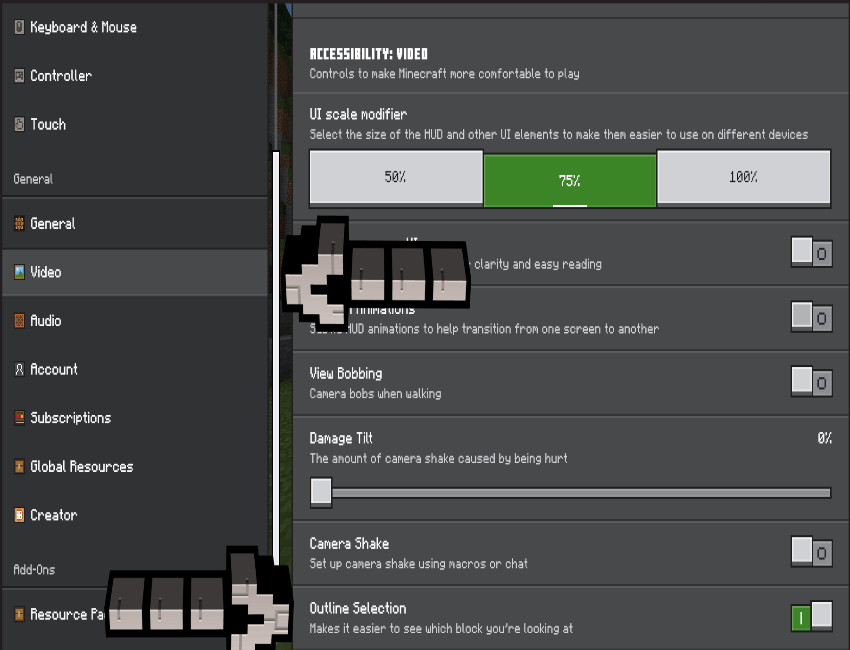
Just go to Settings - Video - and Turn on Outline Selection to solve the Issue!!
If you enjoy this texture pack, Try Truly Bedrock+, by just clicking the name of pack!
- Edition: Minecraft Bedrock
- File type: .mcpack
- Minecraft versions listed: 1.20.40, 1.21.30, 1.21.50
- How to install: Download the .mcpack. → Open it — Minecraft imports it under Resource Packs. → Activate it in Global Resources, or for one world under Resource Packs → Available.
- Where to get it: Opens on CurseForge — not every file is mirrored on our own servers.
Install steps are the general flow for this file type — How to install Minecraft Bedrock texture packs walks through it step by step.
- Pack type: .mcpack — a single pack
- Manifest requires Minecraft 1.19.30 or newer
- Complete pack — everything it depends on is inside the file
- Download size: 18 KB
- Download link checked 26 Oct 2026 — working
These come from our own check of the pack file, not from the source page.