Survival Overhaul
Bedrock texture pack listed for Minecraft 1.21–26.x. File opened and checked on 19 Oct 2026; installs from the MC Bedrock Mods app on Android.
Survival Overhaul is an all-in-one Minecraft Bedrock resource pack that enhances your survival experience with Dark UI, animated RGB XP bar, health bar…
⬇ Download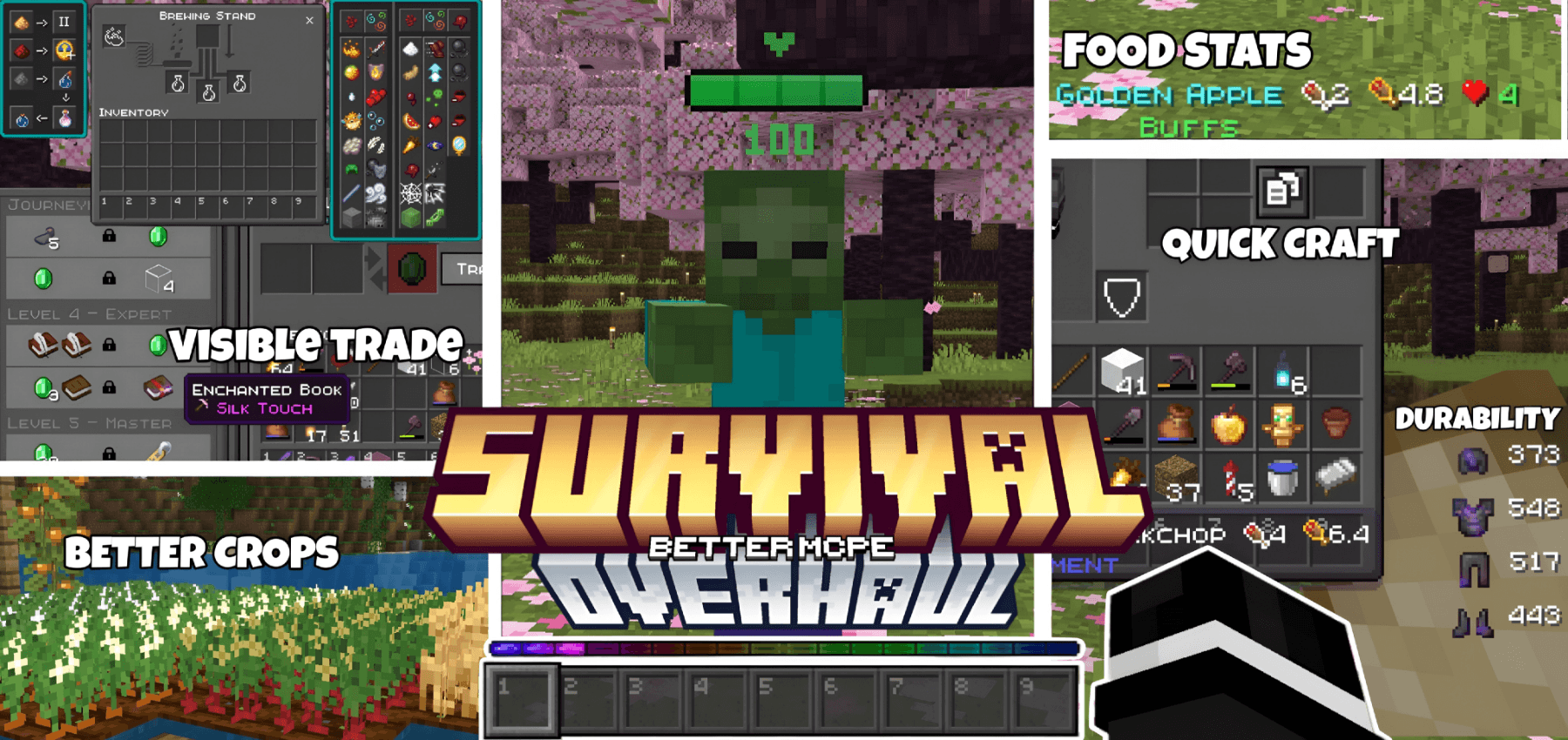
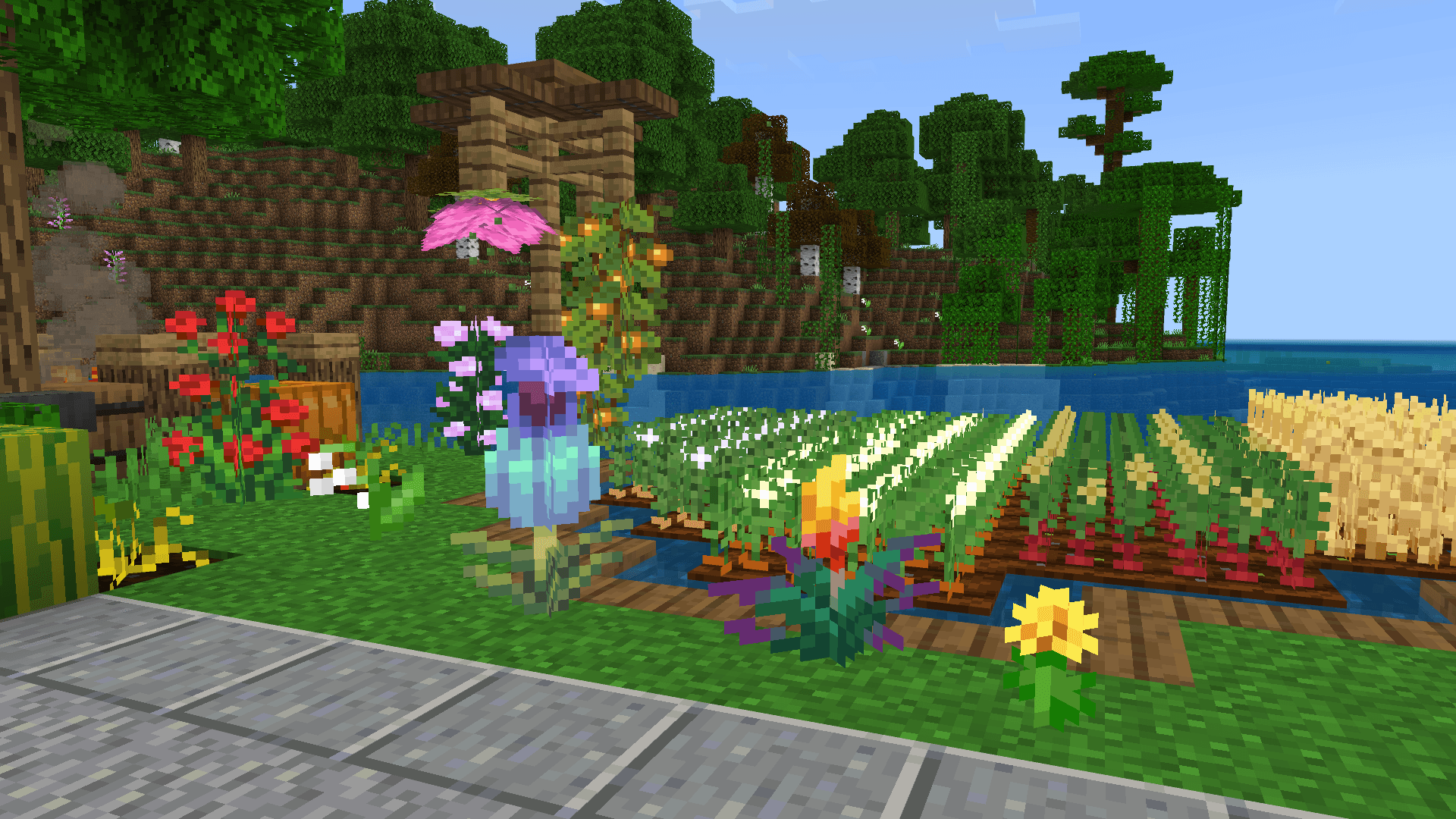
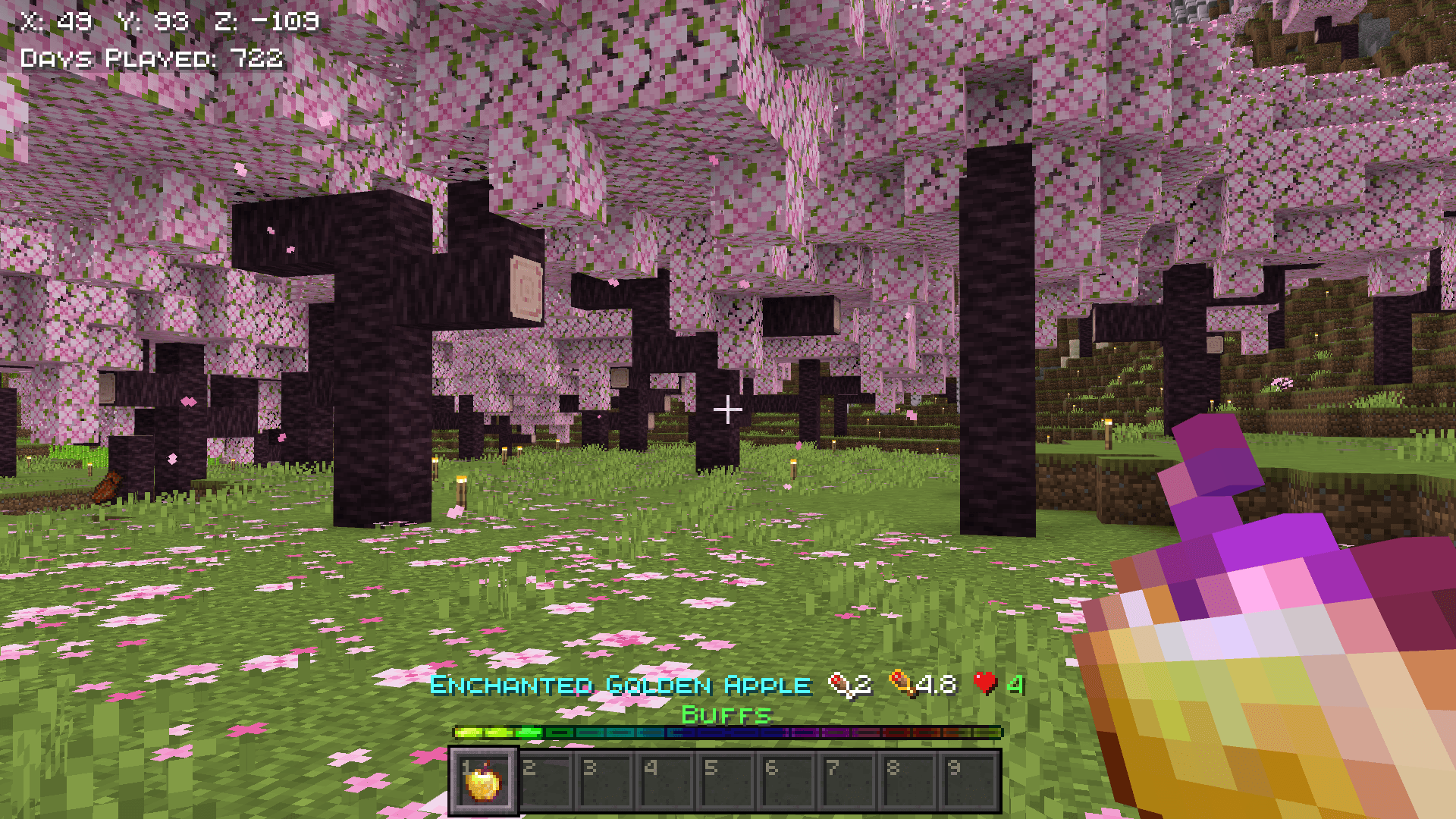
Survival Overhaul is a complete resource pack designed to improve every aspect of survival gameplay in Minecraft Bedrock. Instead of stacking multiple packs, this single pack combines essential survival features into one clean, polished experience.

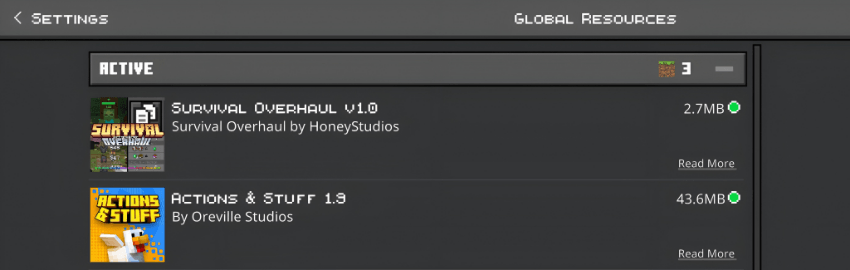
✅ Compatible with Actions & Stuff and other packs. Just place this pack on top of Actions & Stuff in your pack order.
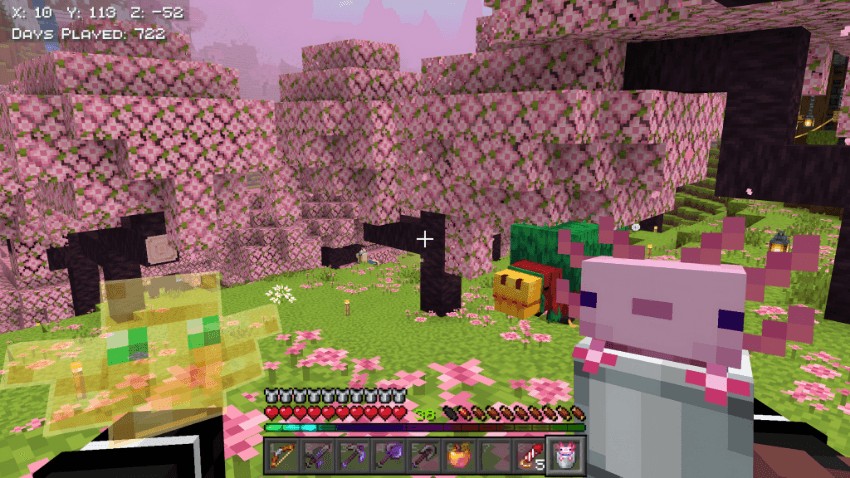
-Features
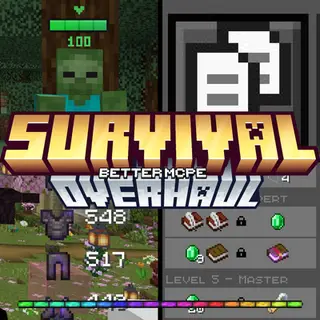
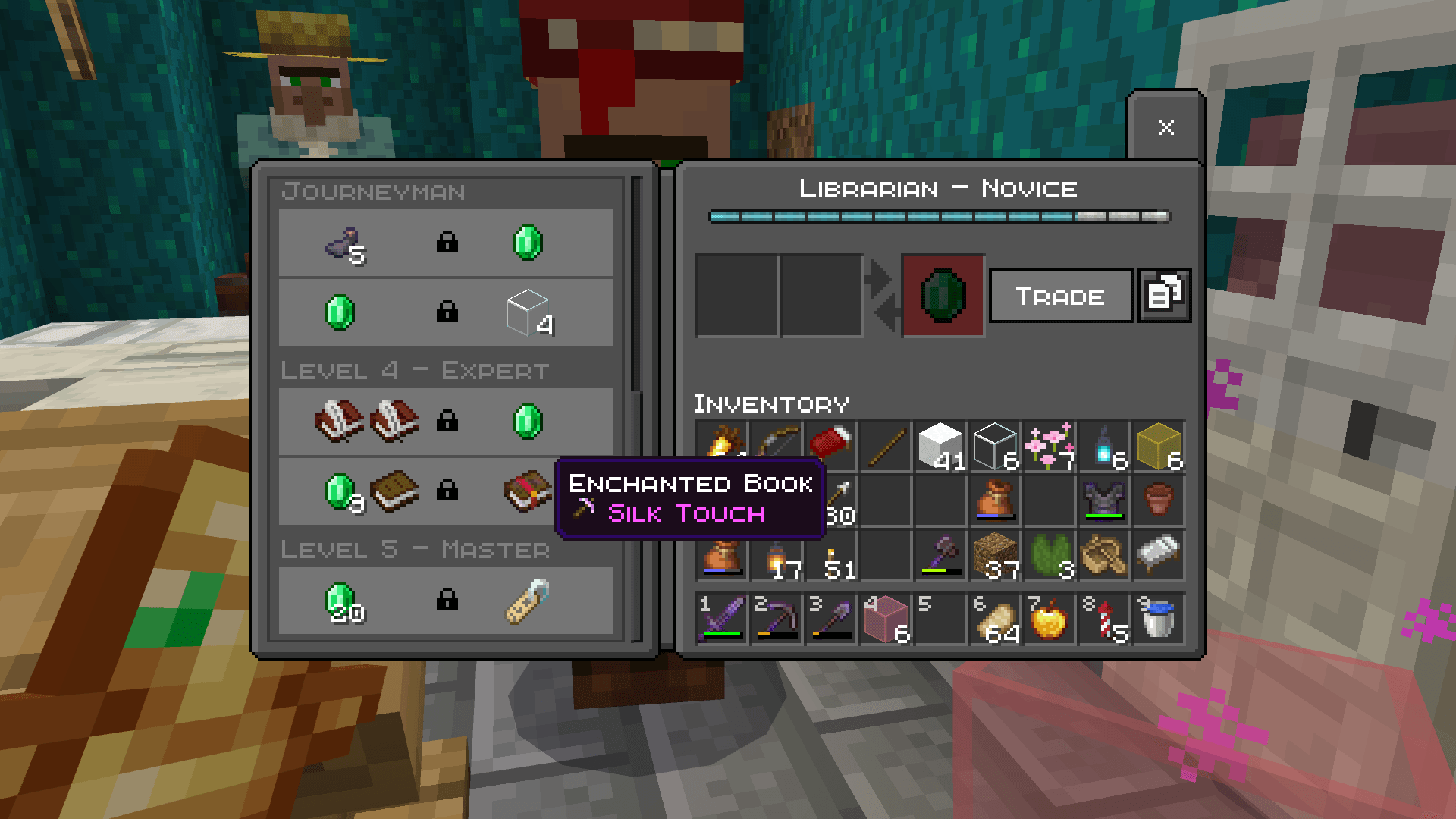
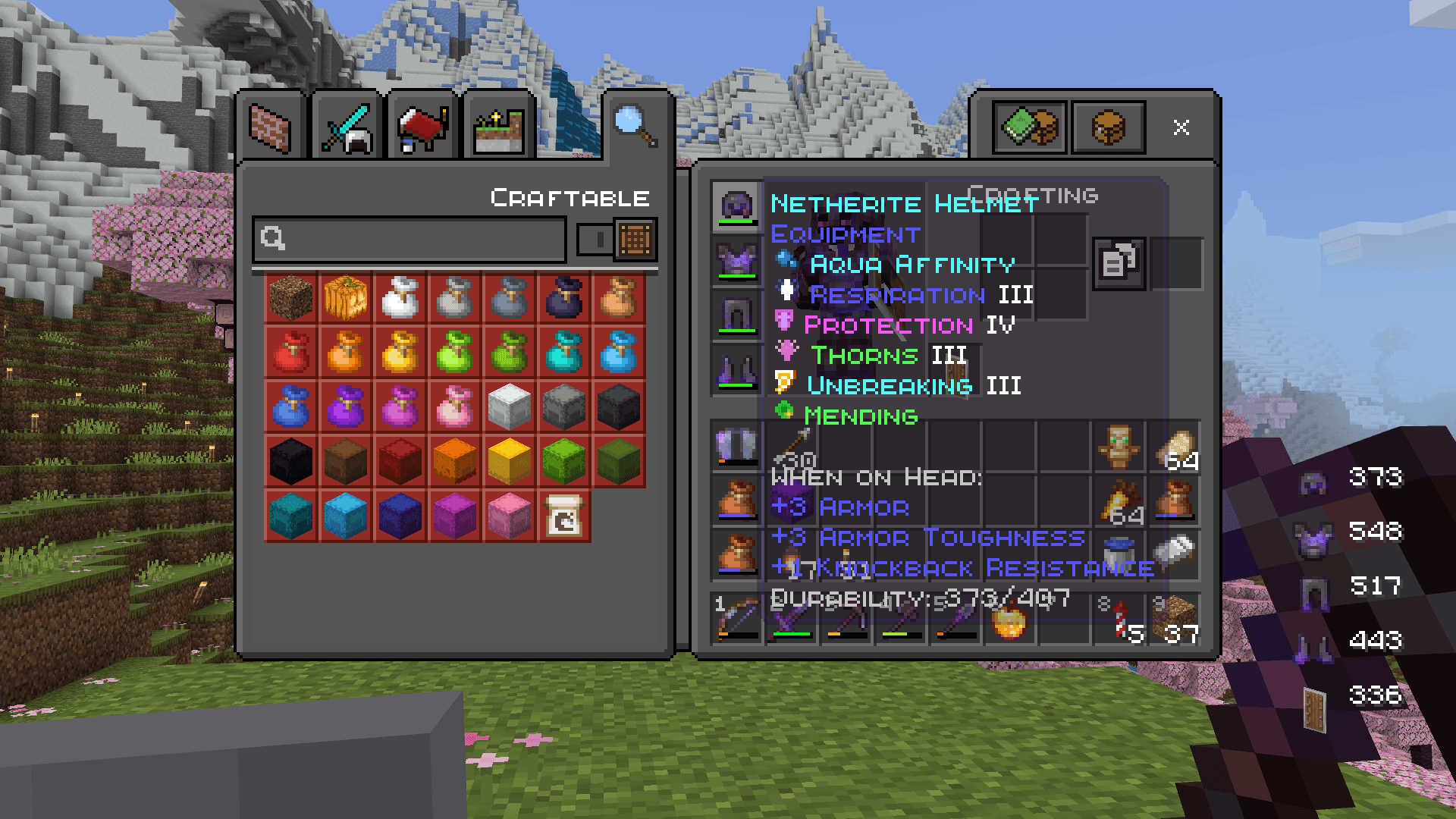
Dark UI Complete dark-themed interface across all screens — inventory, crafting, brewing, trading, settings, and more. All text colors adjusted to white for perfect readability on dark backgrounds.
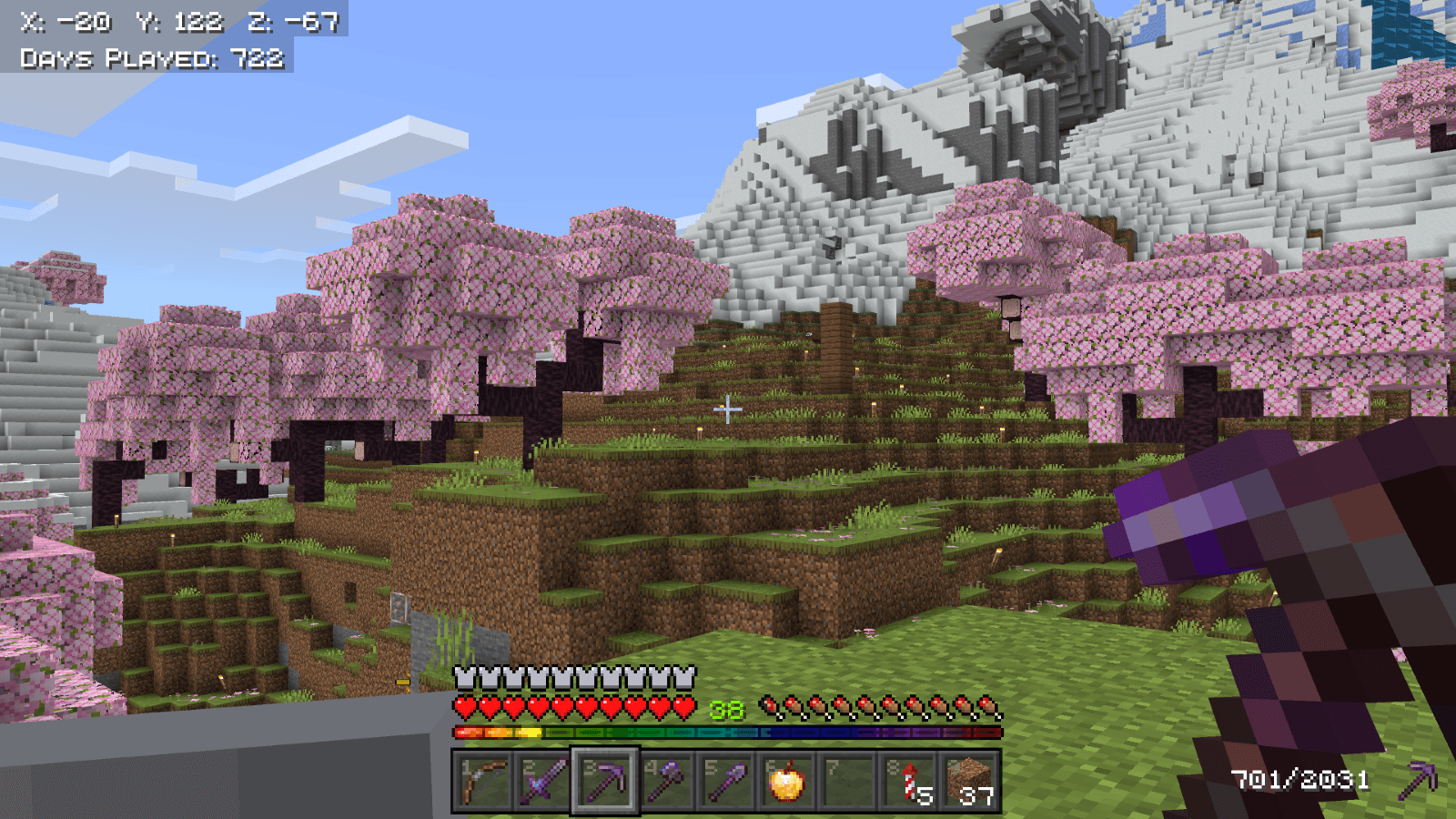
Animated RGB XP Bar A smooth animated rainbow XP bar that replaces the vanilla green bar, giving your HUD a modern and vibrant look.
Numbered Hotbar Each hotbar slot displays its slot number (1-9) for quick reference.
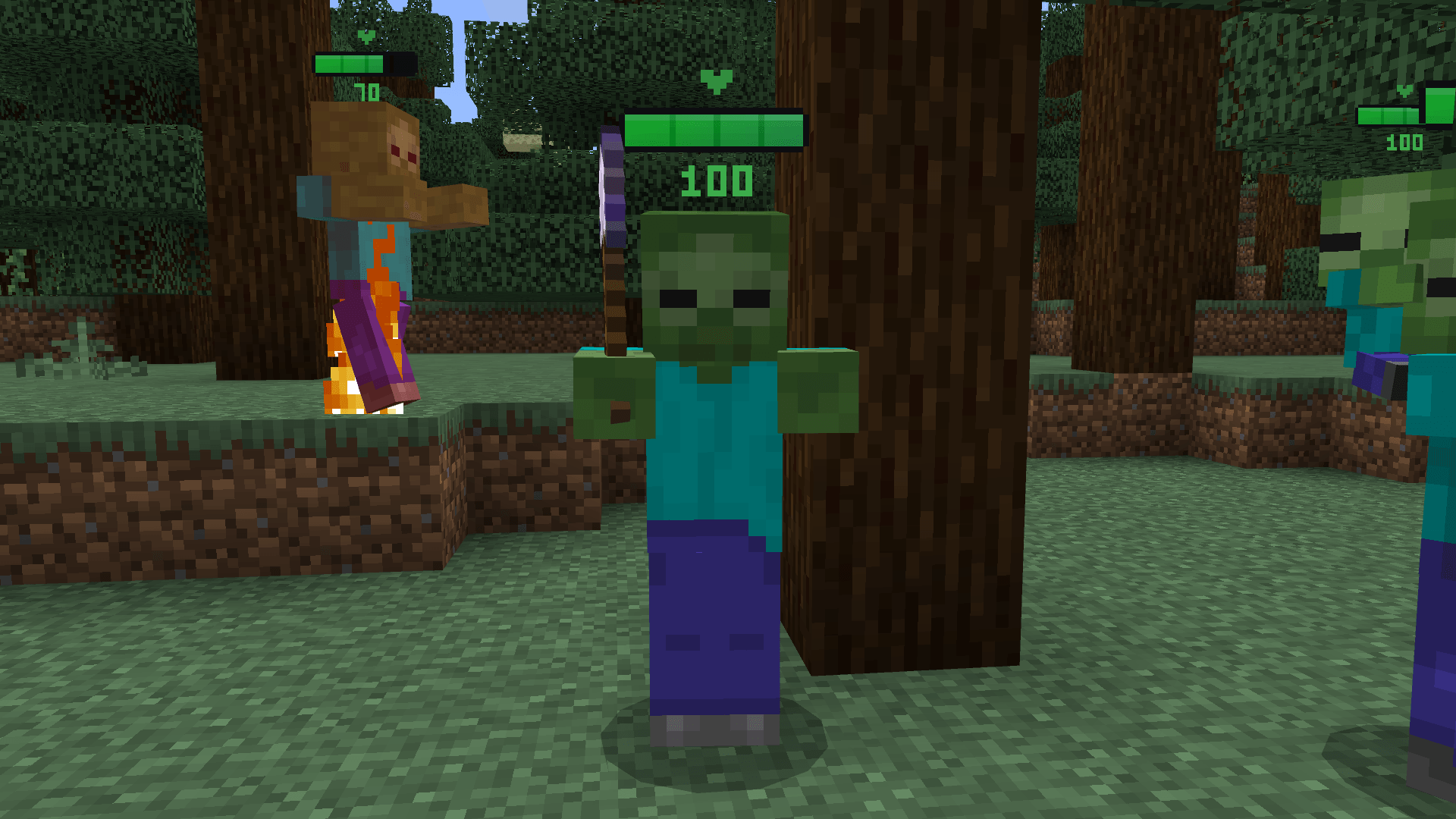
Health Bar Indicator Floating health bars above mobs showing their current HP percentage. Works on 85 entities including all hostile mobs, passive mobs, and bosses. Player health bar excluded for a clean HUD. Toggle on/off using subpacks.
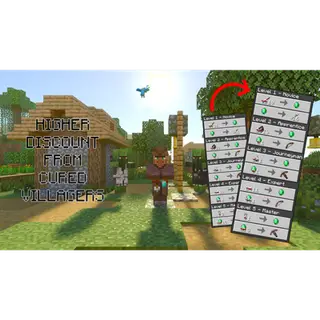
Visible Trade Villager trade offers are displayed more clearly, showing locked and unlocked trades with improved item visibility so you can quickly find the trade you need.
Better Crops Fully grown wheat, carrots, potatoes, and beetroot display random texture variations with realistic flowers - white flowers on carrots, purple-white on potatoes, and red on beetroot. Includes an improved hay block texture.
Food Stats Display Hover over any food item to see its hunger and saturation values directly in the item name. Supports all food items in the game.
Enchantment Icons Visual icons displayed next to enchantment names, making it easier to identify enchantments at a glance.
Brewing Guide Interactive brewing guide panels displayed alongside the brewing stand UI, showing potion recipes, modifiers (Glowstone, Redstone, Gunpowder, Dragon's Breath), and all ingredient combinations.
Quick Crafting Button One-tap access to crafting table from inventory screen.
Durability Display Shows item durability as numbers on the HUD when holding tools, weapons, or armor. Low durability warning with blinking alert.
Shield Animation Lowered shield position in first person for better visibility while blocking.
Block Texture Improvements Enhanced textures for nether gold ore, nether quartz ore, observer blocks and scaffolding.
-Subpacks
Survival Overhaul includes subpack options:
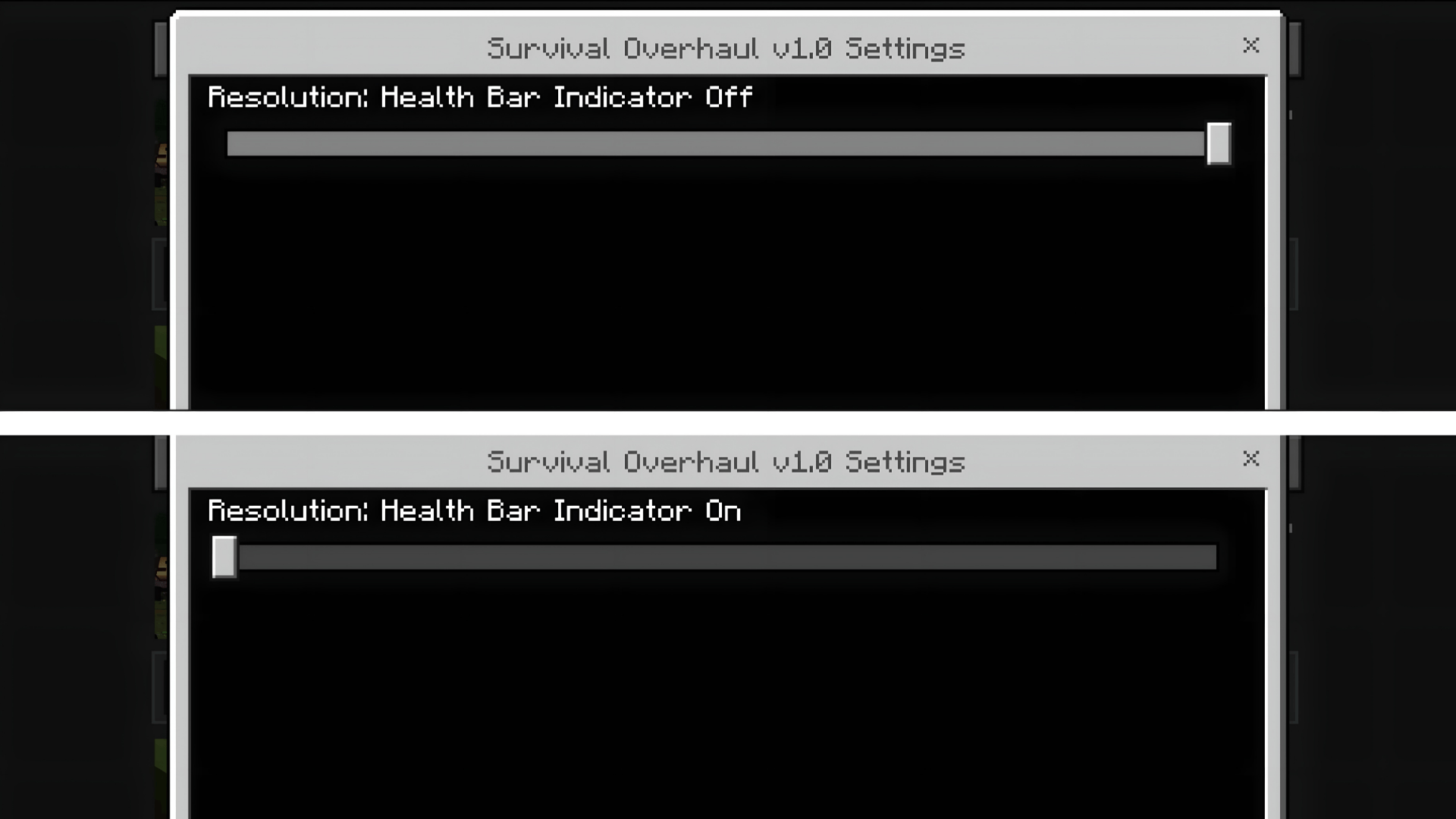
Health Bar Indicator On — Displays floating health bars above all mobs
Health Bar Indicator Off — Disables mob health bars for a cleaner look
👉 Select your preferred option in the pack settings before playing.
-Check out these packs:
Health Bar Indicator By FoxyFall.
Enchantment Icons By CraftStudio.
Durability Display By CraftStudio.
Food Stats By HoneyStudios.
-Installation
Download the resource pack
Import it into Minecraft Bedrock
Enable it in Global Resources or in a world's Resource Packs
Select your preferred subpack option
-Compatibility
Works with Minecraft Bedrock 1.21+ and 26.10+
Compatible with Simple, Fancy, and Vibrant Visuals graphics modes
Works alongside behavior packs and addons
No experimental features required
- Edition: Minecraft Bedrock
- File type: .mcpack
- Minecraft versions listed: 1.21.30, 1.21.50, 1.21.20
- How to install: Download the .mcpack. → Open it — Minecraft imports it under Resource Packs. → Activate it in Global Resources, or for one world under Resource Packs → Available.
- Where to get it: In MCModsHub, or directly above on this page.
Install steps are the general flow for this file type — How to install Minecraft Bedrock texture packs walks through it step by step.
- Pack type: .mcpack — a single pack
- Complete pack — everything it depends on is inside the file
- Download size: 1.5 MB
- Download link checked 3 Aug 2026 — working
These come from our own check of the pack file, not from the source page.