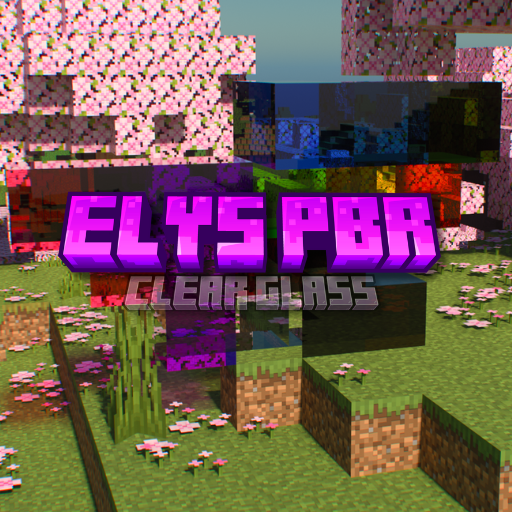
ElysPBR Clear Glass
Bedrock texture pack listed for Minecraft 1.21. File opened and checked on 30 Aug 2026; installs from the MC Bedrock Mods app on Android.
⬇ Download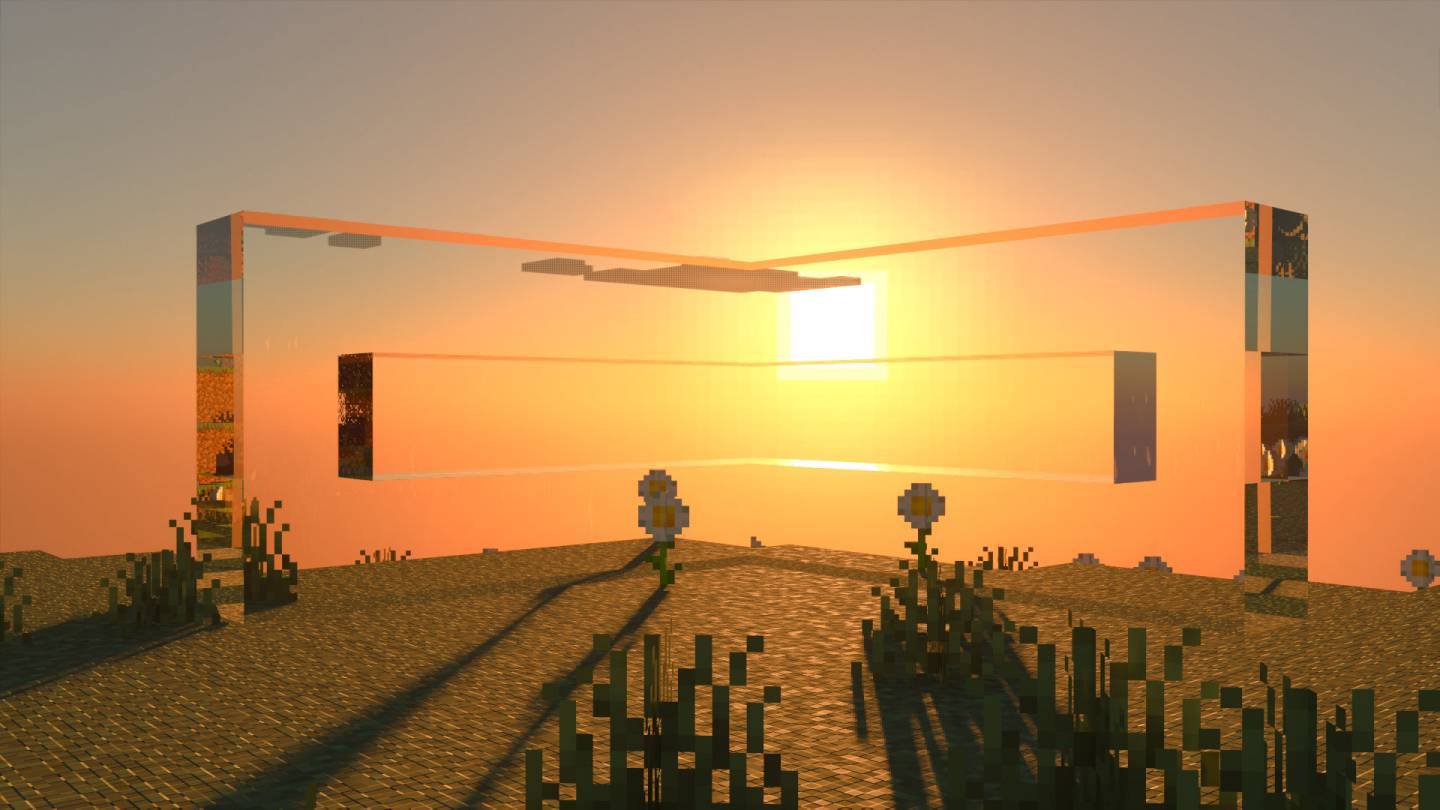
About ElysPBR Clear Glass Clear Glass
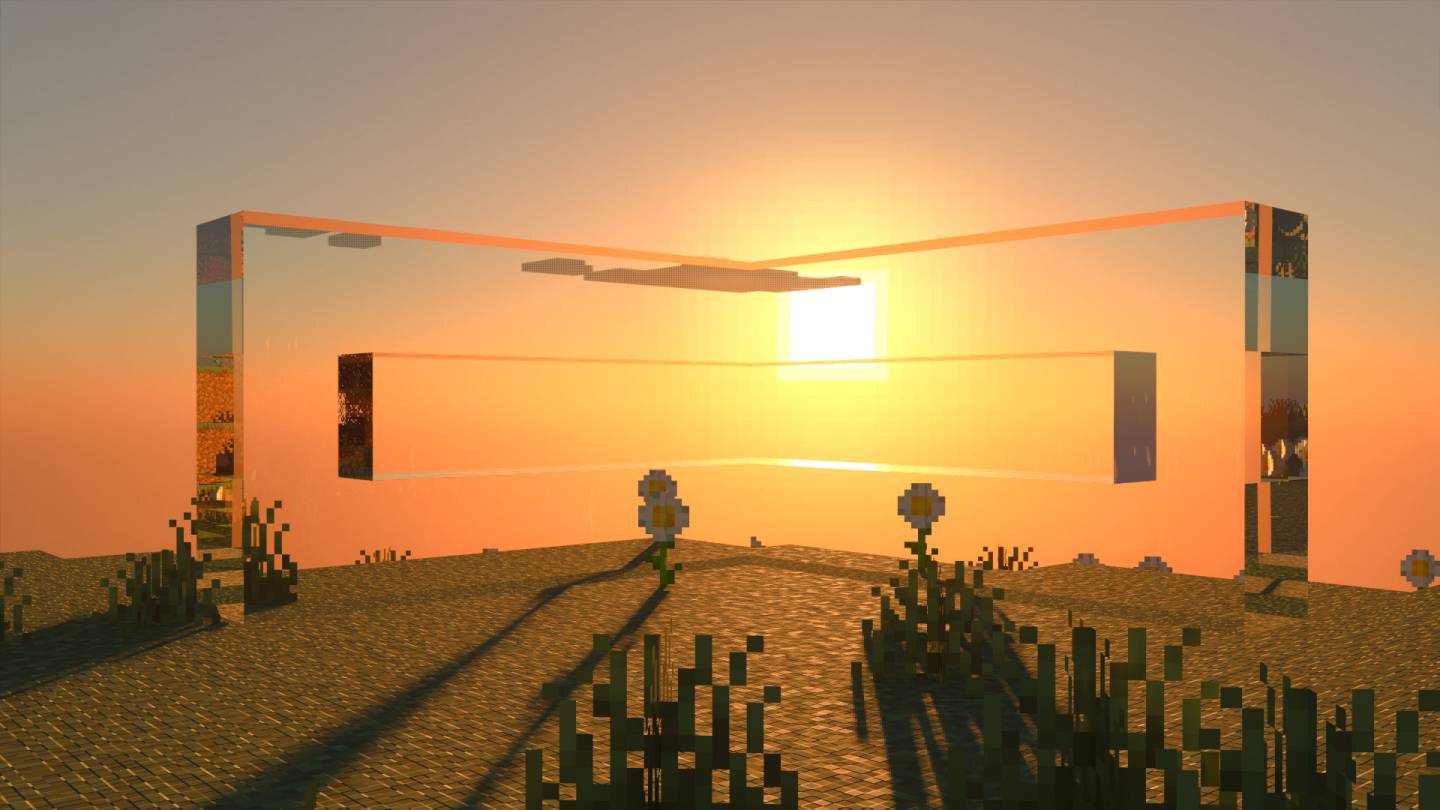
ElysPBR Clear Glass texture removes vanilla glass border to make it clear.
You can use this texture pack with any other RTX texture packs. Put the pack above the texture pack.
System Requirements
NVIDIA GeForce® RTX 20 Series and higher, and AMD Radeon RX 6000 Series and higher.
Requires Ray Tracing Compatible system
Installation
Quick Installation: Simply download the Texture Pack and load it into Minecraft for immediate use.
Manual Installation:
- Download the .mcpack file, rename it to .zip, and unzip the file.
- Navigate to: AppData\Local\Packages\Microsoft.MinecraftUWP_8wekyb3d8bbwe\LocalState\games\com.mojang\resource_packs
- Move the unzipped Elys PBR RTX Glowing Ore Texture Pack folder into the resource_packs directory.
- Launch Minecraft, go to settings, select Elys PBR Glowing Ores, and activate it.
- Edition: Minecraft Bedrock
- File type: .mcpack
- Minecraft versions listed: 1.21.90, 1.21.101, 1.21.93
- How to install: Download the .mcpack. → Open it — Minecraft imports it under Resource Packs. → Activate it in Global Resources, or for one world under Resource Packs → Available.
- Where to get it: In MCModsHub, or directly above on this page.
Install steps are the general flow for this file type — How to install Minecraft Bedrock texture packs walks through it step by step.
- Pack type: .mcpack — a single pack
- Complete pack — everything it depends on is inside the file
- Download size: 527 KB
- Download link checked 25 Aug 2026 — working
These come from our own check of the pack file, not from the source page.