Texture packsBedrock
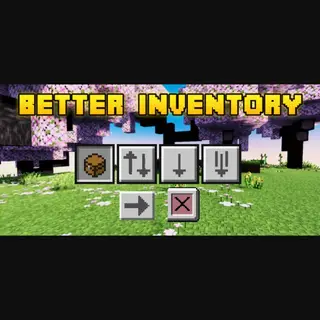
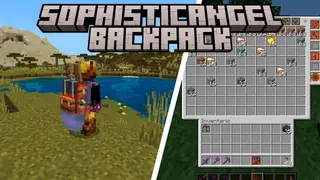
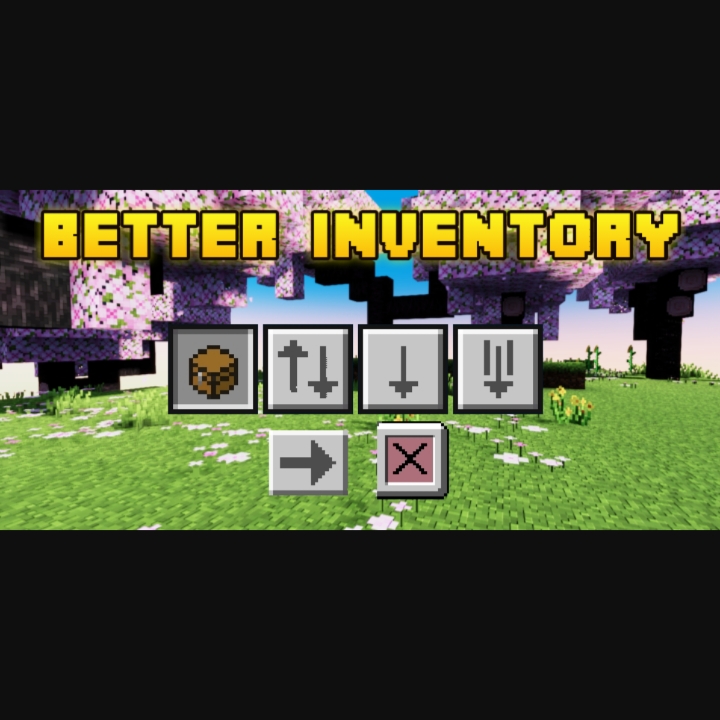
Better Inventory Overhauled
Bedrock texture pack listed for Minecraft 1.20–26.x. File opened and checked on 18 Oct 2026; installs from the MC Bedrock Mods app on Android.
Are you having trouble organizing your inventory Or when you want to move items from inventory to chest? You need to try this pack!With quick loot, You…
⬇ Download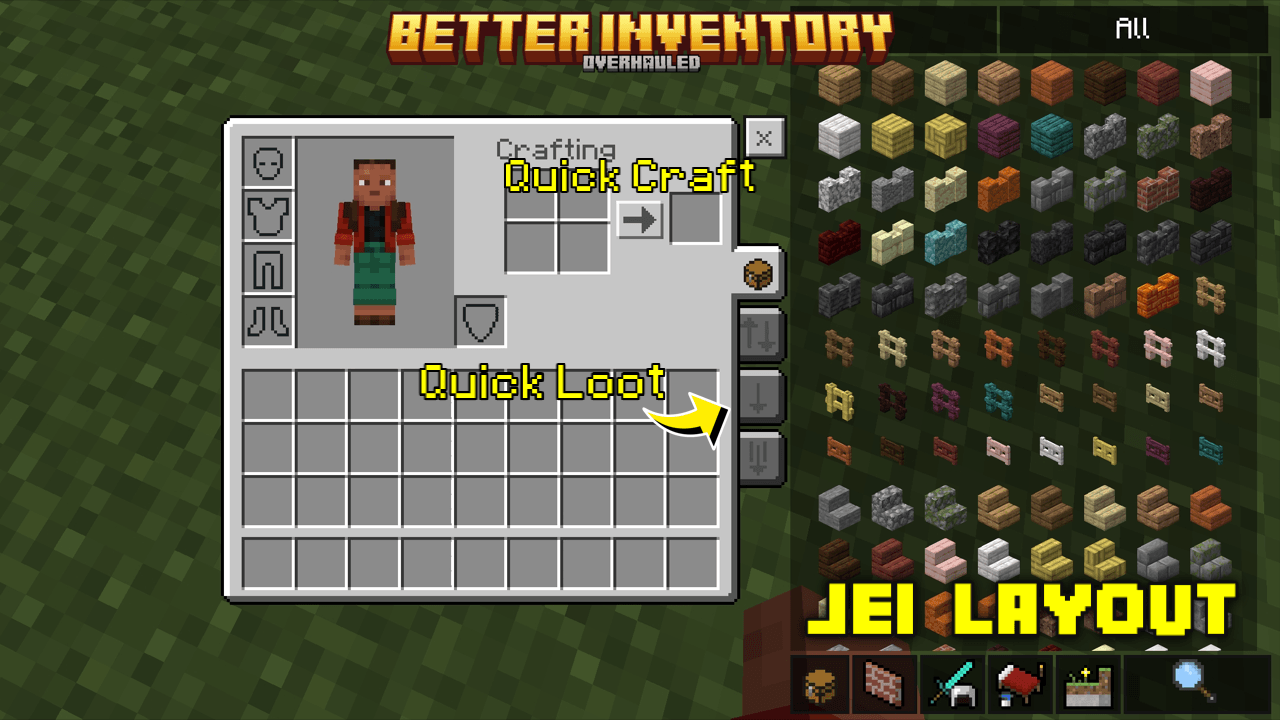
Images
- Default mode (chest icon)
- Quick loot mode (up and down arrow icon)
- Drop one mode (arrow down icon)
- Drop all mode (multi arrow down icon)
- Jei layout
- Bundle item count
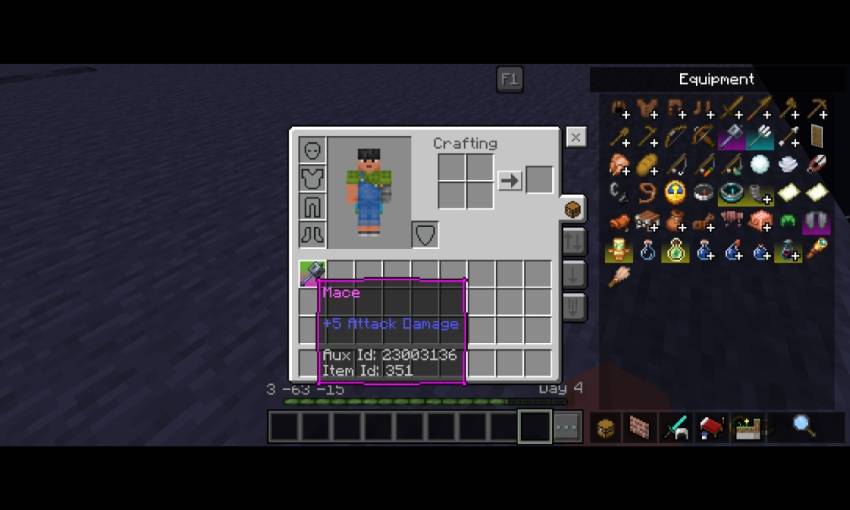
- Item Hover text tooltipsq
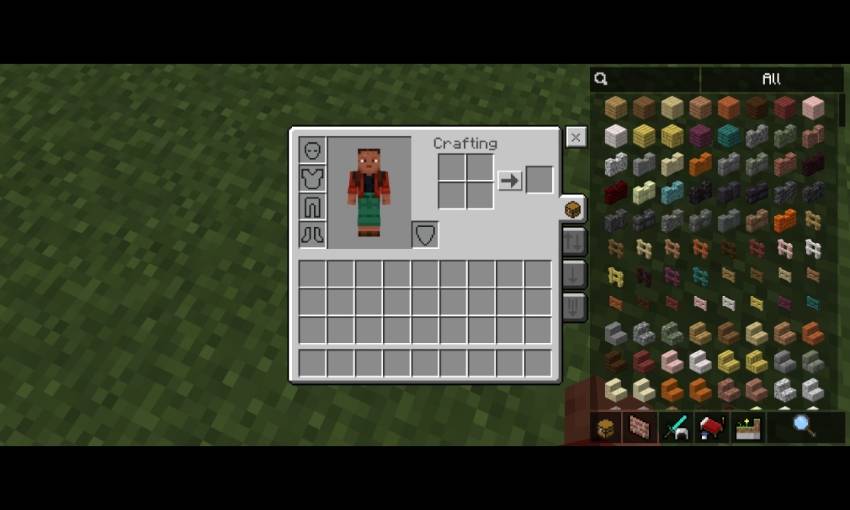
- Inventory shortcut, grey represents as player inventory, yellow represents as hotbar
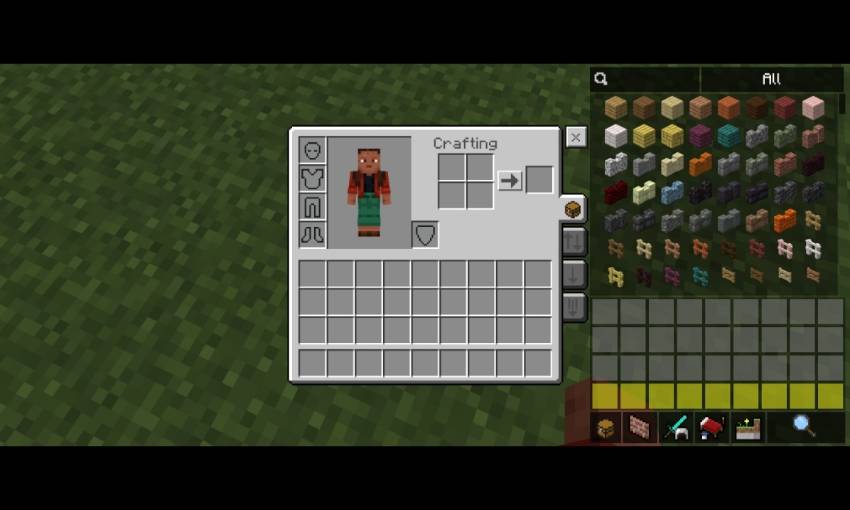
- Quick craft (also works on crafting table)
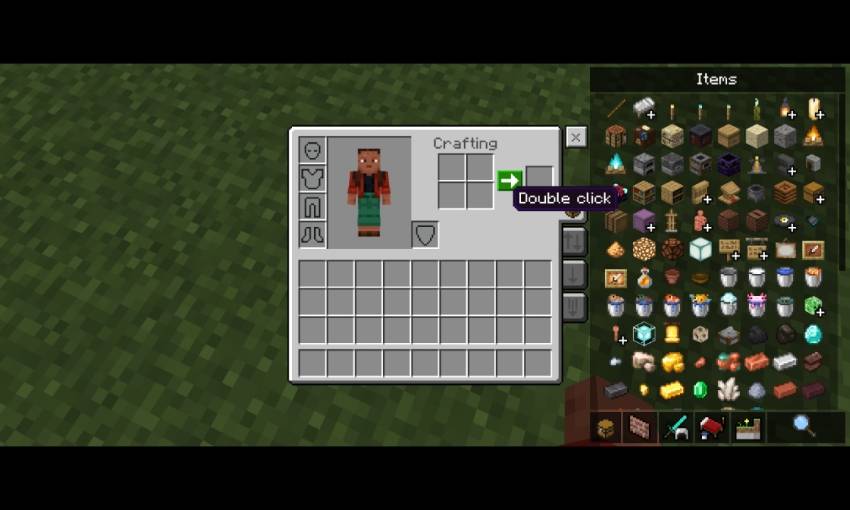
- Crafting table
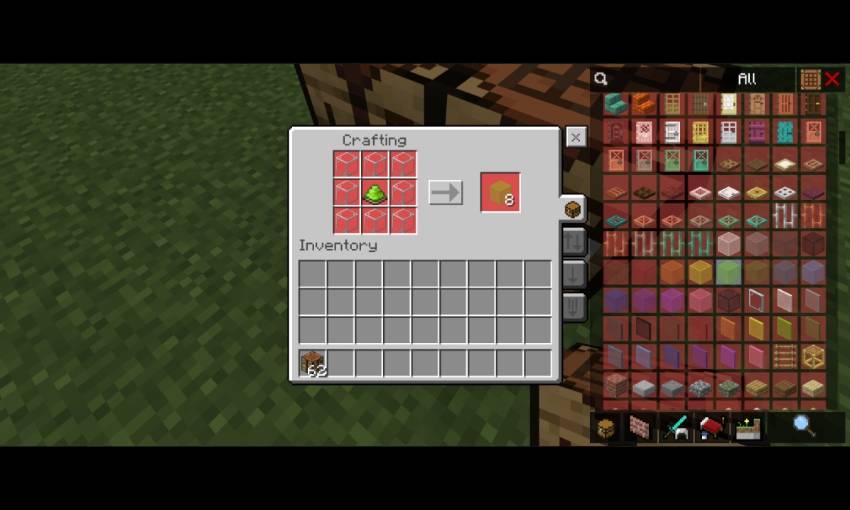
- Transparent variant of Jei
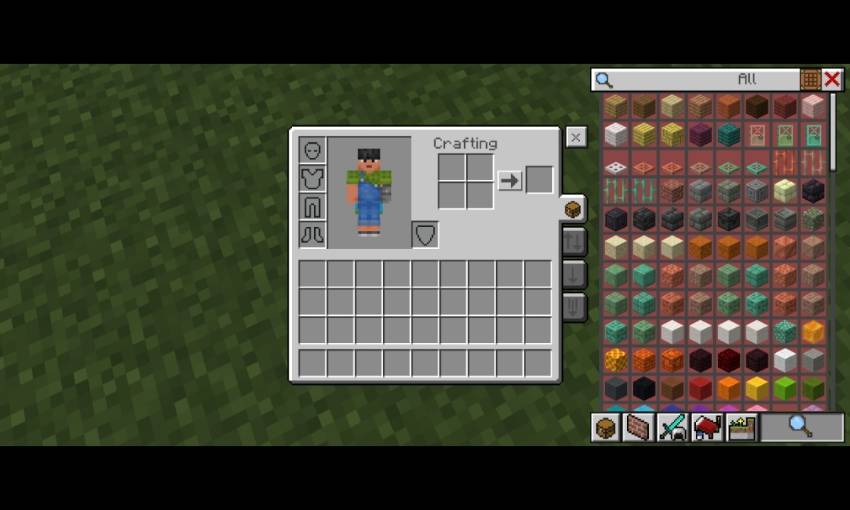
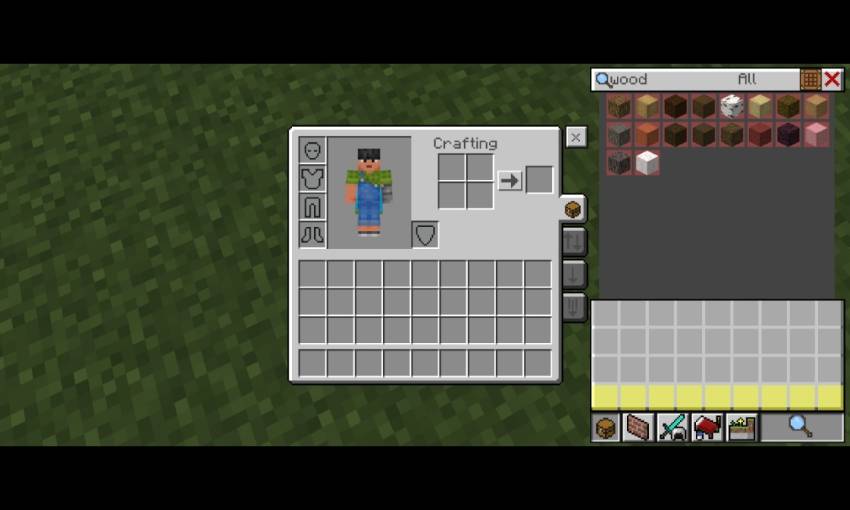
- Bundle item count
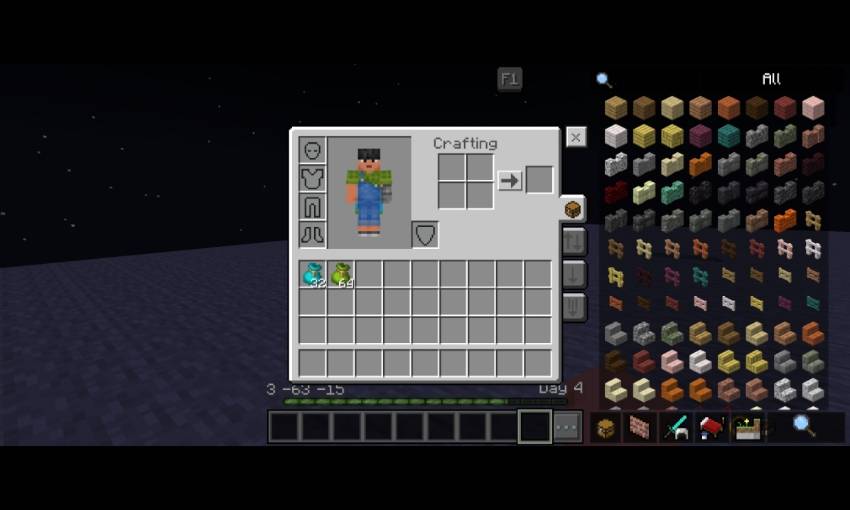
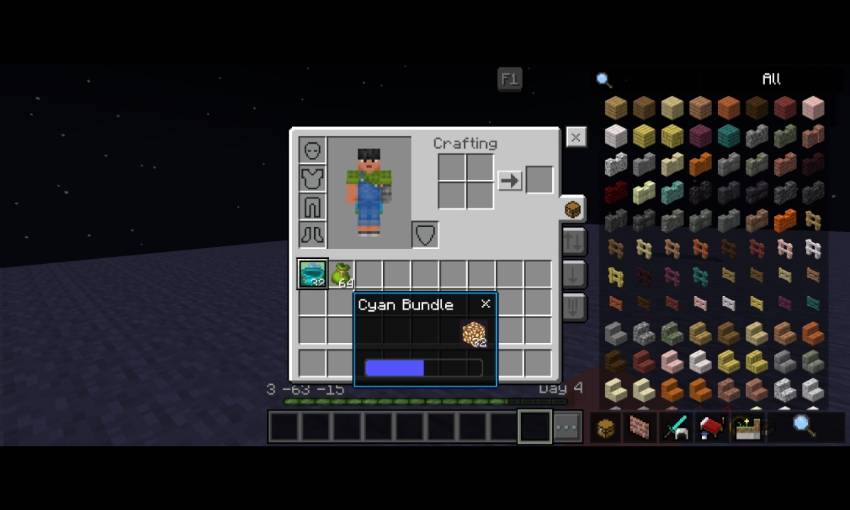
- Item Hover text tooltips
Configurations (_global_variables.json)
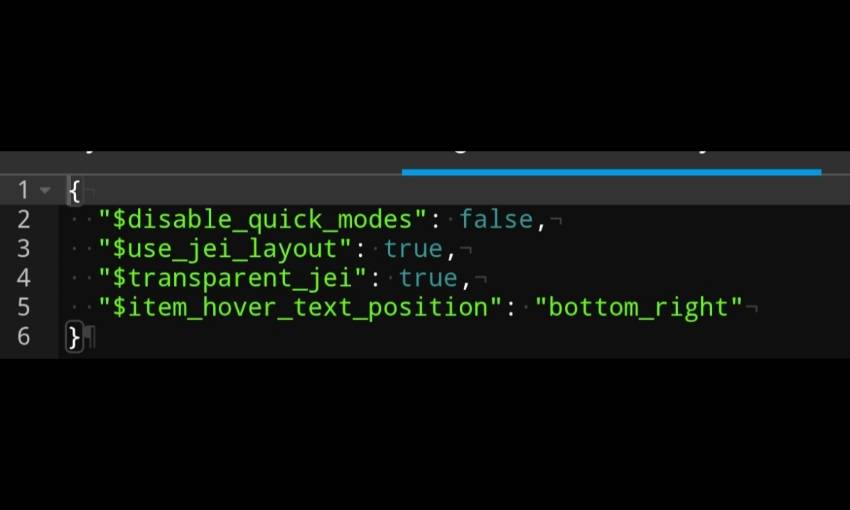
- $use_jei_layout = true is default, change it to false to disable the Jei layout and use default Minecraft layout
- $transparent_jei = true is default, change it to false to use the non transparent variant
- $item_hover_text_position = bottom_right (default), bottom_left, top_left, top_right
Credits
- TheAndromedarius (https://mcpedl.com/user/the-andromedarius) - Quick Loot Template, better villager container bindings template.
- ZackyProYT (https://m.youtube.com/@zackyproyt) - inventory navigation button
Quick facts
- Edition: Minecraft Bedrock
- File type: .mcpack
- Minecraft versions listed: 1.20.40, 1.21.30, 1.21.50
- How to install: Download the .mcpack. → Open it — Minecraft imports it under Resource Packs. → Activate it in Global Resources, or for one world under Resource Packs → Available.
- Where to get it: In MCModsHub, or directly above on this page.
Install steps are the general flow for this file type — How to install Minecraft Bedrock texture packs walks through it step by step.
File checked by MCModsHub
- Pack type: .mcpack — a single pack
- Complete pack — everything it depends on is inside the file
- Download size: 222 KB
- Download link checked 3 Aug 2026 — working
These come from our own check of the pack file, not from the source page.