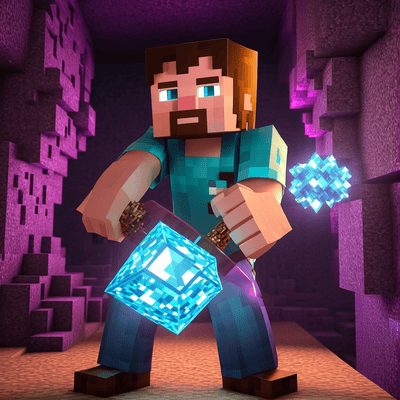
X-Ray Texture Pack Minecraft (Bedrock / PE)
Bedrock texture pack listed for Minecraft 1.19–26.x. File opened and checked on 4 Oct 2026; installs from the MC Bedrock Mods app on Android.
X-ray texture pack for Minecraft Bedrock Edition - all versions. Hides all blocks except ores and gravel for easier mining. Created by Leo Termado.
I don't know my version
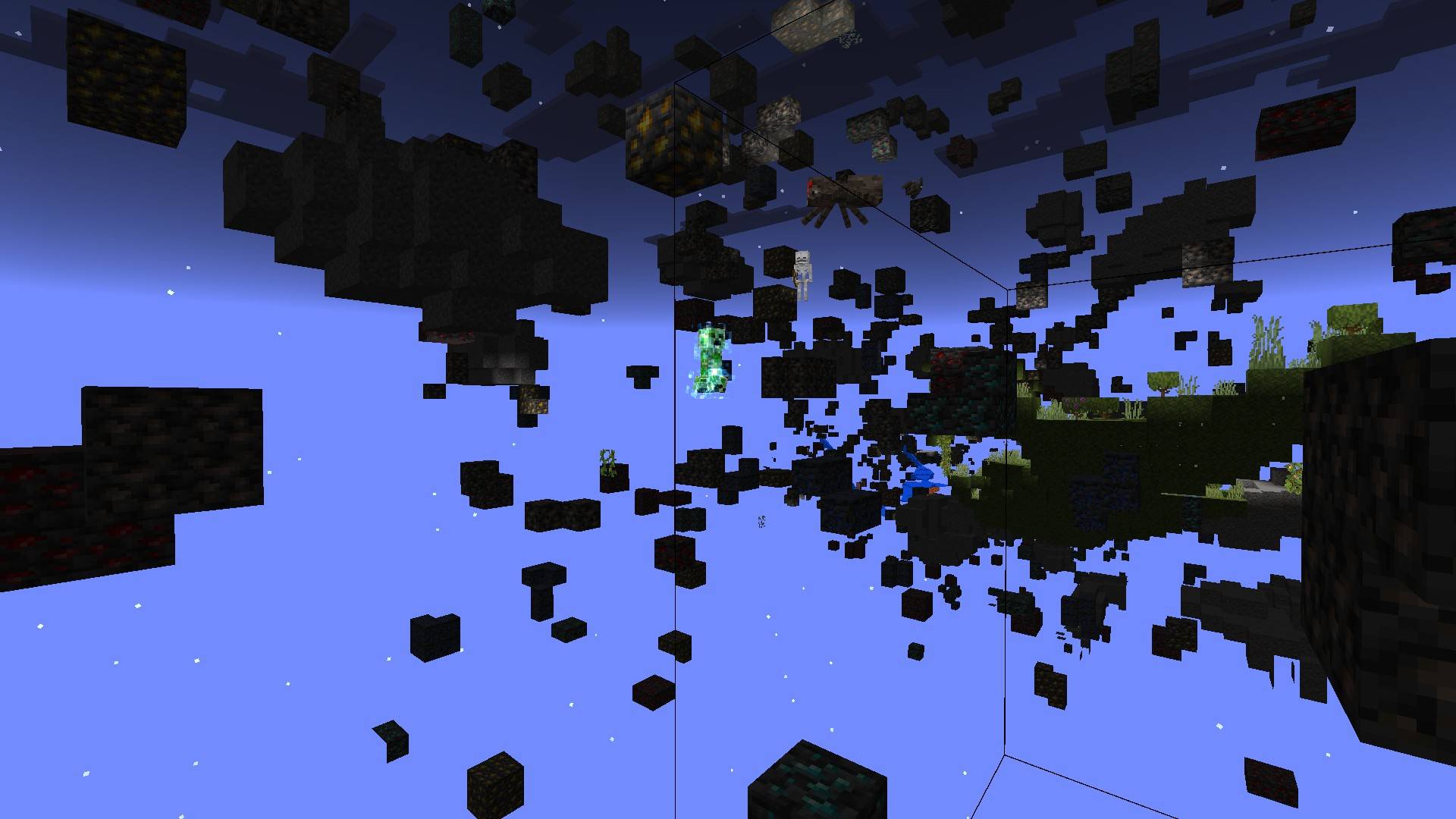
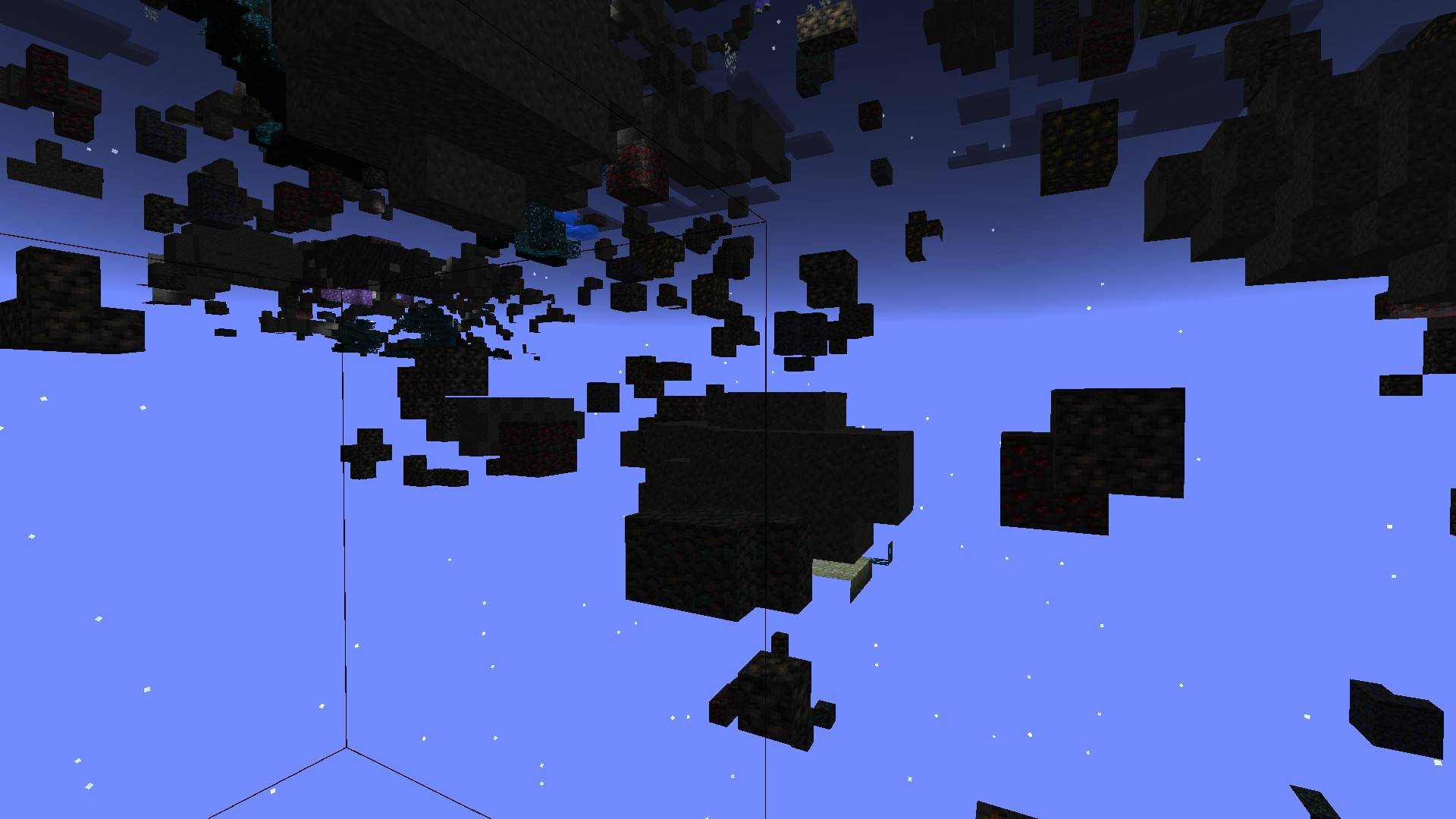
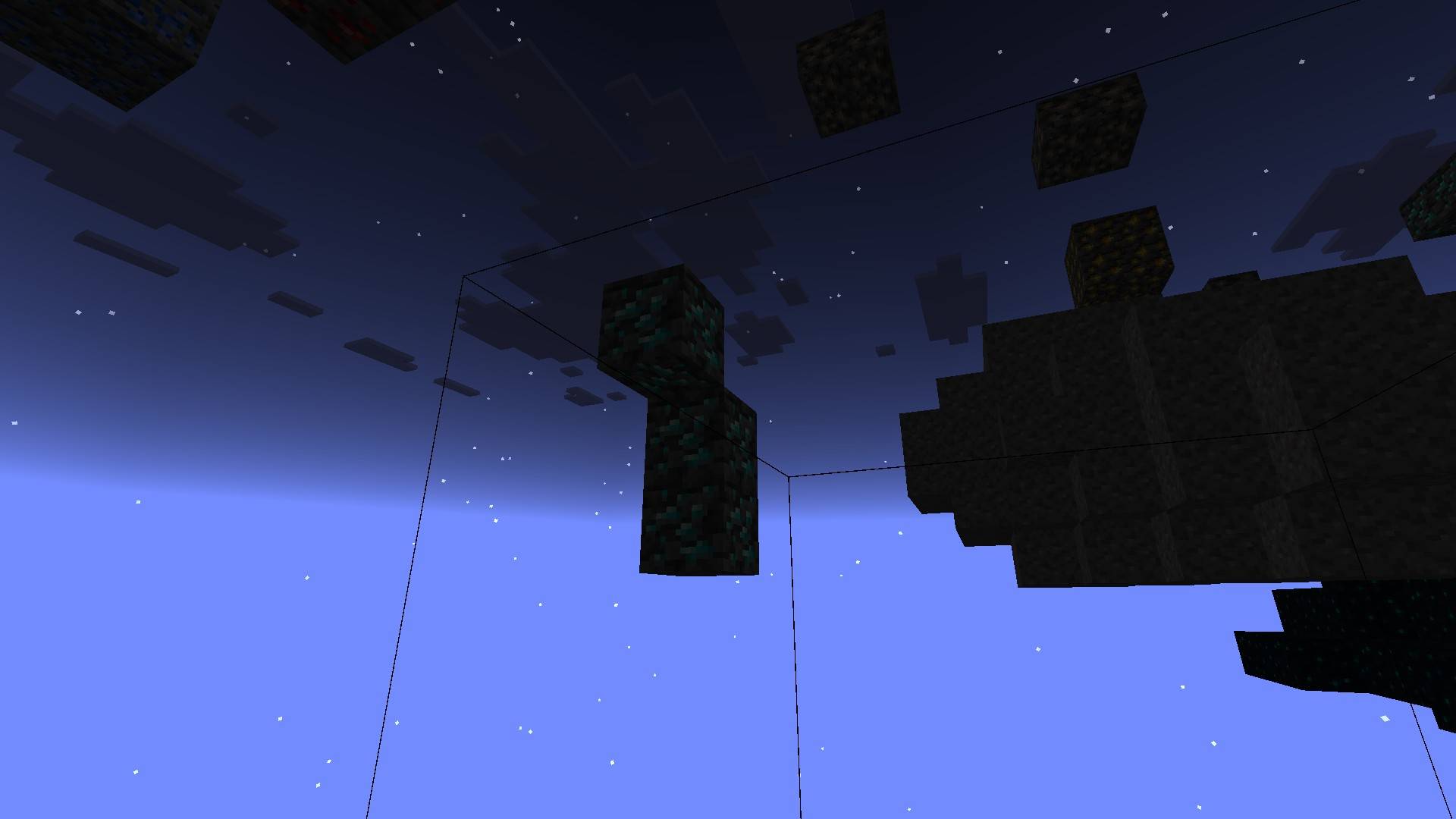
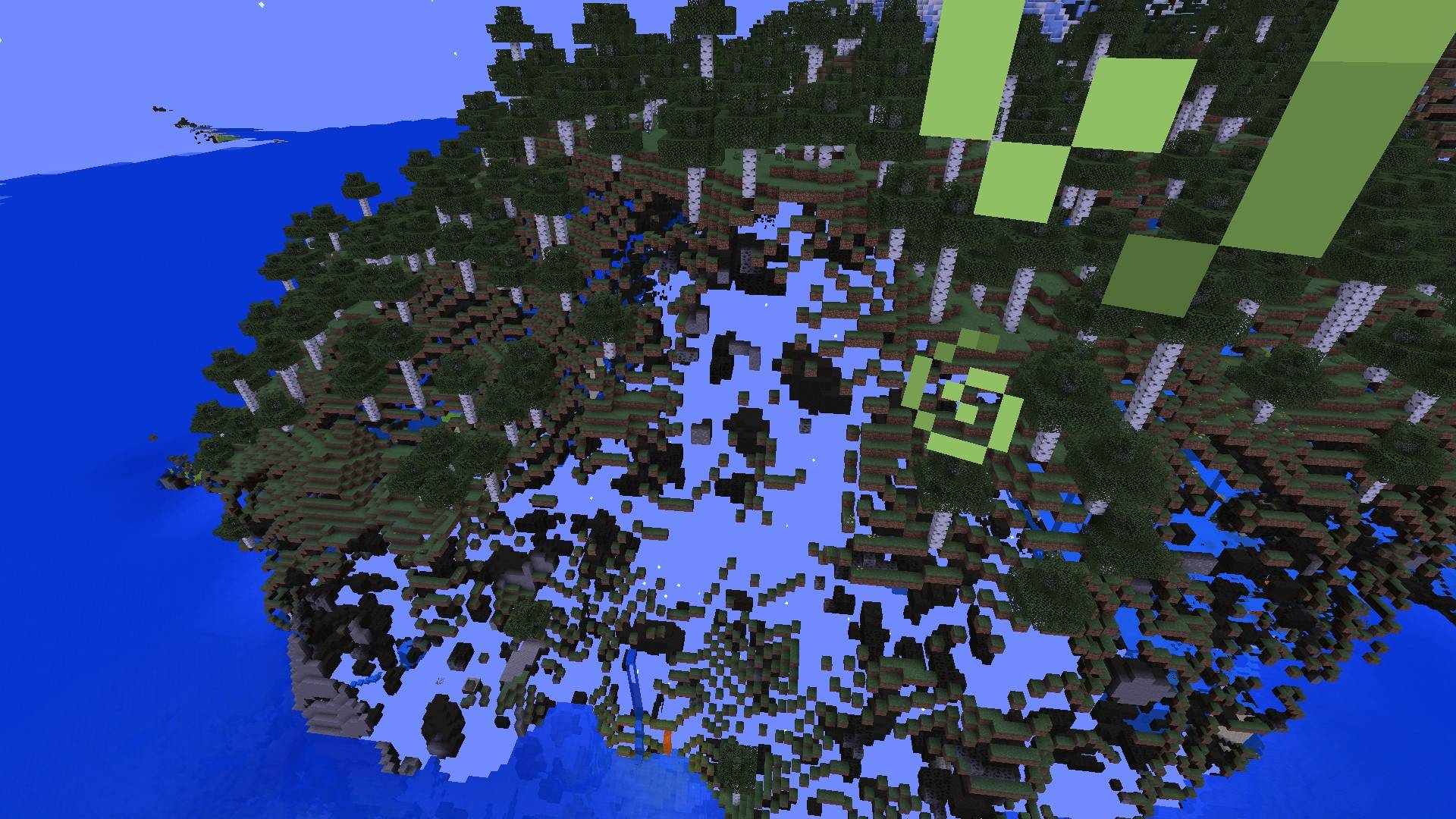
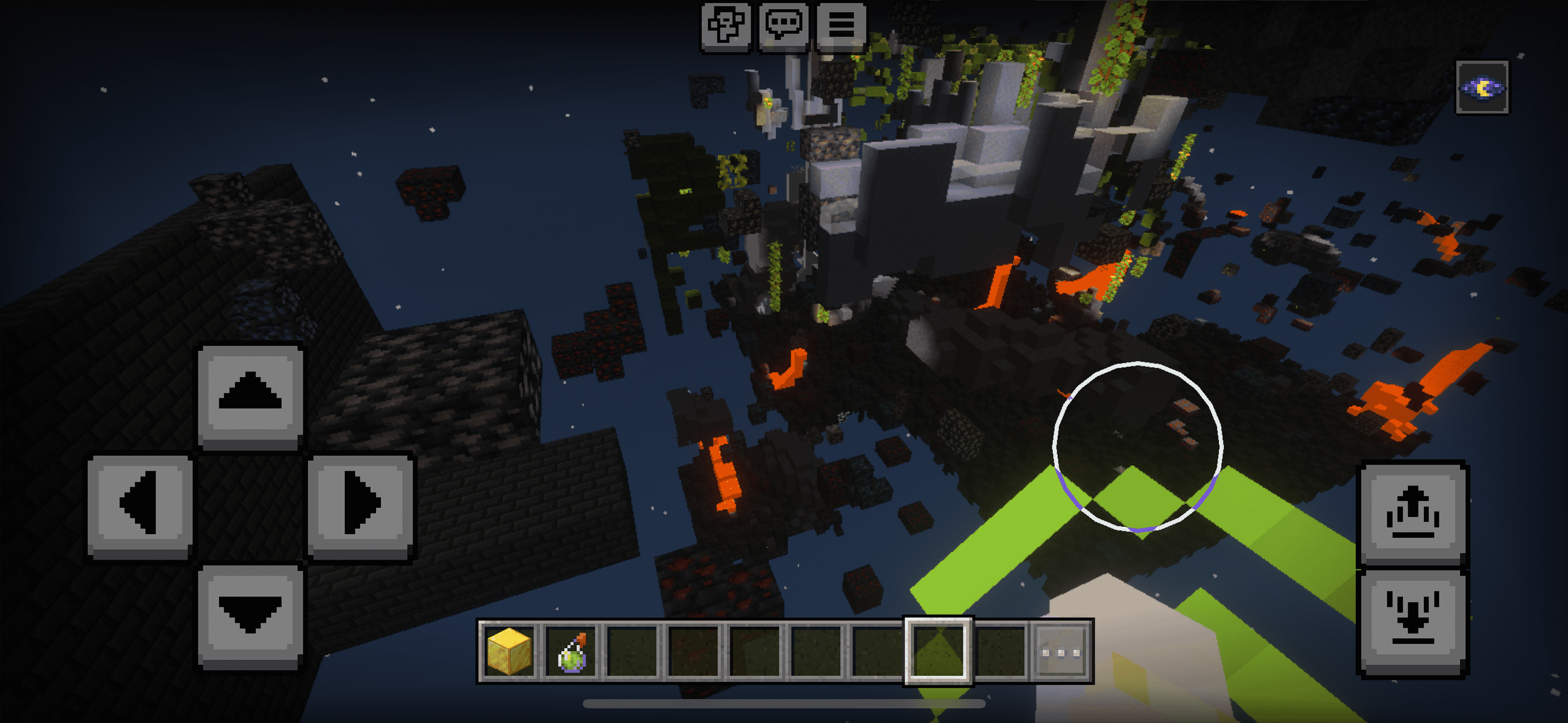
X-ray Bedrock all Versions – Minecraft PE Resource Pack
📦 Description
A lightweight X-ray resource pack for Minecraft PE (Bedrock Edition) version 1.19.60+. This pack hides all blocks except for ores and gravel, making it perfect for efficient mining and resource hunting.
Built using the default 16x resolution. No gameplay changes — just visual improvements for mining. Compatible with mobile and Windows 10/11 Bedrock Edition.
note: this pack works best with a Night Vision Potion or FullBright Pro Resource Pack by Leo Termado
🧱 Features
- Only ores and gravel are visible
- Everything else is transparent
- Works on Minecraft Bedrock 1.19.60 - 26.0
- Older versions available too!
- Default 16x resolution
- Lightweight and easy to use
- mcpack
👤 Creator
Leo Termado
Instagram: @leo.tdo
📝 Version Info
- Name: X-ray 1.19.60
- Version: 1.1.0
- Release Date: February 2023
- Game Version: Minecraft Bedrock 1.19.60 and new Bedrock 26.0
- Resolution: 16x
🔖 Tags
xray, minecraft pe, bedrock edition, 1.19.60, ores, mining, transparent blocks, texture pack, resource pack, leo termado, mcpack
⚠️ Disclaimer
This X-ray pack is intended for use in singleplayer or private worlds only.
Using it on public or multiplayer servers may violate their rules and could result in a ban.
Use at your own risk. The creator is not responsible for any consequences resulting from misuse.
- Edition: Minecraft Bedrock
- File type: .mcpack
- Minecraft versions listed: 26.20, 26.0.02, 26.0
- How to install: Download the .mcpack. → Open it — Minecraft imports it under Resource Packs. → Activate it in Global Resources, or for one world under Resource Packs → Available.
- Where to get it: In MCModsHub, or directly above on this page.
Install steps are the general flow for this file type — How to install Minecraft Bedrock texture packs walks through it step by step.
- Pack type: .mcpack — a single pack
- Complete pack — everything it depends on is inside the file
- Download size: 1.7 MB
- Download link checked 18 Jun 2026 — working
These come from our own check of the pack file, not from the source page.


