Grafika Shader
Bedrock texture pack listed for Minecraft 26.x. File opened and checked on 11 Oct 2026; installs from the MC Bedrock Mods app on Android.
⬇ DownloadThe author built this one for Minecraft 26.50. On other versions it may install and then do nothing.
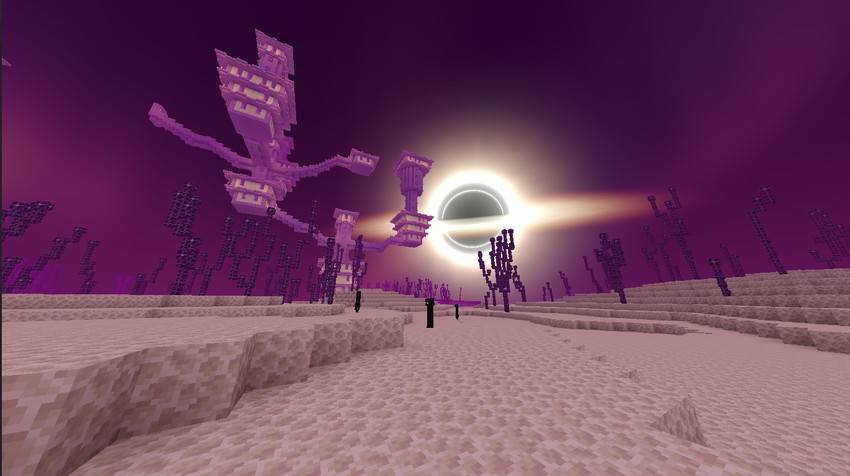
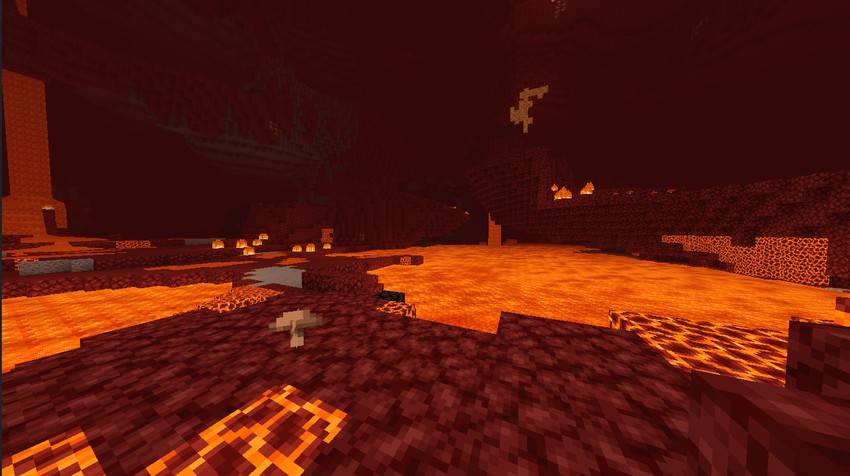
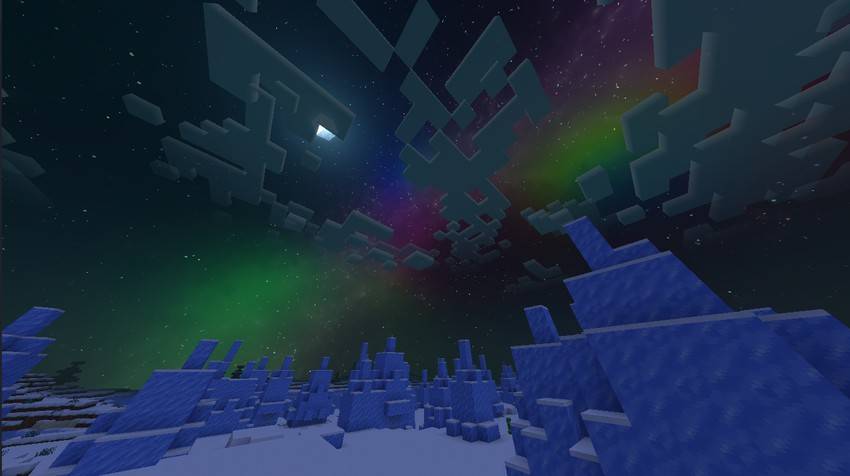
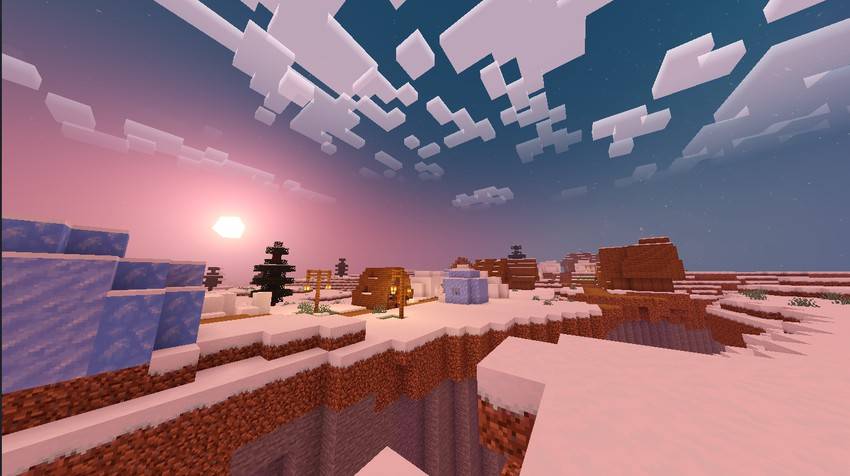
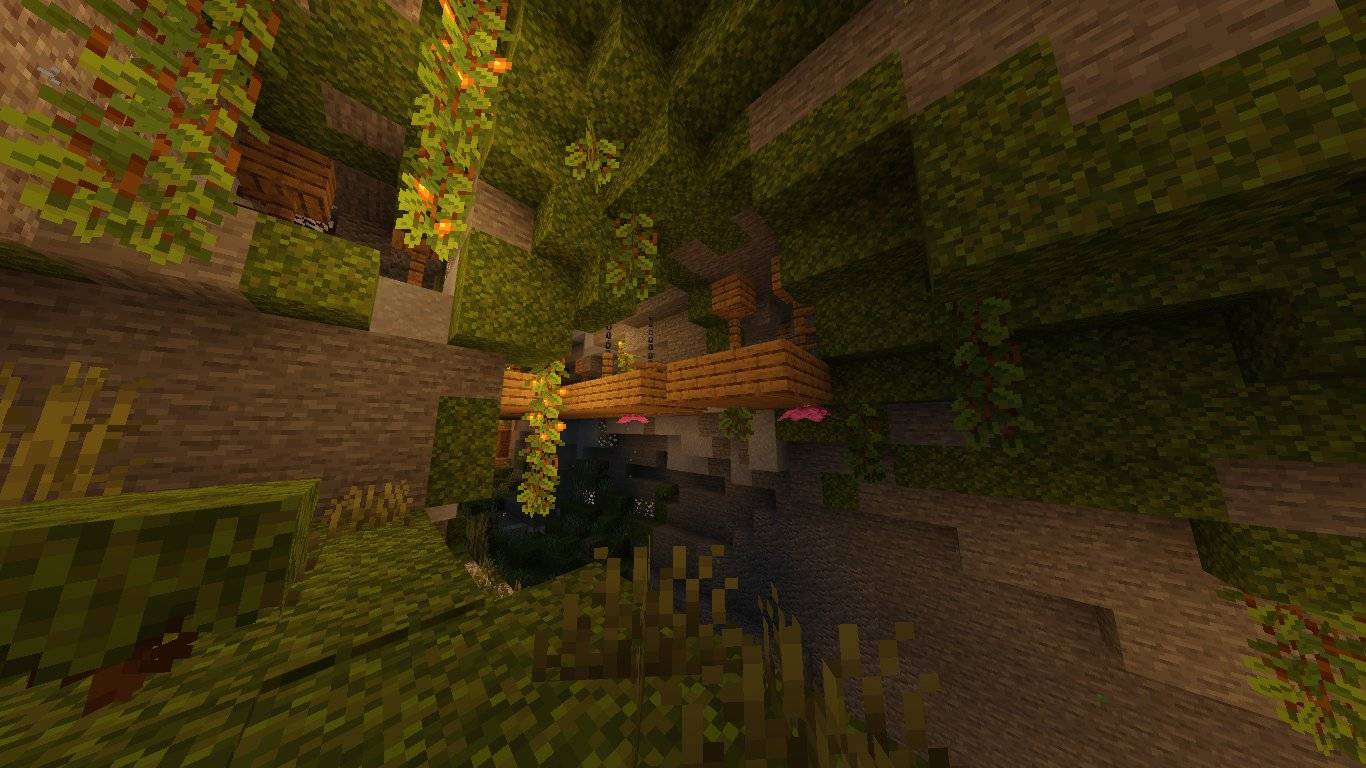
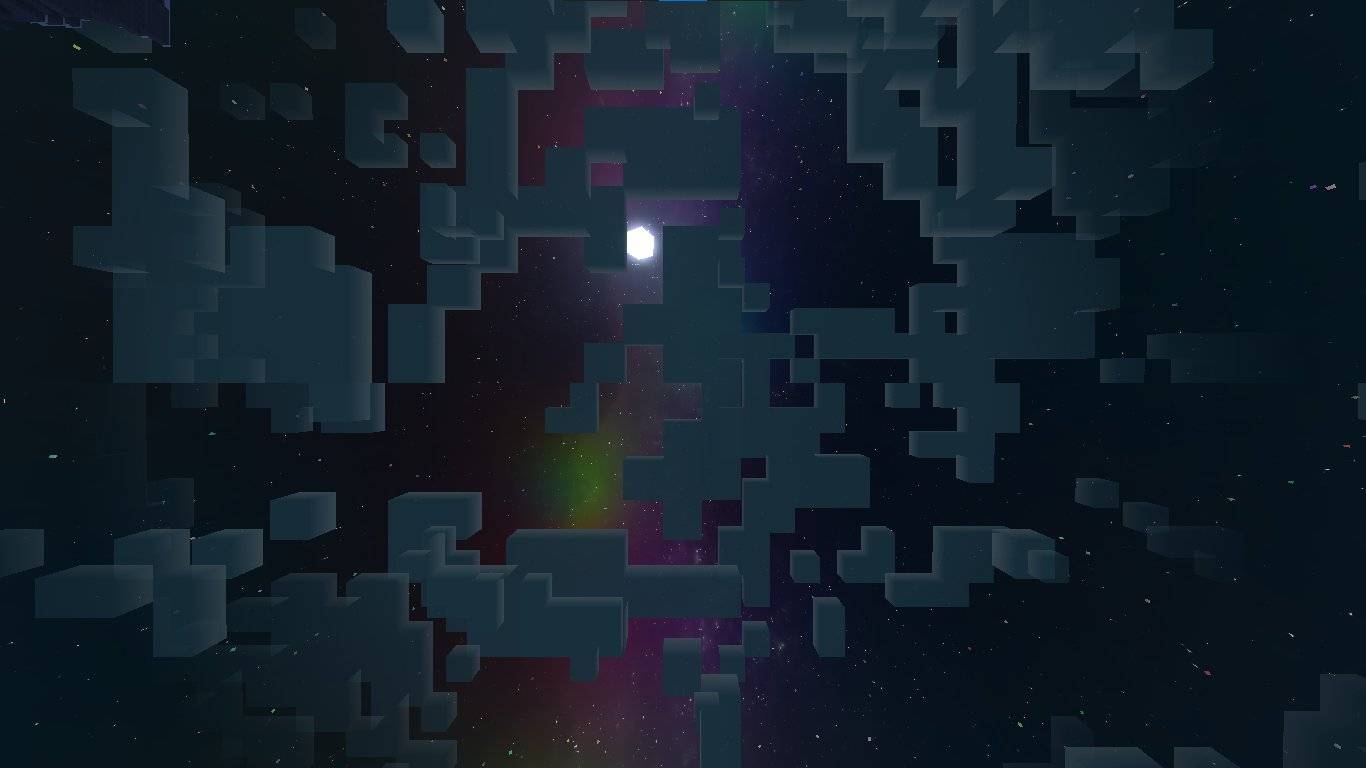
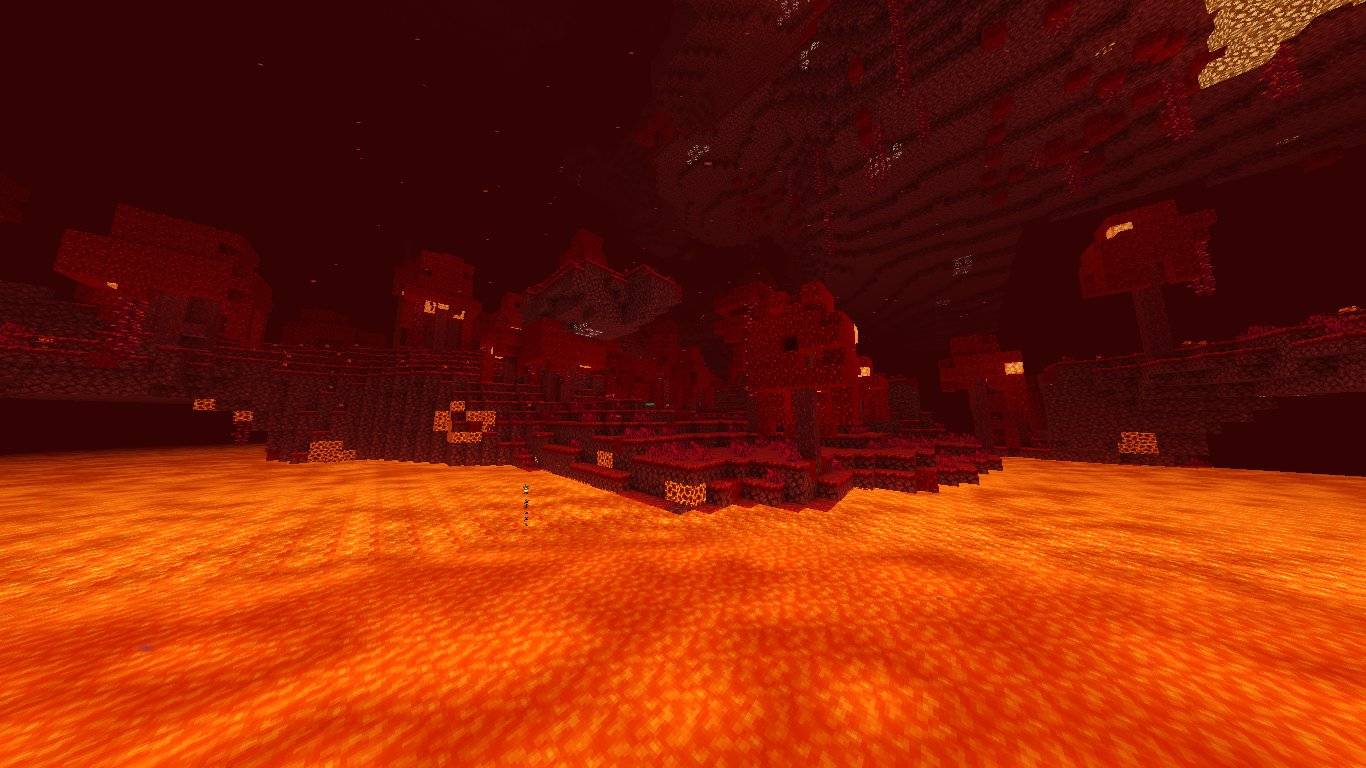
This Shader Supports MC 26.50 and Above!
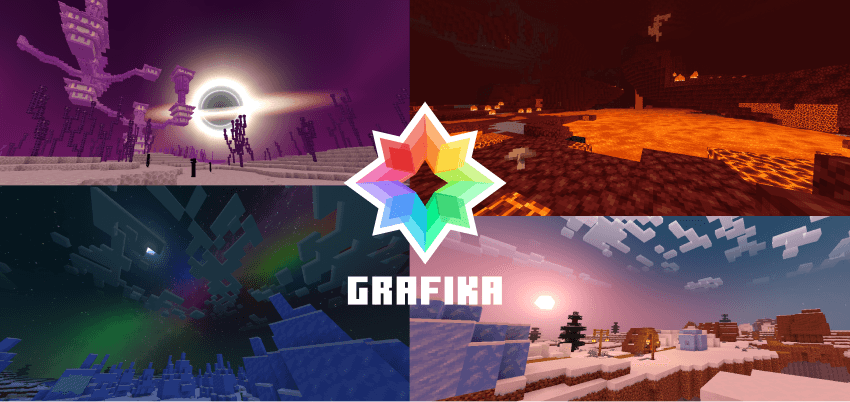
 Grafika V2.6.1
New Update: LITE version now also have Blackhole!
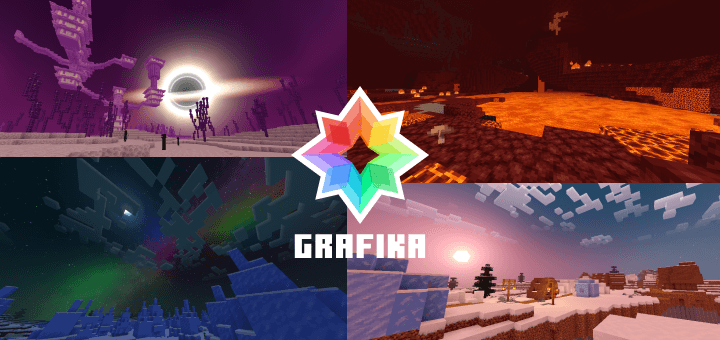
Grafika is an anime-styled, simple and lightweight but still beautiful shader for Minecraft.
 Anime-Style
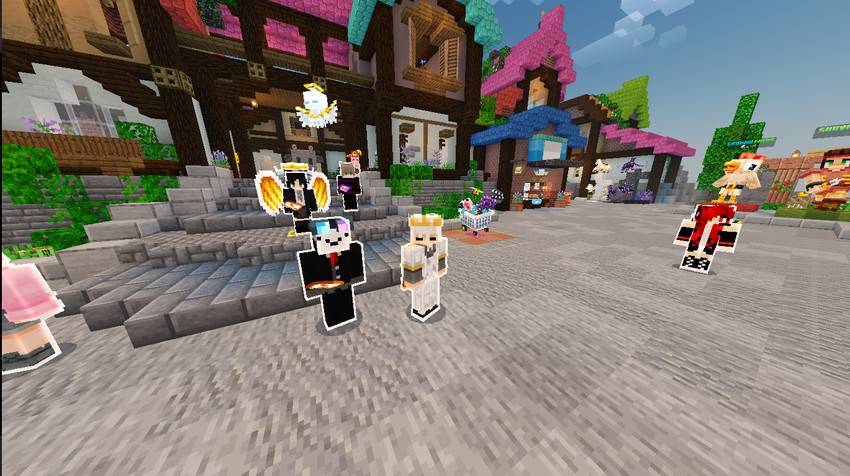 It's "Anime-Style" because of the Outlines given to every player that looks like in anime series.
 Features
- The Singularity. Cinematic black hole in the End dimension.
- Glowing Ores. All ores now glow in the dark.
- Performance First. Lightweight and fast on low-end device.
 Subpacks To Choose
- Shader Only: Just the shader. No outlines.
- Player Outline: Anime-style outlines for players and shader.
 Simple to Install
- Supported On: Windows, Android, iOS.
- Requirements: BetterRenderDragon, Minecraft Patched, Matject, or MB Loader.
 THE PLAYER OUTLINE ONLY WORKS WITH WINDOWS
If you're on an Android or iOS, the OUTLINE will glitch but THE SHADER STILL 100% WORKS. I'm currently fixing it.
 GRAFIKA SHADER IS VERY LIGHTWEIGHT!
For the best experience, please try the PRO version first before using the LITE version.
 LICENSE
GRAFIKA SHADER IS NOT AFFILIATED, RELATED, OR REGISTERED UNDER THE NEWB BRAND. GRAFIKA SHADER STANDS AS IT'S OWN SEPARATE ENTITY AND FULLY COMPLY WITH ANY LICENSING AND COPYRIGHT LAWS AS CONFIRMED BY THE NEWB ADMIN.
THE ENTIRETY OF GRAFIKA SHADER (NOT INCLUDING TEXTURES OBTAINED FROM VANILLA TWEAKS AND/OR BEDROCK TWEAKS) IS LICENSED UNDER THE MIT LICENSE, FREE TO USE FOR MODIFICATIONS OR REDISTRIBUTION AND AVAILABLE ON GITHUB.
 Credits:
- Vanilla Tweaks: https://vanillatweaks.net/
- Bedrock Tweaks: https://bedrocktweaks.net/
- Icona: https://github.com/daniswastaken/icona
- Edition: Minecraft Bedrock
- File type: .mcpack
- Minecraft version listed: 26.50
- How to install: Download the .mcpack. → Open it — Minecraft imports it under Resource Packs. → Activate it in Global Resources, or for one world under Resource Packs → Available.
- Where to get it: In MCModsHub, or directly above on this page.
Install steps are the general flow for this file type — How to install Minecraft Bedrock texture packs walks through it step by step.
- Pack type: .mcpack — a single pack
- Complete pack — everything it depends on is inside the file
- Download size: 4.5 MB
- Download link checked 3 Aug 2026 — working
These come from our own check of the pack file, not from the source page.