XiaoBoost Ultimate | All-in-One FPS Optimizer + No Lag
Bedrock texture pack listed for Minecraft 1.21–26.x. File opened and checked on 1 Oct 2026; installs from the MC Bedrock Mods app on Android.
⬇ Download on CurseForge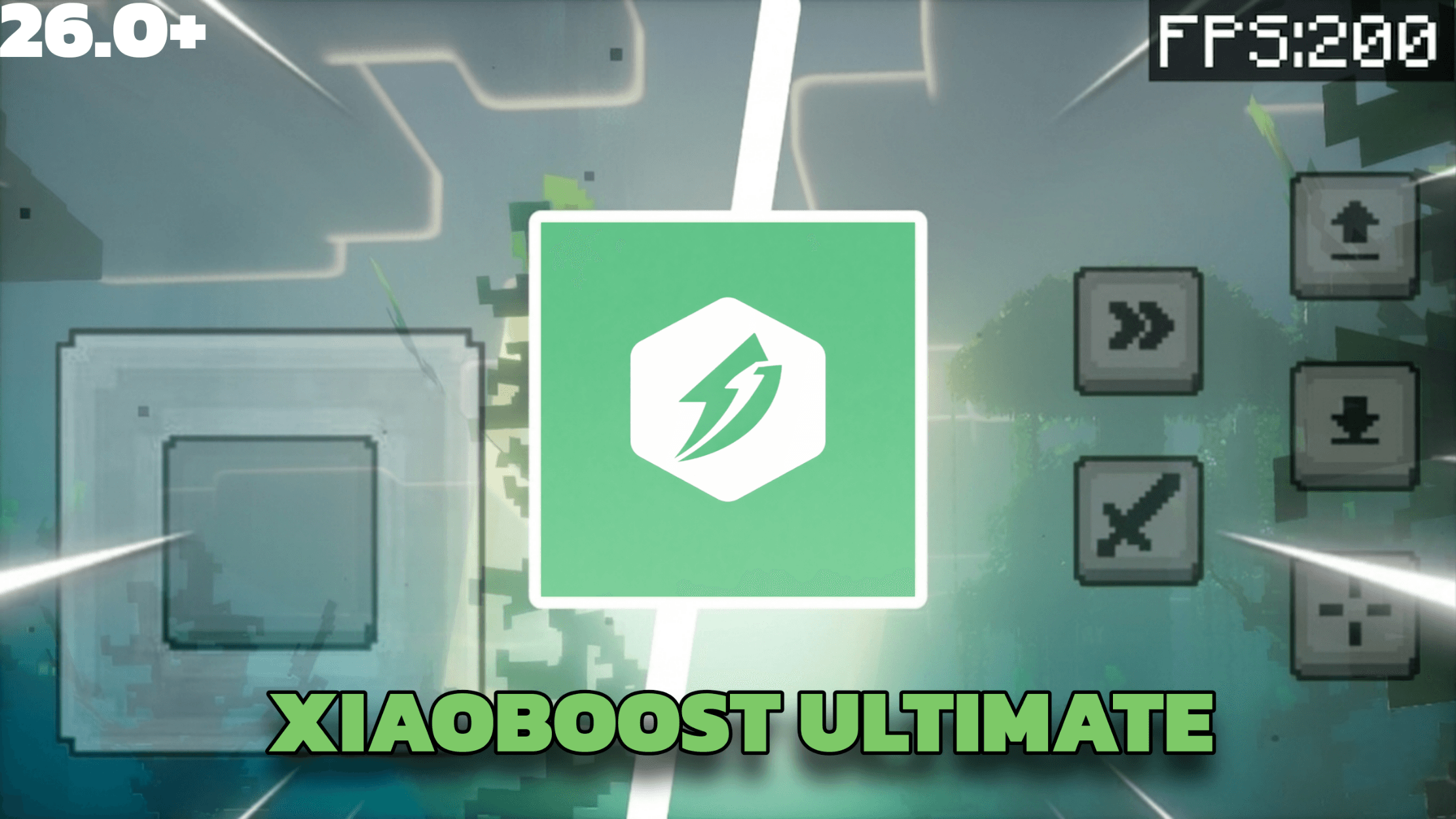

The only FPS pack you'll ever need for Minecraft Bedrock.
XiaoBoost Ultimate combines the best of FPS Optimizer, Boosted FPS, Vanilla × Optimizer, and No Particles FPS, all merged into one lightweight, fully compatible pack. Stop stacking multiple FPS packs. One pack. Maximum performance.
Requires Minecraft Bedrock 1.26.40 or newer.
🔥 Why XiaoBoost Ultimate?
- ✅ 4-in-1 FPS Pack — Merges four top-performing FPS packs into one
- ✅ Fully Compatible — Works with shaders, texture packs, and addons
- ✅ Vanilla Look — Only animated block textures are changed. No item or entity textures are touched, so your world looks the same
- ✅ Clear Fog System — Custom biome-specific fog across all 89 biomes with clean visibility
- ✅ Smart Particle Optimization — Removes only heavy particles that kill your FPS
- ✅ Sound Optimization — Reduces laggy audio like minecart loops
- ✅ Works on All Devices — Low-end phones, tablets, consoles, and PC
🎚️ In-Game Settings
Tap the gear icon next to the pack in your pack list:
- Particle Lifetime (0–100%) — how long each effect particle survives. 100 is vanilla timing; lower values clear them off screen sooner so fewer draw at once; 0 removes them entirely
- Potion & Spell Particles — turn off the swirls around potion effects, witches, evokers and cauldrons
- Bubble Columns — turn off the bubbles in soul sand and magma columns. Max FPS already removes them
- XP Orb Render — stop experience orbs drawing. They still work and still get collected, so this is a big gain at grinders
⚙️ Two Performance Tiers — Choose in the Subpack List
🟢 Default — Balanced Performance
Best for most players
- Clear fog across all 89 biomes for clean, open visibility
- Removes 48 heavy particles (campfire smoke, lava drip, rain splash, falling dust, leaf particles, block debris…)
- Keeps ALL gameplay particles (hearts, critical hits, enchanting, totem, potion effects, redstone)
- Removes enchantment glint lag and pumpkin blur overlay
- Optimized weather rendering
- Result: Noticeable FPS boost while keeping the vanilla Minecraft feel
🔴 Max FPS — Extreme Performance
Best for low-end devices and competitive PvP
- Performance fog — ~5 chunk render fog across all 89 biomes (reduces GPU load significantly)
- Removes 176 particles, keeping only critical hits, totem pops and potion effects
- Non-animated fire & soul fire textures — eliminates animated flame rendering cost
- Optimized water, lava, campfire, bubble column, kelp and seagrass textures — static replacements for heavy animated blocks
- Strips block-breaking destroy stage animations
- Blank particle sprite sheets for zero particle rendering cost
- Everything from Default tier included
- Result: Maximum possible FPS. Built for devices that struggle to hit 30 FPS
🛡️ Full Compatibility
This pack is designed to sit on top of your resource pack stack without breaking anything:
- ✅ Works with all shaders (Xiao Visuals, Xiao Sakura, FLAVOR, SUSPENDED, etc.)
- ✅ Works with all texture packs (Faithful, Default+, PvP packs, etc.)
- ✅ Works with all addons
- ✅ No player.json modifications
- ✅ Achievement friendly
- ✅ Supports Minecraft Bedrock 1.26.50+
📥 How to Install
- Download the
.mcpackfile below - Tap/click to open — Minecraft will import it automatically
- Go to Settings → Global Resources → Activate XiaoBoost Ultimate
- Tap the pack name to choose your tier (Default or Max FPS)
- Tap the gear icon to open the settings panel and tune particles
- Enjoy smoother gameplay!
Tip: Place XiaoBoost Ultimate at the top of your resource pack list for best compatibility with other packs.
- Edition: Minecraft Bedrock
- File type: .mcpack
- Minecraft versions listed: 26.40, 26.50
- How to install: Download the .mcpack. → Open it — Minecraft imports it under Resource Packs. → Activate it in Global Resources, or for one world under Resource Packs → Available.
- Where to get it: Opens on CurseForge — not every file is mirrored on our own servers.
Install steps are the general flow for this file type — How to install Minecraft Bedrock texture packs walks through it step by step.
- Pack type: .mcpack — a single pack
- Manifest requires Minecraft 1.21.0 or newer
- Complete pack — everything it depends on is inside the file
- Download size: 422 KB
- Download link checked 5 Oct 2026 — working
These come from our own check of the pack file, not from the source page.